Jamstack Templates, Themes & Starter Kits
Jamstack and headless templates provide frontend foundations that can work independently from a traditional monolithic backend. Depending on the product, content may come from local files, APIs, headless CMS platforms or commerce systems. A framework template should not automatically be assumed to include a CMS, database or backend.
Jamstack
Jamstack and headless templates provide frontend foundations that can work independently from a traditional monolithic backend. Depending on the product, content may come from local files, APIs, headless CMS platforms or commerce systems. A framework template should not automatically be assumed to include a CMS, database or backend.


Best Downloads
Discover the most in-demand top-downloaded items trusted by top businesses.



Pranavya YogaAstro Theme
$65.00by WebbyCrown Solutions
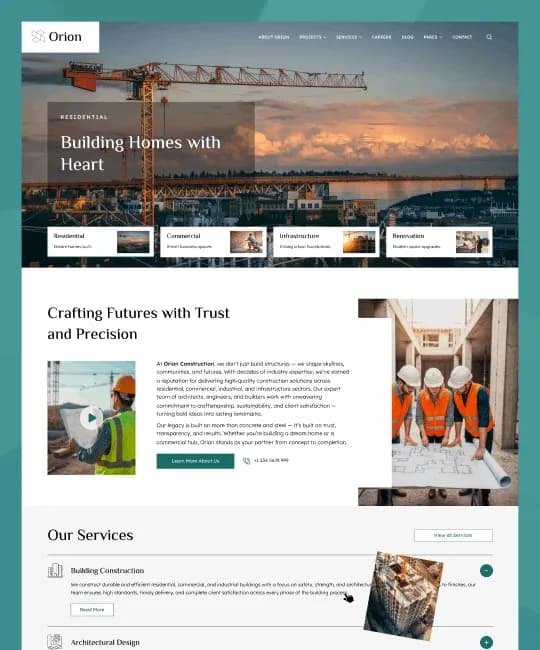
by WebbyCrown Solutions


by WebbyCrown Solutions
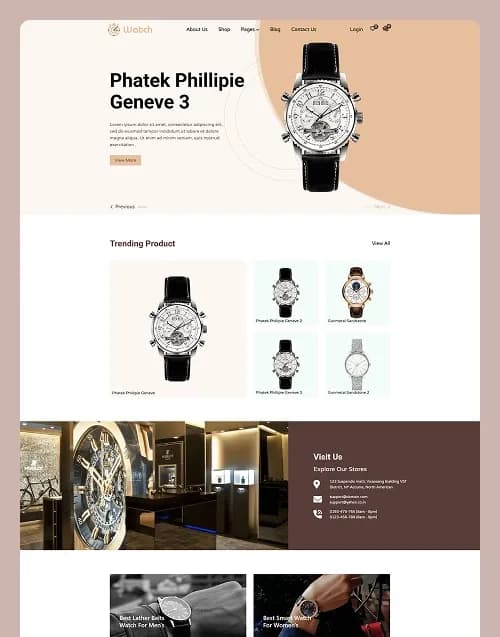

by WebbyCrown Solutions
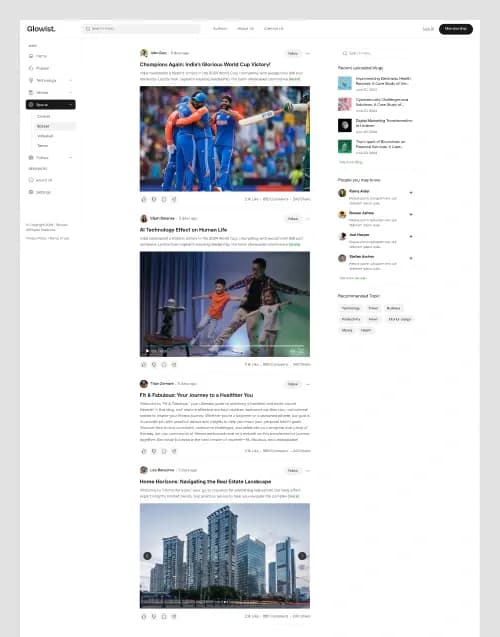
by WebbyCrown Solutions
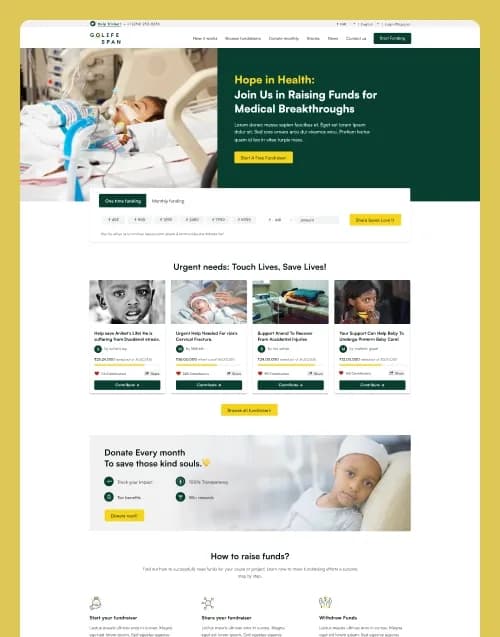
by WebbyCrown Solutions
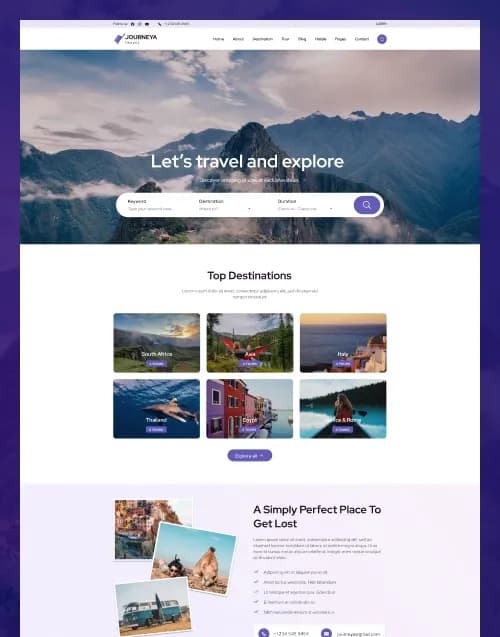
by WebbyCrown Solutions
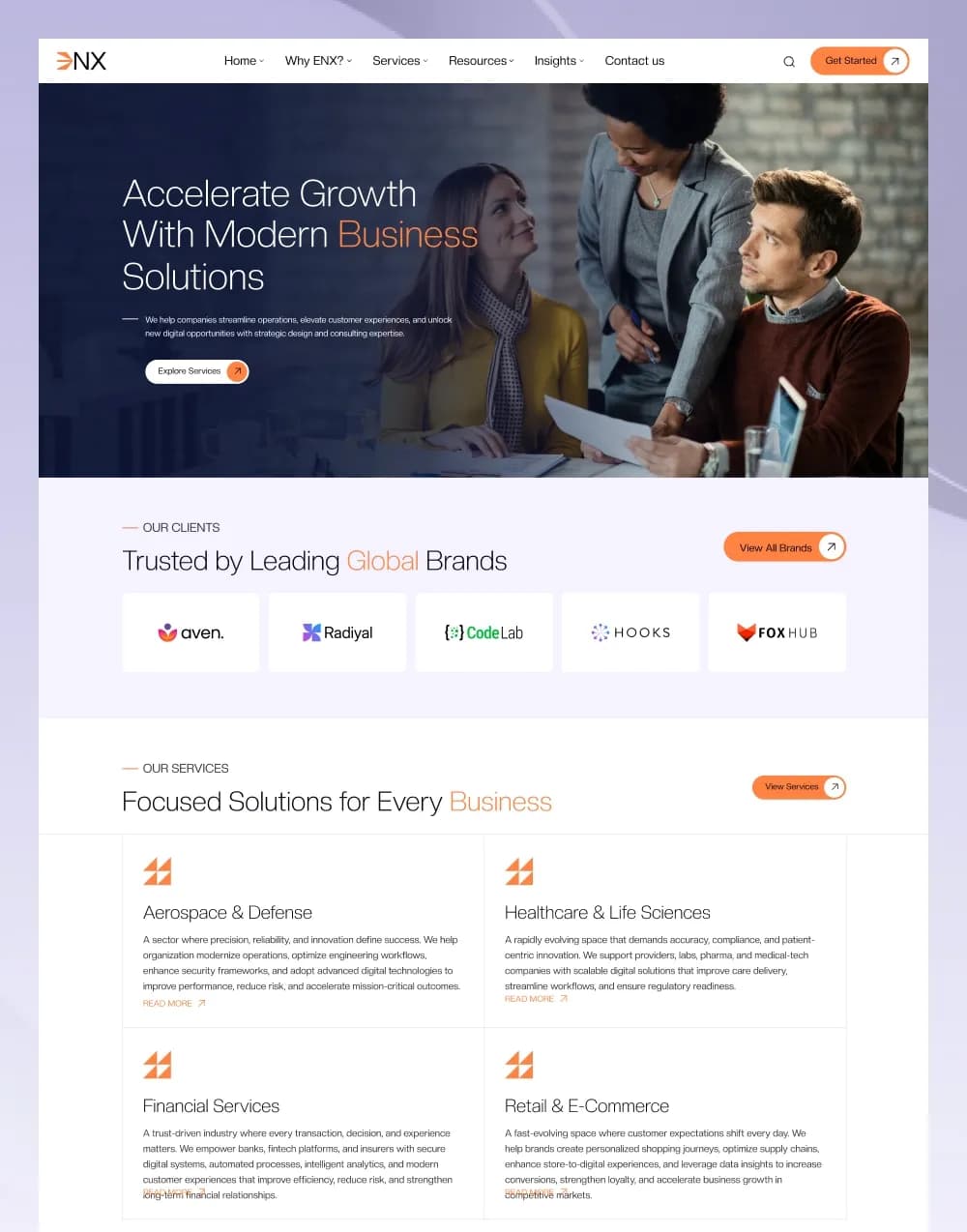
by WebbyCrown Solutions
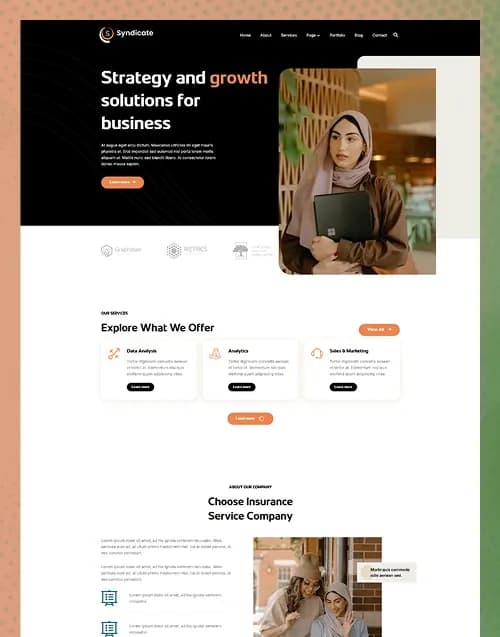
by WebbyCrown Solutions
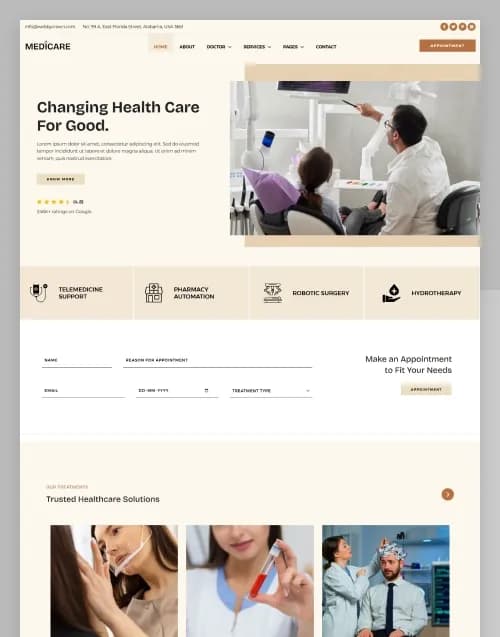
by WebbyCrown Solutions
by WebbyCrown Solutions
by WebbyCrown Solutions
Newly Added
Discover the most in-demand top-downloaded items trusted by top businesses.
Top Rated
Skyrocket your creativity with our Top rated collection of supreme.
What Are Jamstack & Headless Templates?
These templates provide frontend code intended for modern web architectures where presentation can be separated from content or business systems.
WebbyTemplate currently maintains a live Headless Templates parent and identifies Next.js within that product family, making Headless Templates the stronger current taxonomy destination.
The existing Headless page itself needs content cleanup because some current statements generalize performance, SEO, security and integration capabilities too broadly across all products. Those claims should be replaced with product-specific language.
What You Can Find in Jamstack & Headless Templates
- Next.js templates
- Static-site starters
- Headless CMS frontends
- API-driven websites
- SaaS frontend templates
- Blog frontends
- Headless commerce frontends
- Documentation sites
- Marketing sites
- Framework starter projects
Should Use Jamstack & Headless Templates?
- Frontend developers
- React developers
- Agencies
- SaaS companies
- Product teams
- Headless CMS users
- Startups
- Technical publishers
- eCommerce developers
to Choose the Right Jamstack or Headless Template
Start with the framework.
Next.js, Nuxt, SvelteKit, Gatsby and other frameworks use different ecosystems. Do not choose only by visual design.
Check the framework and runtime versions supported by the product.
Then identify the content source.
Content may come from:
- JSON
- Markdown
- MDX
- Headless CMS
- REST API
- GraphQL
- Commerce API
- Custom backend
A JSON-driven website is not the same as a CMS.
Next determine whether the project includes server functionality or is primarily frontend code.
Login screens do not prove authentication. Dashboard UI does not provide live analytics. Shop pages do not include commerce automatically.
For CMS-connected products, verify the actual CMS integration rather than assuming compatibility with Contentful, Strapi, Sanity, Ghost or another platform.
Deployment should also be understood before purchase. Some projects can be statically generated; others require a Node server or platform-specific runtime.
Check environment variables, API credentials, image hosting, build scripts and package dependencies.
Headless commerce needs additional scrutiny because product data, checkout, payments, customers and orders normally live in a commerce backend.
Review maintainability. A template built on abandoned packages or old framework conventions can create migration work even if the visual design remains attractive.
Because WebbyTemplate now has a Headless Templates architecture, the older Jamstack URL should redirect there instead of competing with it. This content can guide the rewrite of that destination page.
Popular Use Cases for Jamstack & Headless Templates
- Building a headless CMS frontend
- Launching a modern SaaS site
- Creating a static marketing site
- Building an API-driven application
- Developing headless eCommerce
- Creating a modern publishing frontend
- Accelerating framework projects
Jamstack & Headless Template Quality Notes
- Verify framework versions.
- Check the content source.
- JSON does not equal a CMS.
- Frontend UI does not equal a backend.
- Verify API requirements.
- Check deployment model.
- Review environment variables.
- Audit dependencies.
- Verify licensing.
- Check documentation and support.
ated Category Ideas
- Next.js
- Nuxt.js
- SvelteKit
- Gatsby.js
- Jekyll
- CMS Themes
- eCommerce
Frequently Asked Questions
What is a headless template?
Is every Next.js template headless?
Does a headless template include a CMS?
Is JSON content a CMS?
Do headless templates include authentication?
Can they connect to commerce platforms?
Do all headless templates use static generation?
Why redirect Jamstack to Headless Templates?
Can agencies use headless templates for clients?
What should I verify before purchasing?
Subscribe Now for Insider Access
Our newsletter is more than just updates it's your pass to the latest news, special promotions, and curated content designed to keep you ahead.