Orion — Construction & Architecture Website Template for Astro

0 (0 Reviews)
0 Sales






License Options
View License Policy1 site / project / end product
up to 5 sites / projects / end products
up to 30 sites / projects / end products
Add-on Services
$70.00
$80.00
Technology
No title available : Orion — Construction & Architecture Website Template for Astro


Created : 01 September 2026
Updated : 28 September 2026
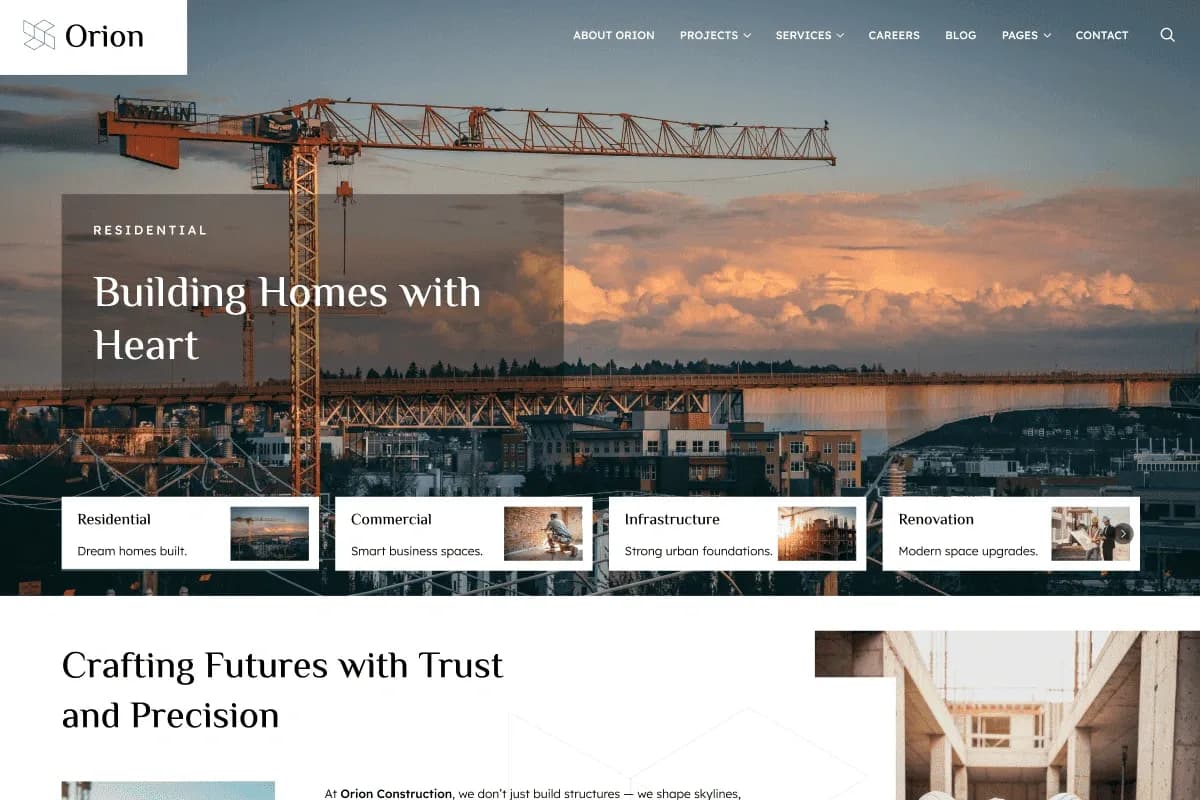
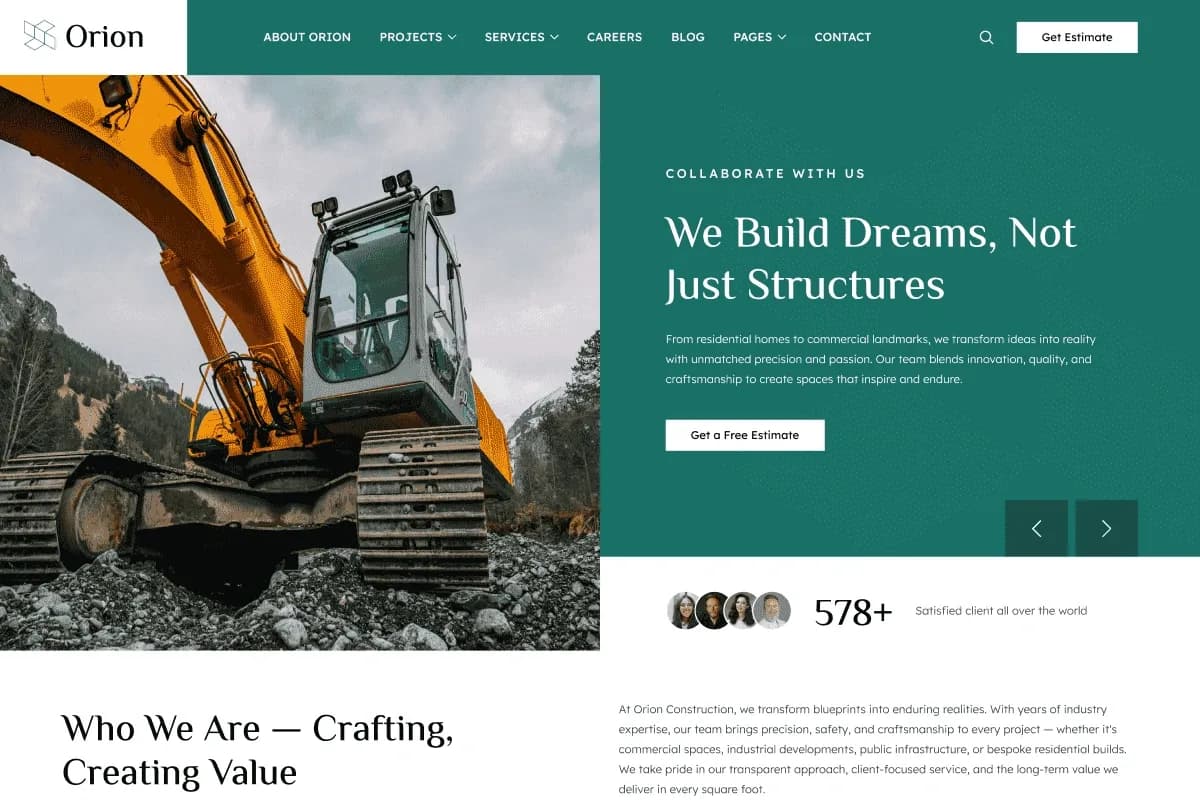
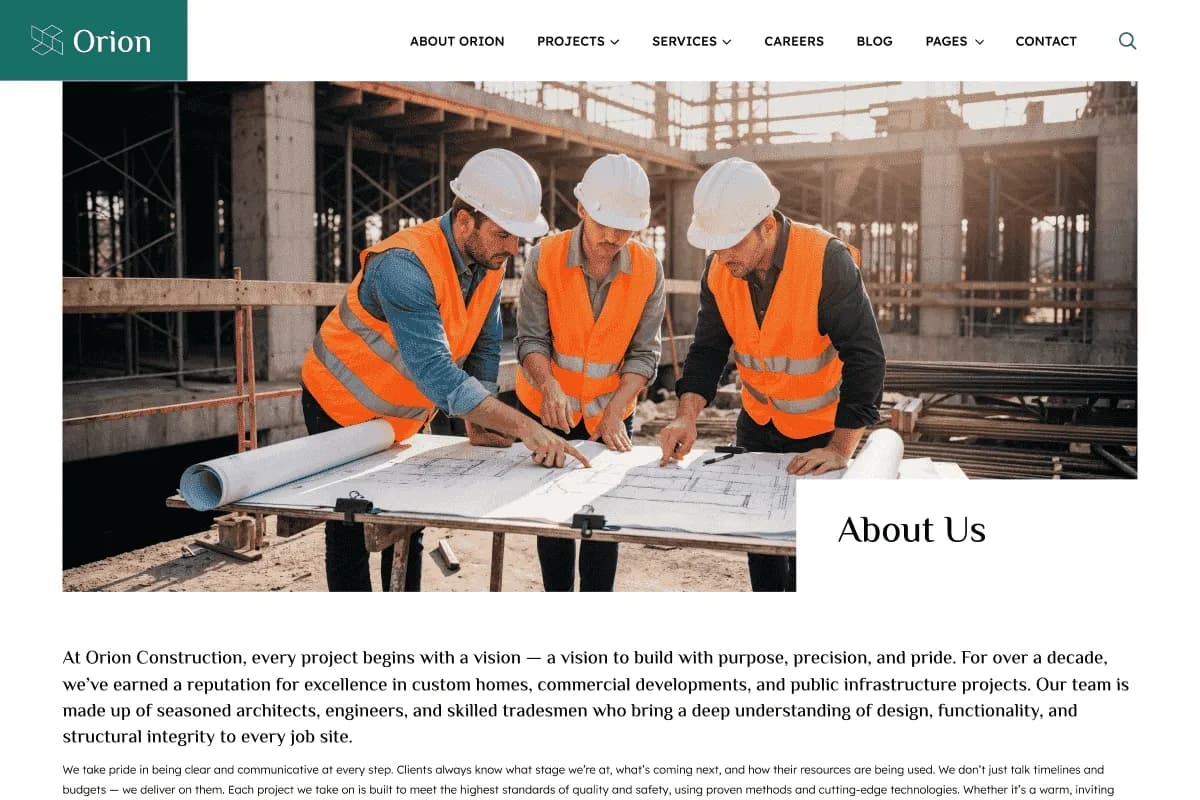
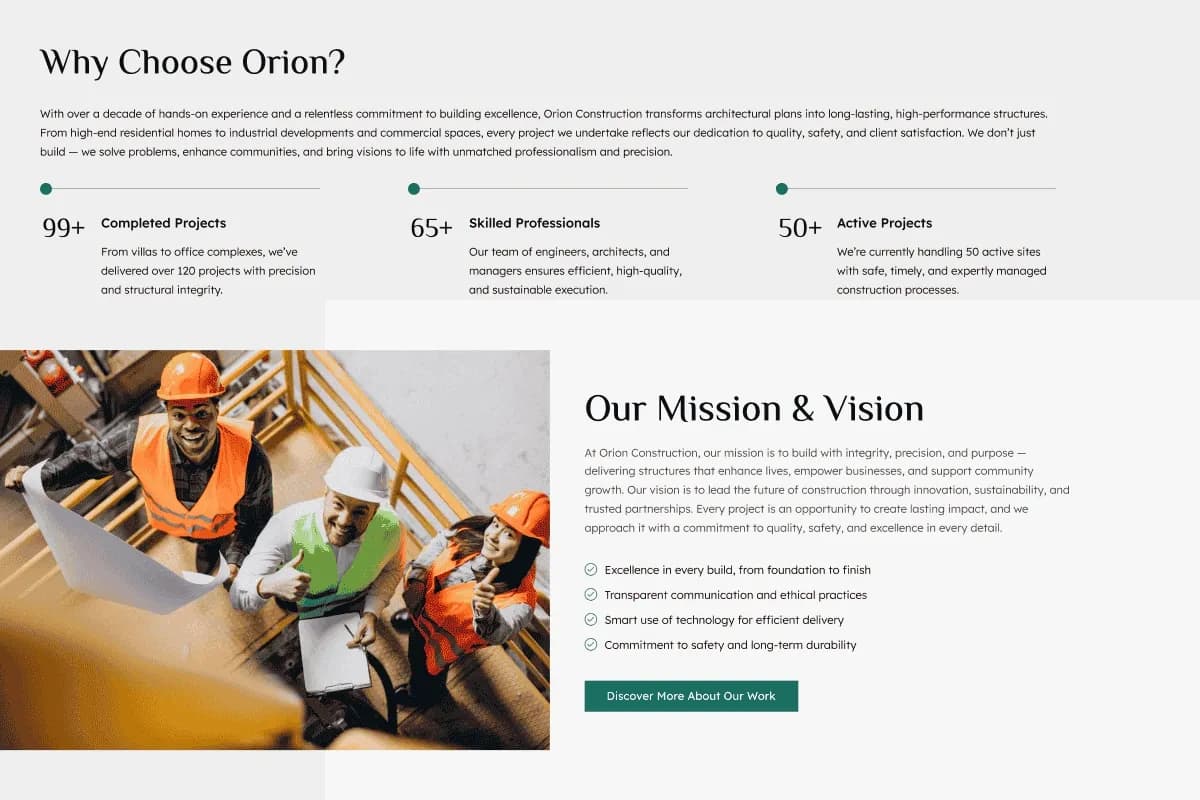
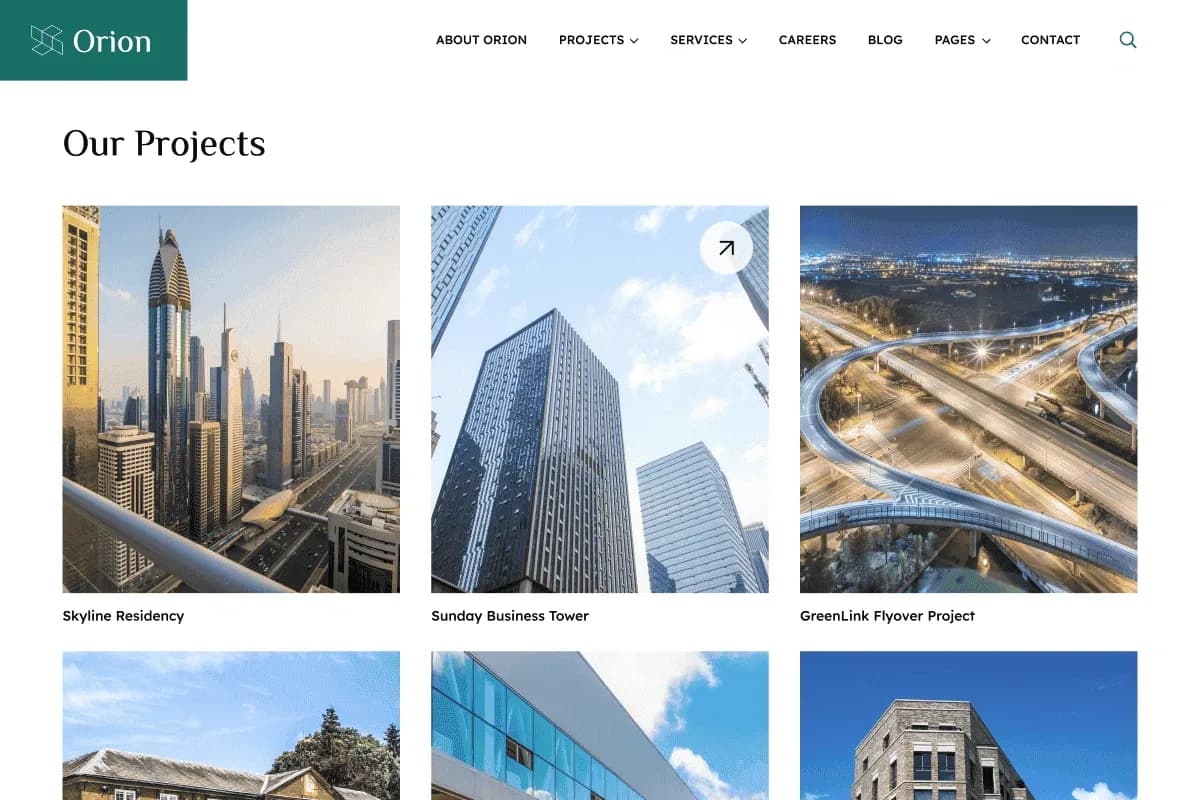
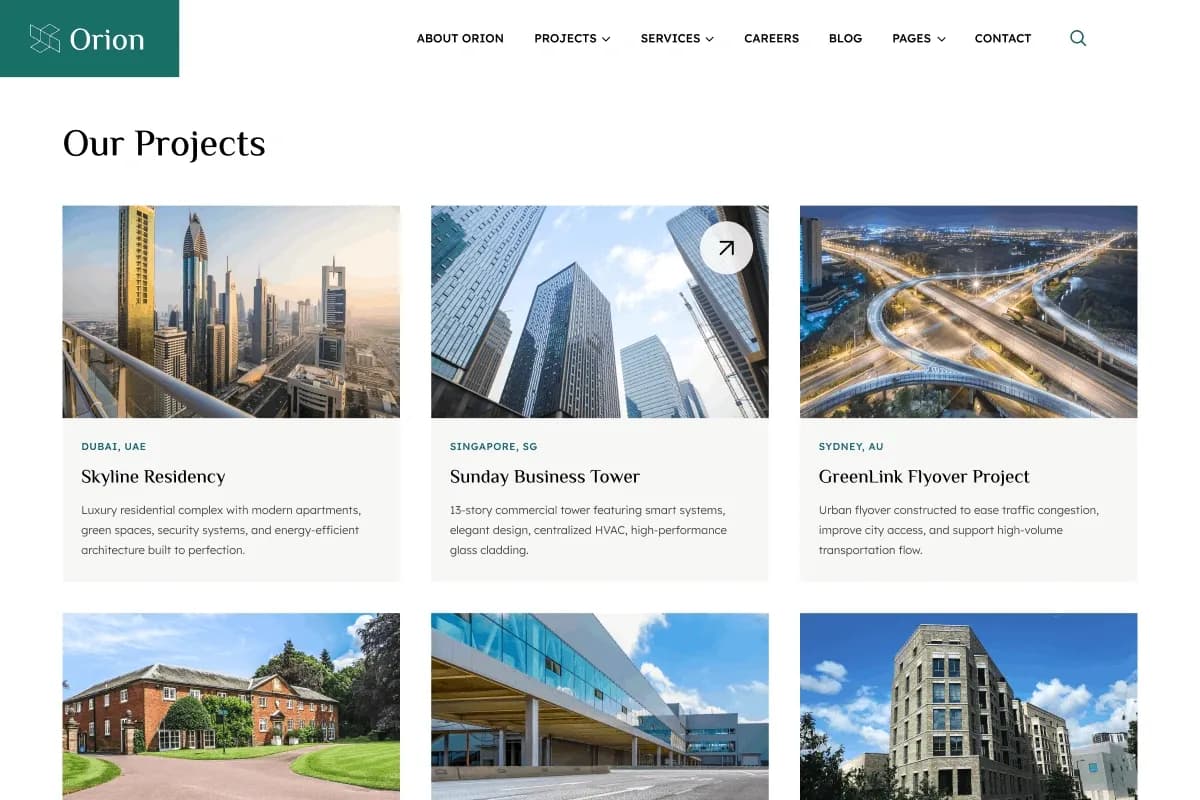
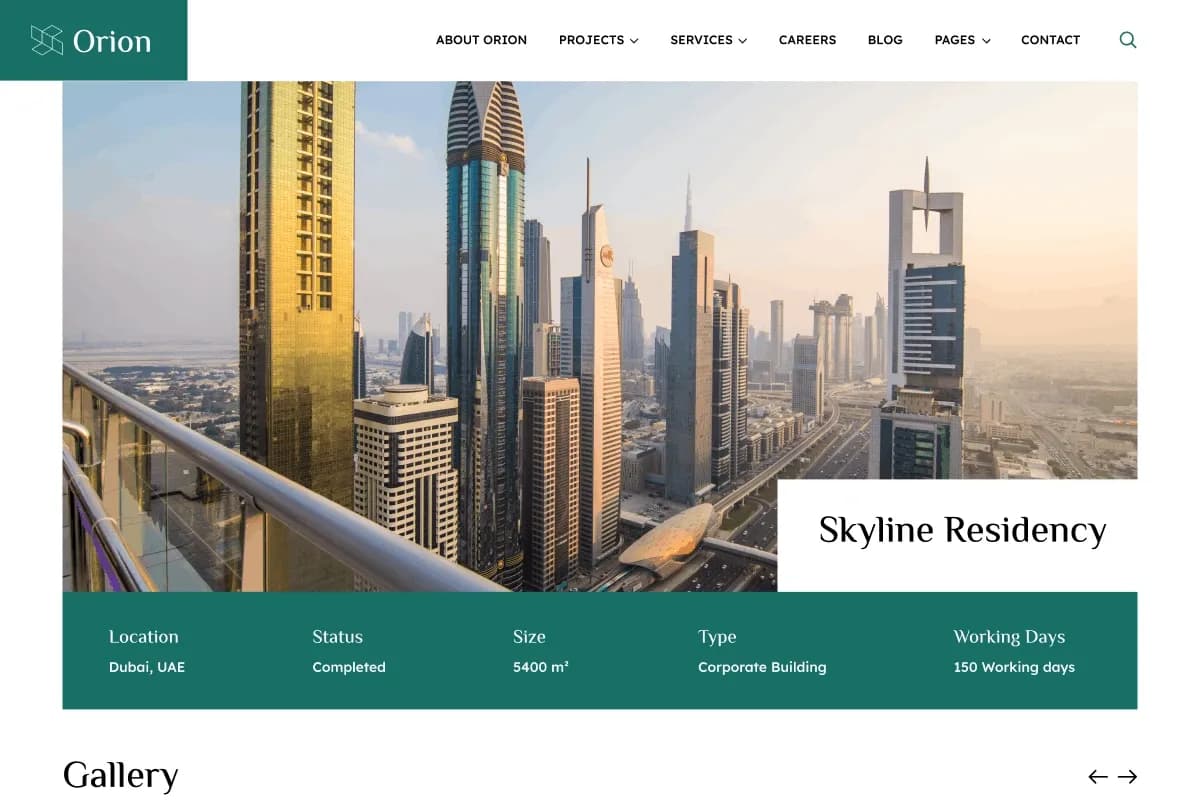
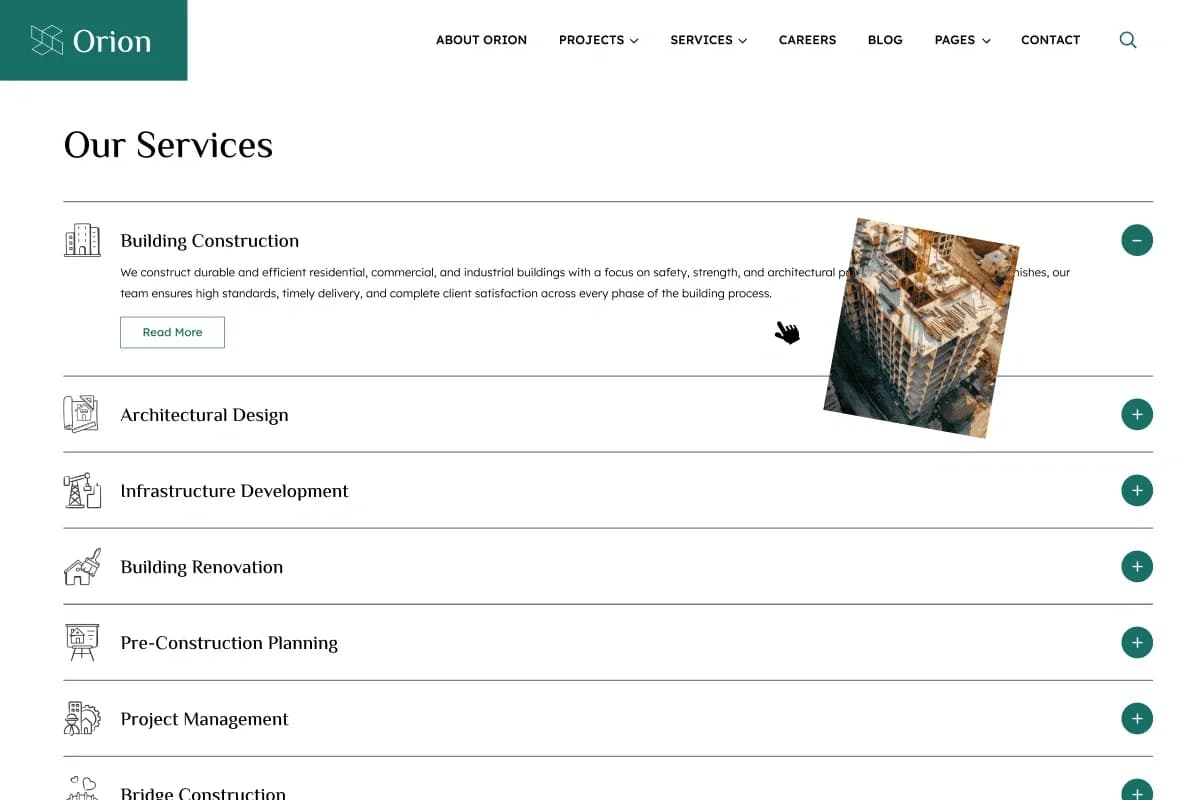
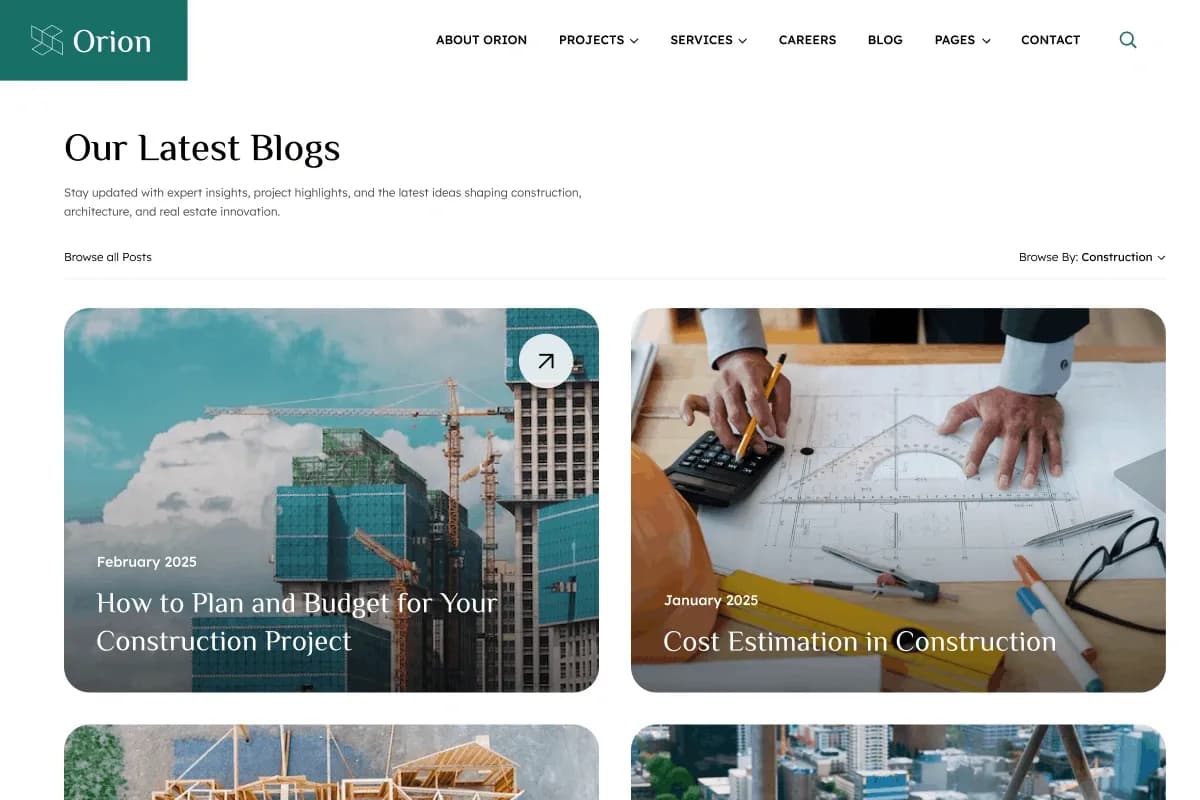
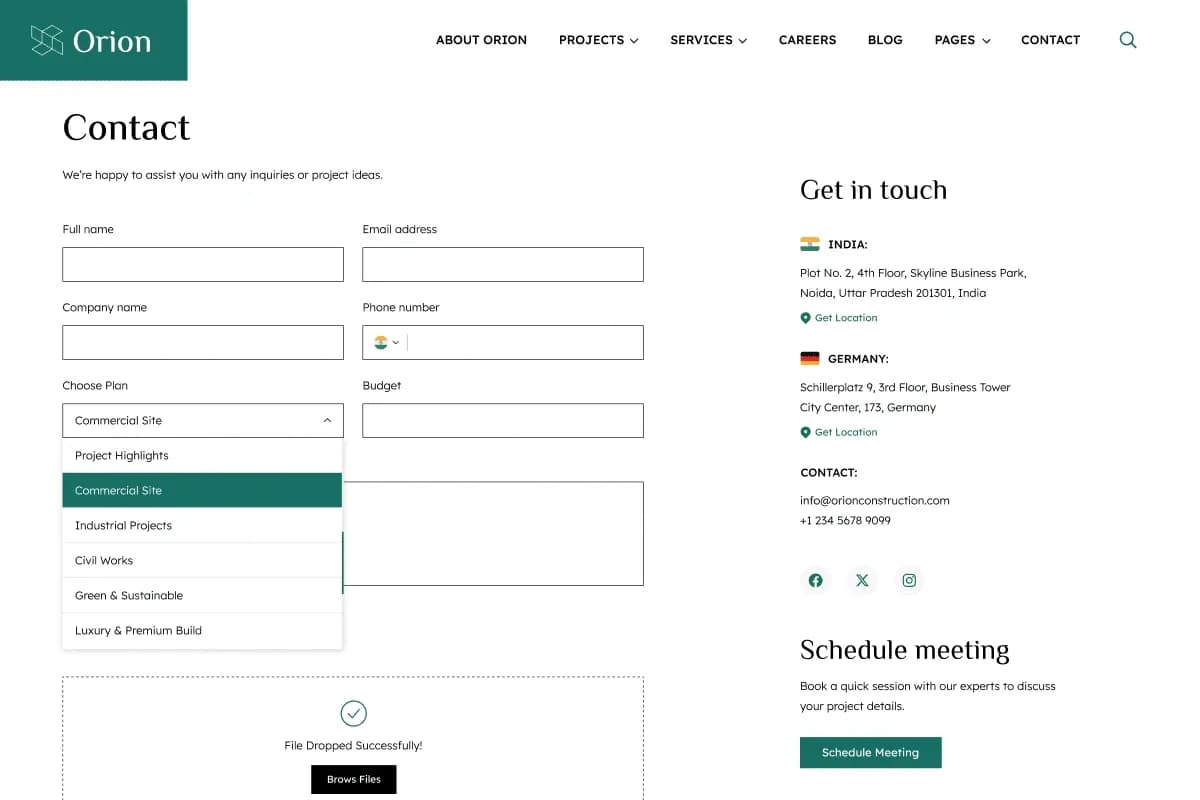
Orion is a modern Astro website template for construction companies, architecture firms, engineering companies, building contractors, builders, real estate developers, interior design businesses, renovation companies, infrastructure companies, industrial businesses, property development companies, and construction consultants. It includes 4 homepage variations, service pages, project pages, team pages, career pages, blog layouts, testimonials, gallery, pricing and packages, request a quote page, contact page, privacy policy, terms, 404 page, and coming soon page.
Built with Astro, TypeScript, Tailwind CSS, and static website architecture, Orion provides a fast, lightweight, responsive, and customizable frontend foundation for construction and architecture business websites. It includes project showcases, blog layouts, forms with validation and AJAX submission, 4 color schemes, sticky and static header support, cookie consent popup, newsletter popup, and cross-browser compatible layouts.
What Is Orion?
Construction and architecture businesses need websites that can clearly present services, completed projects, project categories, company details, team members, career opportunities, testimonials, blogs, FAQs, galleries, pricing, and quote requests. A strong construction website should help visitors understand the company’s expertise, review past work, explore services, and contact the business quickly.
Orion is an Astro construction and architecture website template built with TypeScript and Tailwind CSS. It uses static website architecture for a lightweight frontend structure and includes 4 homepage variations, responsive page layouts, project showcase sections, blog layouts, career pages, forms, flexible header options, color schemes, and documentation for easier customization.
Who Is This Template For?
Orion is suitable for:
- Construction companies
- Architecture firms
- Engineering companies
- Building contractors
- Builders
- Real estate developers
- Interior design businesses
- Renovation companies
- Infrastructure companies
- Industrial businesses
- Property development companies
- Construction consultants
- Contractor service businesses
- Agencies building construction websites
- Developers creating Astro-based business websites
Orion is a static Astro website template. It is not a CMS theme, admin dashboard, booking platform, CRM, project management system, or backend application. Live form delivery, quote submission storage, career application handling, blog management, search behavior, and backend workflows may require additional setup or integration.
What Is Included?
Main Pages
- 4 Homepage Variations
- About Us
- Services
- Service Details
- Projects
- Project Details
- Team
- Team Details
- Careers
- Career Details
- Contact
Content & Marketing Pages
- Blog
- Blog Details
- Author Page
- Category Page
- FAQ
- Testimonials
- Gallery
- Pricing / Packages
- Request a Quote
Essential Pages
- Privacy Policy
- Terms & Conditions
- 404 Error Page
- Coming Soon Page
Page and Layout Coverage
- 4 Ready-to-Use Homepage Variations
- About Us Page
- Services Page
- Service Details Pages
- Projects Page
- Project Details Pages
- Team Page
- Team Details Pages
- Careers Page
- Career Details Pages
- Contact Page
- FAQ Page
- Testimonials Page
- Gallery Page
- Pricing and Packages Page
- Request a Quote Page
- Blog Listing Pages
- Multiple Blog Layouts
- Blog Detail Pages
- Author Pages
- Blog Category Pages
- Privacy Policy Page
- Terms & Conditions Page
- 404 Error Page
- Coming Soon Page
Download Package
When you purchase Orion, you receive:
- Complete Astro website template
- 4 homepage variations
- All included page layouts
- Project and portfolio pages
- Blog layouts
- Career pages
- Contact and quotation forms
- Tailwind CSS source files
- TypeScript source files
- Responsive website layouts
- Documentation
How to Use Orion
Step 1: Prepare the Project Environment
Review the documentation and confirm the exact development requirements before setup, because the supplied source does not specify Node.js, npm, or minimum software versions.
Result: Your development environment can be prepared correctly before installing the Astro template.
Step 2: Install the Template Files
Set up the complete Astro website template files, including TypeScript source files, Tailwind CSS source files, included page layouts, responsive assets, forms, and documentation.
Result: The construction and architecture website foundation is ready for local development.
Step 3: Choose a Homepage and Color Scheme
Select one of the 4 homepage variations and choose a color scheme that matches the construction, architecture, contractor, engineering, or property development brand.
Result: The website begins to match the visual direction of the business.
Step 4: Customize Pages and Content
Update company information, services, projects, project categories, team members, careers, blog content, testimonials, gallery images, pricing, quote page content, privacy policy, terms, and contact details.
Result: The website content becomes aligned with the real business and services.
Step 5: Configure Forms and Interactions
Review the contact form, newsletter form, request a quote form, and career/application form. Configure the final email, API, serverless, or backend endpoint needed for live submissions.
Result: Visitors can submit inquiries only after production form handling is properly connected and tested.
Step 6: Test, Deploy and Launch
Test responsive layouts, navigation, sticky/static headers, project filtering, blog pages, forms, AJAX behavior, browser compatibility, SEO metadata, page speed, cookie popup, and deployment setup.
Result: Your Astro construction website is ready for launch after final QA and production configuration.
Tags:
Template Features:
Built with Astro
TypeScript Support
Tailwind CSS
Static Website Architecture
4 Homepage Variations