Plugins
Plugins are software extensions that add or modify functionality within a compatible website platform. Depending on the product, a plugin may extend WordPress publishing, WooCommerce store operations, frontend interactions, integrations, administration, or specialized workflows. Buyers should verify the exact platform, supported versions, dependencies, external APIs, data handling, updates, and license for every plugin individually.
WordPress's official Plugin Handbook describes plugins as software that can interact with WordPress through hooks and platform APIs, while WooCommerce documents its extensions as regular WordPress plugins built specifically to extend WooCommerce.
Best Downloads
Discover the most in-demand top-downloaded items trusted by top businesses.
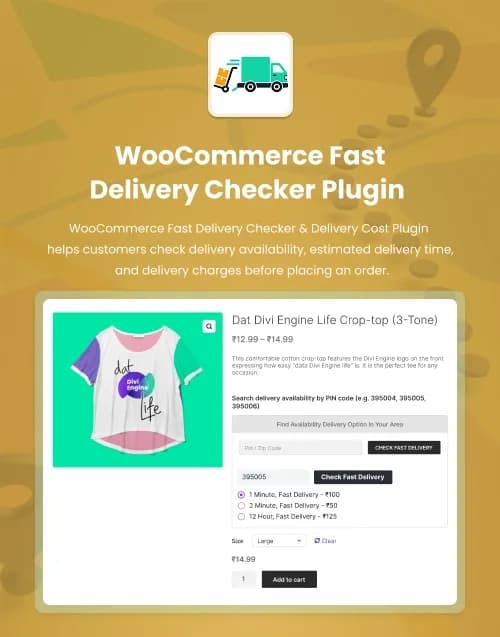


by WebbyCrown Solutions
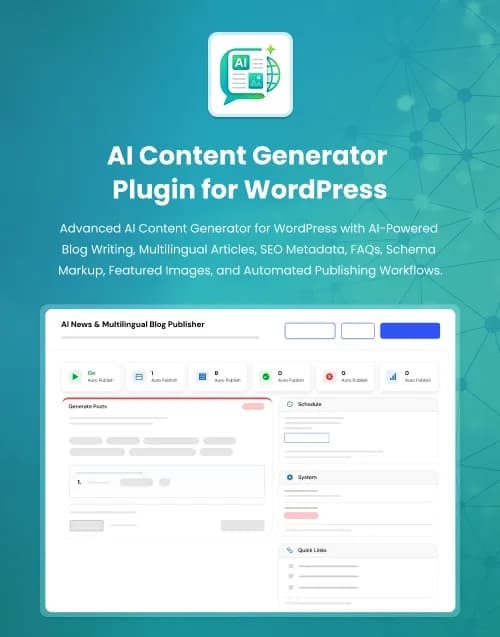
by WebbyCrown Solutions
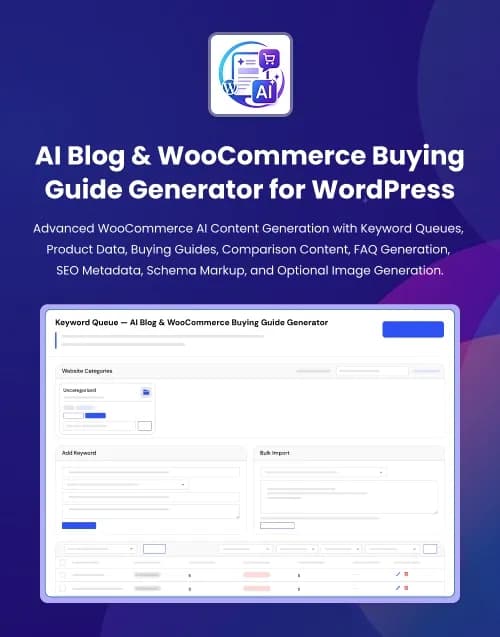
by WebbyCrown Solutions
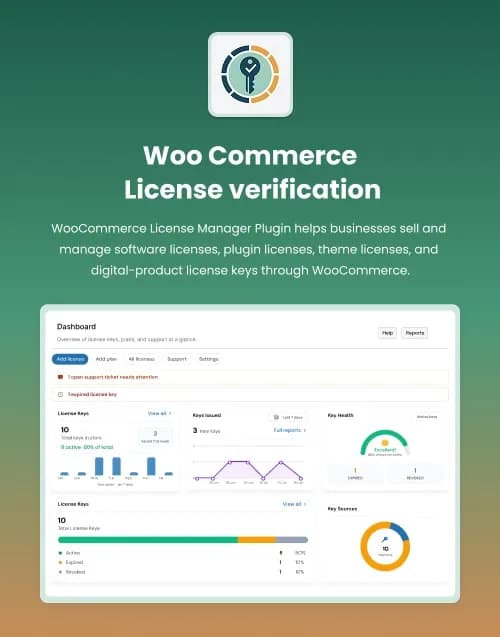
WooCommerce License Verification PluginLicense Keys, Activation API & Customer License Management
$149.00by WebbyCrown Solutions
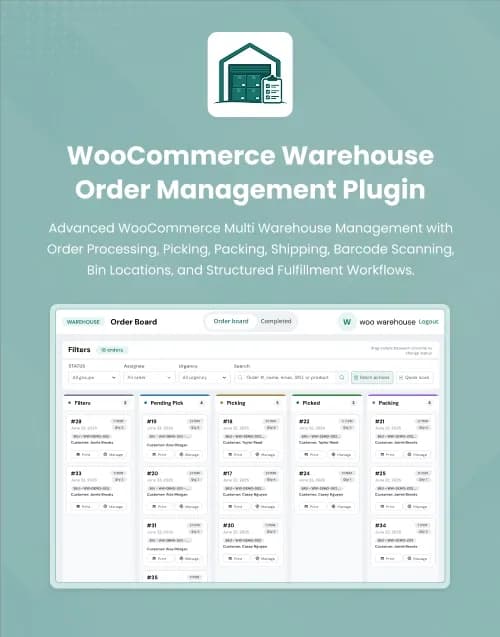
by WebbyCrown Solutions
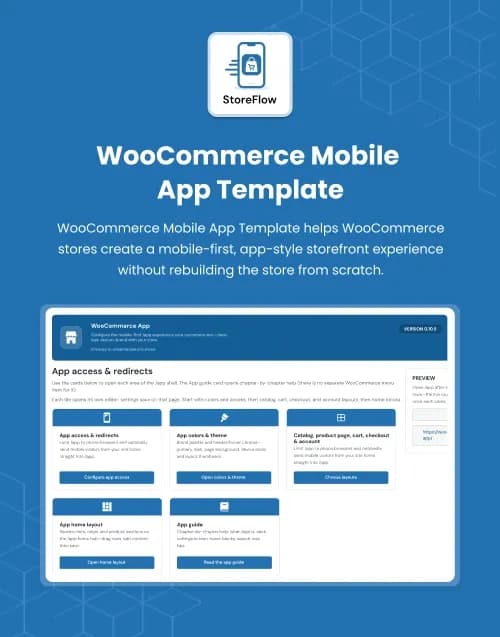
by WebbyCrown Solutions
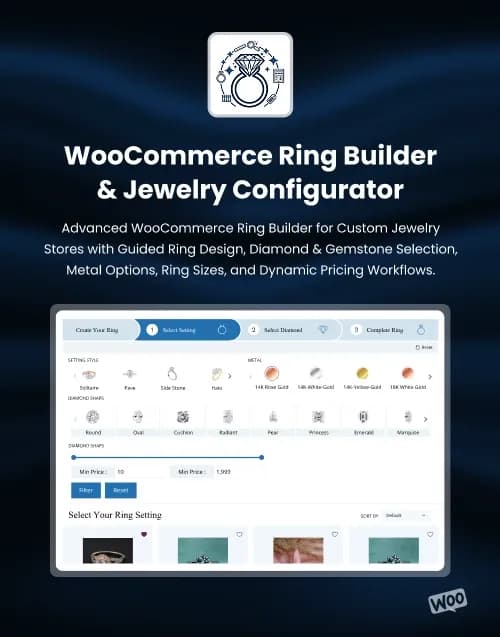
by WebbyCrown Solutions
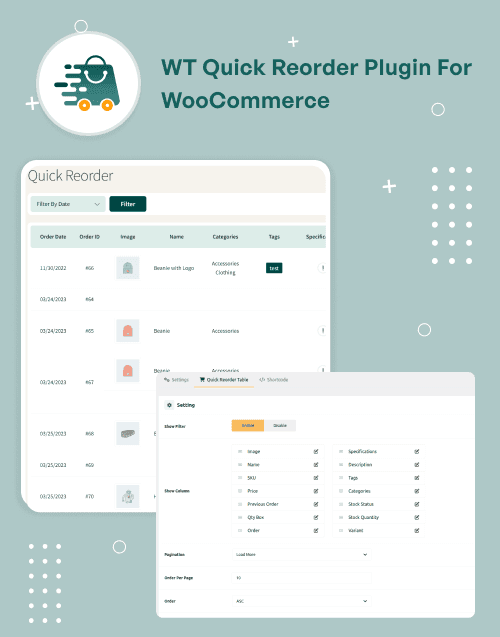
by WebbyCrown Solutions
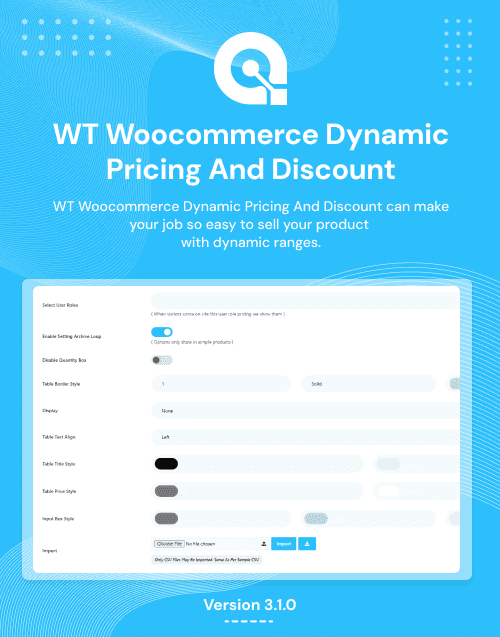
by WebbyCrown Solutions
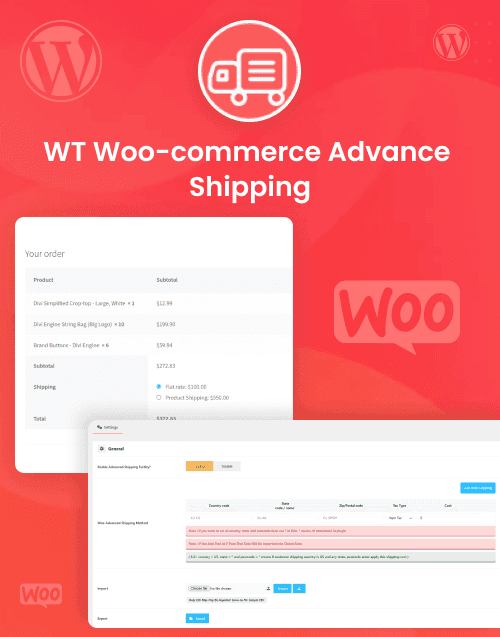
by WebbyCrown Solutions
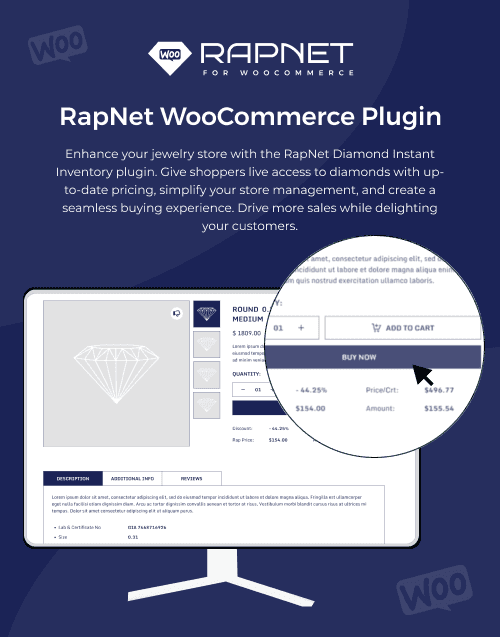
RapNet for WooCommerce PluginDiamond Import, Search, Filters, Wishlist, Compare & Cart Support
$179.00by WebbyCrown Solutions
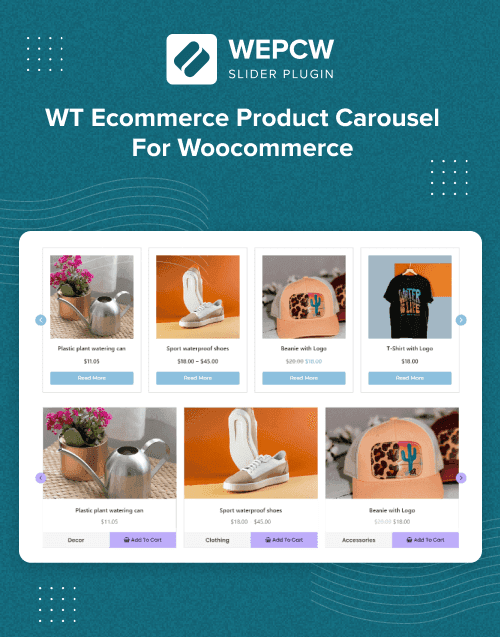
by WebbyCrown Solutions
Newly Added
Discover the most in-demand top-downloaded items trusted by top businesses.
Top Rated
Skyrocket your creativity with our Top rated collection of supreme.
Plugins Categories
Explore plugins for WordPress websites, WooCommerce stores, content workflows, product experiences, shipping, integrations, administration, automation, and other specialized functionality. Compare platform compatibility, technical requirements, dependencies, external services, update history, documentation, licensing, and seller support before installing a plugin.


What Are Plugins?
Plugins are installable software components designed to extend an existing platform without replacing the platform itself.
For WordPress, plugins can interact with areas such as settings, users, custom post types, taxonomies, metadata, REST APIs, HTTP APIs, scheduled tasks, JavaScript, and other WordPress systems.
WooCommerce extensions operate within the WordPress plugin model. WooCommerce's developer documentation explicitly states that WooCommerce extensions are regular WordPress plugins and recommends that WooCommerce-specific plugins check whether WooCommerce is active before running their functionality.
A plugin should also be distinguished from a theme.
A theme primarily controls presentation. A plugin generally provides or extends functionality that should not disappear simply because the site's visual design changes.
What You Can Find in Plugins
- WordPress functionality plugins
- WooCommerce extensions
- Product display plugins
- Shipping plugins
- Content workflow plugins
- Automation plugins
- Form and interaction plugins
- API and integration plugins
- Administration tools
- Store-management extensions
- Frontend enhancement plugins
- Specialized business plugins
Who Should Use Plugins?
- WordPress site owners
- WooCommerce merchants
- eCommerce businesses
- Website administrators
- Developers
- Digital agencies
- Publishers
- Marketing teams
- Online retailers
- Businesses extending an existing platform
How to Choose the Right Plugin
Start with the platform.
A WooCommerce extension normally depends on WordPress and WooCommerce. A standalone JavaScript component follows a completely different installation and maintenance workflow. Never select a plugin based only on screenshots or feature names.
Next, define the exact problem.
For example:
- Displaying products differently
- Calculating shipping
- Connecting an API
- Automating content
- Managing a workflow
- Improving a gallery
- Adding a specialized admin feature
A focused plugin with one clear purpose can be easier to maintain than installing a large extension containing many features you do not need. WooCommerce's own extension-development guidance recommends that extensions have a clear core purpose.
Check version compatibility carefully.
For WordPress products, verify:
- WordPress version
- PHP requirements
- Required plugins
- Theme dependencies where applicable
For WooCommerce products, also check:
- WooCommerce version
- WordPress version
- Other extension compatibility
- Store architecture requirements
WooCommerce specifically treats interoperability with WordPress and other plugins as an important extension-development consideration.
Next, review external dependencies.
Some plugins require:
- API keys
- SaaS accounts
- Payment providers
- Mapping APIs
- AI providers
- Email services
- Carrier APIs
- CRM accounts
- External JavaScript libraries
The plugin purchase price does not automatically include those third-party services.
Functionality claims also need to be read carefully.
A shipping plugin may calculate a particular type of rate without supporting every carrier.
A gallery plugin can improve product presentation without managing inventory.
A checkout add-on does not automatically provide payment processing.
A form plugin may create and validate a form while still requiring email, CRM, API, or database configuration.
Review security and data handling when a plugin processes user information, API credentials, customer records, uploaded files, forms, or external requests. The official WordPress Plugin Handbook includes dedicated guidance for plugin security and privacy, including validation, sanitization, capabilities, and personal-data handling.
Updates are another important factor. Check the product's version history, changelog, compatibility information, and whether updates are included under the selected license.
For business-critical plugins, test on a staging environment before changing the production website.
Also check what happens if the plugin is deactivated or removed. Understand whether settings, generated content, database records, custom tables, or other plugin-created data remain.
Performance should be evaluated in the context of the real site. A plugin may add scripts, database queries, API calls, scheduled tasks, or frontend assets.
Finally, review documentation, installation steps, setup complexity, error handling, asset requirements, product licensing, number of permitted sites, update terms, and seller support.
Popular Use Cases for Plugins
- Extending WordPress functionality
- Adding WooCommerce store features
- Improving product presentation
- Connecting third-party services
- Automating website workflows
- Adding specialized shipping logic
- Extending administration tools
Plugin Quality Notes
- Verify the exact supported platform.
- Check WordPress/PHP requirements when relevant.
- Verify WooCommerce compatibility for store extensions.
- Theme and plugin responsibilities are different.
- Check required third-party services.
- Do not assume screenshots prove full functionality.
- Review security and data handling.
- Check update and changelog information.
- Test important plugins on staging.
- Verify licensing, documentation, and support.
Related Category Ideas
- WordPress
- WooCommerce
- JavaScript
- eCommerce
- Marketing
- Elementor
Frequently Asked Questions
What is a website plugin?
What is the difference between a plugin and a theme?
Are WooCommerce extensions WordPress plugins?
Do all plugins work with every website?
Can plugins require other plugins?
Can plugins use external APIs or services?
Can a plugin affect website performance?
Should plugins be tested before updating a live website?
Can agencies use marketplace plugins for client websites?
What should I verify before purchasing a plugin?
Subscribe Now for Insider Access
Our newsletter is more than just updates it's your pass to the latest news, special promotions, and curated content designed to keep you ahead.