Next.js Templates, Themes & Starter Kits
Next.js templates are pre-built React/Next.js source-code foundations containing routes, layouts, components, styles, and project configuration. Current Next.js supports both App Router and Pages Router, while deployment can target Node.js servers, Docker containers, static export, or compatible platforms depending on the project's features.
Best Downloads
Discover the most in-demand top-downloaded items trusted by top businesses.



by WebbyCrown Solutions
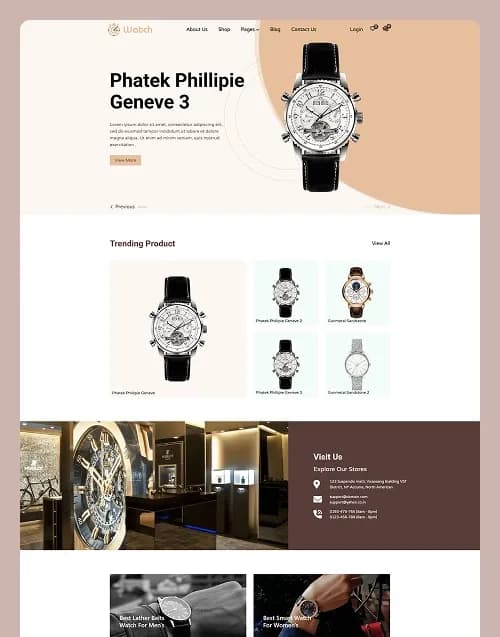

by WebbyCrown Solutions
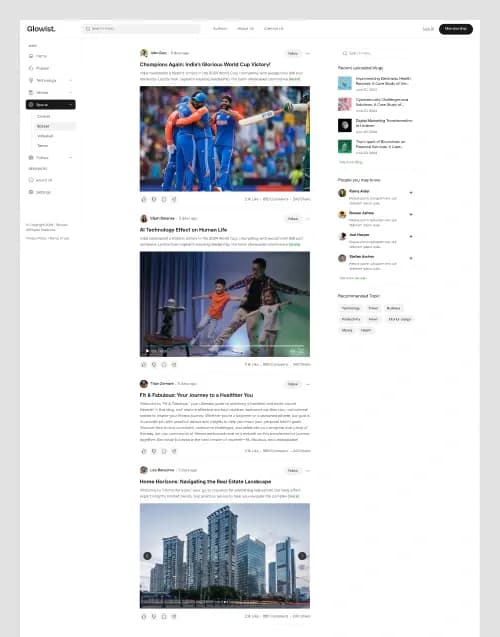
by WebbyCrown Solutions
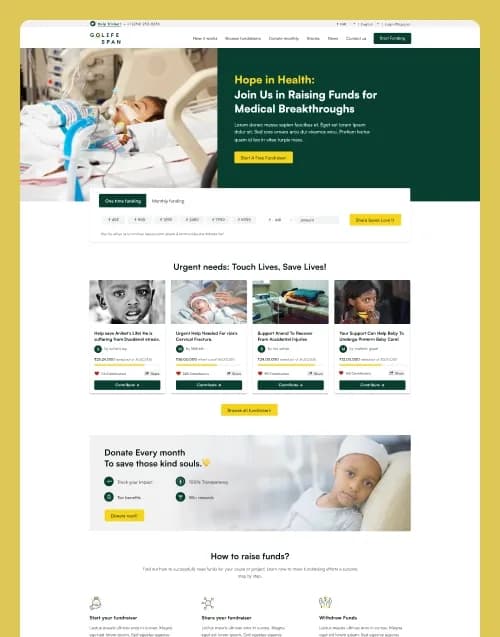
by WebbyCrown Solutions
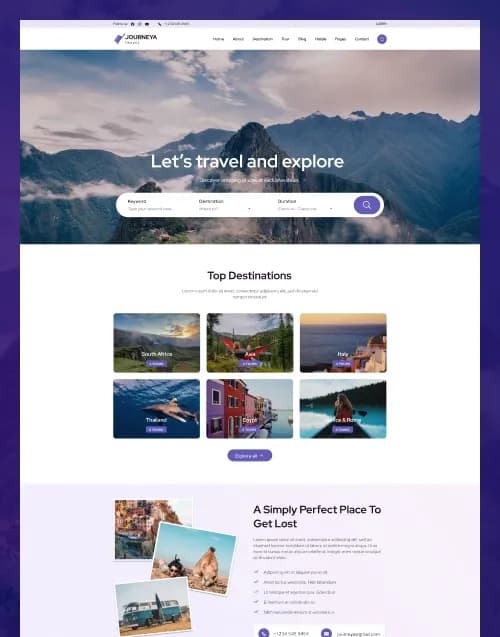
by WebbyCrown Solutions
by WebbyCrown Solutions
by WebbyCrown Solutions
by WebbyCrown Solutions
by WebbyCrown Solutions
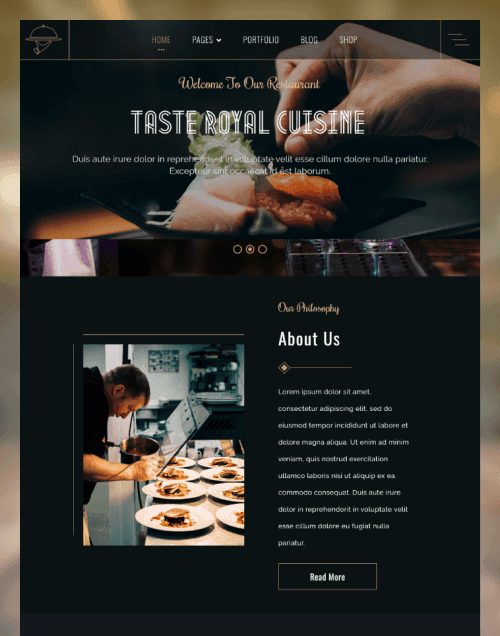
by WebbyCrown Solutions
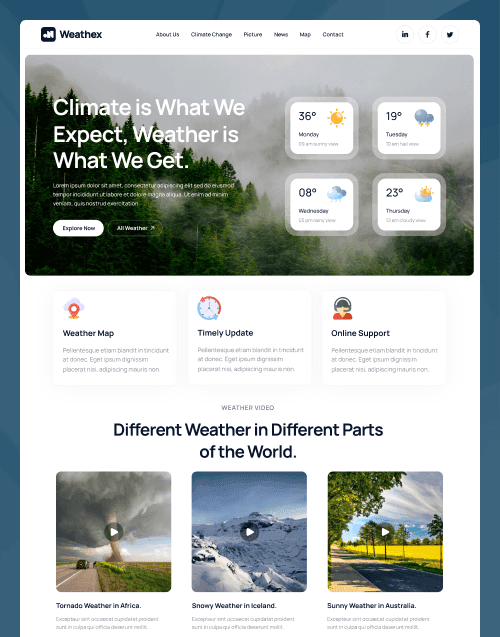
by WebbyCrown Solutions
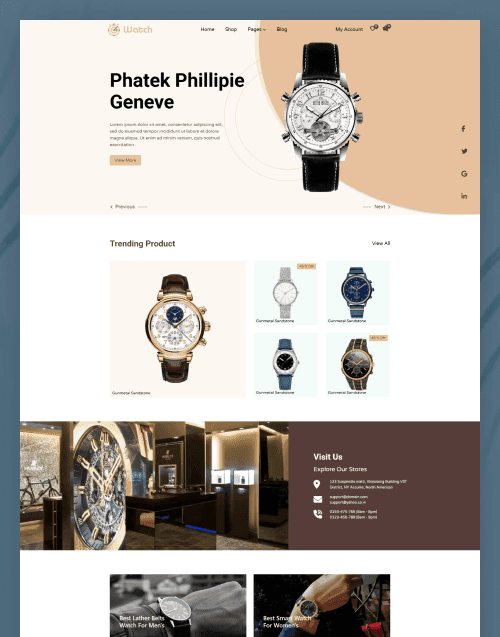
by WebbyCrown Solutions
Newly Added
Discover the most in-demand top-downloaded items trusted by top businesses.
Top Rated
Skyrocket your creativity with our Top rated collection of supreme.
What Are Next.js Templates?
Next.js templates are reusable project foundations for websites and applications built with Next.js and React.
Current Next.js documentation identifies App Router as the newer router supporting modern React features, while Pages Router remains supported.
WebbyTemplate already has a live Next.js Templates category, making that URL the stronger canonical destination for this Level 2 intent.
What You Can Find in Next.js Templates
- Business website templates
- SaaS templates
- Creative agency templates
- eCommerce storefront templates
- Portfolio templates
- Blog templates
- Restaurant templates
- Travel templates
- Corporate templates
- Specialized application starters
Who Should Use Next.js Templates?
- Next.js developers
- React developers
- Digital agencies
- SaaS companies
- Startups
- Product teams
- Freelancers
- Technology businesses
- eCommerce developers
How to Choose the Right Next.js Template
Start with the Next.js version and router architecture.
Next.js currently documents both App Router and Pages Router. The App Router uses modern file-system routing with layouts and related React features, so developers should know which architecture the purchased template uses before extending it.
Next, determine whether the template is frontend-only, JSON/content-file driven, CMS-connected, or genuinely full-stack.
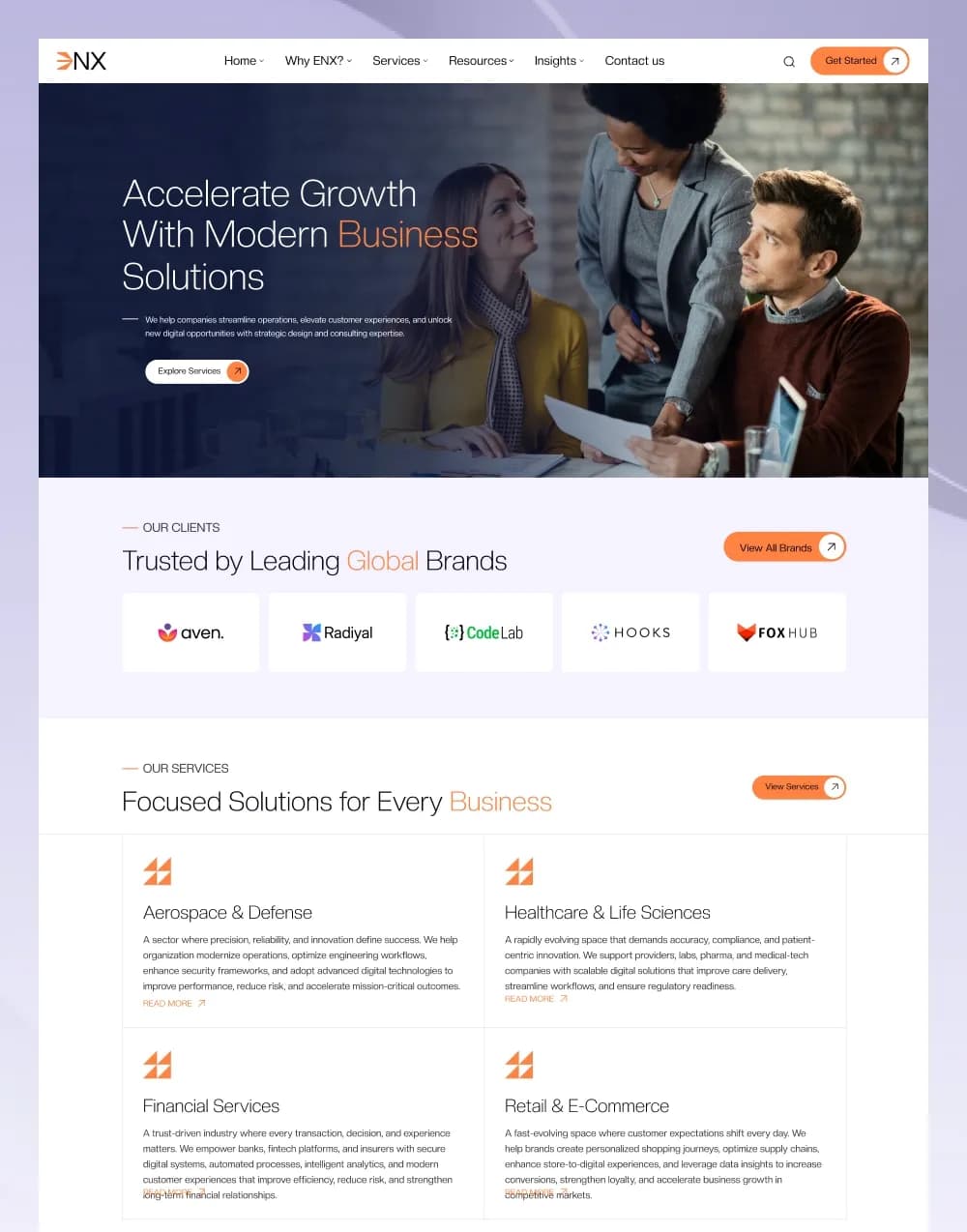
WebbyTemplate's current ENX — Business Next.js JSON Website Template is a useful example. It currently includes 52 pages, reusable components, JSON-managed content, Next.js 15+, React 19+, and Tailwind CSS. Its listing explicitly states that it does not include a visual CMS, database, authentication, payments, customer dashboard, or backend business logic.
That is exactly the distinction buyers should check.
A current product such as Orion similarly provides Next.js frontend architecture and API-ready integration points rather than automatically supplying every backend workflow.
Check page coverage and reusable components. Businesses may need services, teams, careers, portfolios, case studies, blogs, policies, and contact pages. eCommerce templates may need product, category, cart, account, wishlist, and checkout layouts.
Visible eCommerce UI does not guarantee a functioning commerce backend. For example, product filtering, cart persistence, checkout, payment, accounts, orders, and inventory may require APIs, databases, headless commerce platforms, or separate application logic.
Content management also varies. JSON or MDX is not the same as a visual CMS. A template integrated with Strapi, Sanity, Ghost, Contentful, or another CMS should explain that integration clearly.
Review deployment requirements. Current Next.js documentation supports Node.js server, Docker, static export, and platform-adapter approaches, depending on the app's features.
Performance should be evaluated with the actual template architecture, third-party scripts, media, fonts, animations, APIs, and hosting—not assumed simply because the project uses Next.js.
Finally, check Node.js requirements, package dependencies, TypeScript or JavaScript, styling framework, environment variables, APIs, documentation, update history, licensing, and seller support.
Popular Use Cases for Next.js Templates
- Building a business website
- Launching a SaaS marketing site
- Creating an agency portfolio
- Building a headless storefront
- Launching a content platform
- Developing a startup website
- Accelerating client projects
Next.js Template Quality Notes
- Verify Next.js version.
- Check App Router versus Pages Router.
- Frontend templates may not include a backend.
- JSON content is not a visual CMS.
- Checkout UI does not guarantee commerce.
- Forms require real processing.
- Review package dependencies.
- Verify deployment requirements.
- Check update history.
- Review licensing and support.
Related Category Ideas
- Nuxt.js
- SvelteKit
- Gatsby.js
- Jekyll
- Ghost Themes
- Headless Templates
Frequently Asked Questions
What is a Next.js template?
Does Next.js use React?
What is Next.js App Router?
Is every Next.js template full-stack?
Does WebbyTemplate currently have Next.js products?
Is JSON-based content a CMS?
Can Next.js be deployed outside Vercel?
Can Next.js templates support eCommerce?
Can agencies use Next.js templates for clients?
What should I verify before purchasing?
Subscribe Now for Insider Access
Our newsletter is more than just updates it's your pass to the latest news, special promotions, and curated content designed to keep you ahead.