Journea – Dynamic Travel CMS Website Template

License Options
View License Policy1 site / project / end product
up to 5 sites / projects / end products
up to 30 sites / projects / end products
Add-on Services
$110.00
$140.00
Technology
Next.js + Strapi : Journea – Dynamic Travel CMS Website Template


Created : 21 July 2026
Updated : 31 August 2026
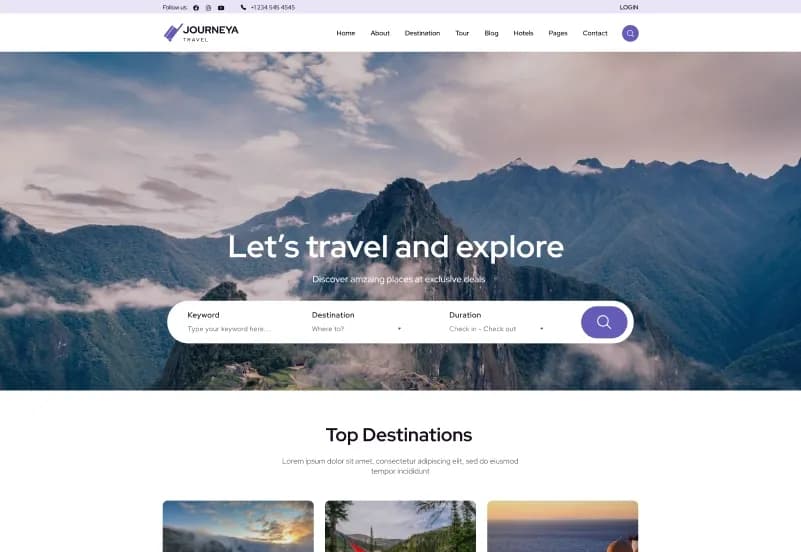
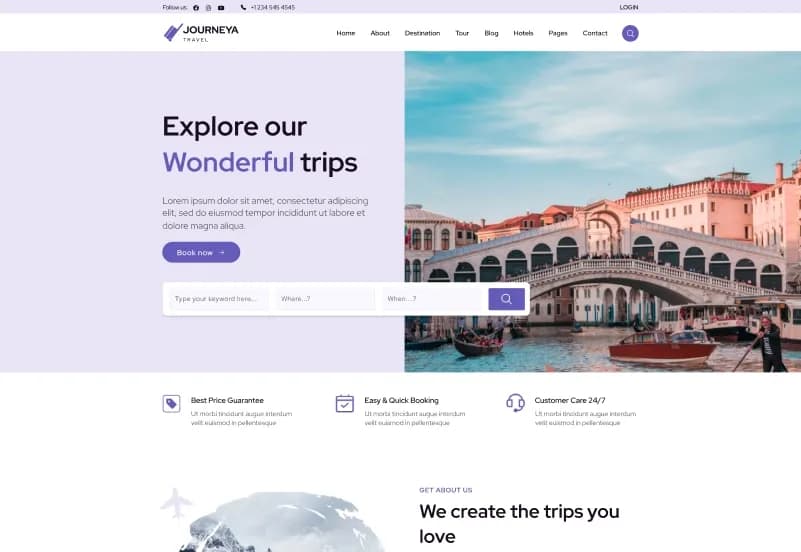
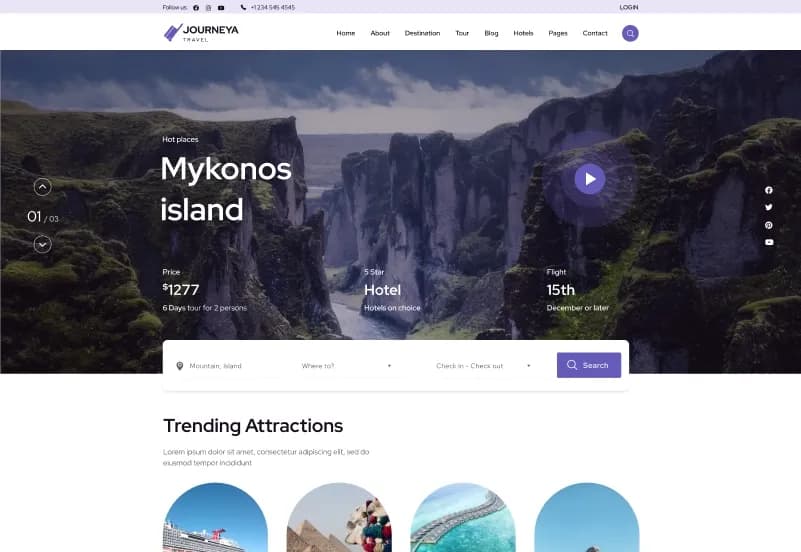
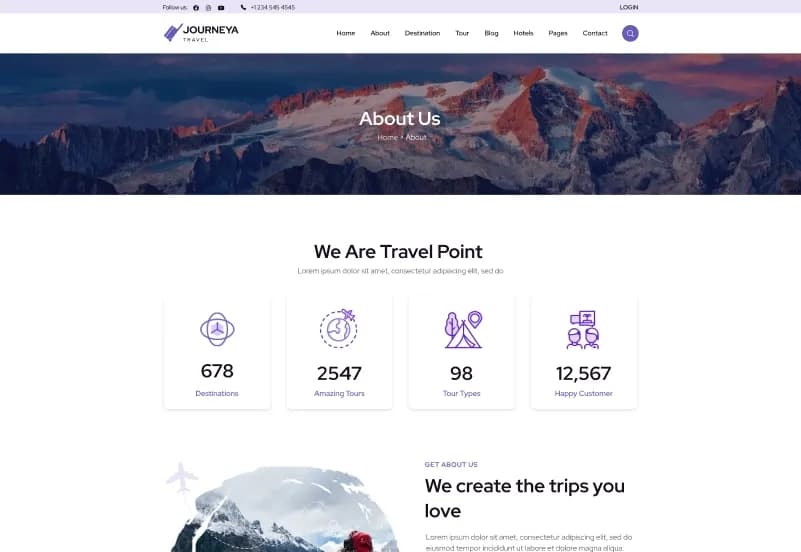
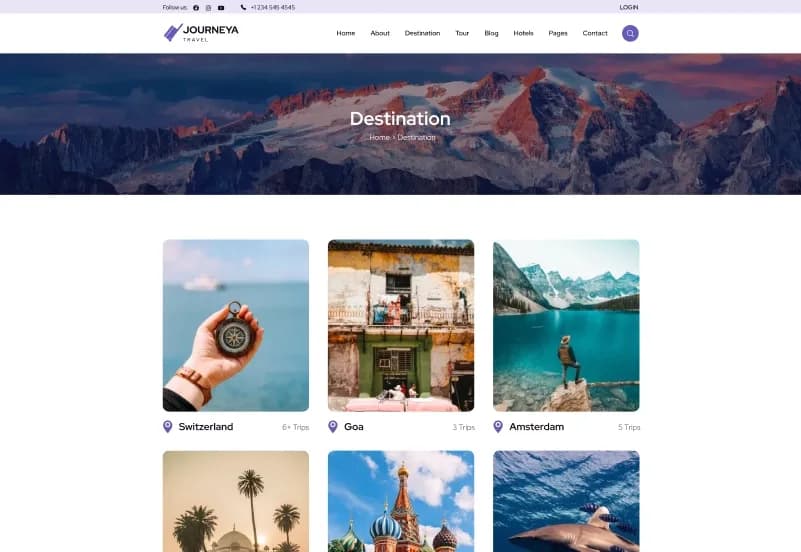
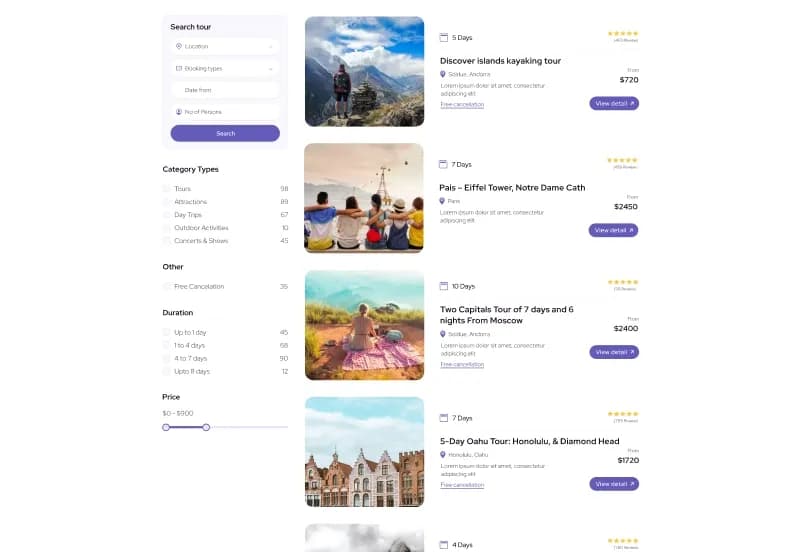
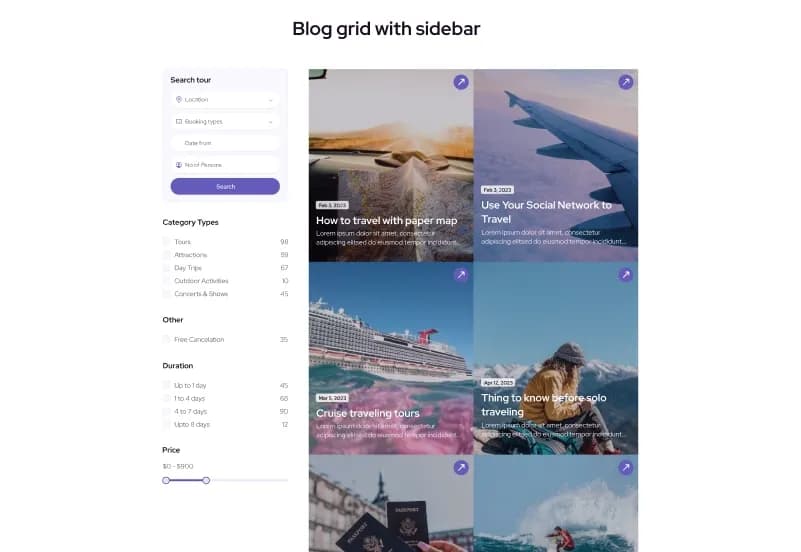
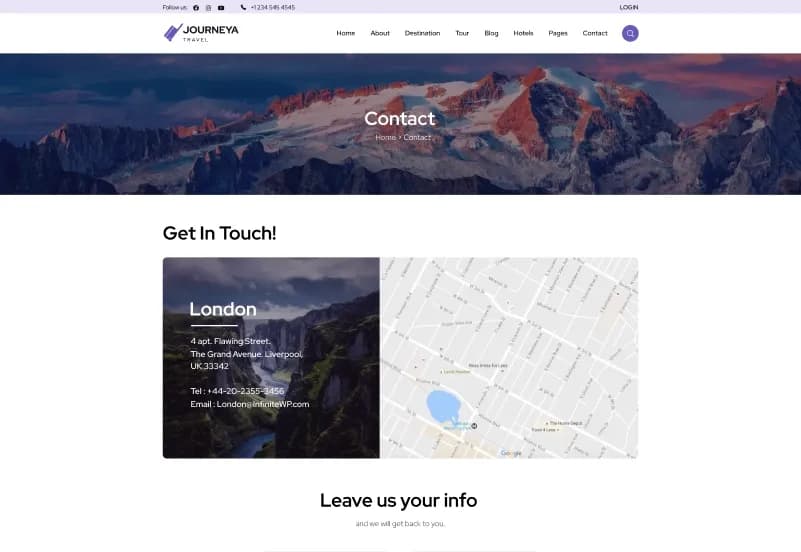
Journea is a dynamic Next.js Travel Website Template built for travel agencies, tour operators, tourism businesses, hospitality brands, adventure tour companies, holiday package providers, hotel booking platforms, and destination booking websites. It includes 16+ App Router pages, 80+ reusable frontend components, 100+ Strapi CMS admin components, 20+ dynamic content types, travel booking pages, hotel and tour modules, destination pages, blog, team, gallery, authentication pages, checkout pages, and payment-ready booking workflows.
Built with Next.js 16+, React 19+, JavaScript, Tailwind CSS, Strapi 5 CMS, REST API-driven content management, Stripe integration, Razorpay integration, webhook support, dynamic routing, media library, role and permission management, and Vercel-ready deployment, Journea gives developers and travel businesses a production-ready foundation for building a fully dynamic travel CMS website.
What Is Journea?
Travel and tourism websites need more than beautiful destination pages. A serious travel platform often needs tour listings, hotel details, destination content, search results, booking steps, payment pages, checkout flow, blog content, team profiles, media management, CMS editing, role permissions, and a backend structure that can manage dynamic travel content.
Journea is a Next.js and Strapi CMS travel website template built for dynamic travel, tourism, hospitality, adventure, holiday package, and booking-based websites. It includes a modern frontend, Strapi CMS admin dashboard, REST API-driven content management, dynamic pages, booking flow setup, Stripe and Razorpay integration, media structure, documentation, deployment guide, and database-ready CMS setup.
Who Is This Template For?
- Travel agencies
- Tour operators
- Tourism businesses
- Hospitality brands
- Adventure tour companies
- Holiday package providers
- Destination booking platforms
- Hotel listing websites
- Travel consultants
- Travel startups
- Online booking businesses
- Agencies building travel websites for clients
- Developers building Next.js + Strapi websites
- Businesses needing dynamic travel CMS management
- Teams that need tours, hotels, destinations, blogs, and booking workflows
Journea is a Next.js + Strapi CMS template. Booking flow, checkout pages, payment integrations, webhook handling, email notifications, database setup, hosting, security, live payment credentials, and production deployment must be configured and tested before launch.
What Is Included?
Template Overview
- 16+ Ready-to-Use Pages
- 80+ Frontend Components
- 100+ Dynamic CMS Admin Components
- 20+ Dynamic Content Types and API-Driven Modules
- Fully Dynamic Travel CMS Management
- Booking and Payment Ready
- Production Ready
Frontend Tech Stack
- Next.js 16+
- React 19+
- JavaScript
- Tailwind CSS
- Swiper Slider
- Responsive Design
- SEO Optimized
- Dynamic Routing
Backend Tech Stack
- Strapi 5 CMS Admin Dashboard
- REST API Driven Content Management
- Dynamic Pages and Sections
- Tour Management
- Hotel Management
- Blog Management
- Destination Management
- Team Management
- Media Library
- Role and Permission Management
- Contact Management
- Subscriber Management
Payments and Booking
- Stripe Integration
- Razorpay Integration
- Booking Flow Management
- Checkout Pages
- Payment Pages
- Webhook Support
- Book Now Pay Later Support
Deployment
- Vercel Ready
- Node.js 18+ Compatible
- Node.js 20+ Compatible
- Node.js 22 Compatible
- Production Ready
Frontend Statistics
- 16+ App Router Pages
- 80+ Reusable Frontend Components
Backend Statistics
- 100+ CMS Components and Content Blocks
- 20+ Dynamic Content Types
- REST API Powered Architecture
- Dynamic Single Types and Collections
Pages Included
Core Pages
- Home
- About Us
- Contact Us
- FAQ
- Privacy Policy
- Login
- Register
- Forgot Password
- Reset Password
- Error Page
- Sitemap
Travel and Booking Pages
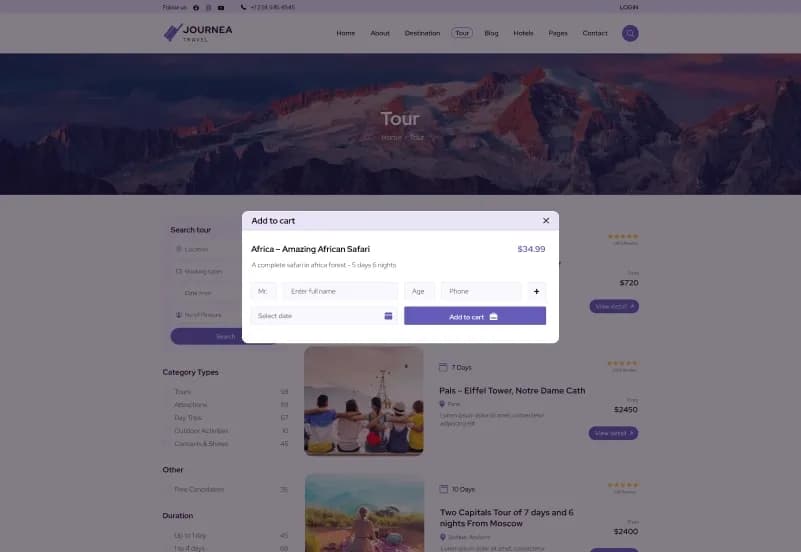
- Tour Listing
- Tour Detail
- Destination Listing
- Destination Detail
- Hotel Listing
- Hotel Detail
- Search Results
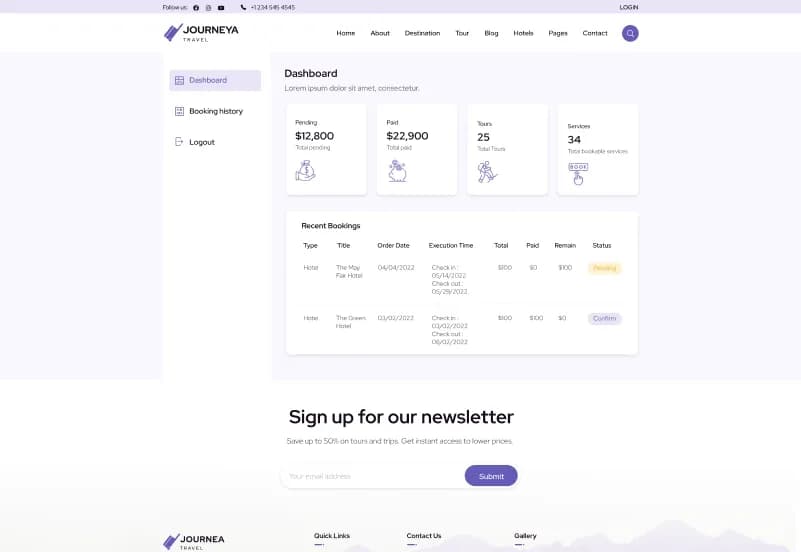
- Booking
- Booking Details
- Booking Review
- Booking Payment
- Checkout
- Thank You Page
Content Pages
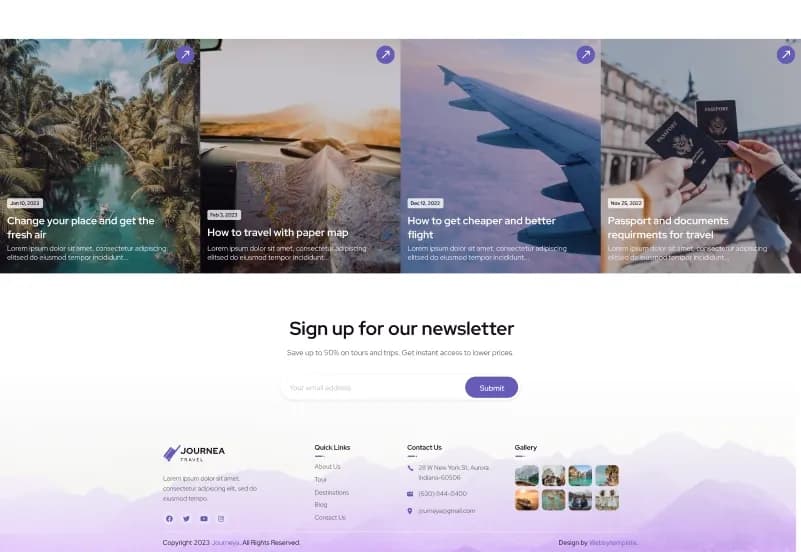
- Blog / Insights Listing
- Blog Detail
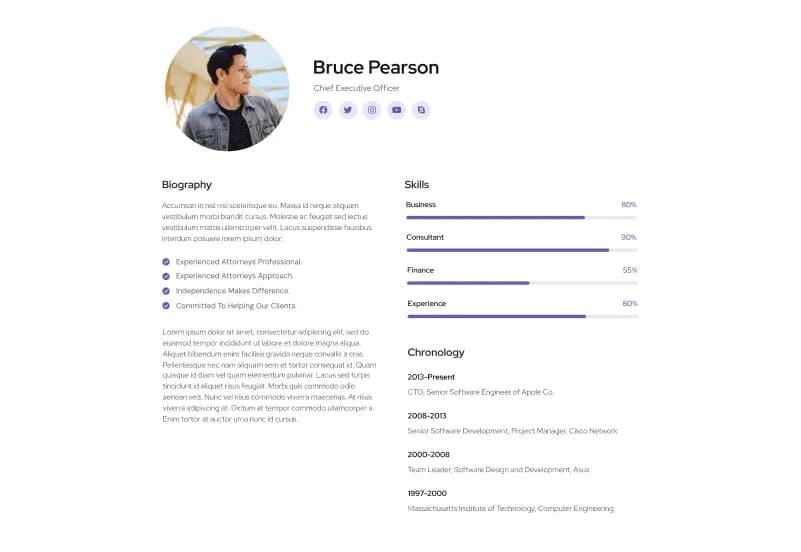
- Team / Consultant Listing
- Team Detail
- Portfolio / Gallery
- Dynamic CMS Pages
Deployment Compatibility
- Vercel
- Netlify
- AWS
- DigitalOcean
- VPS Hosting
- Self Hosting
- Node.js Servers
How to Use Journea
Step 1: Prepare the Development Environment
Set up Node.js 18+, 20+, or 22, then prepare your local environment for the Next.js frontend and Strapi 5 CMS backend.
Result: Your system is ready to run the Journea frontend and CMS project.
Step 2: Install Frontend and Backend Files
Install the complete Next.js frontend source code, Strapi CMS admin dashboard, dependencies, media structure, demo content structure, and database-ready CMS setup.
Result: Both the travel website frontend and CMS admin dashboard are ready for configuration.
Step 3: Configure CMS Content Types and Modules
Review tour, hotel, destination, blog, team, contact, subscriber, dynamic page, and media content modules inside Strapi.
Result: Your CMS is ready to manage travel website content through API-driven workflows.
Step 4: Customize Website Content and Branding
Update logo, colors, typography, navigation, page sections, destination content, tour details, hotel details, blog content, team profiles, gallery assets, and policy pages.
Result: The template begins to match your travel agency, tourism, hospitality, adventure, or booking brand.
Step 5: Configure Booking and Payment Workflows
Set up booking flow, checkout pages, Stripe, Razorpay, webhooks, Book Now Pay Later settings, and payment testing.
Result: Your booking and payment workflow is ready for staging and production validation.
Step 6: Deploy and Test Production Flow
Deploy the project on Vercel, Netlify, AWS, DigitalOcean, VPS hosting, self hosting, or Node.js servers, then test booking, payment, CMS, API, routing, responsive design, and SEO settings.
Result: Your dynamic travel CMS website is ready for launch after final QA and production configuration.
Tags:
Template Features:
Fully Dynamic Travel CMS Management
Next.js 16+ Frontend
React 19+ Components
Strapi 5 CMS Admin Dashboard
16+ App Router Pages