Pranavya Yoga – Astro Theme

0 (0 Reviews)
0 Sales
License Options
View License Policy1 site / project / end product
up to 5 sites / projects / end products
up to 30 sites / projects / end products
Add-on Services
$70.00
$80.00
Technology
No title available : Pranavya Yoga – Astro Theme


Created : 12 October 2026
Updated : 13 October 2026
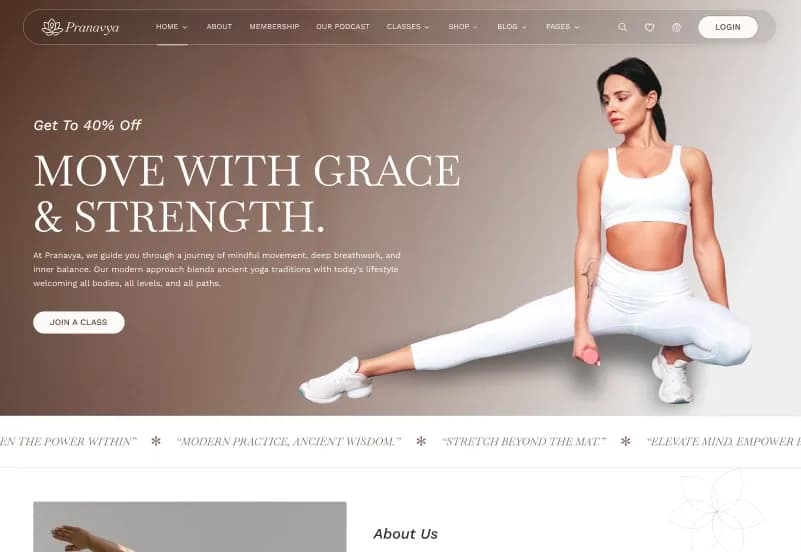
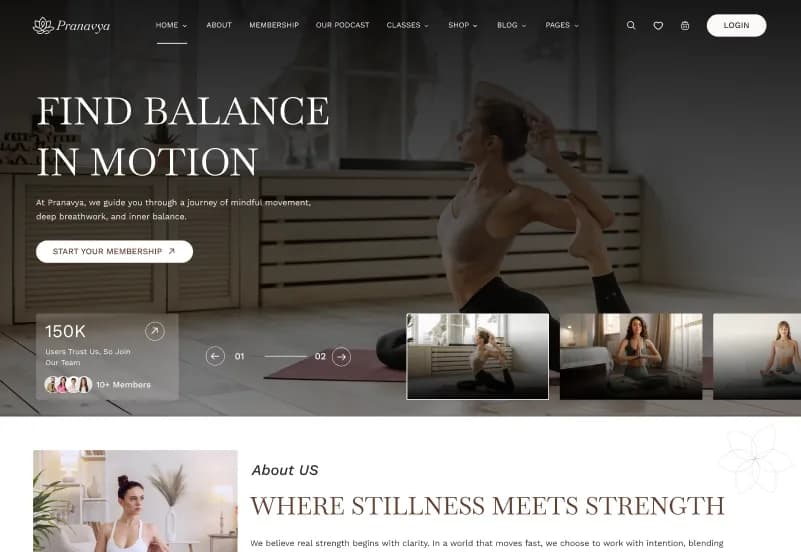
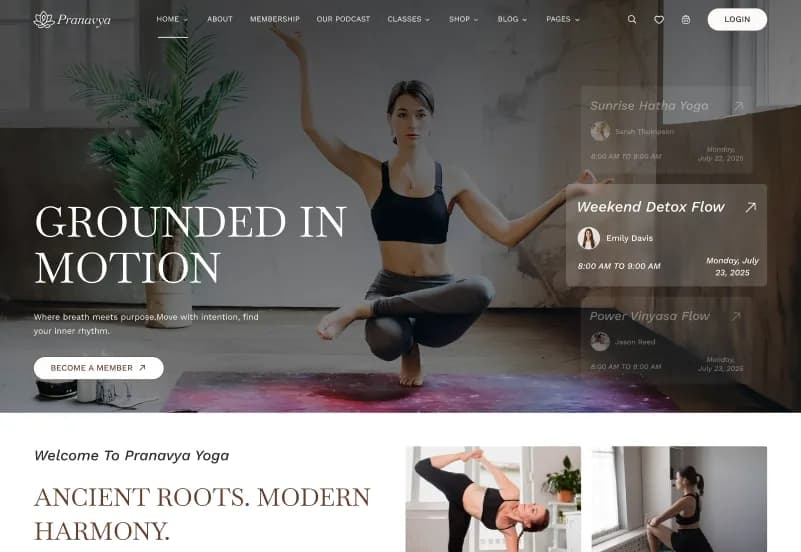
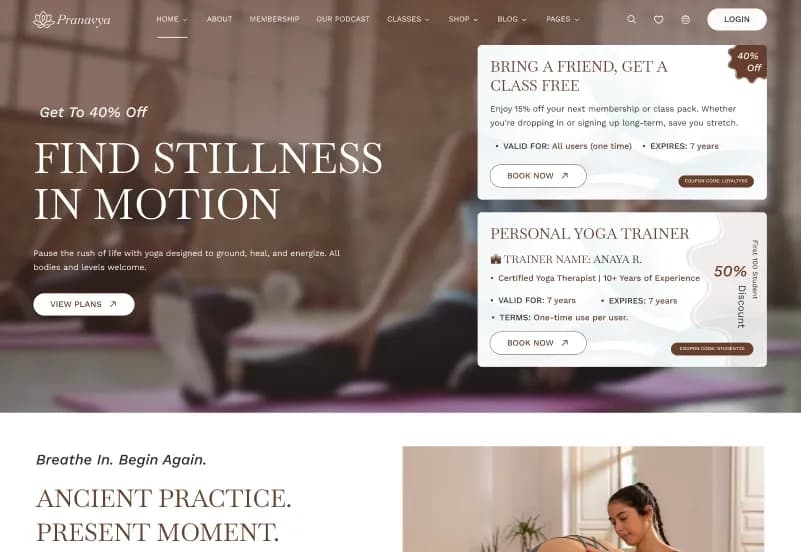
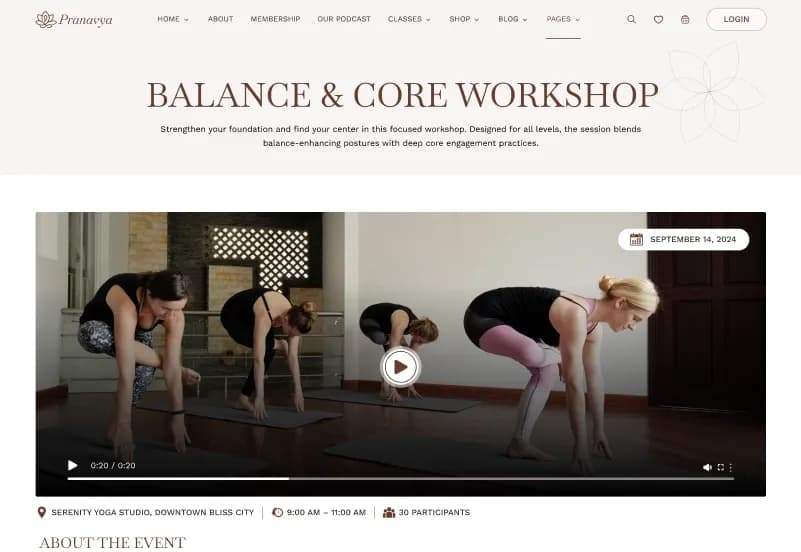
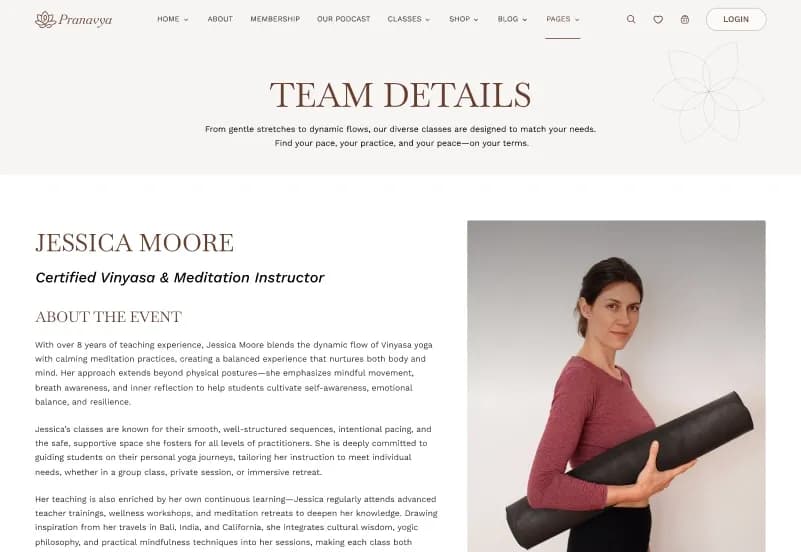
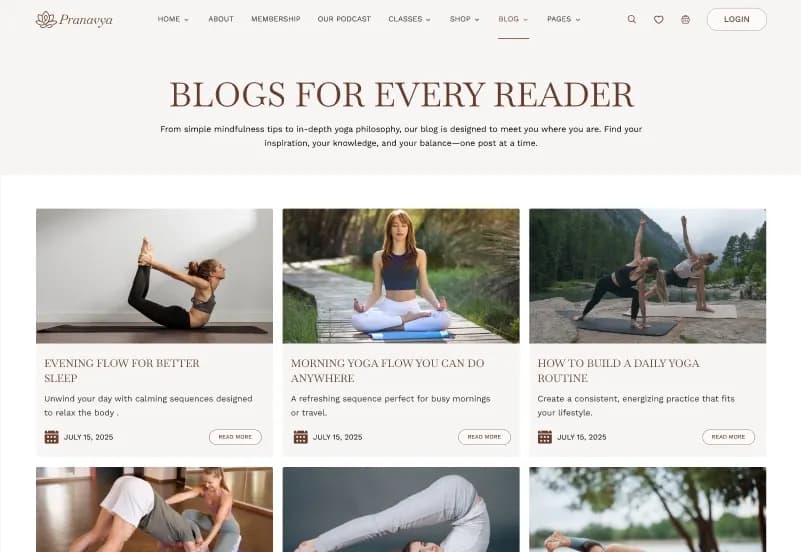
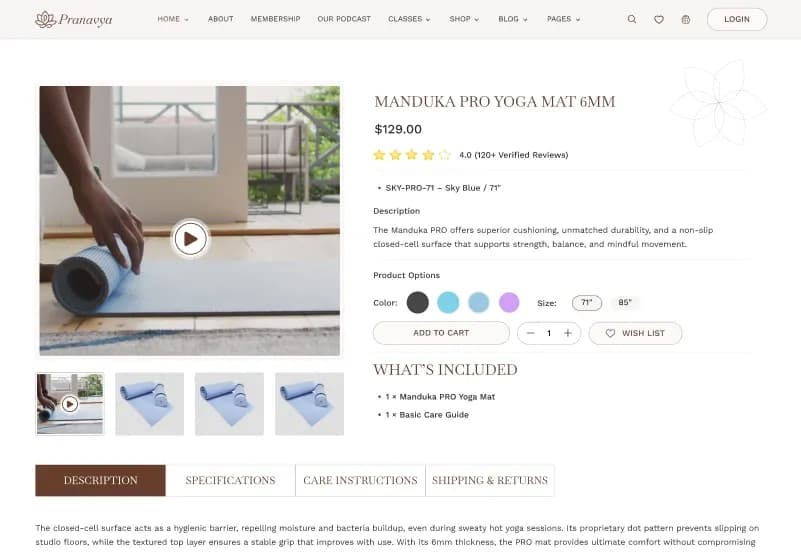
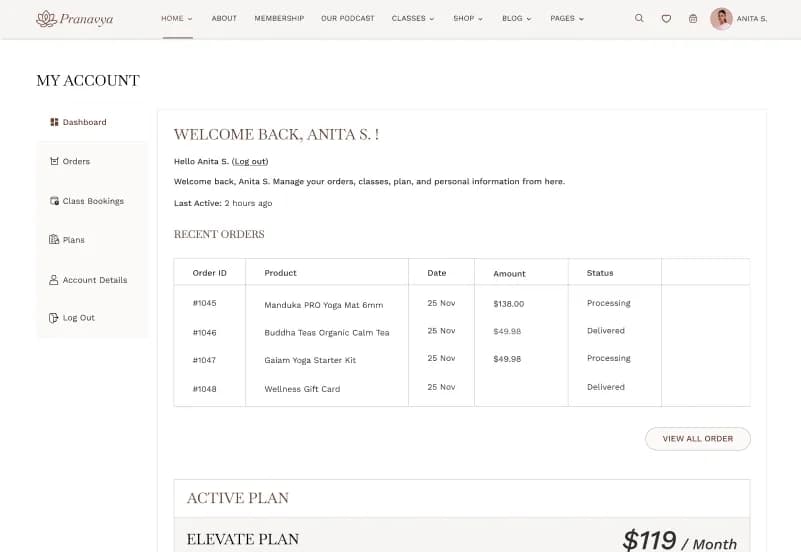
Pranavya Yoga is a modern Astro 7 theme for yoga studios, wellness centers, meditation centers, fitness coaches, personal trainers, retreat organizers, holistic health businesses, and health-focused lifestyle brands. It includes 36 ready-to-use static pages, 6 dynamic detail templates, 4 homepage variations, 4 header variants, 4 footer variants, Markdown-based content collections, Zod validation, reusable Astro components, shop screens, class schedule pages, booking forms, events, retreats, podcasts, blog layouts, instructor profiles, memberships, gift cards, account screens, and responsive wellness-focused layouts.
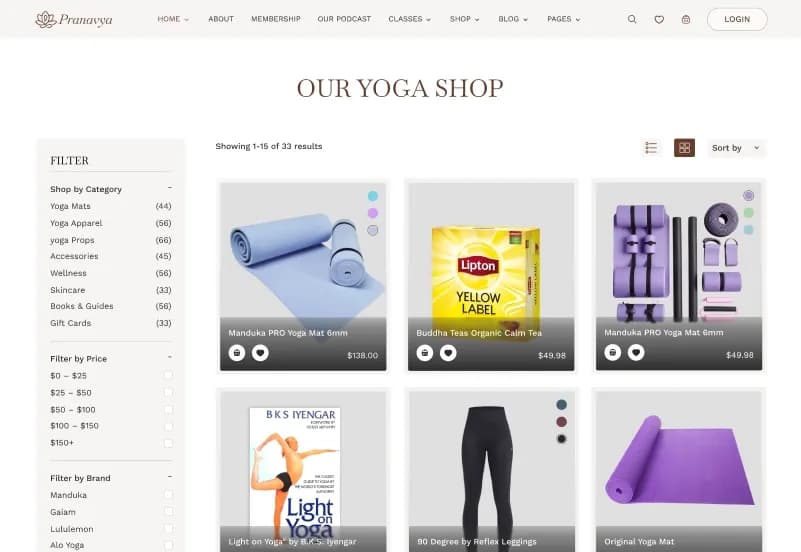
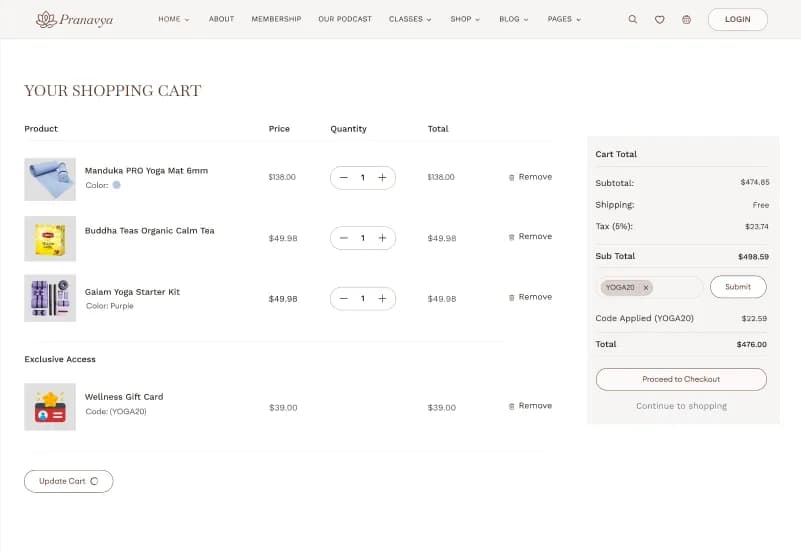
Built with Astro 7, Tailwind CSS v4, TypeScript, JavaScript, Astro Content Collections, Zod Schemas, Swiper, AOS, and jQuery, Pranavya Yoga gives developers a fast static website foundation for wellness brands. It includes cart and wishlist drawers saved in the browser, checkout and order screens, class booking UI, contact forms, newsletter forms, login screens, comment forms, and built-in SEO foundations, but production form submissions, payments, user accounts, memberships, checkout processing, and backend storage require separate setup or integration.
What Is Pranavya Yoga?
Yoga and wellness businesses need websites that can present classes, schedules, instructors, retreats, events, memberships, gift cards, podcasts, blogs, testimonials, shop products, and contact options in a calm and professional way. A strong wellness website should help visitors understand the studio, explore classes, view upcoming sessions, meet instructors, read wellness content, and take the next step toward booking or contacting the business.
Pranavya Yoga is an Astro 7 theme built for wellness-focused websites. It combines fast static site generation, Tailwind CSS v4, type-safe Markdown content collections, Zod schemas, reusable Astro components, responsive layouts, demo content, and feature-based project organization. It is designed for developers and agencies who want a clean Astro foundation for yoga, meditation, retreats, fitness, and holistic wellness websites.
Who Is This Theme For?
Pranavya Yoga is suitable for:
- Yoga studios
- Wellness centers
- Meditation centers
- Fitness coaches
- Personal trainers
- Holistic health businesses
- Retreat organizers
- Health and lifestyle businesses
- Yoga instructors
- Wellness bloggers
- Meditation instructors
- Lifestyle coaches
- Agencies building wellness websites
- Developers creating Astro-based static websites
- Businesses that need a wellness website with shop-style UI screens
For buyers comparing static, Jamstack, and framework-based products, WebbyTemplate’s Jamstack Templates category can help place this Astro theme within the broader marketplace structure.
What Is Included?
Homepage Designs
- Home
- Home Two
- Home Three
- Home Four
About Pages
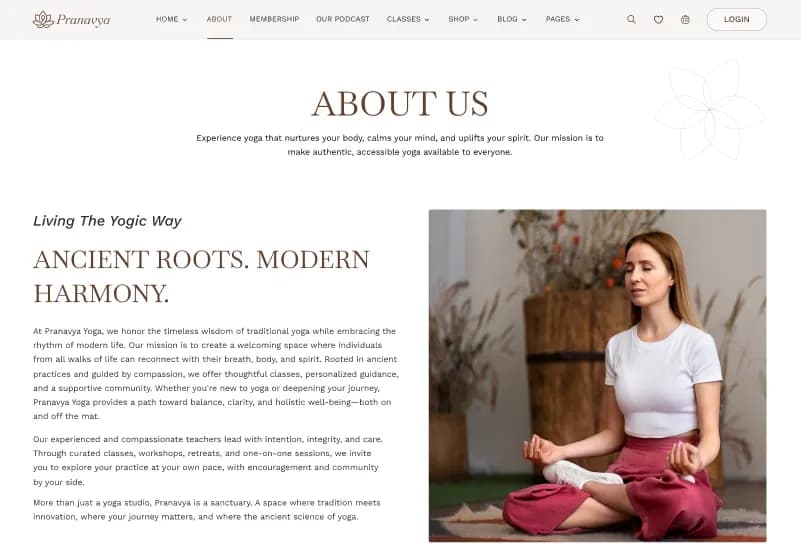
- About
- About Us
Classes Pages
- Classes Listing v1
- Classes Listing v2
- Class Detail
- Book Class
Schedule Pages
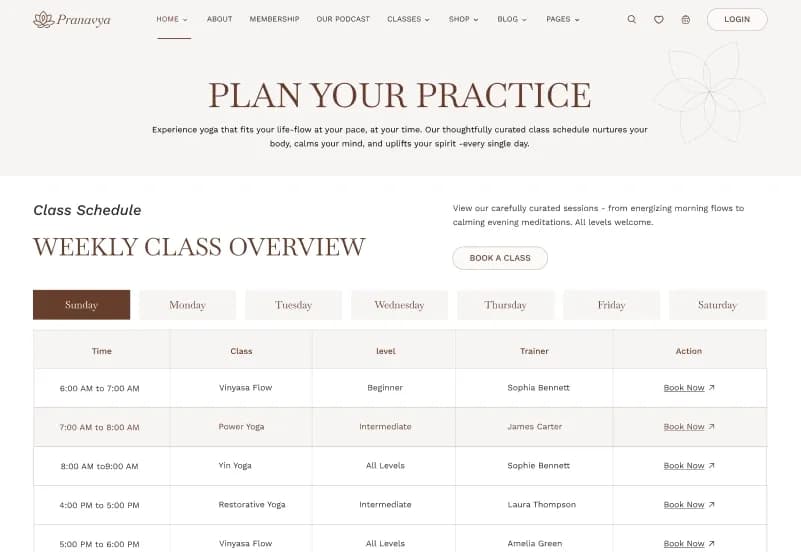
- Schedule
Events Pages
- Events Listing v1
- Events Listing v2
- Event Detail
Retreat Pages
- Retreats Listing
- Retreat Detail
Blog Pages
- Blog Listing v1
- Blog Listing v2
- Blog Listing v3
- Blog Detail
Podcast Pages
- Our Podcast
Team Pages
- Team Listing
- Team Member Detail
Shop Pages
- Shop
- Product Detail
- Cart
- Empty Cart
- Wishlist
- Checkout
- Order Confirmation
- Thank You
- Order Detail
Account Pages
- Login
- Forgot Password
- Account Dashboard
Other Pages
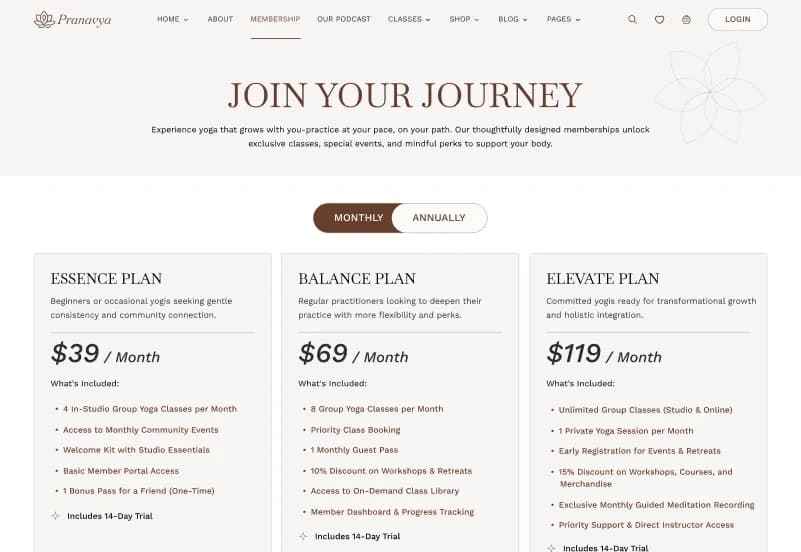
- Membership
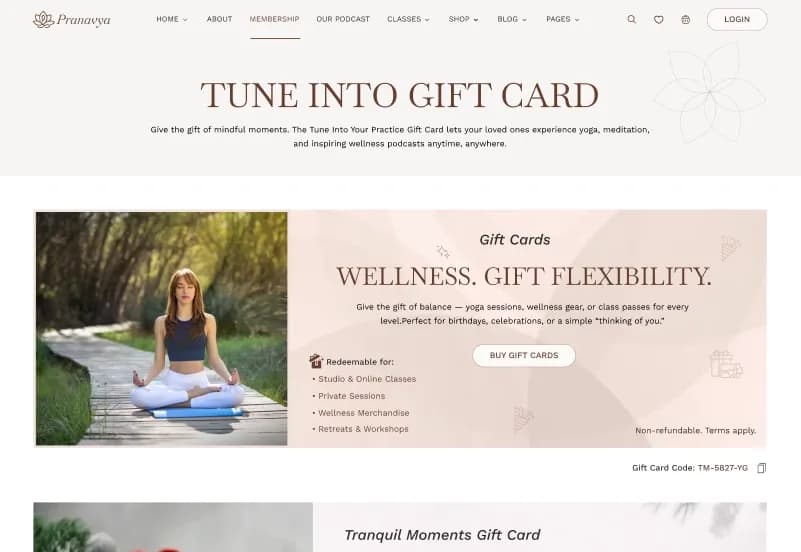
- Gift Cards
- FAQ
- Testimonials
- Contact Us
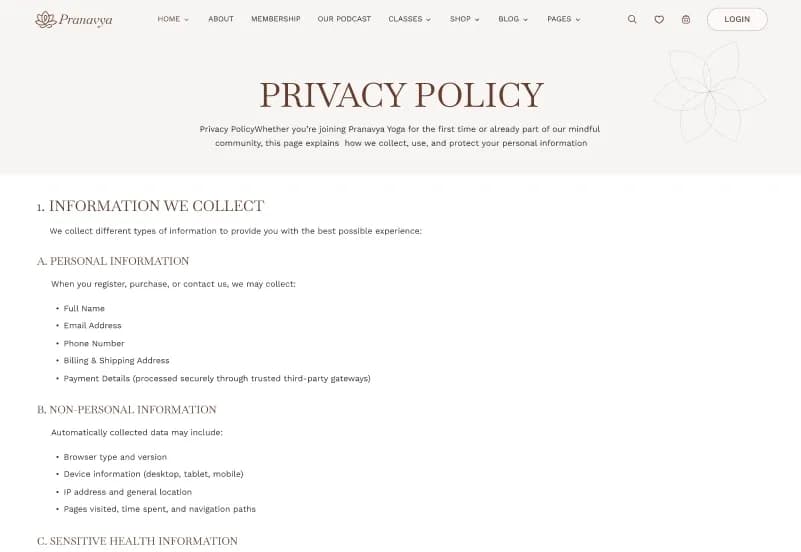
- Privacy Policy
- Terms & Conditions
- 404 Error Page
Content Collections
- Classes
- Products
- Blogs
- Events
- Retreats
- Teams
Demo Content Volume
- 44 Blog Posts
- 32 Events
- 12 Team Members
- 9 Classes
- 7 Retreats
- 5 Products
- 100+ Demo Content Entries
Assets Included
- Astro Project Source Code
- Tailwind CSS v4 Setup
- TypeScript Files
- Content Collection Schemas
- Demo Content
- Images, Icons, and Fonts
- Demo Audio and Video Files
- Third-Party License Notes, LICENSES.md
- Documentation
How to Use Pranavya Yoga
Step 1: Prepare the Astro Development Environment
Set up the required development environment for an Astro 7 project and review the documentation before installation.
Result: Your local development environment is ready for the Pranavya Yoga theme.
Step 2: Install the Theme Source Code
Install the Astro project source code, Tailwind CSS setup, TypeScript files, content collection schemas, demo content, assets, documentation, and license notes.
Result: The yoga and wellness website structure is ready for local development.
Step 3: Choose a Homepage and Layout Direction
Select one of the 4 homepage variations and choose the header and footer variant that best fits your yoga studio, wellness center, retreat, or fitness brand.
Result: The website begins to match the brand direction and page structure you need.
Step 4: Edit Markdown Content Collections
Update classes, products, blogs, events, retreats, and team members through Markdown-based content collections.
Result: Your website content becomes structured, type-safe, and easier to manage inside the Astro project.
Step 5: Customize Data Files and Branding
Update typed data files for schedules, membership plans, gift cards, booking form options, footer content, testimonials, privacy policy, and terms content. Customize brand colors, typography, breakpoints, images, icons, audio, and video assets.
Result: The website begins to match the real wellness business and content model.
Step 6: Configure Forms and Interactive Screens
Review booking, contact, newsletter, login, checkout, comment, cart, wishlist, and shop-related screens. Add the required backend, serverless function, payment provider, email service, or form endpoint where production functionality is needed.
Result: The website UI is ready for real visitor workflows after the required integrations are connected.
Step 7: Test, Deploy, and Launch
Test responsive layouts, browser compatibility, content collections, dynamic detail pages, shop screens, cart and wishlist browser behavior, schedule filters, booking forms, podcast player, animations, SEO metadata, sitemap, robots.txt, images, and deployment settings.
Result: Your Astro yoga and wellness website is ready for launch after final QA and production configuration.
Tags:
Template Features:
Built for Astro 7
Tailwind CSS v4 Powered
TypeScript Throughout
6 Markdown Content Collections with Zod Validation
Fully Responsive Layout