Bigmentor — Business & CMS Admin Dashboard Next.js Website Template

0 (0 Reviews)
0 Sales











License Options
View License Policy1 site / project / end product
up to 5 sites / projects / end products
up to 30 sites / projects / end products
Add-on Services
$120.00
$150.00
Technology
No title available : Bigmentor — Business & CMS Admin Dashboard Next.js Website Template


Created : 02 July 2026
Updated : 03 September 2026
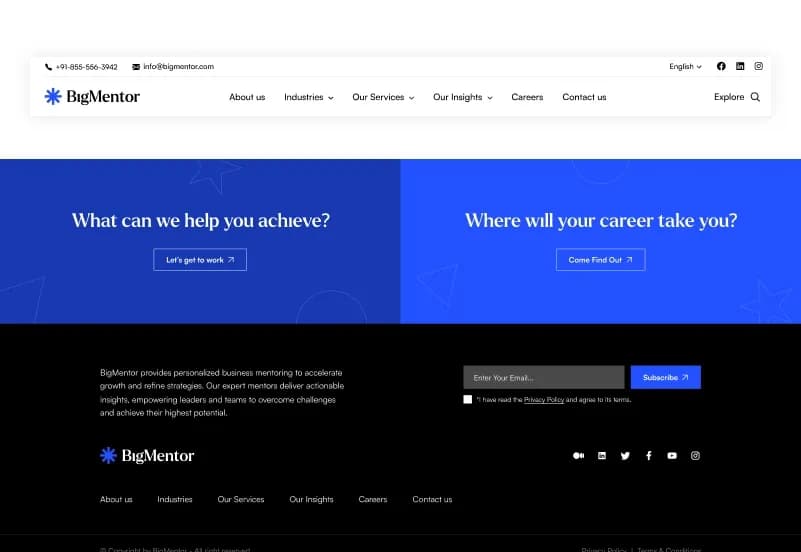
Bigmentor is a dynamic Next.js CMS Website Template with 25+ ready-to-use frontend pages, 70+ reusable frontend components, 90+ CMS admin dashboard components, and 16+ REST APIs. Built with Next.js 15+, React 19+, Node.js 20+, Tailwind CSS, Swiper Slider, and AOS Animation, it is designed for business, corporate, startup, agency, consulting, SaaS, and IT services websites. The package includes a dynamic CMS admin dashboard backend, REST APIs, dynamic collections, dynamic single types, media management, role and permission management, documentation, deployment guidance, and a database.
What Is Bigmentor?
Business websites, corporate companies, agencies, consulting firms, SaaS businesses, and IT service providers often need more than static pages. They need a website where teams can manage services, industries, case studies, consultants, insights, media, and other content through a CMS dashboard without editing frontend code for every update.
Bigmentor is a Business & CMS Admin Dashboard Next.js Website Template that combines a Next.js 15+ frontend with a dynamic CMS admin dashboard backend. It provides reusable frontend components, dashboard components, REST APIs, dynamic collections, dynamic single types, media management, role and permission management, and production-ready deployment structure.
Who Is This Template For?
- Business and corporate companies building a dynamic website
- Startup companies creating a scalable online presence
- Digital agencies presenting services and case studies
- Consulting firms managing service and consultant content
- SaaS companies building a content-managed marketing website
- IT service providers publishing industries, services, and insights
- Portfolio-focused businesses showcasing completed projects
- Enterprise teams requiring role-based content access
- Agencies building CMS-powered websites for clients
- Developers needing a Next.js frontend and CMS dashboard structure
- Teams planning REST API-based website content workflows
- Companies that need dynamic content management without rebuilding frontend layouts
Bigmentor requires Node.js and database setup knowledge. The included CMS dashboard and REST APIs need environment configuration, database connection, deployment setup, and access controls based on the supplied documentation.
What Is Included?
Core Pages
- Home
- About Us
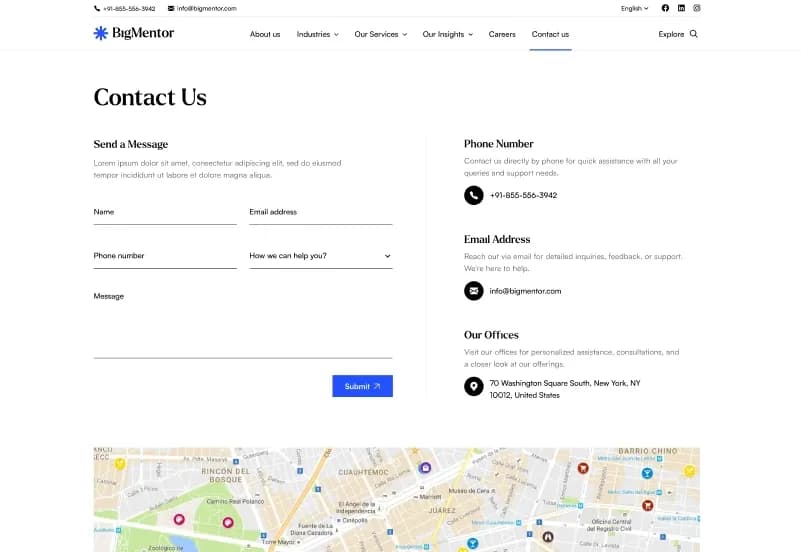
- Contact Us
- Careers
- FAQ
- Privacy Policy
- Terms & Conditions
- Error
Services Pages
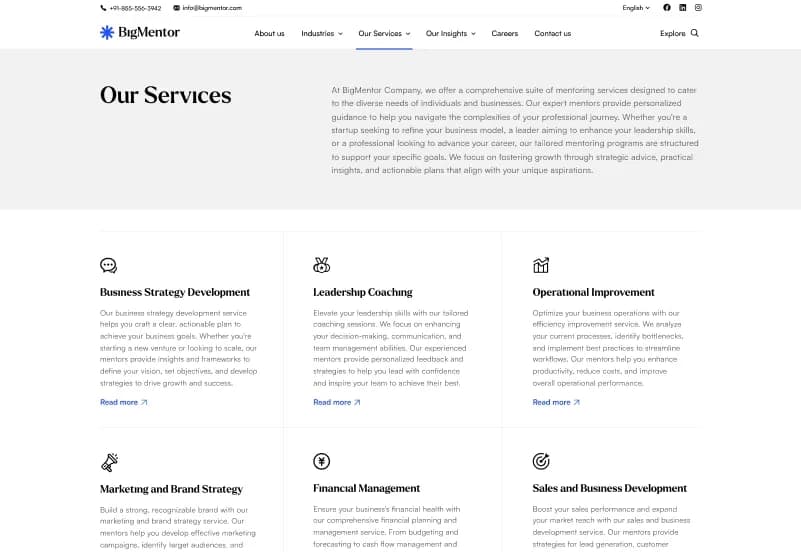
- Our Services
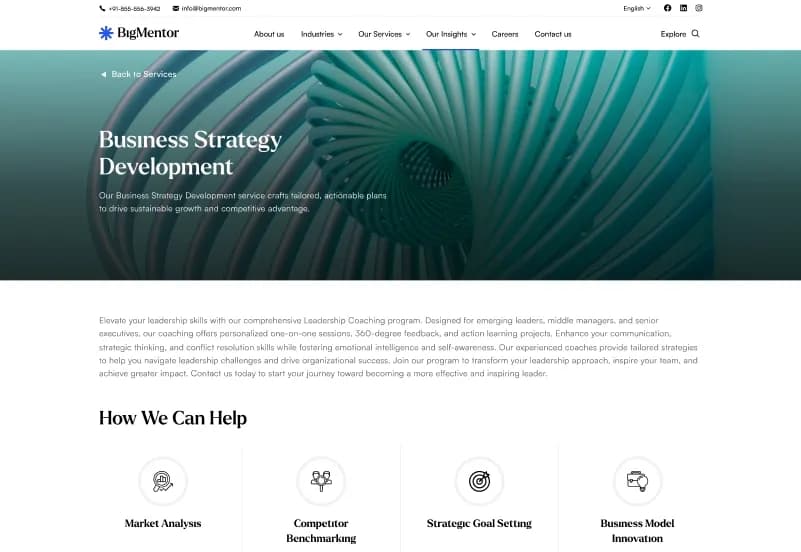
- Service Detail One
- Service Detail Two
- Service Detail Three
- Service Detail Four
- Service Detail Five
Industry Pages
- Industries
- Industries One
- Industries Two
- Sub Industries
Case Study Pages
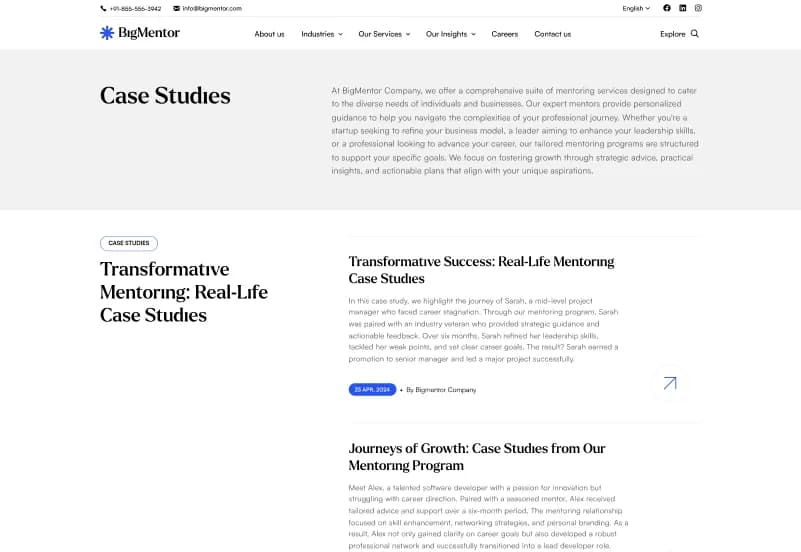
- Case Studies
- Case Studies Detail
Consultant Pages
- Our Consultants
- Single Consultant
Insight Pages
- Our Insights
- Insight Detail
Search Pages
- Search Result
- Result Not Found
Frontend and CMS Resources
- Complete Next.js source code
- Complete CMS admin dashboard backend
- 70+ frontend components
- 90+ CMS admin dashboard components
- 16+ REST APIs
- Dynamic CMS configuration
- Dynamic collections
- Dynamic single types
- Dynamic content components
- Media assets
- Media library
- Role and permission management
- Database
- Documentation
- Installation guide
- Demo content
- Deployment guide
How to Use Bigmentor
Step 1: Purchase and Download
Choose the Personal License, Commercial License, or Agency License that matches your website project and download the Bigmentor package.
Result: You receive the Next.js source code, CMS admin dashboard backend, reusable components, REST APIs, database resources, documentation, installation guide, demo content, and deployment guide.
Step 2: Prepare the Development Environment
Install Node.js 20+ and prepare the development environment required by the included frontend, backend, API, and database configuration.
Result: Your system is ready to install and run the Next.js frontend and CMS admin dashboard project.
Step 3: Install Project Dependencies
Open the frontend and backend project folders in your code editor, then follow the dependency-installation commands provided in the documentation.
Result: The required Next.js, React, Tailwind CSS, Swiper Slider, AOS Animation, CMS, API, and project dependencies are installed locally.
Step 4: Configure Environment and Database Settings
Add the required environment values, database settings, CMS access details, API configuration, and deployment variables described in the installation documentation.
Result: The frontend, CMS dashboard, REST APIs, and database workflows are prepared for your local or production environment.
Step 5: Customize Website and CMS Content
Update branding, colours, typography, services, industries, case studies, consultants, insights, media assets, user roles, permissions, and other dynamic content from the source files and CMS dashboard.
Result: The website begins to match your company, agency, consulting business, SaaS product, IT service provider, or client project.
Step 6: Test and Deploy
Test frontend pages, CMS workflows, REST APIs, role permissions, media uploads, database connections, responsive layouts, and deployment configuration before publishing to Vercel, Netlify, AWS, DigitalOcean, VPS hosting, self-hosting, or Node.js servers.
Result: Your dynamic business website and CMS dashboard are ready for production deployment.
Template Features:
25+ Ready-to-Use Pages
70+ Frontend Components
90+ CMS Admin Dashboard Components
16+ REST APIs
Fully Dynamic CMS Management