ENX — Business Astro Website Theme

1 Sales







License Options
View License Policy1 site / project / end product
up to 5 sites / projects / end products
up to 30 sites / projects / end products
Add-on Services
$70.00
$90.00
Technology
Astro : ENX — Business Astro Website Theme


Created : 20 July 2026
Updated : 29 August 2026
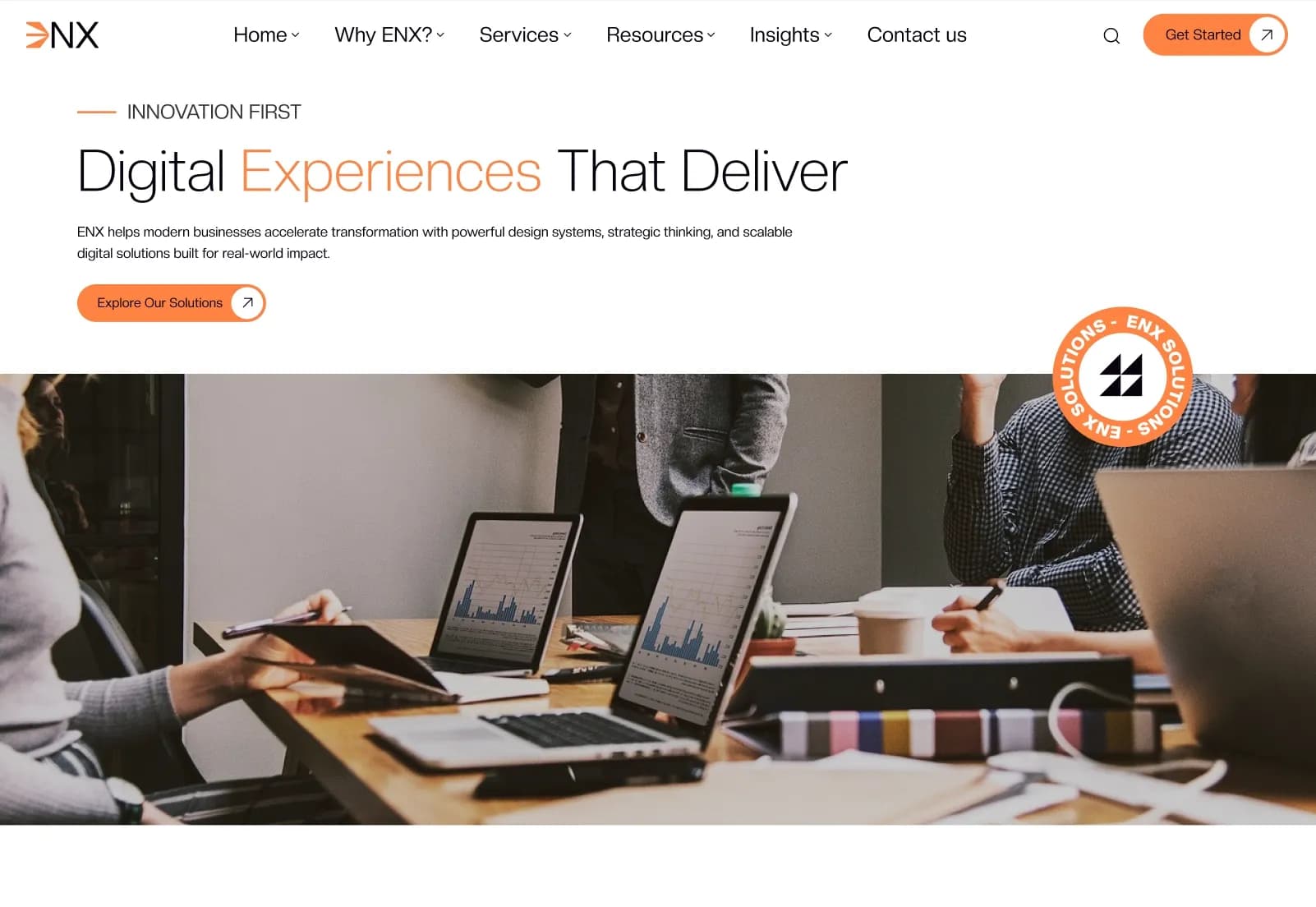
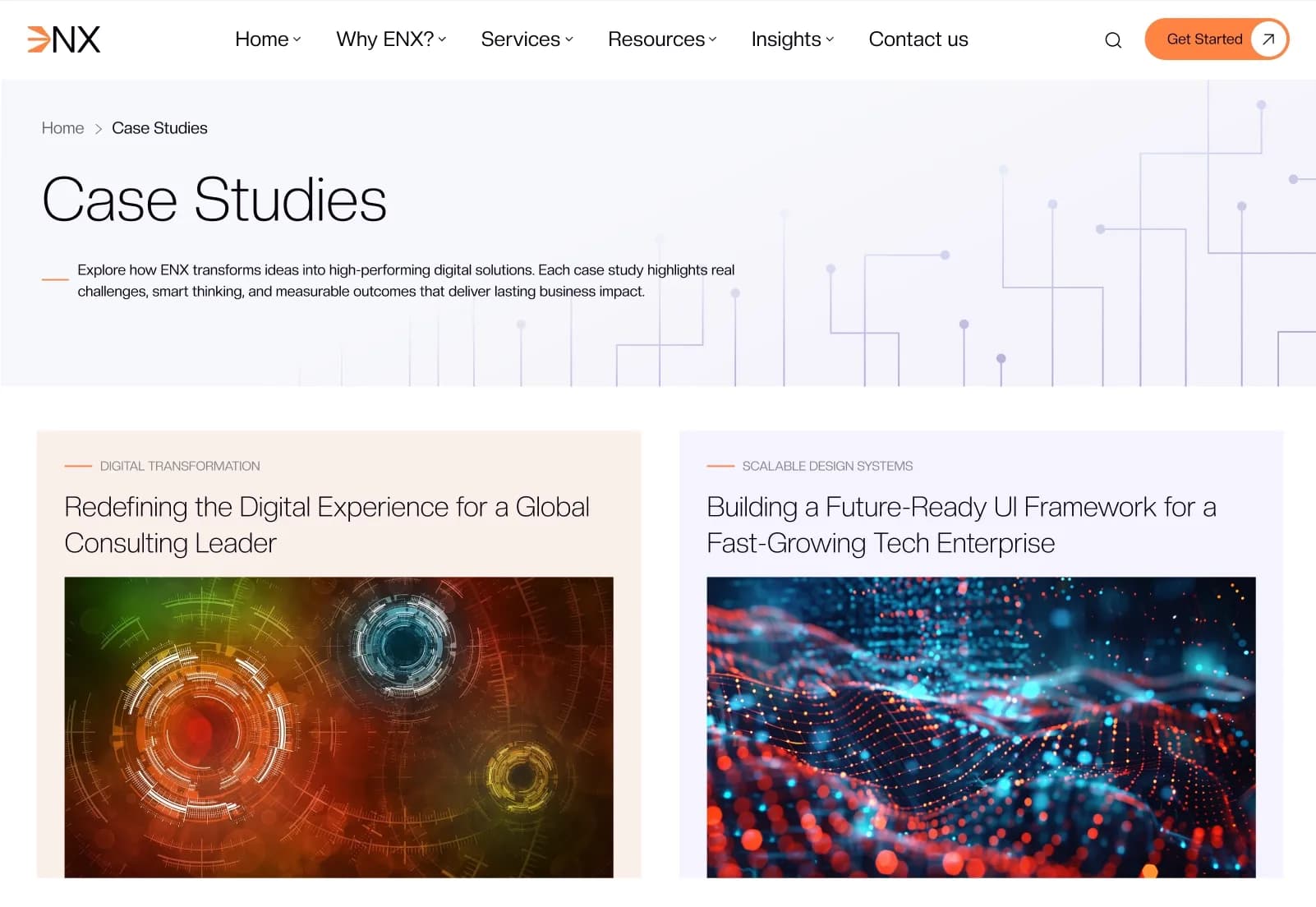
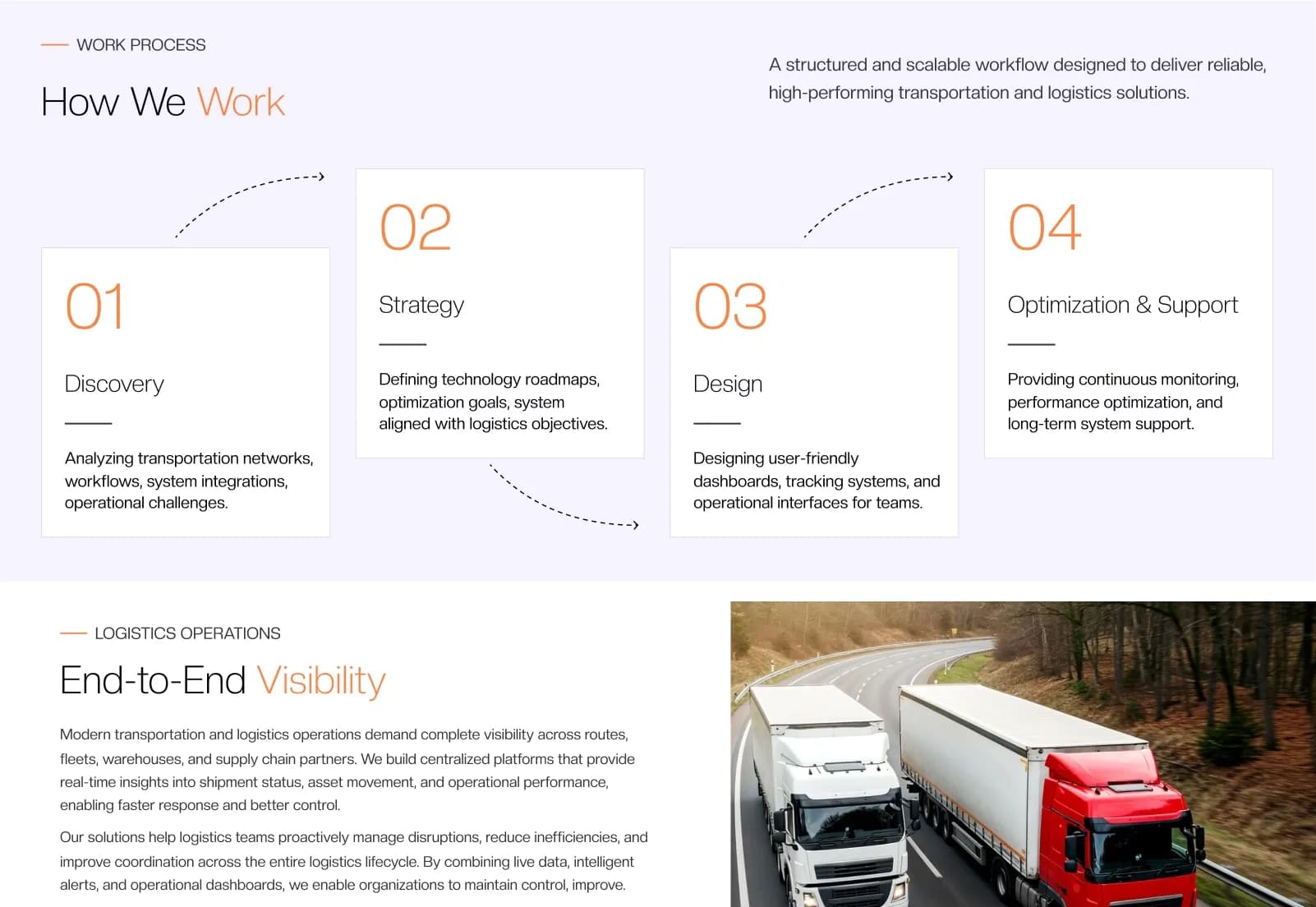
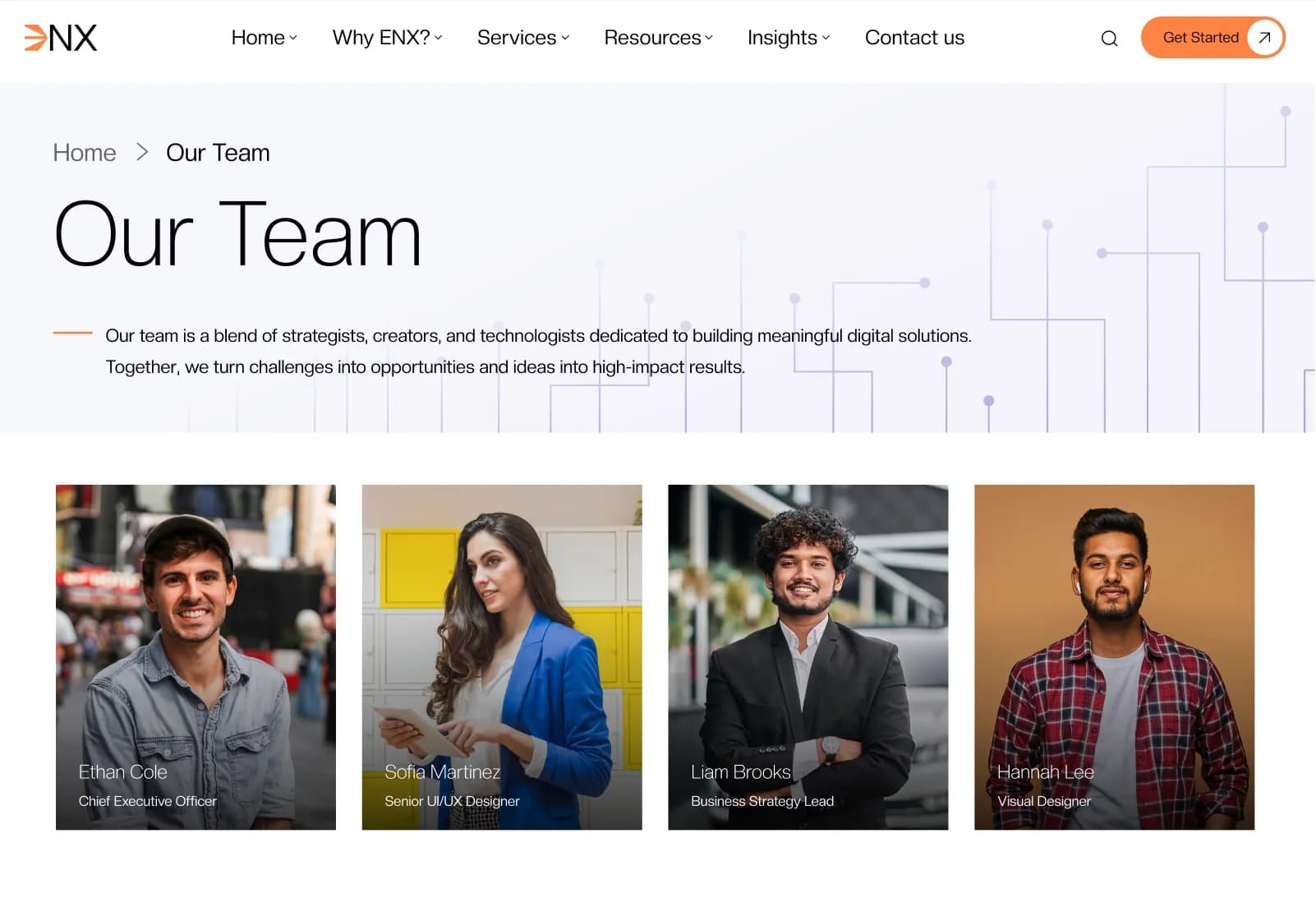
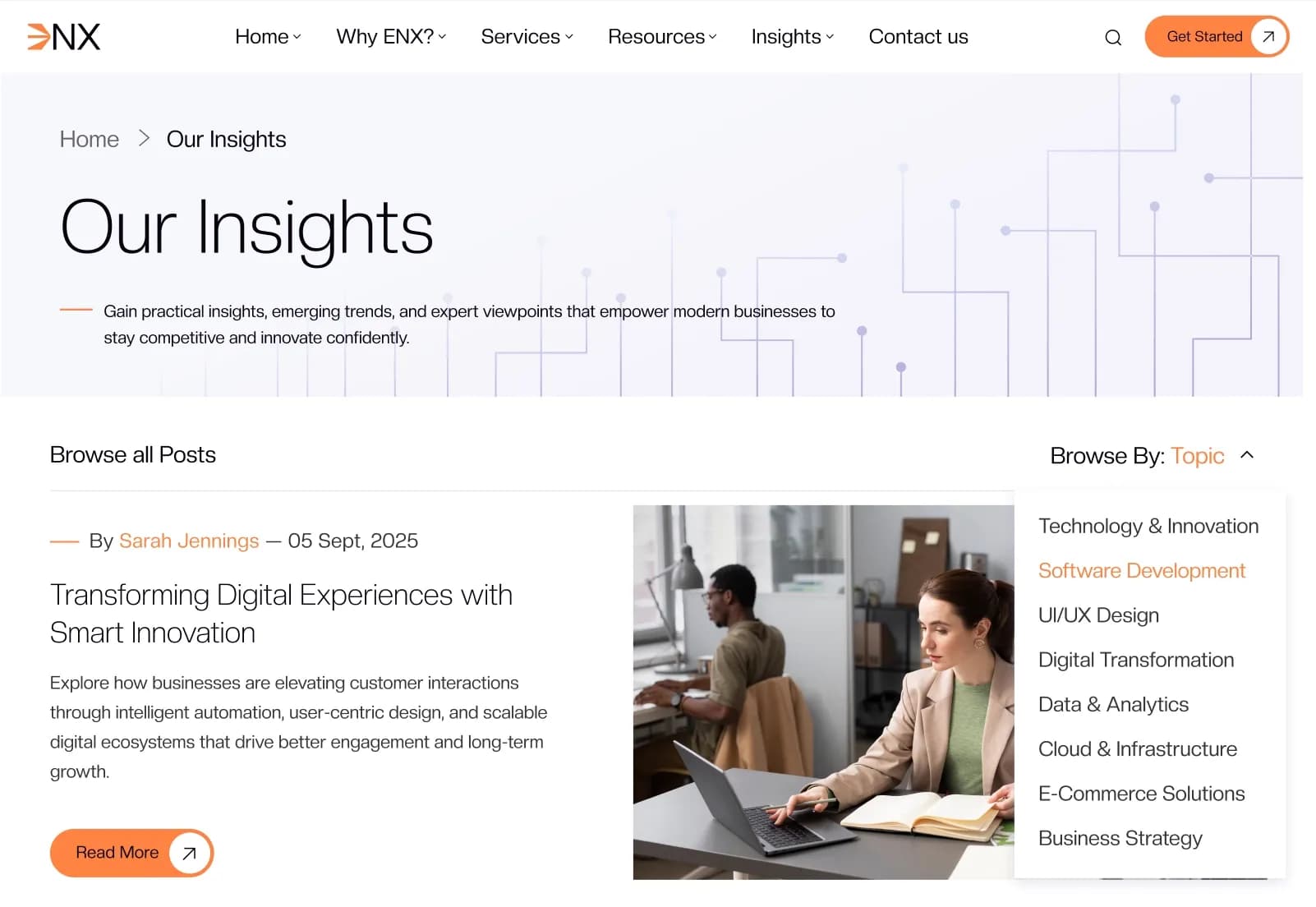
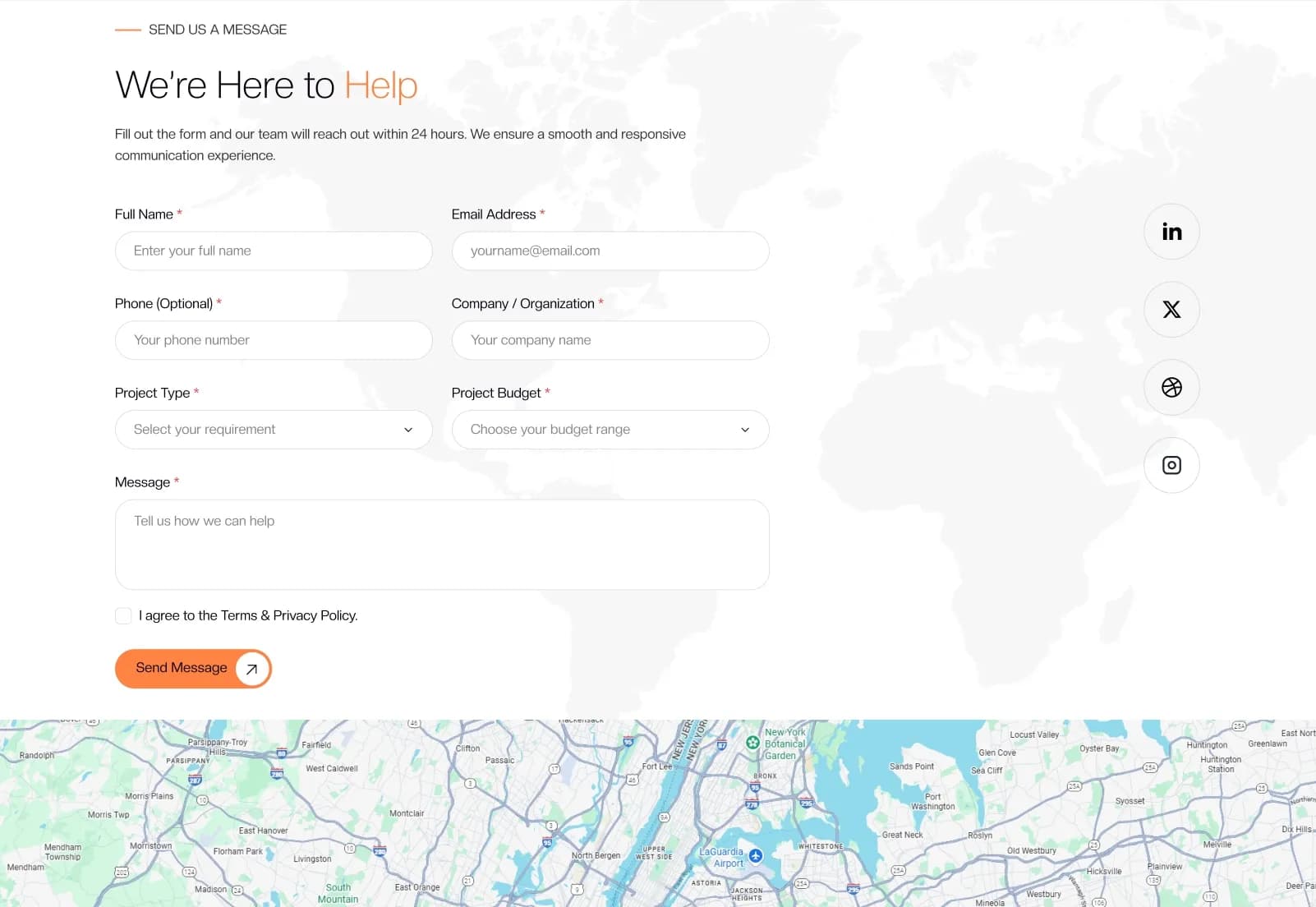
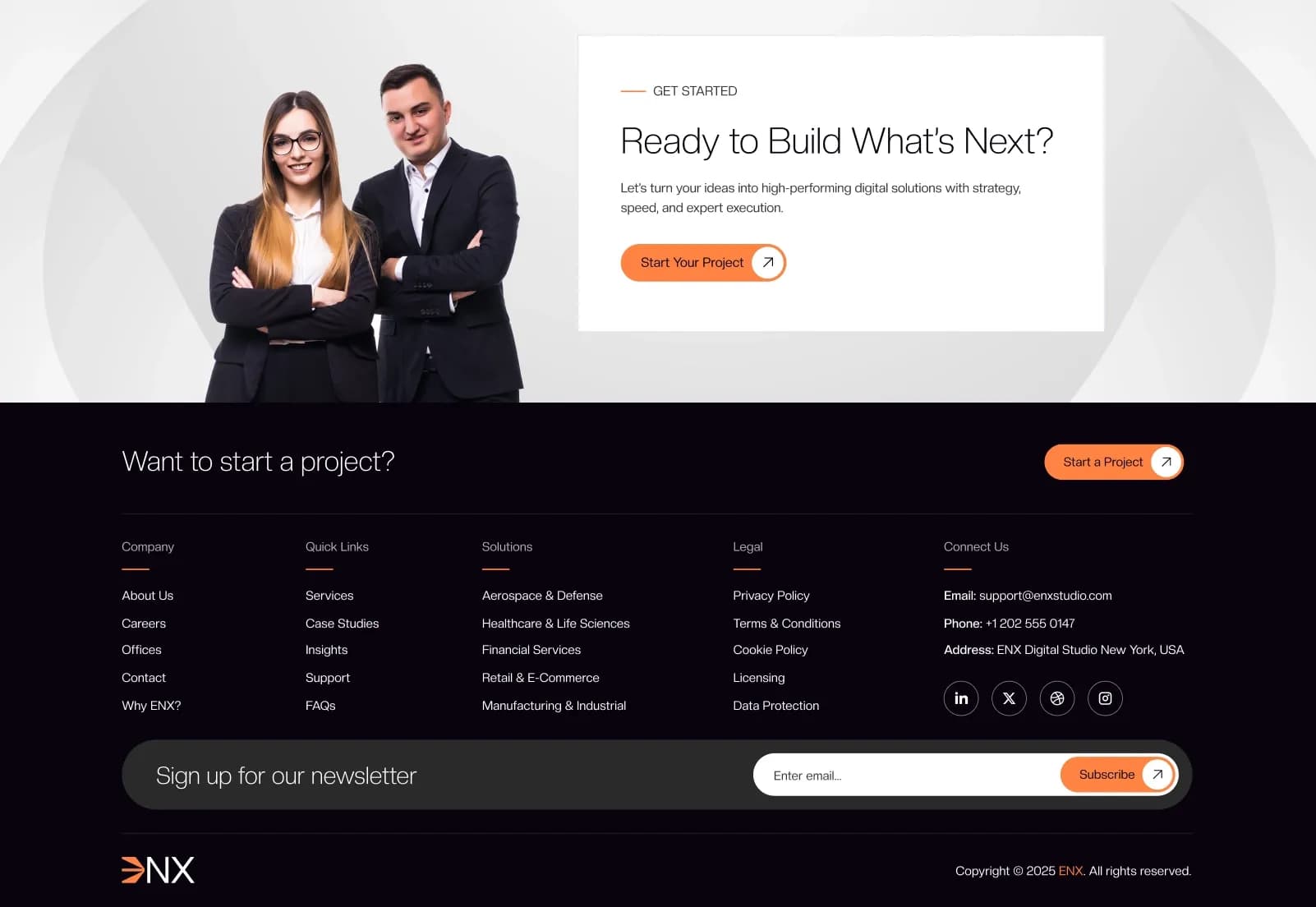
ENX is a modern Astro Business Website Theme for agencies, startups, freelancers, corporate companies, marketing agencies, IT companies, SaaS brands, developers, and creative professionals. It includes 40+ pages, 40+ mobile screens, 60+ components, responsive layouts, reusable components, Astro Content Collections, Markdown-based case studies, insights, team content, dynamic navigation, dynamic footer management, contact form layout, cookie consent, sitemap support, and SEO-friendly structure.
Built with Astro 7+, TypeScript, Node.js 22+, Tailwind CSS 4, Astro Content Collections, Markdown-based dynamic content, Swiper Slider, Scroll Animations, Astro Icon, and sitemap integration, ENX gives businesses and developers a fast static-site foundation that is ready for Vercel, Netlify, Cloudflare Pages, AWS, DigitalOcean, VPS hosting, self hosting, and static/CDN deployment.
What Is ENX?
Business websites need speed, structure, clean content management, reusable sections, strong service pages, portfolio proof, insights, team profiles, policy pages, and a professional design system that can scale beyond a simple landing page. Agencies, startups, corporate brands, SaaS companies, freelancers, and developers often need a fast static website that is easier to manage without editing component code for every content update.
ENX is a modern Astro website theme built with Tailwind CSS and TypeScript. It uses Astro Content Collections so case studies, insights, and team content can be managed with Markdown-based dynamic content, while reusable components, responsive layouts, dynamic navigation, dynamic footer management, sitemap integration, cookie consent, and SEO-friendly structure help teams build a professional business website faster.
Who Is This Theme For?
- Agencies
- Business owners
- Startups
- Freelancers
- Developers
- Corporate companies
- Creative professionals
- Marketing agencies
- IT companies
- SaaS brands
- Technology brands
- Portfolio-focused businesses
- Teams that need Markdown-based content management
- Developers building static business websites with Astro
- Businesses that want a fast, SEO-ready company website
ENX is an Astro website theme. Contact form submission, email delivery, CRM integration, CMS dashboard editing, payments, user accounts, and backend workflows may require separate setup or integration depending on your final production needs.
What Is Included?
Stats
- 40+ Pages
- 40+ Mobile Screens
- 60+ Components
Main Pages Included
- Home
- Home-Two
- About ENX
- Why ENX
- Our Services
- Single Service Page
- Case Studies 01
- Case Studies 02
- Single Case Study Page
- Our Team 01
- Our Team 02
- Single Team Page
- Offices
- Contact Us
- Testimonials
- FAQ
- 404
- Careers
- Support
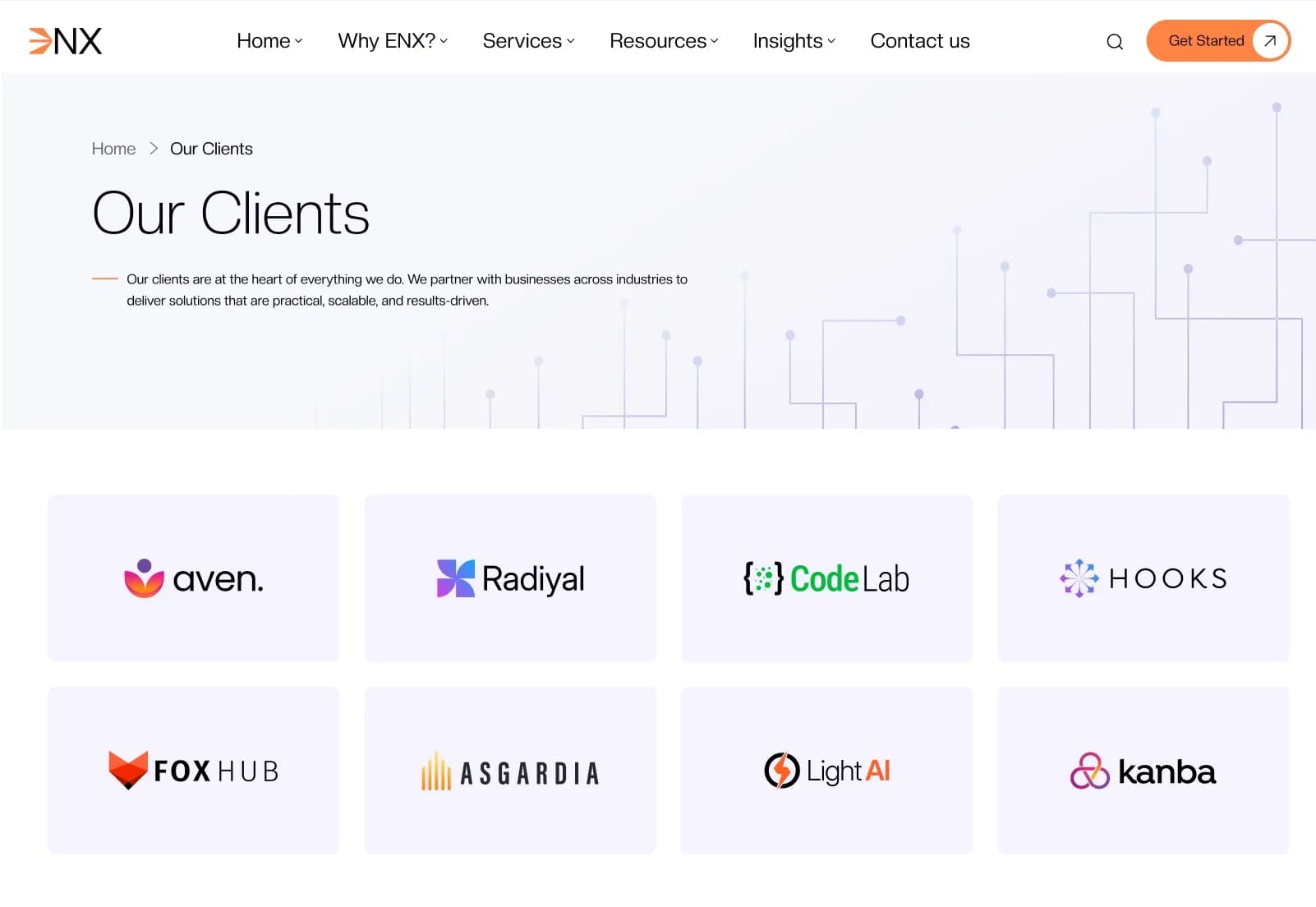
- Clients
- Privacy Policy
- Terms & Conditions
- Cookie Policy
- Licensing
- Data Protection
- Site Map
- Insights 01
- Insights 02
- Single Insight Page
Download Package
- Complete Source Code
- Astro Project Files
- Content Collections for Case Studies, Insights, and Team
- Data Files for Navigation, Footer, and Sections
- Reusable Components
- Documentation
- Installation Guide
- Demo Content
- Assets Used in Demo
Compatibility and Deployment
- Vercel
- Netlify
- Cloudflare Pages
- AWS
- DigitalOcean
- VPS Hosting
- Self Hosting
- Any Static Host / CDN
- Node.js Servers
How to Use ENX
Step 1: Prepare the Development Environment
Set up Node.js 22+ and prepare your local development environment for an Astro 7+ project.
Result: Your system is ready to run and customize the ENX Astro theme.
Step 2: Install the Project Files
Install the supplied Astro project files, dependencies, Tailwind CSS setup, content collections, data files, reusable components, and demo assets.
Result: The full ENX source code is ready for local development.
Step 3: Customize Branding and Site Content
Update the logo, colors, typography, images, business copy, service content, navigation data, footer data, and demo content.
Result: The theme begins to match your business, agency, startup, corporate, SaaS, or client brand.
Step 4: Manage Dynamic Content
Edit Markdown-based content collections for case studies, insights, and team profiles.
Result: Your blog, portfolio, and team sections can be updated without changing core component code.
Step 5: Review Pages and Components
Review homepage layouts, service pages, case studies, team pages, insights, policy pages, contact layout, cookie consent, sitemap support, and responsive screens.
Result: The website structure is ready for final content, QA, and deployment preparation.
Step 6: Deploy the Website
Deploy ENX on Vercel, Netlify, Cloudflare Pages, AWS, DigitalOcean, VPS hosting, self hosting, static CDN hosting, or Node.js servers.
Result: Your fast Astro business website is ready to go live after final testing and configuration.
Tags:
Template Features:
Fully Responsive Design
Astro Content Collections
Markdown-Based Case Studies, Insights & Team
SEO Content Generator
Fast Static Site Generation