Figma Templates, Themes & Starter Kits
Figma templates are editable design files used to plan and present digital interfaces before or alongside development. Depending on the product, they may include desktop pages, mobile screens, reusable components, variants, UI elements, and prototype flows. A Figma design does not automatically include HTML, CSS, a CMS, backend logic, payments, authentication, or a coded application.
Best Downloads
Discover the most in-demand top-downloaded items trusted by top businesses.
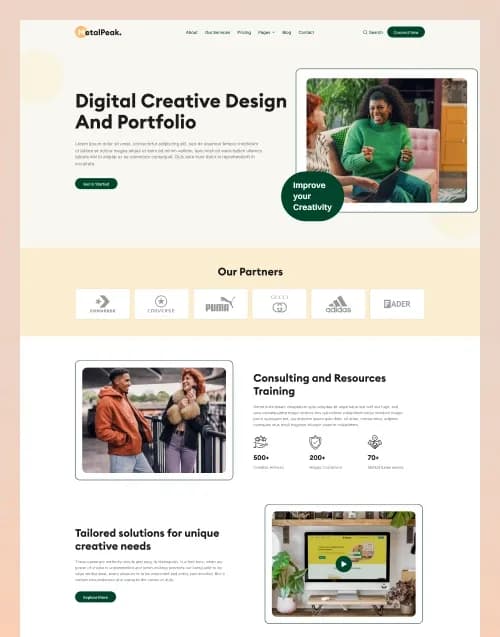


by WebbyCrown Solutions
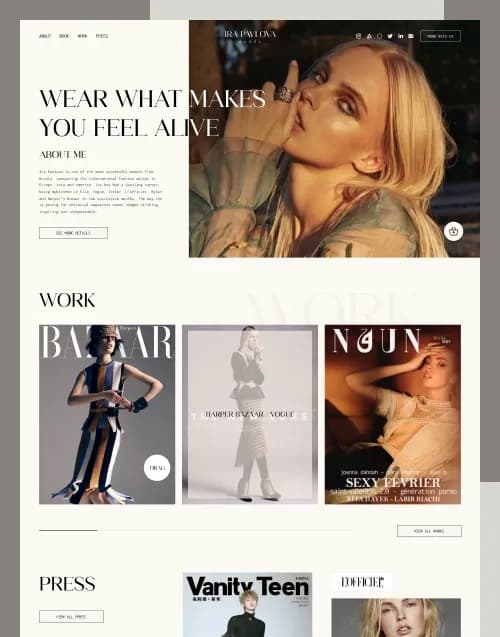
by WebbyCrown Solutions
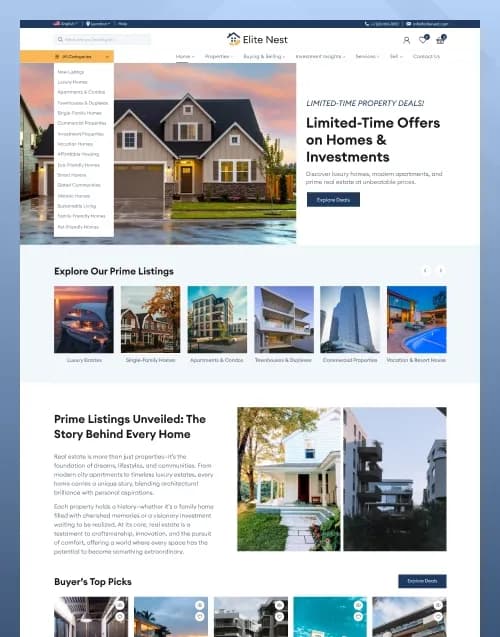
by WebbyCrown Solutions
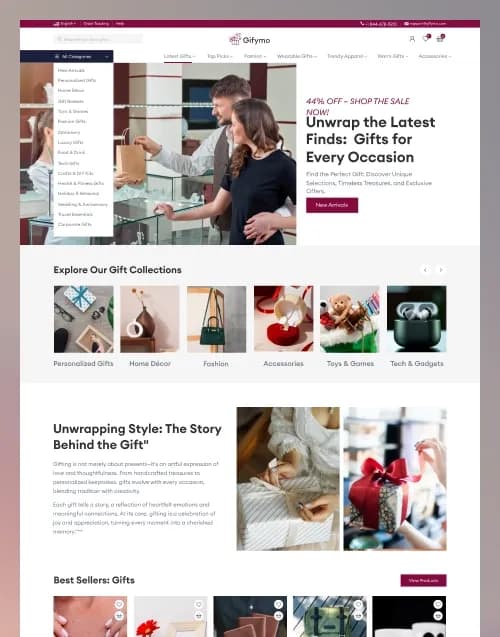
by WebbyCrown Solutions
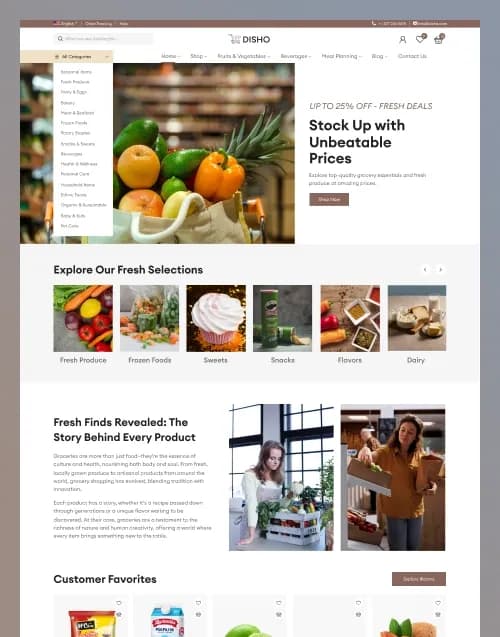
by WebbyCrown Solutions
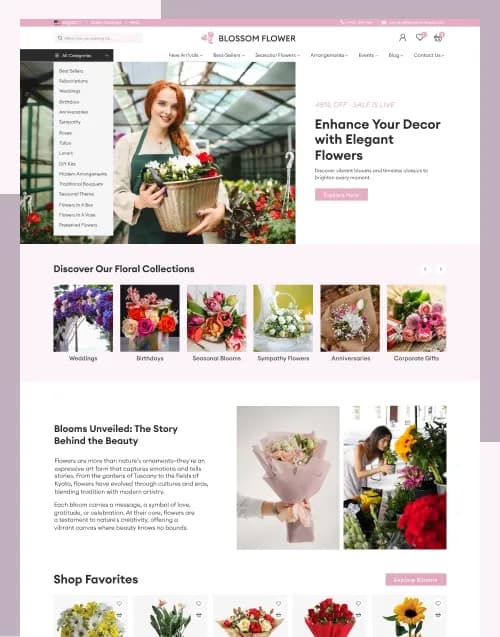
by WebbyCrown Solutions
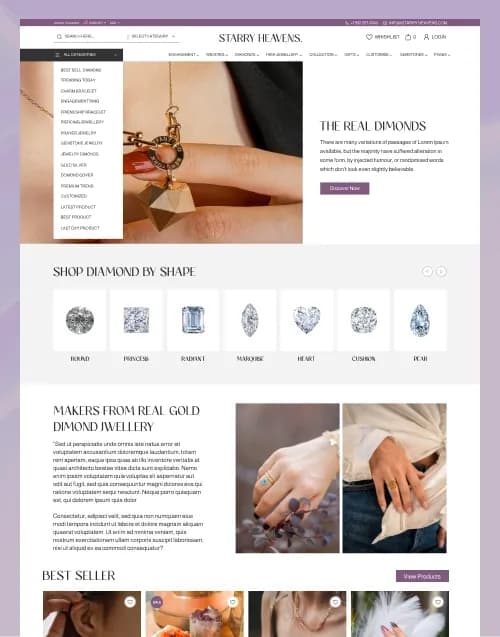
by WebbyCrown Solutions
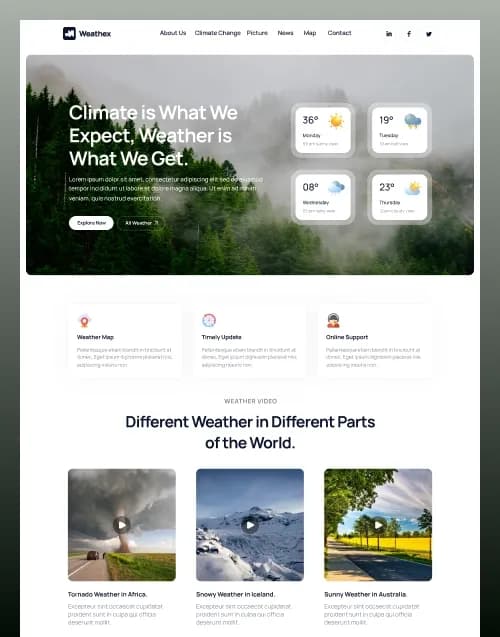
by WebbyCrown Solutions
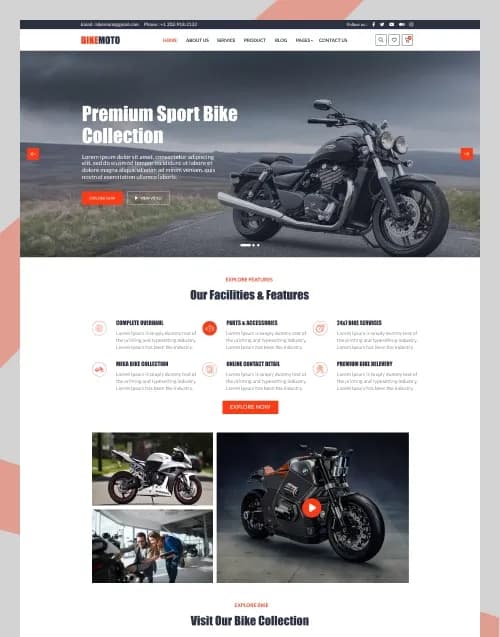
by WebbyCrown Solutions
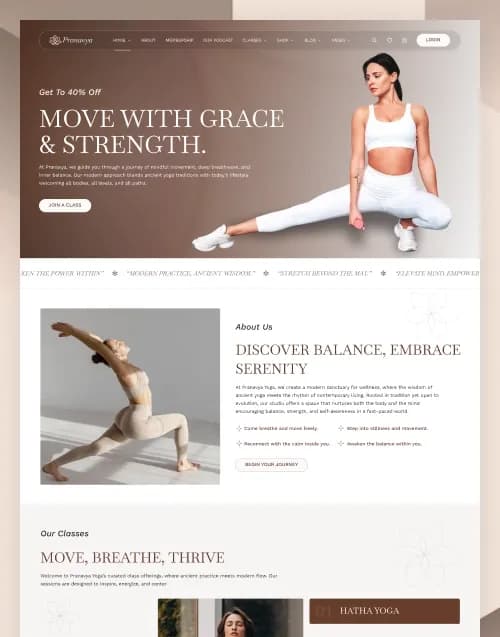
by WebbyCrown Solutions
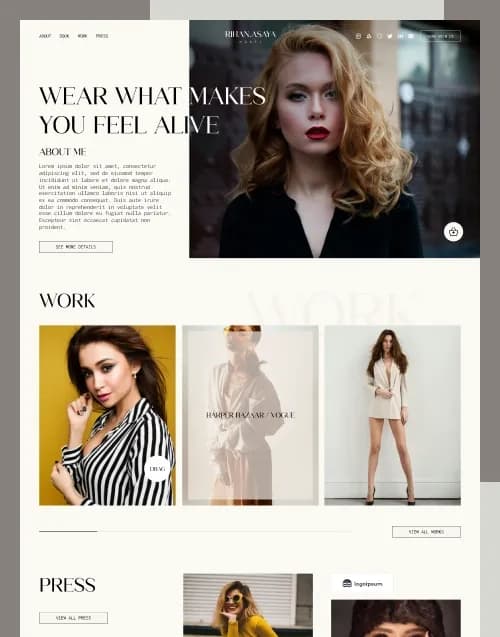
by WebbyCrown Solutions
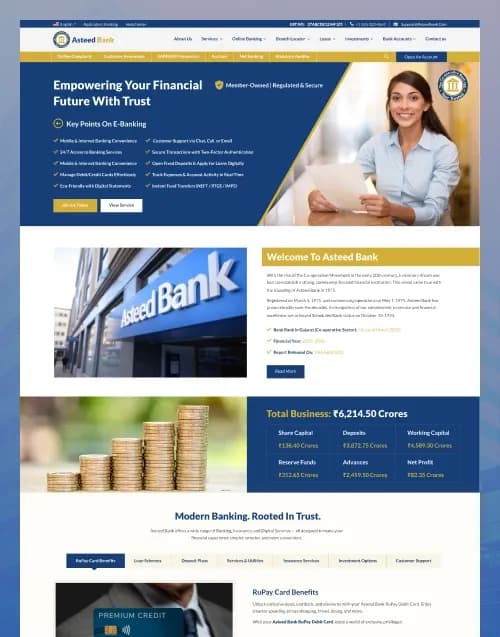
by WebbyCrown Solutions
Newly Added
Discover the most in-demand top-downloaded items trusted by top businesses.
Top Rated
Skyrocket your creativity with our Top rated collection of supreme.
What Are Figma Templates?
Figma templates are reusable design foundations created inside Figma Design. Figma supports reusable components for maintaining design consistency and prototyping tools for creating interactive flows that demonstrate how users may move through a design before development.
WebbyTemplate's current Figma category is already live and describes website, mobile UI, dashboard, eCommerce, portfolio, and wireframe-oriented products as major template types.
What You Can Find in Figma Templates
- Website Figma templates
- Mobile app UI kits
- eCommerce design templates
- Dashboard UI kits
- SaaS interface templates
- Portfolio website designs
- Landing-page designs
- Marketplace UI kits
- Responsive web designs
- Wireframe and prototype kits
Who Should Use Figma Templates?
- UI/UX designers
- Product designers
- Freelancers
- Design agencies
- Developers
- Startups
- Product teams
- Business owners
- Creative studios
How to Choose the Right Figma Template
Start with the actual screen coverage. A polished homepage is not enough when your project requires product details, checkout, accounts, dashboards, mobile screens, forms, error states, or multiple content types.
Current WebbyTemplate inventory shows why page coverage should be checked carefully. Gifymo — Gift Shop eCommerce Figma Template currently includes 29 website pages, 29 mobile screens, 40+ UI elements, multiple homepage layouts, shopping pages, cart, checkout, account, and other store flows. Its listing explicitly states that it is a Figma design file only and does not include Shopify, WooCommerce, HTML, CSS, backend, database, or working payment functionality.
Starry Heavens — Jewelry eCommerce Figma Template is another substantial example, with 40 website pages, 40 mobile screens, 35+ UI elements, jewellery-specific content, shop flows, account screens, and responsive layouts. Its listing likewise makes clear that the product provides designs rather than operational eCommerce functionality.
Next, review component quality. Figma components are reusable elements that can represent buttons, icons, layouts, and other interface pieces, helping teams maintain consistent patterns across a project.
Check variants, naming, frames, auto layout, styles, variables, and organized layers when these matter to your workflow. The quality of a Figma template is not determined solely by visual appearance.
Prototyping can add buyer value when stakeholders need to understand interactions. Figma prototypes can demonstrate flows and interactions before implementation, but prototypes remain simulations rather than production application logic.
Responsive planning should be checked explicitly. Desktop and mobile designs do not automatically produce responsive code.
Development handoff is another important factor. Determine whether the file gives developers enough states, spacing, component structure, assets, typography, and mobile layouts to implement the product accurately.
Also verify image rights, fonts, icon licenses, plugin dependencies, Figma feature requirements, source organization, design-system coverage, documentation, product license, and seller support.
Popular Use Cases for Figma Templates
- Designing a website before development
- Creating an eCommerce interface
- Prototyping a SaaS product
- Building a mobile app UI
- Preparing developer handoff
- Creating a client design presentation
- Building a reusable design system foundation
Figma Template Quality Notes
- Figma files are not coded websites.
- Verify desktop and mobile coverage.
- Review components and variants.
- Check layer organization.
- Prototype interactions are not backend functionality.
- Checkout designs do not process payments.
- Login screens do not provide authentication.
- Review fonts and asset rights.
- Check product licensing.
- Verify seller documentation and support.
Related Category Ideas
- Adobe XD
- Photoshop
- Sketch
- Web Design
- Landing Pages
- eCommerce
Frequently Asked Questions
What is a Figma template?
Are Figma templates coded websites?
Can Figma templates include components?
Can a Figma template include a prototype?
Does a checkout design process payments?
Are mobile screens always included?
Can developers use Figma templates for handoff?
Can I customize colours and typography?
Can agencies use Figma templates for client work?
What should I verify before purchasing?
Subscribe Now for Insider Access
Our newsletter is more than just updates it's your pass to the latest news, special promotions, and curated content designed to keep you ahead.