UI Templates, Themes & Starter Kits
UI templates are reusable design assets containing prepared interface layouts, screens and visual elements for digital products. Depending on the product, they may include components, variants, mobile screens, design systems and prototype flows. UI templates are design foundations and should not be assumed to include production code or backend functionality.


Top Rated
Skyrocket your creativity with our Top rated collection of supreme.
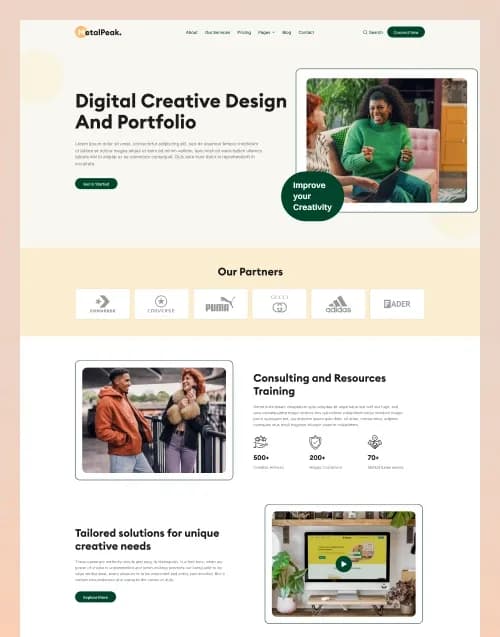


by WebbyCrown Solutions
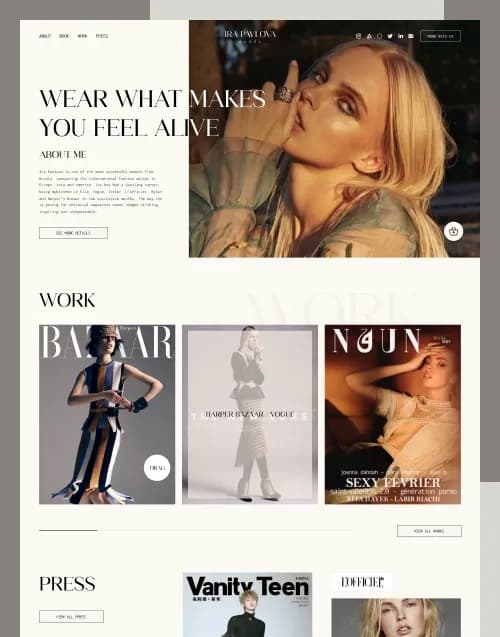
by WebbyCrown Solutions
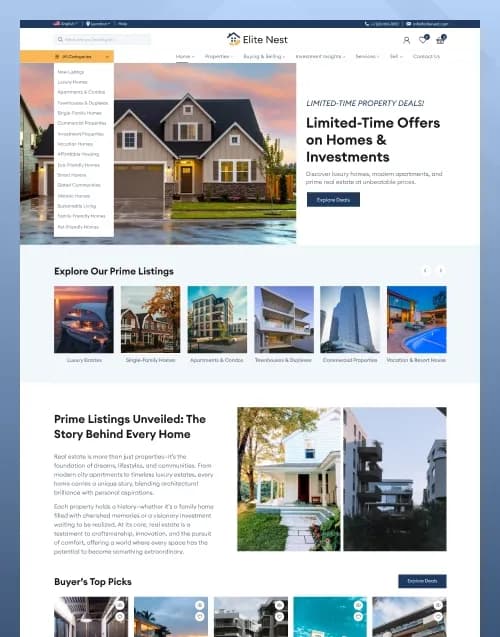
by WebbyCrown Solutions
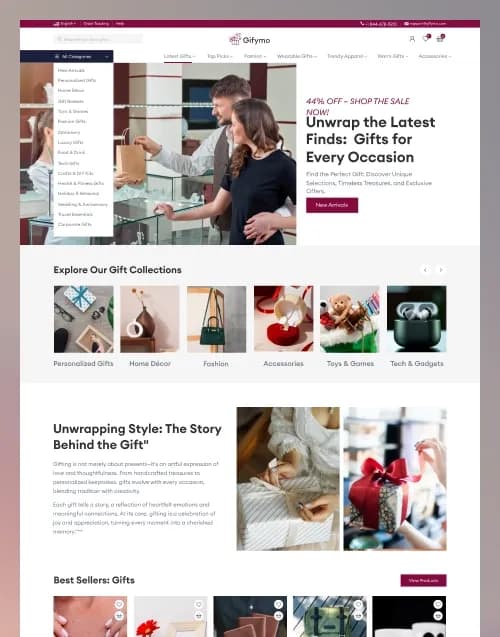
by WebbyCrown Solutions
by WebbyCrown Solutions
by WebbyCrown Solutions
by WebbyCrown Solutions
by WebbyCrown Solutions
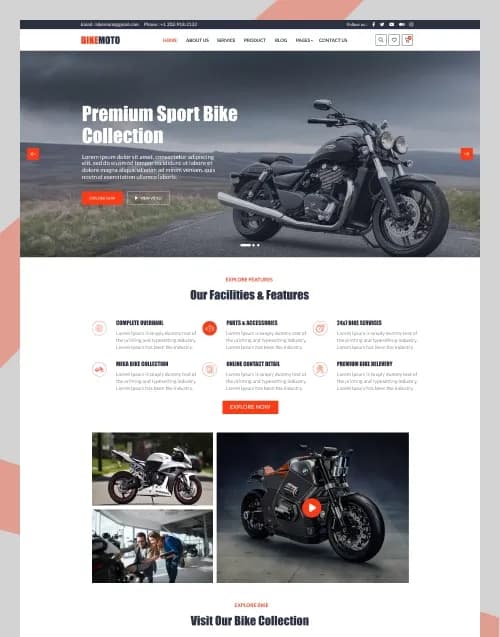
by WebbyCrown Solutions
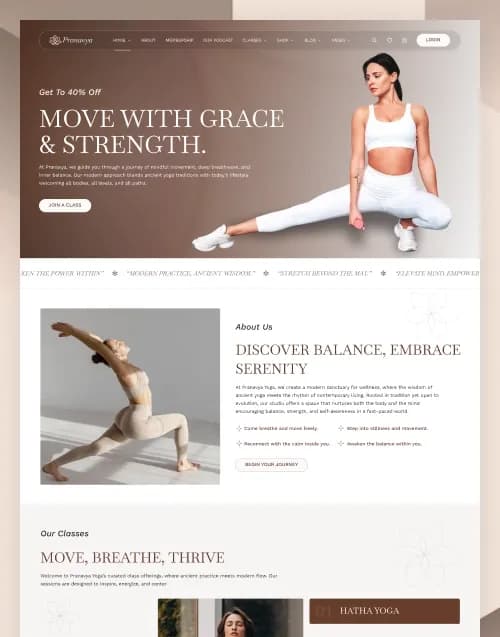
by WebbyCrown Solutions
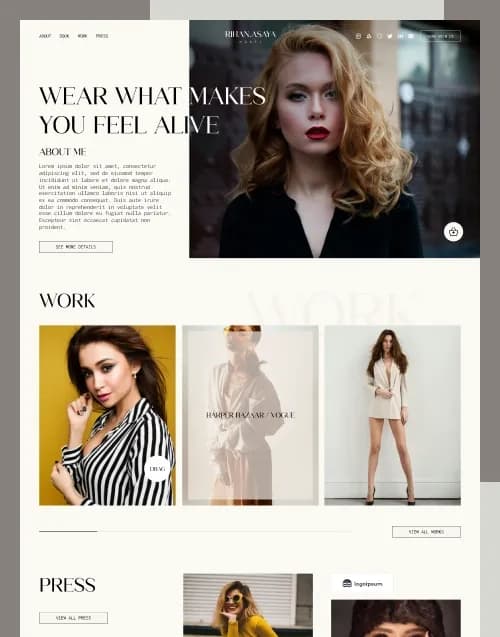
by WebbyCrown Solutions

by WebbyCrown Solutions
Best Downloads
Discover the most in-demand top-downloaded items trusted by top businesses.
Newly Added
Discover the most in-demand top-downloaded items trusted by top businesses.
What Are UI Templates?
UI templates provide prepared interface structures that designers can adapt instead of designing each screen from a blank file.
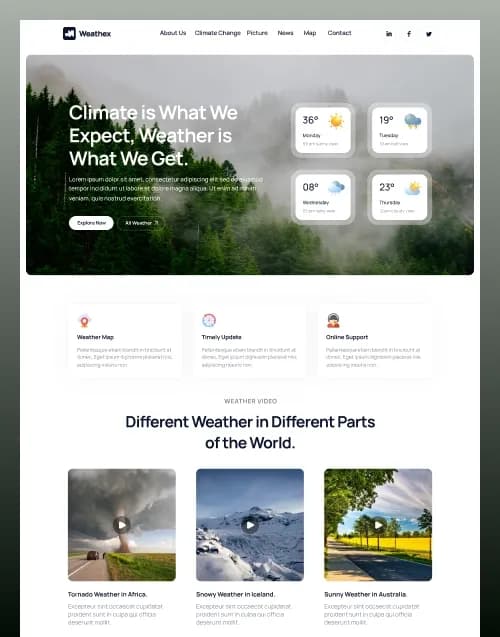
WebbyTemplate's current UI category includes Figma as an active subcategory, and current inventory includes substantial design products such as Weathex, a weather website Figma design with multiple pages and UI elements. Its listing explicitly distinguishes design screens from live weather APIs, mapping systems, databases and coded functionality.
The current Rihan Asaya Figma Template similarly includes organized layouts, interface elements and responsive design planning but explicitly does not include a coded website, booking system or payment functionality.
What You Can Find in UI Templates
- Website UI kits
- Mobile app interfaces
- Dashboard UI templates
- SaaS interface designs
- eCommerce UI kits
- Portfolio designs
- Landing-page UI kits
- Content-platform designs
- Data-interface layouts
- Industry-specific UI kits
Who Should Use UI Templates?
- UI/UX designers
- Product designers
- Design agencies
- Developers
- Freelancers
- Startups
- SaaS teams
- Product managers
- Businesses planning digital products
How to Choose the Right UI Template
Start with the design tool.
A Figma file, Sketch document, Photoshop PSD and Adobe XD file use different workflows. Choose the source format your team can maintain rather than expecting perfect transfer between tools.
Next, inspect screen coverage. A homepage is not enough for complex products.
Check whether your project requires:
- Desktop layouts
- Mobile layouts
- Forms
- Tables
- Dashboards
- Profiles
- Login screens
- Product pages
- Cart screens
- Error states
Review component structure. Reusable buttons, forms, cards, navigation, tables and content sections can make future expansion easier.
Look for clear layer naming, component states, typography, variables, spacing rules and organized frames where these matter to your workflow.
Responsive planning should also be verified. A desktop frame alone does not automatically explain tablet and mobile behaviour.
Prototypes require a similar distinction. Clickable prototype transitions can illustrate intended interactions but do not create production application logic.
A login screen needs authentication. A dashboard needs live data. A checkout design needs commerce infrastructure. A weather page needs real data APIs.
Developer handoff is often one of the most important buying factors. Check whether the designer has included the states, assets and responsive references a developer actually needs.
Review fonts and imagery carefully. Some demo assets may require separate licenses or substitutions.
Also check whether the product is truly a UI template rather than a coded template sold with an editable design source as an optional extra.
Finally, review source-file organization, design-tool compatibility, included screens, components, mobile layouts, asset rights, documentation, product licensing and seller support.
Popular Use Cases for UI Templates
- Designing an MVP
- Preparing developer handoff
- Creating a SaaS interface
- Designing an online store
- Building a mobile application concept
- Presenting a client website design
- Creating a reusable design system
UI Template Quality Notes
- UI templates are not automatically coded.
- Verify the design-tool format.
- Check mobile-screen coverage.
- Review component organization.
- Prototype flows are not application logic.
- Forms need implementation.
- Dashboard screens need real data.
- Check fonts and images.
- Verify product license.
- Review documentation and support.
Related Category Ideas
- Figma
- Sketch
- Adobe XD
- Photoshop
- Web Design
- eCommerce
- Landing Pages
Frequently Asked Questions
What is a UI template?
Are UI templates coded?
Can UI templates include mobile screens?
What is the difference between a UI template and UI kit?
Can a UI template include prototypes?
Does a login UI include authentication?
Can developers work directly from UI templates?
Are fonts always included?
Can agencies use UI templates for clients?
What should I verify before purchasing?
Subscribe Now for Insider Access
Our newsletter is more than just updates it's your pass to the latest news, special promotions, and curated content designed to keep you ahead.