ENX — Business Next.js JSON Website Template

0 (0 Reviews)
0 Sales












License Options
View License Policy1 site / project / end product
up to 5 sites / projects / end products
up to 30 sites / projects / end products
Add-on Services
$70.00
$90.00
Technology
No title available : ENX — Business Next.js JSON Website Template


Created : 11 June 2026
Updated : 31 August 2026
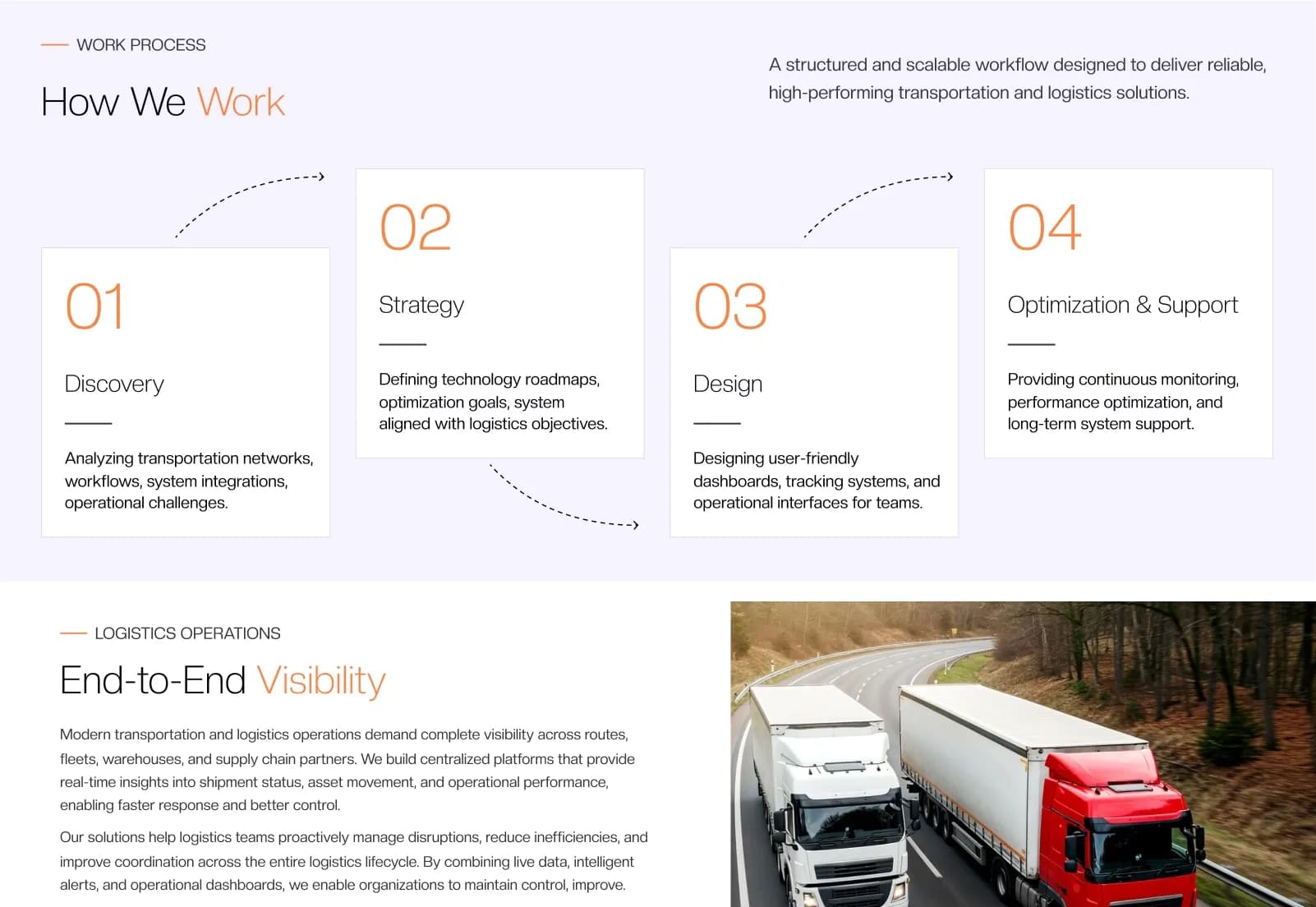
ENX is a modern Business Next.js JSON Website Template by WebbyTemplate for businesses, agencies, startups, corporate companies, consultants, freelancers, IT companies, marketing agencies, creative professionals, and professional service providers. It includes 52 pages, 52 mobile screens, 75+ reusable components, JSON-based dynamic content management, portfolio pages, blog pages, contact form layout, dynamic navigation, dynamic footer management, Tailwind CSS, React 19, Next.js 15, Swiper slider, AOS animations, documentation, installation guide, demo content, and Vercel-ready deployment support — available with license options.
What Is ENX Business Next.js JSON Website Template?
Businesses, agencies, startups, and corporate teams need a modern website that can present services, case studies, portfolios, teams, offices, clients, testimonials, FAQs, blogs, careers, support pages, legal pages, and contact information in a professional way. Building this from scratch in Next.js can take time, especially when the website needs reusable components, responsive layouts, dynamic content structure, SEO-friendly pages, and deployment-ready setup.
ENX gives you a complete Business Next.js JSON Website Template built with Next.js 15+, React 19+, Node.js 20+, Tailwind CSS, JavaScript, JSON-based content files, Swiper slider, and AOS animations. It helps developers, agencies, freelancers, and business owners customize website content through JSON files, reuse components, manage navigation and footer content, and deploy the project on Vercel, Netlify, AWS, DigitalOcean, VPS hosting, self-hosting, or Node.js servers.
Who Is This Template For?
- Developers building business websites with Next.js and React
- Agencies creating scalable business websites for client projects
- Startups that need a professional and customizable website foundation
- Business owners who want a modern website structure with easy content updates
- Freelancers building corporate, agency, portfolio, or service websites
- Marketing agencies that need landing pages, blog pages, case studies, and portfolio sections
- IT companies that need service, team, career, support, blog, and contact pages
- Creative professionals who want a portfolio-style business website template
- Corporate companies that need a clean Next.js website with reusable components and JSON-managed content
This template is not suitable for buyers who need a full no-code CMS or admin dashboard out of the box. ENX uses JSON-based dynamic content files, but it does not include a visual admin panel, database CMS, user authentication system, payment system, customer dashboard, or backend business logic unless those are added separately.
What Is Included in ENX?
Core Website Pages
- Home
- Home Two
- About ENX
- Why ENX
- Service
- Single Service Page
- Offices
- Contact Us
- Testimonials
- FAQ
- 404
- Careers
- Support
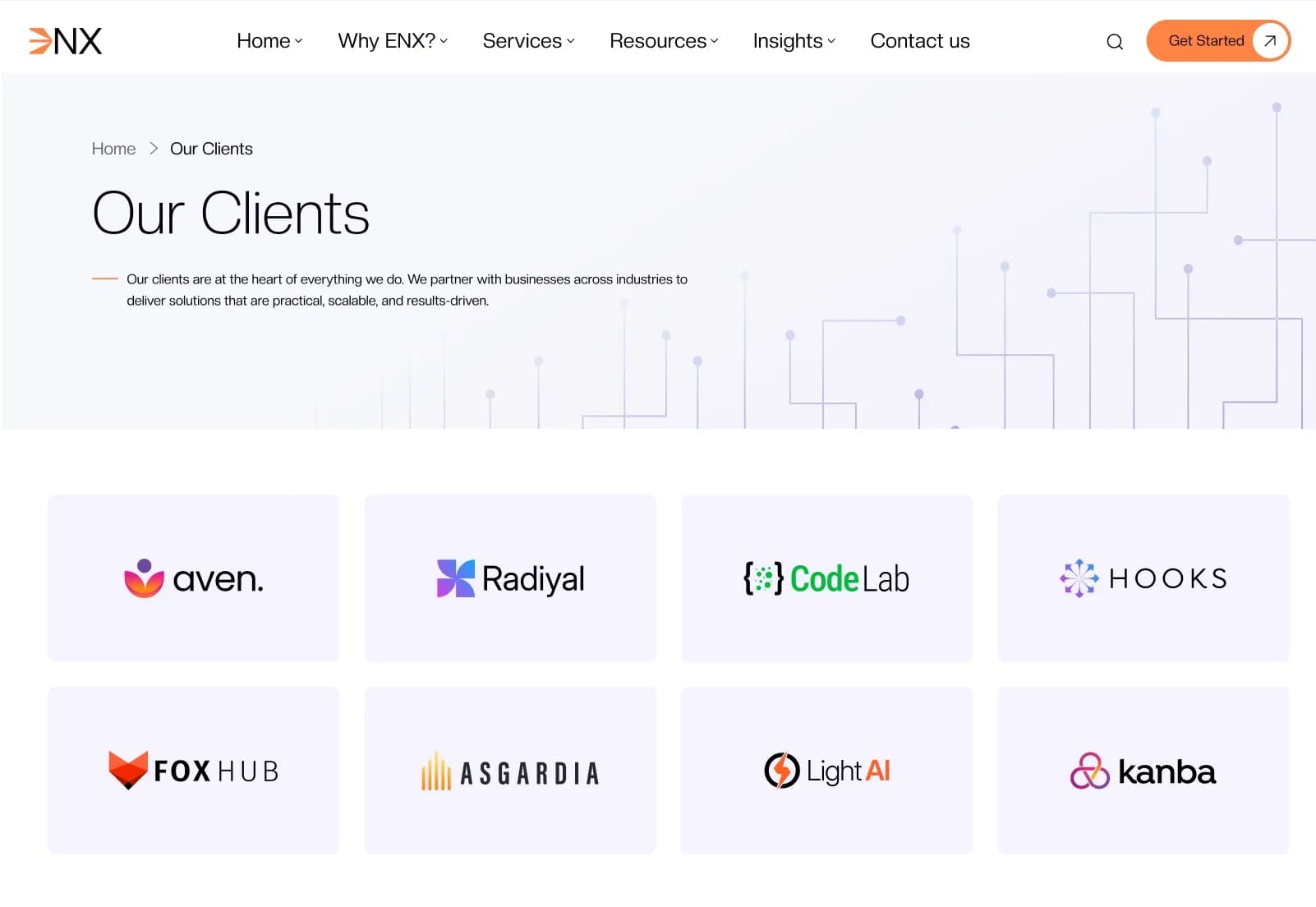
- Clients
Case Study and Portfolio Pages
- Case Studies 01
- Case Studies 02
- Single Case Study Page
- Portfolio Showcase Sections
Team Pages
- Our Team 01
- Our Team 02
- Single Team Page
Blog and Insight Pages
- Insights
- Single Insight Page
- Blog Management Structure
Legal and Policy Pages
- Privacy Policy
- Terms & Condition
- Cookie Policy
- Licensing
- Data Protection
- Site Map
Dynamic Content and Layout Features
- JSON content files
- JSON-based dynamic content management
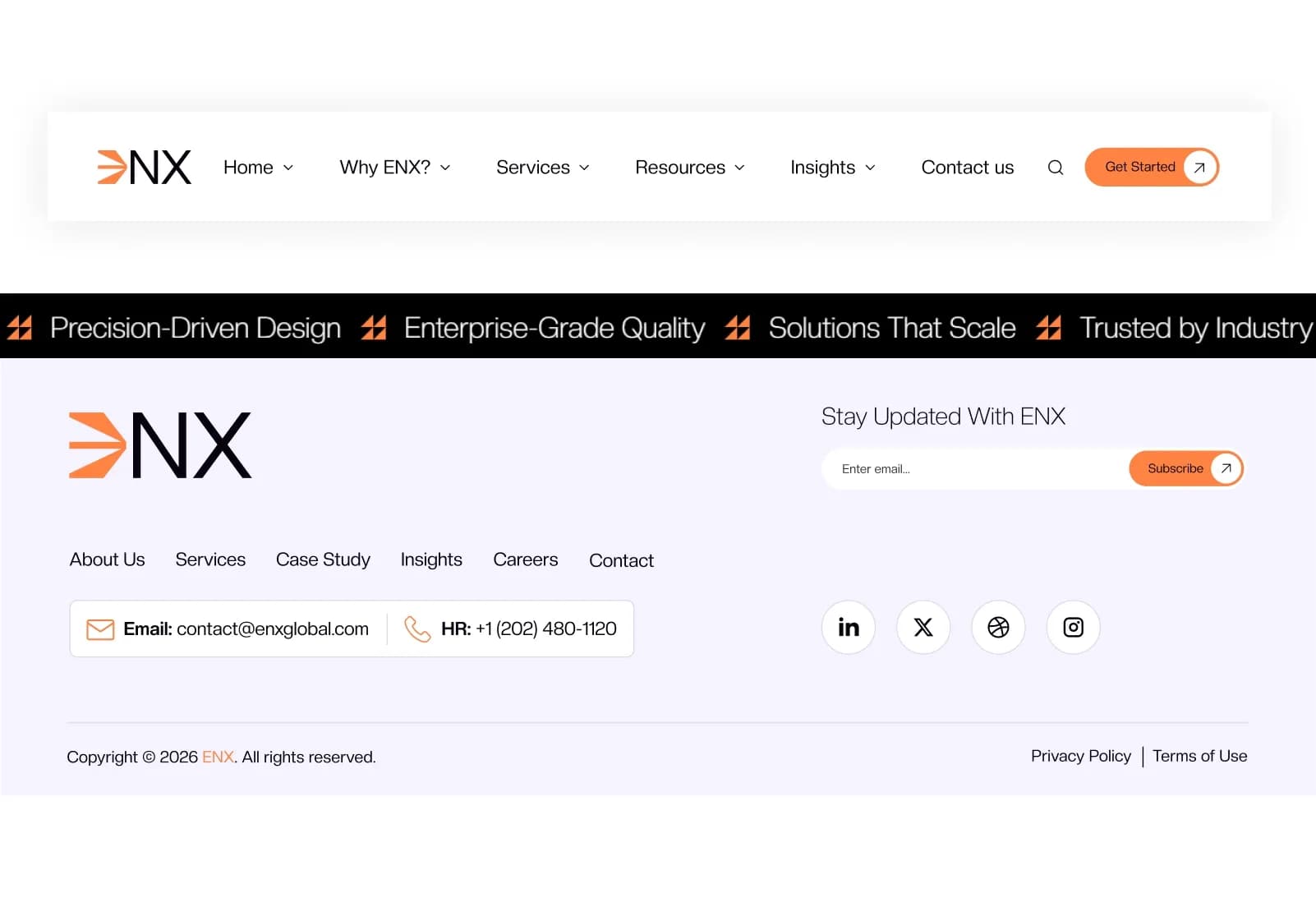
- Dynamic navigation menu
- Dynamic footer management
- Blog module
- Portfolio module
- Reusable components
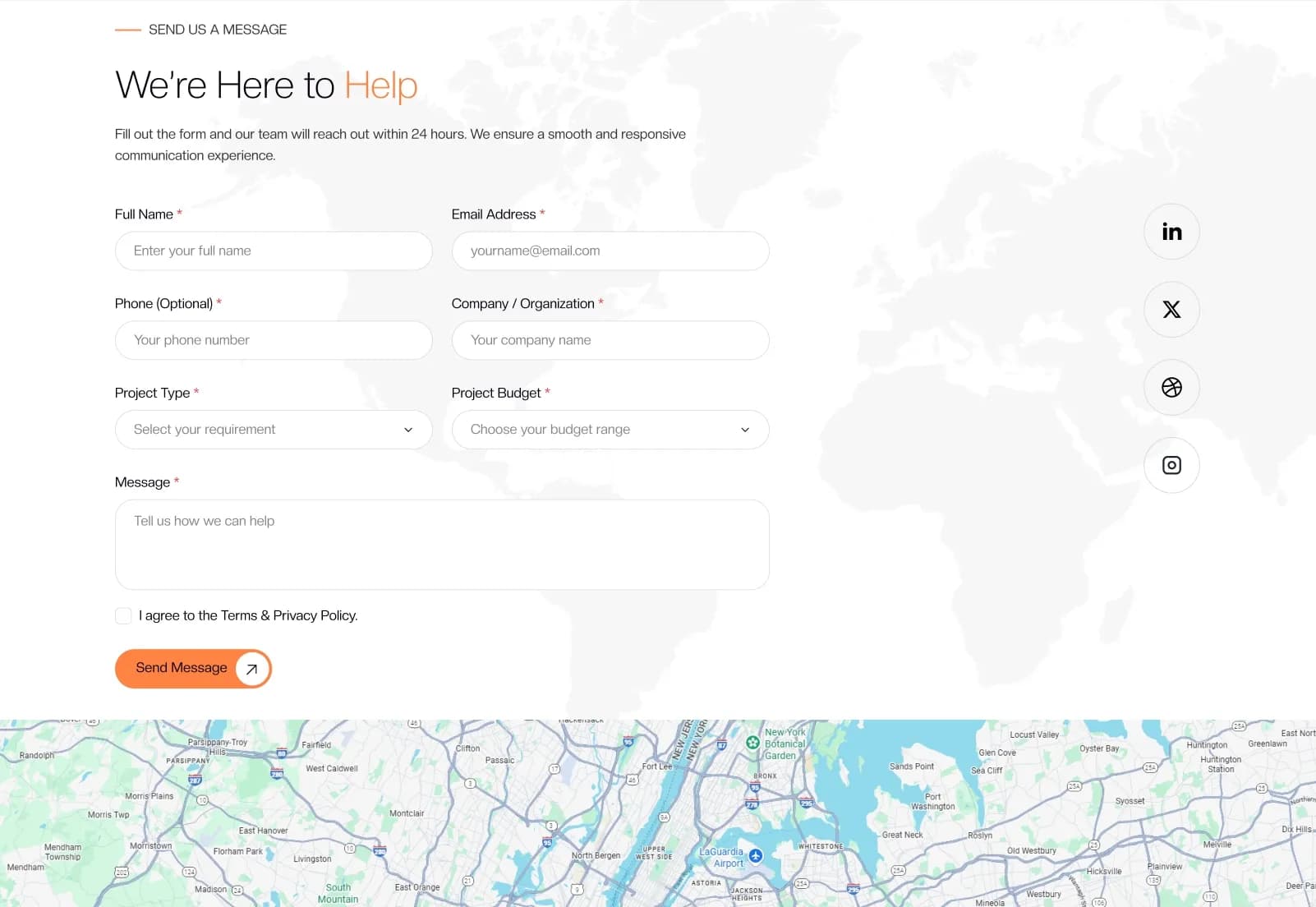
- Contact form layout
- Demo content
- Assets used in demo
Project Files
- Complete source code
- Next.js project files
- React components
- Tailwind CSS setup
- JavaScript files
- JSON content files
- Reusable components
- Documentation
- Installation guide
- Demo content
- Assets used in demo
How to Use ENX
Step 1: Purchase and Download
Select your license — Personal, Commercial, or Agency. Complete the purchase and download the ENX Next.js project files.
Result: The full source code and project files are ready to open.
Step 2: Install the Project
Open the project in your code editor, install dependencies using Node.js 20+, and follow the included installation guide.
Result: The ENX Next.js project is ready to run locally.
Step 3: Review the Page Structure
Browse the homepages, service pages, case study pages, team pages, offices, clients, testimonials, FAQ, support, careers, insights, legal pages, sitemap, and contact pages.
Result: You understand the available business website structure before customization.
Step 4: Update JSON Content
Edit the JSON content files for pages, navigation, footer, blog content, portfolio content, service content, team content, and other dynamic sections.
Result: Website content updates can be managed without repeatedly editing component code.
Step 5: Customize Design and Components
Update branding, colors, typography, spacing, images, components, sections, animations, sliders, and page layouts using React and Tailwind CSS.
Result: The template matches your business, agency, startup, or client brand.
Step 6: Test Responsiveness and SEO Setup
Check desktop and mobile layouts, test pages across browsers, review metadata, optimize images, test contact form integration, and confirm page performance.
Result: The website is closer to production-ready.
Step 7: Deploy the Website
Deploy the project on Vercel, Netlify, AWS, DigitalOcean, VPS hosting, self-hosting, or a Node.js server.
Result: Your Next.js business website is live.
Tags:
Template Features:
JSON-Based Dynamic Content
Dynamic Navigation Menu
Dynamic Footer Management
Blog Management Structure
Portfolio Showcase