CMS Templates, Themes & Starter Kits
Discover CMS themes and ready-made website foundations for businesses, blogs, publishers, portfolios, online stores, agencies, organizations, and other content-driven projects.
Compare products by CMS platform, website purpose, included layouts, content-management workflow, customization requirements, dependencies, and seller terms before choosing the right starting point.
CMS themes provide a pre-built visual and structural foundation for websites powered by a content management system. Before purchasing, verify the supported CMS, version compatibility, included pages, extensions, documentation, licensing, and any functionality that requires plugins, APIs, or additional development.
CMS Themes Categories


Best Downloads
Discover the most in-demand top-downloaded items trusted by top businesses.
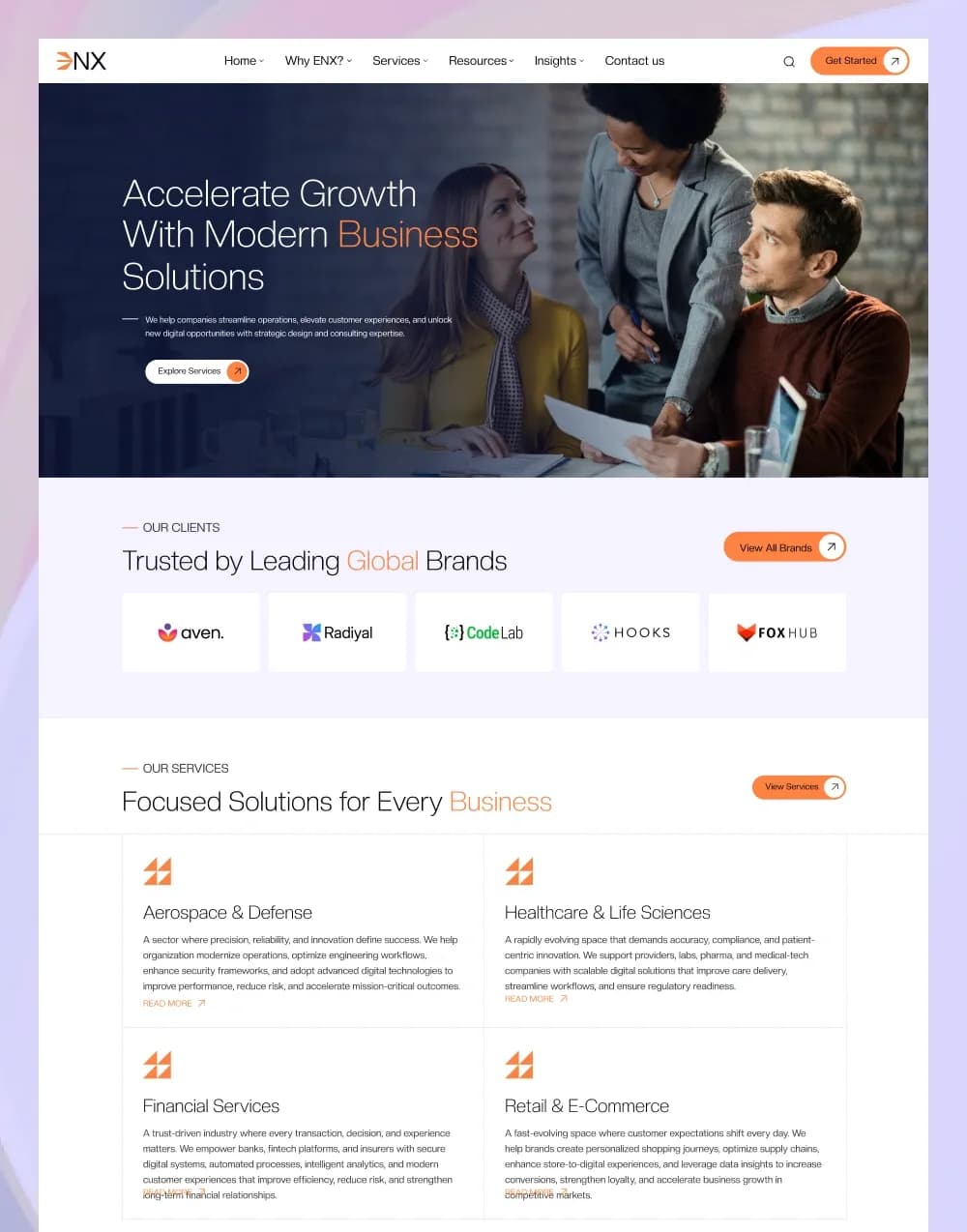


by WebbyCrown Solutions
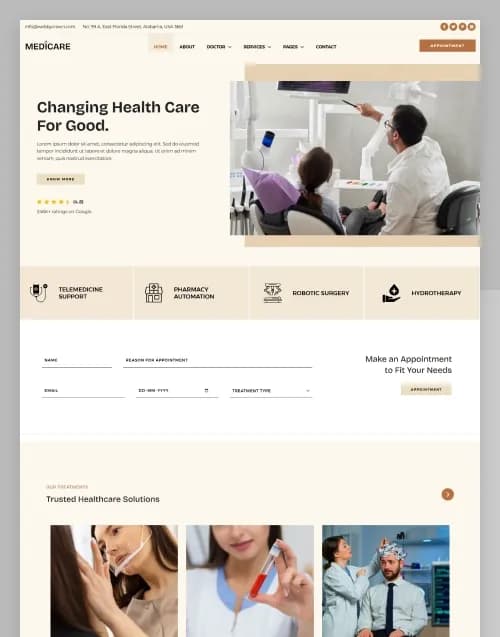


by WebbyCrown Solutions

by WebbyCrown Solutions
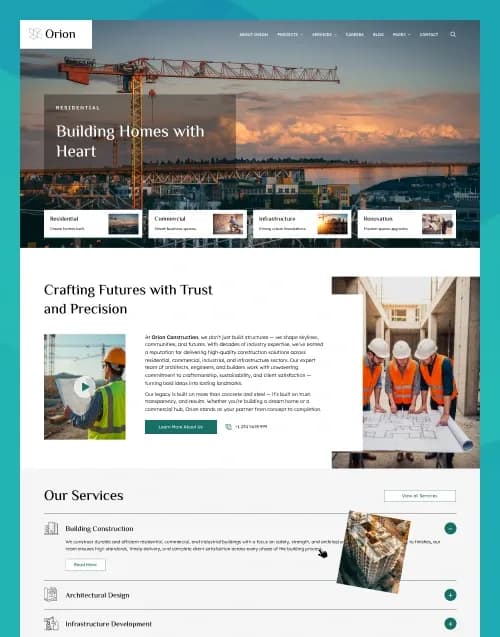
by WebbyCrown Solutions

by WebbyCrown Solutions
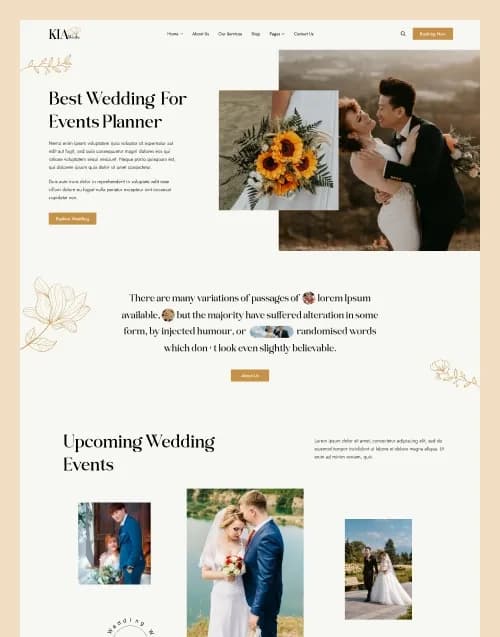
by WebbyCrown Solutions

by WebbyCrown Solutions

by WebbyCrown Solutions
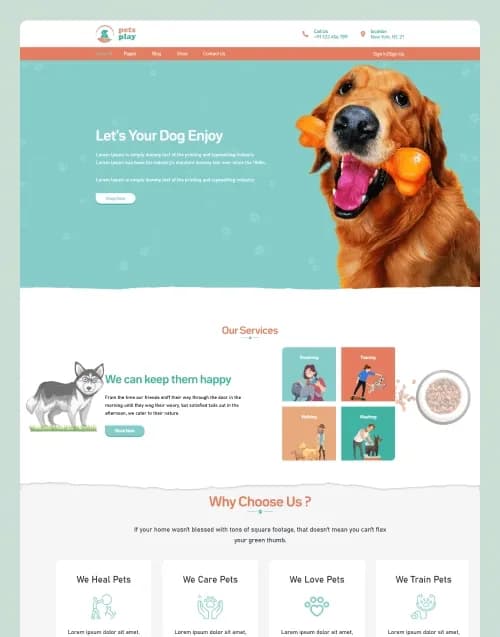
by WebbyCrown Solutions
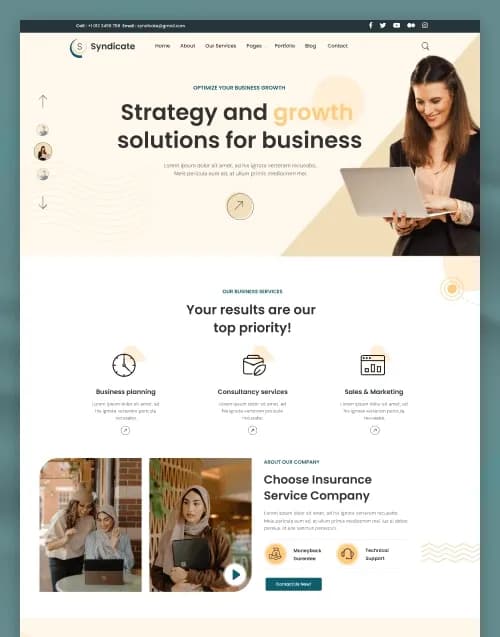
by WebbyCrown Solutions
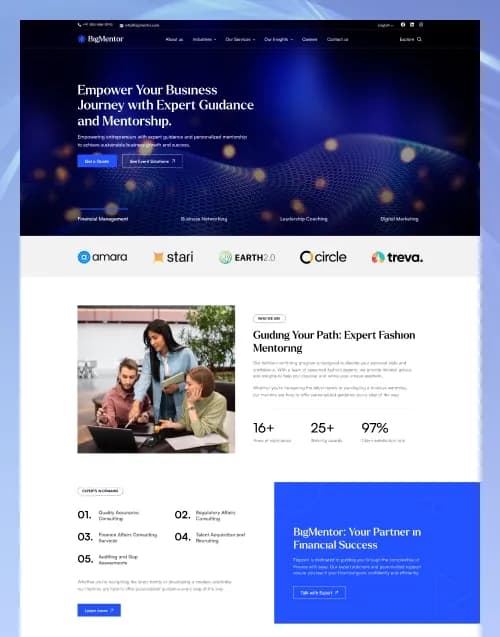
by WebbyCrown Solutions

by WebbyCrown Solutions
Newly Added
Discover the most in-demand top-downloaded items trusted by top businesses.
Top Rated
Skyrocket your creativity with our Top rated collection of supreme.
What Are CMS Themes?
CMS themes are website products created to work with a particular content management system. They generally control or provide the presentation layer, layouts, templates, typography, navigation, content display, and other visual structures used throughout a website.
Buyers comparing CMS products with broader design options can also explore website themes when deciding whether they need a CMS-specific product or another website format.
A CMS theme does not automatically provide every feature visible in its demo. Commerce, memberships, booking systems, authentication, payments, CRM connections, advanced search, subscriptions, and other functionality may require plugins, modules, APIs, external services, or custom development.
What You Can Find in CMS Themes
Depending on current marketplace inventory, this category can include:
- Business and corporate CMS themes
- Blog and magazine CMS themes
- Portfolio and creative CMS themes
- eCommerce CMS themes
- Agency and startup CMS themes
- Nonprofit and organization CMS themes
- Education website themes
- Restaurant and hospitality CMS themes
- Healthcare and professional-service themes
- Developer-focused CMS starter kits
Who Should Use CMS Themes?
CMS themes can be suitable for:
- Businesses maintaining frequently updated websites
- Agencies building content-managed client websites
- Freelance web developers
- Bloggers and independent publishers
- Marketing and content teams
- Online retailers
- Nonprofits and community organizations
- Developers who want a CMS-ready starting point
How to Choose the Right CMS Theme
Start with the CMS platform.
A theme designed for one content management system normally cannot simply be installed on another. Verify the exact CMS and supported version before purchasing.
Review the page inventory.
Check whether the product includes the homepage, service pages, blog layouts, portfolio pages, contact pages, team pages, product layouts, landing pages, or other pages your project requires.
Understand the content-management workflow.
Determine how pages, posts, collections, products, categories, reusable sections, navigation, and global content are managed.
Check customization requirements.
Some themes offer visual settings or page builders, while others require editing template files, CSS, JavaScript, configuration, or framework-specific code.
Identify dependencies.
Verify whether the theme requires plugins, extensions, modules, packages, libraries, build tools, or paid third-party services.
Separate design from functionality.
A checkout interface does not guarantee working payments. A login page does not guarantee authentication. A booking form does not guarantee a booking system, and a contact form may still require email or API configuration.
Review responsive behaviour.
Check how important layouts adapt across desktop, tablet, and mobile devices.
Check documentation and deployment.
Review installation instructions, hosting requirements, development commands, environment configuration, content setup, updates, and deployment steps.
Review licensing and support.
Verify permitted projects, asset rights, redistribution restrictions, seller support, and product-specific license terms.
If you are still deciding between CMS themes, static website templates, design files, or framework-based products, read the guide on how to choose the right website template before making a final decision.
You can also compare platform-specific options such as Ghost themes or browse headless templates when a traditional CMS theme does not match your development architecture.
Popular Use Cases for CMS Themes
- Launching a company website managed by an internal content team
- Creating an editorial website with regularly published articles
- Building a portfolio that can be updated through a CMS
- Creating a CMS-managed nonprofit or community website
- Preparing a content-driven client website for an agency
- Building an online catalog or store when compatible commerce tools are available
CMS Themes Quality Notes
- Confirm the exact CMS and supported version.
- Check whether the product is a theme, starter kit, or another package type.
- Verify required plugins, modules, packages, and dependencies.
- Confirm which layouts are actually included.
- Review responsive behaviour across key pages.
- Do not assume demo forms submit real data.
- Do not assume commerce screens include payment processing.
- Check how content is created and edited.
- Verify asset, font, and image licensing.
- Review seller documentation, support, updates, and product license terms.
Related Category Ideas
- WordPress Themes
- Statamic
- October CMS
- Ghost Themes
- Blogging Themes
- eCommerce Templates
- Headless Templates
- Site Templates
Frequently Asked Questions
What is a CMS theme?
Is a CMS theme the same as an HTML template?
Can one CMS theme work with every CMS?
Can I customize a CMS theme?
Do CMS themes include a backend?
Are CMS themes responsive?
Does an eCommerce CMS theme include working payments?
What should I check before buying a CMS theme?
Are plugins or extensions always included?
Are all CMS themes sold by the same seller?
Subscribe Now for Insider Access
Our newsletter is more than just updates it's your pass to the latest news, special promotions, and curated content designed to keep you ahead.