Orion — Craft CMS Construction Starter Kit

0 (0 Reviews)
0 Sales






License Options
View License Policy1 site / project / end product
up to 5 sites / projects / end products
up to 30 sites / projects / end products
Add-on Services
$99.00
$119.00
Technology
No title available : Orion — Craft CMS Construction Starter Kit


Created : 08 August 2026
Updated : 11 September 2026
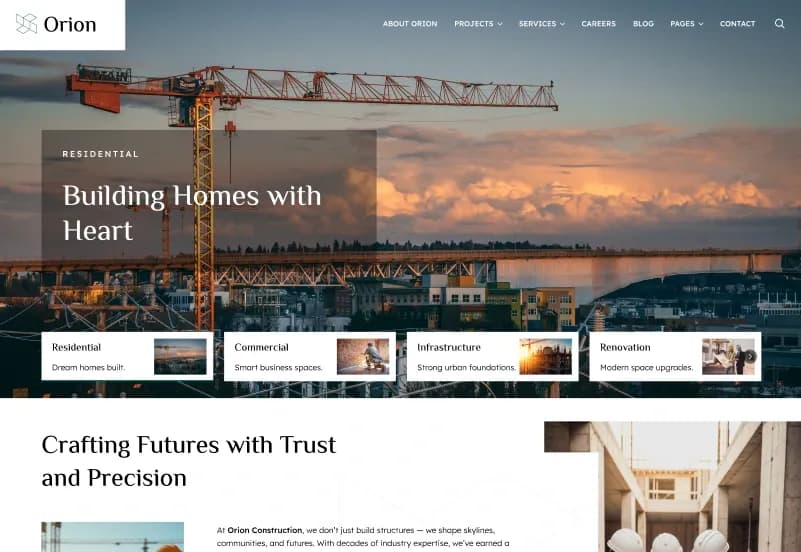
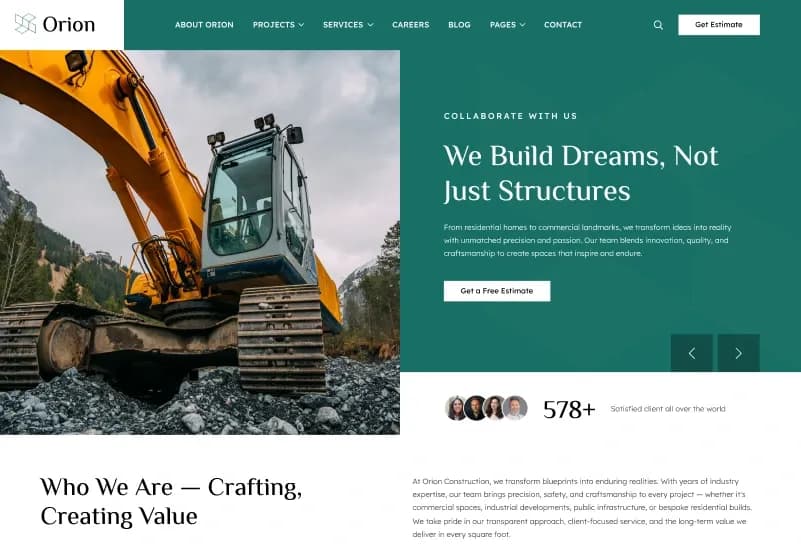
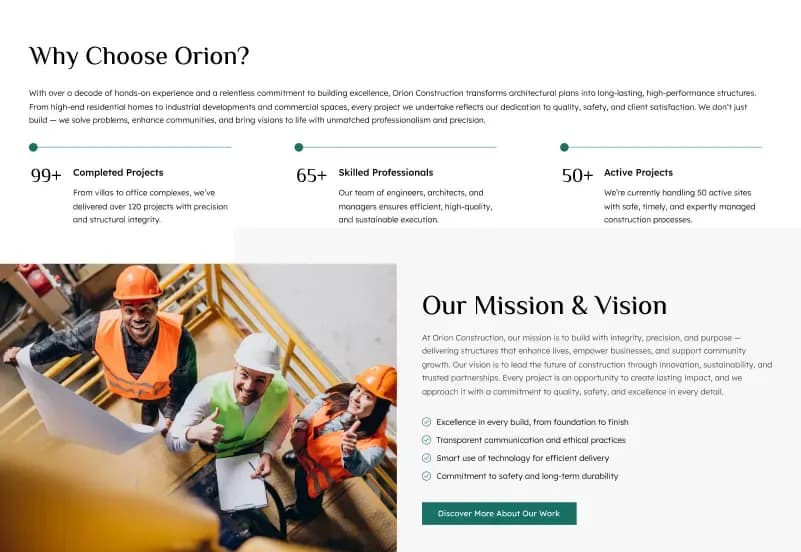
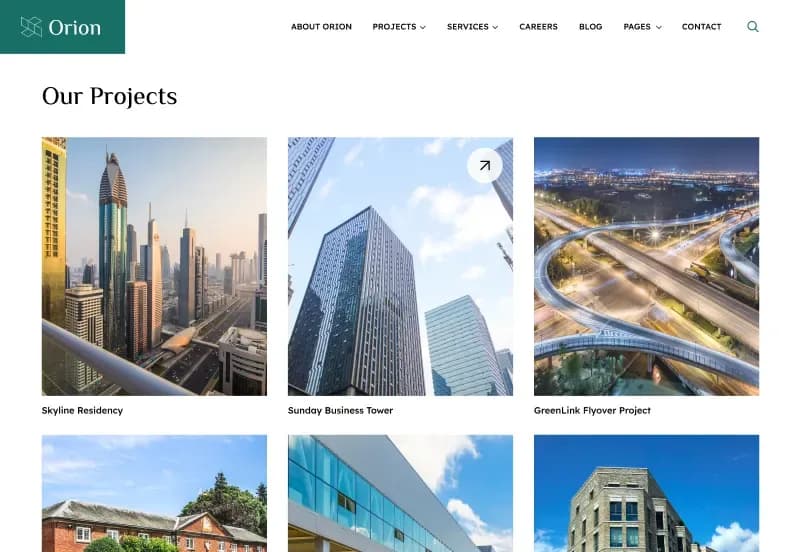
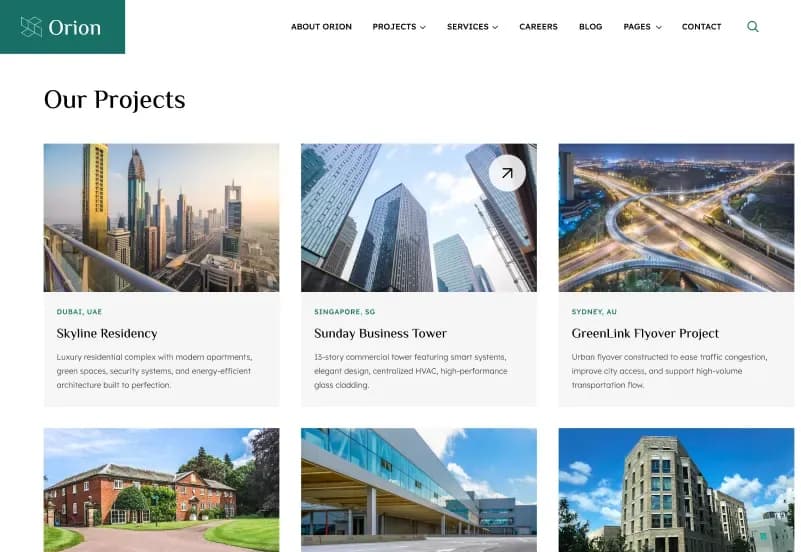
Orion is a modern Craft CMS 5 Construction Starter Kit for construction companies, architecture firms, engineering consultants, general contractors, infrastructure companies, interior design firms, real estate developers, renovation companies, manufacturing businesses, industrial service providers, corporate businesses, and professional service providers. It includes 25+ ready-to-use pages, 4 homepage variations, multiple project layouts, service layouts, blog layouts, team layouts, dynamic detail pages, Matrix Page Builder blocks, Sections, Categories, Global Sets, Asset Volumes, Forms, and fully responsive layouts.
Built with Craft CMS 5.x, Yii Framework, Twig templates, Tailwind CSS, Alpine.js, PHP 8.2+, and Project Config YAML, Orion gives developers and content editors a scalable CMS foundation for building construction, architecture, engineering, contractor, corporate, and professional service websites with reusable content blocks, global content management, SEO settings, media organization, and production-ready structure.
What Is Orion?
Construction, architecture, engineering, contractor, infrastructure, real estate, renovation, manufacturing, and corporate websites need more than a simple homepage. These businesses often need project portfolios, service pages, quotation requests, career applications, team profiles, testimonials, galleries, packages, blog content, category filtering, contact information, SEO settings, and reusable page sections that content editors can manage from a CMS.
Orion is a Craft CMS 5 Starter Kit built for construction and professional service websites. It includes professionally designed pages, reusable Matrix-based Page Builder sections, Global Sets, Sections, Categories, Asset Volumes, Forms, Project Config YAML, clean Twig templates, Tailwind CSS, Alpine.js, documentation, and a scalable Craft CMS Control Panel structure for fast development and long-term customization.
Who Is This Starter Kit For?
- Construction companies
- Architecture firms
- Engineering consultants
- General contractors
- Infrastructure companies
- Interior design firms
- Real estate developers
- Renovation companies
- Manufacturing businesses
- Industrial service providers
- Corporate businesses
- Professional service providers
- Agencies building Craft CMS websites for clients
- Developers creating construction websites
Businesses that need project, service, career, and quotation pages
Orion is a Craft CMS starter kit. Hosting, Craft CMS installation, Composer setup, database configuration, form notifications, email delivery, content replacement, SEO metadata, production deployment, analytics, security review, and final QA should be configured before launch.
What Is Included?
Number of Pages
- 25+ Ready-to-Use Pages
- 4 Home Page Variations
- 3 Project Listing Variations
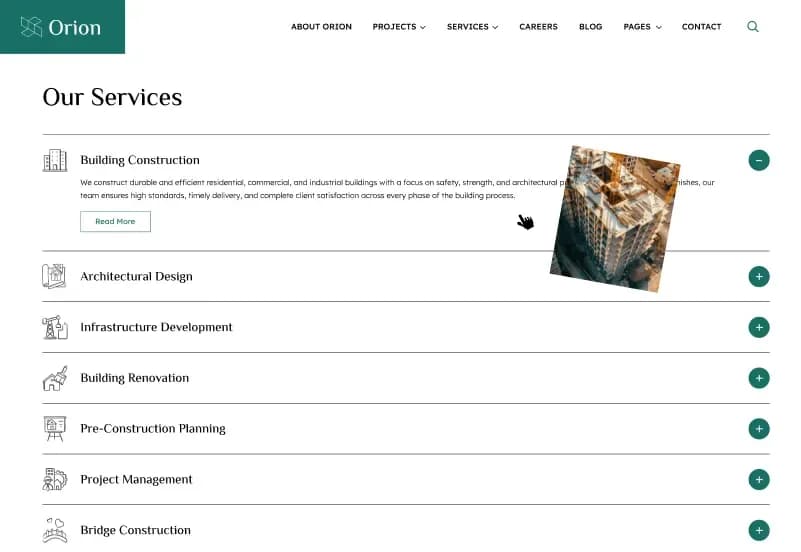
- 3 Service Listing Variations
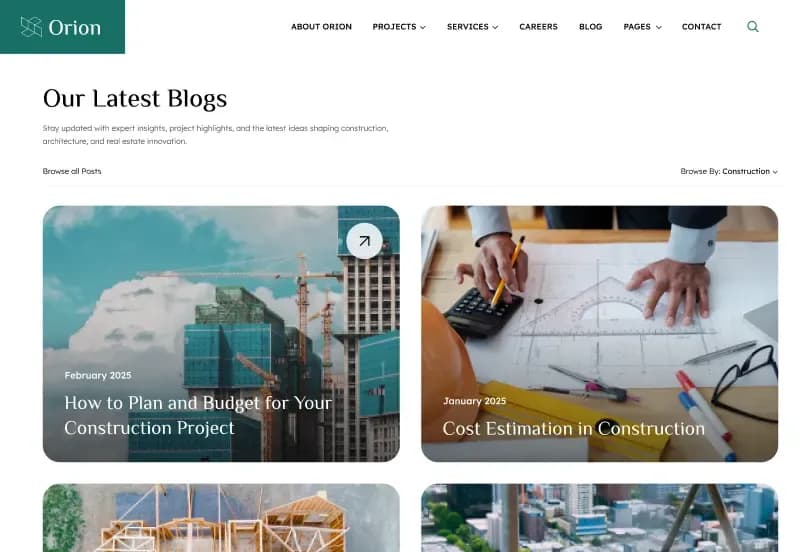
- 3 Blog Listing Variations
- 4 Blog Detail Variations
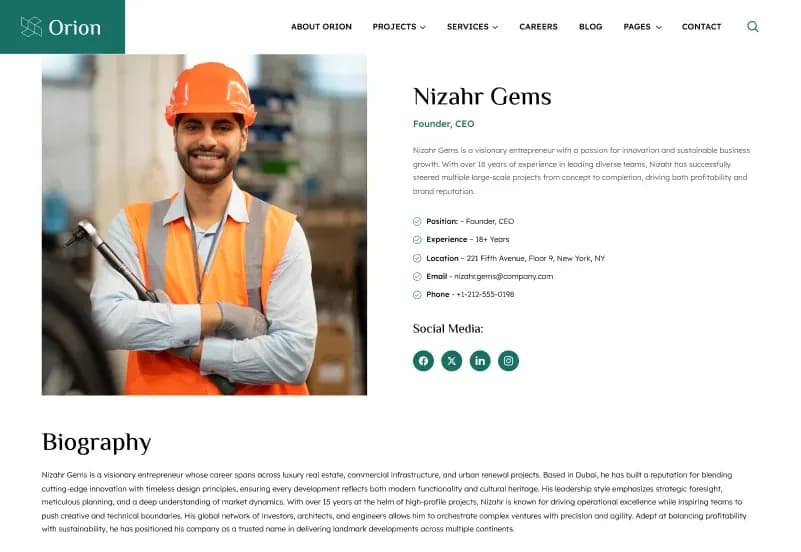
- 2 Team Listing Variations
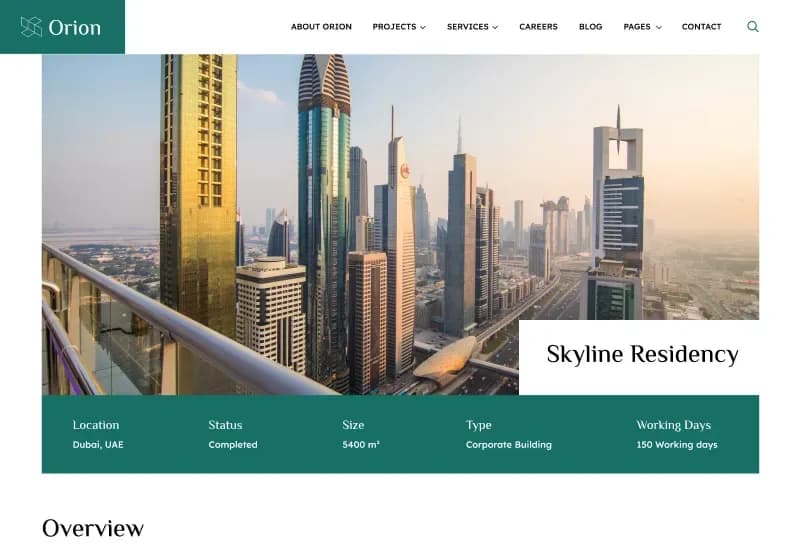
- Dynamic Detail Pages
- Fully Responsive Layout
Main Pages
- Home, 4 Variants
- About Us
- Projects, 3 Variants
- Single Project
- Services, 3 Variants
- Single Service
- Careers
- Blog, 3 Variants
- Single Blog, 4 Variants
- Blog Category
- Author
- Team, 2 Variants
- Single Team
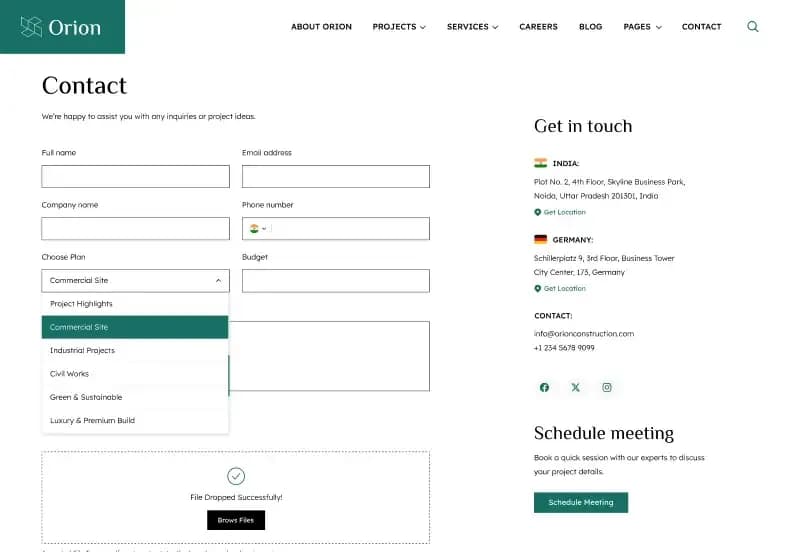
- Contact Us
- FAQ
- Gallery
- Testimonials
- Quotation
- Packages
Legal & Utility Pages
- Terms & Conditions
- Privacy Policy
- Coming Soon
- 404 Error Page
Matrix Page Builder Blocks
- Hero Section
- About Section
- Overview Section
- Services Section
- Projects Section
- Project History Section
- Team Section
- Testimonials Section
- Gallery Section
- Logo Slider Section
- FAQ Section
- Latest Blog Section
- Blog Section
- Contact Section
- Social Section
- Career Openings Section
- Vision Section
- Terms & Conditions Section
- CTA Section
Craft CMS Sections
- Pages
- Blog
- Services
- Projects
- Team
- Careers
- Testimonials
- Gallery
- Packages
Forms
- Contact Form
- Quotation Request Form
- Career Application Form
- Newsletter Subscription
Global Sets
- Website Settings
- Header Settings
- Footer Settings
- Social Media Settings
- Contact Information
- SEO Settings
Categories
- Portfolio
- Construction
- Architecture
- Engineering
- Commercial
- Residential
- Industrial
- Small Business
- News
- Landing Page
Category Features
- Multiple category assignment
- Easy content filtering
- Reusable across Blogs, Services, Projects, Teams, and other Sections
- Flexible taxonomy management
Asset Volumes
- Images
- Project Images
- Service Images
- Team Images
- Gallery Images
- Blog Images
- Company Logos
- Documents
Download Package
- Complete Craft CMS Starter Kit
- Twig Templates
- Matrix Page Builder
- Sections
- Entry Types
- Global Sets
- Categories
- Asset Volumes
- Forms
- Project Config YAML
- Demo Images & Assets
- Documentation
How to Use Orion
Step 1: Prepare the Craft CMS Environment
Set up Craft CMS 5.x, PHP 8.2+, Composer, and a supported MySQL 8+ or MariaDB database environment.
Result: Your system is ready to install and run the Orion Craft CMS starter kit.
Step 2: Install the Starter Kit
Install the complete Craft CMS starter kit files, Twig templates, Project Config YAML, Sections, Entry Types, Global Sets, Categories, Asset Volumes, Forms, demo images, assets, and documentation.
Result: The construction and corporate website structure is ready for local setup and customization.
Step 3: Configure Global Settings
Update website settings, header settings, footer settings, social media settings, contact information, SEO settings, logo, navigation, and shared content.
Result: The starter kit begins to match your construction, architecture, engineering, contractor, or corporate brand.
Step 4: Add Projects, Services and Business Content
Create and manage project entries, service pages, team profiles, careers, testimonials, gallery items, packages, blog posts, authors, categories, and documents.
Result: Your CMS-driven business content becomes ready for review and publishing.
Step 5: Build Pages with Matrix Blocks
Use Matrix blocks such as Hero, About, Overview, Services, Projects, Project History, Team, Testimonials, Gallery, Logo Slider, FAQ, Latest Blog, Contact, Social, Career Openings, Vision, Terms, and CTA sections.
Result: Developers and content editors can create flexible page layouts without rebuilding the core starter kit structure.
Step 6: Test and Launch
Test responsiveness, browser compatibility, forms, Matrix blocks, category filtering, asset volumes, image transforms, lazy loading, service pages, project pages, blog layouts, global settings, SEO settings, performance, and production configuration.
Result: Your Craft CMS construction or corporate website is ready for launch after final QA.
Template Features:
Built on Craft CMS 5
Modern Construction & Corporate Design
Fully Responsive Layout
Mobile-First Design
Matrix Page Builder