ENX — Craft CMS IT & Technology Business Starter Kit

0 (0 Reviews)
0 Sales


License Options
View License Policy1 site / project / end product
up to 5 sites / projects / end products
up to 30 sites / projects / end products
Add-on Services
$125.00
$145.00
Technology
No title available : ENX — Craft CMS IT & Technology Business Starter Kit


Created : 25 August 2026
Updated : 31 August 2026
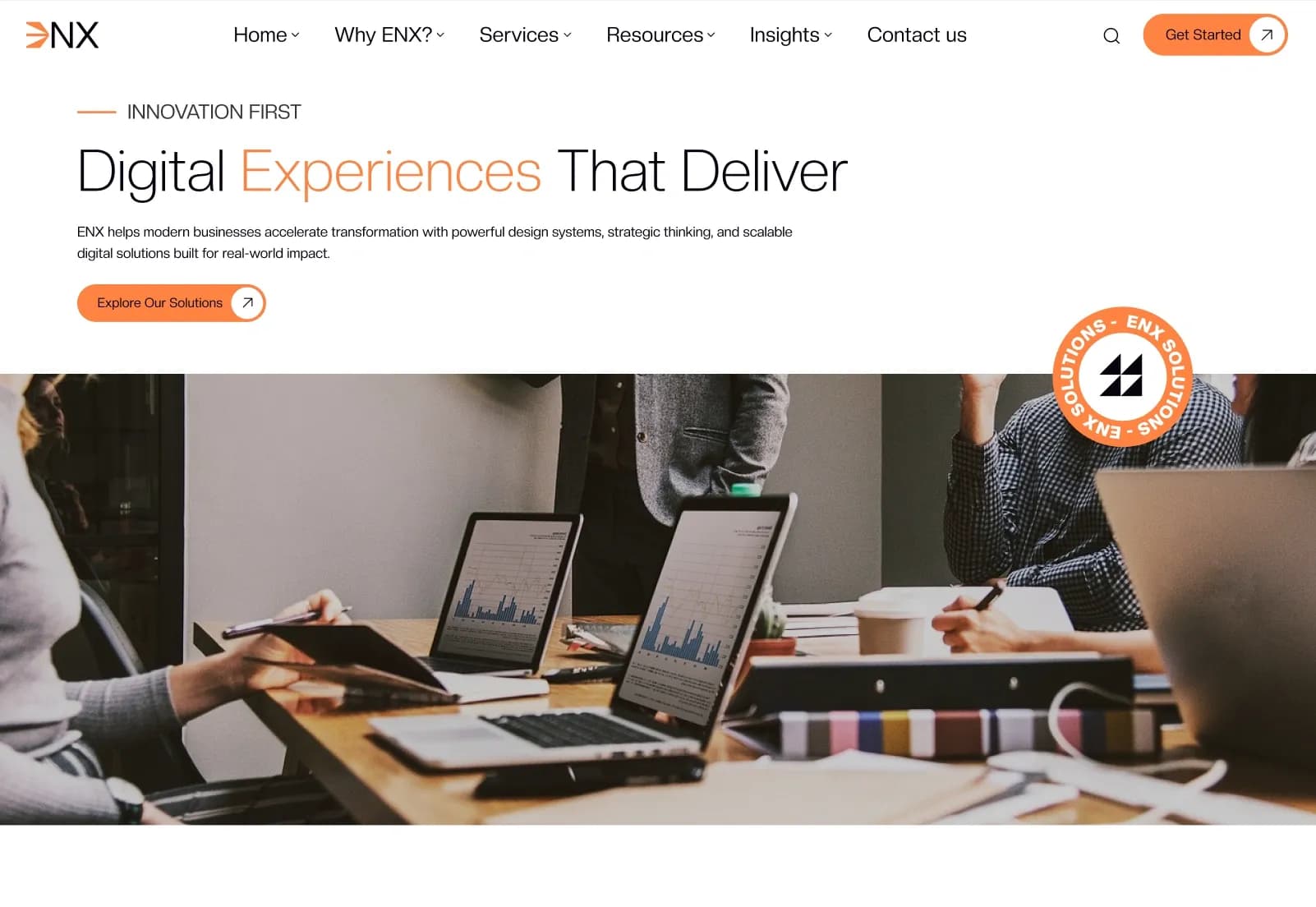
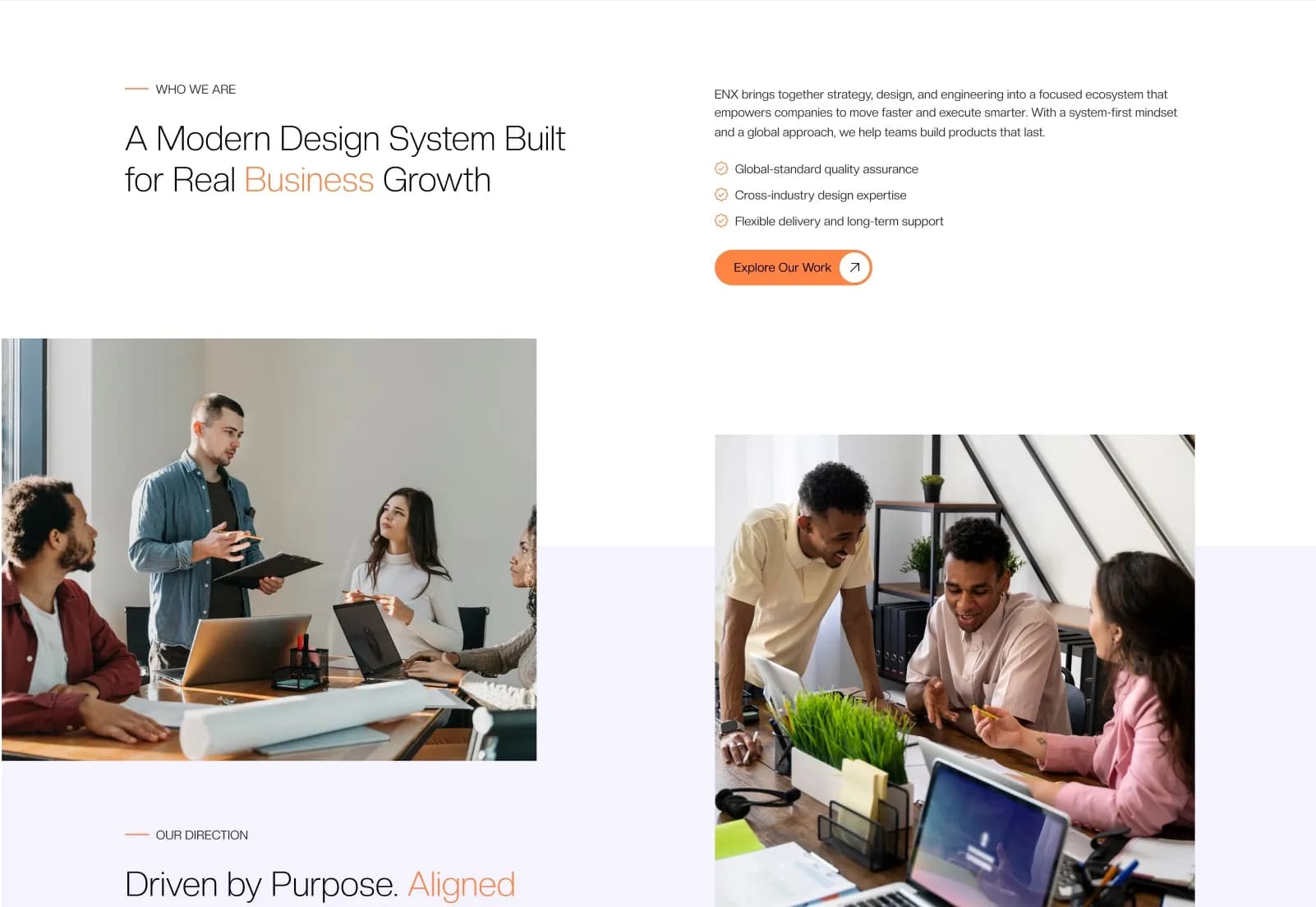
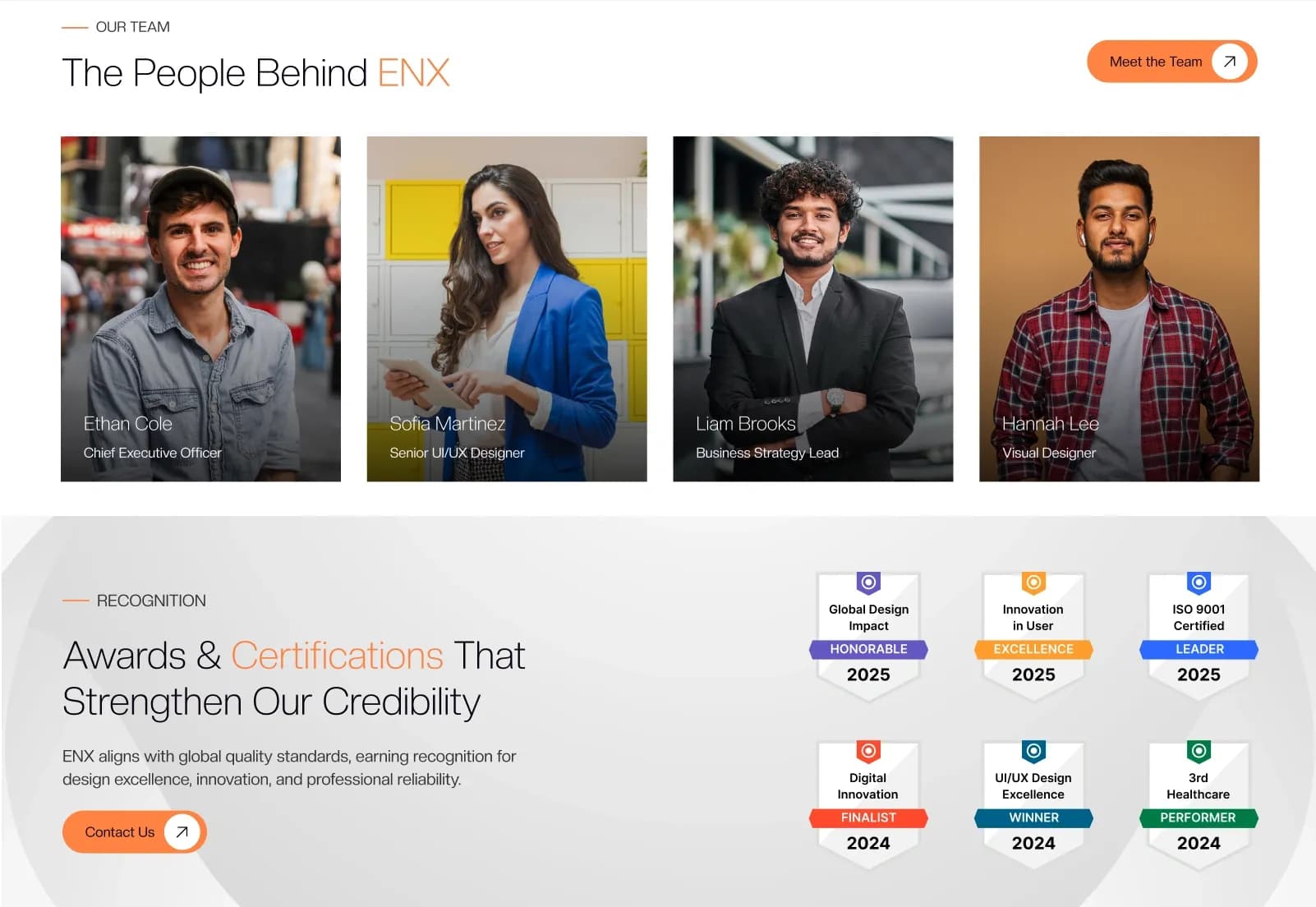
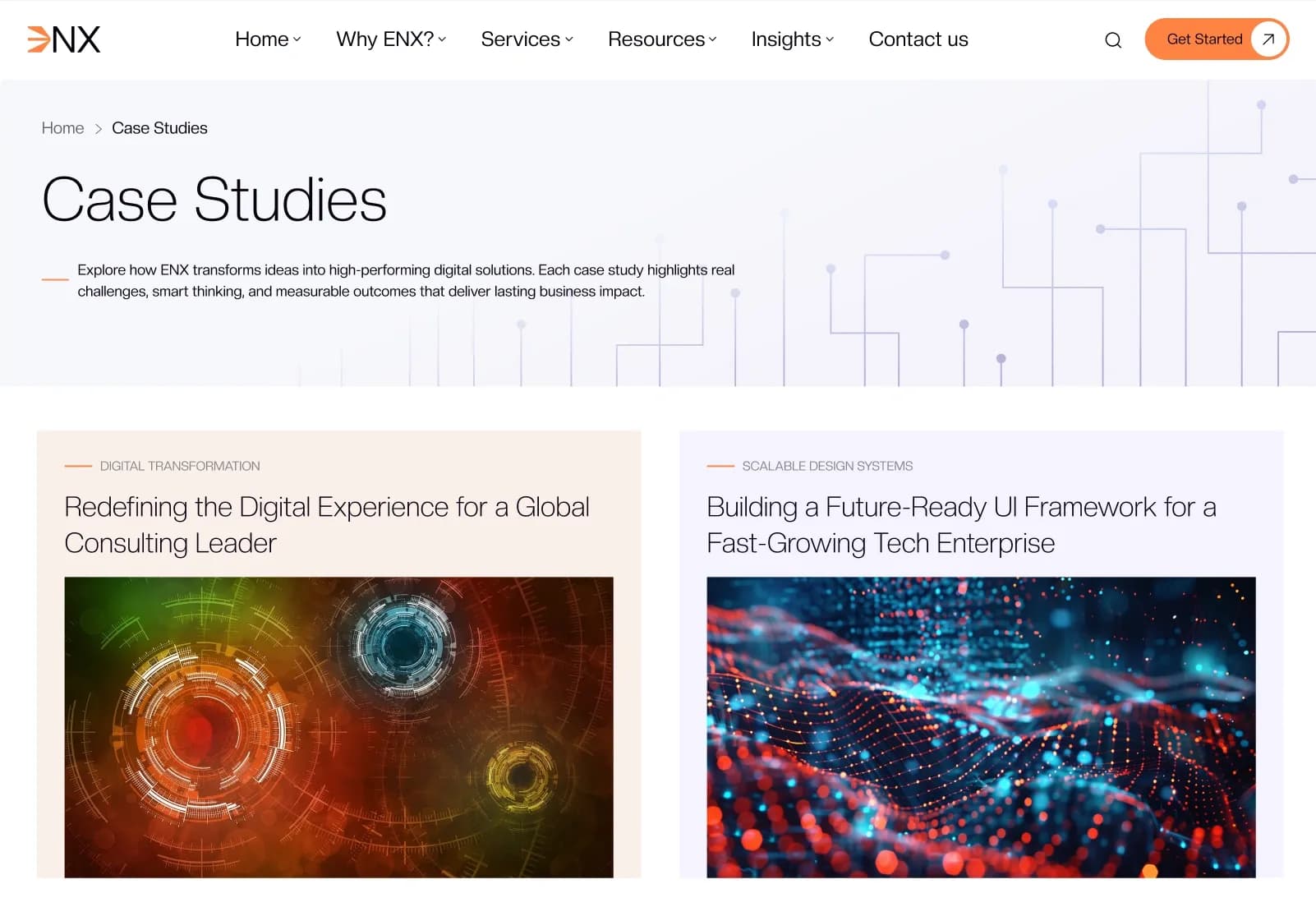
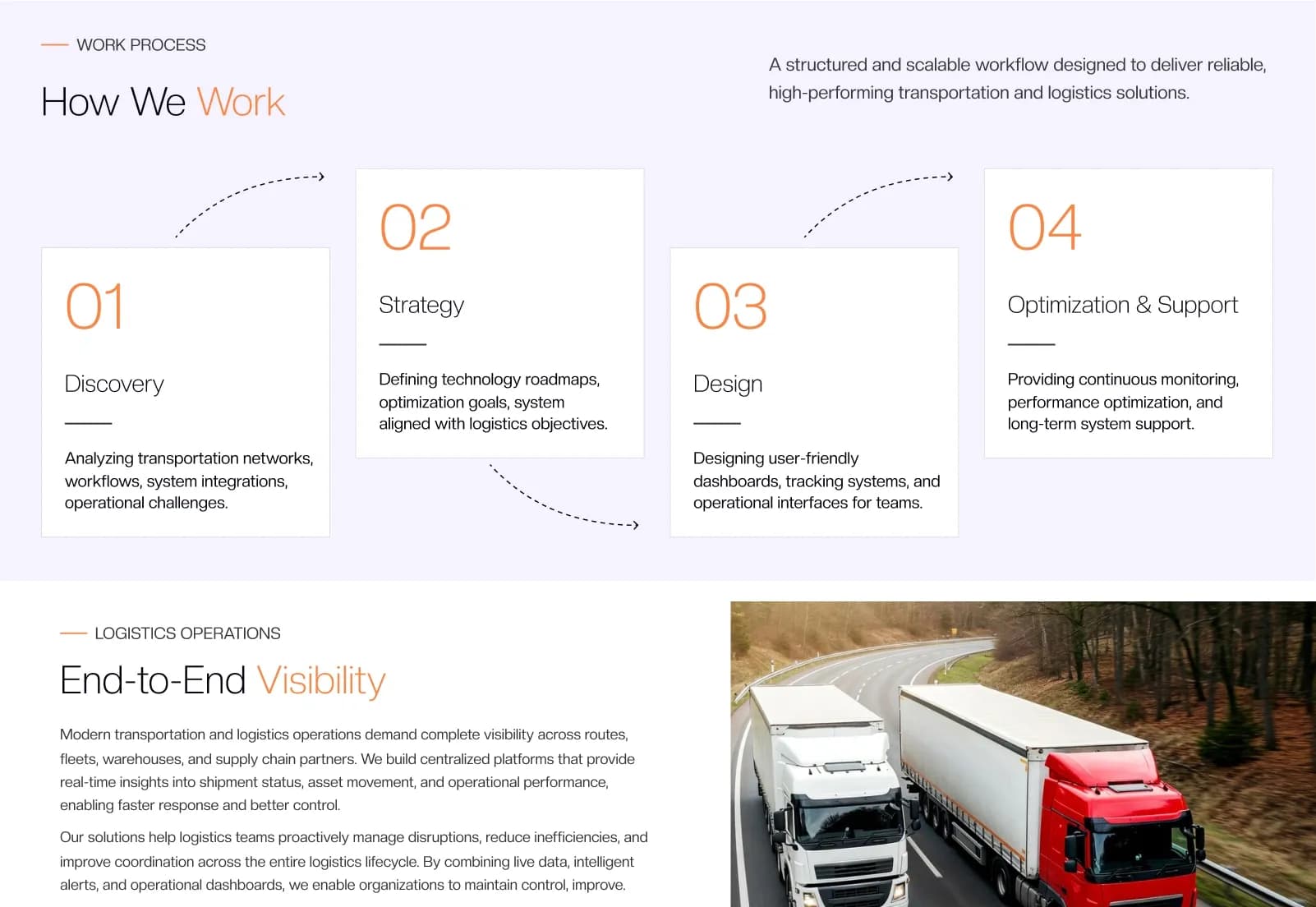
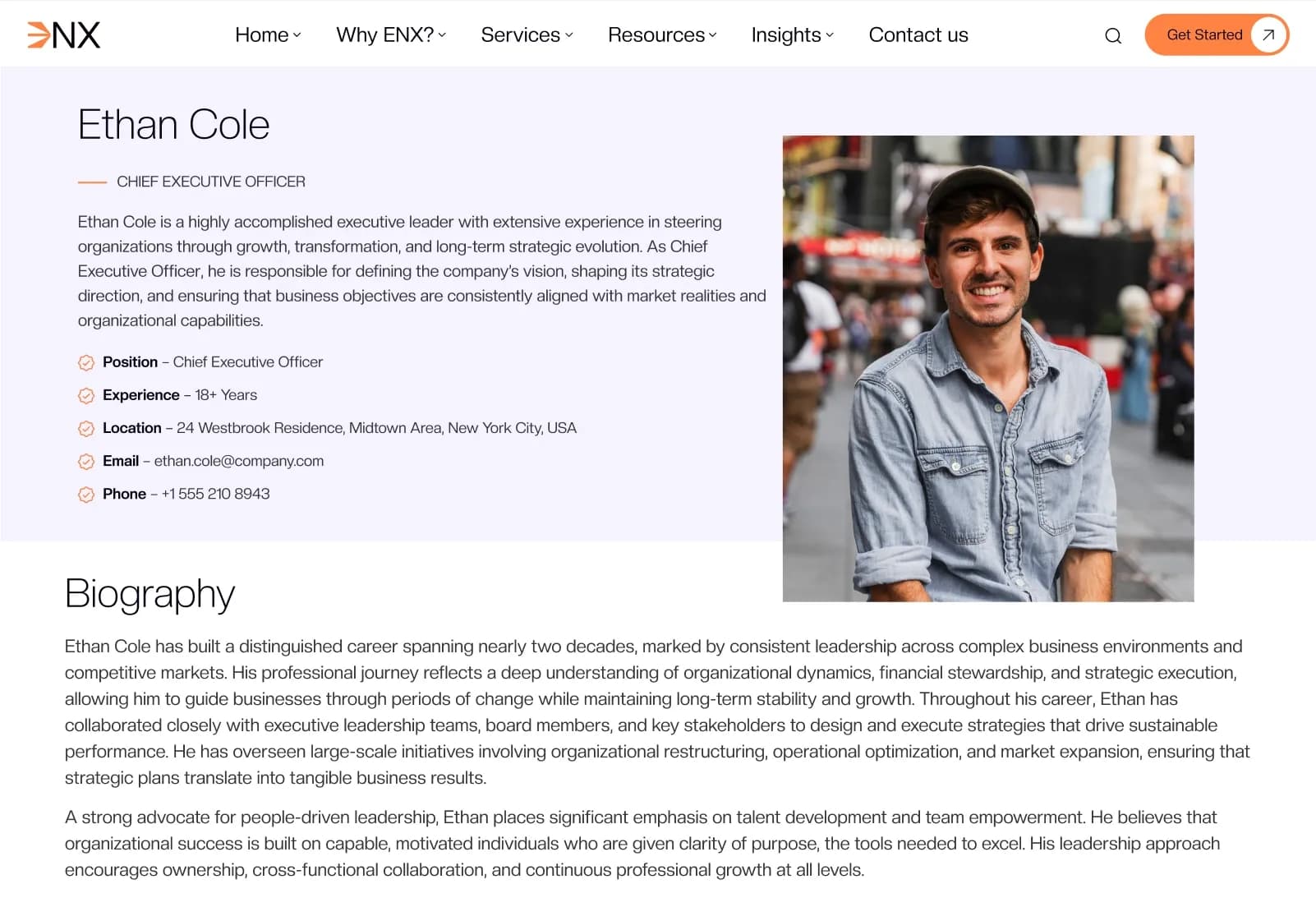
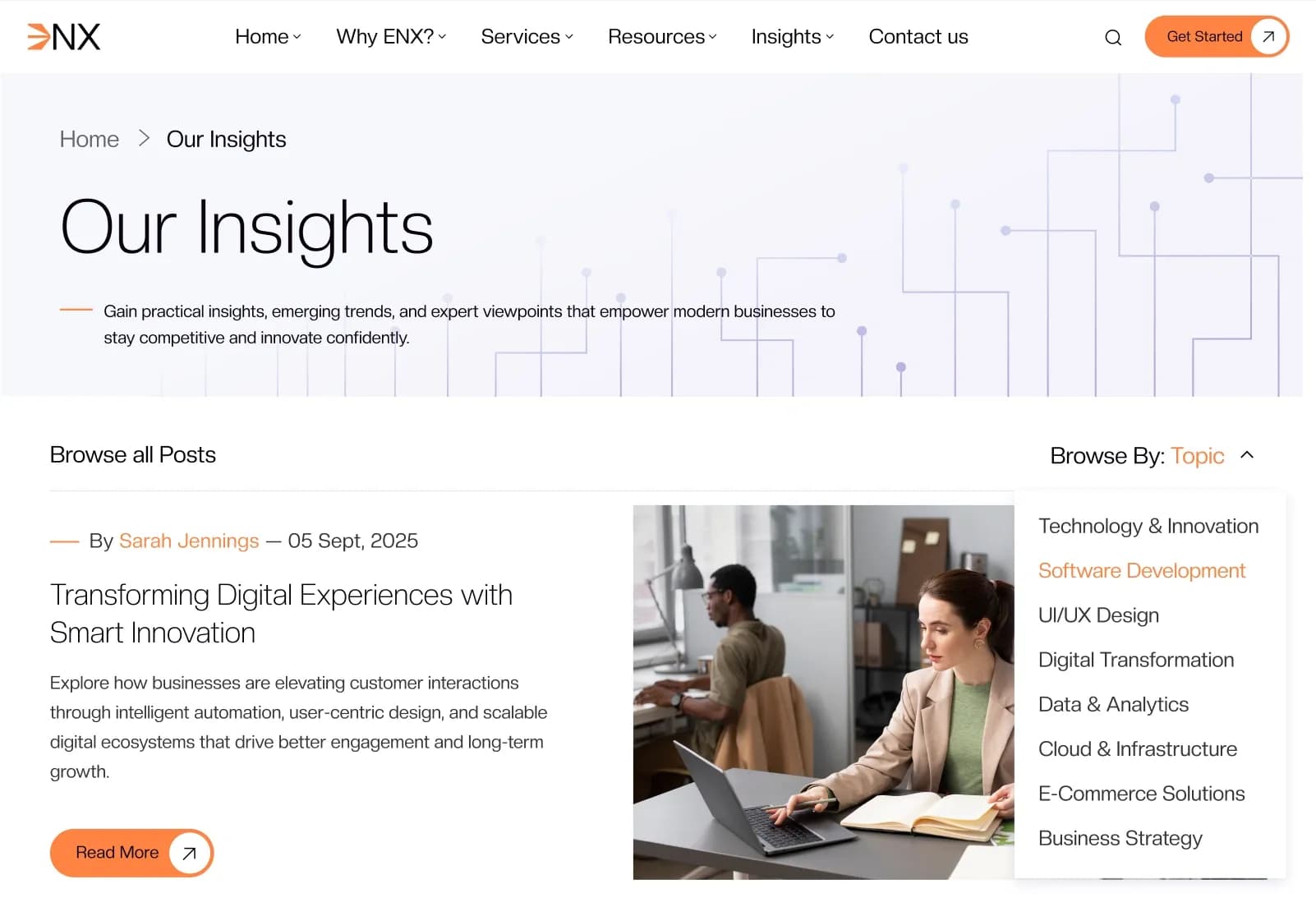
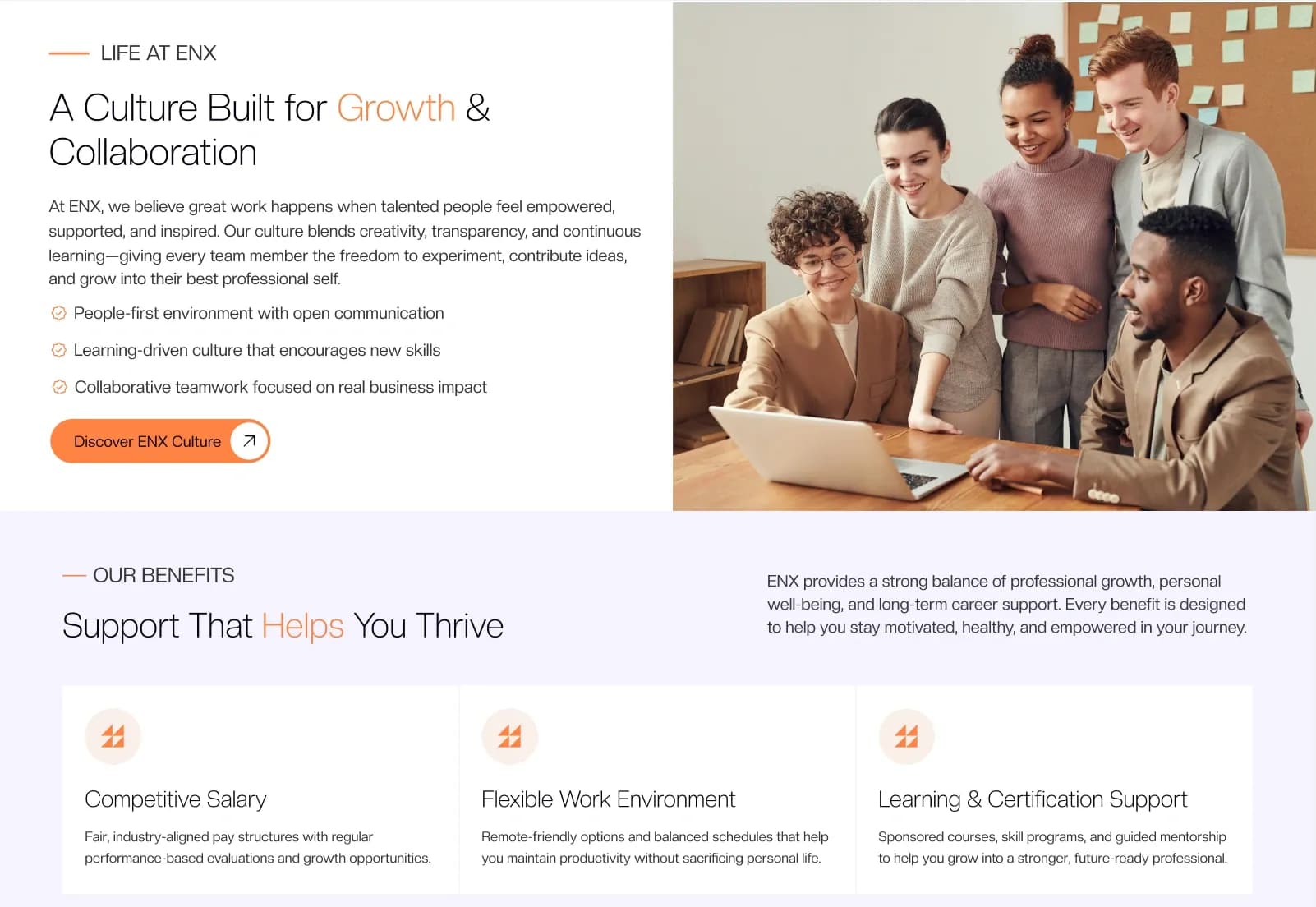
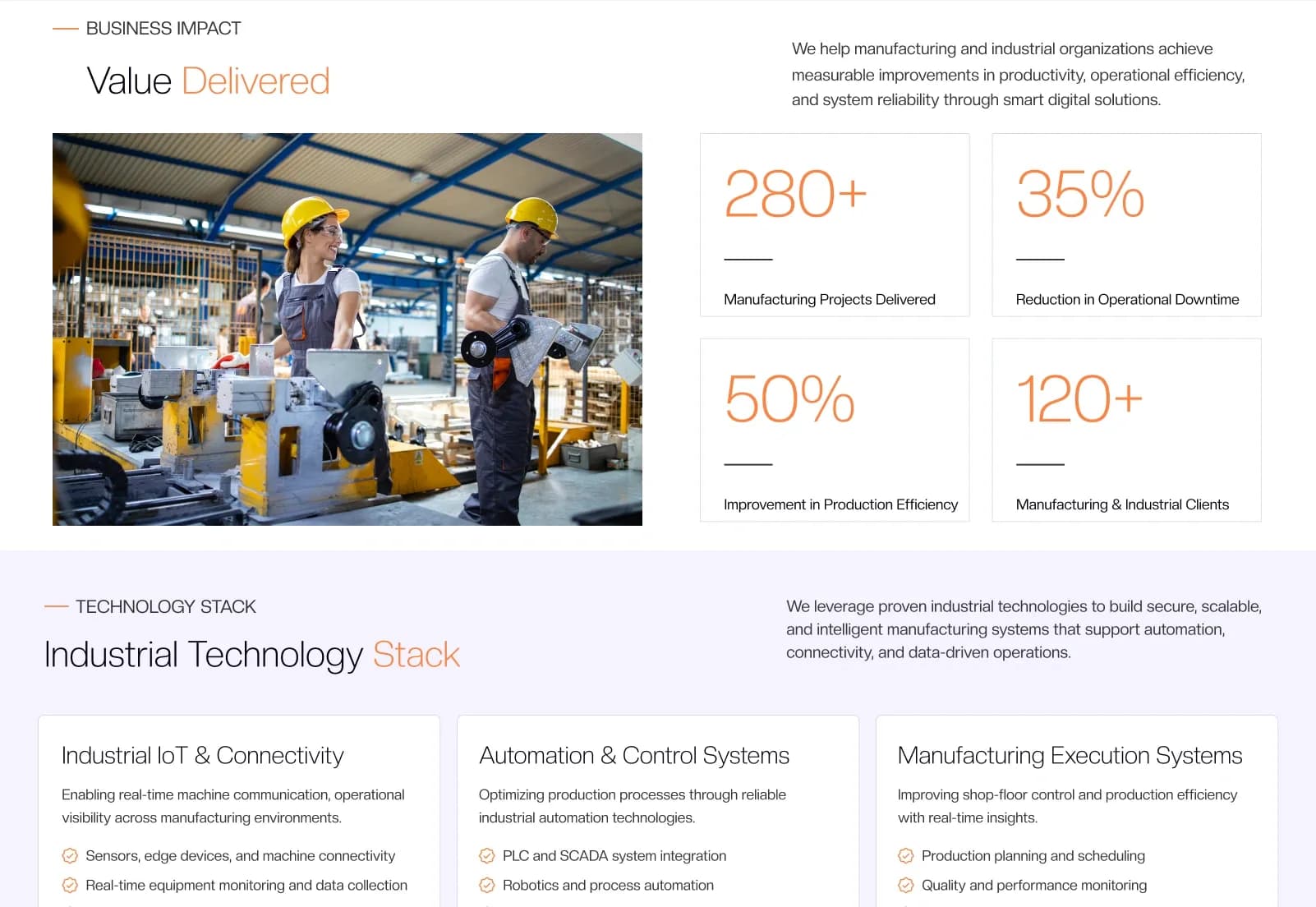
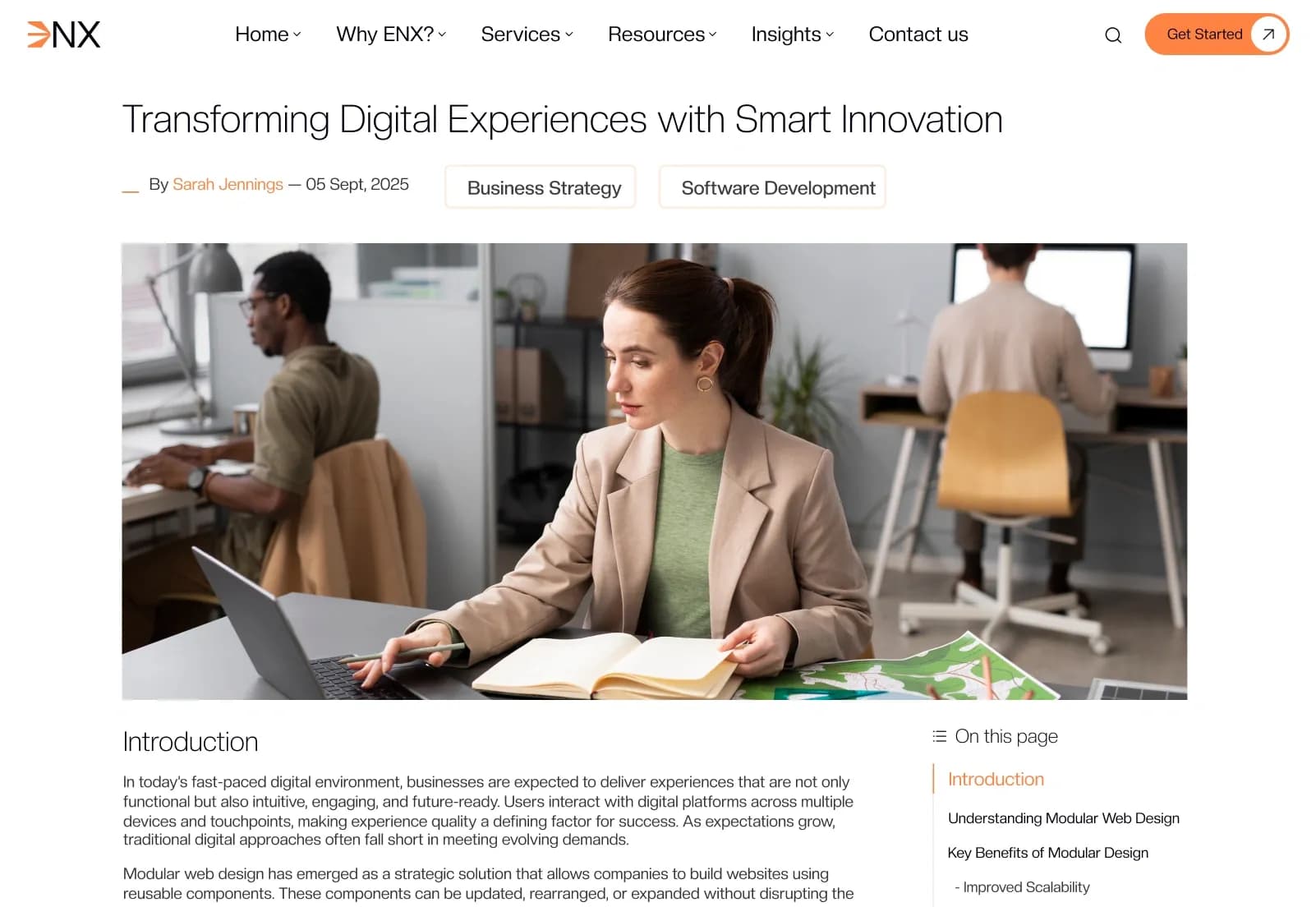
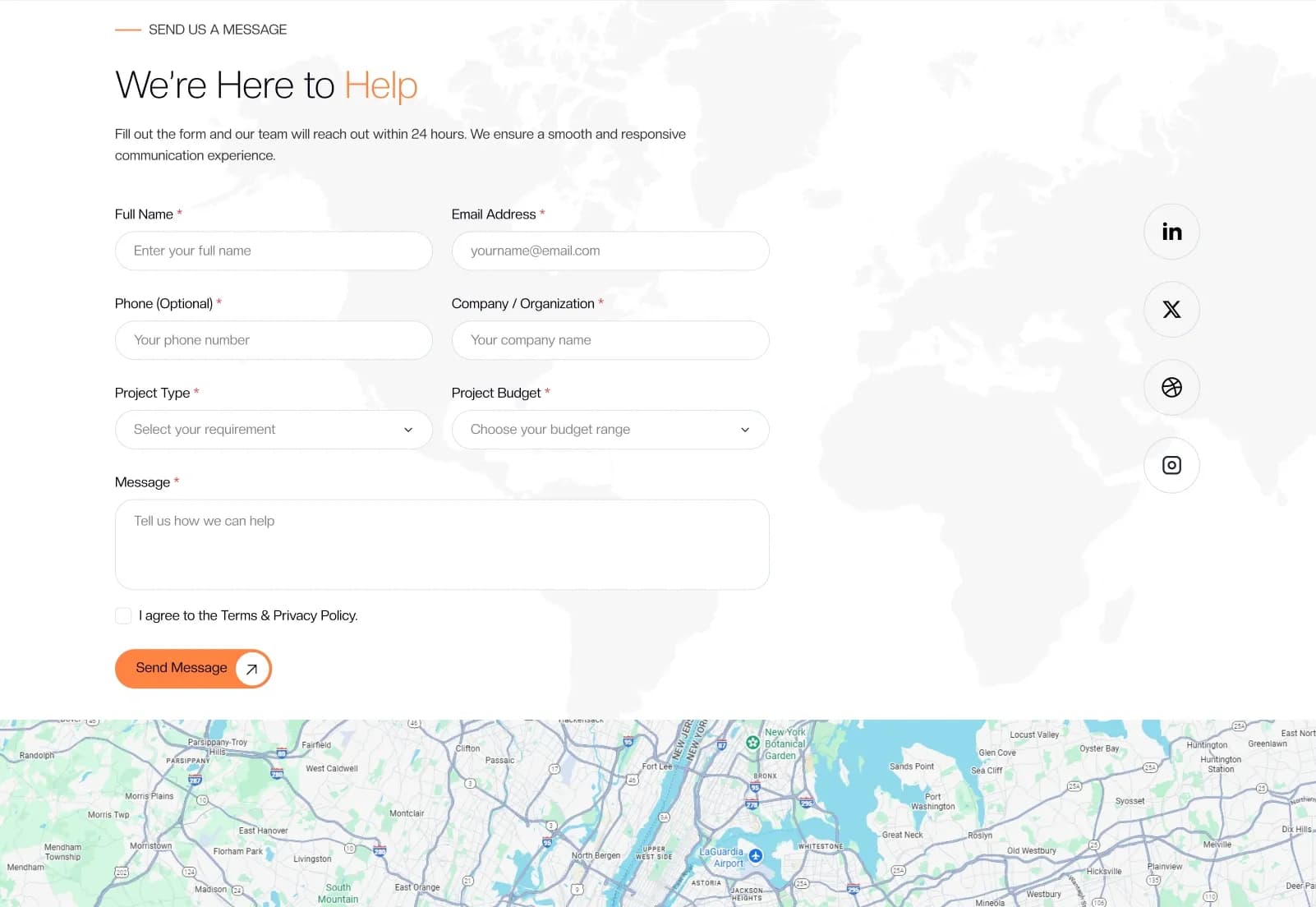
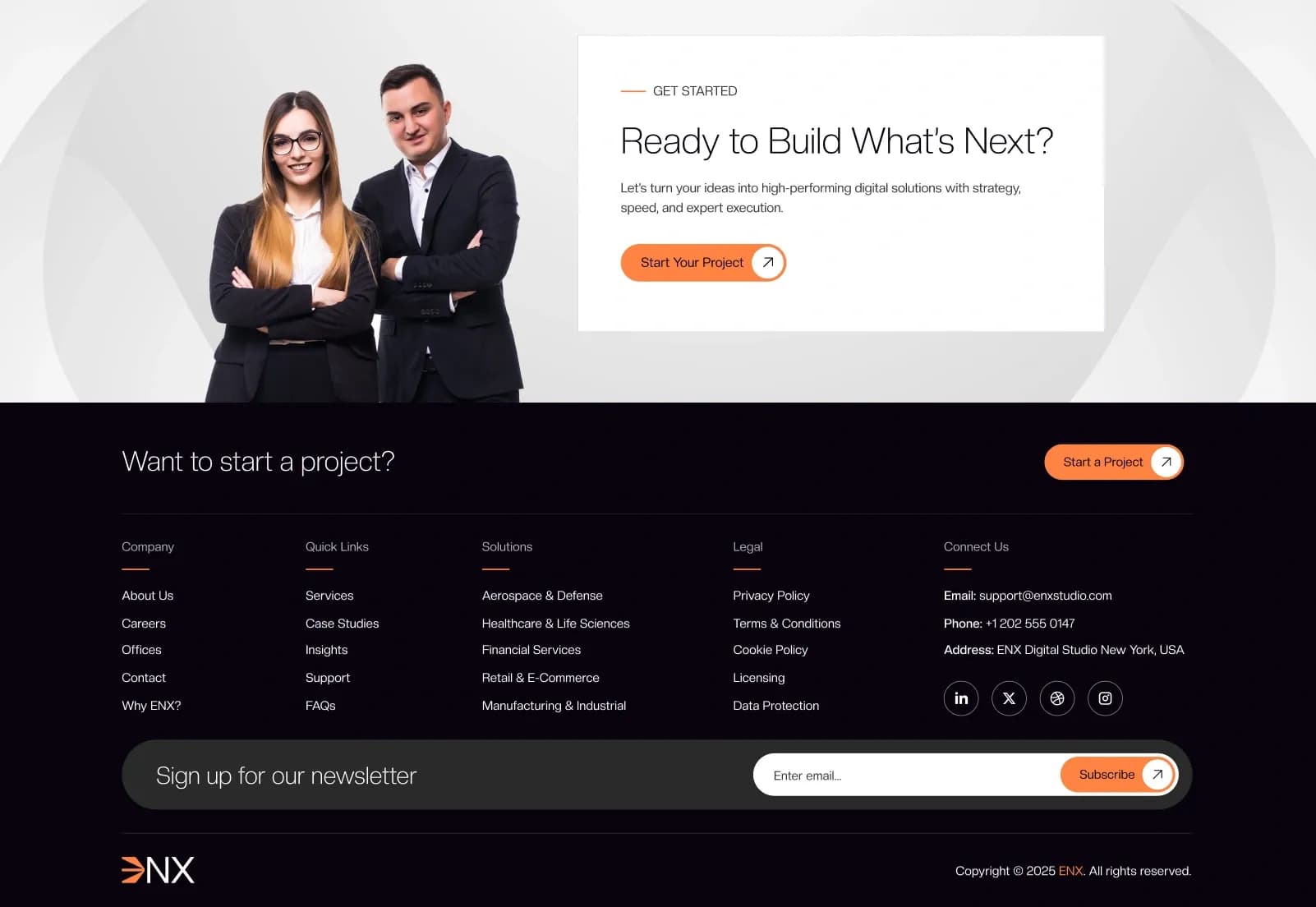
ENX is a Craft CMS 5 Starter Kit for IT companies, software development agencies, SaaS companies, technology businesses, digital agencies, IT consulting firms, managed service providers, cloud service providers, cybersecurity companies, web development agencies, business consulting firms, enterprise technology companies, corporate businesses, and professional service providers. It includes 25+ ready-to-use pages, 2 home page variations, service pages, case study layouts, insight layouts, team layouts, support pages, office pages, dynamic forms, Matrix Page Builder blocks, Sections, Categories, Asset Volumes, Global Sets, cookie settings, SEO settings, and fully responsive layouts.
Built with Craft CMS 5.x, Yii Framework, Twig templates, Tailwind CSS, Alpine.js, PHP 8.2+, and Project Config YAML, ENX gives developers and content editors a scalable CMS foundation for building technology-focused business websites. It is designed for structured content management and professional presentation, but final production setup, hosting, form delivery, search configuration, cookie/privacy review, analytics, and deployment QA should be completed before going live.
What Is ENX?
IT and technology business websites need more than a simple company profile. Software companies, SaaS brands, digital agencies, IT consulting firms, managed service providers, cloud companies, cybersecurity businesses, and professional service organizations often need service pages, case studies, client sections, insights, careers, team profiles, support pages, FAQs, office information, contact forms, newsletter forms, and flexible content sections that can be managed from a CMS.
ENX is a Craft CMS 5 Starter Kit built for modern technology-focused business websites. It includes professionally designed pages, reusable Matrix-based Page Builder blocks, Craft CMS Sections, Entry Types, Global Sets, Categories, Asset Volumes, dynamic forms, Project Config YAML, Twig templates, Tailwind CSS, Alpine.js, demo content, responsive components, and documentation for a scalable development and content-editing workflow.
Who Is This Starter Kit For?
ENX is suitable for:
- IT companies
- Software development companies
- SaaS companies
- Technology companies
- Digital agencies
- IT consulting firms
- Managed service providers
- Cloud service providers
- Cybersecurity companies
- Web development agencies
- Business consulting firms
- Enterprise technology companies
- Professional service providers
- Corporate businesses
- Agencies building Craft CMS websites for clients
- Developers creating CMS-managed business websites
ENX is a Craft CMS starter kit, not a complete SaaS platform, CRM, client portal, project management system, support desk, or enterprise software backend. Live workflows such as CRM sync, help desk routing, account login, service subscriptions, payments, customer dashboards, advanced search, and private portals require separate integration unless explicitly added during development.
What Is Included?
Main Pages
- Home, 2 Variants
- About Us
- Why ENX
- Services
- Service Detail
- Case Studies, 2 Variants
- Case Study Detail
- Case Study Category
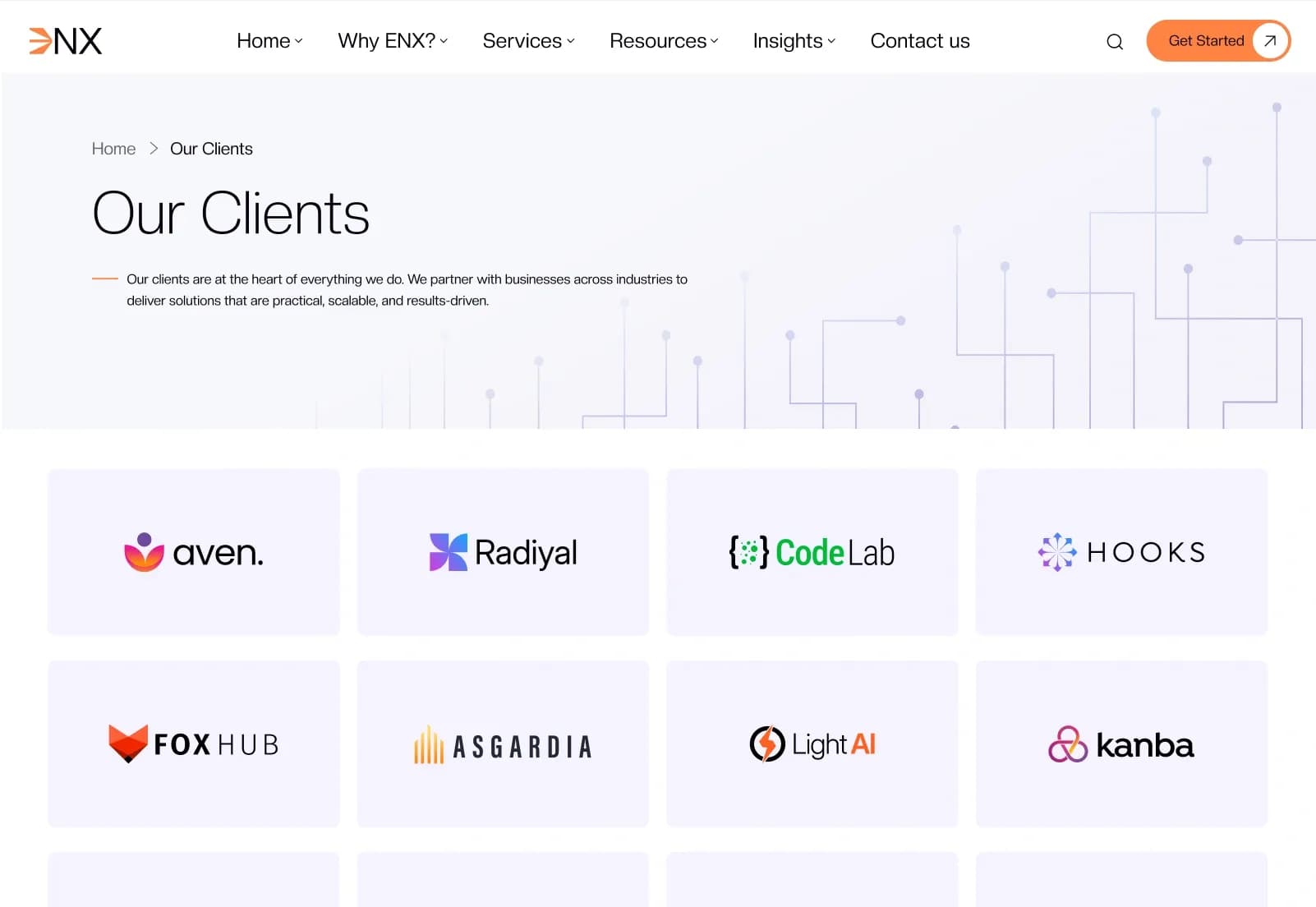
- Clients
- Insights, 2 Variants
- Insight Detail
- Insight Category
- Contact Us
- Careers
- Team, 2 Variants
- Team Detail
- Support
- FAQ
- Testimonials
- Offices
Legal & Utility Pages
- Privacy Policy
- Terms & Conditions
- Cookie Policy
- Data Protection
- Sitemap
- 404 Error Page
Number of Pages
- 25+ Ready-to-Use Pages
- 2 Home Page Variations
- 2 Case Study Listing Variations
- 2 Insight Listing Variations
- 2 Team Listing Variations
- Dynamic Service Detail Pages
- Dynamic Case Study Pages
- Dynamic Insight Pages
- Dynamic Team Pages
- Category Pages
- Fully Responsive Layout
Matrix Page Builder Blocks
- Hero Section
- Video Hero Section
- About Section
- Overview Section
- Services Section
- Service Offering Section
- Case Studies Section
- Clients Section
- Insights Section
- Latest Insights Section
- Career Section
- Career Openings Section
- Team Section
- Testimonials Section
- Benefits Section
- Impact Section
- Support Section
- FAQ Section
- Contact Section
- Get Started Section
- Let’s Talk Section
- Media Solutions Section
- Technology Stack Section
- CTA Section
- Social Section
- Logo Slider Section
Craft CMS Sections
- Pages
- Services
- Case Studies
- Insights
- Careers
- Team
- Clients
- Testimonials
- FAQs
- Offices
- Support
Dynamic Forms
- Contact Form
- Newsletter Subscription
- Career Application Form
- Support Form
- Get Started Form
- Let’s Talk Form
- General Inquiry Form
Global Sets
- Website Settings
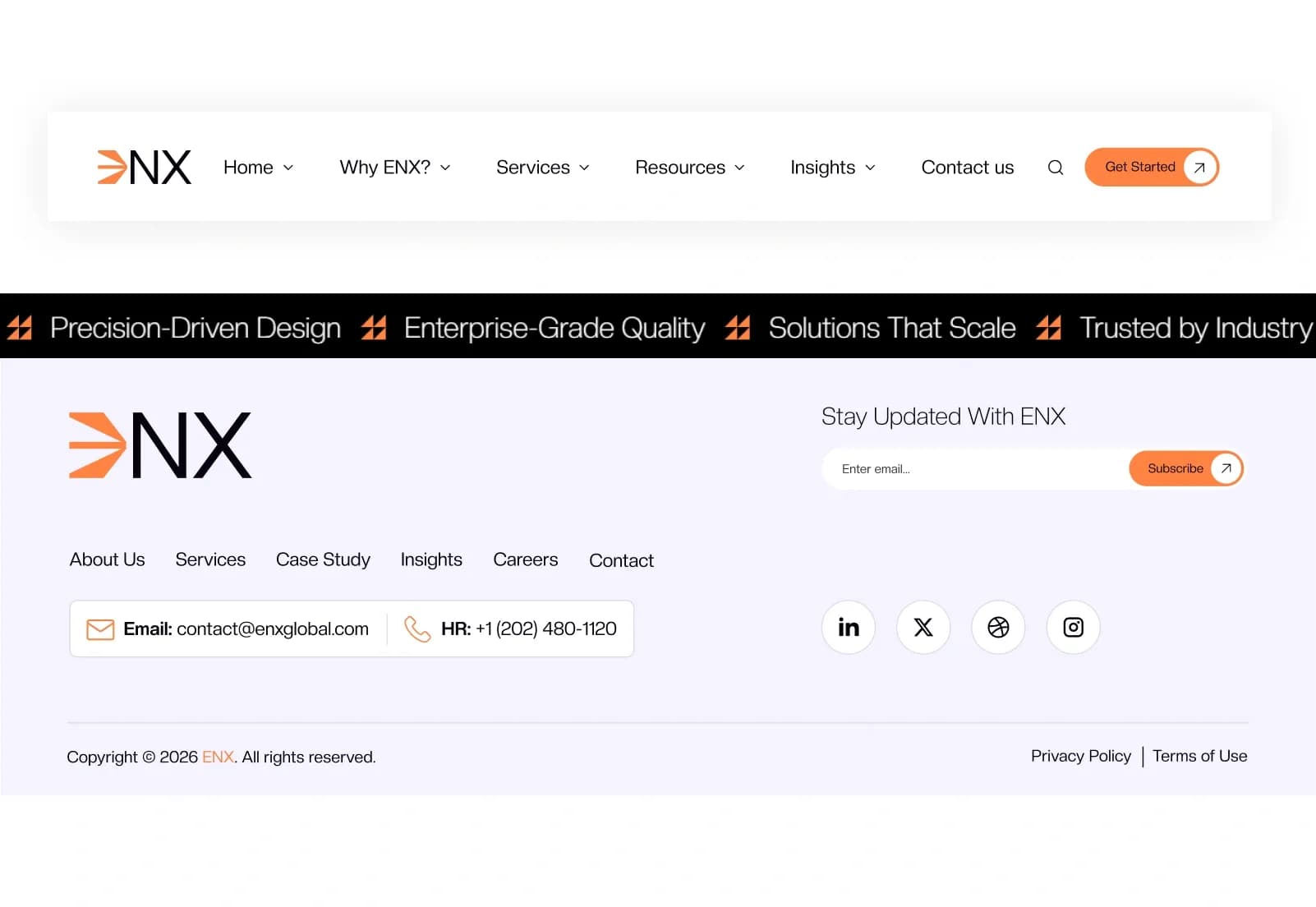
- Header Settings
- Footer Settings
- Social Media Settings
- Contact Information
- Office Information
- SEO Settings
- Cookie Settings
- Global CTA Settings
Categories
ENX supports categories for:
- Services
- Case Studies
- Insights
- Technology
- Industries
- Business Solutions
- Consulting
- Software
- Cloud Services
- IT Services
- News & Articles
Category features include:
- Multiple category assignment
- Easy content filtering
- Reusable taxonomy management
- Dynamic category archive pages
- Flexible content organization
- Category-based listing and filtering
Asset Volumes
- General Images
- Hero Images
- Service Images
- Case Study Images
- Insight Images
- Team Images
- Client Logos
- Office Images
- Gallery Images
- Video Assets
- Documents
- Technology Logos
Download Package
- Complete Craft CMS Starter Kit
- Twig Templates
- Matrix Page Builder
- Sections
- Entry Types
- Global Sets
- Categories
- Asset Volumes
- Dynamic Forms
- Project Config YAML
- Demo Content & Assets
- Responsive Components
- Documentation
How to Use ENX
Step 1: Prepare the Craft CMS Environment
Set up Craft CMS 5.x, PHP 8.2+, Composer, and a supported MySQL 8+ or MariaDB database environment.
Result: Your system is ready to install and run the ENX Craft CMS Starter Kit.
Step 2: Install the Starter Kit Files
Install the complete Craft CMS starter kit package, including Twig templates, Matrix Page Builder, Sections, Entry Types, Global Sets, Categories, Asset Volumes, dynamic forms, Project Config YAML, demo content, responsive components, assets, and documentation.
Result: The IT and technology business website structure is ready for local setup and development.
Step 3: Configure Global Settings
Update website settings, header settings, footer settings, social media settings, contact information, office information, SEO settings, cookie settings, global CTA settings, navigation, logo, and shared content.
Result: The starter kit begins to match your IT company, software agency, SaaS brand, consulting firm, or technology business.
Step 4: Add Business and Technology Content
Create and manage services, service details, case studies, case study categories, insights, insight categories, team members, careers, clients, testimonials, FAQs, offices, support content, categories, documents, and media assets.
Result: Your CMS-managed technology business content is organized and ready for review.
Step 5: Build Pages with Matrix Blocks
Use Matrix blocks such as Hero, Video Hero, Services, Case Studies, Clients, Insights, Career, Team, Testimonials, Benefits, Impact, Support, FAQ, Contact, Get Started, Let’s Talk, Media Solutions, Technology Stack, CTA, Social, and Logo Slider sections.
Result: Developers and editors can build flexible page layouts without rebuilding the core starter kit structure for every page.
Step 6: Test Forms, Navigation and Launch
Test dynamic forms, category filtering, search presentation, navigation menus, dropdown menus, image menus, responsive layouts, case study pages, insight pages, service pages, team pages, cookie settings, global settings, SEO settings, browser compatibility, and deployment configuration.
Result: Your Craft CMS IT and technology website is ready for launch after final QA and production review.
Template Features:
Built on Craft CMS 5
Modern IT & Technology Design
Fully Responsive Layout
Mobile-First Design
Matrix Page Builder