October CMS Templates, Themes & Starter Kits
October CMS themes are file-based frontend packages that can contain pages, layouts, partials, content files, and assets. The theme controls website presentation, while plugins and October CMS features can provide additional business or application functionality. Buyers should verify supported October CMS versions, theme dependencies, plugins, and customization requirements.
Best Downloads
Discover the most in-demand top-downloaded items trusted by top businesses.
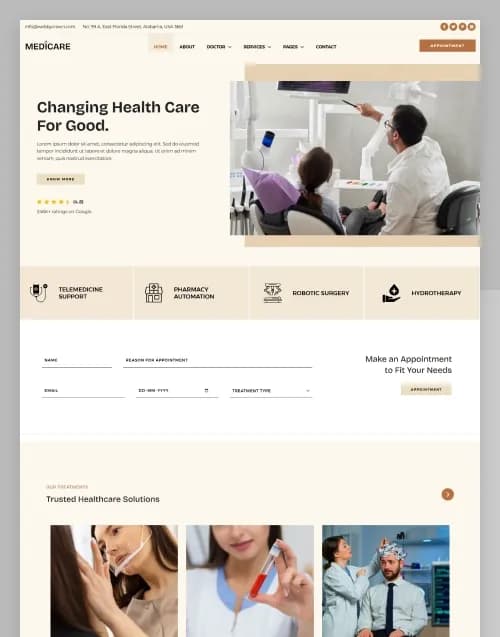


by WebbyCrown Solutions

by WebbyCrown Solutions
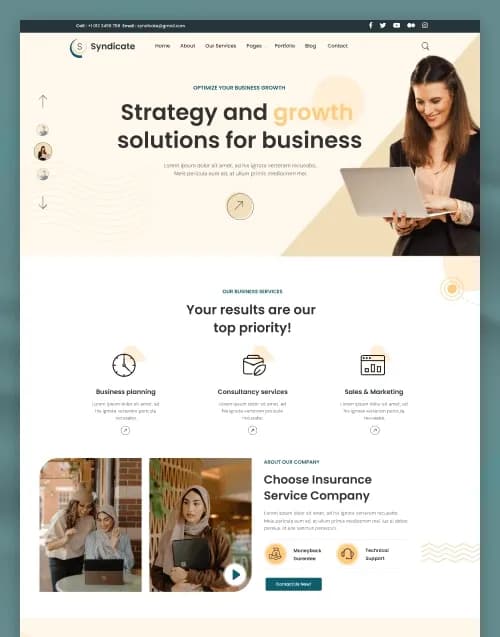
by WebbyCrown Solutions
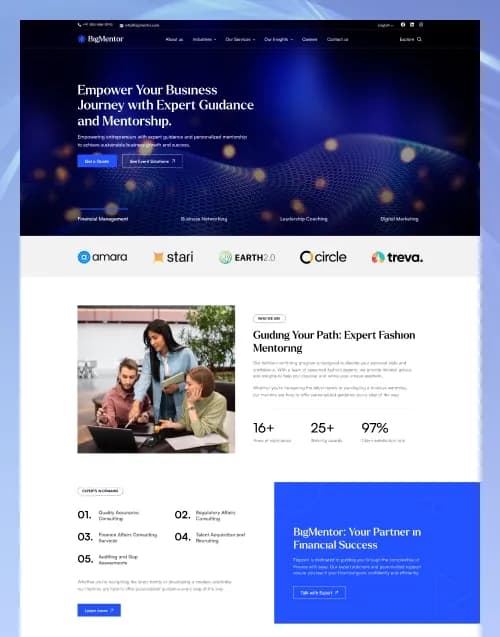
by WebbyCrown Solutions

by WebbyCrown Solutions

by WebbyCrown Solutions
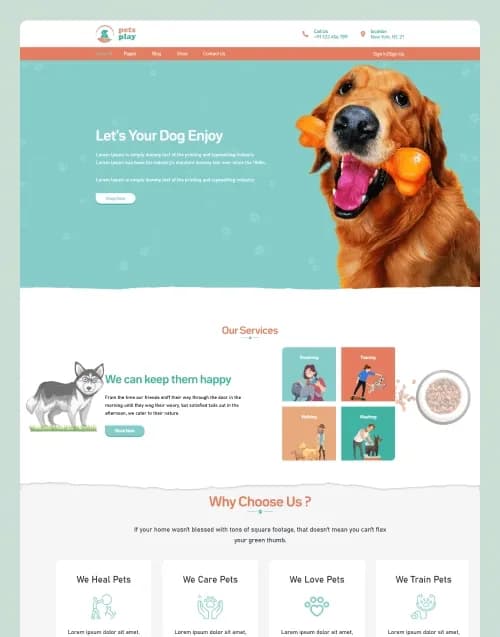
by WebbyCrown Solutions
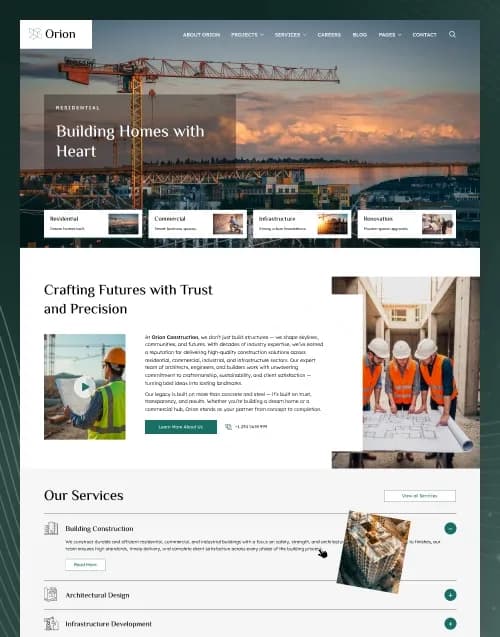
by WebbyCrown Solutions

by WebbyCrown Solutions
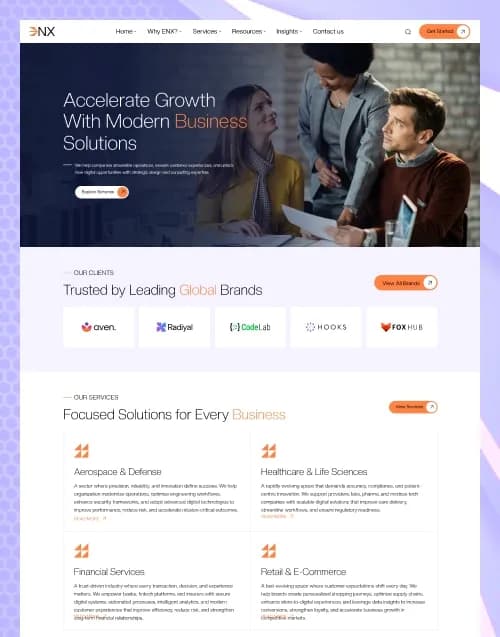
by WebbyCrown Solutions
Newly Added
Discover the most in-demand top-downloaded items trusted by top businesses.
Top Rated
Skyrocket your creativity with our Top rated collection of supreme.
What Are October CMS Themes?
October CMS documentation describes themes as completely file-based and suitable for version-control workflows. A theme can contain pages, layouts, partials, content files, and assets inside its theme directory.
This makes themes a presentation and content-structure layer within October CMS rather than a replacement for the CMS or its plugins.
What You Can Find in October CMS Themes
- Business website themes
- Corporate themes
- Agency themes
- Service-business themes
- Portfolio themes
- Blog-focused themes
- Pet-care themes
- Marketing website themes
- Professional service themes
- Multipurpose CMS themes
Who Should Use October CMS Themes?
- October CMS developers
- Laravel developers
- Agencies
- Businesses
- Freelancers
- Content teams
- Professional service firms
- Developers building client sites
- Technical website owners
How to Choose the Right October CMS Theme
Start with version compatibility. October CMS maintains versioned documentation, so buyers should confirm the theme's intended CMS version instead of assuming compatibility across releases.
Next, review theme structure. October themes may contain pages, layouts, partials, content files, and assets. This architecture affects how easily developers can customize the project.
Check whether the theme requires plugins. October CMS theme metadata can define plugin dependencies, so required plugins should be identified before installation.
Current WebbyTemplate product listings show emerging October CMS inventory. The PetsPlay listing includes an October CMS + Laravel technology option alongside its HTML, Next.js, and Statamic variants.
ENX likewise displays an October CMS + Laravel technology variant in its current technology selector.
Because the surfaced product pages also represent other technology variants, buyers should verify the exact October CMS package contents before purchase rather than assuming the HTML or Figma feature list applies identically to the CMS version.
Do not confuse theme design with plugin functionality. October's documentation separately exposes plugins and themes, and plugins can supply functional features beyond the theme.
October CMS themes can also support sample content through seed scripts, including database content and Tailor blueprints, but whether any specific marketplace product includes these should be checked individually.
For non-developers, inspect how much content can be changed through the backend versus editing Twig or theme files.
Developers should review version control, dependencies, asset compilation, frontend libraries, Laravel requirements, and deployment documentation.
Forms, commerce, authentication, CRM integrations, customer accounts, and other application workflows should be verified separately. A visible interface does not prove the corresponding plugin or backend has been implemented.
Finally, review responsive behaviour, accessibility, update history, theme.yaml information, documentation, asset licensing, product licensing, and seller support.
Popular Use Cases for October CMS Themes
- Building a Laravel-based business website
- Creating an agency CMS site
- Launching a service-company website
- Building a structured client CMS project
- Publishing blog or portfolio content
- Creating an editable marketing website
- Replacing static frontend files with CMS-managed content
October CMS Theme Quality Notes
- Verify October CMS version support.
- Check required plugins.
- Review theme file structure.
- Confirm Laravel requirements.
- Plugin functionality is separate from theme presentation.
- Check content-editing workflow.
- Review responsive layouts.
- Verify update history.
- Check documentation.
- Review licensing and support.
Related Category Ideas
- Statamic
- Drupal
- Joomla!
- Webflow
- CMS Themes
- Laravel
Frequently Asked Questions
What is an October CMS theme?
What files can an October CMS theme contain?
Is October CMS built around Laravel?
Do themes include plugins?
Can October CMS themes use Twig?
Can themes include sample CMS content?
Do October themes include eCommerce?
Can developers use Git with October themes?
Can agencies use October CMS themes for clients?
What should I verify before purchasing?
Subscribe Now for Insider Access
Our newsletter is more than just updates it's your pass to the latest news, special promotions, and curated content designed to keep you ahead.