ENX — Business HTML Website Template

0 (0 Reviews)
0 Sales





License Options
View License Policy1 site / project / end product
up to 5 sites / projects / end products
up to 30 sites / projects / end products
Add-on Services
$45.00
$59.00
Technology
No title available : ENX — Business HTML Website Template


Created : 09 June 2026
Updated : 31 August 2026
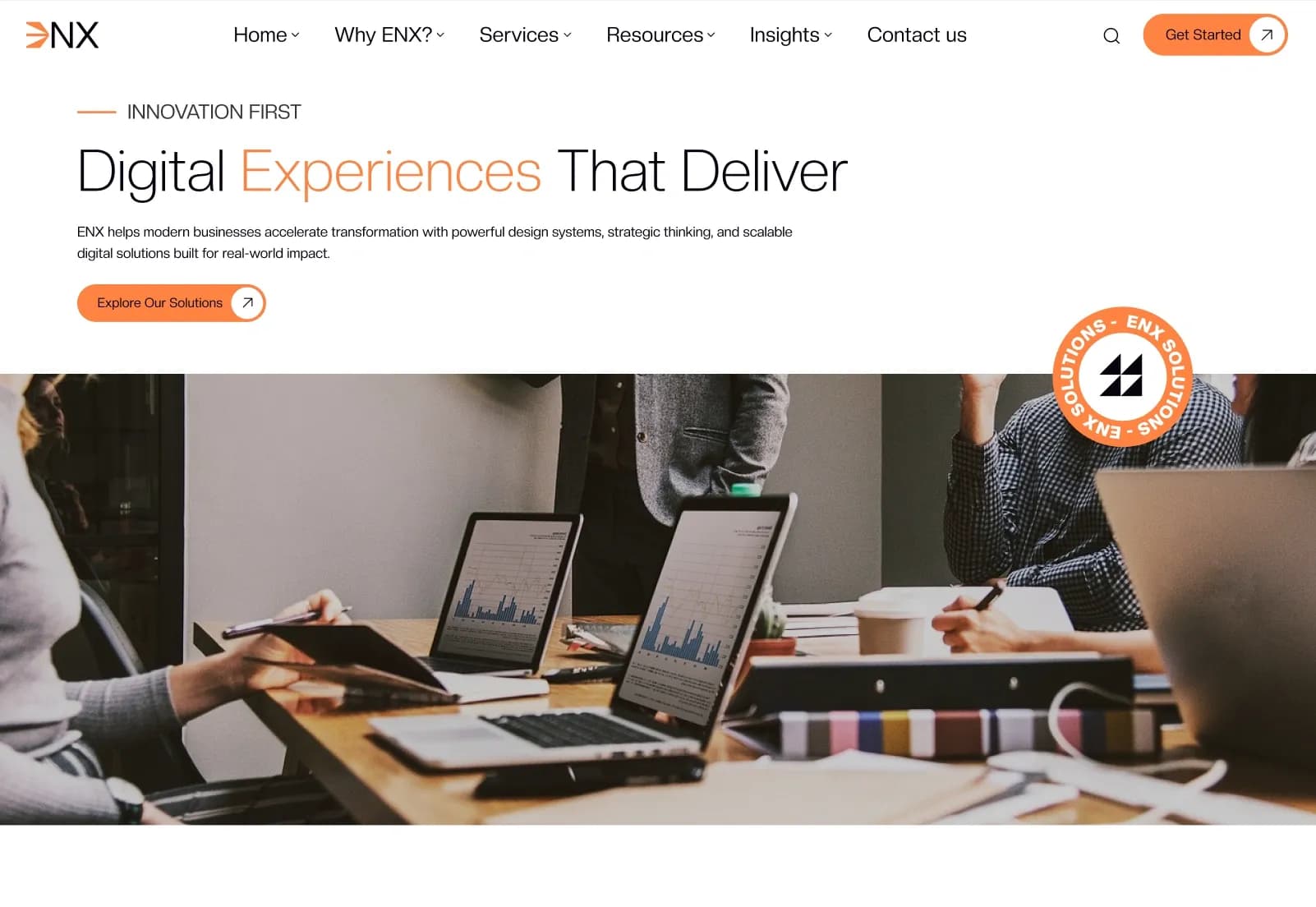
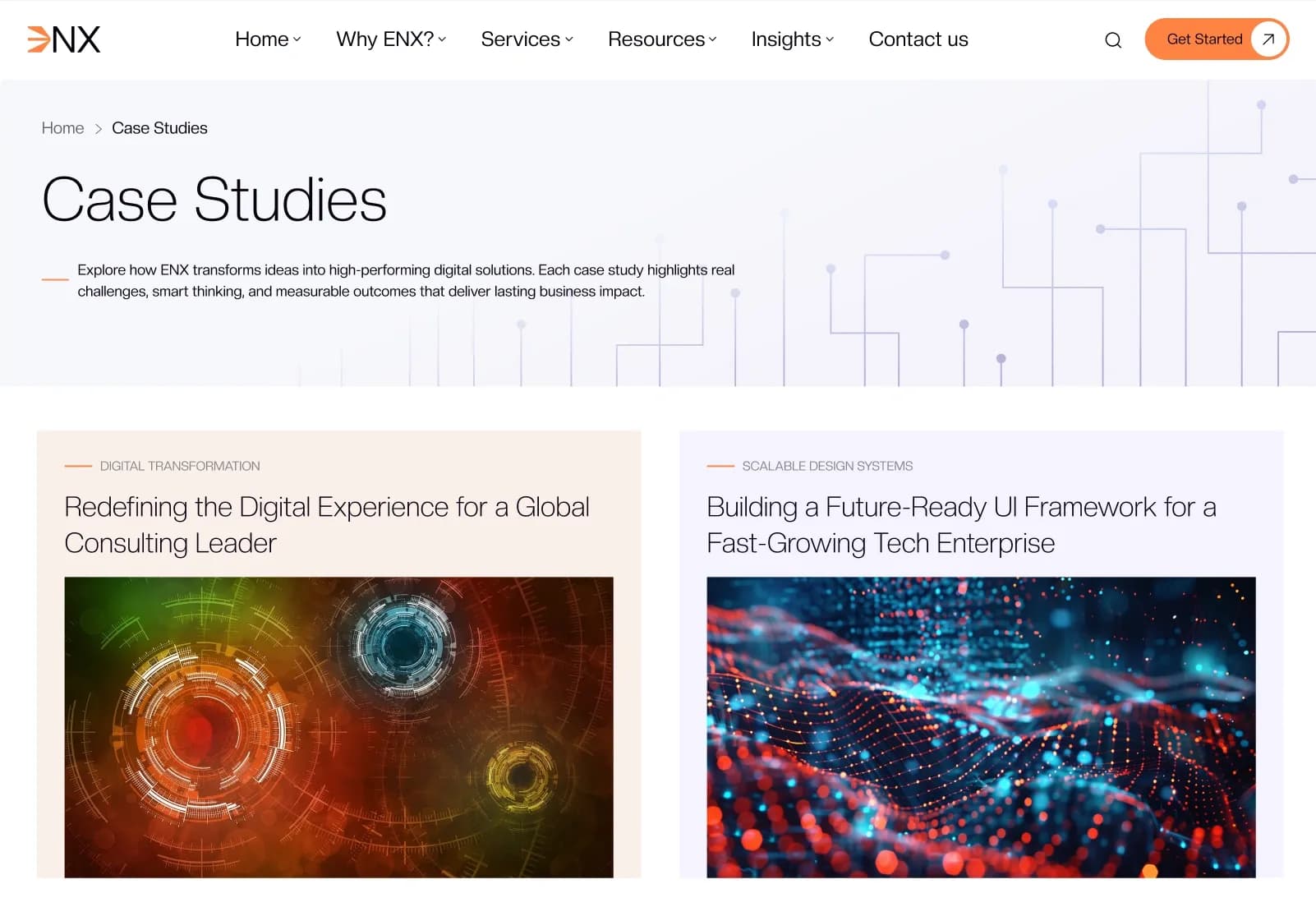
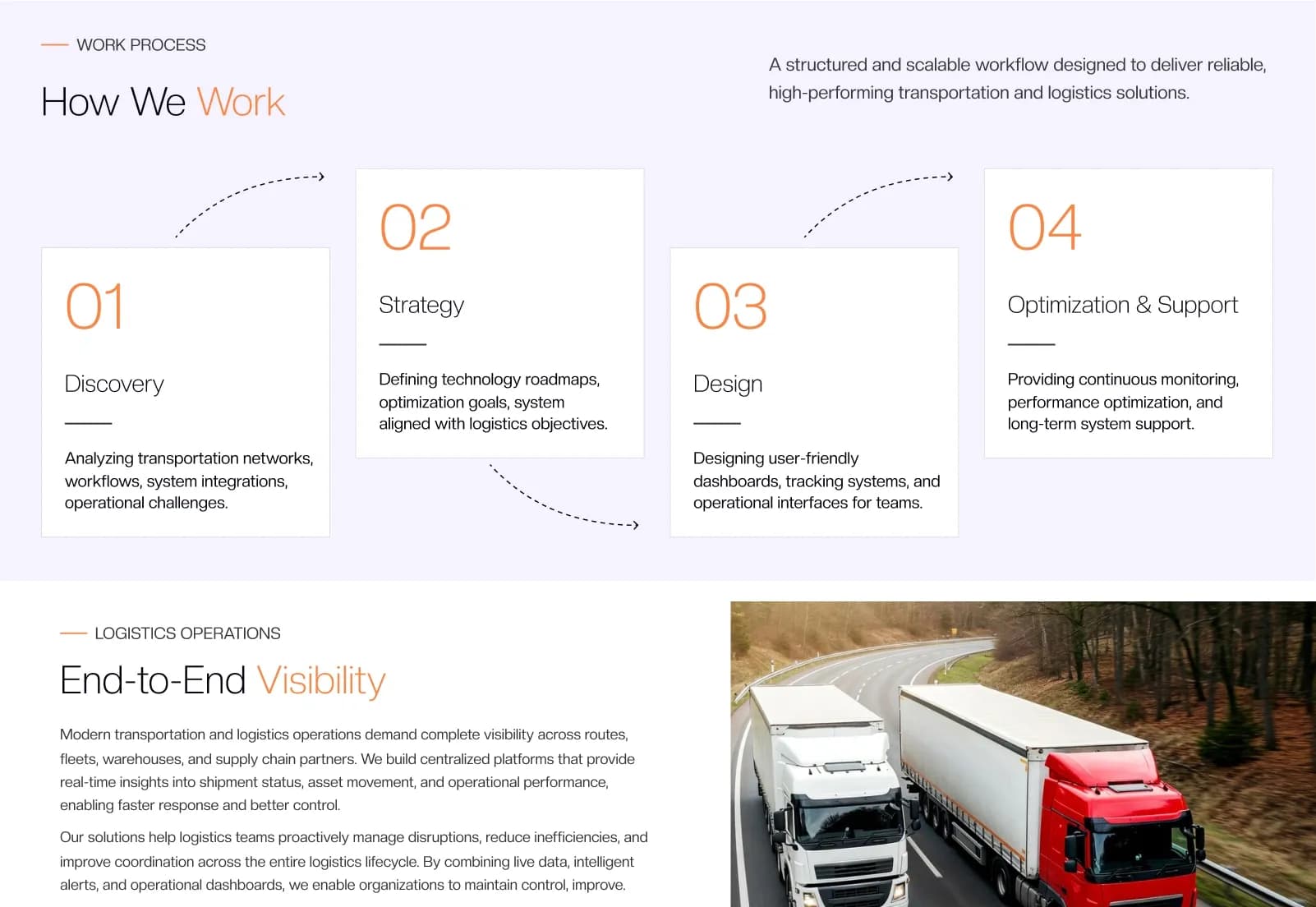
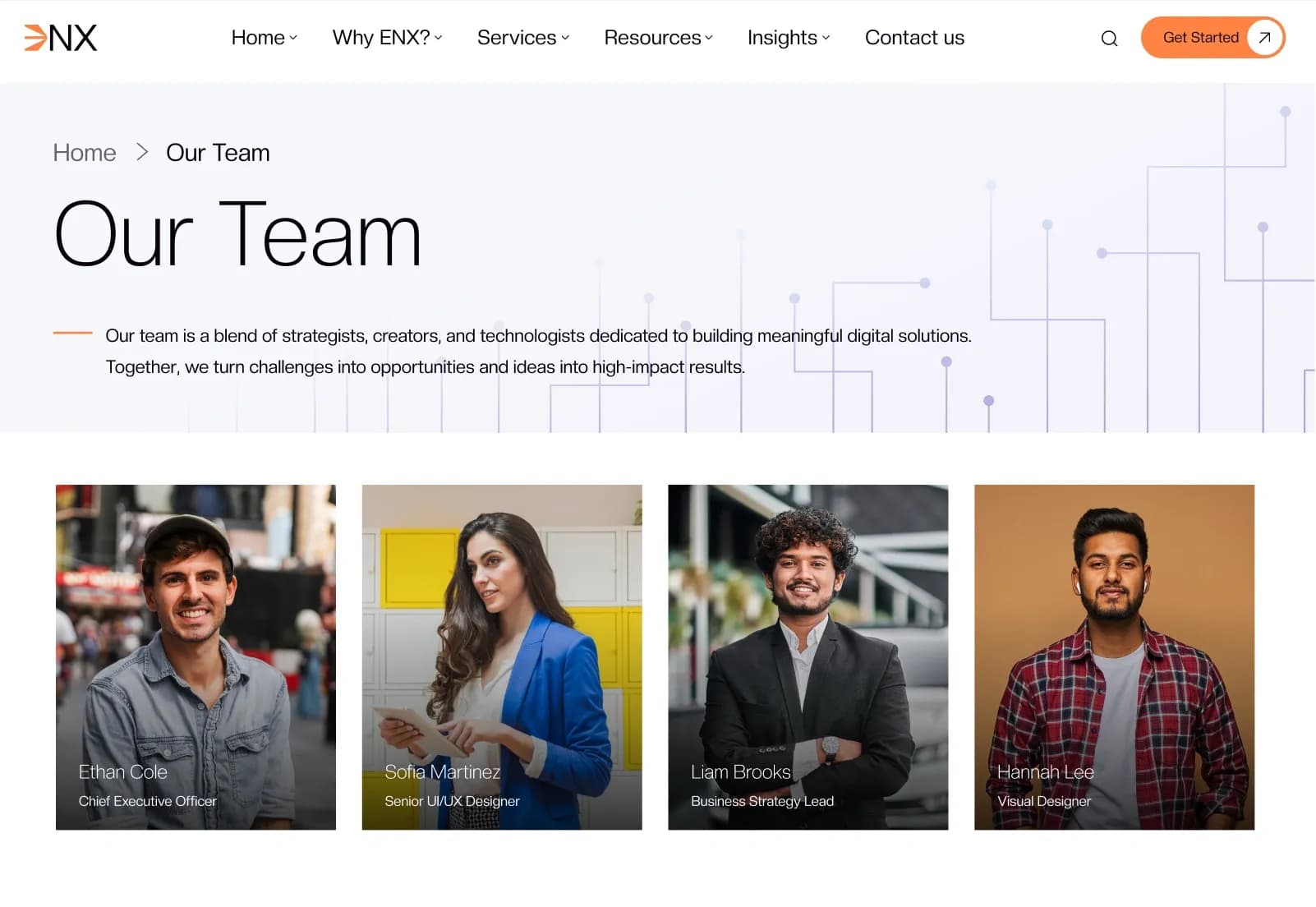
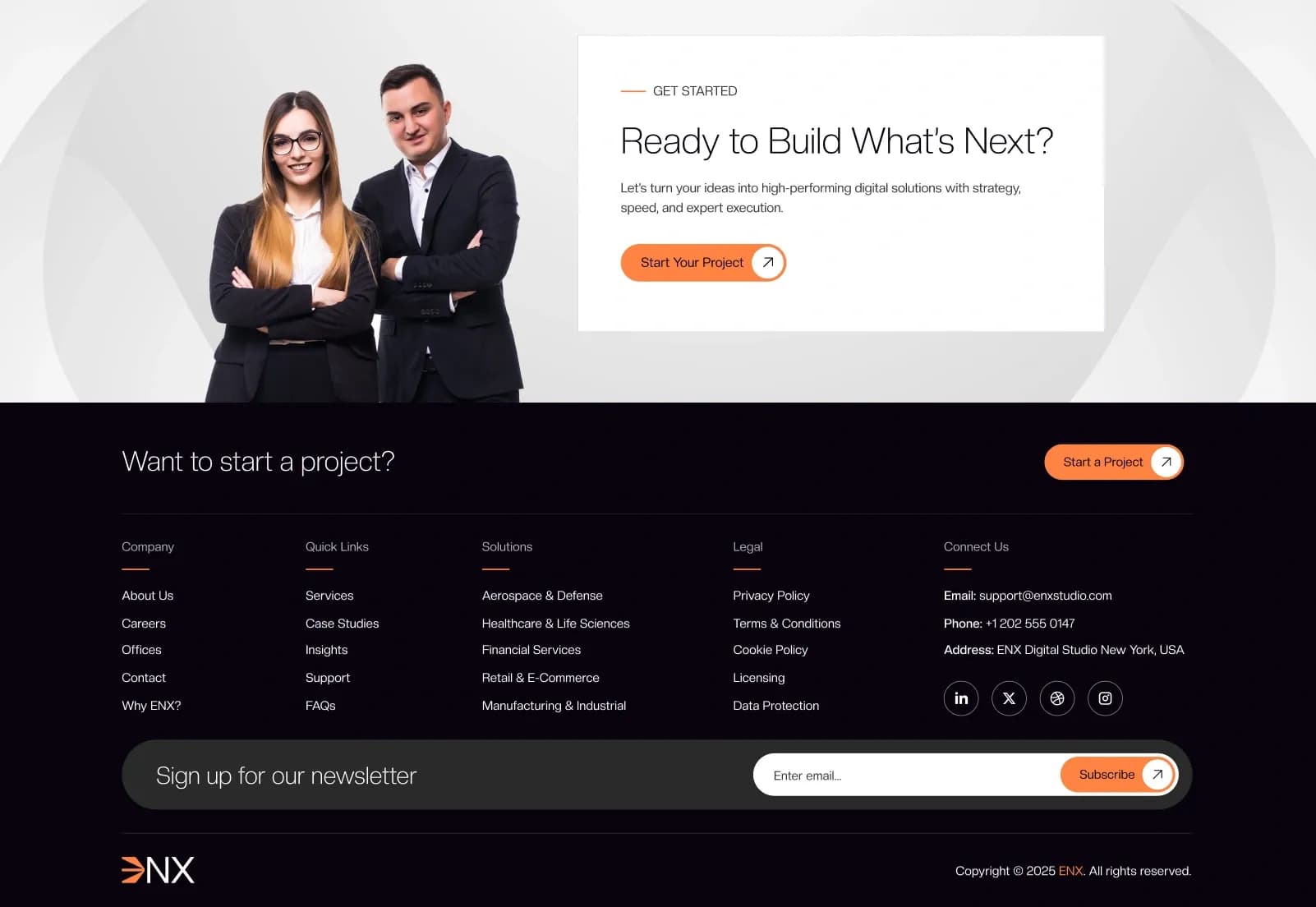
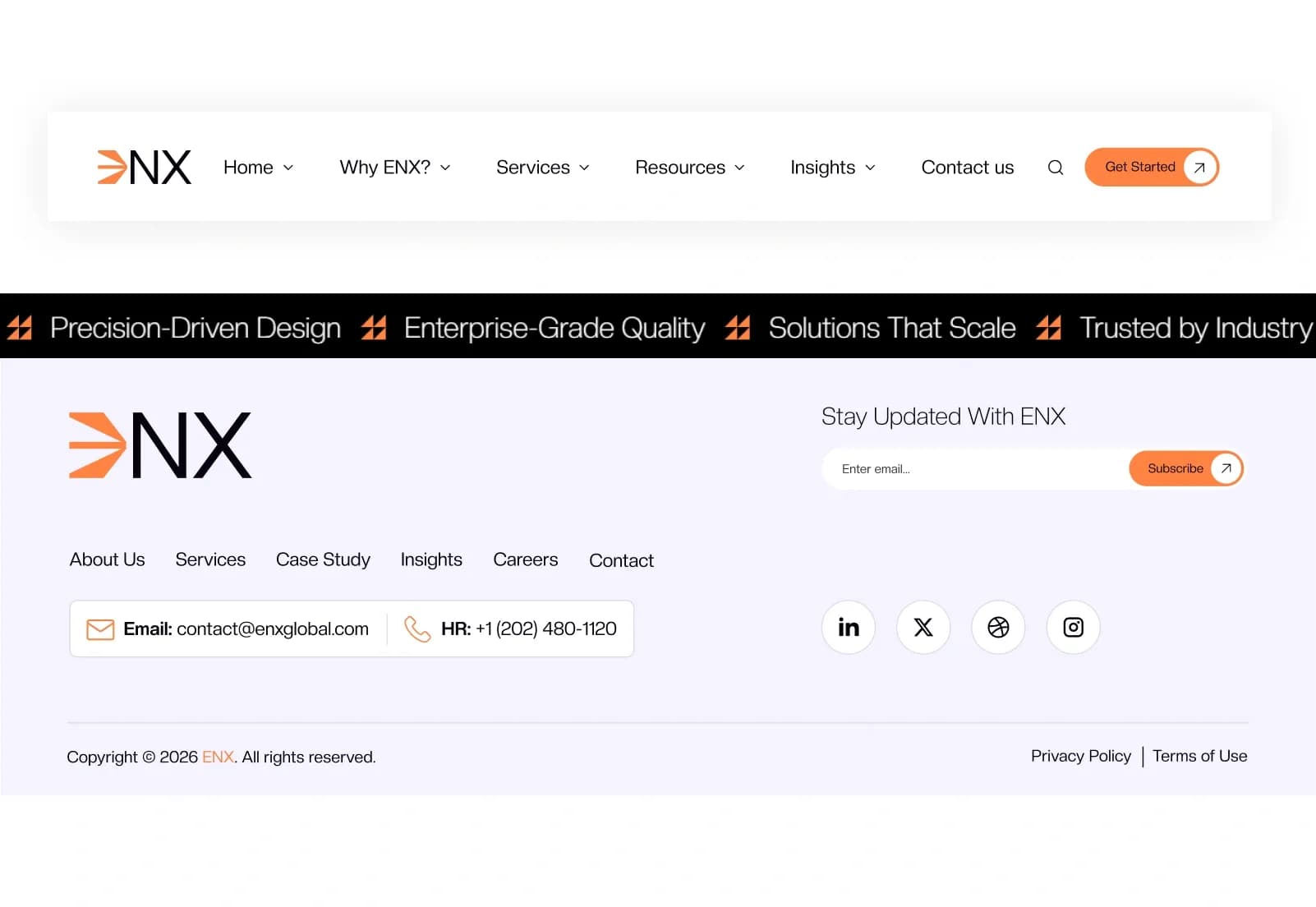
ENX is a modern Business HTML Website Template by WebbyTemplate for businesses, corporate companies, consulting firms, startups, agencies, IT companies, and professional service providers. It includes 37 responsive HTML pages, 2 homepage variations, case study pages, team pages, insight/blog pages, service pages, legal pages, utility pages, reusable components, documentation, Tailwind CSS v4 source files, jQuery, Swiper.js, AOS animations, icons, fonts, and demo assets — available with license options.
What Is ENX Business HTML Website Template?
Businesses, agencies, consulting firms, and professional service providers need a website that can present services, case studies, clients, offices, team members, insights, testimonials, FAQs, career information, support details, legal pages, and contact options in a clear and professional way. Building all these pages from scratch can take time, especially when the website needs responsive layouts, clean code, SEO-friendly markup, and developer-ready structure.
ENX gives you a complete Business HTML Website Template with 37 responsive HTML pages, Tailwind CSS v4, jQuery, Swiper.js, AOS animations, reusable UI components, documentation, demo assets, icons, fonts, and organized source files. It helps developers, agencies, startups, and business teams launch a professional corporate website faster while keeping the code easy to edit and customize.
Who Is This Template For?
- Web developers building business websites with HTML and Tailwind CSS
- Agencies creating corporate websites for business clients
- Consulting firms that need a professional service website
- Startups that want a modern business presence
- IT companies and SaaS service providers that need service, team, blog, and case study pages
- Corporate brands that need pages for offices, clients, support, testimonials, and legal content
- Freelancers who want a clean, responsive HTML template for client projects
This template is not suitable for buyers who need a dynamic CMS or backend system. ENX is a static HTML website template — it does not include WordPress, Webflow, admin dashboard, CMS, database, backend logic, payment processing, user login system, or form submission backend.
What Is Included in ENX?
Homepages
- Home v1
- Home v2
Company Pages
- About ENX
- Why ENX
- Our Services
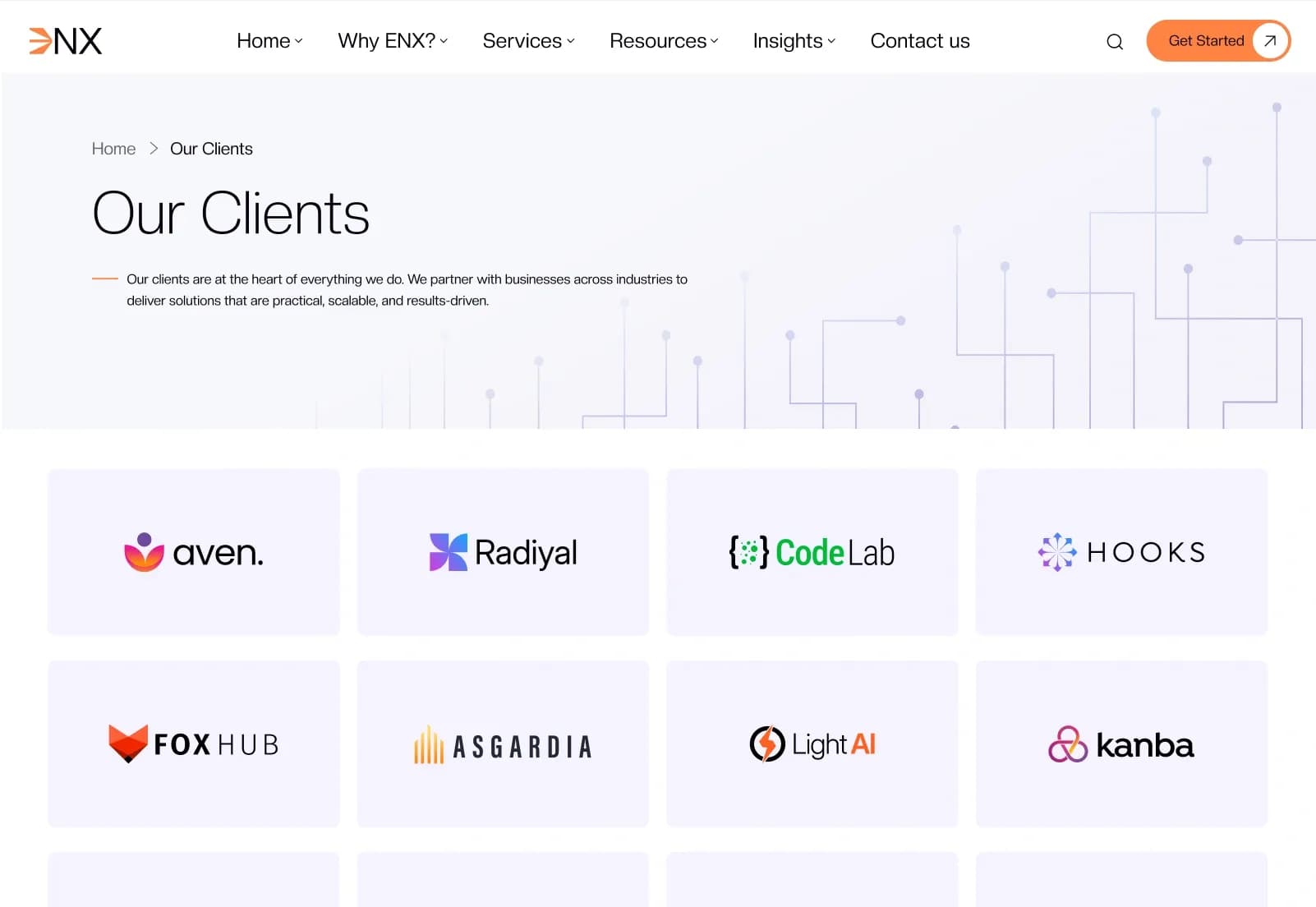
- Our Clients
- Our Offices
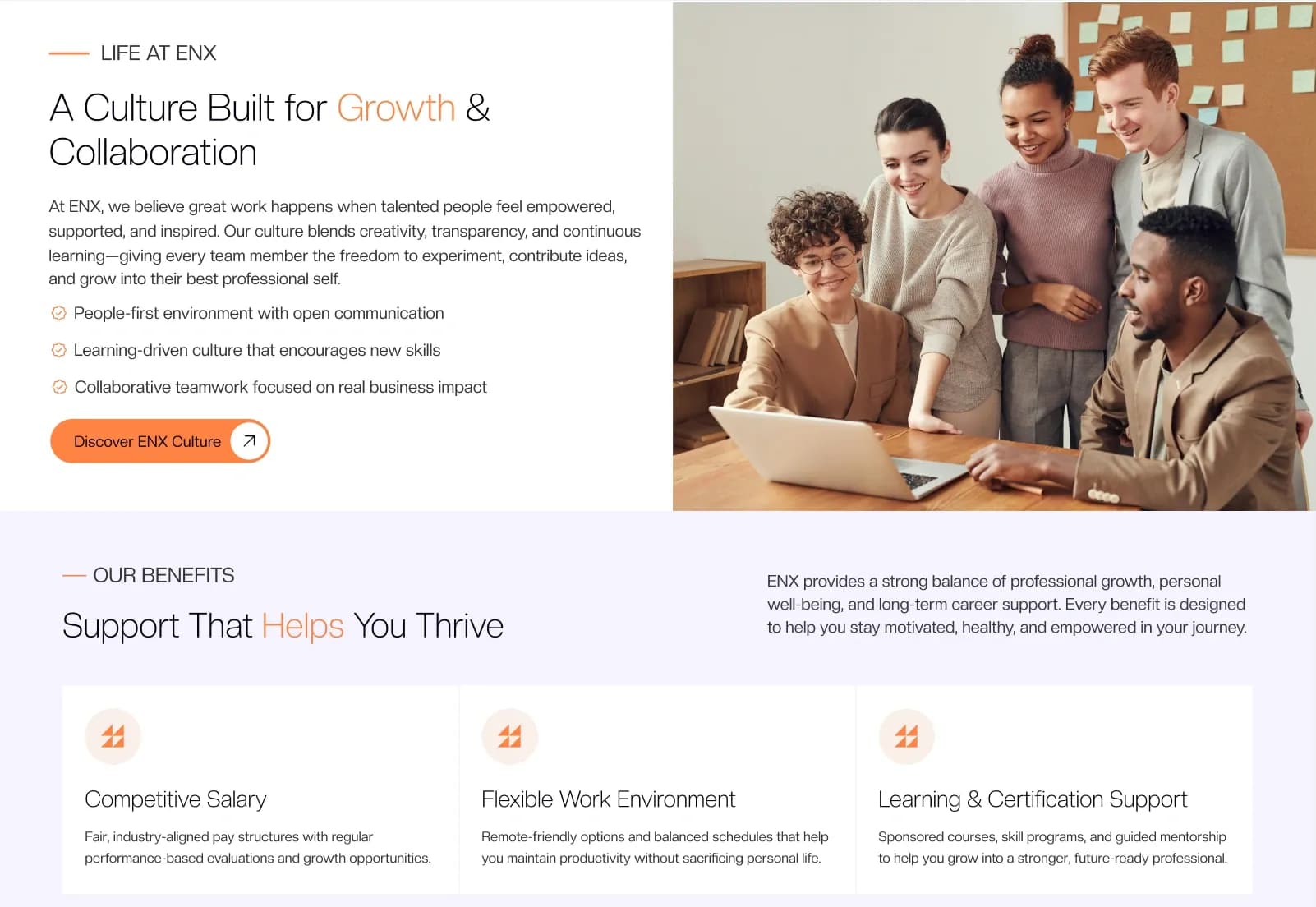
- Career
- Support
Case Studies
- Case Studies v1
- Case Studies v2
- Case Study Details
Team Pages
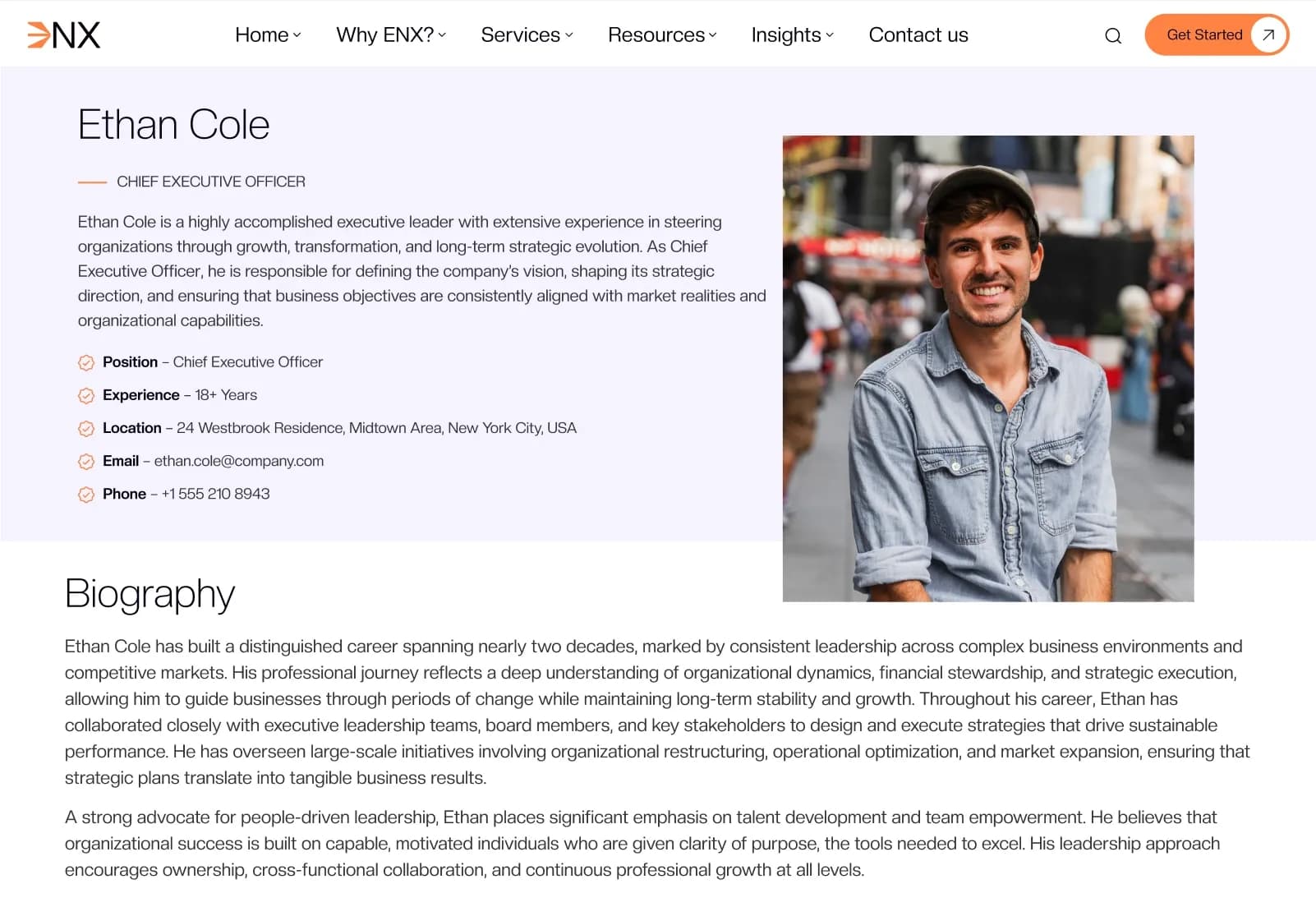
- Team v1
- Team v2
- Team Member Details
Insights & Blog Pages
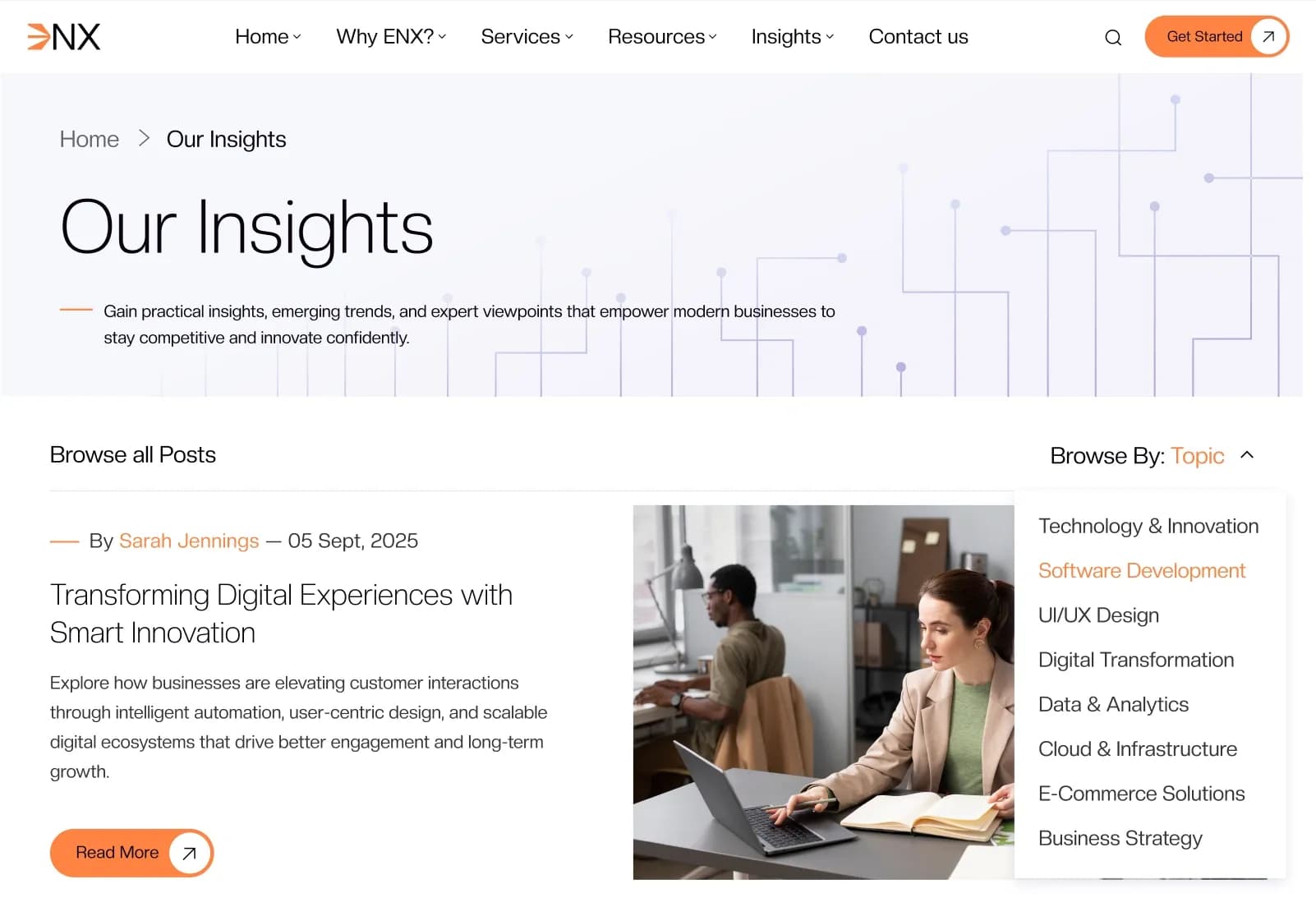
- Our Insights v1
- Our Insights v2
- Insight Details
Marketing Pages
- Testimonials
- FAQ
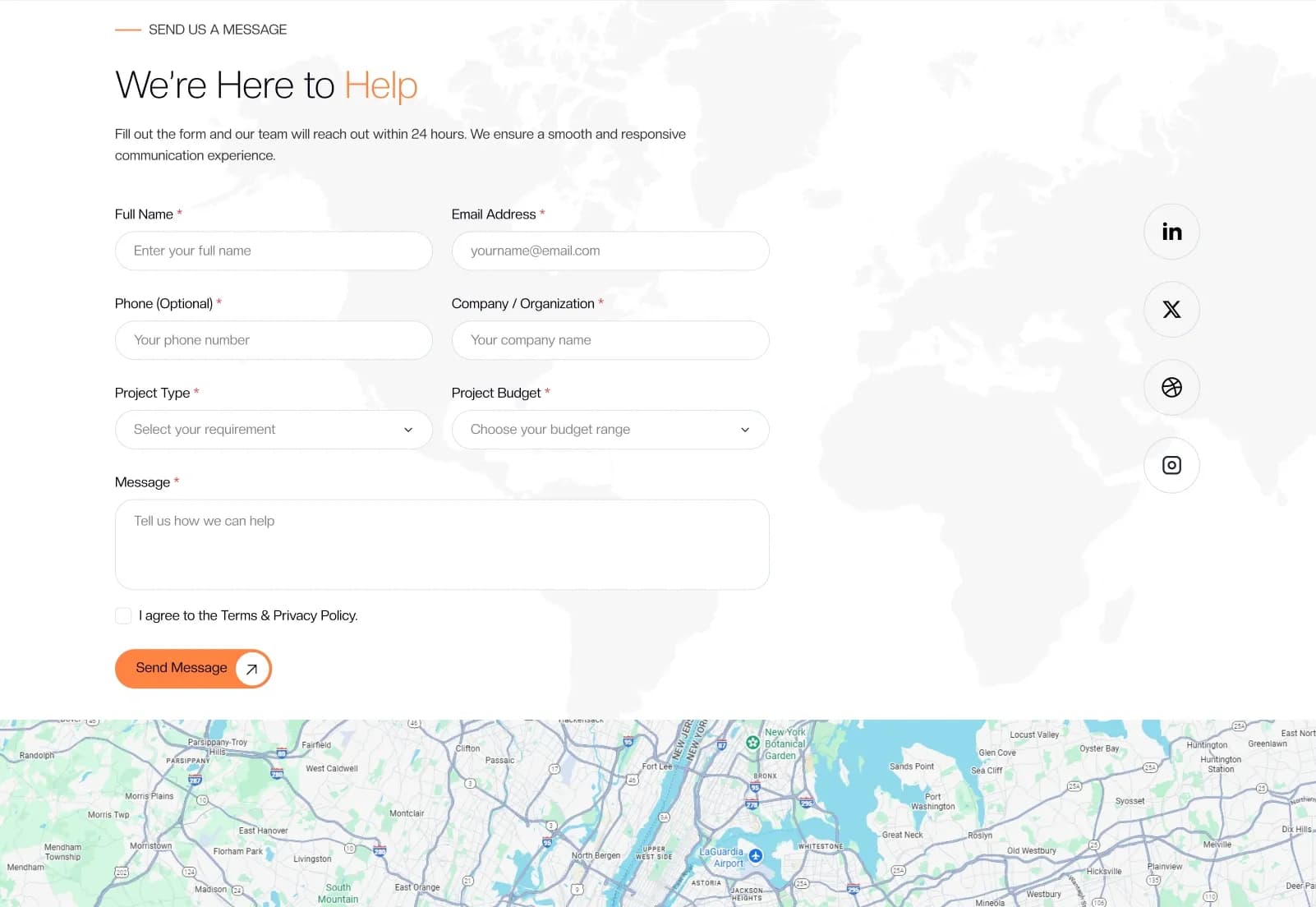
- Contact Us
Legal Pages
- Privacy Policy
- Terms & Conditions
- Cookie Policy
- Licensing
- Data Protection
Utility Pages
- Sitemap
- 404 Error Page
Media
- Image Collection Gallery
Template Files
- HTML template files
- Tailwind CSS source files
- JavaScript files
- Demo assets
- Icons and fonts
- Reusable components
- Responsive media assets
How to Use ENX
Step 1: Purchase and Download
Select your license — Personal, Commercial, or Agency. Complete the purchase and download the template files.
Result: ENX HTML template files are ready to open.
Step 2: Open the Project Files
Open the HTML, Tailwind CSS, JavaScript, demo assets, icons, and fonts in your code editor.
Result: The full business website template structure is ready for review.
Step 3: Review the Page Set
Browse the homepage variations, company pages, case studies, team pages, insights, testimonials, FAQ, contact, legal pages, utility pages, and gallery. Remove pages that are not needed for your project.
Result: You have a focused business website structure for your brand or client.
Step 4: Customize Content and Branding
Update logo, colors, fonts, images, services, case studies, team details, client information, office details, testimonials, blog content, legal text, and contact details.
Result: The website matches your business, agency, consulting firm, or corporate brand.
Step 5: Update Assets and Scripts
Replace demo images, update sliders, adjust AOS animations, edit JavaScript settings, and optimize media files before deployment.
Result: The website is cleaner, lighter, and closer to production-ready.
Step 6: Test and Deploy
Test the website across browsers and devices, validate forms, check links, optimize images, and upload the final files to your hosting server.
Result: Your responsive business HTML website is ready to go live.
Template Features:
Fully Responsive Design
Mobile-First Layout
SEO-Friendly Structure
W3C Valid HTML Code
Clean and Organized Code