ENX — Business & Corporate OctoberCMS Theme

0 (0 Reviews)
0 Sales

License Options
View License Policy1 site / project / end product
up to 5 sites / projects / end products
up to 30 sites / projects / end products
Add-on Services
$125.00
$145.00
Technology
No title available : ENX — Business & Corporate OctoberCMS Theme


Created : 08 July 2026
Updated : 31 August 2026
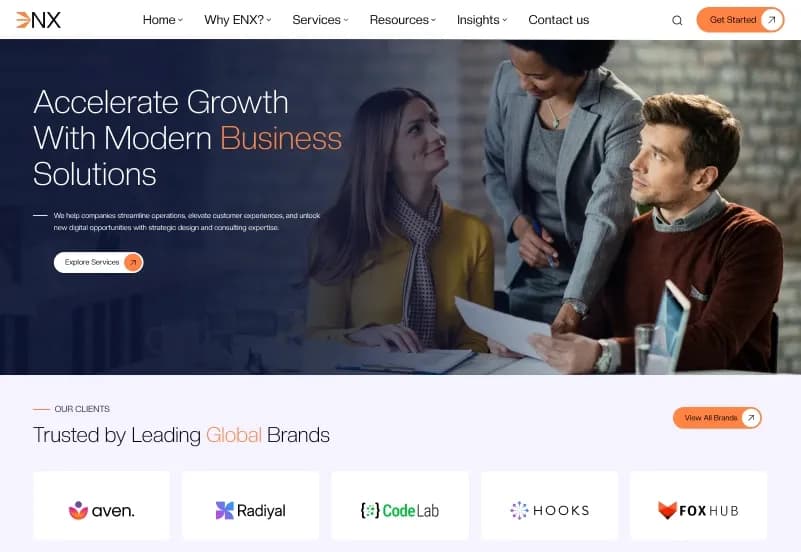
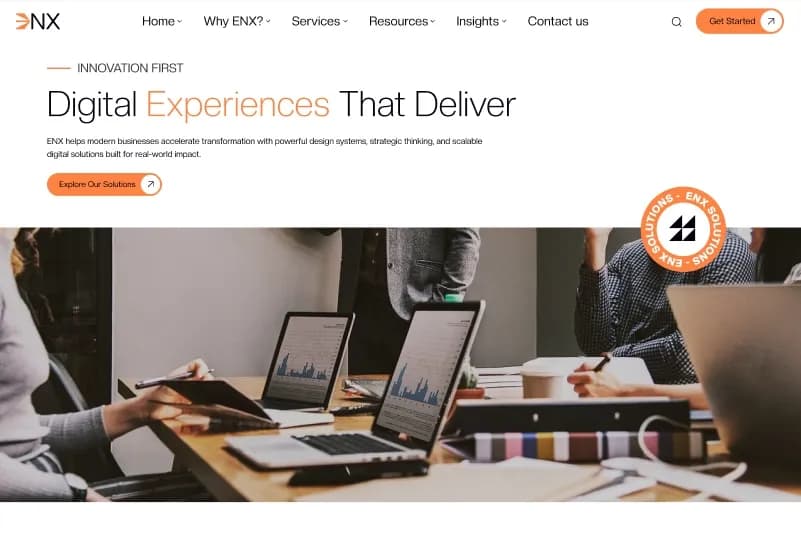
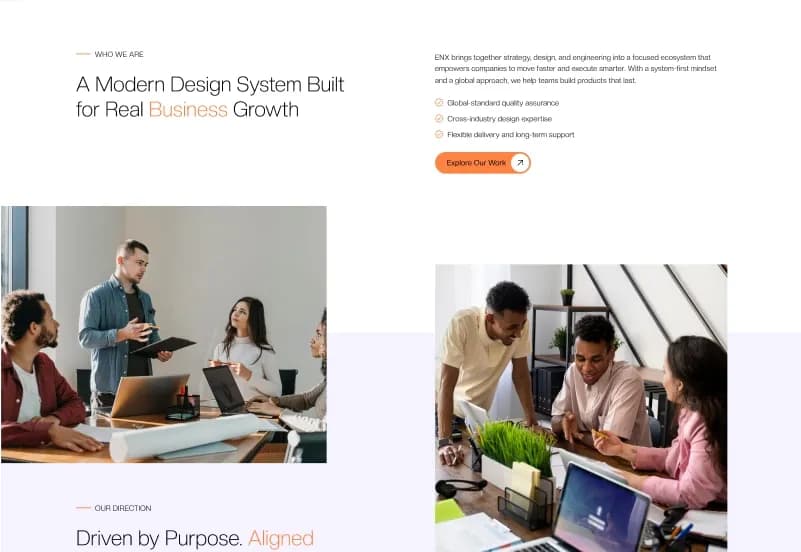
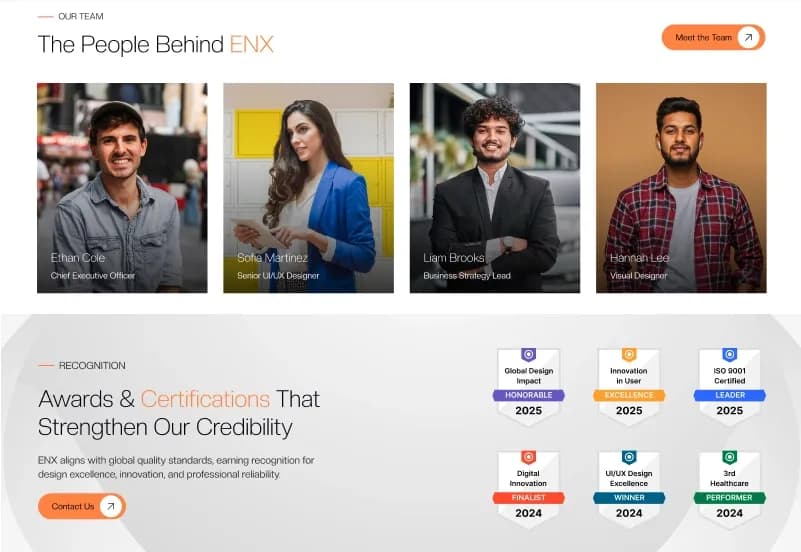
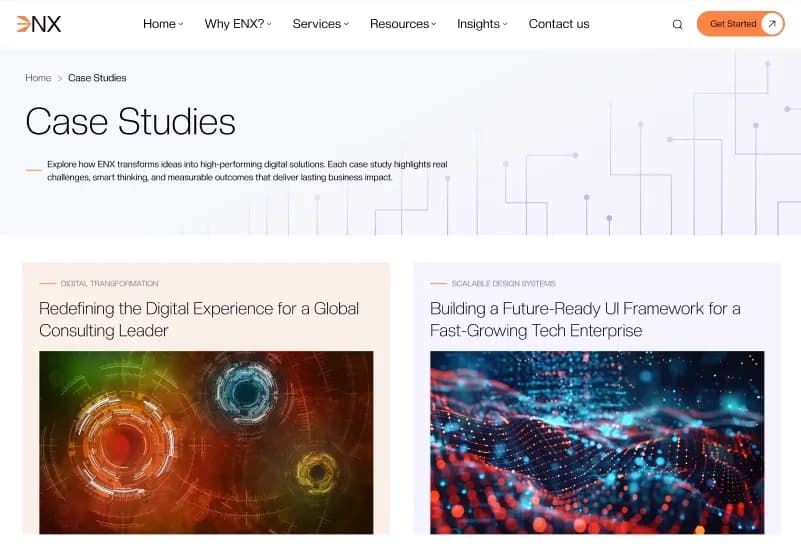
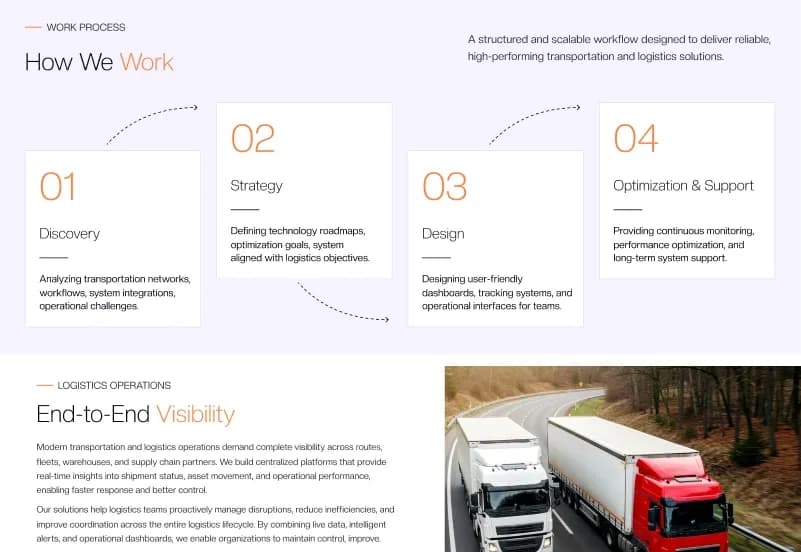
ENX is a modern OctoberCMS 3.x business theme built for corporate companies, consulting firms, agencies, startups, IT companies, software businesses, finance brands, marketing companies, and professional service providers. It includes two homepage variations, 35 unique named page layouts, Tailor-powered dynamic content, reusable sections, forms, global settings, navigation support, search-result layouts, and responsive business website templates.
Built with OctoberCMS 3.x, Tailor, PHP, Twig, HTML5, Tailwind CSS, JavaScript, and Alpine.js, ENX provides a scalable foundation for managing services, case studies, insights, teams, careers, clients, office locations, testimonials, FAQs, and company content.
What Is ENX?
Business and corporate websites often need more than a basic homepage and contact page. Consulting firms, agencies, IT companies, startups, technology companies, and professional service providers need a structured way to manage services, case studies, insights, teams, careers, locations, client logos, support content, and lead-generation forms.
ENX is an OctoberCMS Theme built around Tailor-powered content management. It provides reusable sections, Twig templates, dynamic business content structures, global settings, navigation controls, forms, responsive layouts, and a clean architecture for developers and content editors.
Who Is This Theme For?
- Corporate companies
- Consulting firms
- Digital agencies
- IT companies
- Software companies
- Technology businesses
- Startups
- Marketing agencies
- Finance and advisory firms
- Professional service providers
- Creative studios
- Agencies building OctoberCMS websites for clients
- Developers working with Tailor-powered content structures
ENX requires an OctoberCMS 3.x environment, Tailor configuration, PHP development knowledge, theme customization, content setup, and deployment experience.
What Is Included?
Homepage Layouts
- Home
- Home Two
Company Pages
- About Us
- Why ENX
- Our Services
- Service Details
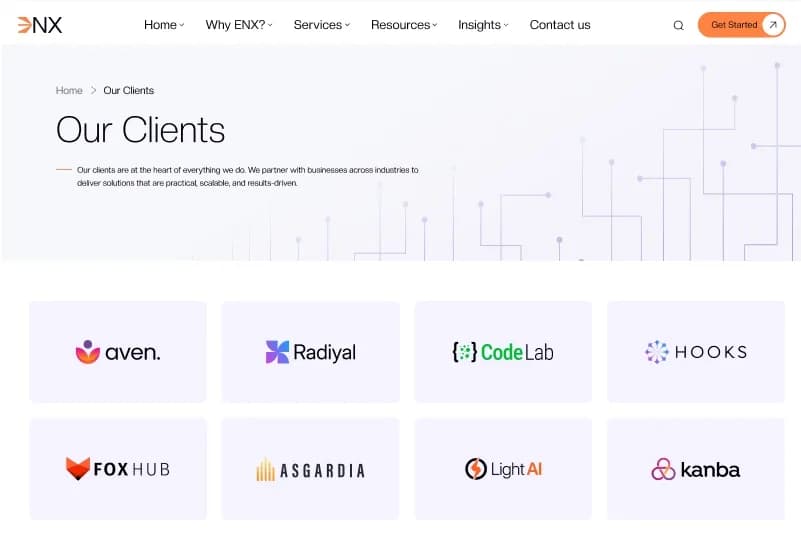
- Our Clients
- Our Offices
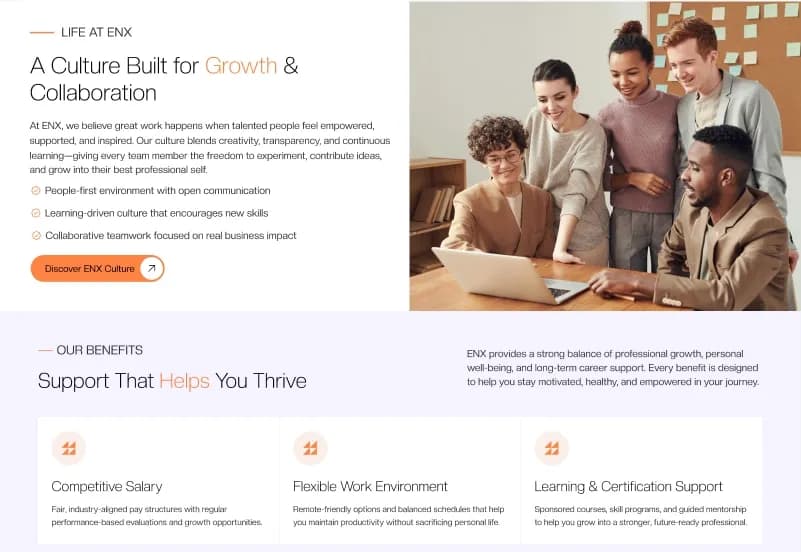
- Career
- Support
Case Study Pages
- Case Studies
- Case Studies Variant One
- Case Studies Variant Two
- Case Study Details
- Case Study Categories
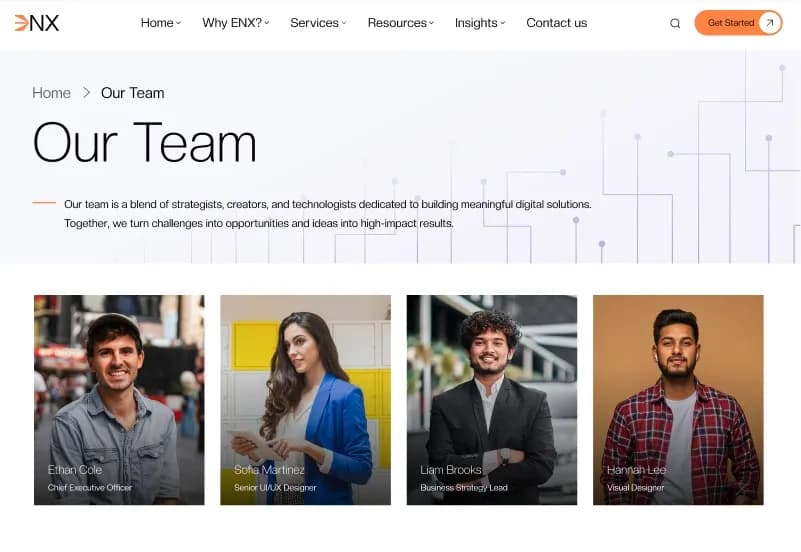
Team Pages
- Team
- Team Variant One
- Team Variant Two
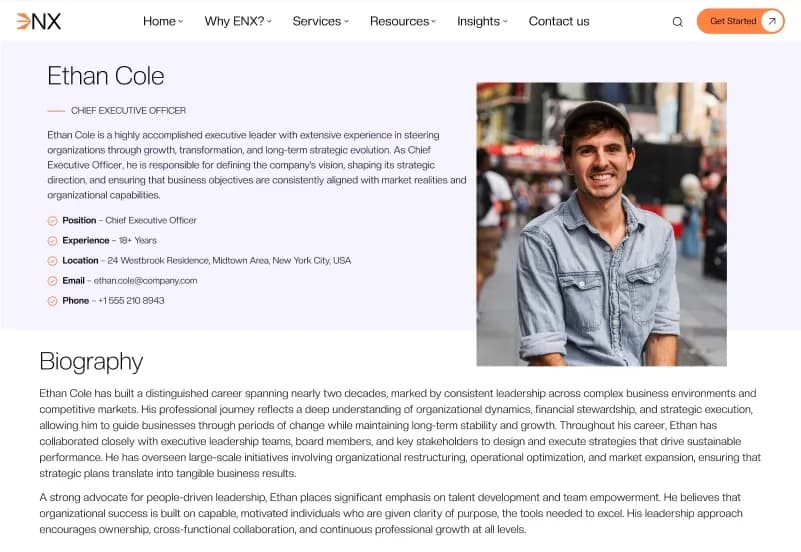
- Team Member Details
Insights Pages
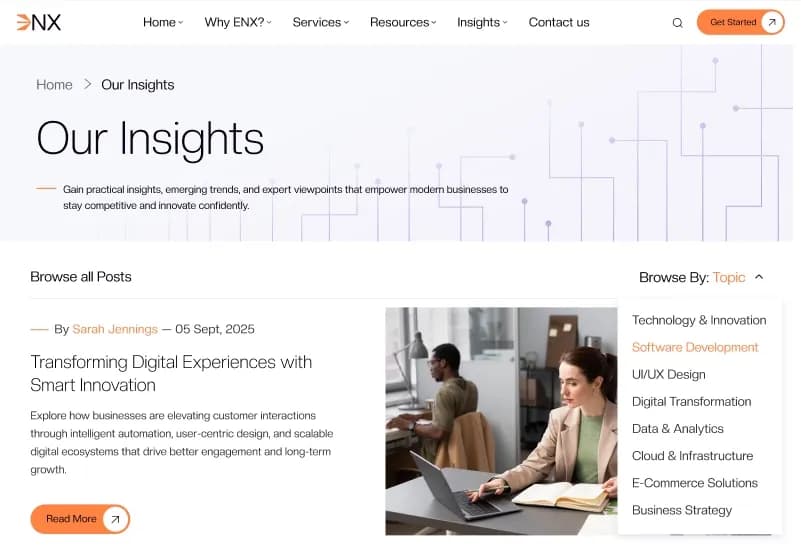
- Insights
- Insights Variant One
- Insights Variant Two
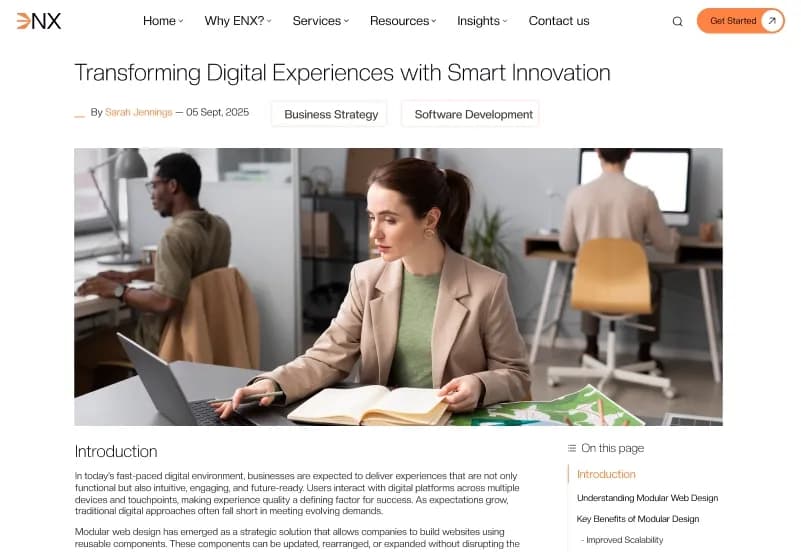
- Insight Details
- Insight Categories
Career Pages
- Career Page
- Job Positions
Support and Contact Pages
- FAQ
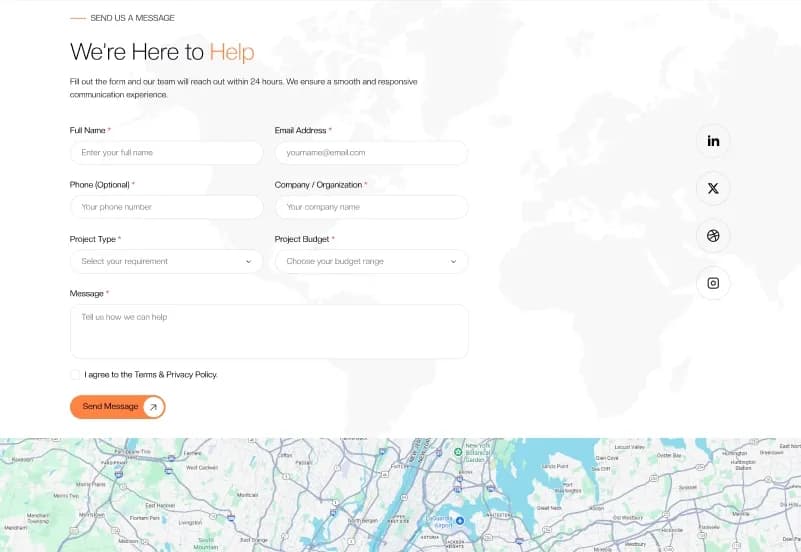
- Contact Us
Marketing Pages
- Testimonials
Legal Pages
- Privacy Policy
- Terms & Conditions
- Cookie Policy
- Data Protection
Utility Pages
- Sitemap
- 404 Error Page
Tailor Content Structures
- Pages
- Services
- Case Studies
- Insights
- Teams
- Careers
- Clients
- Testimonials
- FAQs
- Office Locations
Reusable Sections
- Hero Sections
- Video Hero Sections
- Services Sections
- Service Offering Sections
- Case Study Sections
- Client Showcase Sections
- Insight Sections
- Career Sections
- Job Listing Sections
- Support Sections
- FAQ Sections
- Contact Sections
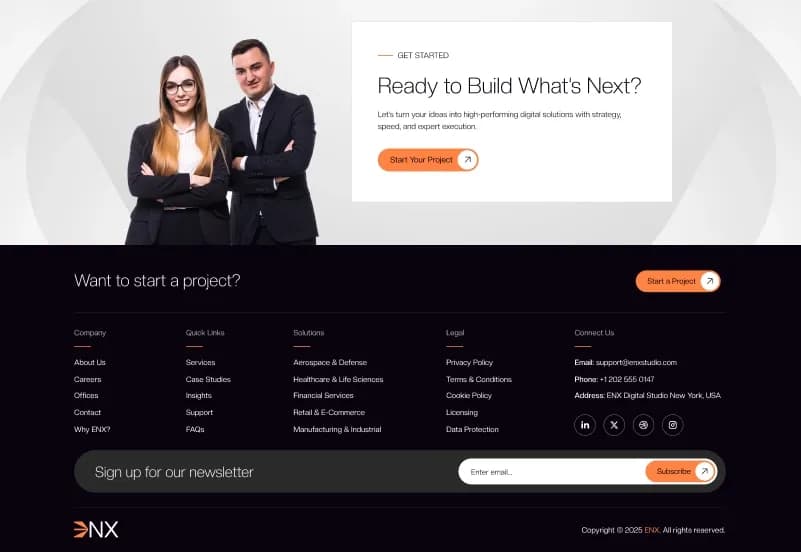
- Get Started Sections
- Let’s Talk Sections
- Technology Stack Sections
- Media Solution Sections
- Benefits Sections
- Testimonials Sections
- Impact Sections
- Call-to-Action Sections
Built-in Forms
- Contact Form
- Career Application Form
- Support Form
- Newsletter Subscription Form
Global Features
- Tailor-powered dynamic content
- Multiple navigation menus
- Dropdown menu support
- Image menu support
- Cookie Consent Banner
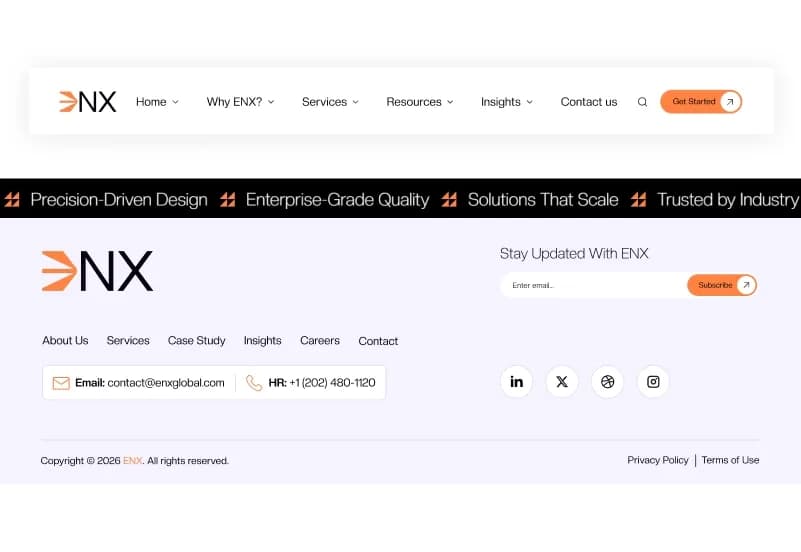
- Global Header Settings
- Global Footer Settings
- Search Results Partial
- Social Links
Project Resources
- Complete OctoberCMS Theme
- Tailor Blueprints
- Twig Templates
- Reusable Sections
- Dynamic Forms
- Theme Assets
- Seeders
- Configuration Files
- Documentation
How to Use ENX
Step 1: Prepare an OctoberCMS Environment
Prepare a compatible OctoberCMS 3.x and PHP environment for your business website project.
Result: Your development environment is ready for the ENX OctoberCMS theme.
Step 2: Install the Theme
Install ENX in your OctoberCMS project by following the supplied installation documentation.
Result: The Twig templates, Tailor Blueprints, reusable sections, forms, assets, seeders, and configuration files are available in your project.
Step 3: Review Tailor Content and Global Settings
Review the supplied Tailor structures for Pages, Services, Case Studies, Insights, Teams, Careers, Clients, Testimonials, FAQs, and Office Locations, along with header, footer, social-link, and navigation settings.
Result: You can identify the content areas and shared settings that need to reflect your company or client project.
Step 4: Customize Templates and Reusable Sections
Update logos, colours, typography, services, case studies, insights, teams, careers, job positions, office locations, client content, testimonials, and reusable Tailor sections.
Result: The website begins to match your corporate company, consulting firm, agency, startup, IT company, software business, or professional-services brand.
Step 5: Configure Forms and Search Workflows
Configure Contact, Career Application, Support, and Newsletter Subscription forms, then review search-result behaviour, Cookie Consent Banner settings, and navigation menus.
Result: Your website has configured enquiry, support, recruitment, subscription, navigation, and search workflows.
Step 6: Test and Deploy
Test responsive layouts, Tailor content entries, forms, search results, navigation, browser compatibility, and server settings before deployment.
Result: Your business, corporate, agency, consulting, technology, or professional-services website is ready to launch.
Tags:
Template Features:
Built for OctoberCMS 3.x
Tailor Powered Content Management
Fully Responsive Design
Mobile-First Layout
Multiple Homepage Variations