WooCommerce Templates, Themes & Starter Kits
WooCommerce plugins are WordPress plugins designed to extend a WooCommerce store. WooCommerce's developer documentation explicitly notes that WooCommerce extensions are regular WordPress plugins and recommends checking that WooCommerce is active before extension functionality runs. Store products, customers, orders, and core commerce behaviour remain part of WooCommerce itself.
WooCommerce Categories


Top Download
Skyrocket your creativity with our Top rated collection of supreme.
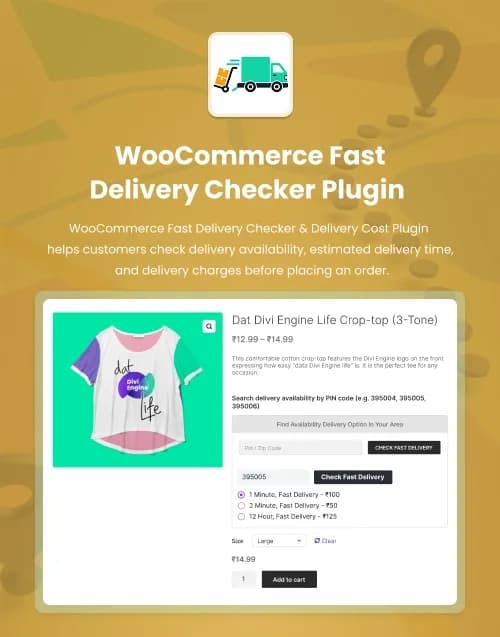


by WebbyCrown Solutions
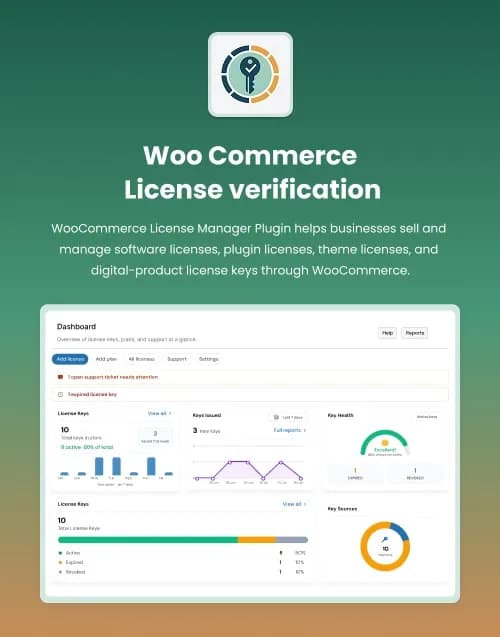
WooCommerce License Verification PluginLicense Keys, Activation API & Customer License Management
$149.00by WebbyCrown Solutions
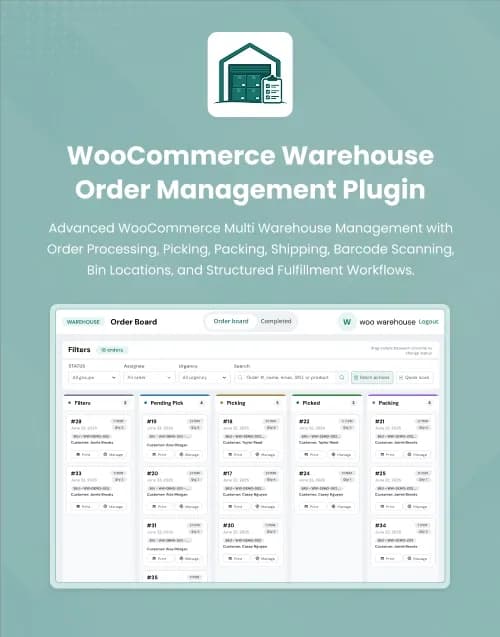
by WebbyCrown Solutions
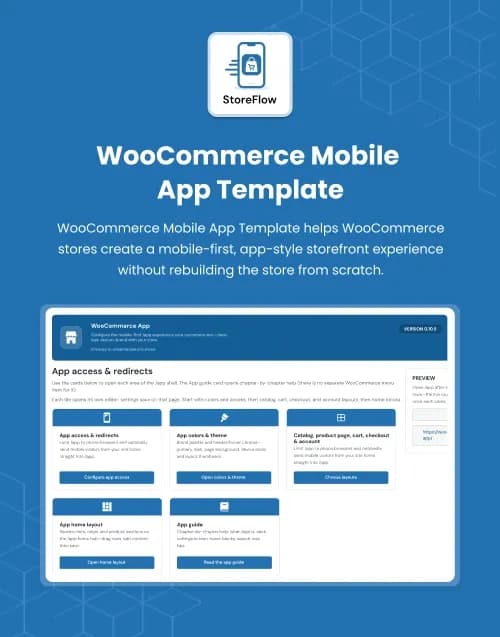
by WebbyCrown Solutions
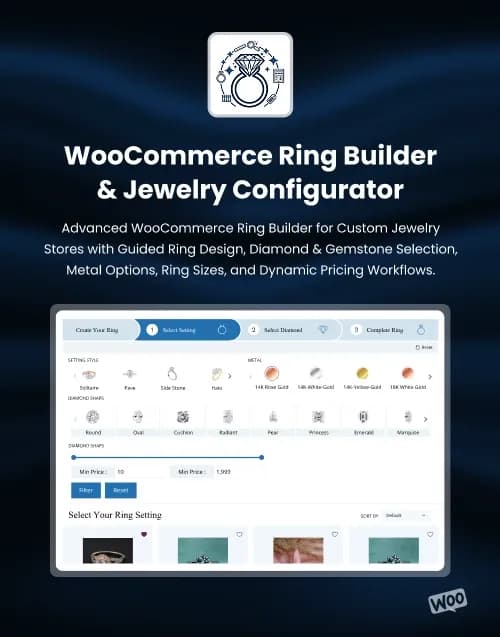
by WebbyCrown Solutions
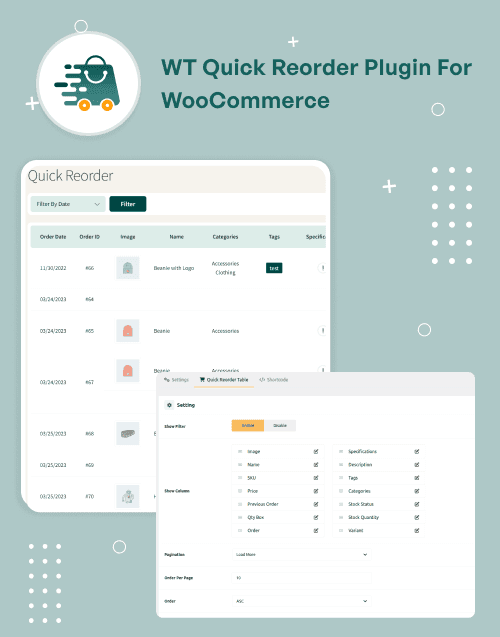
by WebbyCrown Solutions
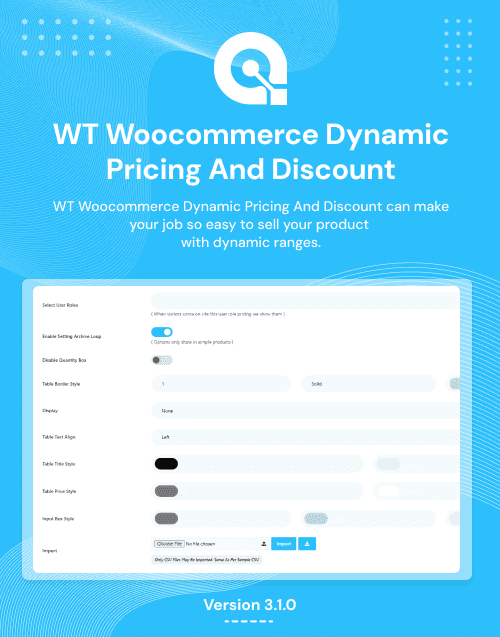
by WebbyCrown Solutions
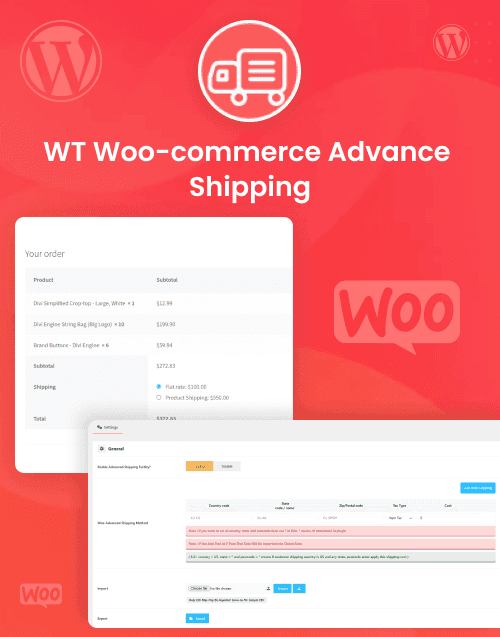
by WebbyCrown Solutions
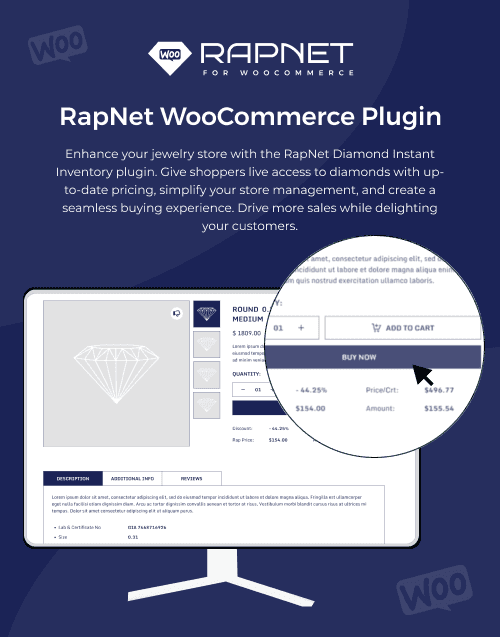
RapNet for WooCommerce PluginDiamond Import, Search, Filters, Wishlist, Compare & Cart Support
$179.00by WebbyCrown Solutions
by WebbyCrown Solutions

by WebbyCrown Solutions
by WebbyCrown Solutions
Best Downloads
Discover the most in-demand top-downloaded items trusted by top businesses.
Newly Added
Discover the most in-demand top-downloaded items trusted by top businesses.
What Are WooCommerce Plugins?
WooCommerce plugins extend the WooCommerce ecosystem with additional functionality beyond the store's base setup.
WooCommerce's official developer resources treat extensions as WordPress plugins built to work with WooCommerce and provide dedicated documentation for building, testing, maintaining, and distributing them.
They should not be confused with WooCommerce themes, which primarily affect storefront presentation.
What You Can Find in WooCommerce Plugins
- Product display plugins
- Product gallery plugins
- Shipping plugins
- Pricing extensions
- Checkout extensions
- Payment integrations
- Store administration tools
- Warehouse and fulfillment tools
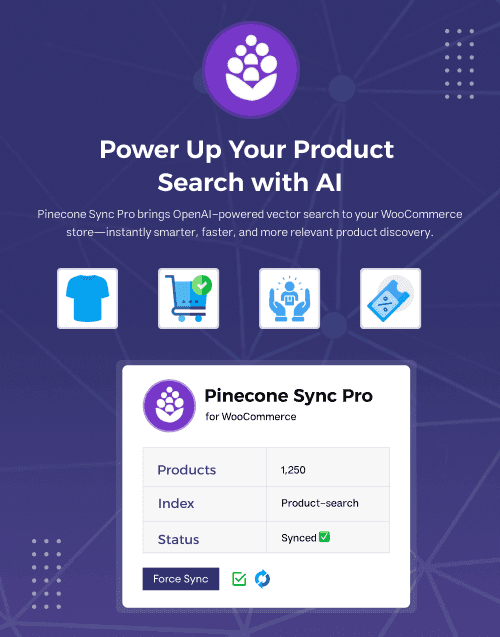
- AI and search integrations
- Customer-experience extensions
Who Should Use WooCommerce Plugins?
- WooCommerce store owners
- eCommerce developers
- Digital agencies
- Retail operations teams
- Product brands
- Warehouse teams
- Store administrators
- Marketplace operators
- Businesses extending WooCommerce
How to Choose the Right WooCommerce Plugin
Start with the exact store workflow you want to improve.
A product-gallery requirement is different from fulfillment management, shipping calculation, subscriptions, product search, checkout customization, or license delivery.
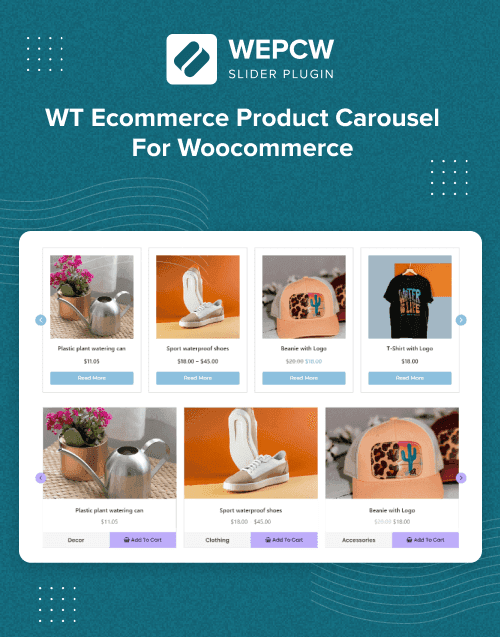
WebbyTemplate's current WooCommerce Product Carousel, Grid & List Layouts is a focused example. Its listing specifies product carousels, grid/list displays, product tabs, AJAX Quick View, AJAX Add to Cart, and shortcode placement. Importantly, the listing also says it does not replace WooCommerce product management, inventory, checkout, payments, shipping, theme templates, or a complete page builder.
That is the type of capability boundary buyers should look for.
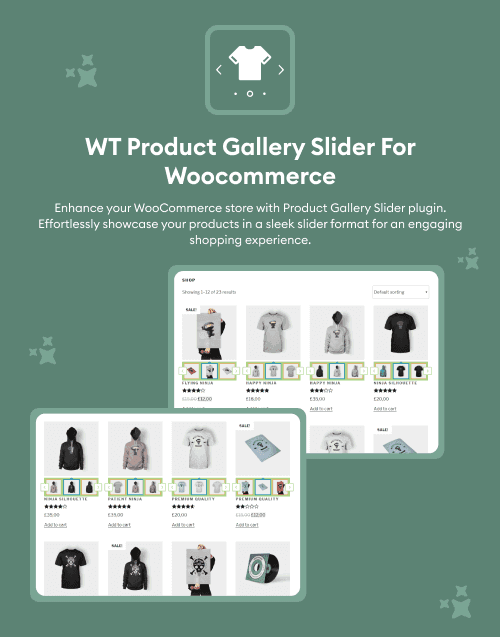
Another current example, WT Product Gallery Slider for WooCommerce, focuses on product images on shop and category pages, with slider controls, responsive behaviour, autoplay, lazy loading, and gallery presentation. Its product listing explicitly notes that variable-product support is partial and HPOS support is not declared in the supplied details.
Before purchase, check WordPress and WooCommerce versions. WooCommerce's official developer guidance emphasizes compatibility across WooCommerce, WordPress, themes, and other extensions.
For order-related plugins, check compatibility with current WooCommerce storage and administrative workflows where relevant.
For checkout plugins, confirm whether they work with the checkout architecture used by your store.
For payment extensions, verify:
- Supported payment provider
- Countries/currencies
- API requirements
- Webhooks
- Sandbox/testing process
- Recurring-payment requirements
Do not infer payment support merely from checkout UI.
For shipping plugins, understand the rate source. Distance calculations, carrier APIs, postcode rules, flat rates, live carrier rates, and table-based methods are different technical models.
Store-management plugins can interact with orders, stock, users, email, and permissions, so test them on staging with realistic data.
Compatibility between extensions is also important. WooCommerce's official documentation identifies interoperability with core, themes, and other extensions as a fundamental concern.
Performance should be evaluated using the real store. Plugins can introduce queries, scripts, API calls, background jobs, scheduled events, or additional admin processing.
Read the product's Important Capability Notes where available. A strong marketplace listing should make unsupported or undeclared capabilities visible rather than implying broad compatibility.
Finally, review changelogs, update dates, documentation, installation instructions, data retention, external service costs, support terms, license limits, staging allowances, and renewal terms.
Popular Use Cases for WooCommerce Plugins
- Creating product showcases
- Improving product galleries
- Adding specialized shipping
- Extending checkout workflows
- Managing warehouse operations
- Connecting external services
- Building specialized product experiences
- WooCommerce Plugin Quality Notes
- Verify WordPress and WooCommerce versions.
- Check extension interoperability.
- Review HPOS or checkout requirements when relevant.
- Product UI does not replace WooCommerce core.
- Payment UI does not guarantee gateway support.
- Check external APIs and costs.
- Test on staging.
- Review changelog and updates.
- Verify licensing.
- Check documentation and support.
Related Category Ideas
- WordPress
- eCommerce
- Retail
- JavaScript
- Shopify
- BigCommerce
Frequently Asked Questions
What is a WooCommerce plugin?
Are WooCommerce plugins the same as themes?
Should I check WooCommerce version compatibility?
Can several WooCommerce extensions run together?
Do product-display plugins manage inventory?
Do checkout plugins include payment gateways?
Can WooCommerce plugins use external APIs?
Should I test a plugin before deploying?
Can agencies use WooCommerce plugins on client stores?
What should I verify before purchasing?
Subscribe Now for Insider Access
Our newsletter is more than just updates it's your pass to the latest news, special promotions, and curated content designed to keep you ahead.