AI News Multilingual Blog Publisher — WordPress AI Article Generation & Publishing Plugin

0 (0 Reviews)
0 Sales
License Options
View License Policy1 site / project / end product
up to 5 sites / projects / end products
up to 30 sites / projects / end products
Add-on Services
$149.00
$299.00
Technology
No title available : AI News Multilingual Blog Publisher — WordPress AI Article Generation & Publishing Plugin

Created : 20 July 2026
Updated : 03 September 2026
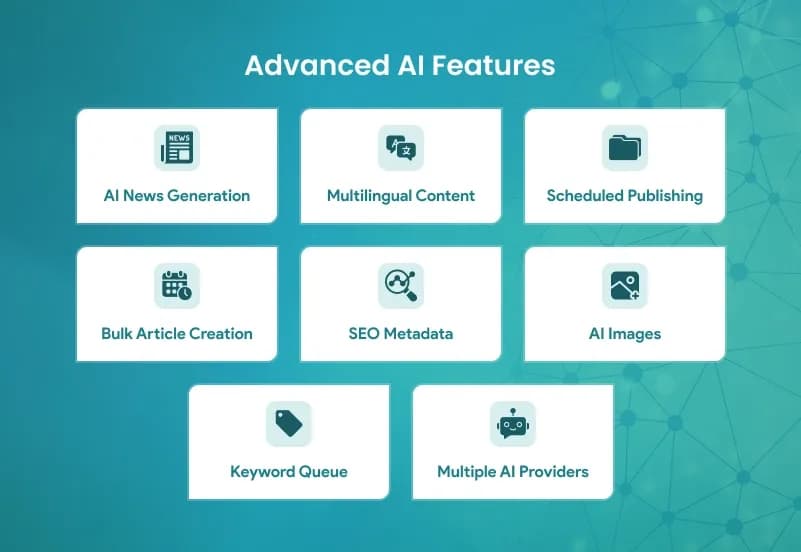
AI News Multilingual Blog Publisher is a WordPress AI blog publishing plugin that helps admins generate articles and news-style posts from keywords or topics using OpenAI, Claude, and Gemini. It supports AI article generation, SEO title generation, meta descriptions, featured images, FAQs, schema generation, tag generation, category assignment, author assignment, draft publishing, scheduled publishing, instant publishing, bulk publishing, cron jobs, publishing logs, and multilingual content generation in a selected target language.
This plugin does not import real news from RSS feeds, Google News, news websites, custom URLs, XML feeds, or JSON APIs. It creates AI-generated content from keywords or manually entered topics, so it should be positioned as an AI content automation and WordPress publishing plugin, not as a source-based news scraping or news-import plugin.
What Is AI News Multilingual Blog Publisher?
Publishing consistent blog content can be slow when every article needs topic planning, title writing, meta description writing, FAQ creation, image generation, tagging, categorization, and scheduling. Website owners, agencies, bloggers, and content teams often need a faster way to turn approved keywords into publish-ready WordPress posts.
AI News Multilingual Blog Publisher helps WordPress admins generate AI-powered articles and news-style posts from keywords or topics. It supports OpenAI, Claude, and Gemini, allowing admins to configure AI models, temperature, token limits, prompts, publishing status, schedules, categories, tags, authors, SEO metadata, featured images, FAQs, schema, and publishing logs from the WordPress admin area.
Who Is This Plugin For?
- WordPress blog owners
- Content marketing teams
- SEO agencies
- News-style blog publishers
- Niche website owners
- Affiliate content teams
- Business websites publishing regular articles
- Agencies managing client blogs
- Website owners using Yoast SEO, Rank Math, or All in One SEO
- Admins who want keyword-to-article publishing automation
- Teams that need scheduled AI-generated blog content
- Publishers creating content in one selected target language per run
This plugin is not a real news-source importer, RSS aggregator, Google News importer, scraping tool, rewriting tool, summarization tool, WPML translation system, Polylang integration, or external-source attribution tool. It generates AI content from keywords or topics and publishes it into WordPress using configured AI providers and publishing settings.
What Is Included?
AI Content Generation
- Generate AI articles
- Generate AI news-style posts
- Generate SEO titles
- Generate meta descriptions
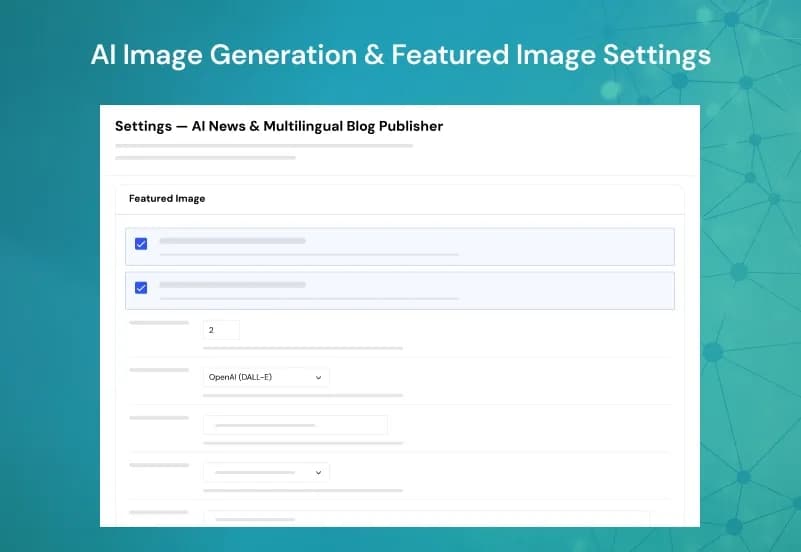
- Generate featured images
- Generate FAQs
- Generate schema
- Keyword-to-article generation
- Bulk article generation
AI Providers
- OpenAI support
- Claude support
- Gemini support
- Multiple AI model support
- Temperature control
- Token limit settings
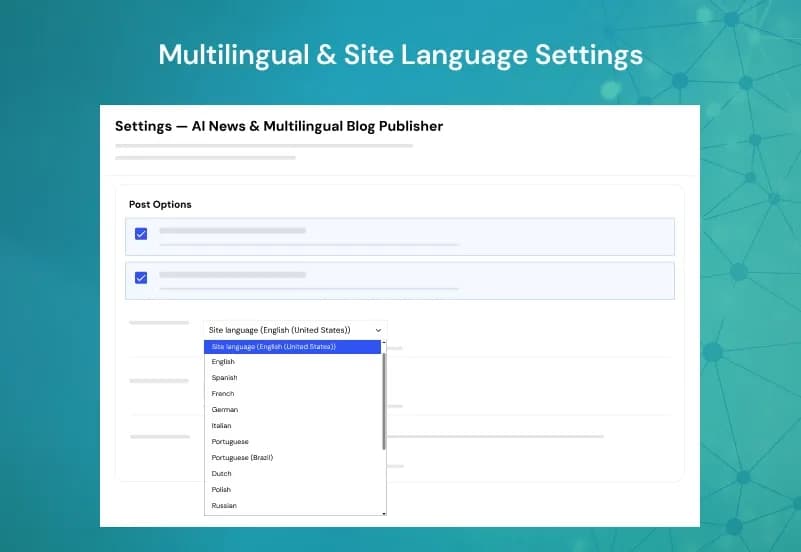
Multilingual Content Creation
- Generate content directly in a selected target language
- Multiple language support
- Choose target language
- Single global language setting for generation
WordPress Publishing
- Draft publishing
- Scheduled publishing
- Instant publishing
- Bulk publishing
- Category assignment
- Tag generation
- Author assignment
- Featured image support
- Gutenberg support
- Classic Editor meta box support
Automation
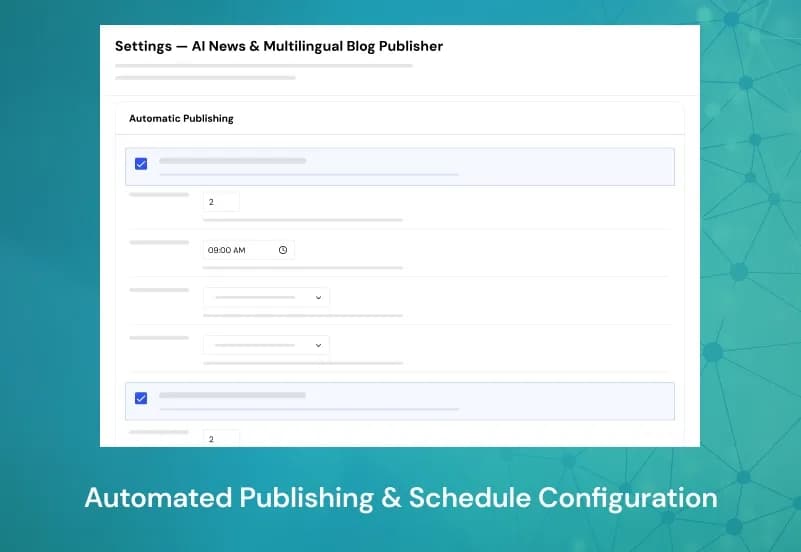
- Automatic publishing
- Cron jobs
- Publishing schedule
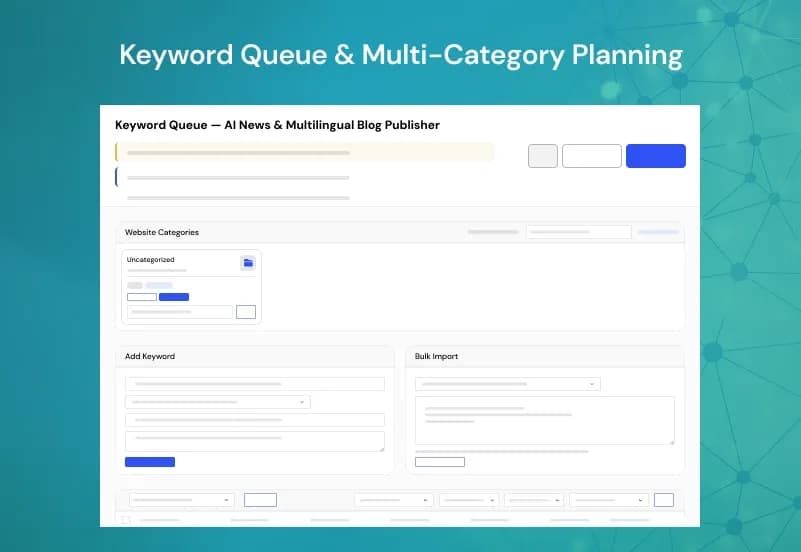
- Keyword queue
- Image job queue
- Publishing logs
- Manual run
- Retryable failed jobs through next batch or manual reset to pending
- Duplicate detection at keyword-add stage
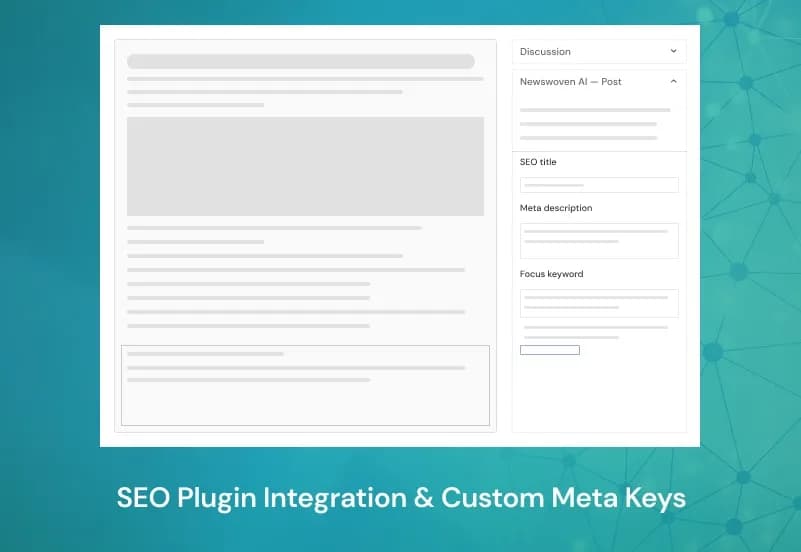
SEO Integration
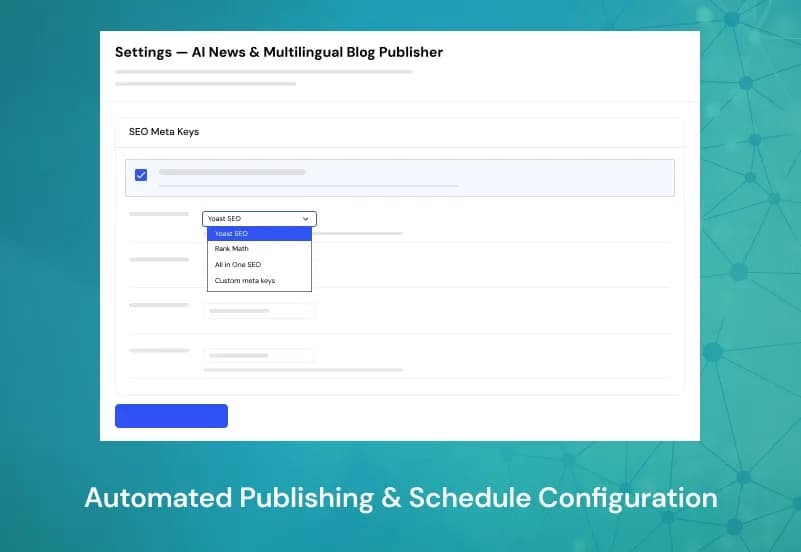
- Yoast SEO support
- Rank Math support
- All in One SEO support
- Focus keyword support
- Meta title generation
- Meta description generation
- Schema generation
- AI link suggestions stored as meta
Admin Features
- Manage AI prompts
- Configure publishing settings
- Manage API keys
- View logs
- Dashboard analytics
- Configure AI providers
- Configure model settings
- Configure publishing workflow
How to Use AI News Multilingual Blog Publisher
Step 1: Install the Plugin
Upload and activate AI News Multilingual Blog Publisher in your WordPress website.
Result: AI content generation and publishing settings become available in the WordPress admin area.
Step 2: Configure AI Provider Settings
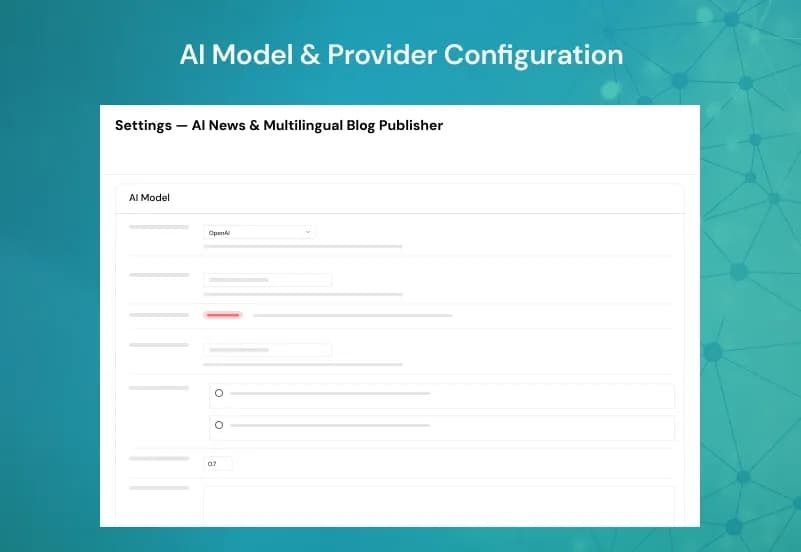
Add API keys and configure supported providers such as OpenAI, Claude, or Gemini.
Result: The plugin can generate AI content using your selected provider and model.
Step 3: Set Prompts and Generation Rules
Configure prompts, model options, temperature, token limits, target language, SEO fields, FAQ generation, schema generation, and featured image settings.
Result: Your AI output follows the content style, SEO structure, and publishing rules you define.
Step 4: Add Keywords or Topics
Add keywords or topic text into the keyword queue for article generation.
Result: The plugin has input topics ready for AI article creation.
Step 5: Configure Publishing Workflow
Choose draft, scheduled, instant, or bulk publishing, then assign categories, tags, authors, and publishing schedule settings.
Result: Generated articles are routed into the correct WordPress publishing workflow.
Step 6: Review Logs and Published Posts
Check publishing logs, dashboard analytics, generated posts, images, SEO metadata, FAQs, and schema output after the workflow runs.
Result: You can confirm article generation, publishing status, and automation activity before scaling content production.
Modules and Features
AI Article Generation
Generate WordPress articles and news-style posts from keywords or topics.
- Generate AI articles
- Generate AI news-style posts
- Generate SEO titles
- Generate meta descriptions
- Generate featured images
- Generate FAQs
- Generate schema
- Convert keywords into articles
- Generate articles in bulk
AI Provider Settings
Connect supported AI providers and control model behaviour.
- OpenAI support
- Claude support
- Gemini support
- Multiple AI models
- Temperature control
- Token limits
- API key management
Multilingual Generation
- Create AI-generated content in a selected target language.
- Multiple language support
- Choose target language
- Generate content directly in the selected language
- Use one global language setting per generation workflow
WordPress Publishing
Publish generated content into WordPress using flexible publishing options.
- Draft publishing
- Scheduled publishing
- Instant publishing
- Bulk publishing
- Category assignment
- Tag generation
- Author assignment
- Featured image support
- Gutenberg support
Automation Queue
Use queues and cron jobs to support automated content generation and publishing.
- Automatic publishing
- Cron jobs
- Publishing schedule
- Keyword queue
- Image job queue
- Publishing logs
- Manual run
- Retryable error handling
- Duplicate detection at keyword-add stage
SEO Workflow
Generate and store SEO fields for supported SEO plugins.
- Yoast SEO support
- Rank Math support
- All in One SEO support
- Focus keyword support
- Meta title generation
- Meta description generation
- Schema generation
- AI link suggestions stored as meta
Admin & Advanced Settings
AI News Multilingual Blog Publisher gives WordPress admins centralized controls for AI providers, prompt management, publishing rules, SEO settings, language selection, automation queues, logs, and dashboard analytics.
Admins can configure how articles are generated, which AI provider is used, how posts are published, which metadata fields are created, which category and author should be assigned, and how scheduled publishing should run.
The admin configuration covers:
- Manage AI prompts
- Manage OpenAI settings
- Manage Claude settings
- Manage Gemini settings
- Configure AI models
- Configure temperature
- Configure token limits
- Configure publishing status
- Configure publishing schedule
- Configure categories
- Configure tags
- Configure authors
- Configure featured images
- Configure SEO titles
- Configure meta descriptions
- Configure FAQs
- Configure schema
- View publishing logs
- View dashboard analytics
Important Capability Notes
Supported
- AI article generation
- AI news-style post generation
- SEO title generation
- Meta description generation
- Featured image generation
- FAQ generation
- Schema generation
- Keyword-to-article generation
- Bulk article generation
- OpenAI, Claude, and Gemini support
- Multiple languages through target-language generation
- Draft, scheduled, instant, and bulk publishing
- Yoast SEO, Rank Math, and All in One SEO metadata workflows
- Cron jobs, keyword queue, image job queue, logs, and manual run
Not Supported
- RSS feed import
- News website import
- Google News import
- Custom URL import
- XML feed import
- JSON API source import
- Existing article rewriting
- Existing article summarization
- Content expansion from existing articles
- Publishing one article in multiple languages at the same time
- RTL language support
- WPML compatibility
- Polylang compatibility
- External source attribution
- Canonical URL management
- Full article review workflow inside the plugin
- Bulk delete generated posts
- Custom AI API providers beyond OpenAI, Claude, and Gemini
Partially Supported
- Manual article sources: only keyword or topic text can be manually entered, not full source article import
- Automatic translation: content is generated directly in the selected target language, not translated from existing articles
- Classic Editor: meta boxes work, but editor assets and blocks are Gutenberg-oriented
- Content queue: keyword queue and image job queue are supported, but there is no separate full content queue
- Retry failed jobs: retryable errors can run in the next batch or be reset to pending manually
- Duplicate detection: available when adding keywords, not at publish time
- Internal linking: AI can suggest links and store them as meta, but links are not automatically inserted into the article body
Product Compatibility
Availability
- WordPress
Product Type
WordPress AI Content Generation Plugin / AI Blog Publishing Plugin
Supported Experience
- AI article generation
- AI news-style post generation
- Keyword-to-article publishing
- SEO metadata generation
- Multilingual content generation
- WordPress publishing automation
Tags:
Template Features:
AI Content Automation
AI News-Style Post Generation
Keyword-to-Article Generation
Bulk Article Generation
SEO Title Generation