Orion — Construction & Corporate Statamic Starter Kit

0 (0 Reviews)
0 Sales




License Options
View License Policy1 site / project / end product
up to 5 sites / projects / end products
up to 30 sites / projects / end products
Add-on Services
$100.00
$120.00
Technology
No title available : Orion — Construction & Corporate Statamic Starter Kit


Created : 03 July 2026
Updated : 11 September 2026
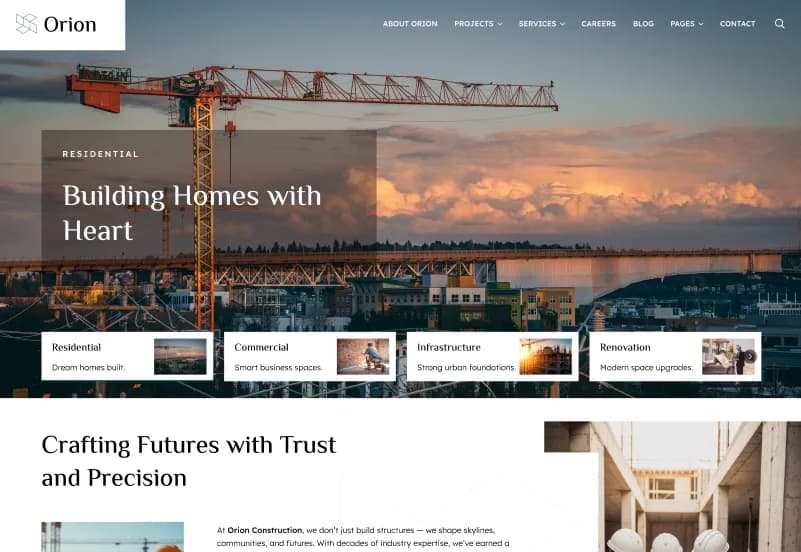
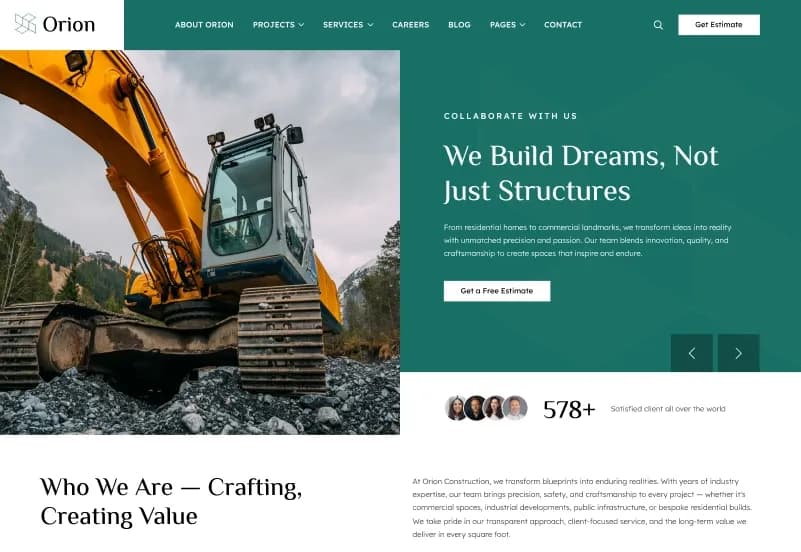
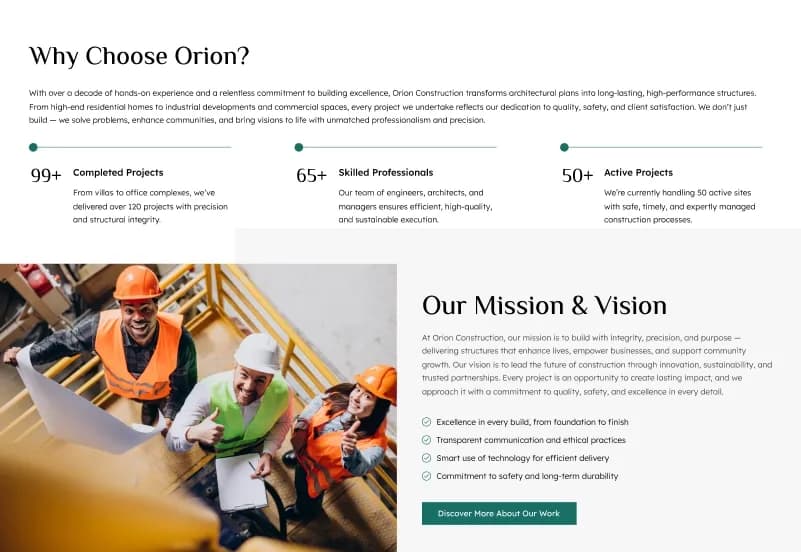
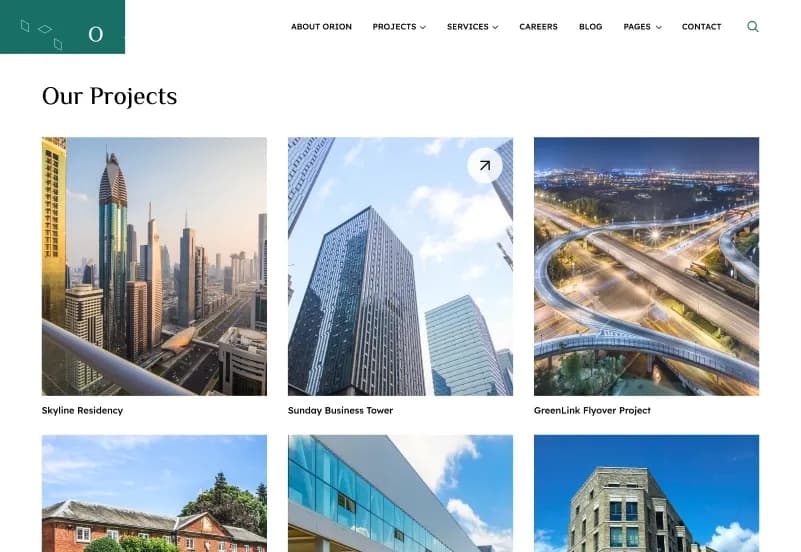
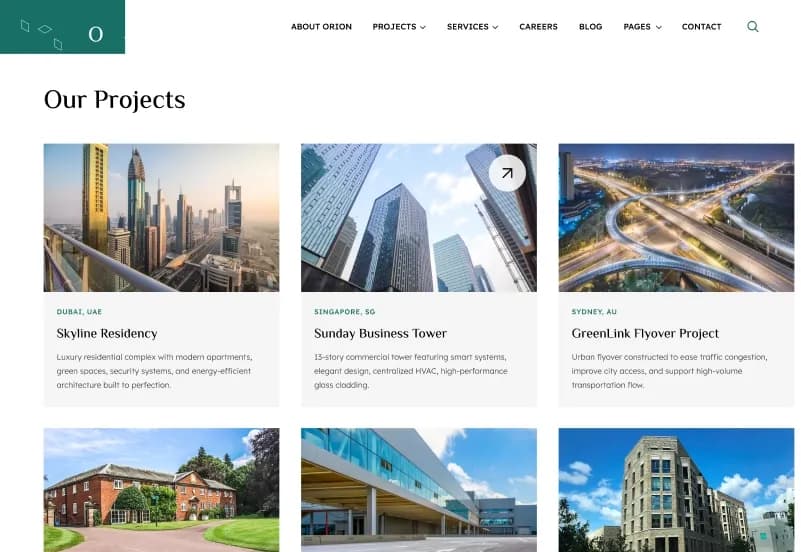
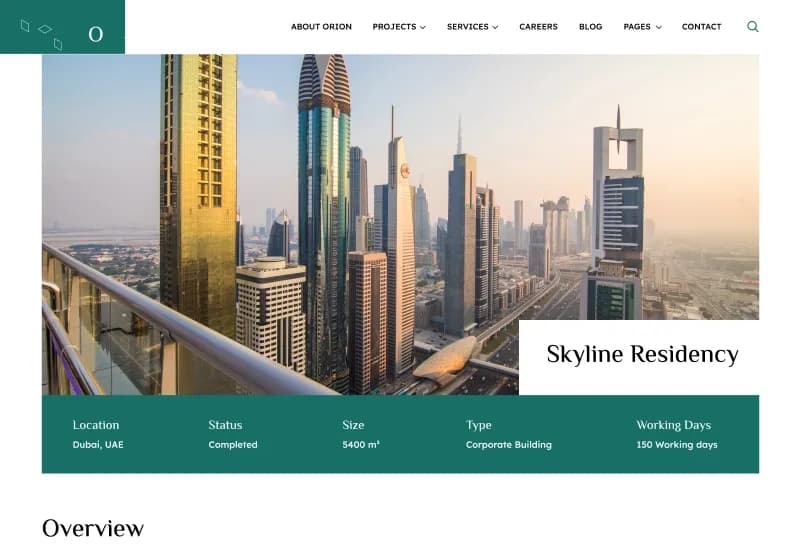
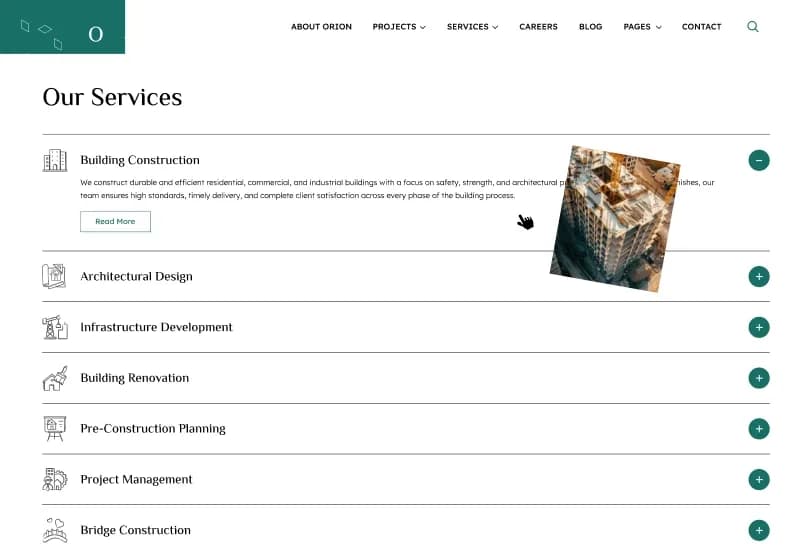
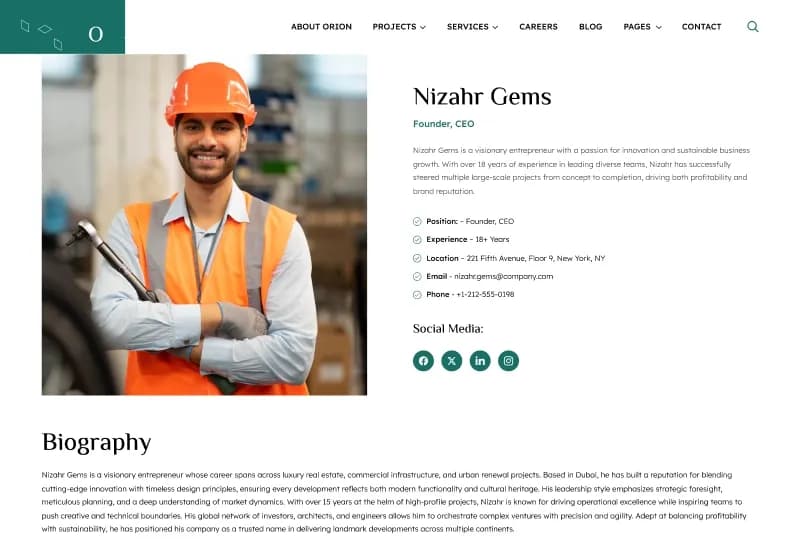
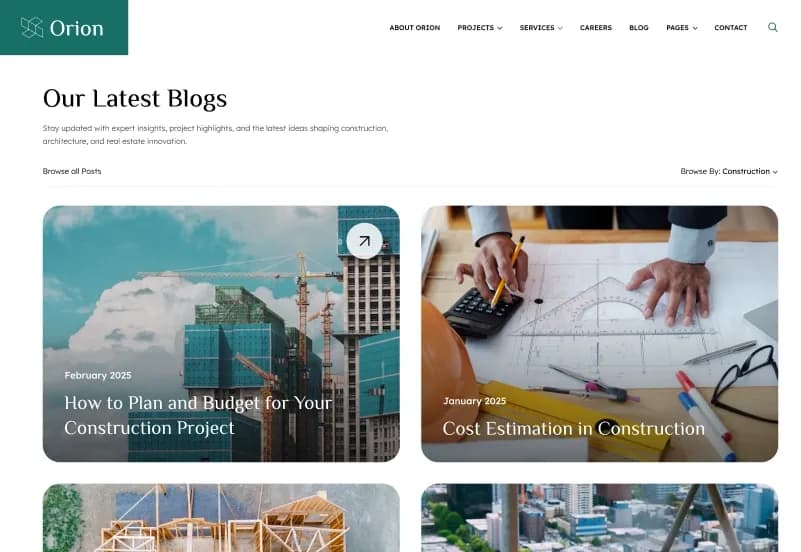
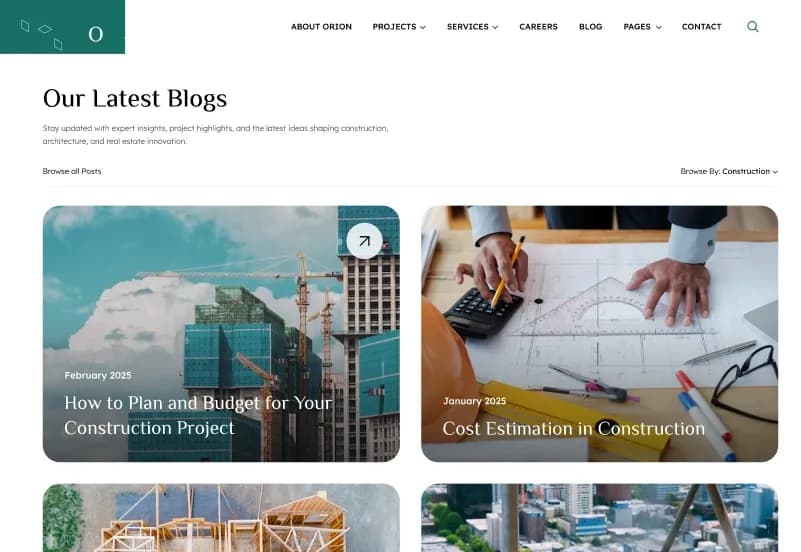
Orion is a Statamic 5 Starter Kit with 30+ ready-to-use website pages, 4 homepage variations, 3 service layouts, 3 project layouts, 3 blog listing layouts, 4 single-blog layouts, 2 team layouts, reusable content sections, taxonomies, blueprints, collections, and globals. It is designed for construction companies, corporate businesses, agencies, consulting firms, architecture studios, engineering companies, industrial businesses, startups, and professional service providers.
Built with Statamic 5.x, Laravel 11+, PHP 8.2+, Antlers Templates, YAML Blueprints, Alpine.js, Tailwind CSS, and JavaScript, Orion provides a dynamic CMS foundation for managing pages, projects, services, teams, blogs, authors, categories, testimonials, packages, quotations, and other business content.
What Is Orion?
Construction companies, professional service firms, corporate businesses, agencies, architecture studios, engineering companies, and consulting teams need a website that can present services, projects, teams, careers, business insights, testimonials, quotations, and company information in a structured way. Creating these pages, reusable blocks, taxonomies, content models, and responsive layouts from scratch can make a website project slower to build and harder to maintain.
Orion is a Statamic 5 Starter Kit created for scalable business websites. It provides reusable page-builder sections, flexible collections, taxonomy-driven organization, Antlers templates, YAML Blueprints, dynamic content workflows, and an organized project architecture for content editors and developers.
Who Is This Starter Kit For?
- Construction companies presenting services and completed projects
- Corporate businesses creating a scalable company website
- Professional service firms promoting expertise and solutions
- Consulting firms publishing services, insights, and team profiles
- Architecture firms showcasing portfolios and completed work
- Engineering companies presenting projects and capabilities
- Industrial businesses managing service and project content
- Agencies building content-managed client websites
- Startups launching a polished business website
- Financial and business advisory teams publishing expertise
- Developers needing a reusable Statamic 5 foundation
- Content editors managing projects, services, blogs, teams, and categories
Orion requires Statamic, Laravel, PHP, Composer, Node.js, npm, template customization, content configuration, and deployment knowledge.
What Is Included?
Homepage Variations
- Home v1
- Home v2
- Home v3
- Home v4
Company and Service Pages
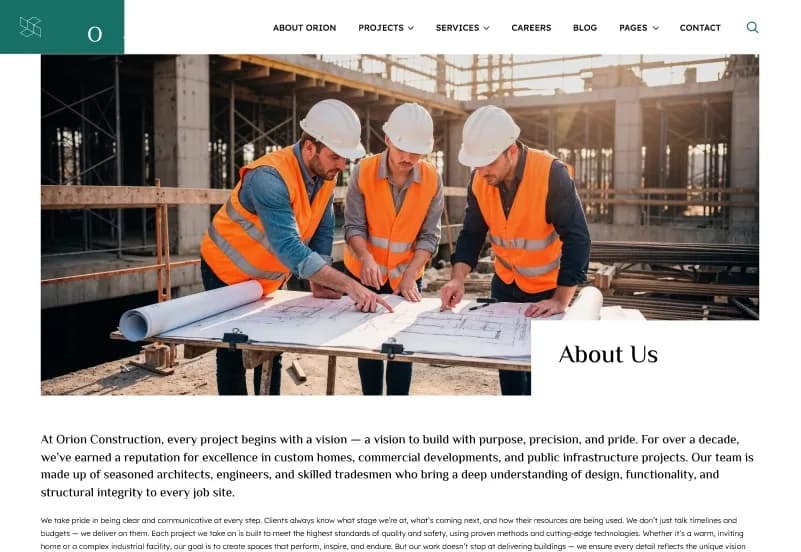
- About Us
- Services v1
- Services v2
- Services v3
- Service Details
- Careers
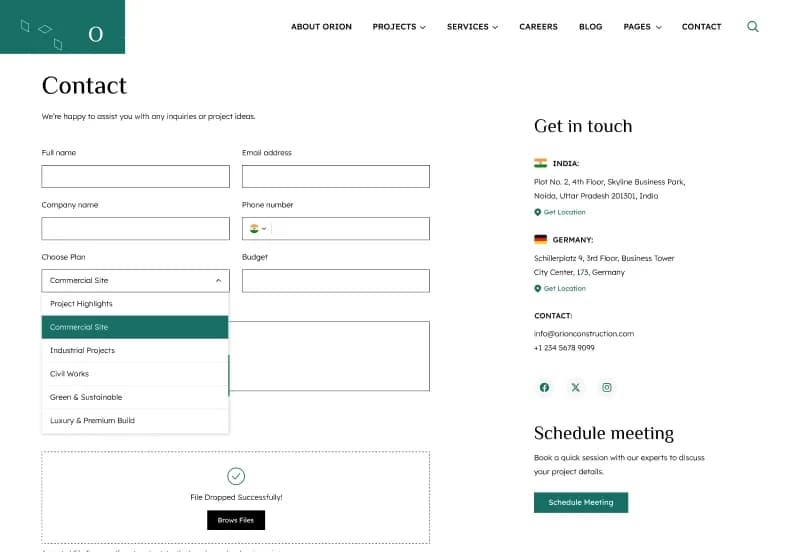
- Contact Us
- FAQ
Project Pages
- Projects v1
- Projects v2
- Projects v3
- Project Details
- Team Pages
- Teams v1
- Teams v2
- Team Details
Blog and Author Pages
- Blogs v1
- Blogs v2
- Blogs v3
- Blog Details v1
- Blog Details v2
- Blog Details v3
- Blog Details v4
- Blog Category
- Author Profile
Additional Pages
- Gallery
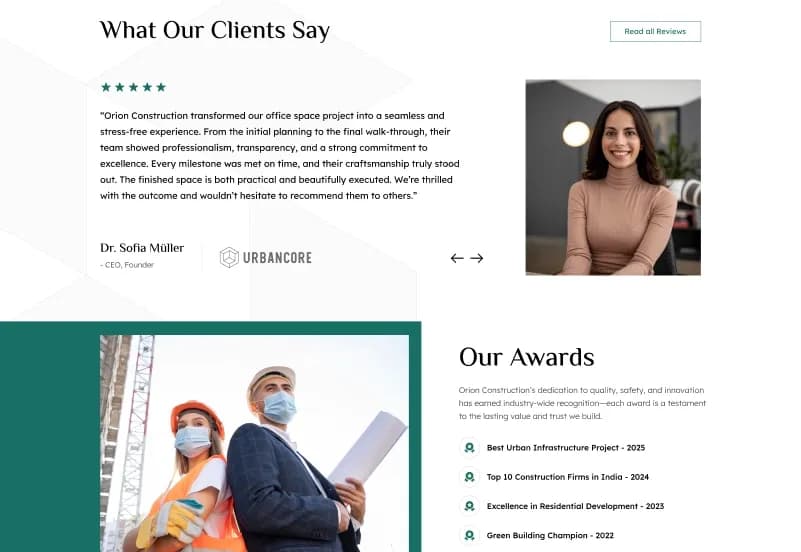
- Testimonials
- Quotation
- Packages
- Coming Soon
- Privacy Policy
- Terms & Conditions
- 404 Error Page
Reusable Content Sections
- Hero Section
- Overview Section
- About Vision Section
- Services Section
- Projects Section
- Latest Blogs Section
- FAQ Section
- Contact Section
- Gallery Section
- Testimonials Section
- Logo Slider
- Social Section
- Current Openings
- Project History
- Terms & Conditions Section
Taxonomy Support
- Blogs
- Projects
- Services
- Teams
- Dynamic category pages
- Content filtering
- Reusable taxonomy structure
- Organized content management
Project Resources
- Statamic Starter Kit
- Collections
- Taxonomies
- Blueprints
- Fieldsets
- Globals
- Assets
- Antlers Templates
- Tailwind CSS styles
- JavaScript files
- Configuration files
- Documentation
How to Use Orion
Step 1: Prepare the Requirements
Prepare a server environment with PHP 8.2+, Laravel 11+, Statamic 5.x, Composer, Node.js, and npm.
Result: Your development environment is ready for the Orion Statamic starter kit.
Step 2: Install Orion
Install Orion into a compatible Statamic project by following the supplied installation documentation.
Result: The starter kit templates, collections, taxonomies, blueprints, fieldsets, globals, assets, and configuration files are available in your project.
Step 3: Install Project Dependencies
Review the included Composer, npm, Tailwind CSS, JavaScript, and configuration requirements, then install the required project dependencies.
Result: The Statamic, Laravel, Tailwind CSS, Alpine.js, and project assets are ready for local development.
Step 4: Configure Collections, Taxonomies, and Globals
Review and configure collections, blog categories, project categories, service categories, team categories, globals, navigation, and reusable content sections.
Result: Your website content structure is ready to match your corporate, construction, consulting, or industrial business.
Step 5: Customize Templates and Business Content
Update logos, colours, typography, services, projects, team members, careers, packages, quotations, blogs, testimonials, images, and page-builder sections.
Result: The website begins to reflect your company, agency, professional service business, or client project.
Step 6: Build Assets and Deploy
Compile the production assets using the documented project workflow, test templates and responsive layouts, then deploy to a server compatible with Statamic 5.x, Laravel 11+, and PHP 8.2+.
Result: Your business, corporate, construction, or professional services website is ready to launch.
Tags:
Template Features:
Built with Statamic 5
Fully Dynamic Content Management
Reusable Page Builder Sections
Multiple Homepage Variations
Multiple Service Layouts