Orion — Construction Company HTML Website Template

4 (1 Review)
0 Sales







License Options
View License Policy1 site / project / end product
up to 5 sites / projects / end products
up to 30 sites / projects / end products
Add-on Services
$40.00
$55.00
Technology
No title available : Orion — Construction Company HTML Website Template


Created : 19 August 2025
Updated : 28 September 2026
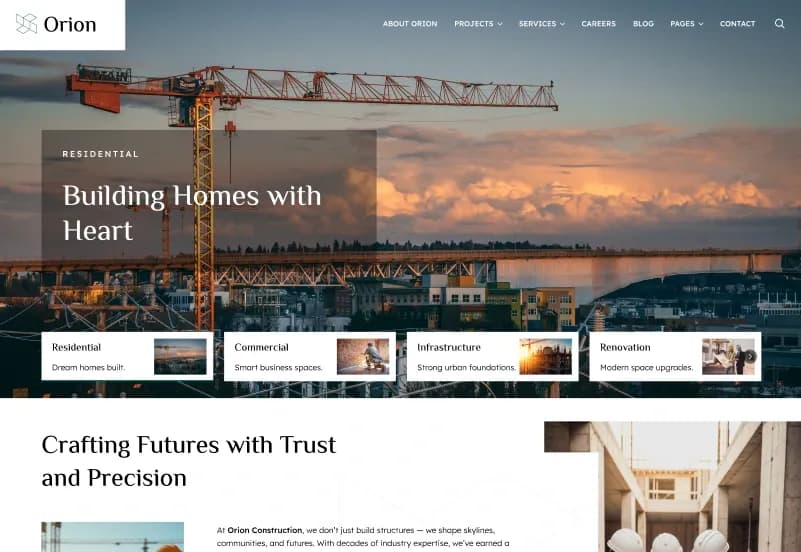
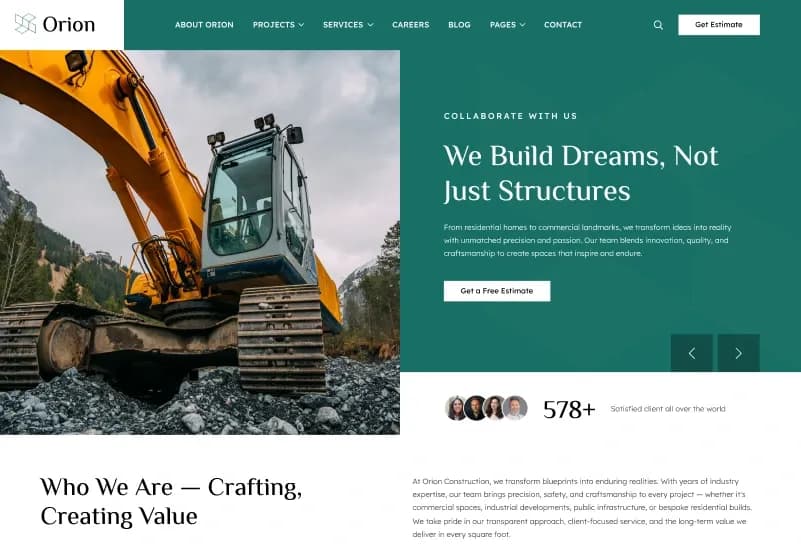
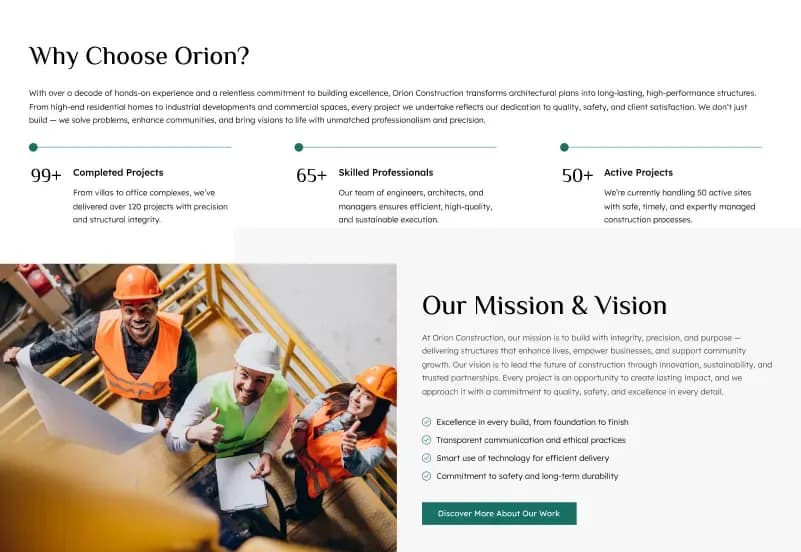
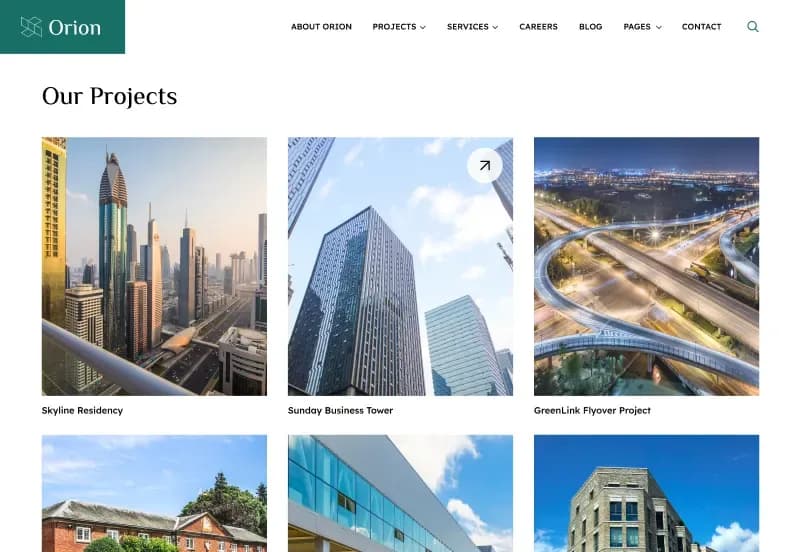
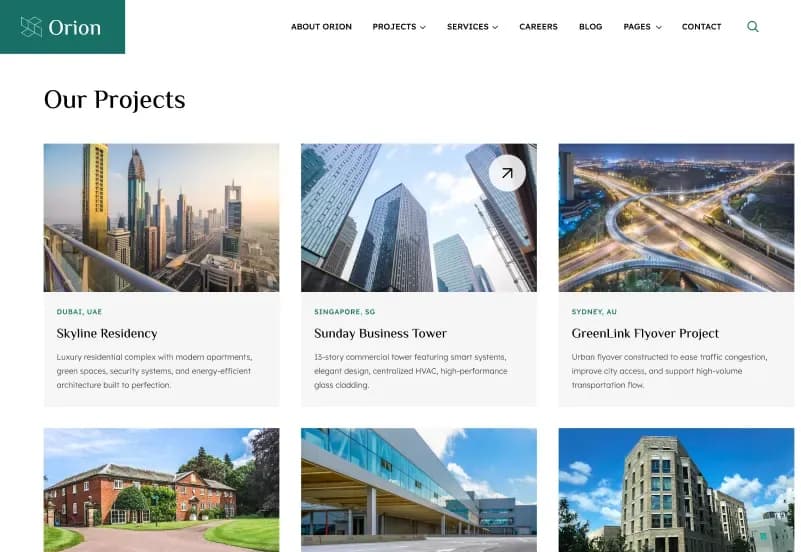
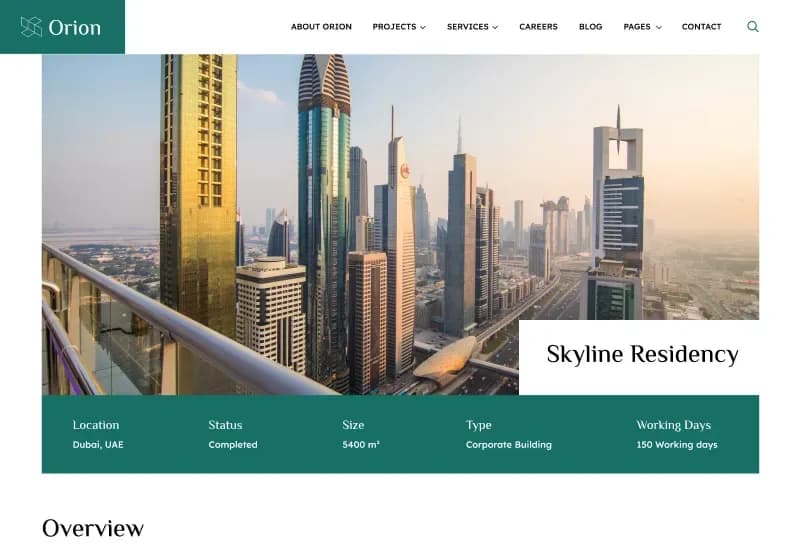
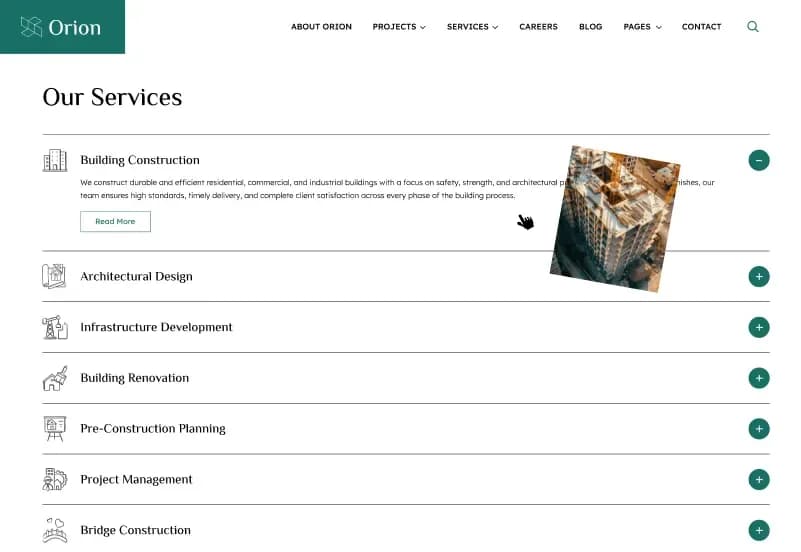
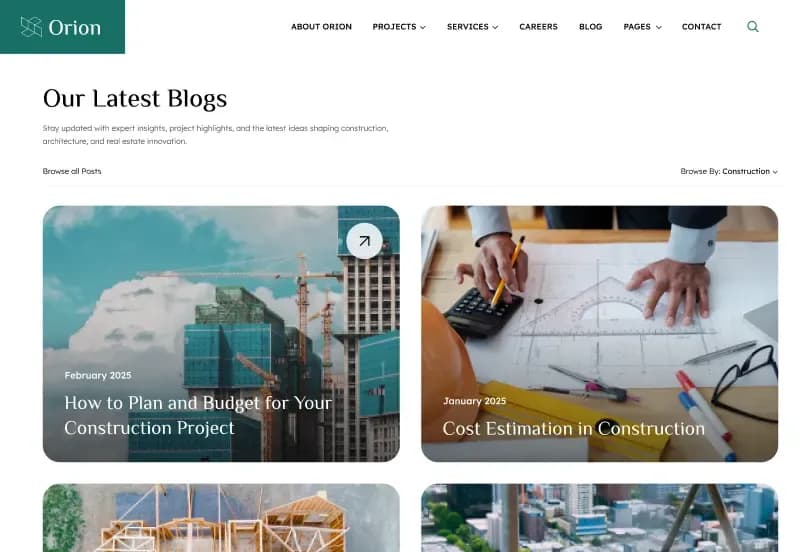
Orion is a modern Construction Company HTML Website Template by WebbyTemplate for construction companies, contractors, builders, architecture firms, engineering companies, real estate developers, interior design agencies, renovation services, and infrastructure businesses. It includes 33 responsive HTML pages, 33 mobile screens, 4 homepage variants, 3 project layouts, 3 service layouts, 2 team layouts, 3 blog layouts, 4 blog detail layouts, quotation page, career page, gallery, testimonials, FAQ, packages, Tailwind CSS source files, Alpine.js interactions, jQuery components, Swiper sliders, AOS animations, NPM build scripts, style guide assets, reusable components, and developer-friendly code — available with Personal, Commercial, and Agency license options.
What Is Orion Construction Company HTML Website Template?
Construction companies, contractors, builders, architecture firms, engineering teams, renovation businesses, and real estate developers need a website that can present services, projects, packages, team members, testimonials, FAQs, blog content, gallery images, career opportunities, quote requests, and contact information in a professional way. Building all these layouts from scratch can take time, especially when the website needs responsive pages, clean code, Tailwind CSS source files, sliders, animations, forms, and reusable components.
Orion gives you a complete Construction Company HTML Website Template with 33 responsive HTML pages, 33 mobile screens, multiple homepage variations, project showcase pages, service listing and service detail pages, team layouts, blog layouts, quotation page, style guide assets, Tailwind CSS source files, NPM build scripts, Alpine.js, jQuery, Swiper.js, AOS animations, and organized folders. It helps developers, agencies, construction brands, contractors, and architecture businesses launch a professional website faster.
Who Is This Template For?
- Web developers building construction, contractor, architecture, and real estate websites
- Agencies creating websites for construction companies, builders, and engineering firms
- Construction companies that need a professional business website
- Contractors and renovation service providers that need project and quote request pages
- Architecture firms that need portfolio, service, team, and gallery layouts
- Real estate developers that need project showcase and corporate pages
- Interior design agencies that need service, portfolio, package, and contact layouts
- Infrastructure companies that need a clean, responsive HTML website foundation
This template is not suitable for buyers who need a dynamic CMS or backend system. Orion is a static HTML website template — it does not include WordPress, Laravel, Next.js, CMS, admin dashboard, database, user authentication system, working quote management, payment processing, CRM, project management backend, or dynamic content management unless you integrate those separately.
What Is Included in Orion?
Homepage Variants
- Home v1
- Home v2
- Home v3
- Home v4
Core Pages
- Home
- About Us
- Projects
- Services
- Team
- Blog
- Author
- Category
- Gallery
- Testimonials
- FAQ
- Packages
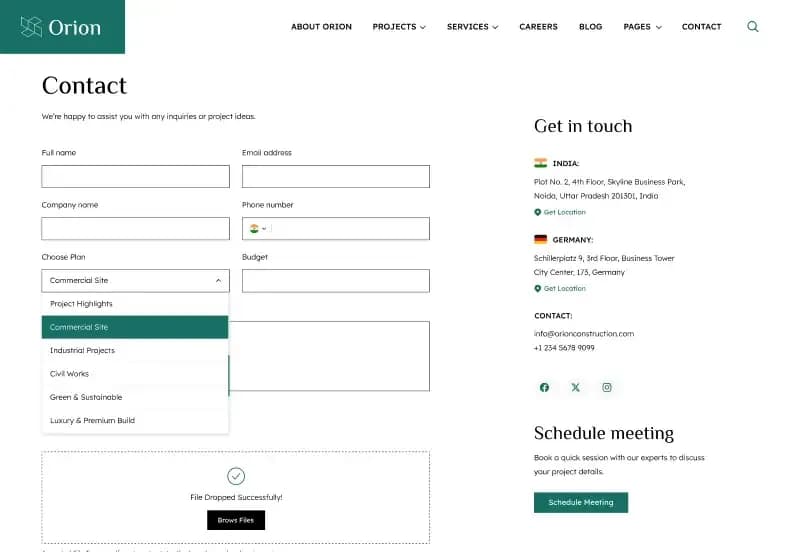
- Contact
- Coming Soon
- Quotation
- Privacy Policy
- Terms & Condition
- Career
- 404 Page
Project Pages
- Projects v1
- Projects v2
- Projects v3
Service Pages
- Services v1
- Services v2
- Services v3
Team Pages
- Team v1
- Team v2
Blog Pages
- Blog v1
- Blog v2
- Blog v3
Blog Detail Pages
- Blog Detail v1
- Blog Detail v2
- Blog Detail v3
- Blog Detail v4
Template Files and Assets
- HTML template files
- Tailwind CSS source files
- CSS3 files
- JavaScript files
- Alpine.js interactions
- jQuery components
- Swiper slider files
- AOS animation files
- NPM build scripts
- Reusable components
- Style guide assets
- Demo images
- SVG assets
- Licensed icons
- Web fonts
- Project images
- Construction industry graphics
- UI components
- Organized folder structure
How to Use Orion
Step 1: Purchase and Download
Select your license — Personal, Commercial, or Agency. Complete the purchase and download the template files.
Result: Orion HTML template files are ready to open.
Step 2: Open the Project Files
Open the HTML files, Tailwind CSS source files, JavaScript files, NPM build scripts, assets, icons, fonts, and style guide files in your code editor.
Result: The full construction website template structure is ready for review.
Step 3: Review the Page Set
Browse the homepage variants, project pages, service pages, team pages, blog layouts, blog details, gallery, testimonials, FAQ, packages, quotation, career, contact, legal pages, coming soon page, and 404 page.
Result: You have a complete construction website structure for your brand or client project.
Step 4: Customize Branding and Content
Update logo, colors, typography, construction images, project details, service content, team profiles, testimonials, packages, blog content, quote form text, contact information, and legal content.
Result: The website matches your construction company, contractor, builder, architecture firm, or real estate development brand.
Step 5: Update Tailwind and Scripts
Use the included Tailwind source files and NPM build scripts to update styles. Adjust Alpine.js interactions, jQuery components, Swiper sliders, and AOS animation settings as needed.
Result: The website design and frontend behavior match your project requirements.
Step 6: Add Required Integrations
Connect your own backend, form service, CMS, quote request workflow, CRM, project management system, or framework integration if your project needs live functionality.
Result: Static frontend layouts can be connected to real business functionality.
Step 7: Test and Deploy
Test all pages across browsers and devices, validate links and forms, optimize images, check page speed, review accessibility, and upload the final files to your hosting server.
Result: Your responsive construction company website is ready to go live.
Tags:
Template Features:
HTML5 Structure
Tailwind CSS Source Included
CSS3 and JavaScript
Alpine.js Interactions
jQuery Components