MetalPeak — Consulting Figma Website Template

0 (0 Reviews)
0 Sales


License Options
View License Policy1 site / project / end product
up to 5 sites / projects / end products
up to 30 sites / projects / end products
$24.00
$35.00
Technology
No title available : MetalPeak — Consulting Figma Website Template


Created : 11 July 2026
Updated : 31 August 2026
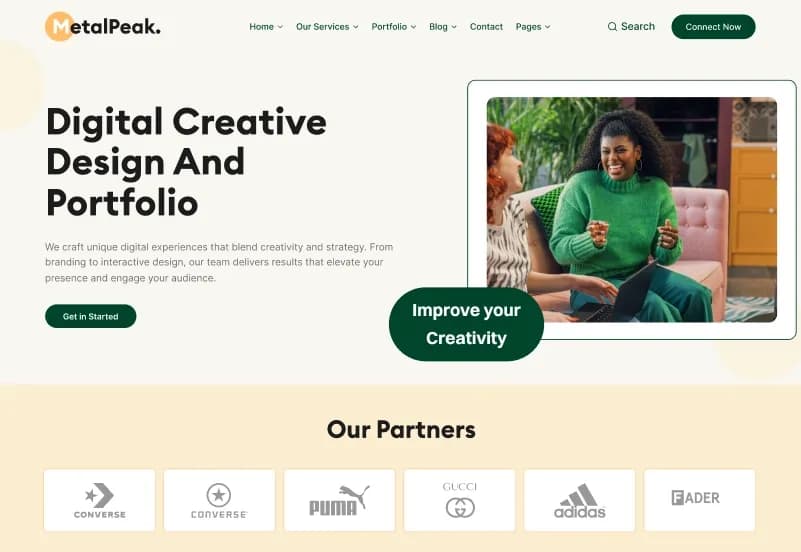
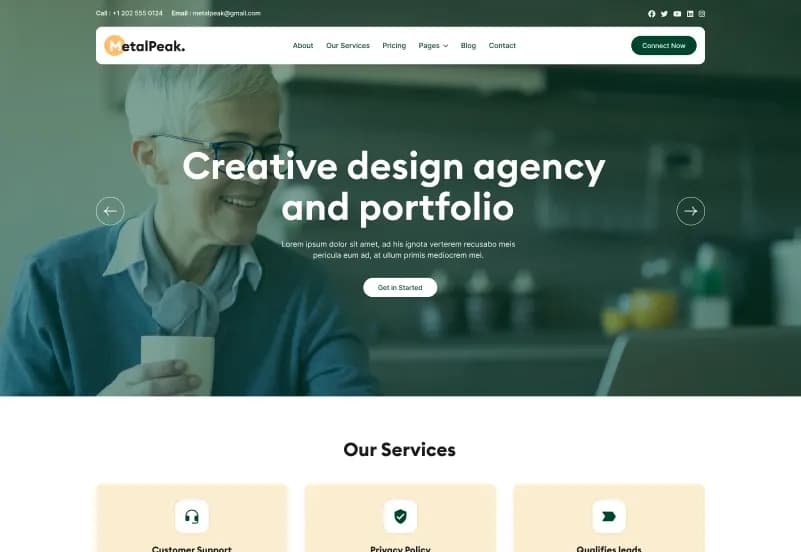
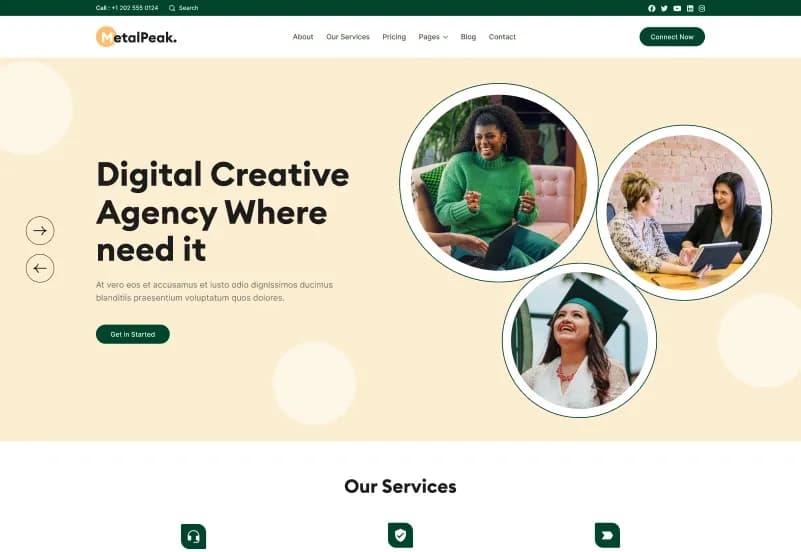
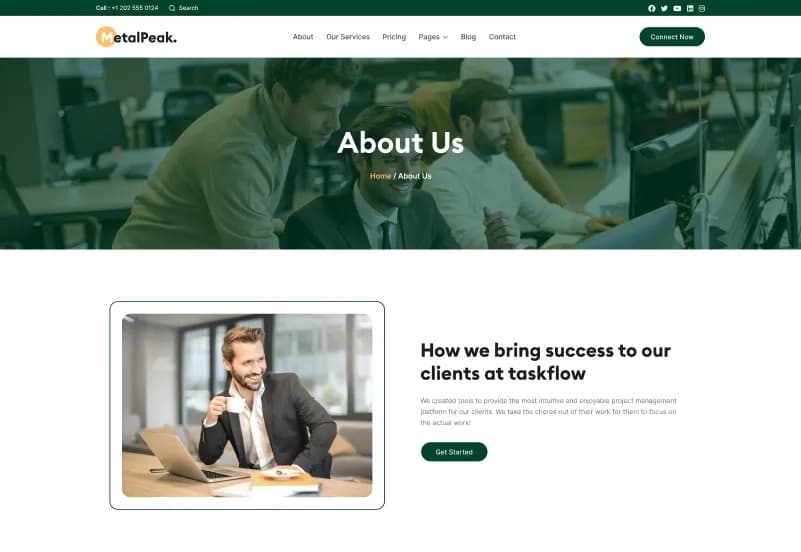
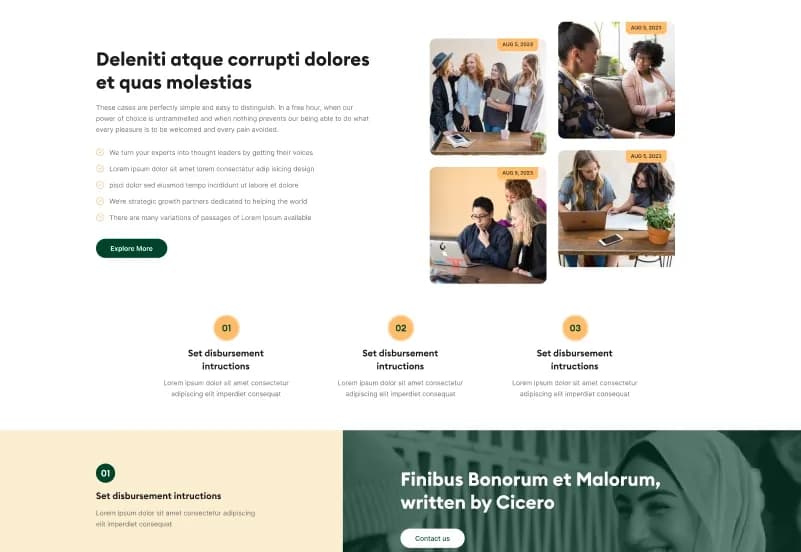
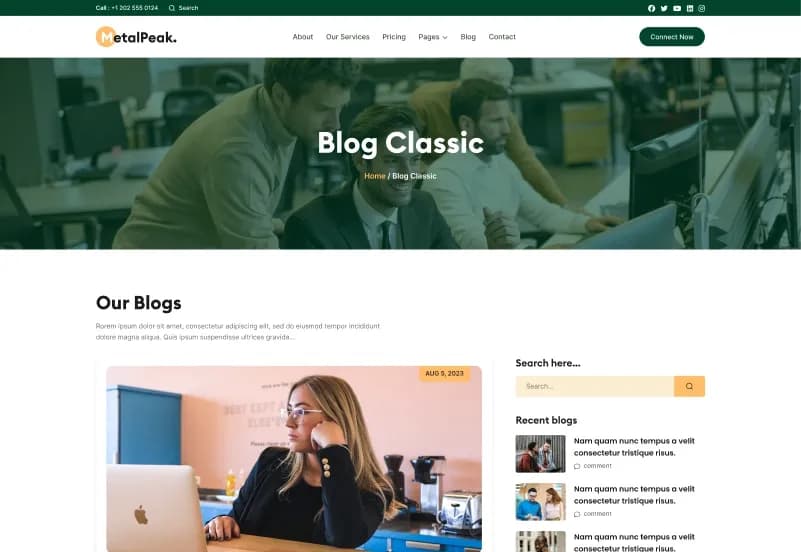
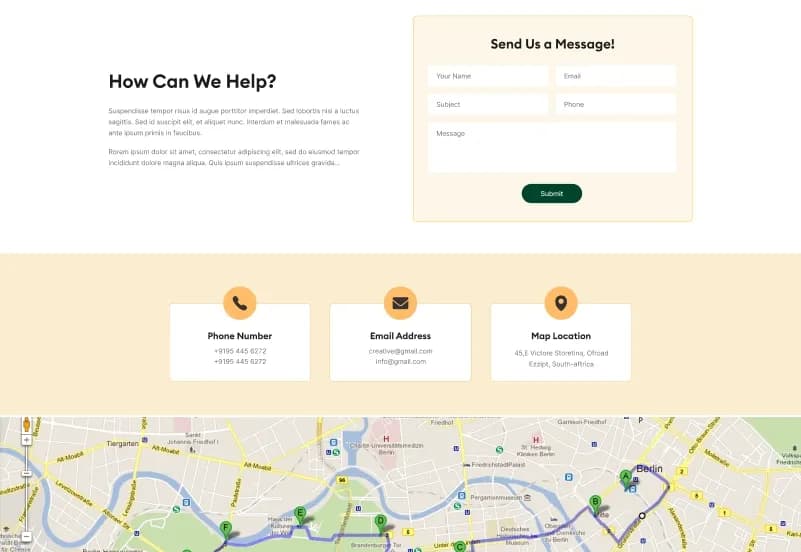
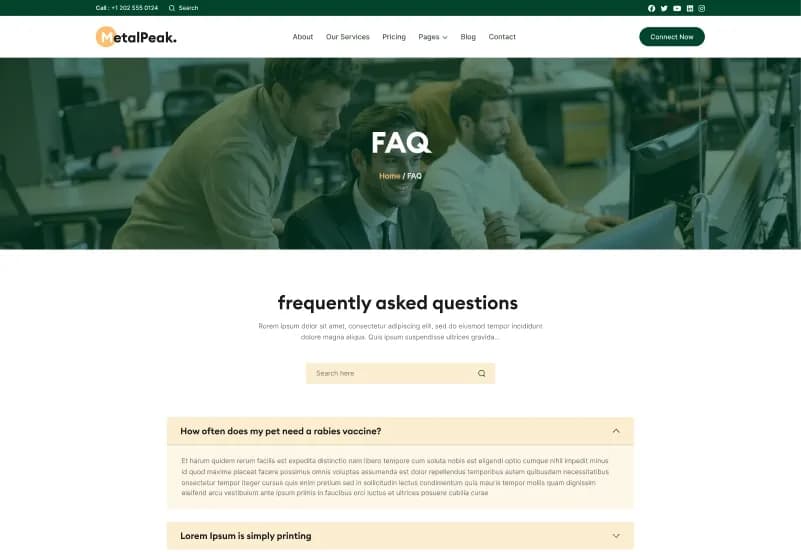
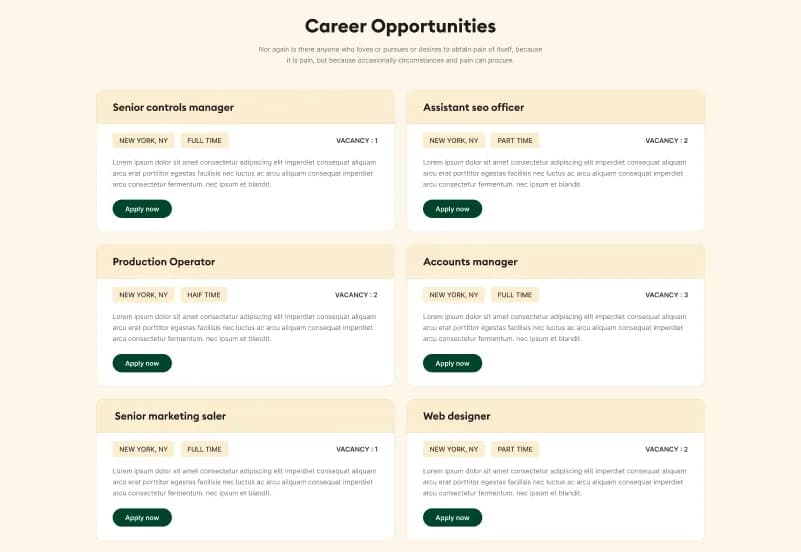
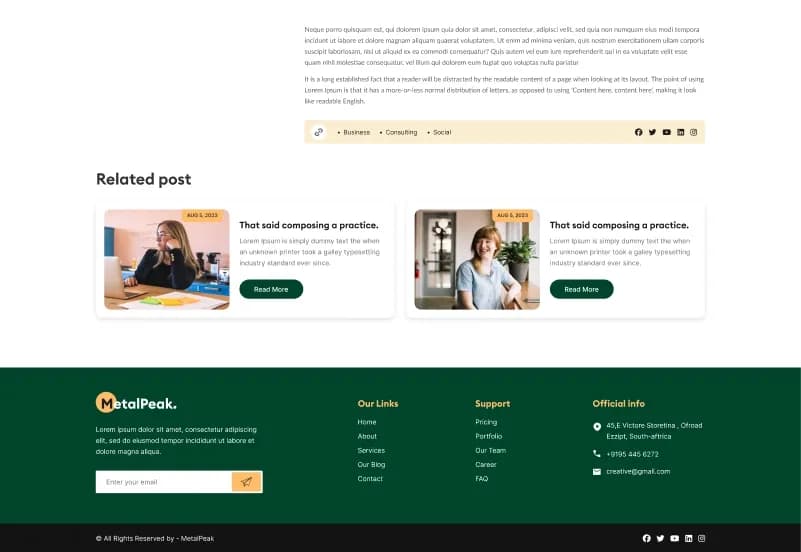
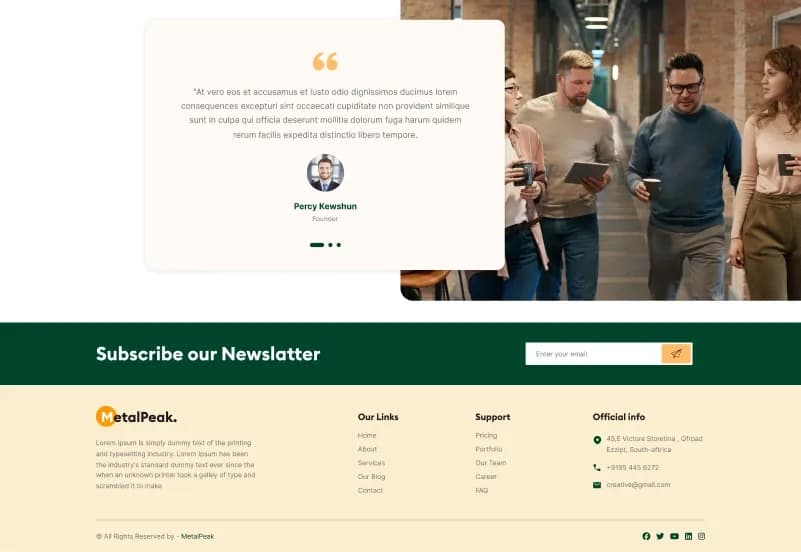
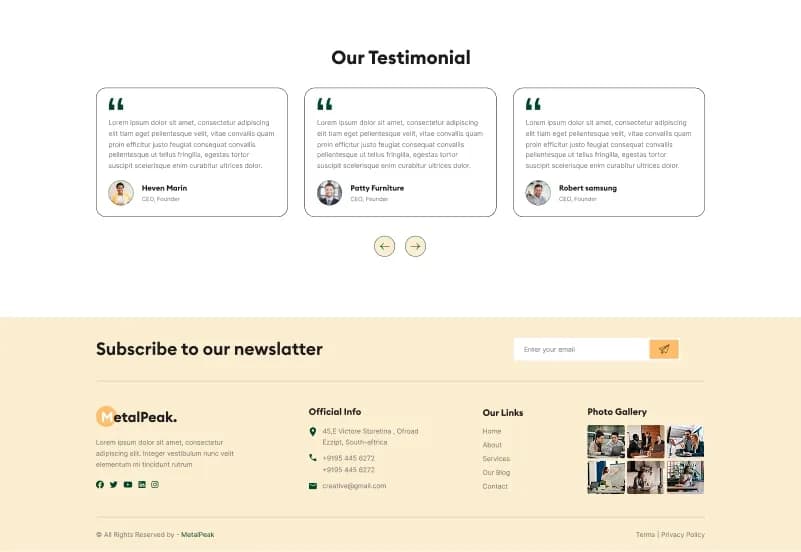
MetalPeak is a consulting-focused Figma website template designed for business consultants, corporate agencies, advisory firms, professional service providers, and consulting brands. It includes 28 pages, 30+ UI elements, 3+ homepage concepts, responsive mobile design support, organized layers, pixel-perfect layouts, forms, blog, portfolio, services, pricing, testimonial, FAQ, career, contact, and 404 screens.
Created for the latest version of Figma and compatible with Figma Community, MetalPeak gives designers, developers, agencies, and startup teams a clean design foundation for planning and handing off consulting websites faster.
What Is MetalPeak?
Consulting websites need a clear design structure for presenting services, teams, case studies, pricing, testimonials, FAQs, careers, blogs, contact forms, and company information. Starting every page from a blank Figma canvas can slow down design work, especially when a project needs multiple business-focused layouts and consistent UI sections.
MetalPeak is a Figma website template for consulting and professional-service websites. It includes ready-made screen layouts, organized layers, reusable UI elements, mobile-responsive design support, Google font usage, icon support, and a developer-friendly structure for smoother design handoff.
Who Is This Template For?
- Business consultants
- Consulting agencies
- Corporate advisory firms
- Professional service providers
- Strategy consultants
- Marketing consultants
- Finance and business advisors
- Startup consulting brands
- Creative agencies
- Web designers
- UI/UX designers
- Developers needing Figma handoff files
- Agencies designing consulting websites for clients
MetalPeak is a Figma design template. It is not an HTML, WordPress, OctoberCMS, Statamic, or backend product. Website development, CMS setup, forms, animations, hosting, and live functionality require separate implementation.
What Is Included?
Number of Screens / Pages
- 28 Pages
- 30+ UI Elements
Main Screens Included
- 3+ Homepage
- About
- Services
- Team
- Portfolio
- Blog
- Pricing
- Testimonial
- Contact
- 404
- FAQ
- Career
- Forms
Figma-Specific Details
- Compatible with latest Figma version
- Works with Figma Community
- Developer-friendly structure
- Organized design file
- Mobile responsive design support
- Iconify icons
- Euclid Circular B and Inter web fonts
How to Use MetalPeak
Step 1: Open the Figma File
Open the MetalPeak design file in the latest version of Figma or through Figma Community compatibility.
Result: The full consulting website design file is ready for review and editing.
Step 2: Review Pages and UI Elements
Review the 28 pages, 30+ UI elements, homepage concepts, service screens, team layouts, portfolio pages, blog screens, pricing, FAQ, career, forms, and contact layouts.
Result: You can select the screens and sections needed for your consulting website project.
Step 3: Customize Branding
Update the logo, colours, typography, icons, imagery, buttons, spacing, and visual style to match your brand or client project.
Result: The template begins to match your consulting agency, advisory firm, business service, or corporate brand.
Step 4: Edit Content and Sections
Replace placeholder text with real services, team details, portfolio content, blog titles, pricing information, testimonials, FAQs, career content, and contact details.
Result: The website design becomes ready for stakeholder review or developer handoff.
Step 5: Prepare Responsive Screens
Review mobile-responsive design areas and adjust spacing, layout, imagery, and content flow for smaller screens.
Result: The design is better prepared for responsive website development.
Step 6: Handoff to Development
Share the organized Figma file with your developer or implementation team for HTML, CMS, or custom website development.
Result: Your consulting website design is ready for production planning and implementation.
Template Features:
Group Layout
Easy Design Knowledge
Free Google Fonts
Pixel Perfect
Organized Layers