Bike Moto — Motorcycle Website Figma Template

0 (0 Reviews)
0 Sales

License Options
View License Policy1 site / project / end product
up to 5 sites / projects / end products
up to 30 sites / projects / end products
$20.00
$30.00
Technology
No title available : Bike Moto — Motorcycle Website Figma Template

Created : 23 June 2026
Updated : 03 September 2026
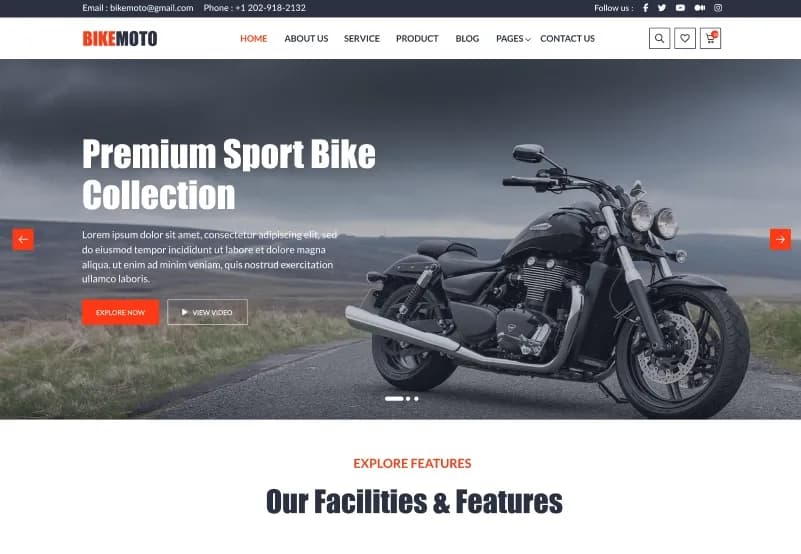
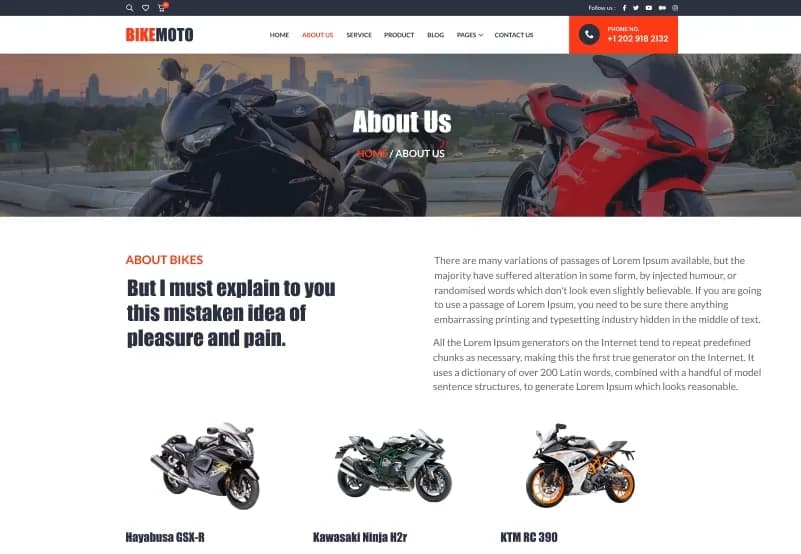
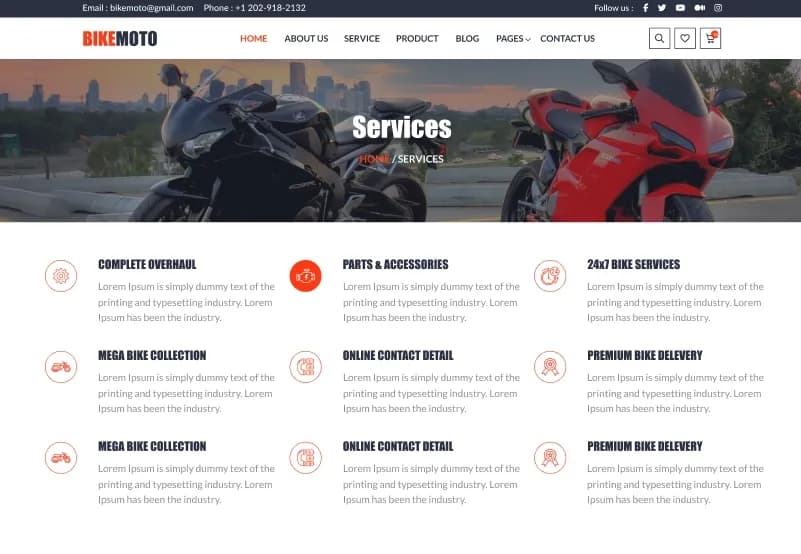
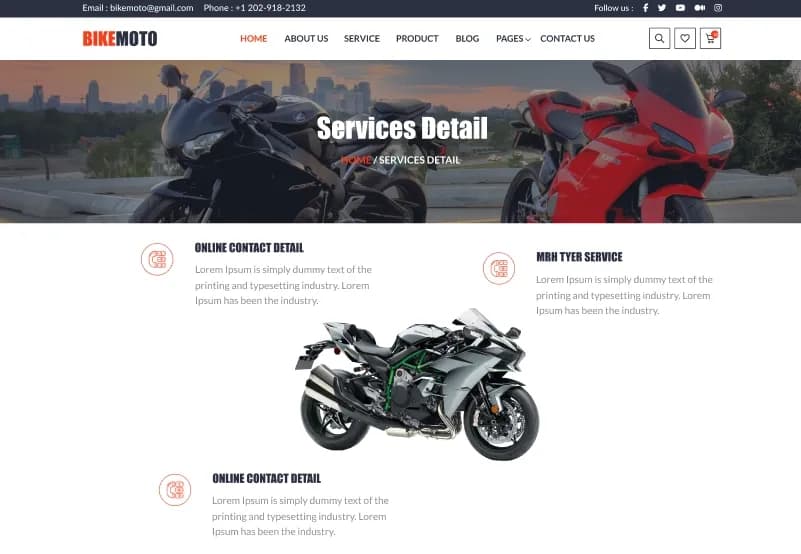
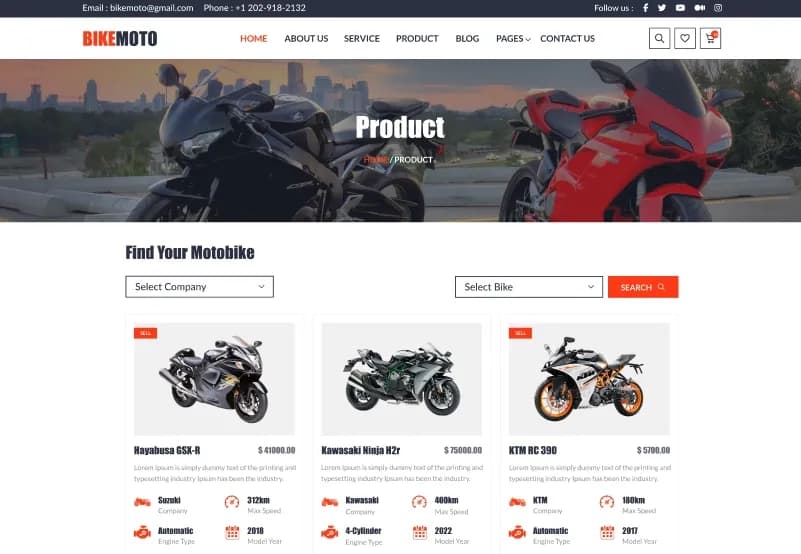
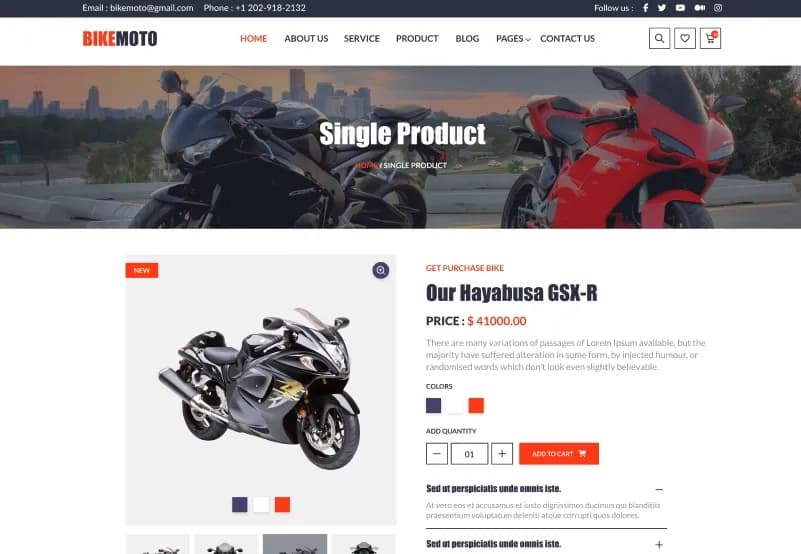
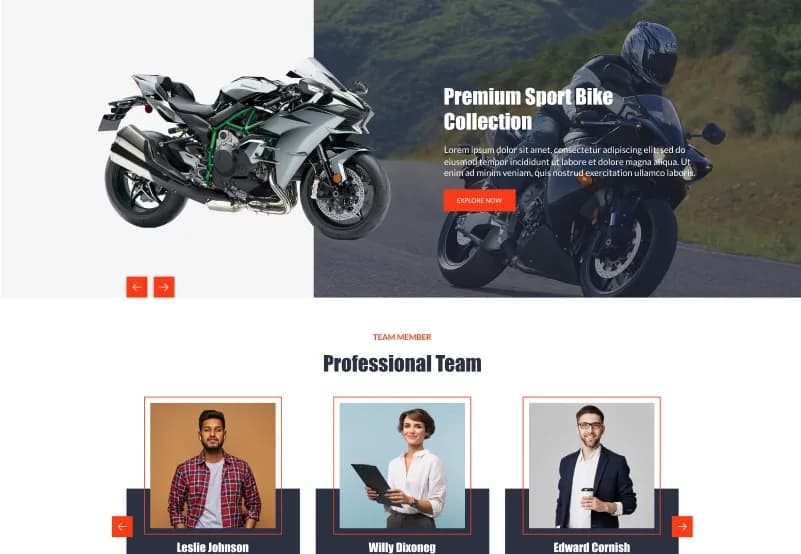
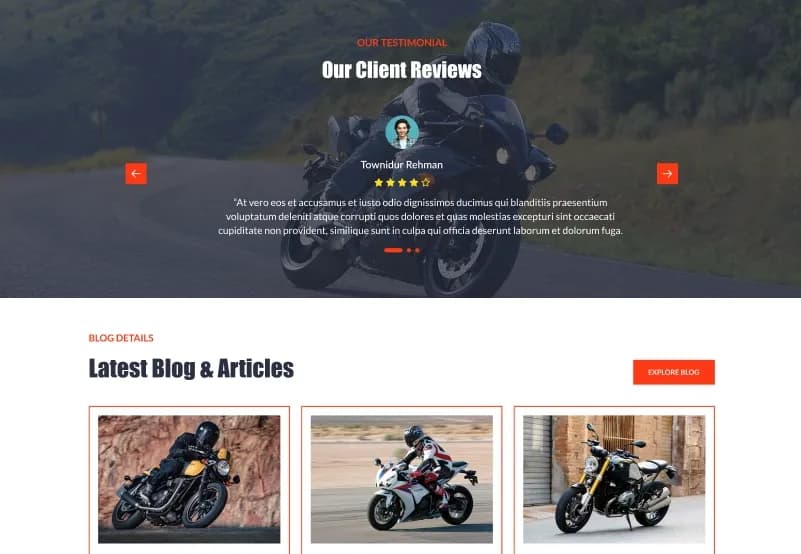
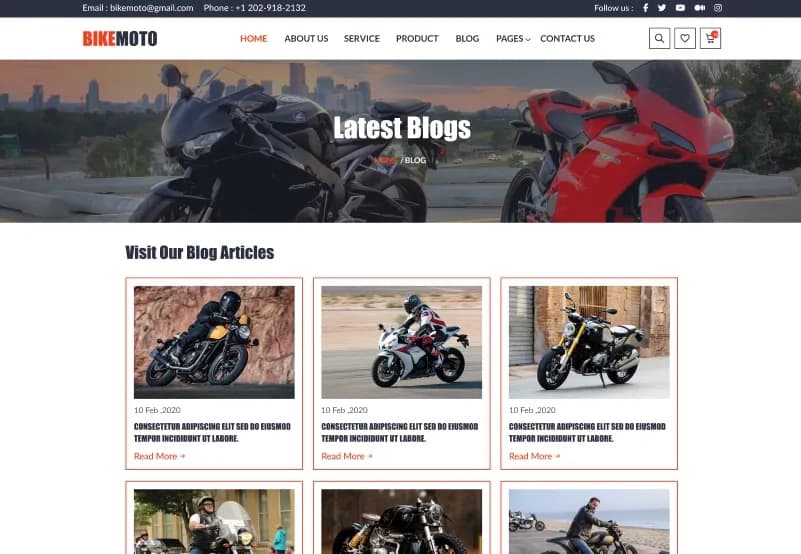
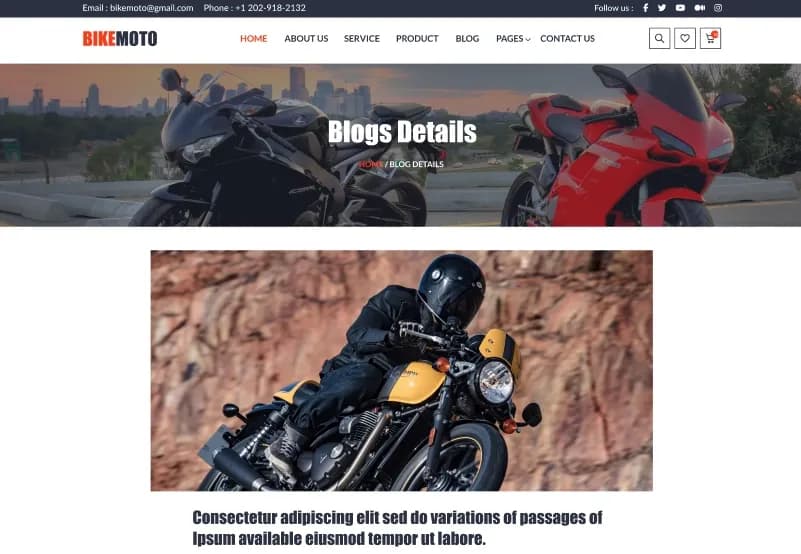
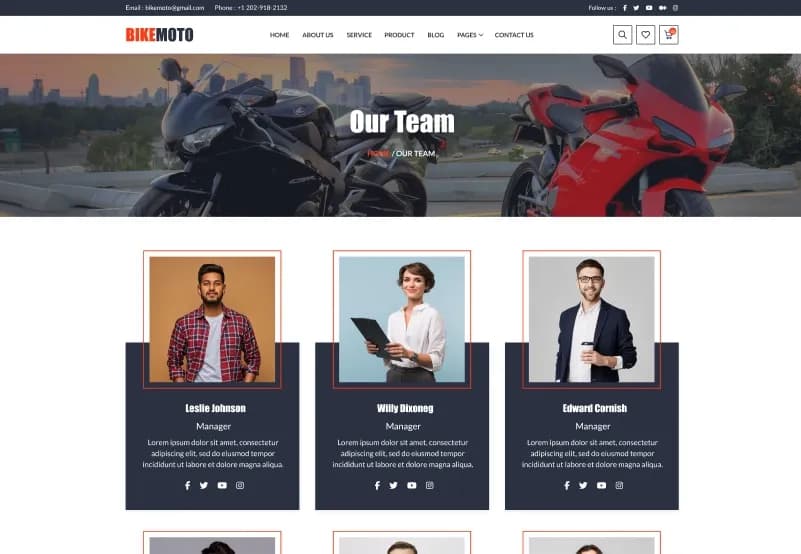
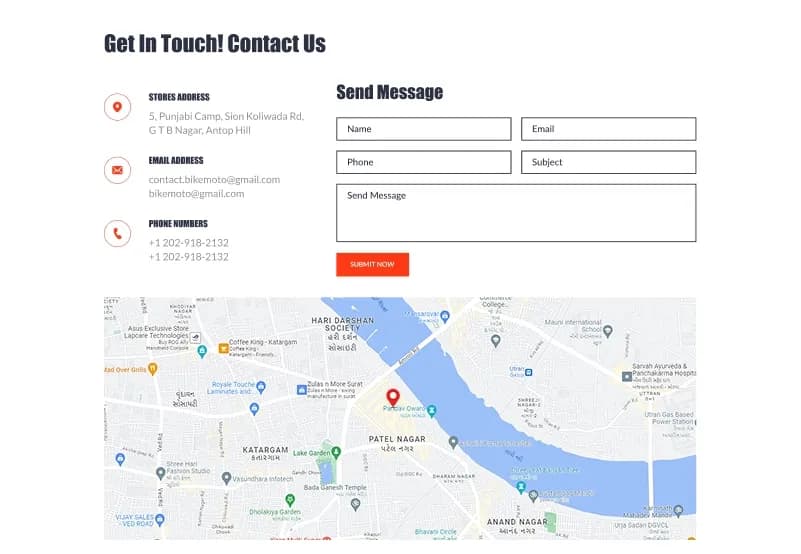
Bike Moto is a motorcycle website Figma template by WebbyTemplate for bike dealers, motorcycle sellers, automobile brands, bike service providers, and motorbike-related businesses. It includes 13 website pages, 20+ UI elements, forms, organized layouts, responsive design structure, and clean page designs for products, services, blogs, team, FAQ, and contact — available with Personal, Commercial, and Agency license options.
What Is Bike Moto Motorcycle Website Figma Template?
Motorcycle dealers, bike sellers, and automobile businesses need a website that can present products, services, company information, team details, blog content, FAQs, and contact options in a clear and energetic layout. Creating these pages from scratch in Figma takes time, especially when the design needs to feel bold, modern, and suitable for a bike-focused brand.
Bike Moto gives you a complete Motorcycle Website Figma Template with 13 website pages, 20+ UI elements, forms, organized layers, group layout structure, and responsive design planning. It helps designers, agencies, and automobile businesses customize a professional bike website in Figma and prepare it for development handoff.
Who Is This Template For?
- UI/UX designers working on motorcycle website Figma projects
- Freelance designers handling bike dealer or automobile client work
- Design agencies building websites for motorcycle dealers, bike sellers, garages, and automobile brands
- Developers who need a Figma-ready motorcycle website design file to build from
- Bike dealers who need a clear website design direction before development
- Motorcycle showrooms, bike rental brands, vehicle service businesses, and automobile product sellers
- Automobile brands that need pages for services, products, blogs, team, FAQ, and contact information
This template is not suitable for buyers who need a coded website or real vehicle inventory system. Bike Moto is a Figma design file only — it does not include HTML, CSS, WordPress, Webflow, product filtering, checkout, booking system, or any coded implementation.
What Is Included in Bike Moto?
Website Pages
- Homepage
- About page
- Services page
- Product page
- Blog page
- Team page
- FAQ page
- Contact Us page
- 404 page
Design Assets
- 20+ UI elements
- Forms
- Typography setup
- Icon set
- Responsive design structure
- Organized sections and frames
How to Use Bike Moto
Step 1: Purchase and Download
Select your license — Personal, Commercial, or Agency. Complete the purchase and download the Figma file.
Result: Bike Moto Figma file is ready to open.
Step 2: Open in Figma
Open the file in the latest version of Figma. All pages, UI elements, forms, and design assets load in the editor.
Result: The full motorcycle website design is ready to review.
Step 3: Review the Page Set
Browse the homepage, about, services, product, blog, team, FAQ, contact, and 404 pages. Remove pages that are not needed for your project.
Result: You have a focused website structure for a bike dealer, motorcycle brand, or automobile business.
Step 4: Customize Branding
Update logo, colors, typography, bike images, product details, service content, team information, blog content, and contact details.
Result: The design matches your motorcycle brand, bike dealership, or automobile client project.
Step 5: Review Responsive Layout Needs
Check important user journeys such as product browsing, service review, blog reading, FAQ viewing, and contact inquiry.
Result: The design direction is ready before development starts.
Step 6: Export or Hand Off
Export assets or share the organized Figma file with your developer or development team.
Result: Your motorcycle website design is ready for development or client presentation.
Tags:
Template Features:
Web Fonts
Icons
Responsive Design Structure
Organized Layers
Group Layout