Weathex — Weather Website Figma Template

0 (0 Reviews)
0 Sales
License Options
View License Policy1 site / project / end product
up to 5 sites / projects / end products
up to 30 sites / projects / end products
$20.00
$30.00
Technology
No title available : Weathex — Weather Website Figma Template


Created : 23 June 2026
Updated : 31 August 2026
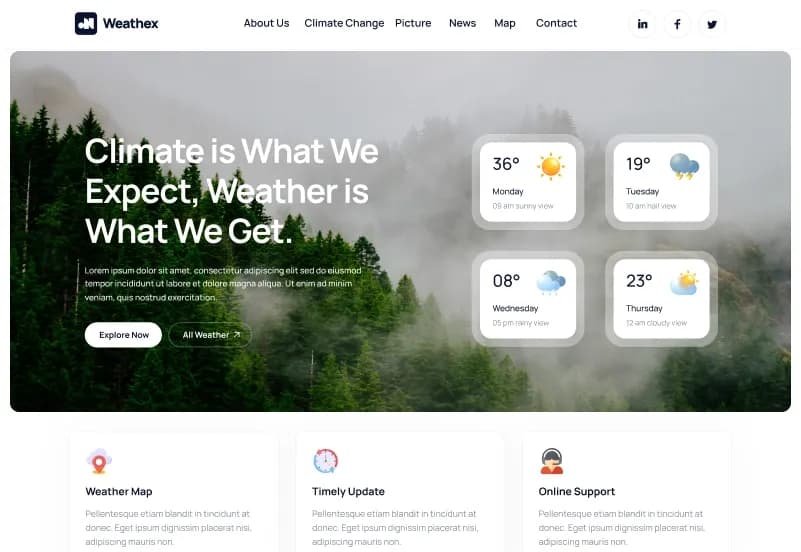
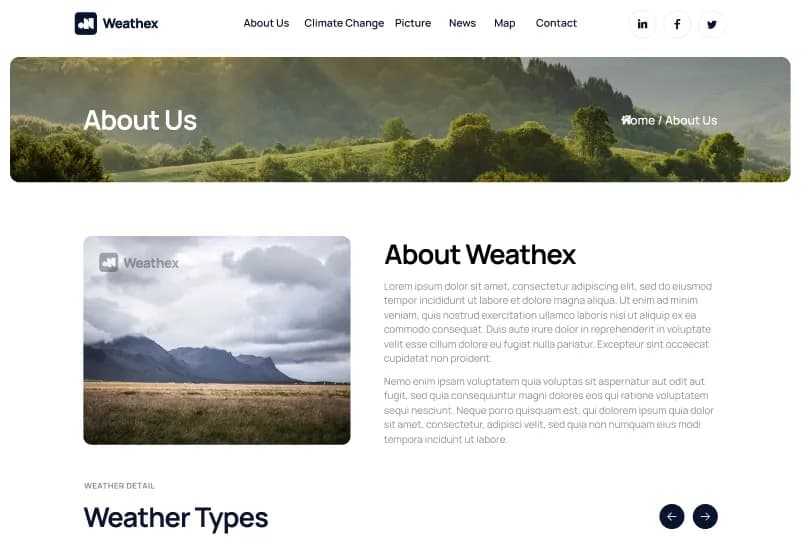
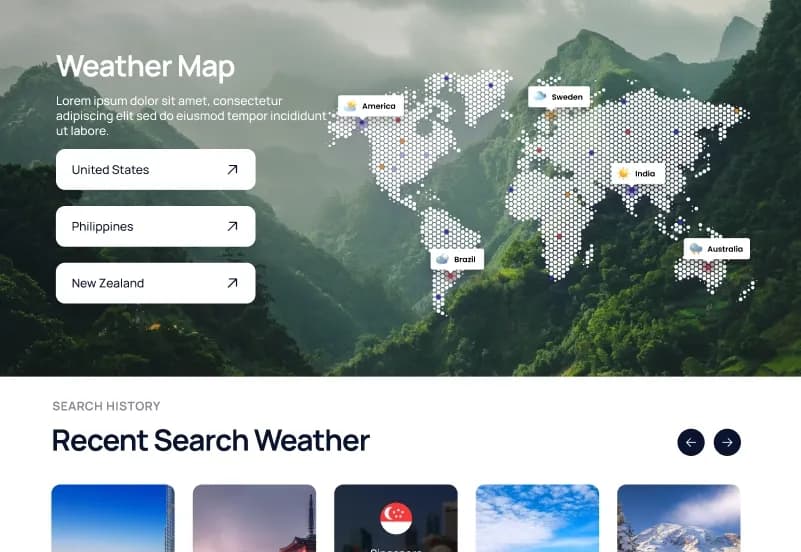
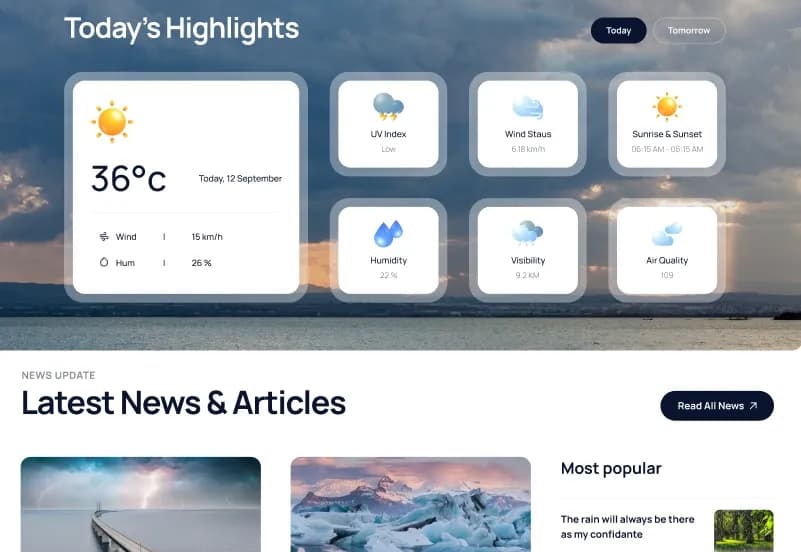
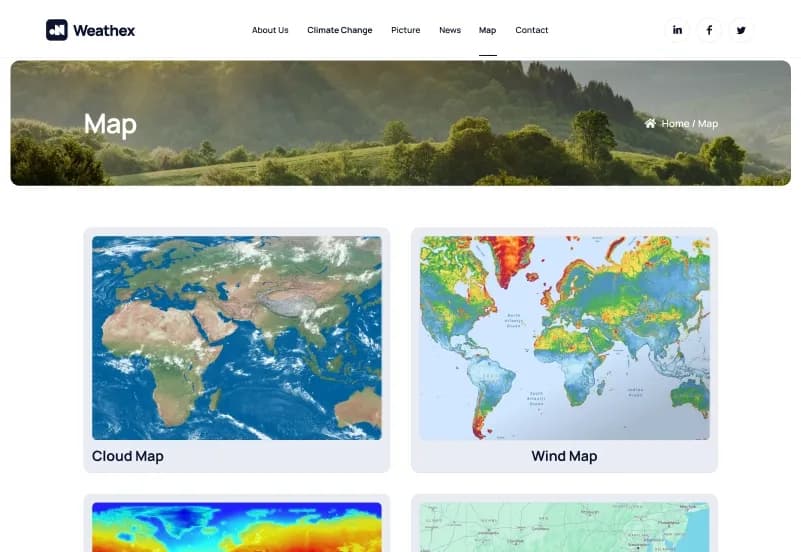
Weathex is a modern weather website Figma template by WebbyTemplate for weather information websites, climate blogs, forecast platforms, map-based content websites, and environmental news projects. It includes 12 website pages, 20+ UI elements, forms, chart layouts, map page design, news page design, responsive structure, and organized Figma layouts — available with Personal, Commercial, and Agency license options.
What Is Weathex Weather Website Figma Template?
Weather, climate, and environmental websites need a clear design structure for forecasts, climate information, maps, news, pictures, charts, contact pages, and legal pages. Creating these sections from scratch in Figma can take time, especially when the website needs to present data-style content in a clean and easy-to-read way.
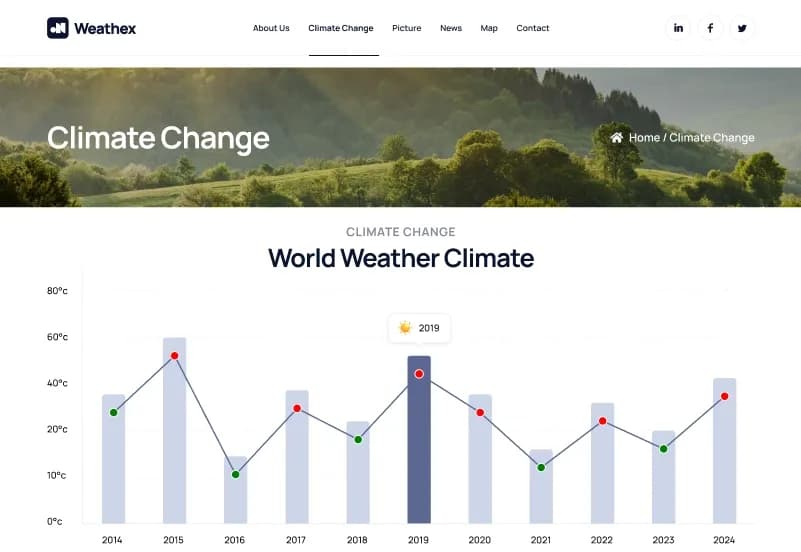
Weathex gives you a complete Weather Website Figma Template with 12 website pages, 20+ UI elements, forms, chart design sections, map page layout, news page layout, and responsive design planning. It helps designers, agencies, climate content creators, and weather-related brands customize a professional weather website in Figma and prepare it for development handoff.
Who Is This Template For?
- UI/UX designers working on weather website Figma projects
- Freelance designers handling weather, climate, or environmental website client work
- Design agencies building websites for weather platforms, climate blogs, map-based websites, and environmental news brands
- Developers who need a Figma-ready weather website design file to build from
- Weather content creators who need a clear website design direction before development
- Climate awareness projects, forecast-style websites, and environmental education platforms
- News-style websites that need pages for climate change, maps, pictures, charts, and contact information
This template is not suitable for buyers who need a coded website or live weather application. Weathex is a Figma design file only — it does not include HTML, CSS, WordPress, Webflow, live weather API integration, map API functionality, database, backend, or any coded implementation.
What Is Included in Weathex?
Website Pages
- Homepage
- About Us page
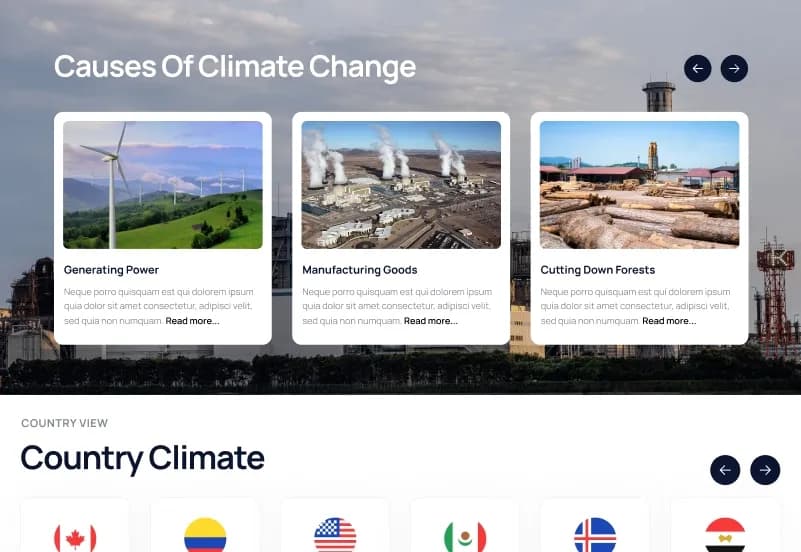
- Climate Change page
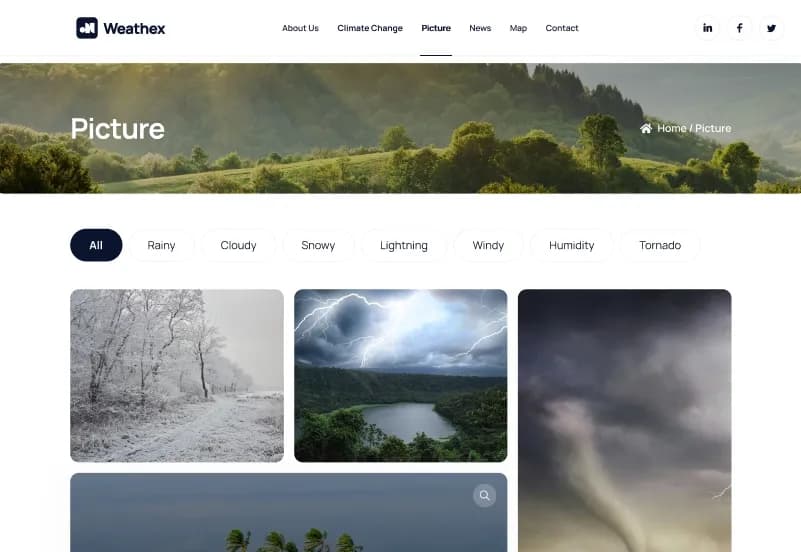
- Picture page
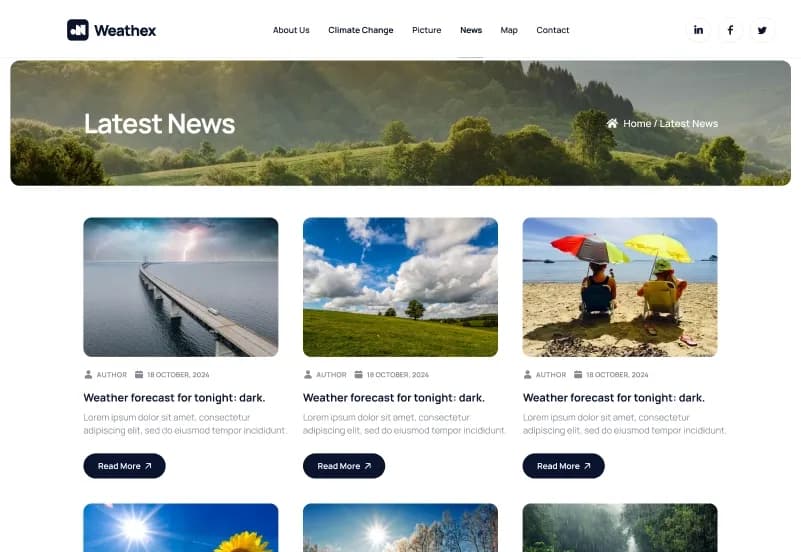
- News page
- Map page
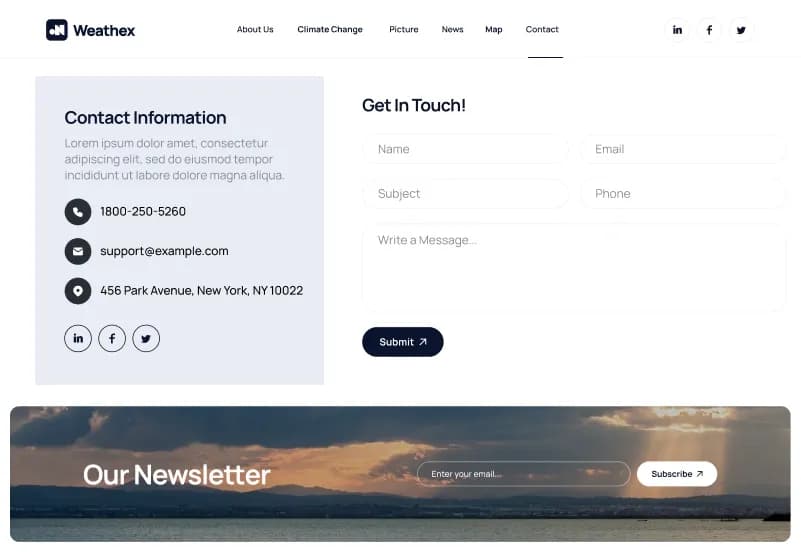
- Contact page
- Privacy Policy page
- Terms and Conditions page
- 404 page
Design Assets
- 20+ UI elements
- Forms
- Chart layouts
- Typography setup
- Icon set
- Responsive design structure
- Organized sections and frames
How to Use Weathex
Step 1: Purchase and Download
Select your license — Personal, Commercial, or Agency. Complete the purchase and download the Figma file.
Result: Weathex Figma file is ready to open.
Step 2: Open in Figma
Open the file in the latest version of Figma. All pages, UI elements, forms, charts, and design assets load in the editor.
Result: The full weather website design is ready to review.
Step 3: Review the Page Set
Browse the homepage, about us, climate change, picture, news, map, contact, legal, and 404 page layouts. Remove pages that are not needed for your project.
Result: You have a focused website structure for your weather, climate, or environmental website.
Step 4: Customize Branding
Update logo, colors, typography, images, weather content, climate sections, chart content, map visuals, news content, and contact details.
Result: The design matches your weather brand, climate project, or client website.
Step 5: Review Responsive Layout Needs
Check important user journeys such as weather information browsing, climate article reading, map viewing, chart review, and contact form submission.
Result: The design direction is ready before development starts.
Step 6: Export or Hand Off
Export assets or share the organized Figma file with your developer or development team.
Result: Your weather website design is ready for development or client presentation.
Tags:
Template Features:
Web Fonts
Icons
Responsive Design Structure
Organized Layers
Group Layout