Yoga — eCommerce Figma Template

0 (0 Reviews)
0 Sales





License Options
View License Policy1 site / project / end product
up to 5 sites / projects / end products
up to 30 sites / projects / end products
$24.00
$35.00
Technology
No title available : Yoga — eCommerce Figma Template


Created : 23 June 2026
Updated : 31 August 2026
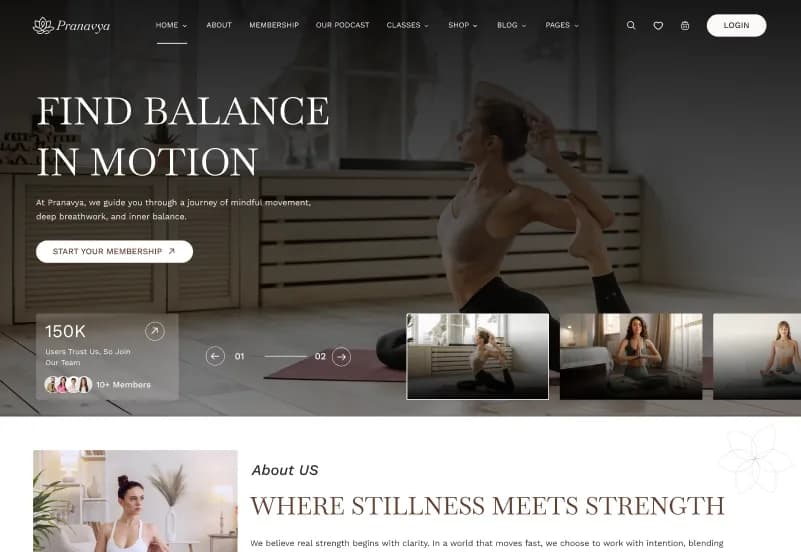
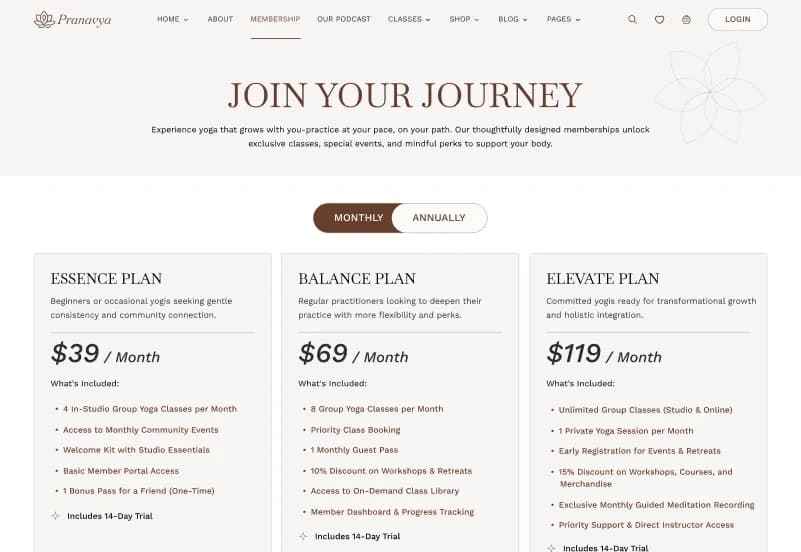
Yoga is a complete eCommerce Figma template by WebbyTemplate for yoga studios, wellness brands, meditation retreats, fitness instructors, and online yoga product stores. It includes 45+ website pages, 45+ mobile screens, 60+ UI elements, reusable components, forms, mega menus, shop pages, booking pages, membership pages, and responsive layouts — available with Personal, Commercial, and Agency license options.
What Is Yoga eCommerce Figma Template?
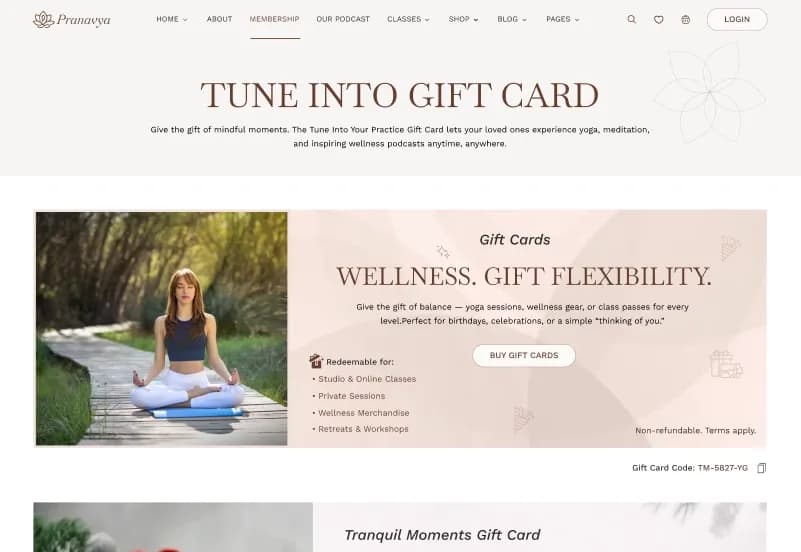
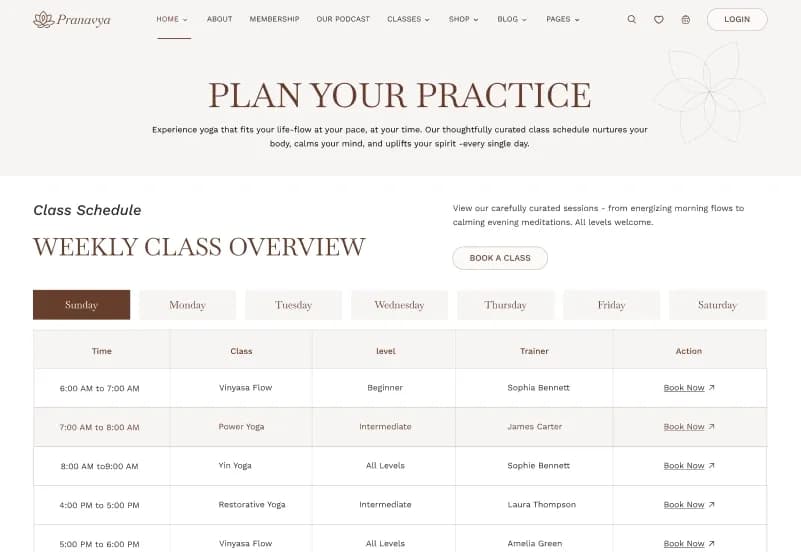
Yoga studios, wellness brands, meditation retreats, and fitness businesses often need more than a simple landing page. They need a website design that can support classes, schedules, bookings, memberships, retreats, gift cards, podcasts, events, blog content, and online shopping in one clean experience.
Yoga gives you a complete Yoga eCommerce Figma Template with 45+ desktop pages, 45+ mobile screens, 60+ UI elements, reusable components, responsive layouts, and eCommerce-ready page designs. It helps designers, agencies, and wellness brands customize a professional yoga studio website in Figma and prepare it for development handoff.
Who Is This Template For?
- UI/UX designers working on yoga, wellness, fitness, and meditation website projects
- Freelance designers handling yoga studio or wellness brand client work
- Design agencies building websites for yoga studios, retreats, gyms, instructors, and wellness businesses
- Developers who need a Figma-ready design file to build from
- Yoga studio owners who need a clear website design direction before development
- Wellness brands selling classes, memberships, retreats, products, gift cards, or events online
- Fitness instructors, meditation coaches, and retreat organizers planning a modern website
This template is not suitable for buyers who need a coded website. Yoga is a Figma design file only — it does not include HTML, CSS, Tailwind CSS, WordPress, Webflow, or any coded implementation.
What Is Included in Yoga?
Website Pages
- 4+ Homepage layouts
- Memberships page
- Gift Cards page
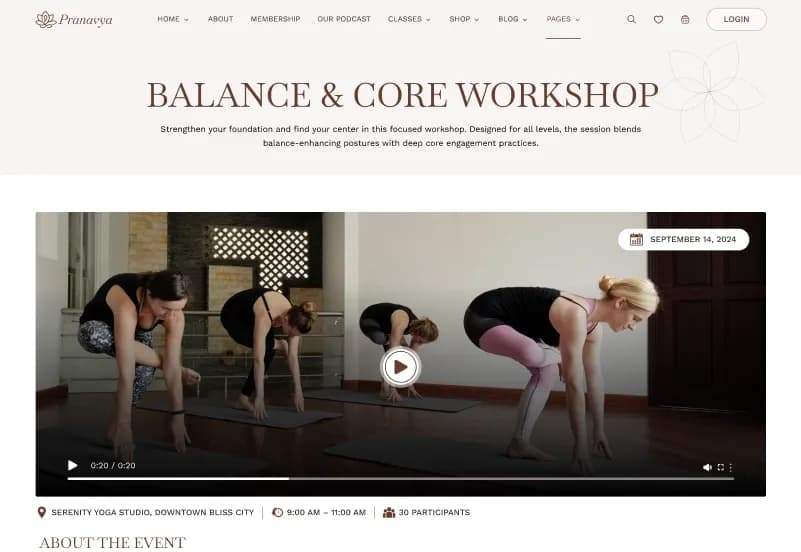
- Schedule page
- Class page
- Podcast page
- Event page
- Retreats page
- Team page
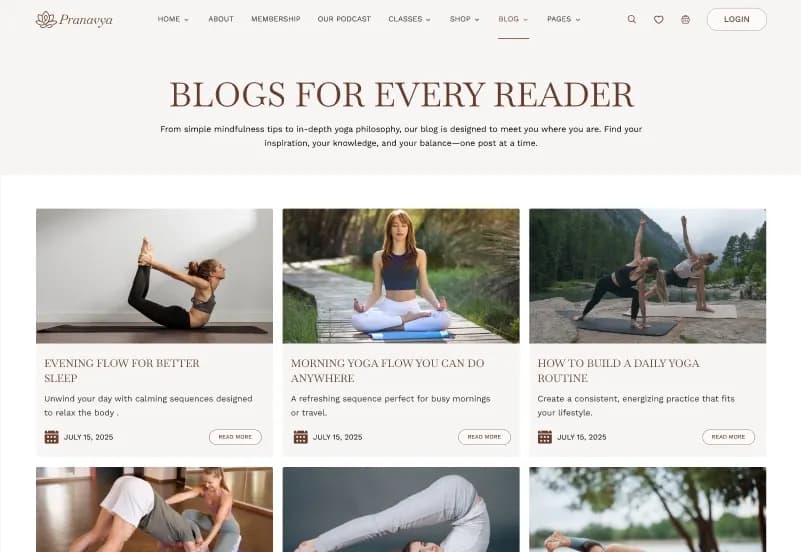
- Blog page
- Blog single pages
- Testimonial page
- FAQ page
- Booking page
- Contact page
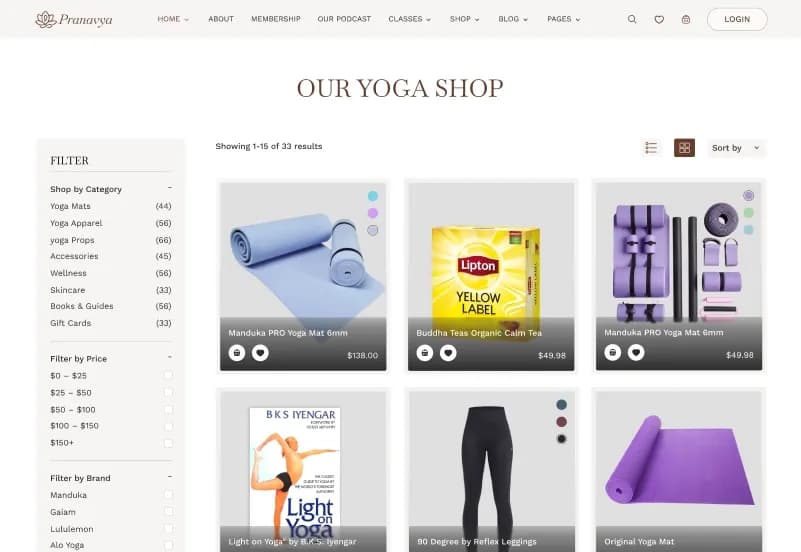
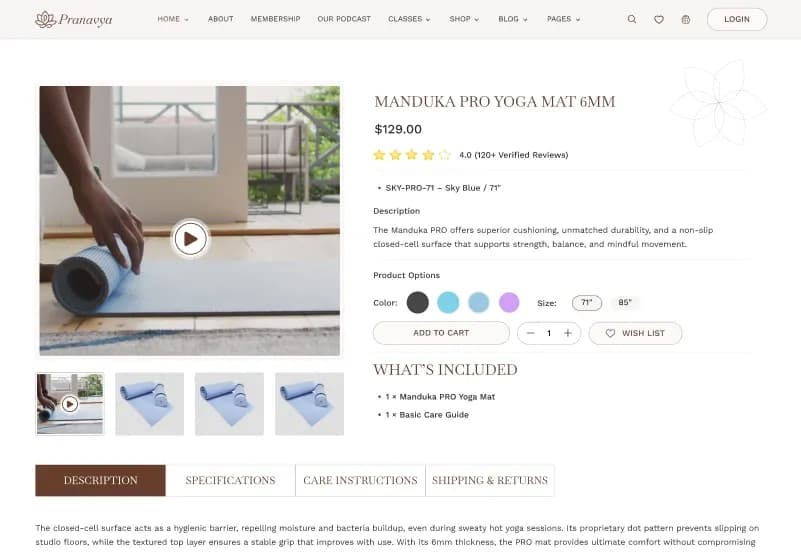
- Shop page
- Wishlist page
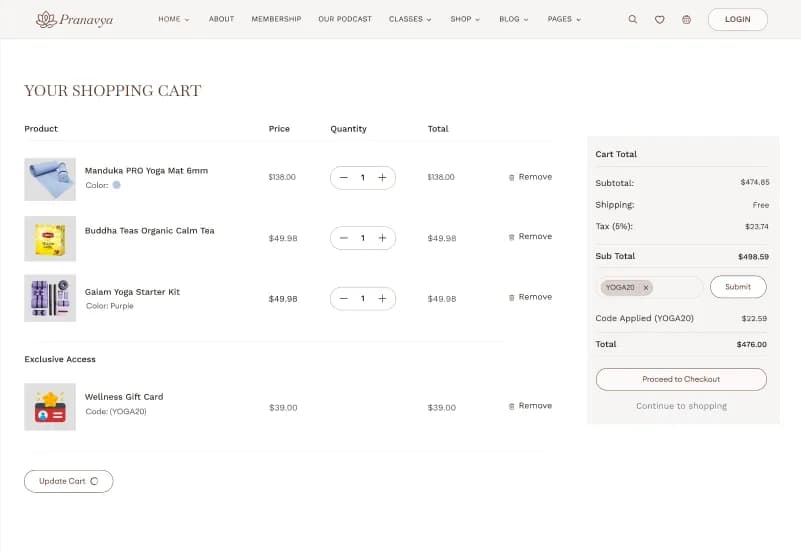
- Cart page
- Shipping page
- Checkout page
- Order page
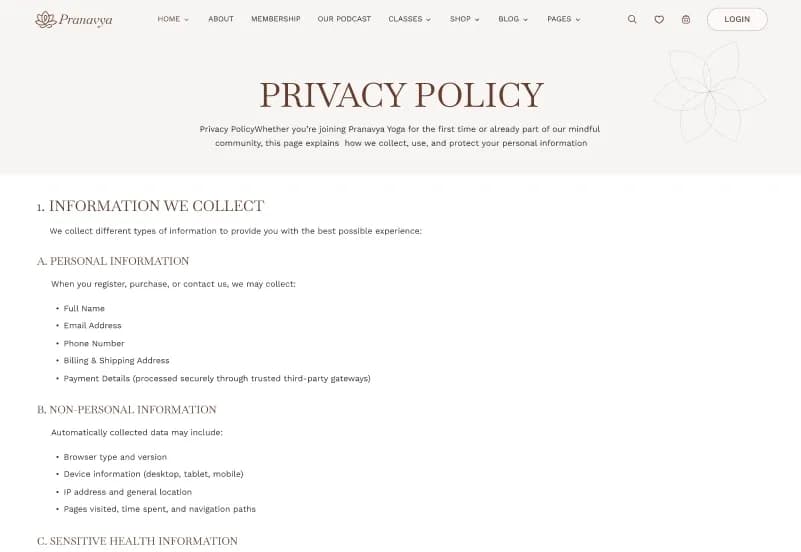
- Policy page
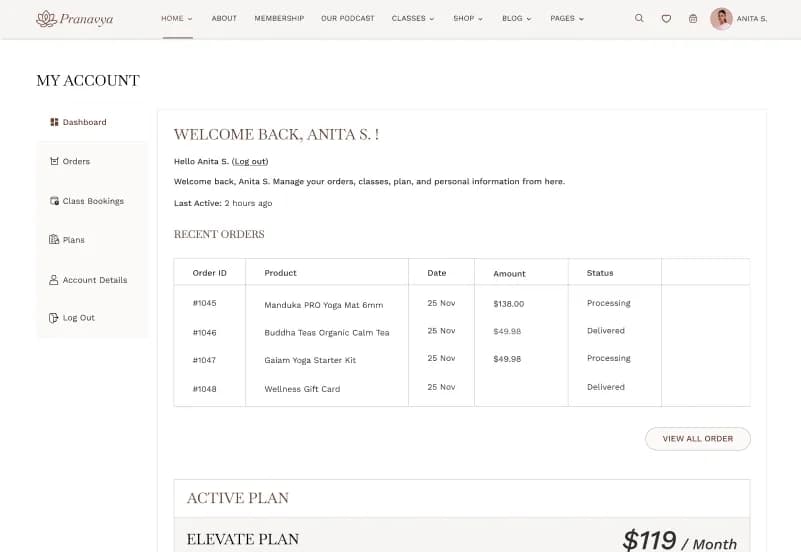
- Account pages
- Login pages
- Search result page
- Side cart layout
- Mobile Screens
- 45+ mobile screens
- Responsive mobile layouts for key website pages
- Mobile shop, cart, checkout, booking, account, and content pages
Design Assets
- 1+ reusable components
- 60+ UI elements
- Components and variants
- Forms
- Mega menus
- Side cart
- Typography setup
- Font variables
- Icons
- Responsive design layouts
- Organized sections and frames
How to Use Yoga
Step 1: Purchase and Download
Select your license — Personal, Commercial, or Agency. Complete the purchase and download the Figma file.
Result: Yoga Figma file is ready to open.
Step 2: Open in Figma
Open the file in the latest version of Figma. All pages, mobile screens, components, and design assets load in the editor.
Result: The complete yoga eCommerce website design is ready to review.
Step 3: Review the Page Set
Browse the homepage options, class pages, booking pages, shop pages, blog layouts, membership pages, and mobile screens. Remove pages that are not needed for your project.
Result: You have a focused page structure for your yoga or wellness website.
Step 4: Customize Branding
Update logo, colors, fonts, images, text, product content, class details, schedule information, and studio branding.
Result: The design matches your yoga studio, wellness brand, or client project.
Step 5: Check Mobile Screens
Review the paired mobile screens for important flows such as booking, shopping, checkout, account login, and content browsing.
Result: Desktop and mobile experiences are consistent before development.
Step 6: Export or Hand Off
Export assets or share the organized Figma file with your developer or development team.
Result: Your yoga eCommerce website design is ready for development or client presentation.
Tags:
Template Features:
Web Fonts
Icons
Components and Variants
Font Variables
Responsive Design