Glowist — Social Magazine Ghost Theme for Blogs & Publishers

License Options
View License Policy1 site / project / end product
up to 5 sites / projects / end products
up to 30 sites / projects / end products
Add-on Services
$60.00
$80.00
Technology
Ghost CMS : Glowist — Social Magazine Ghost Theme for Blogs & Publishers


Created : 18 August 2025
Updated : 30 October 2026
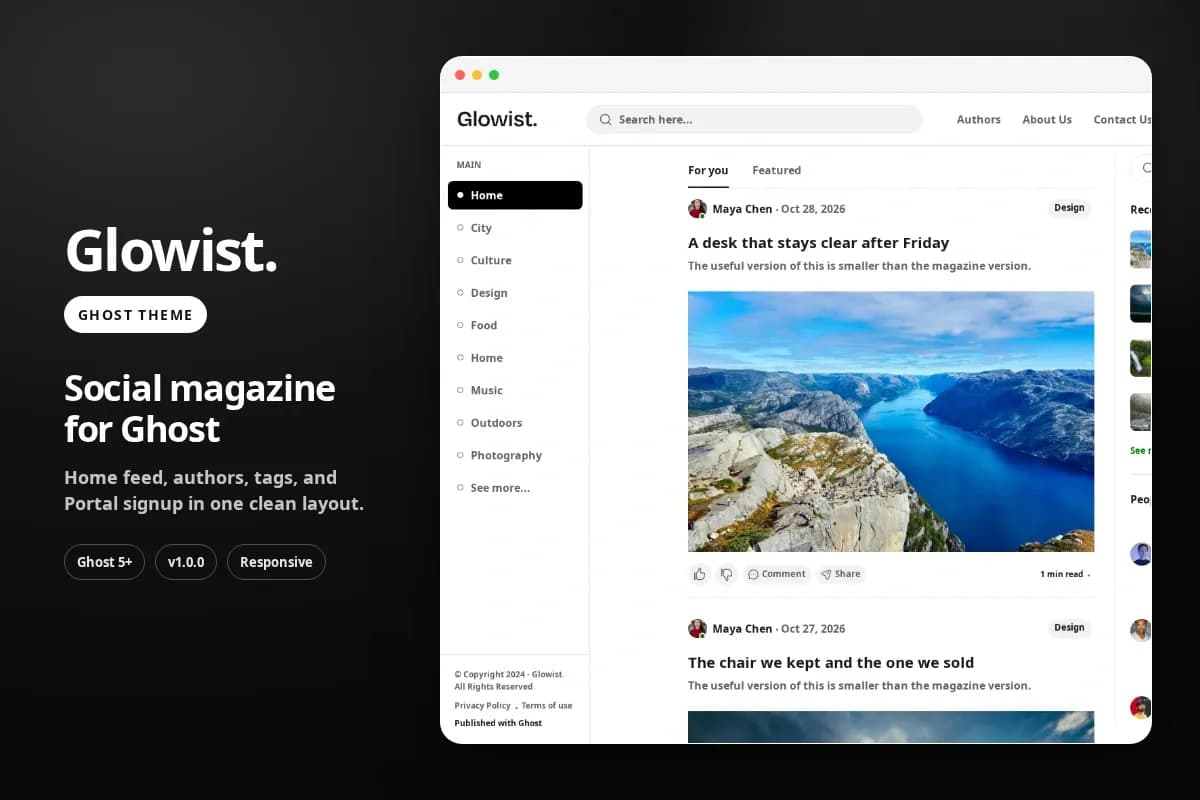
Glowist is a responsive social magazine Ghost theme for independent magazines, multi-author blogs, editorial publications, lifestyle websites, travel journals, and membership-focused publications. It combines a magazine-style reading feed, featured posts, author profiles, topic directories, Ghost comments, search, and membership signup through Ghost Portal. Its layout features a left topic menu, central article feed, and right discovery column to help readers explore published content.
Built with Ghost 5.0.0 or later, Handlebars, HTML, CSS, JavaScript, jQuery, and Bootstrap utilities, Glowist uses Ghost's native content management features for posts, pages, authors, tags, and publication settings. The theme provides customizable feed layouts, typography, color schemes, post image styles, responsive layouts, and reader-side like, dislike, and follow interactions. Its supplied public demo runs on Ghost 6.
What Is Glowist?
Independent publishers, multi-author magazines, and content creators need a publishing website that makes articles easy to read while helping visitors discover authors, featured stories, and related topics. Managing these elements through separate systems can complicate the publishing workflow.
Glowist is a Ghost magazine theme designed to organize editorial content within a structured, responsive interface. It includes a home feed, featured posts view, author directory, individual author profiles, visual topic directory, tag pages, post detail layouts, and standard publication pages.
The theme works with existing Ghost posts, authors, and tags. Publishers can control their content through Ghost Admin and configure supported presentation options using Ghost design settings.
Glowist also includes Ghost Search, Ghost comments, Portal membership signup, a content discovery sidebar, a configurable contact form, and browser-local reading interactions.
Its source package includes Handlebars templates, theme partials, CSS, JavaScript, icons, route configuration, custom theme settings, and installation documentation.
Who Is This Template For?
- Independent magazine publishers
- Personal bloggers and essay writers
- Multi-author editorial websites
- Lifestyle and culture magazines
- City guides and local publications
- Travel bloggers and travel journals
- Food and design publications
- Online journals and digital publications
- Content creators using Ghost CMS
- Membership-based publications
- Journalists and editorial teams
- Creative writers and independent authors
- Agencies developing Ghost websites for clients
- Developers customizing Ghost themes
- Publishers migrating their editorial content to Ghost
Glowist requires a compatible Ghost installation and appropriate theme configuration. Some functions, including memberships, comments, contact form submission, and custom routes, depend on the associated Ghost settings or external service configuration.
What Is Included?
Main Features Collection
- Magazine-style homepage with a central reading feed
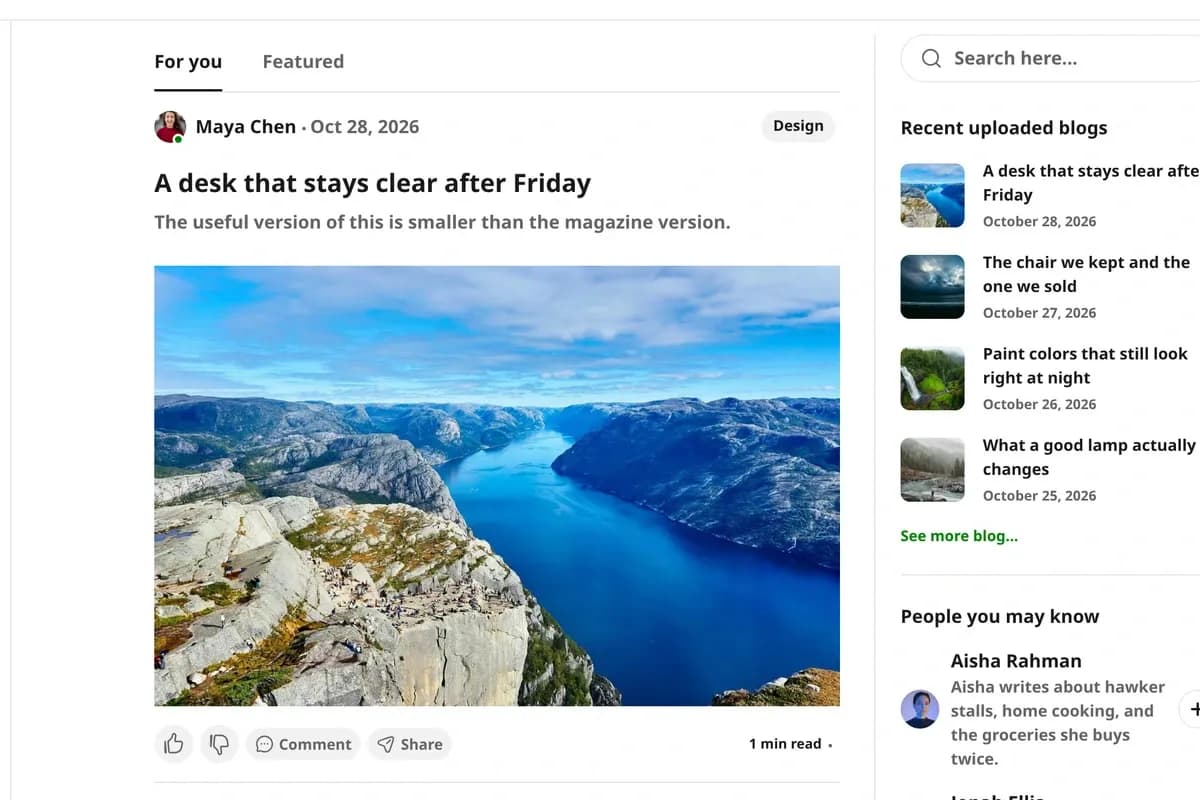
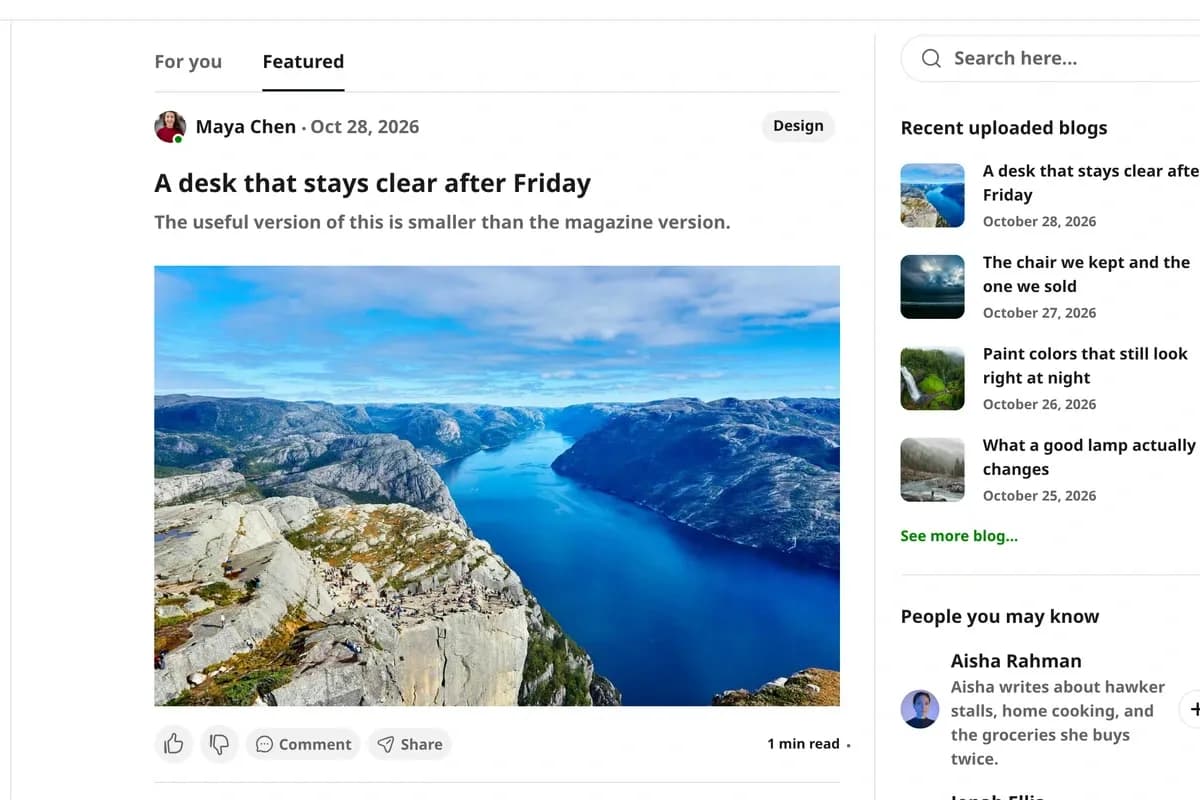
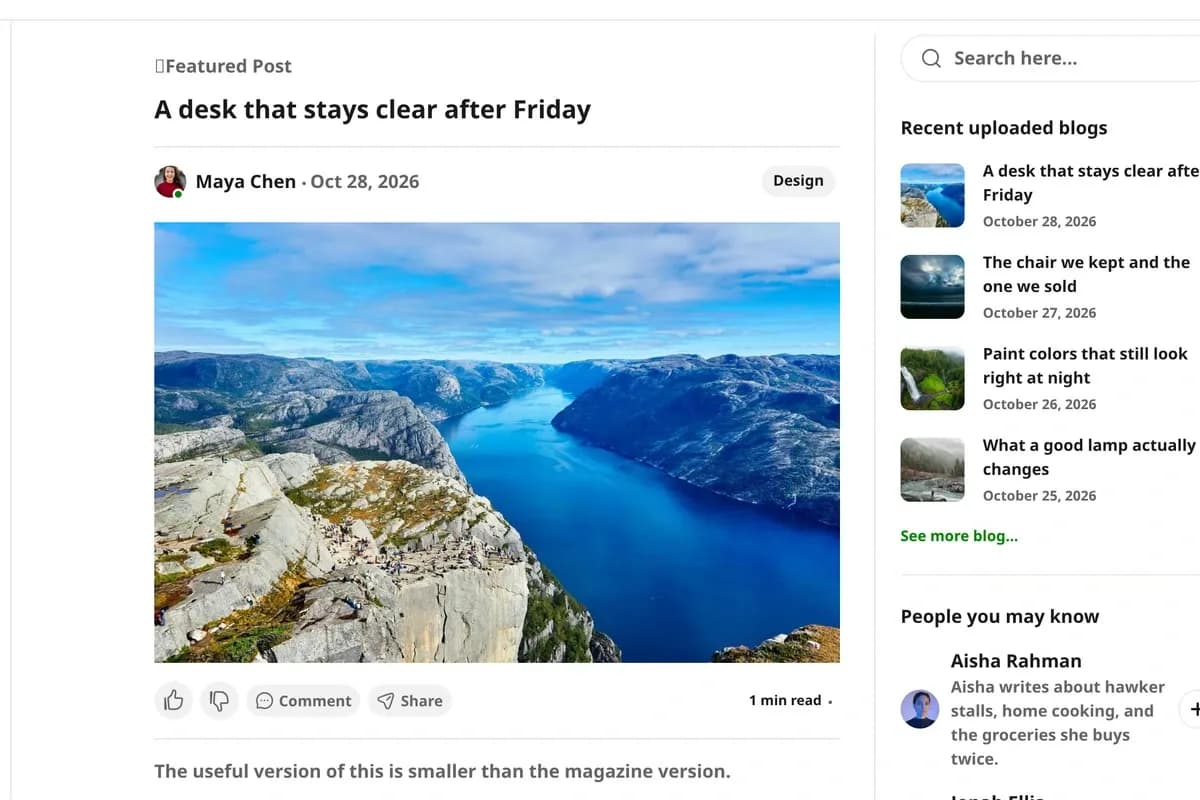
- For You and Featured content views
- Featured posts filtered using the Ghost featured setting
- Left navigation menu with Home and topics
- Right discovery column with recent posts, people, and recommended topics
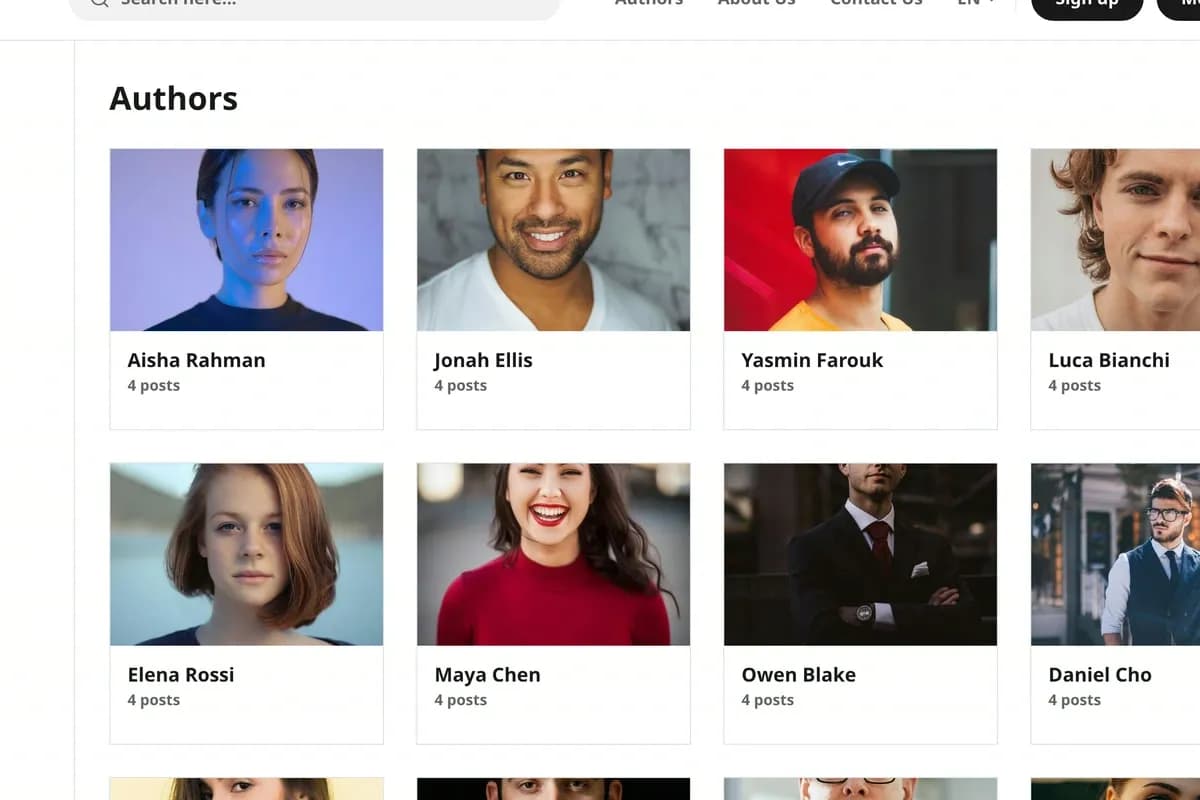
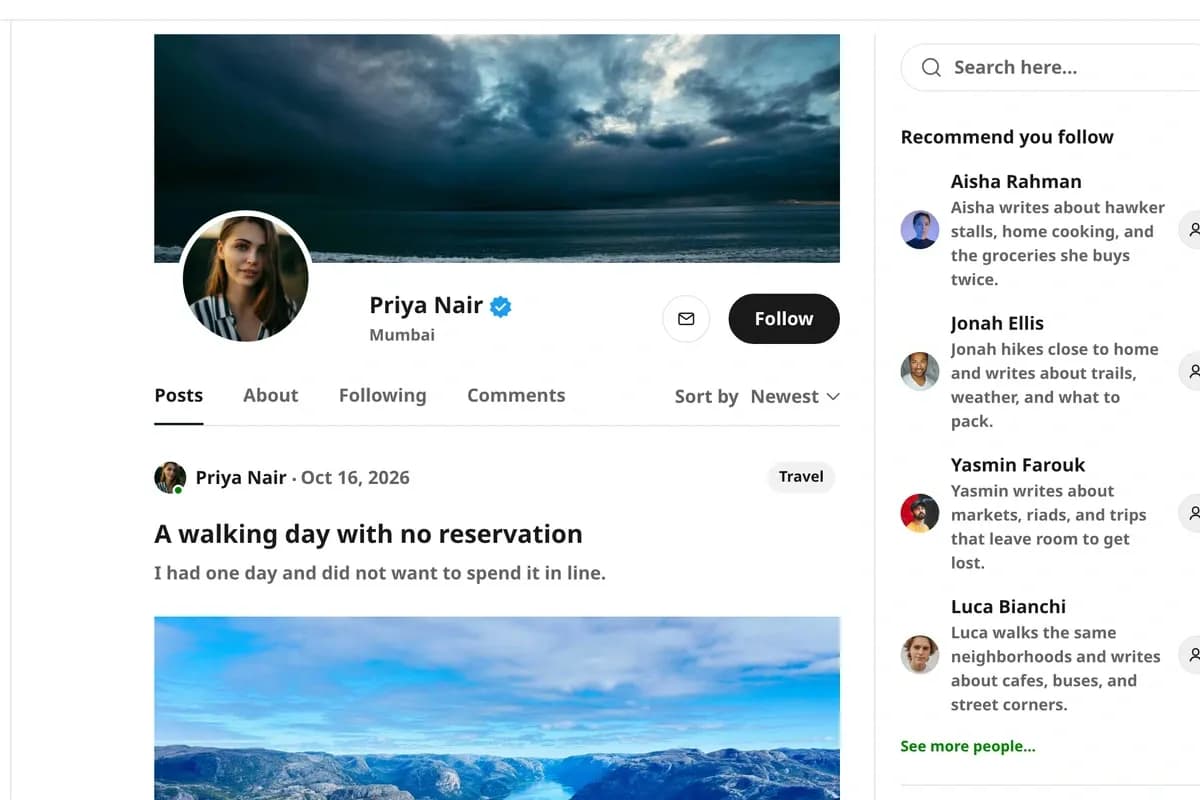
- Author directory and individual author profile pages
- Author profile image, cover image, biography, and location fields
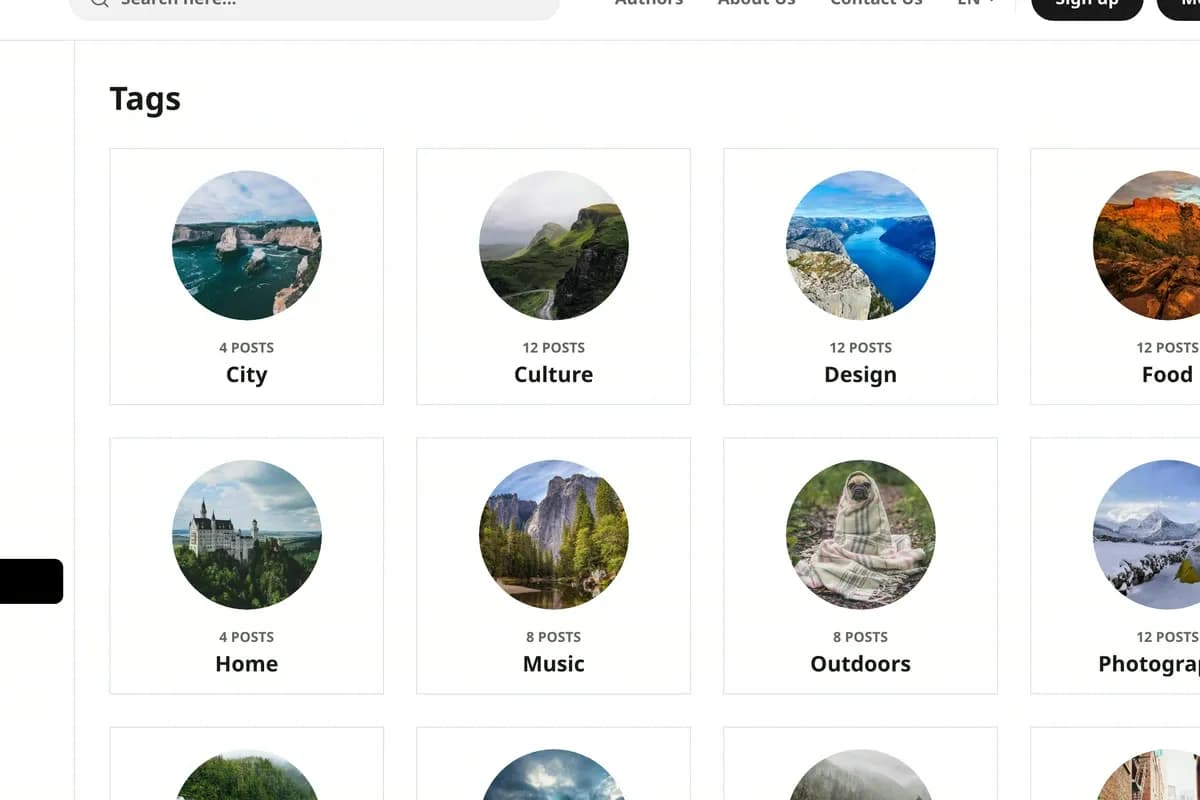
- Topic directory with round tag images
- Individual topic pages using Ghost tags
- Post cards with author, date, excerpt, tag, and reading time
- Post detail pages with Ghost comments
- Ghost Search integrated into the header
- Membership signup through Ghost Portal
- Signed-in account menu and notifications interface
- Browser-local like, dislike, and follow interactions
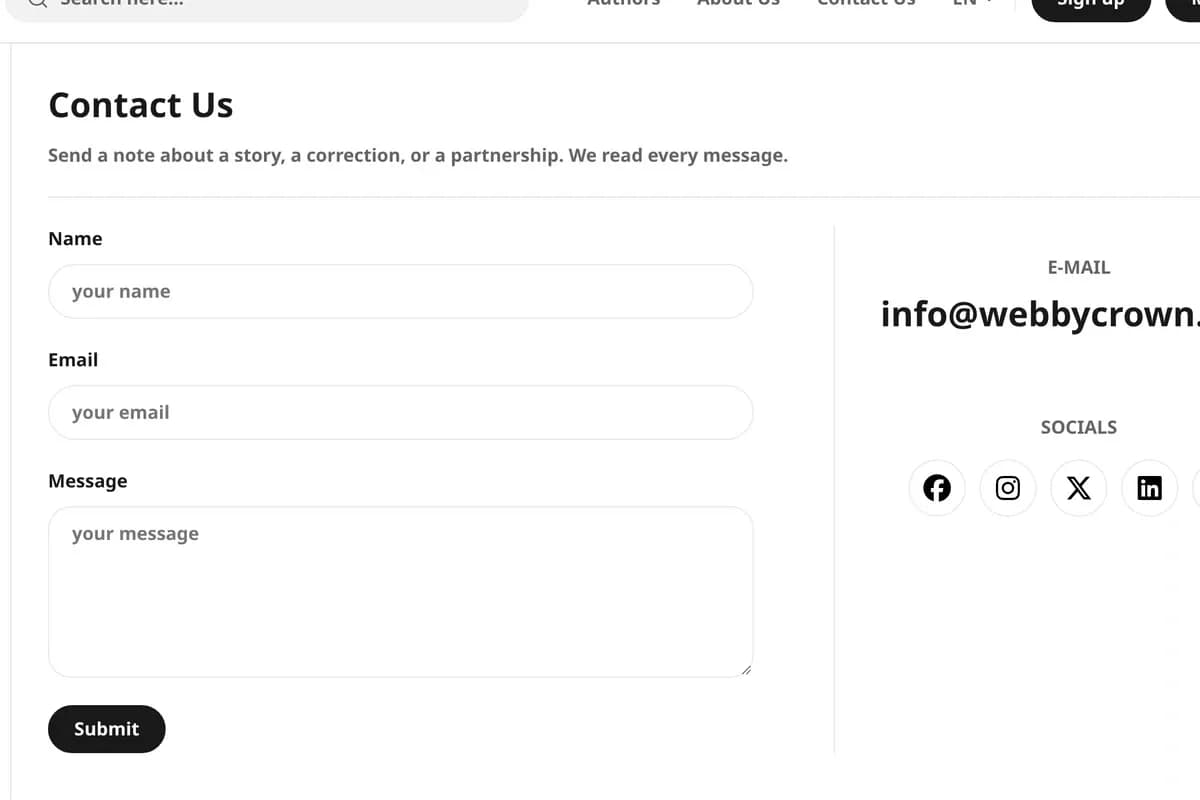
- Contact form with optional Formspree integration
- Social links using configured navigation items
- Customizable publication header and navigation
- Classic, Grid, and List feed layouts
- Light, Dark, and Auto color schemes
- Configurable title and body typography
- Wide, Full, Small, and Hidden post image styles
- Optional featured posts and publication cover
- Responsive layouts for desktop and phone screens
- Custom 404 page
- Ghost image handling and theme asset integration
- Custom theme settings for publication appearance and contact details
Reader interaction note: Like, dislike, and follow preferences are saved in an individual visitor's browser. They do not represent public engagement counts or synchronized social accounts.
Main Pages Included
- Home
- Featured Posts
- Authors Directory
- Author Detail
- Tags Directory
- Tag Detail
- Post Detail
- Standard Page
- About
- Contact Us
- Privacy Policy
- Terms of Use
- 404 Error Page
Main Routes
- / — Main post collection
- /feature/ — Featured posts
- /authors/ — Author directory
- /author/{slug}/ — Individual author pages
- /tags/ — Topic directory
- /tag/{slug}/ — Individual topic pages
- /{slug}/ — Published posts
- /contact/ — Contact page, when configuredglowist-multipurpose-blog-theme-ghost
- /privacy-policy/ — Privacy page, when configured
- /terms-of-use/ — Terms page, when configured
The supplied demo publication contains 108 published posts, 27 author profiles with photos plus the owner account, and 12 topics. These figures describe the demo content and are not a guaranteed count of files included in the download.
Download Package
- Ghost Theme Source Code
- Handlebars Templates
- Reusable Theme Partials
- HTML and CSS Files
- Theme JavaScript Files
- Theme Stylesheet
- Navigation and Search Icons
- Social Icons
- routes.yaml
- package.json
- Custom Theme Settings
- README Installation Documentation
The theme integrates with Ghost's native publishing, membership, search, and comments capabilities. Ghost CMS hosting, third-party service accounts, and external integrations are not included as independent services in the theme package.
How to Use Glowist
Step 1: Prepare Your Ghost Website
Set up a compatible Ghost installation using Ghost 5.0.0 or later. Confirm access to Ghost Admin and the ability to upload custom themes.
Result: Your Ghost publishing environment is ready for Glowist installation.
Step 2: Install the Glowist Theme
Download the installable theme package and upload the theme ZIP through the Ghost Admin design interface. Activate Glowist after installation.
Result: Glowist is installed as the active theme on your Ghost publication.
Step 3: Configure Theme Routes and Pages
Use the supplied routes.yaml configuration where required. Create or configure the necessary pages for contact, privacy policy, terms of use, and publication information.
Result: The publication's featured posts, author directory, topic directory, and static pages can use their intended routes.
Step 4: Customize Your Publication Design
Configure the publication title, logo, navigation, accent color, typography, header style, feed layout, post image display, and supported color options using Ghost settings.
Result: Your website reflects the visual identity and presentation style of your publication.
Step 5: Add Posts, Authors, and Topics
Create or import articles in Ghost Admin. Assign authors and tags, upload post images, complete author profiles, and mark selected posts as featured.
Result: Glowist displays your editorial content through its home feed, featured view, author directory, and topic pages.
Step 6: Configure Memberships, Comments, and Contact Details
Configure Ghost Portal and membership settings, enable Ghost comments where appropriate, and enter your contact information.
Add a Formspree endpoint if you want the contact form to submit through Formspree. Without it, the theme uses the visitor's email application.
Result: Membership entry points, comments, and contact interactions use the services and settings configured for your publication.
Step 7: Test the Website Before Publishing
Review the homepage, featured posts, author pages, tag pages, individual articles, search, membership actions, contact form, navigation, and responsive layouts.
Check that browser-local interactions, comments, and configured routes behave as intended.
Result: The Glowist publication is ready for final review and launch after successful functional and compatibility testing.
Tags:
Template Features:
Ghost 6 Demo Compatibility
Social Magazine Layout
Responsive Design
For You Home Feed
Featured Posts