Glowist — Blog & Magazine Statamic Starter Kit

0 (0 Reviews)
0 Sales
License Options
View License Policy1 site / project / end product
up to 5 sites / projects / end products
up to 30 sites / projects / end products
Add-on Services
$69.00
$89.00
Technology
No title available : Glowist — Blog & Magazine Statamic Starter Kit


Created : 06 July 2026
Updated : 31 August 2026
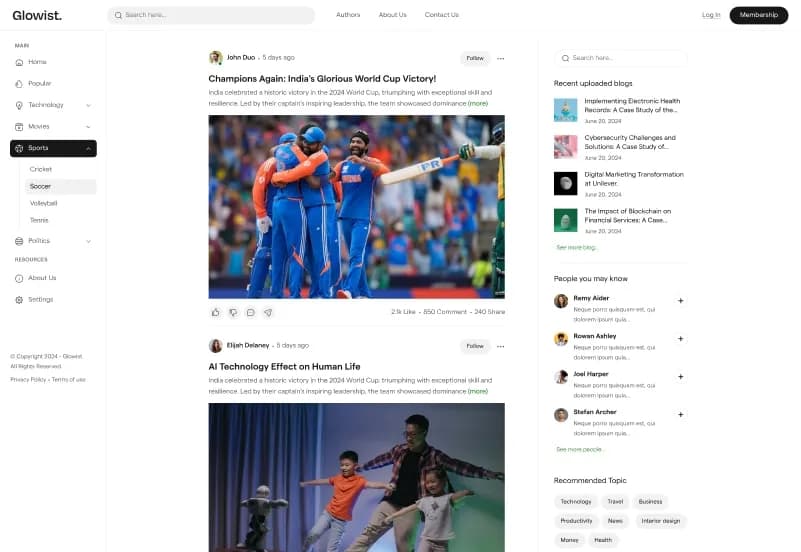
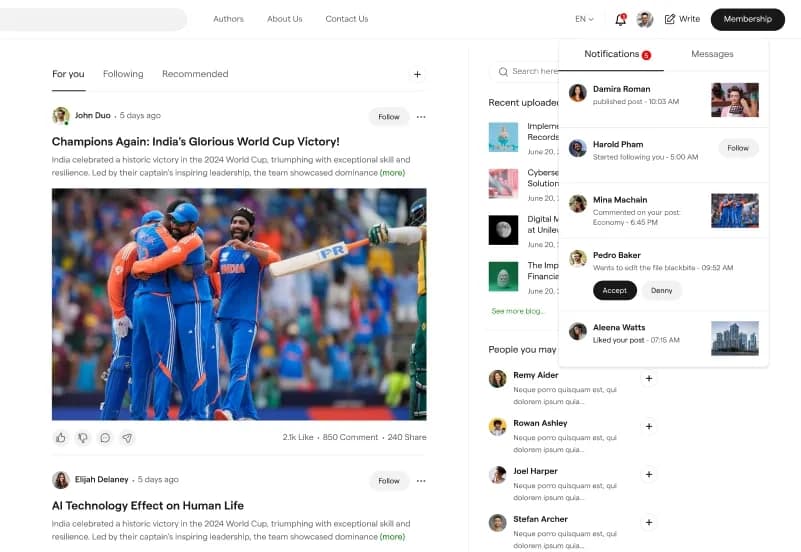
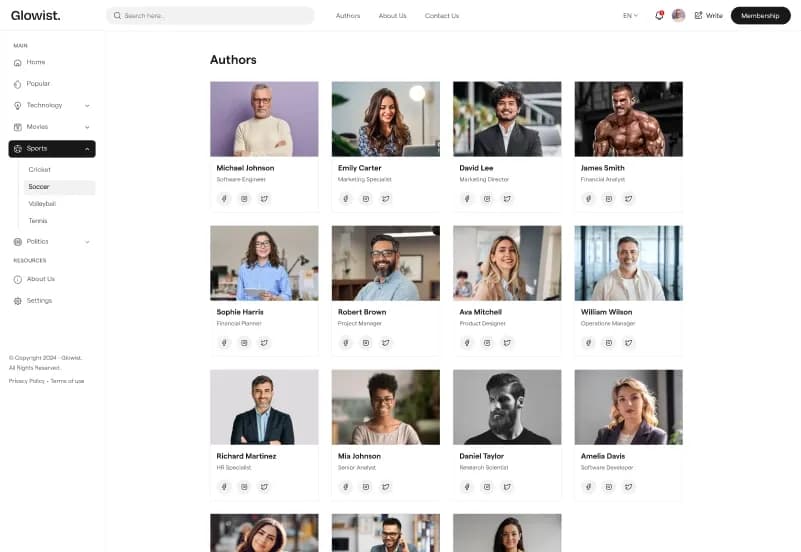
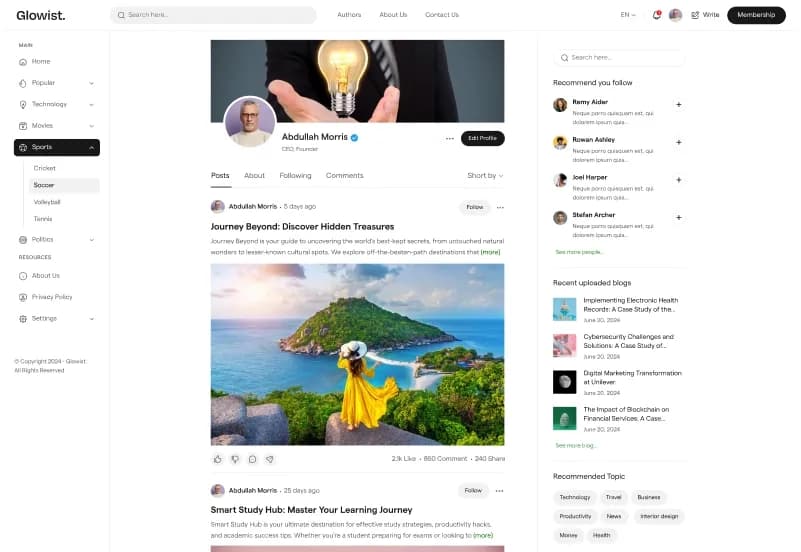
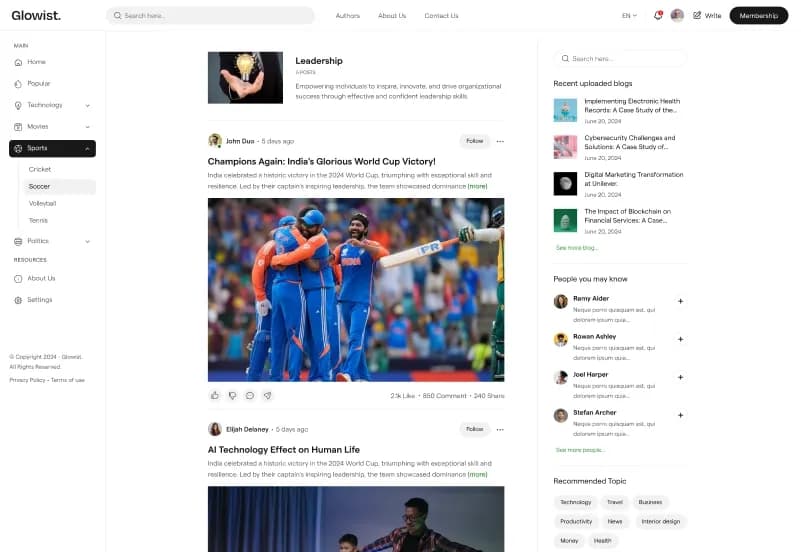
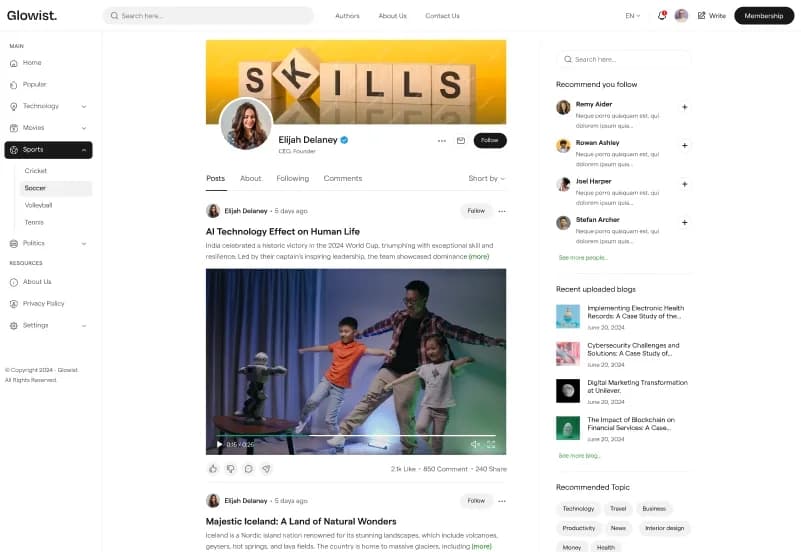
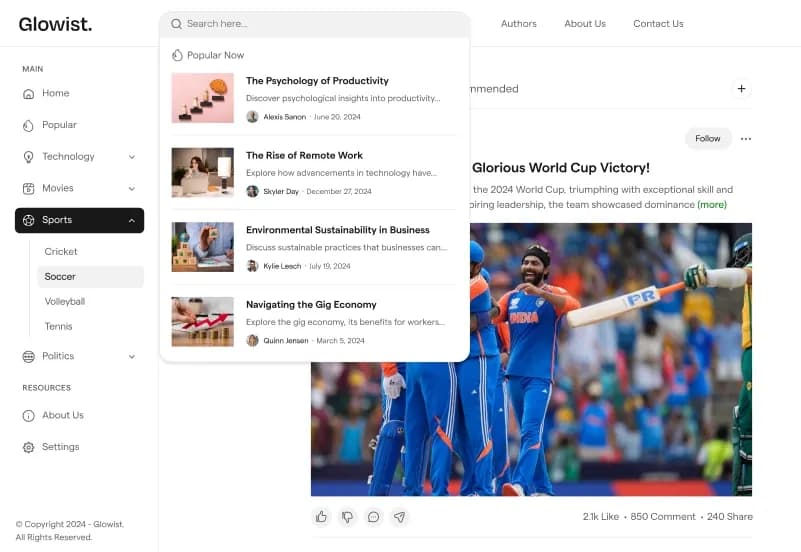
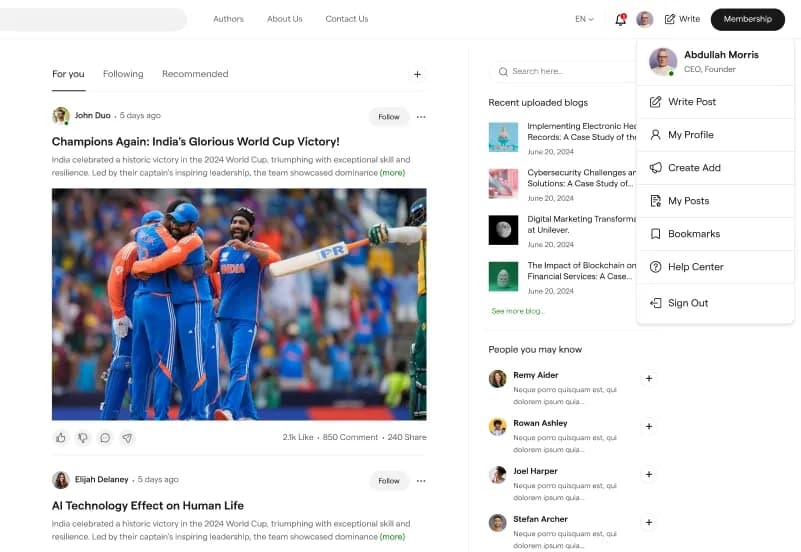
Glowist is a modern Statamic 5 Starter Kit for blogs, online magazines, editorial websites, news portals, publishers, authors, content creators, digital-media brands, and portfolio blogs. It includes blog listing and detail pages, author listing and author-detail pages, category archives, reusable content builder sets, global settings, Contact Us and Comments forms, responsive layouts, and a structured publishing workflow.
Built with PHP, Statamic 5.x, Laravel, Antlers Templating, Tailwind CSS, Vite, Alpine.js, JavaScript, and YAML configuration, Glowist provides a flexible foundation for launching a content-focused website without building the entire publishing structure from scratch.
What Is Glowist?
Blogs, magazines, publishers, authors, news portals, and content creators need a website that can present articles, categories, author profiles, editorial content, images, contact details, and supporting information in a clean and consistent way. Creating the page layouts, author structures, category archives, forms, global controls, and responsive components from scratch can make a publishing website slower to launch.
Glowist is a Statamic 5 Starter Kit designed for content-driven websites. It provides Antlers Templates, reusable content builder sets, global settings, author management, category support, forms, responsive layouts, Tailwind CSS assets, Vite configuration, and an organized project structure for developers and content editors.
Who Is This Starter Kit For?
- Personal bloggers
- Online magazines
- News portals
- Editorial websites
- Content creators
- Authors
- Publishers
- Digital-media brands
- Portfolio blogs
- Photography and lifestyle blogs
- Podcast and news publishers
- Agencies building publishing websites for clients
- Developers needing a Statamic 5 content website foundation
Glowist requires PHP, Statamic, Laravel, Composer, Node.js, npm, template customization, content configuration, and deployment knowledge.
What Is Included?
Main Page Templates
- Home
- About Us
- Contact Us
- Blogs Listing
- Single Blog
- Blog Categories
- Authors Listing
- Single Author
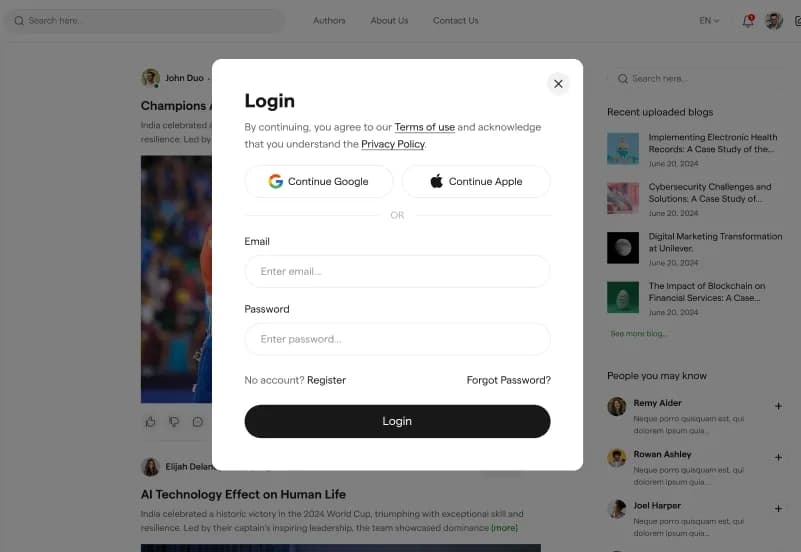
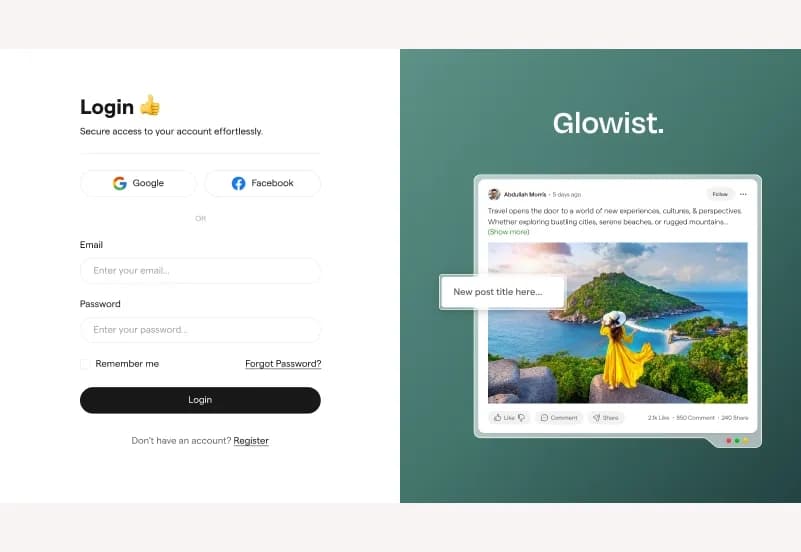
- Login
- Privacy Policy
- Terms of Use
Content Builder Sets
- Blog Story Section
- Blog Tag Section
- Category Story Section
- Author Story Section
- Author Hobby Section
- Header Section
- Sidebar Section
- About Us Section
- Contact Us Section
- Terms of Use Section
Control Panel Forms
- Contact Us Form
- Comments Form
Global Settings
- Logo
- Favicon
- Default Image
- Default Background Image
- Copyright
Category Support
- Blog
- Landing Page
- News
- Podcast
- Photography
- Multiple category assignment
- Content filtering
- Category archive pages
- Organized content management
Repository Structure
- app/
- content/
- public/
- resources/
- routes/
- storage/forms/
- starter-kit.yaml
- tailwind.config.js
- vite.config.js
- composer.json
- package.json
Project Resources
- Complete Statamic Starter Kit
- Page Templates
- Blog System
- Author Management
- Category Support
- Global Settings
- Contact Form
- Comments Form
- Tailwind CSS Assets
- Vite Configuration
- Documentation
How to Use Glowist
Step 1: Prepare a Compatible Environment
Prepare a PHP 8.2+, Statamic 5.x, Laravel, Composer, Node.js, and npm environment for your publishing website project.
Result: Your development environment is ready for the Glowist starter kit.
Step 2: Install Glowist
Install Glowist into a compatible Statamic project by following the supplied installation documentation.
Result: The page templates, content structures, forms, assets, configuration files, Tailwind CSS resources, and Vite workflow are available in your project.
Step 3: Review Content Builder Sets and Global Settings
Review the supplied content builder sets along with Logo, Favicon, Default Image, Default Background Image, and Copyright settings.
Result: You can identify the shared content areas and visual settings that need to reflect your blog, magazine, publication, or client project.
Step 4: Add Articles, Categories, and Authors
Create blog posts, category content, author profiles, images, tags, editorial pages, and publishing-related content through the Statamic Control Panel.
Result: Your website begins to contain organized editorial content for readers and search engines.
Step 5: Configure Contact and Comments Forms
Configure the Contact Us Form and Comments Form with your preferred validation, storage, notifications, moderation, spam protection, and delivery workflow.
Result: Your contact and comment workflows are ready for testing in your configured environment.
Step 6: Build Assets and Deploy
Compile front-end assets through the Vite workflow, test responsive layouts, forms, category archives, author pages, browser compatibility, and hosting configuration before deployment.
Result: Your blog, magazine, news portal, author website, or editorial publication is ready to launch.
Tags:
Template Features:
Built for Statamic 5
Fully Responsive Layout
Mobile-First Design
Clean and Organized Code
Reusable Content Builder Sets