BigMentor — Business & Consulting Statamic Starter Kit

0 (0 Reviews)
0 Sales





License Options
View License Policy1 site / project / end product
up to 5 sites / projects / end products
up to 30 sites / projects / end products
Add-on Services
$129.00
$150.00
Technology
No title available : BigMentor — Business & Consulting Statamic Starter Kit


Created : 06 July 2026
Updated : 31 August 2026
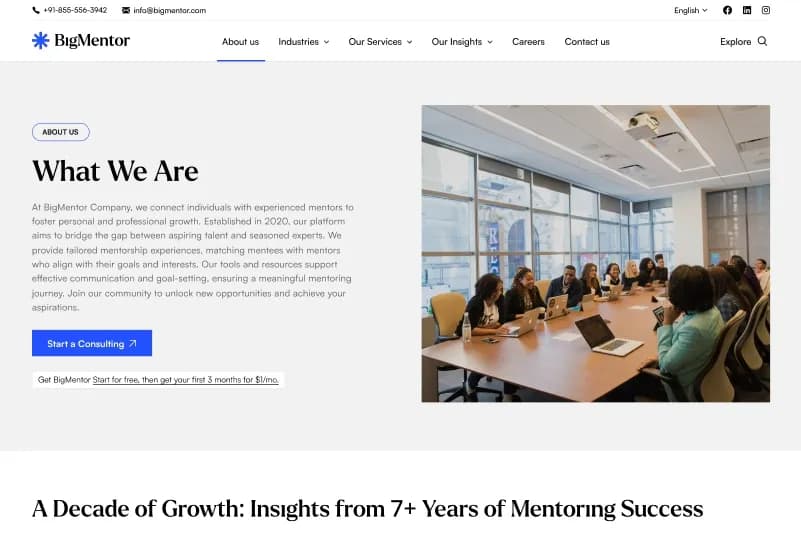
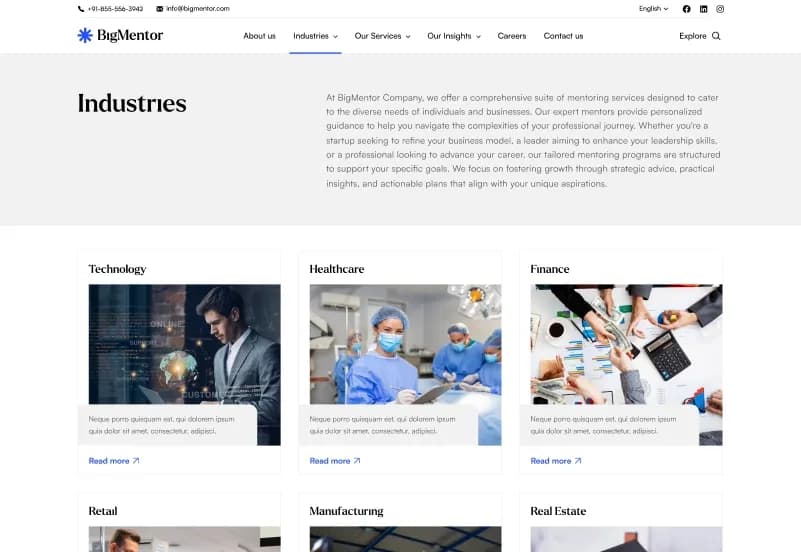
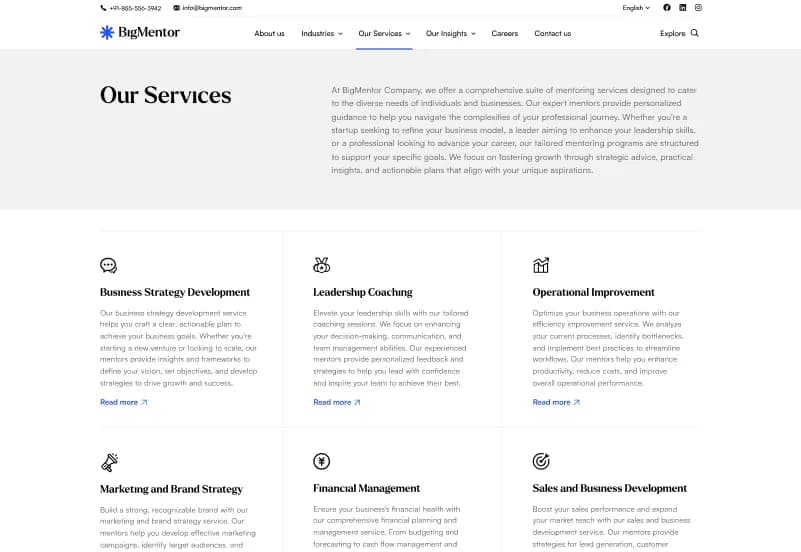
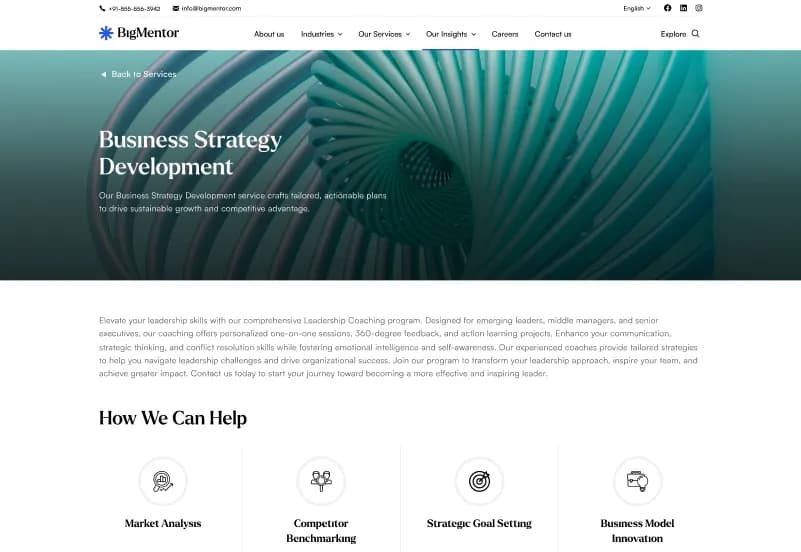
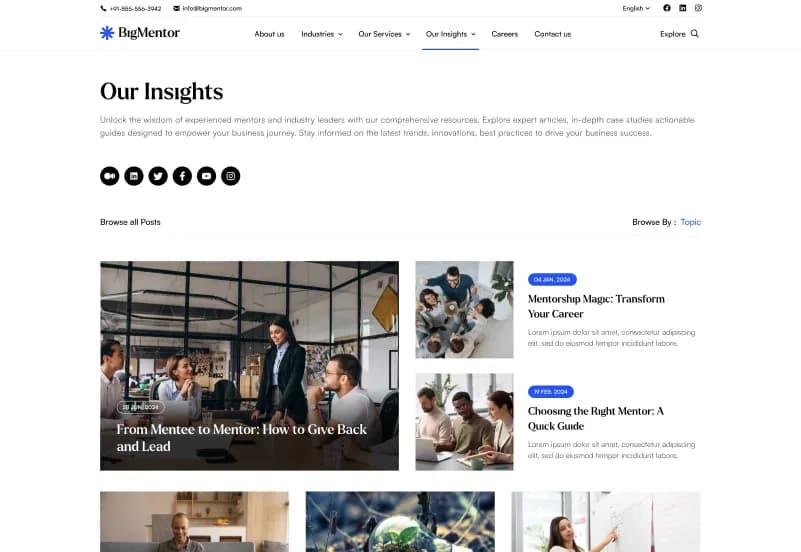
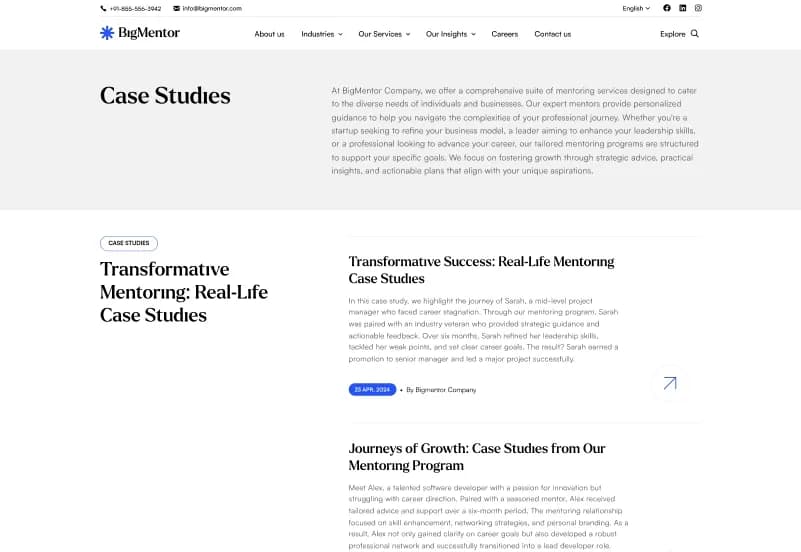
BigMentor is a modern Statamic 5 Starter Kit for business, corporate, consulting, agency, startup, technology, finance, marketing, creative studio, and professional-services websites. It includes 16+ ready-to-use website pages, modular page-builder sets, dynamic collections, global settings, newsletters and contact forms, responsive layouts, and an organized content-management structure.
Built with Statamic 5.x, Laravel, PHP, Antlers Templates, Tailwind CSS, Alpine.js, JavaScript, and Vite, BigMentor gives developers and content editors a scalable foundation for managing services, industries, case studies, insights, careers, consultants, FAQs, and company content.
What Is BigMentor?
Business websites often need more than a basic homepage and contact form. Consulting firms, agencies, service providers, finance companies, technology businesses, and corporate organizations need a structured way to publish services, industries, case studies, insights, careers, consultant profiles, FAQs, and company information without rebuilding pages every time content changes.
BigMentor is a Statamic 5 Starter Kit built for content-managed business websites. It provides reusable page-builder sections, dynamic collections, multi-level industry content, global site settings, flexible blueprints, responsive templates, forms, and a clean project structure for developers and editors.
Who Is This Starter Kit For?
- Business and corporate companies
- Consulting firms
- Professional-service providers
- Digital and creative agencies
- Technology companies
- Finance and advisory businesses
- Marketing agencies
- Startups launching a scalable website
- Companies publishing services and industry expertise
- Agencies building Statamic websites for clients
- Developers needing a reusable Statamic 5 foundation
- Content editors managing structured business content
BigMentor requires knowledge of Statamic, Laravel, PHP, Composer, Node.js, npm, template customization, content configuration, and deployment workflows.
What Is Included?
Main Website Pages
- Home Page
- About Us
- Services
- Single Service
- Industries
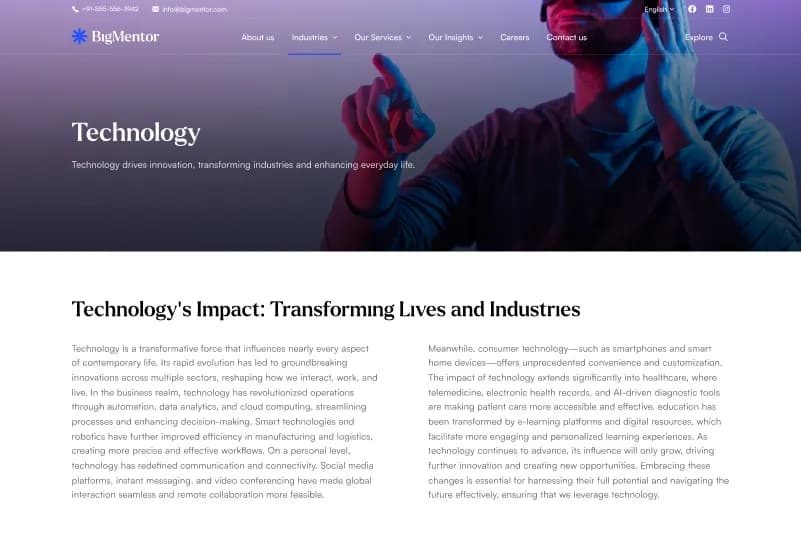
- Single Industry
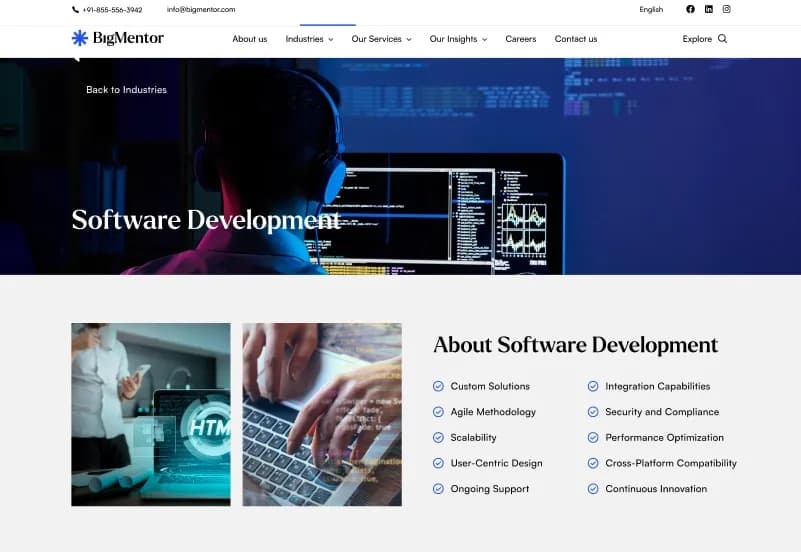
- Single Sub-Industry
- Case Studies
- Single Case Study
- Insights
- Single Insight
- Careers
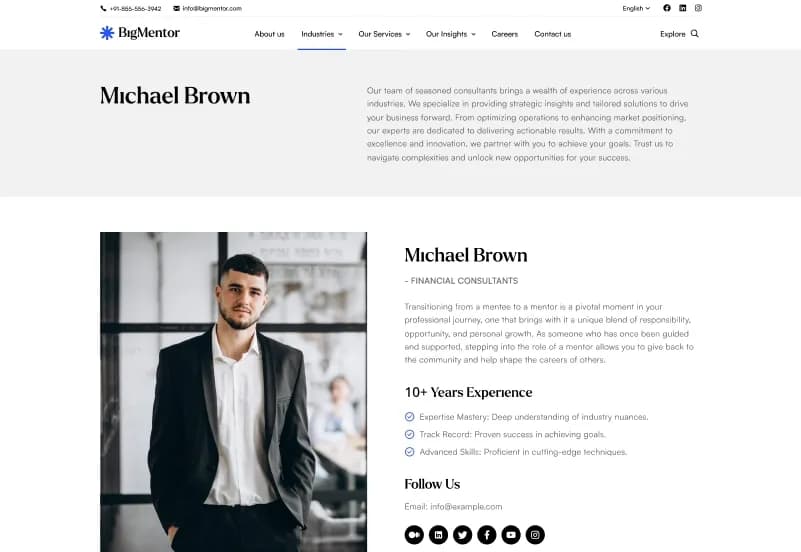
- Consultants
- FAQ
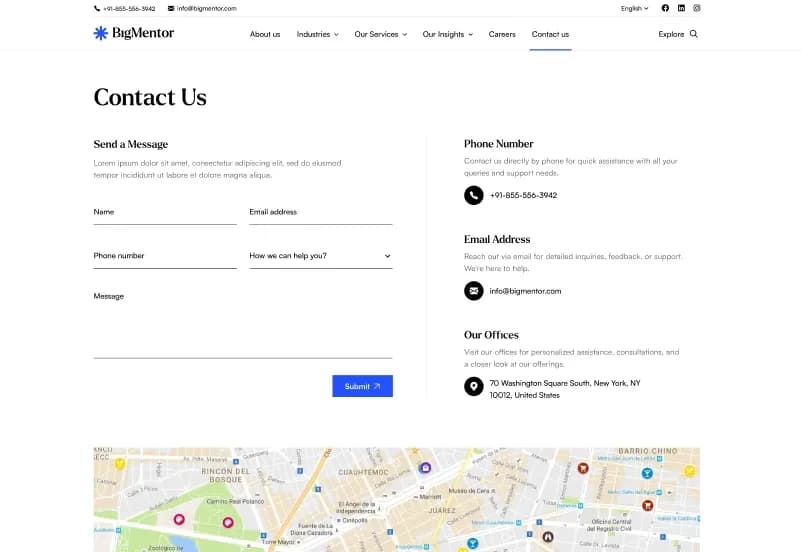
- Contact Us
- Privacy Policy
- Terms of Use
Page Builder Sets
- Home Hero Section
- Banner Section
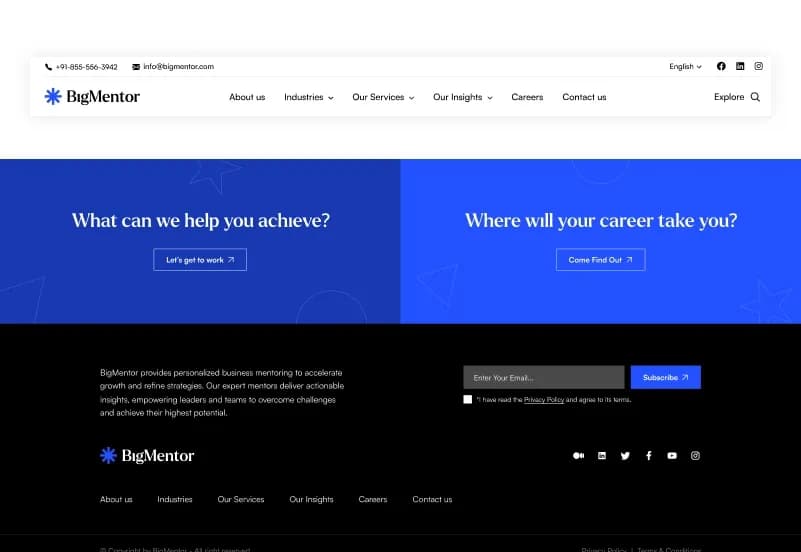
- CTA (Call-to-Action)
- Company Overview
- FAQ Section
- Contact Us Section
- Collection Grid Layout
- Multiple Grid Layout Styles
- Multi-Level Page Structure
- Dynamic Collection Selection
Collections Included
- Services
- Industries
- Sub Industries
- Case Studies
- Insights
- Careers
- Consultants
- FAQ
Forms Included
- Newsletter Form
- Contact Us Form
Global Settings
- Header Settings
- Footer Settings
- Error Page Settings
- Common Website Settings
- Loader Settings
Category Support
- Business
- Blog
- News
- Services
- Industries
- Case Studies
- Multiple category assignment
- Content organization
- Dynamic filtering support
- Collection categorization
Project Resources
- Complete Statamic Starter Kit
- Page Builder Sets
- Collections
- Blueprints
- Globals
- Navigation
- Forms
- Assets
- Tailwind CSS
- Documentation
How to Use BigMentor
Step 1: Prepare a Compatible Environment
Prepare a Statamic 5.x, Laravel, PHP, Composer, Node.js, and npm environment for your project.
Result: Your development environment is ready for the BigMentor starter kit.
Step 2: Install BigMentor
Install BigMentor into a compatible Statamic project by following the supplied installation documentation.
Result: The page templates, collections, blueprints, globals, forms, navigation, assets, and page-builder sets are available in your project.
Step 3: Review Collections and Global Settings
Review Services, Industries, Sub Industries, Case Studies, Insights, Careers, Consultants, FAQ, Header Settings, Footer Settings, Error Page Settings, and Common Website Settings.
Result: You can identify the content areas and global controls that need to reflect your business.
Step 4: Customize Templates and Builder Sections
Update logos, colours, typography, company content, services, industry pages, case studies, consultant profiles, careers, insights, CTA sections, banners, and reusable content blocks.
Result: The website begins to match your business, consulting firm, corporate company, agency, startup, or client project.
Step 5: Add Content and Configure Forms
Create collection entries, organize categories, configure dynamic filtering, add FAQs, and configure Newsletter Form and Contact Us Form workflows.
Result: Your site contains structured content and configured enquiry or subscription workflows.
Step 6: Build Assets and Deploy
Compile project assets through the documented workflow, test layouts, forms, responsive pages, and content structures, then deploy to a Statamic-compatible server environment.
Result: Your business, consulting, agency, or corporate website is ready to launch.
Tags:
Template Features:
Built with Statamic 5
Fully Responsive Design
Mobile-First Layout
Laravel Powered
Modular Page Builder