Yummy Food Restaurant — Statamic Restaurant Starter Kit

0 (0 Reviews)
0 Sales
License Options
View License Policy1 site / project / end product
up to 5 sites / projects / end products
up to 30 sites / projects / end products
Add-on Services
$100.00
$120.00
Technology
No title available : Yummy Food Restaurant — Statamic Restaurant Starter Kit


Created : 07 July 2026
Updated : 31 August 2026
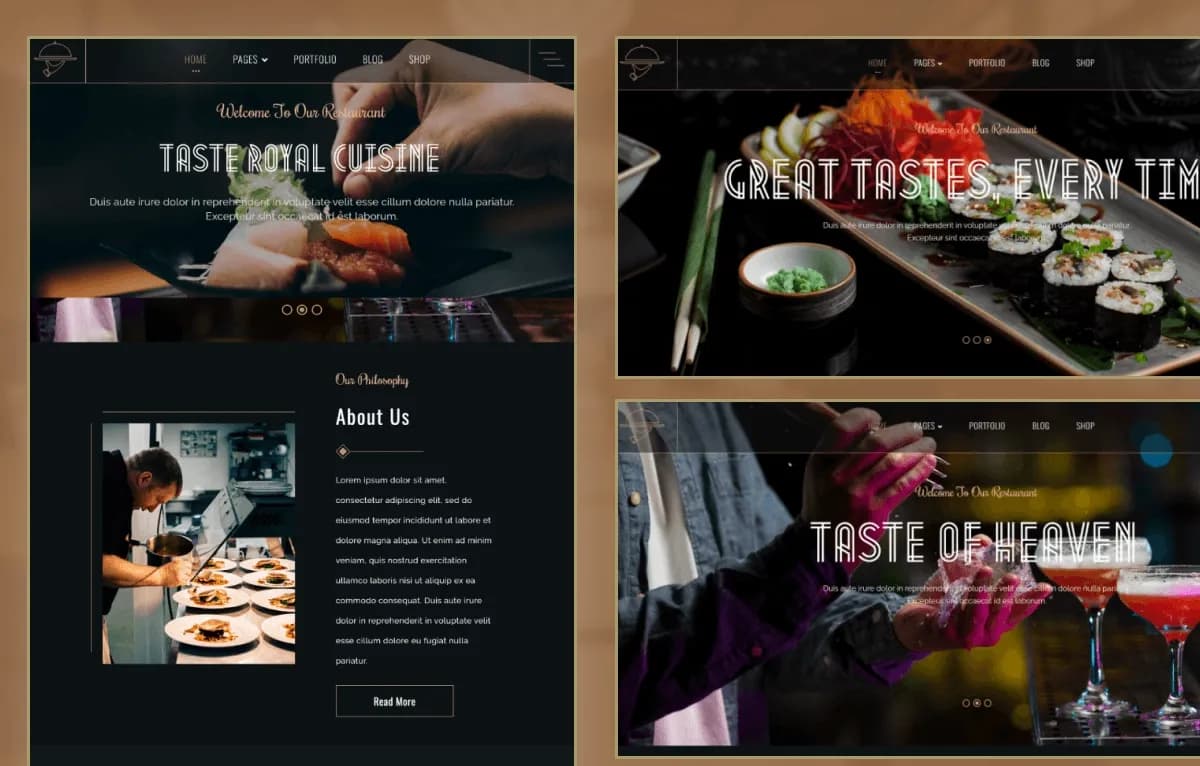
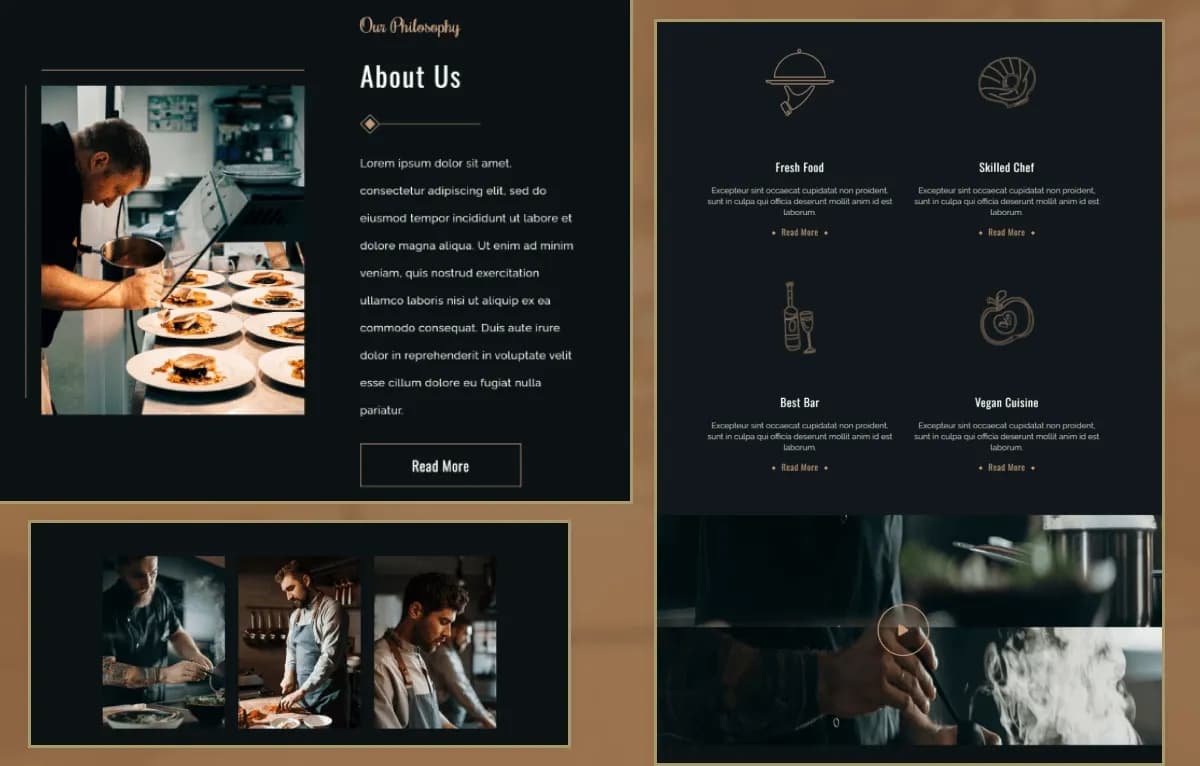
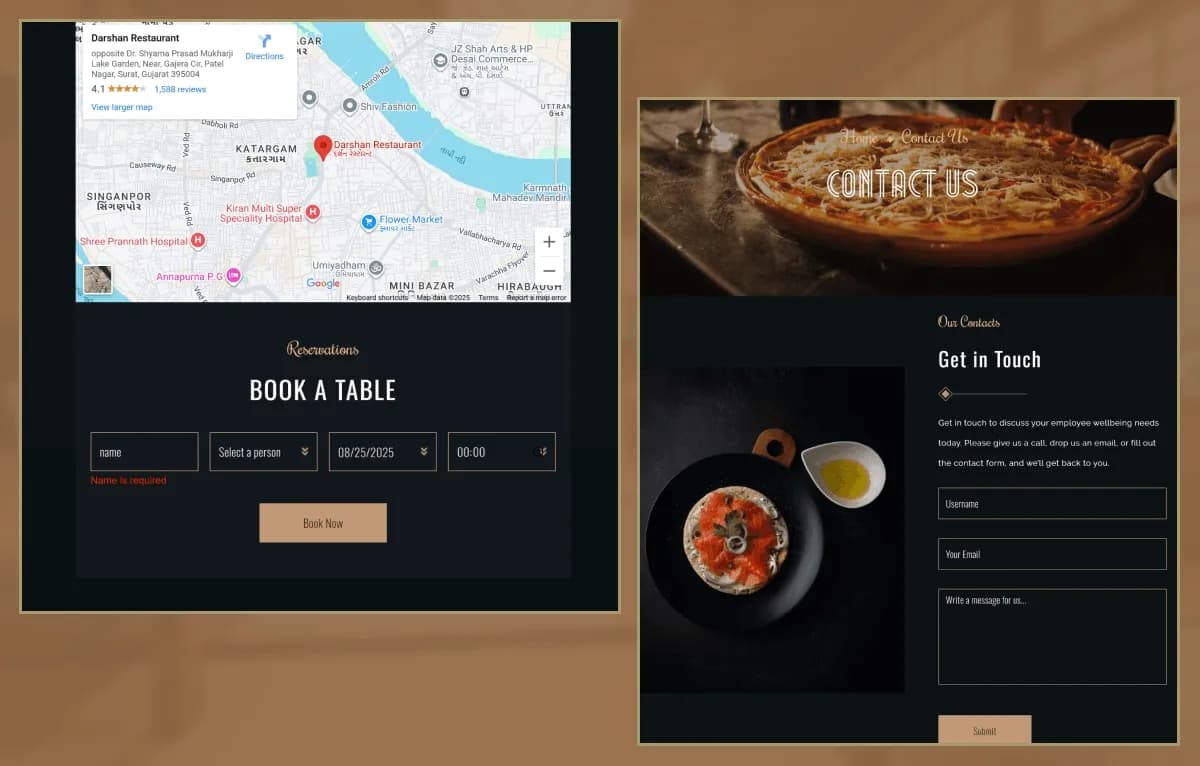
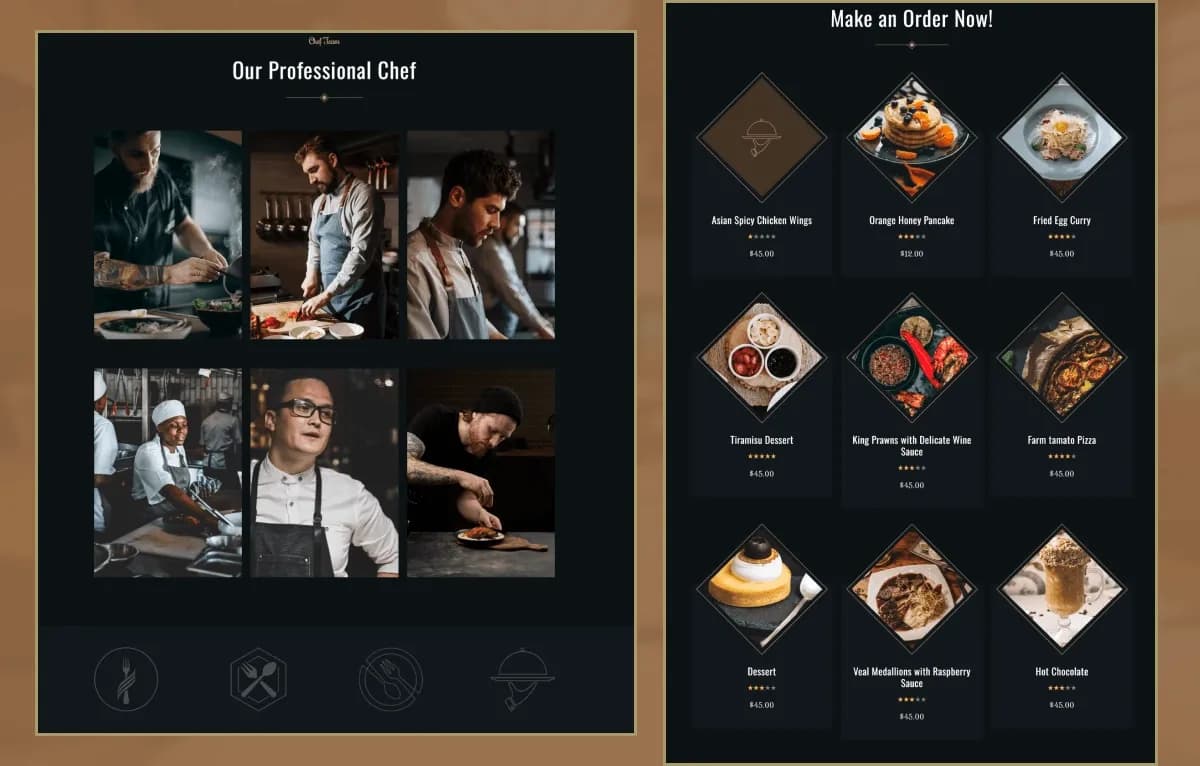
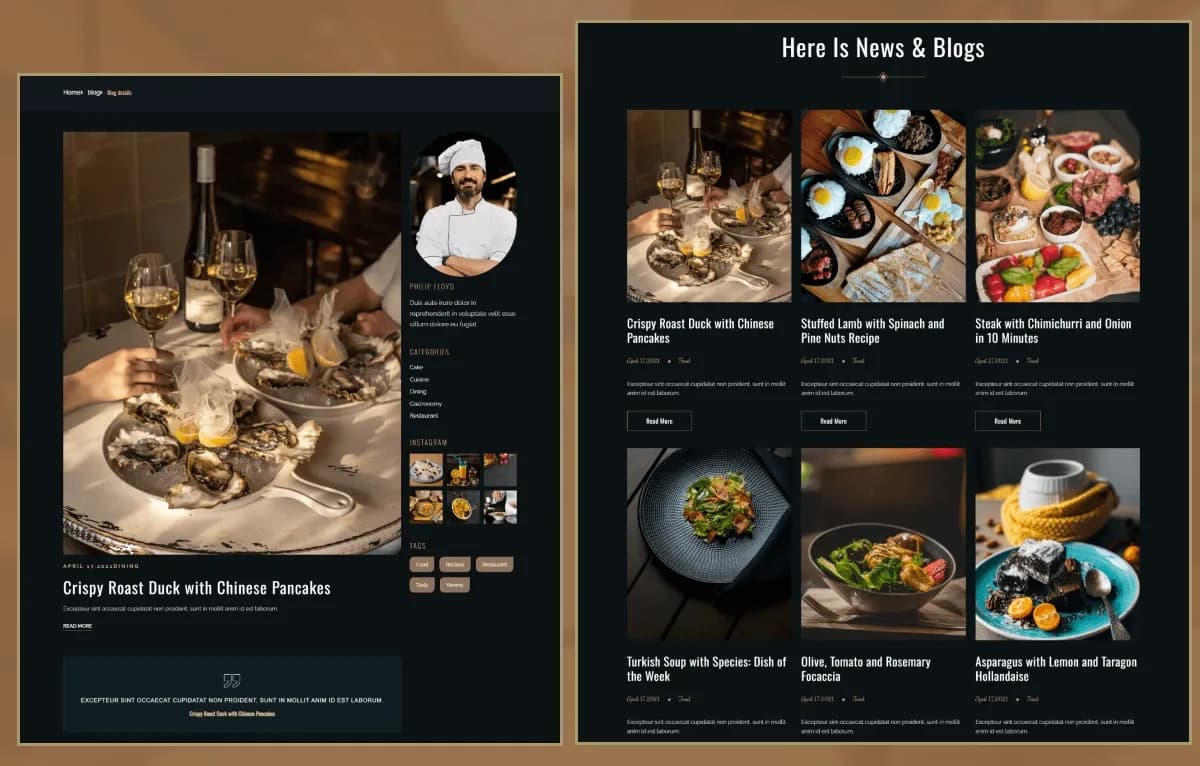
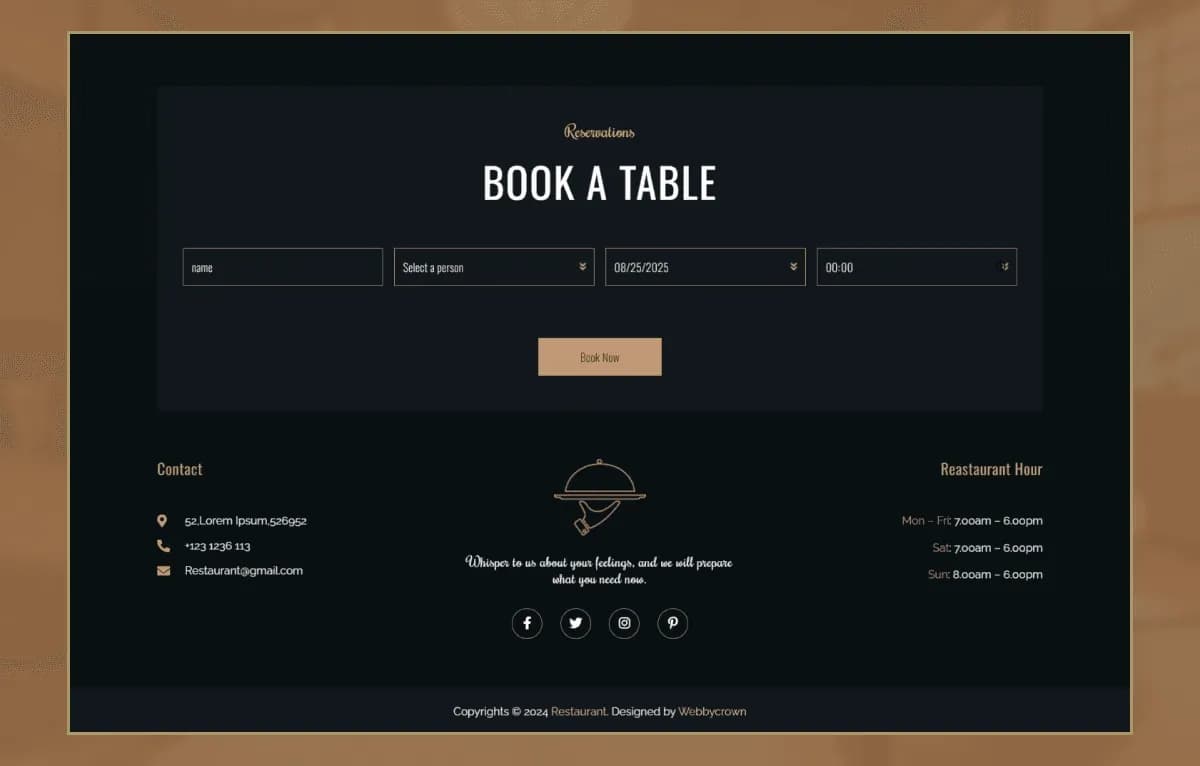
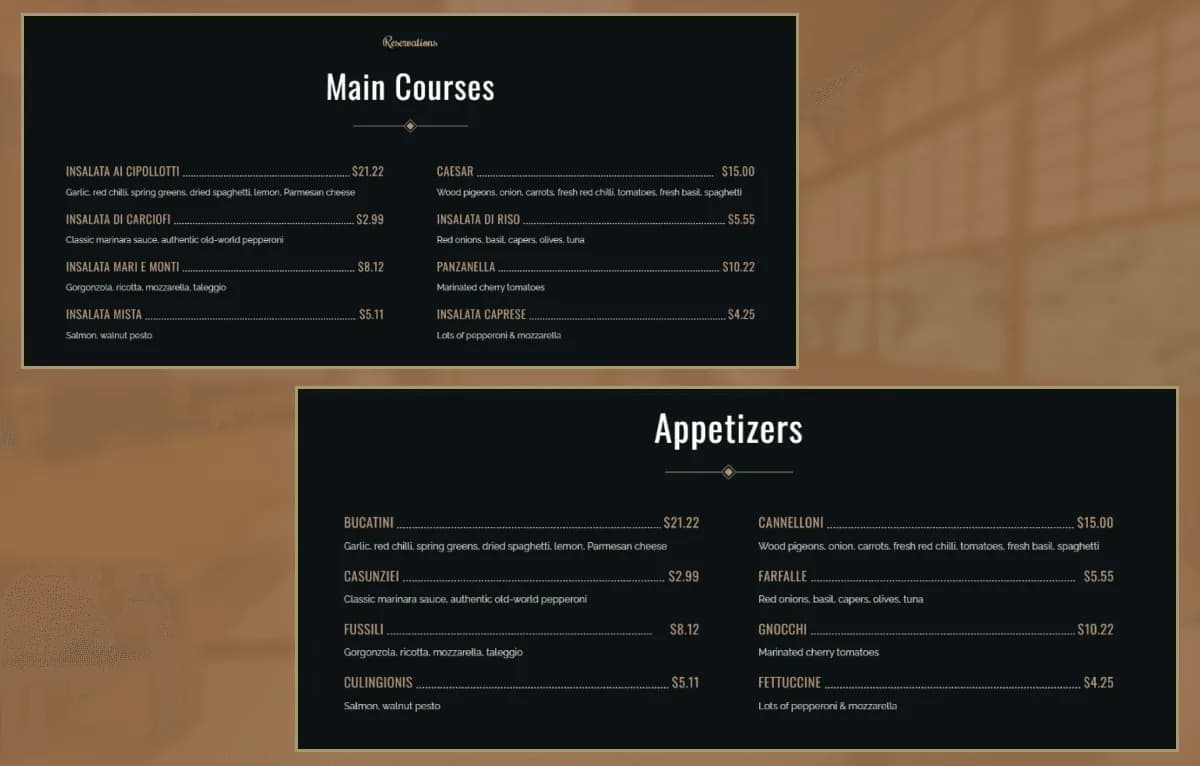
Yummy Food Restaurant is a modern Statamic 5 Starter Kit for restaurants, cafés, bakeries, catering companies, coffee shops, food businesses, personal chefs, hospitality brands, and food-service providers. It includes restaurant-focused pages, dynamic menu management, chef content, portfolio layouts, blog content, reusable page-builder sections, global settings, a Contact Form, and a Book Table Form.
Built with Statamic 5.x, Laravel, Antlers Templates, PHP, HTML5, CSS3, JavaScript, and Alpine.js, it provides a structured foundation for managing food menus, chefs, restaurant stories, portfolios, blogs, contact information, and booking enquiry workflows.
What Is Yummy Food Restaurant?
Restaurants, cafés, bakeries, catering services, chefs, and hospitality businesses need a website that makes it easy to present menus, food offerings, chef profiles, customer experiences, business stories, gallery content, blogs, and contact details. Building each page, collection, form, and global setting from scratch can delay the launch of a professional food website.
Yummy Food Restaurant is a Statamic 5 Starter Kit built for restaurant and food-service websites. It provides editable Antlers Templates, reusable page-builder sections, dynamic menu content, chef management, portfolio support, global settings, forms, responsive layouts, and an organized project structure for developers and content editors.
Who Is This Starter Kit For?
- Restaurants and fine-dining businesses
- Cafés and coffee shops
- Bakeries and dessert brands
- Fast-food businesses
- Catering companies
- Food-delivery service providers
- Personal chefs
- Hospitality businesses
- Restaurant groups
- Food startups
- Culinary portfolios
- Agencies building restaurant websites for clients
- Developers needing a Statamic 5 food-business foundation
Yummy Food Restaurant requires Statamic, Laravel, PHP, template customization, content configuration, and deployment knowledge.
What Is Included?
Main Page Templates
- Home
- About
- Menu
- Chef
- Portfolio
- Blog
- Blog Details
- Contact
Page Builder Sections
- Hero Section
- Chef Team Section
- Sponsor Section
- Testimonials Section
Built-in Forms
- Book Table Form
- Contact Form
Global Settings
- Footer Settings
- Site Settings
- Sidebar Settings
- Social Links Settings
Project Resources
- Complete Statamic Starter Kit
- Antlers Templates
- Collections & Blueprints
- Global Settings
- Forms Configuration
- Assets
- Configuration Files
- Documentation
How to Use Yummy Food Restaurant
Step 1: Prepare a Compatible Environment
Prepare a Statamic 5.x, Laravel, and PHP environment for your restaurant website project.
Result: Your development environment is ready for the Yummy Food Restaurant starter kit.
Step 2: Install the Starter Kit
Install Yummy Food Restaurant into a compatible Statamic project by following the supplied documentation.
Result: The page templates, collections, blueprints, global settings, forms, assets, and starter-kit resources are available in your project.
Step 3: Review Global Settings
Review Site Settings, Footer Settings, Sidebar Settings, and Social Links Settings through the Statamic Control Panel.
Result: You can identify the shared content areas and controls that need to reflect your restaurant, café, bakery, or catering business.
Step 4: Add Menu, Chef, and Portfolio Content
Update menu items, food categories, chef profiles, restaurant images, portfolio entries, business details, testimonials, and page-builder sections.
Result: The website begins to match your food business, culinary brand, restaurant, café, or hospitality project.
Step 5: Configure Contact and Table Booking Forms
Configure the Contact Form and Book Table Form with your preferred form storage, notifications, spam protection, reservation handling, and enquiry response process.
Result: Your restaurant enquiry and table-booking workflows are ready for testing.
Step 6: Test and Deploy
Test the responsive layouts, menu content, forms, booking enquiries, browser compatibility, and hosting configuration before deployment.
Result: Your restaurant, café, bakery, catering, chef, or food-service website is ready to launch.
Tags:
Template Features:
Built with Statamic 5
Laravel Powered CMS
Fully Responsive Design
Mobile-First Layout
Reusable Page Builder Sections