The Signature Template Kit – Canva Course Creator Bundle

License Options
View License Policy1 site / project / end product
up to 5 sites / projects / end products
up to 30 sites / projects / end products
Add-on Services
$39.00
$49.00
Technology
Other : The Signature Template Kit – Canva Course Creator Bundle

Created : 21 November 2026
Updated : 25 November 2026
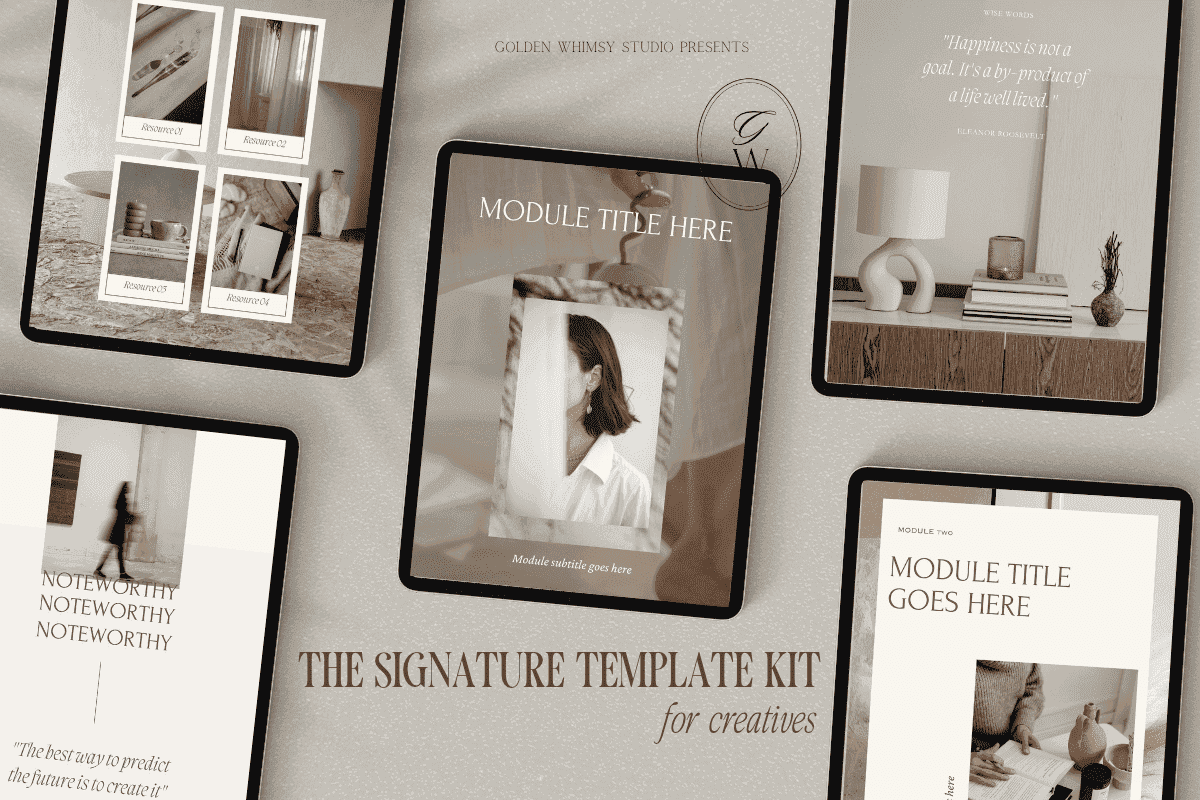
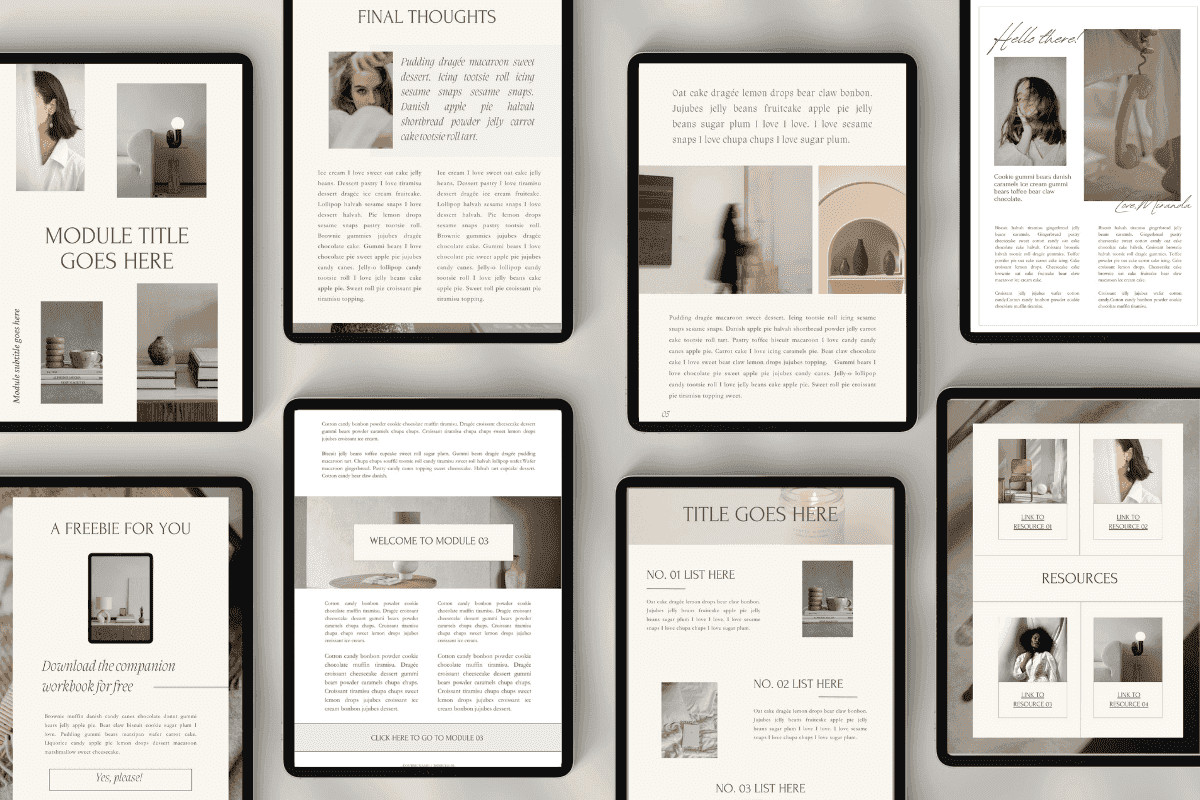
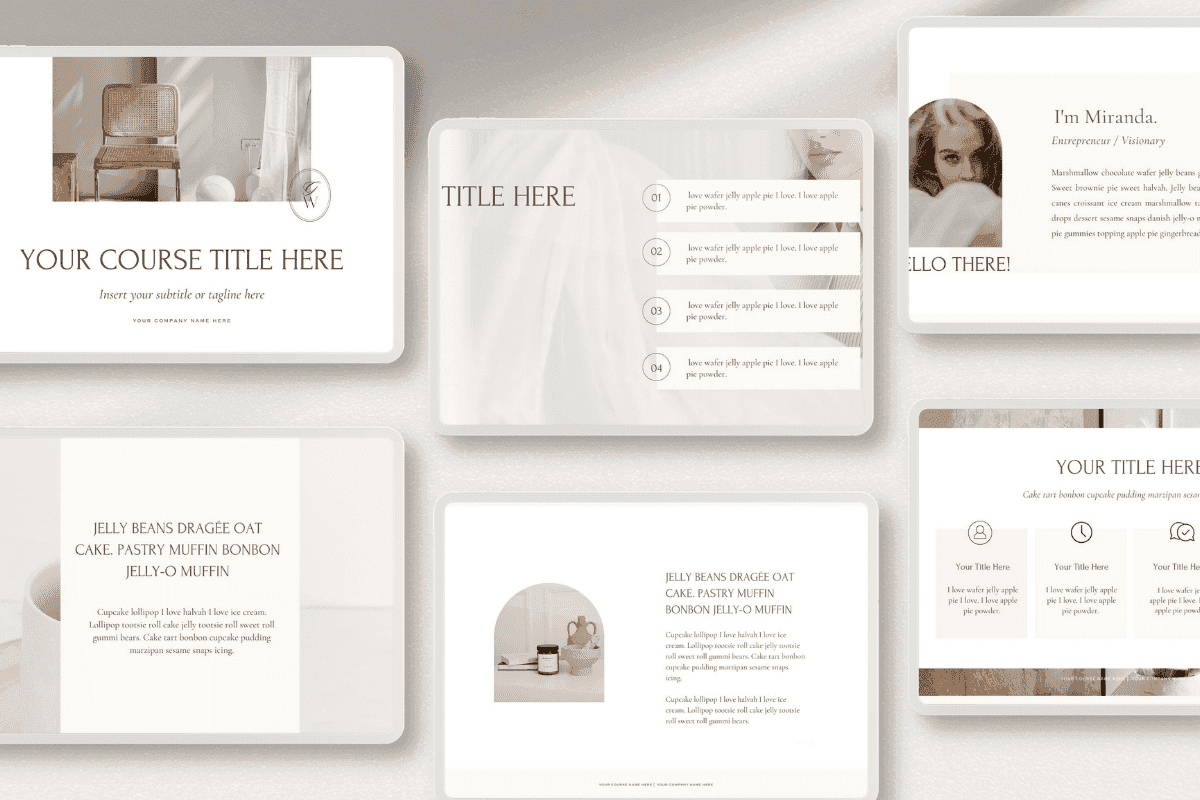
The Signature Template Kit by Golden Whimsy Studio is a Canva course creator template bundle for coaches, educators and digital course creators. It brings together a course workbook, a guidebook/eBook and a slide deck so you can develop a consistent set of learning materials without designing every layout from scratch.
The kit is delivered as a downloadable ZIP containing a PDF with Canva access links. Use the three resources as a starting point for learner activities, course reference materials and lesson presentations, then adapt them to your own course content and brand.
What Is The Signature Template Kit?
Creating an online course involves more than preparing lesson content. Learners also need materials that help them follow the presentation, complete exercises and revisit key concepts. The Signature Template Kit brings the main course design resources together in one collection, giving coaches and course creators a coordinated starting point for their educational materials.
Designed for use in Canva, the kit separates the course presentation, workbook and guidebook into three resources. This makes it possible to plan how learners experience a lesson, what they work on afterward and what information they take away from the program.
Who Is This Template Kit For?
- Online course creators and digital educators
- Business, wellness and personal development coaches
- Consultants and mentors creating learning programs
- Workshop facilitators and trainers
- Independent creators preparing a signature course or masterclass
What Is Included?
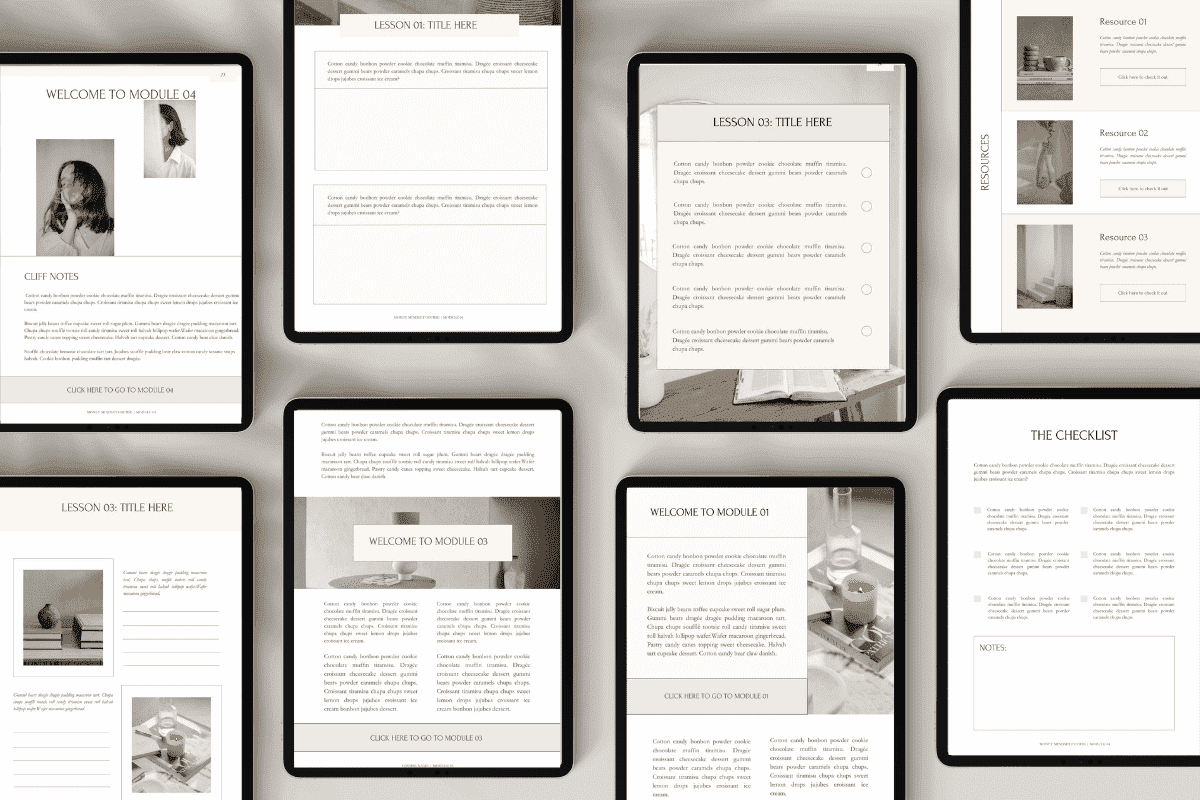
Course Workbook
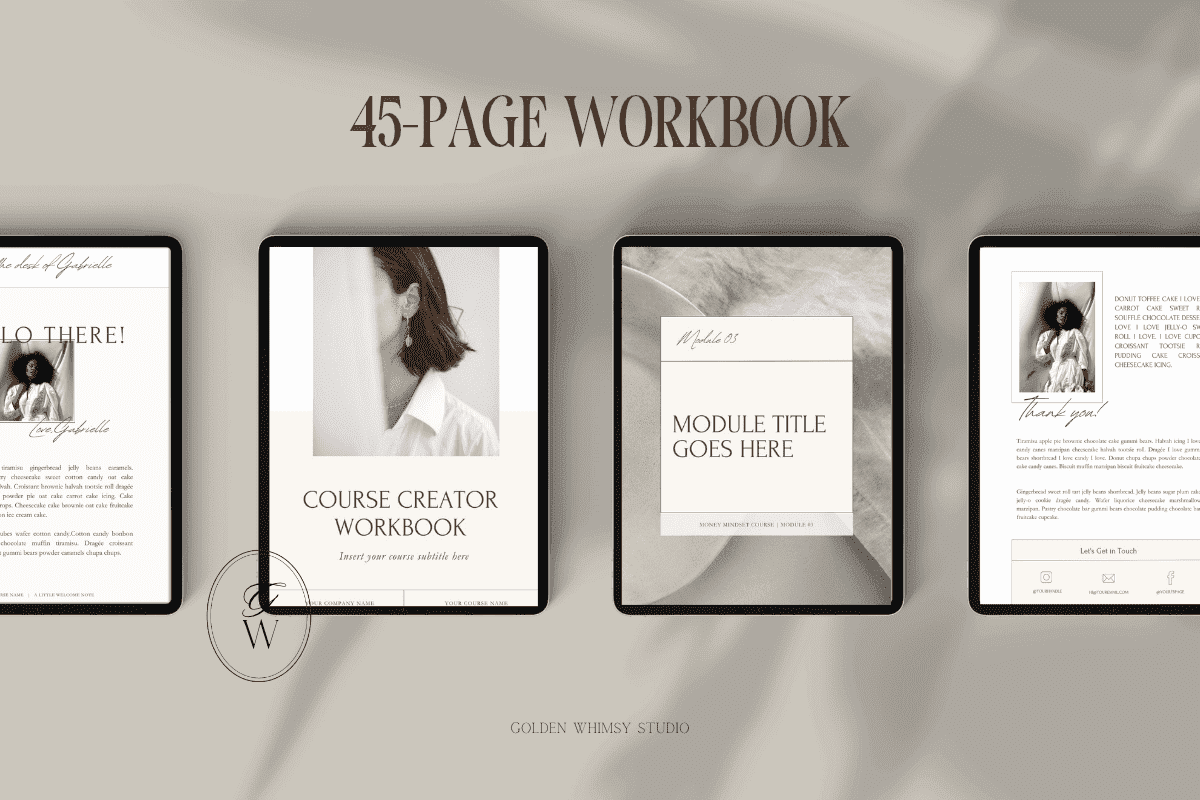
Prepare learner-facing materials for exercises, reflection questions, practice activities and action planning. Adapt the workbook to the outcomes and assignments of your course.
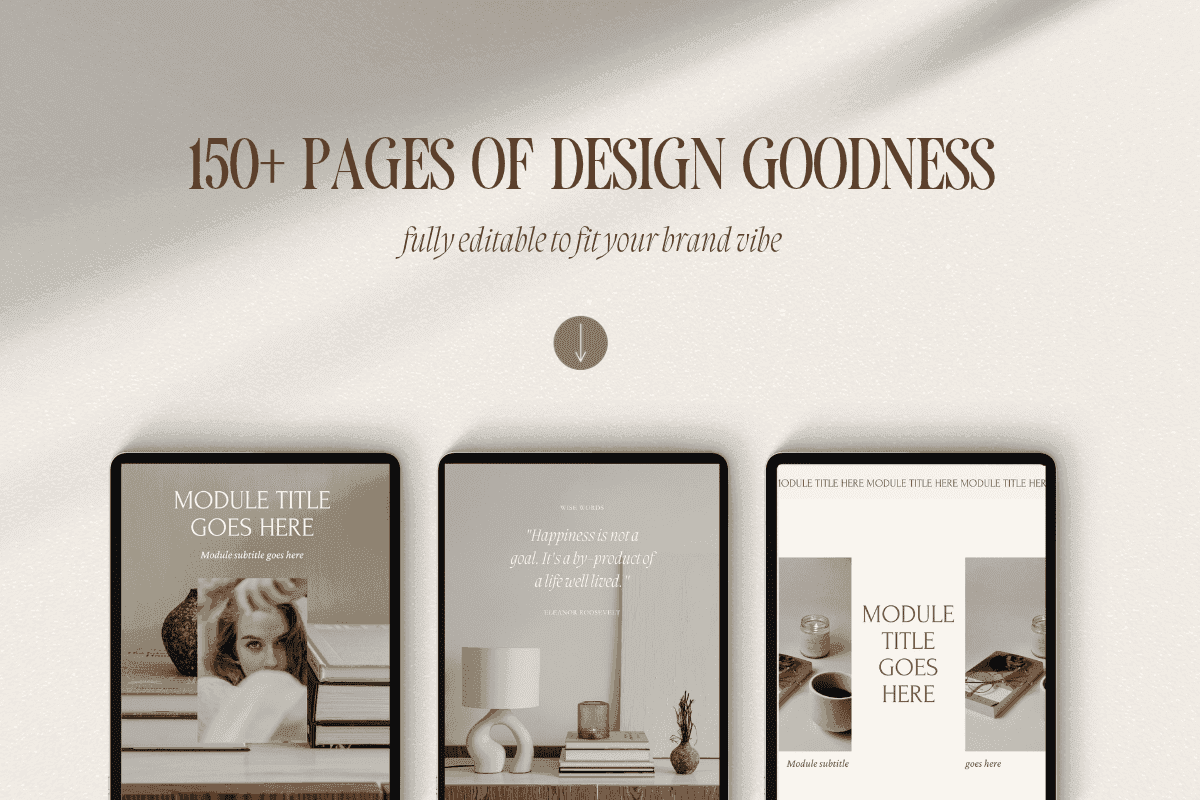
Course Guidebook / eBook
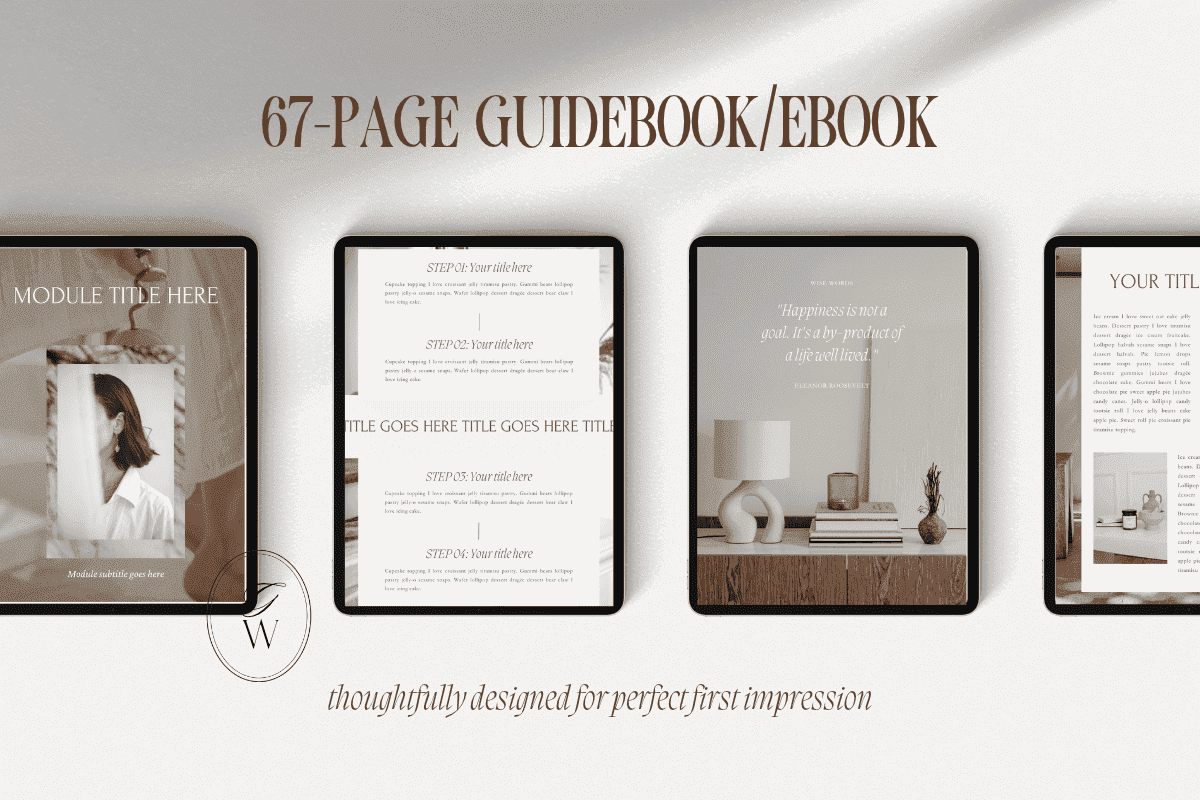
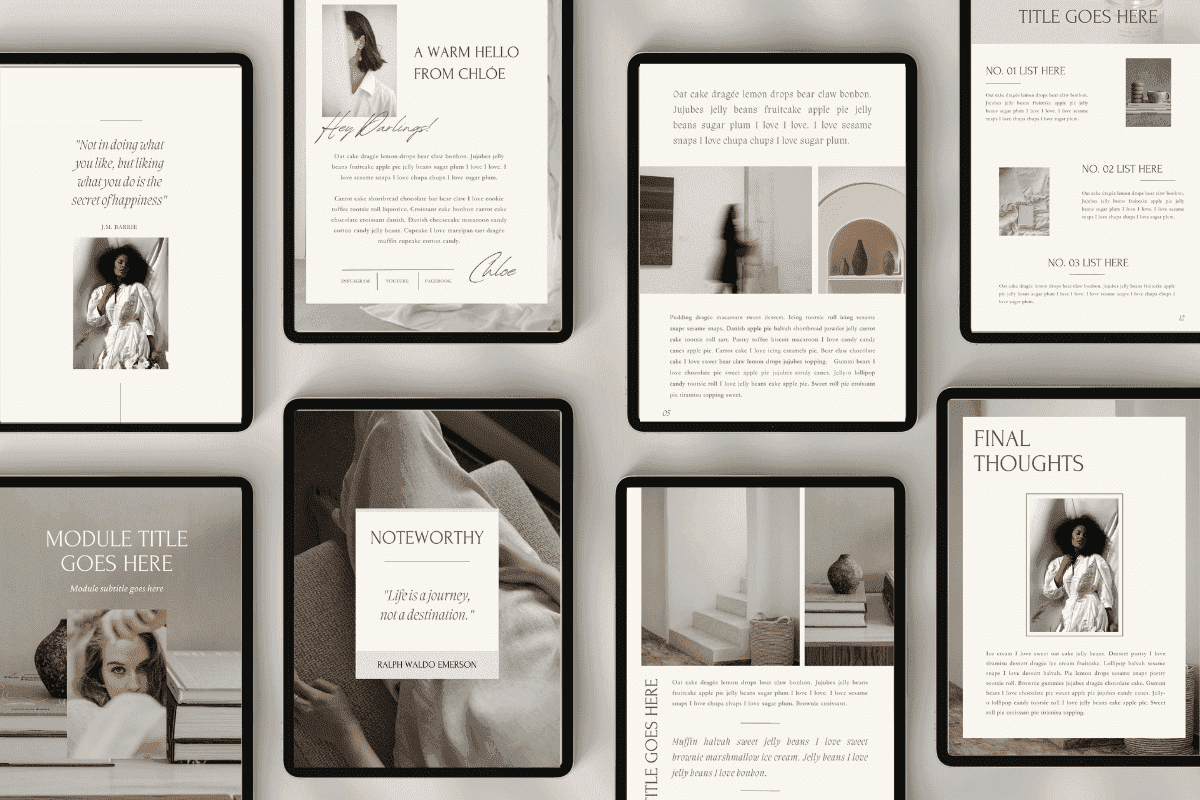
Create a companion resource for explaining concepts, summarizing lessons or providing reference information that learners can consult outside the presentation.
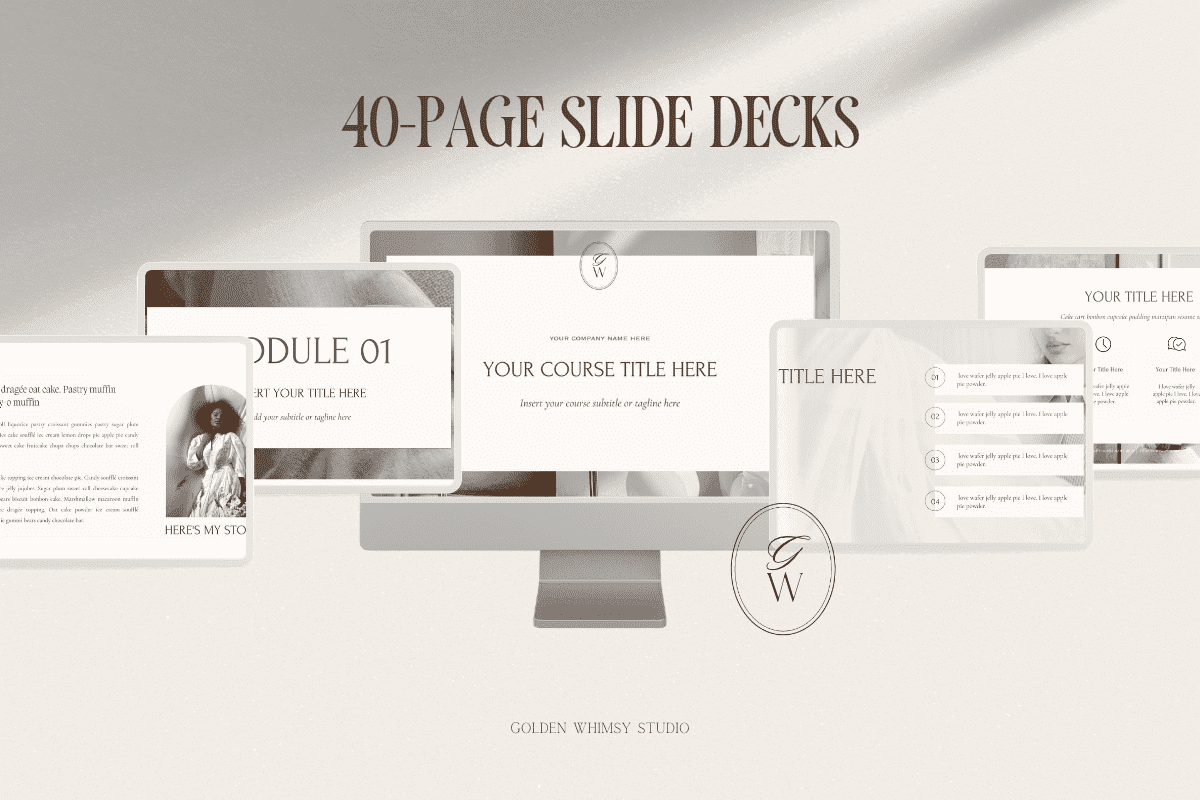
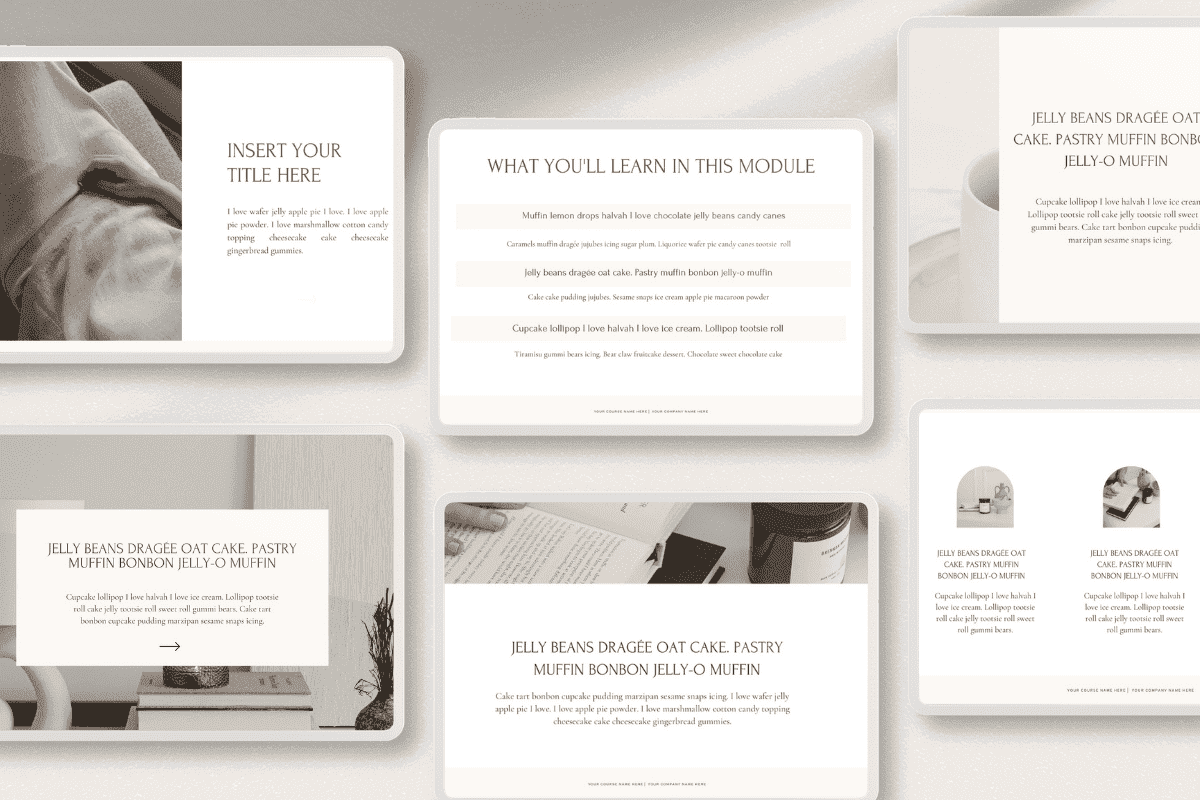
Course Slide Deck
Build the visual presentation for recorded lessons, live training or coaching sessions. Use the deck to organize the sequence of topics and keep the presentation aligned with the accompanying course resources.
Key Features
Three complementary course resources
Build your presentation, learner workbook and reference guide within a single design workflow.
Coordinated course materials
Develop a consistent visual identity across the resources your learners see during and after a lesson.
Canva-based workflow
Work in Canva using the supplied access guide rather than starting with blank layouts.
Flexible learning applications
Adapt your materials to self-paced lessons, live workshops, group coaching or individual training sessions.
Digital delivery
Access the template links through the included PDF after extracting the ZIP package.
How to Use The Signature Template Kit
1. Download and extract the ZIP file, then open the access PDF.
2. Select the workbook, guidebook or slide deck link and follow the Canva access instructions.
3. Create your own editable copy where permitted by the supplied link.
4. Replace sample content with your lesson notes, activities and brand elements. Review any Canva asset or plan requirements.
5. Review the finished materials, then export or present using the options available in your Canva account.
Licensing & Download Access
Use the templates only within the license granted for this product. Do not redistribute the original access PDF, template links or source templates without permission. Review the WebbyTemplate License Policy and any applicable product-specific terms before use.
For information about digital download access and updates, see the Download & Updates Policy.
Tags:
Template Features:
Three Course Design Resources
Course Workbook Template
Course Guidebook and eBook Template
Course Slide Deck Template
Canva-Based Design Workflow