KiaWeds — Wedding Planner & Event Management Statamic Starter Kit

0 (0 Reviews)
0 Sales
License Options
View License Policy1 site / project / end product
up to 5 sites / projects / end products
up to 30 sites / projects / end products
Add-on Services
$99.00
$119.00
Technology
No title available : KiaWeds — Wedding Planner & Event Management Statamic Starter Kit


Created : 06 July 2026
Updated : 31 August 2026
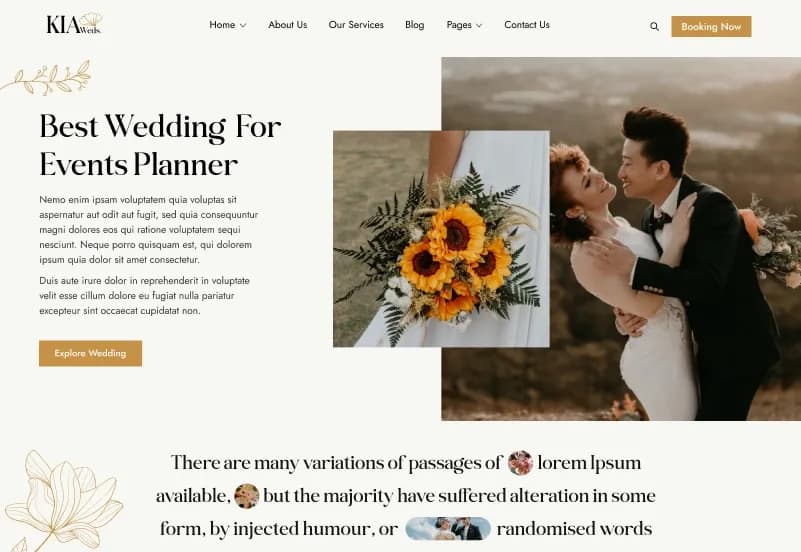
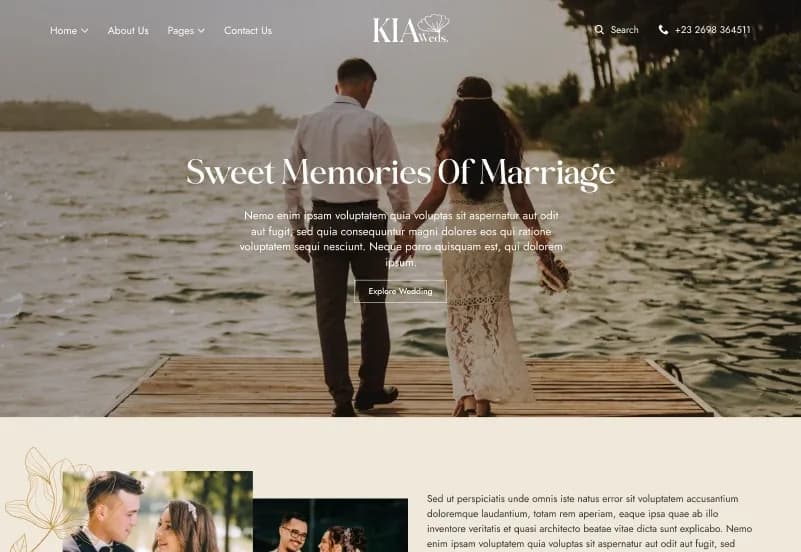
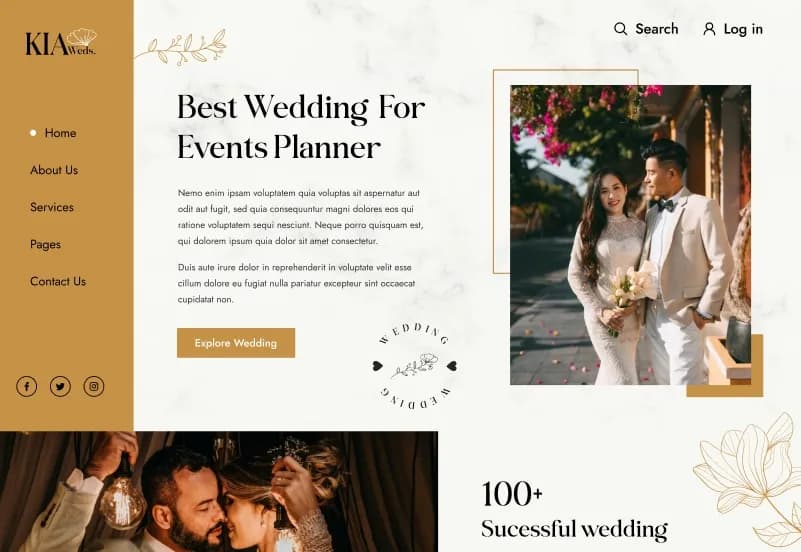
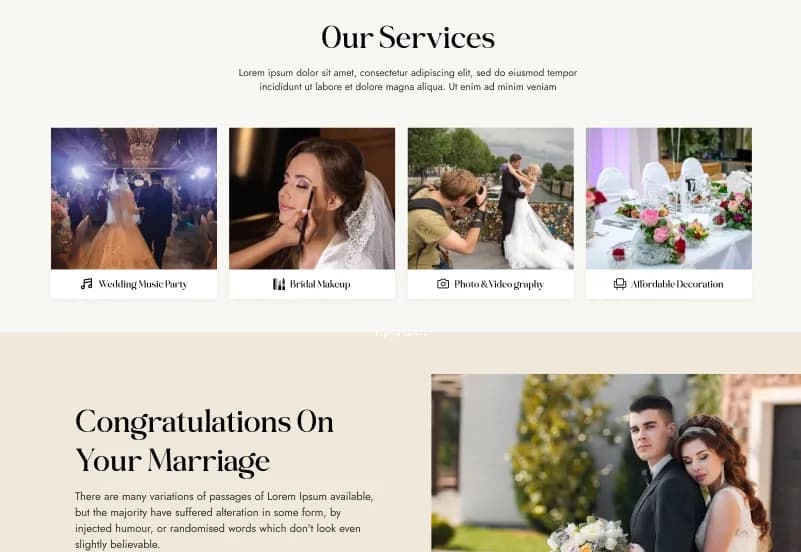
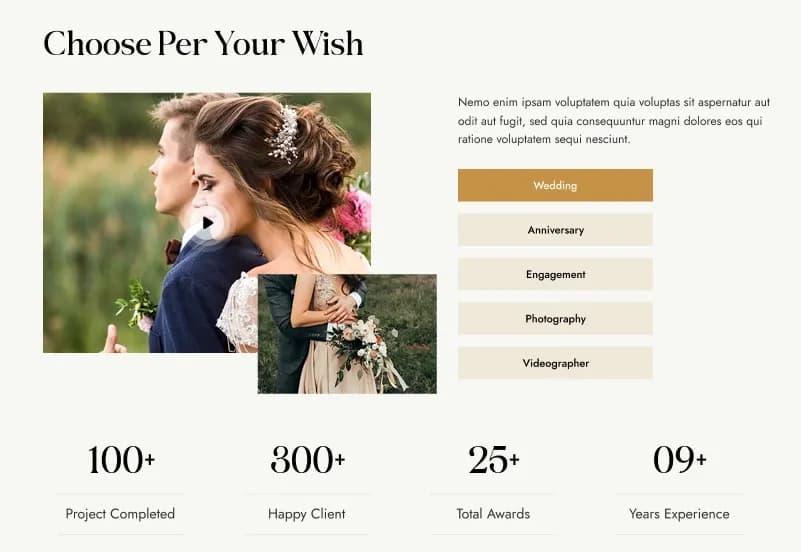
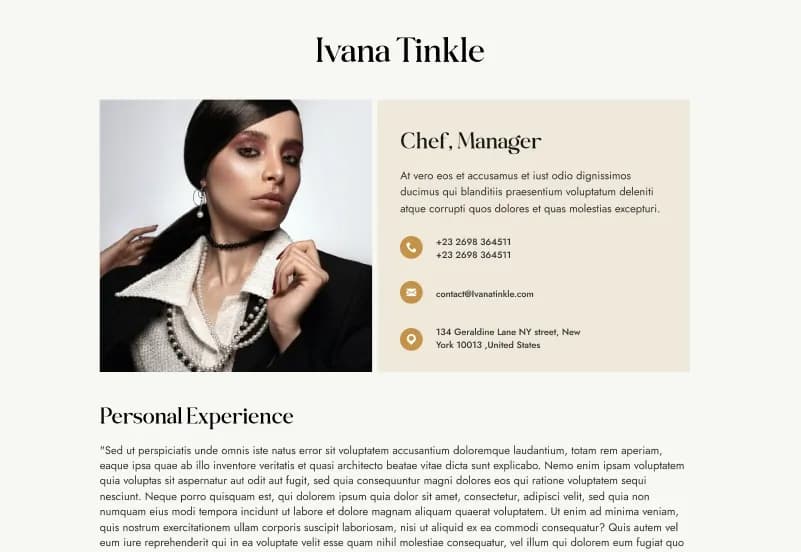
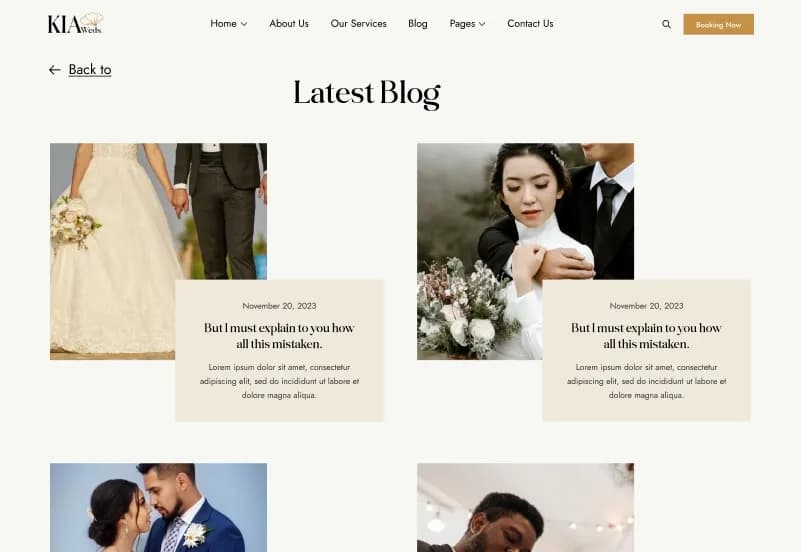
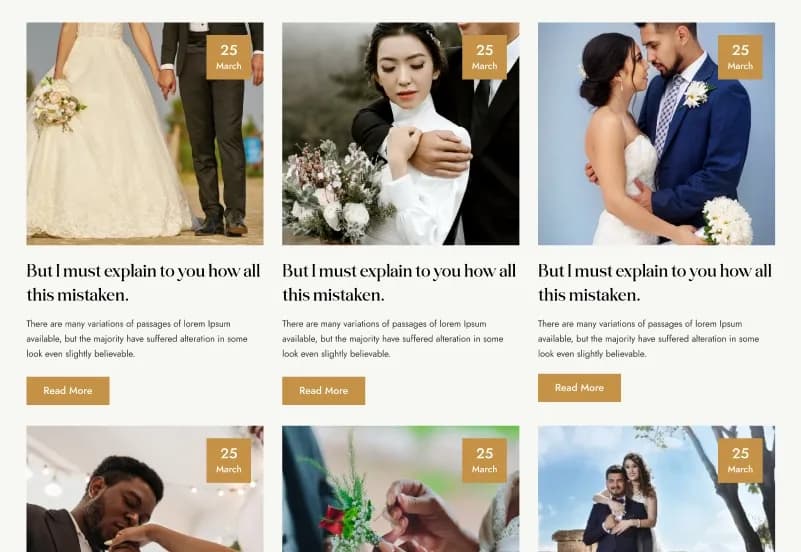
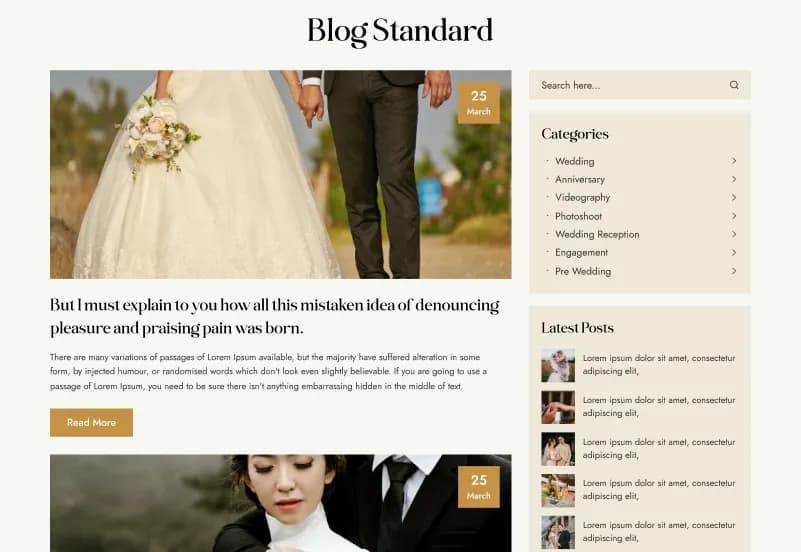
KiaWeds is a modern Statamic 5 Wedding Starter Kit for wedding planners, wedding organizers, event-management companies, wedding photographers, decorators, bridal service providers, venues, floral designers, and luxury-event businesses. It includes 18+ ready-to-use pages, blog layouts, event pages, service pages, team profiles, a photography gallery, reusable page-builder sets, collections, taxonomies, forms, global settings, and responsive website templates.
Built with Statamic CMS 5.x, Laravel, Antlers Templates, Tailwind CSS, Alpine.js, PHP 8.2+, and YAML configuration, KiaWeds gives developers and content editors a flexible foundation for managing wedding services, events, blogs, team members, photography, testimonials, FAQs, and website-wide content.
What Is KiaWeds?
Wedding planners, event-management companies, bridal service providers, photographers, decorators, floral designers, and wedding venues need a website that can present services, events, galleries, team members, testimonials, blogs, enquiry details, and company information in an elegant and organized way. Creating all of those templates, collections, forms, taxonomies, and responsive layouts from scratch can make a website project slower to launch.
KiaWeds is a Statamic 5 Starter Kit designed for wedding and event websites. It provides editable Antlers Templates, flexible collections, reusable page-builder sets, global settings, forms, taxonomies, responsive layouts, and a clean project structure for developers and content editors.
Who Is This Starter Kit For?
- Wedding planners and wedding organizers
- Event-management companies
- Wedding photography businesses
- Bridal service providers
- Wedding venues
- Floral designers
- Decorators
- Luxury-event agencies
- Personal wedding websites
- Event stylists
- Creative studios serving wedding clients
- Agencies building Statamic wedding websites for clients
- Developers needing a reusable Statamic 5 foundation
KiaWeds requires Statamic, Laravel, PHP, Composer, template customization, content configuration, and deployment knowledge.
What Is Included?
Main Website Pages
- Home
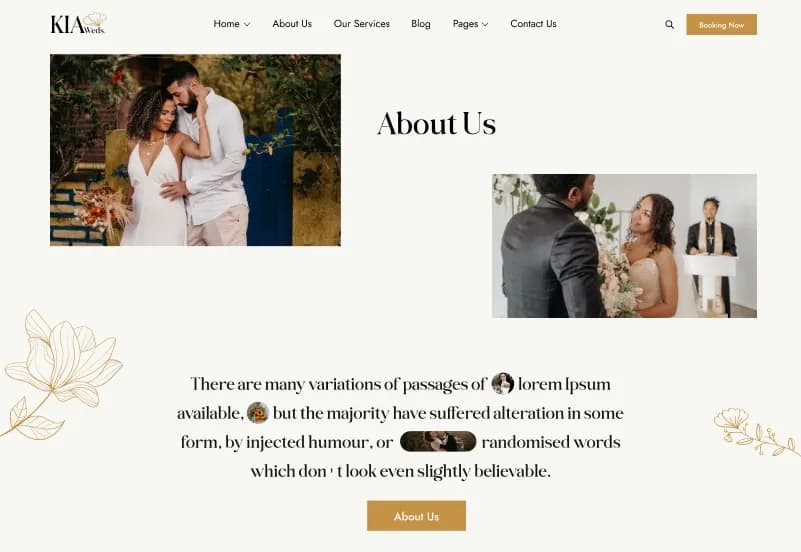
- About Us
- Services
- Service Details
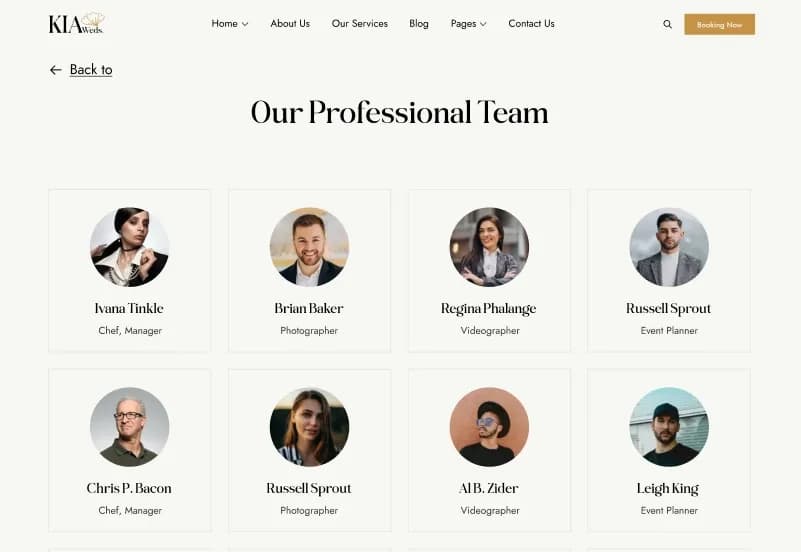
- Team
- Team Member Details
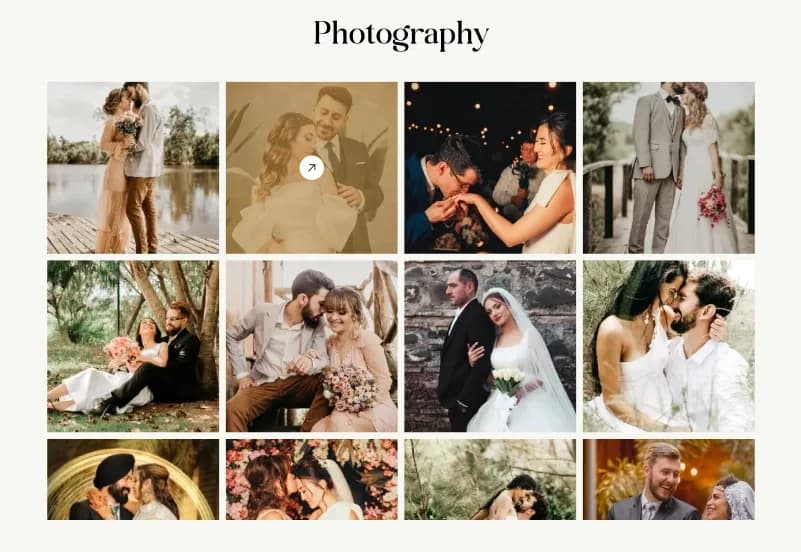
- Photography Gallery
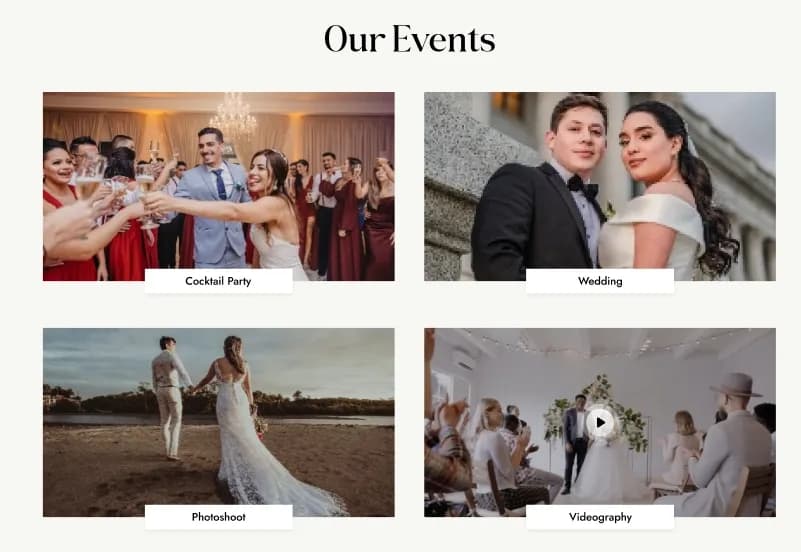
- Events
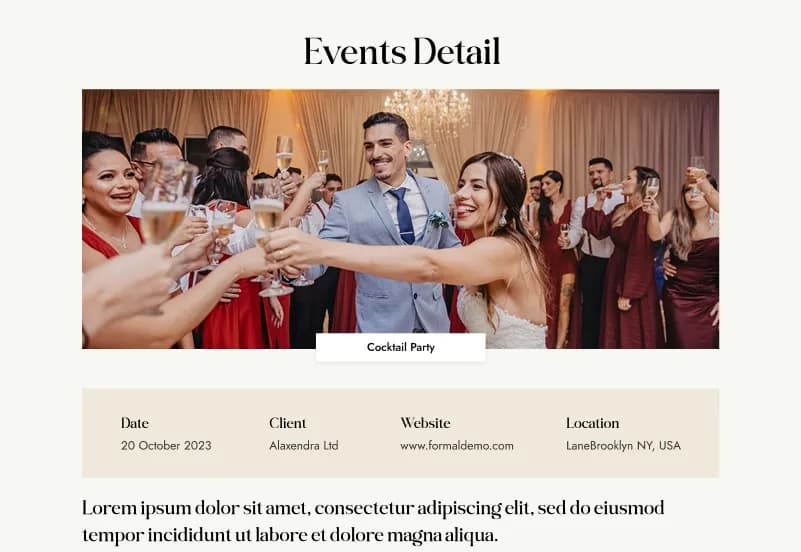
- Event Details
- Testimonials
- FAQ
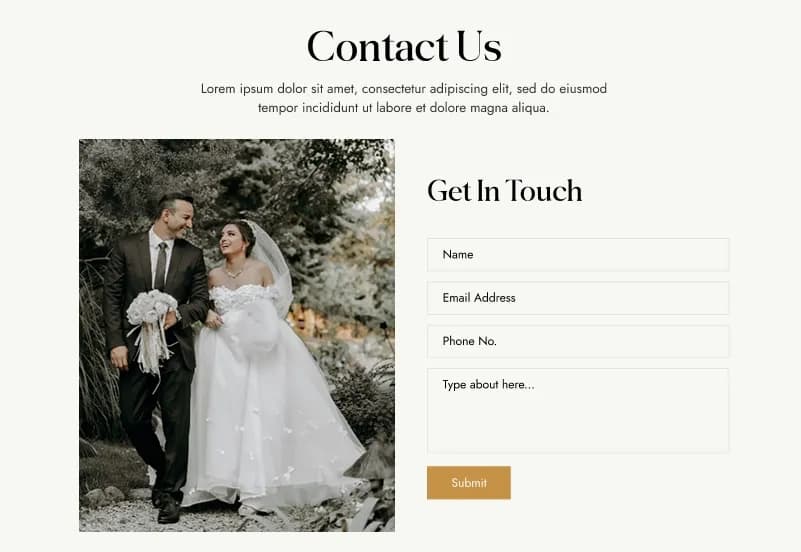
- Contact Us
Blog Pages
- Blog
- Blog Layout 1
- Blog Layout 2
- Blog Layout 3
- Blog Layout 4
- Single Blog Layout 1
- Single Blog Layout 2
Legal and Utility Pages
- Privacy Policy
- Terms & Conditions
- 404 Error Page
Page Builder Sets
- Hero Section
- SEO Section
- Events Section
- Services Section
- Team Section
Collections
- Blog
- Services
- Team
- Events
- Photography
Forms
- Contact Us
- Subscribe
Global Settings
- Website Settings
- Footer Settings
Taxonomy Support
- Small Business
- Blog
- Photography
- Landing Page
- Portfolio
- Multiple category assignment
- Tag-style selection interface
- Content filtering
- Reusable taxonomy structures
Project Resources
- Complete Statamic Starter Kit
- Antlers Templates
- Blueprints
- Collections
- Globals
- Forms
- Taxonomies
- Assets
- Page Builder Sets
- Documentation
How to Use KiaWeds
Step 1: Prepare a Compatible Environment
Prepare a Statamic CMS 5.x, Laravel, PHP 8.2+, and Composer environment for your wedding website project.
Result: Your development environment is ready for the KiaWeds starter kit.
Step 2: Install KiaWeds
Install KiaWeds into a compatible Statamic project by following the supplied installation documentation.
Result: The templates, collections, blueprints, forms, taxonomies, assets, globals, and page-builder sets are available in your project.
Step 3: Review Collections and Global Settings
Review the Blog, Services, Team, Events, Photography, Website Settings, Footer Settings, categories, tags, and content structures.
Result: You can identify the content areas and shared settings that need to reflect your wedding or event business.
Step 4: Customize Templates and Page Builder Sets
Update your logo, colours, typography, wedding services, events, photography, team profiles, testimonials, blog content, and reusable page-builder sections.
Result: The website begins to match your wedding planner, venue, photography business, event company, bridal brand, or client project.
Step 5: Add Content and Configure Forms
Create services, event listings, team members, photography entries, blogs, testimonials, FAQs, categories, and configure Contact Us and Subscribe forms.
Result: Your website contains organized content and configured enquiry and subscription workflows.
Step 6: Test and Deploy
Test responsive pages, forms, category filtering, event details, browser compatibility, and server configuration before deployment.
Result: Your wedding, bridal, event-management, photography, or luxury-events website is ready to launch.
Tags:
Template Features:
Built on Statamic CMS 5
Modern Wedding Design
Fully Responsive Layout
Mobile-First Design
SEO-Friendly Structure