Badshah – Multipurpose Shopify Theme

License Options
View License Policy1 site / project / end product
up to 5 sites / projects / end products
up to 30 sites / projects / end products
Add-on Services
$19.00
$29.00
Technology
Shopify : Badshah – Multipurpose Shopify Theme

Created : 19 November 2026
Updated : 24 November 2026
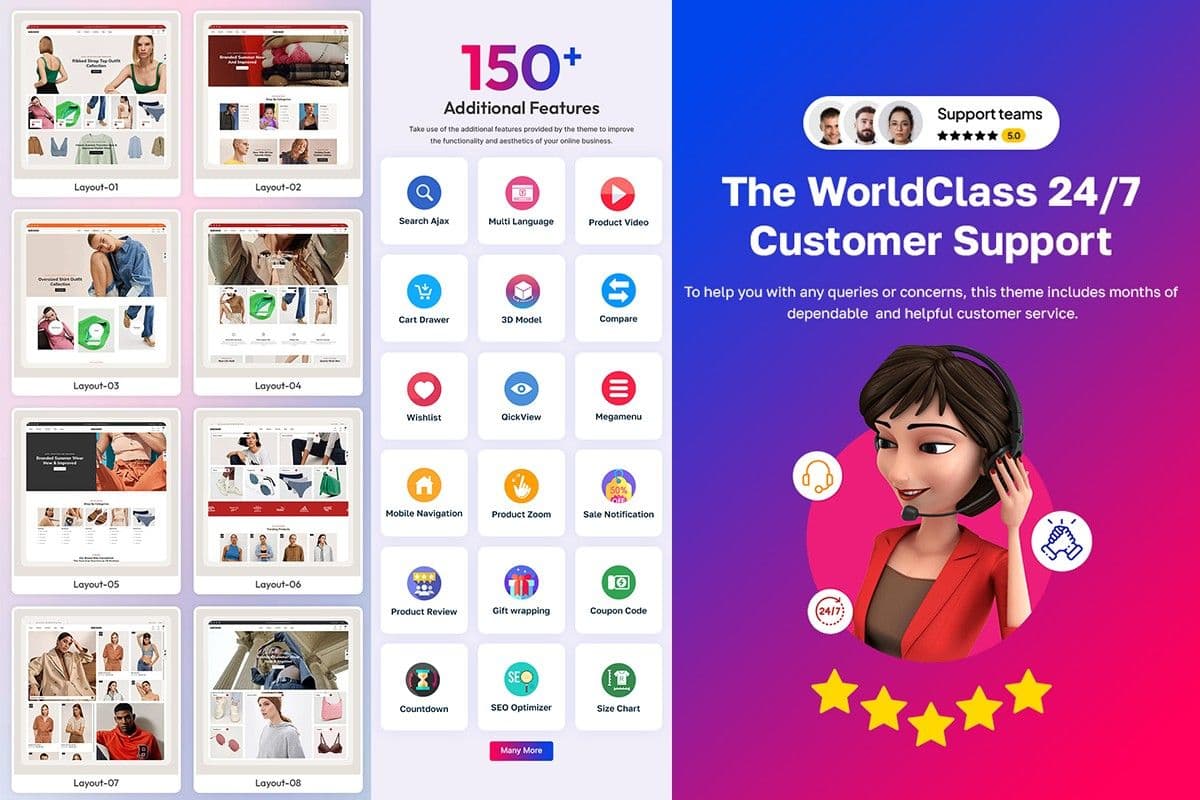
Badshah is a multipurpose Shopify OS 2.0 theme designed for online stores across fashion, jewelry, beauty, electronics, furniture, grocery, sports, and other retail categories. It offers 50 homepage demos, 5+ shop page layouts, 7+ product page layouts, 6+ header styles, and 2+ footer styles. Its responsive storefront design includes product filtering, quick view, wishlists, comparison tools, AJAX search, cart drawers, and product presentation options to help merchants build a store suited to their catalog.
Built for Shopify's theme customization system, Badshah provides configurable layouts, typography, colors, navigation, and shopping sections. It includes features such as product video support, 3D product media, color swatches, countdown timers, sticky add-to-cart controls, and newsletter popups. Store owners can start with an industry-specific demo and customize their storefront using Shopify's theme editor, while Shopify manages products, orders, checkout, and payments.
What Is Badshah?
Businesses selling different types of products often need storefront designs that match their industry without requiring a completely new theme for each category.
Badshah is a multipurpose Shopify theme developed for merchants who want a flexible storefront with different homepage designs and product presentation options.
The theme includes 50 demonstrated homepage layouts covering fashion, footwear, watches, jewelry, skincare, furniture, electronics, groceries, pet products, sports, and other retail niches.
Instead of building every storefront section from scratch, merchants can start with a suitable demo and customize its branding, collections, navigation, product displays, and promotional sections.
Badshah supports Shopify Online Store 2.0 and uses Shopify's native theme customization interface. Its advertised customization controls cover layouts, headers, footers, typography, colors, and other visual settings.
For product discovery, Badshah includes features such as AJAX search, product filters, color swatches, quick view, related products, and recently viewed products.
Its shopping interface also offers cart drawer functionality, sticky add-to-cart controls, product comparisons, wishlists, and optional promotional elements.
Badshah is intended for online retailers who want to combine multiple storefront design styles with Shopify's existing eCommerce management features.
If you are comparing this theme with other storefront technologies, WebbyTemplate's guide to choosing a website template explains why platform compatibility, included functionality, and customization requirements matter when selecting a product.
Who Is This Template For?
- Fashion and clothing retailers
- Women's and men's apparel stores
- Jewelry and accessories brands
- Handbag and footwear stores
- Watch and sunglasses retailers
- Beauty and cosmetics stores
- Skincare and personal care brands
- Perfume retailers
- Home decor and furniture shops
- Handmade goods businesses
- Plant and garden stores
- Electronics and gadget retailers
- Pet food and accessories stores
- Baby and children's clothing shops
- Toy stores
- Grocery and organic food retailers
- Sportswear and fitness stores
- Gym equipment retailers
- Automotive parts stores
- Tools and hardware retailers
- Specialty food and drink businesses
- Multi-category online retailers
- Direct-to-consumer brands
- Shopify developers
- eCommerce design agencies
Badshah is suitable for merchants using Shopify. A Shopify store and its associated subscription, commerce settings, and payment configuration are required separately.
What Is Included?
Main Features Collection
- 50 Homepage Demos
Badshah provides 50 demonstrated homepage designs across multiple industries.
Fashion and Accessories
- Main Fashion
- Modern Fashion
- Trendy Fashion
- Classic Fashion
- Lookbook Fashion
- Simple Fashion
- Exotic Fashion
- Minimal Fashion
- Styles Fashion
- Bags
- Shoes
- Watches
- Exotic Watches
- Sunglasses
- Sportswear
- Lingerie
- Socks
Home and Lifestyle
- Home Interior
- Minimal Furniture
- Home Decor
- Modern Furniture
- Handcraft
- Stylish Furniture
- Plants
- Pottery
Beauty and Jewelry
- Beauty
- Makeup Care
- Skincare
- Herbal Beauty
- Modern Jewelry
- Minimal Jewelry
- Handmade Jewelry
- Stylish Jewelry
- Perfume
Other Retail Categories
- Electronics
- Pet Food
- Kids' Toys
- Kids' Clothing
- Automotive Parts
- Tools
- Grocery
- Fast Food
- Specialty Drinks
- Honey
- Sports
- Gym Equipment
The demo collection is intended to provide different visual starting points. Individual demo configurations and available sections should be reviewed before use.
Shop and Product Page Layouts
- 5+ shop page layouts
- 7+ product page layouts
- Product grid and list displays
- Product filtering
- Price range filtering
- Product sorting and browsing controls
- Product color swatches
- Product image zoom
- Product video presentation
- 3D product media support
- Product quick view
- Recently viewed products
- Related and recommended products
- Product comparison interface
- Wishlist functionality
- Product labels and stock badges
- Size chart presentation
Shopping Cart and Purchase Features
- Cart drawer
- Sticky add-to-cart controls
- Quick Buy Now option
- Shipping calculator interface
- Coupon code presentation
- Gift wrapping option
- Shopify checkout integration
Store Navigation Features
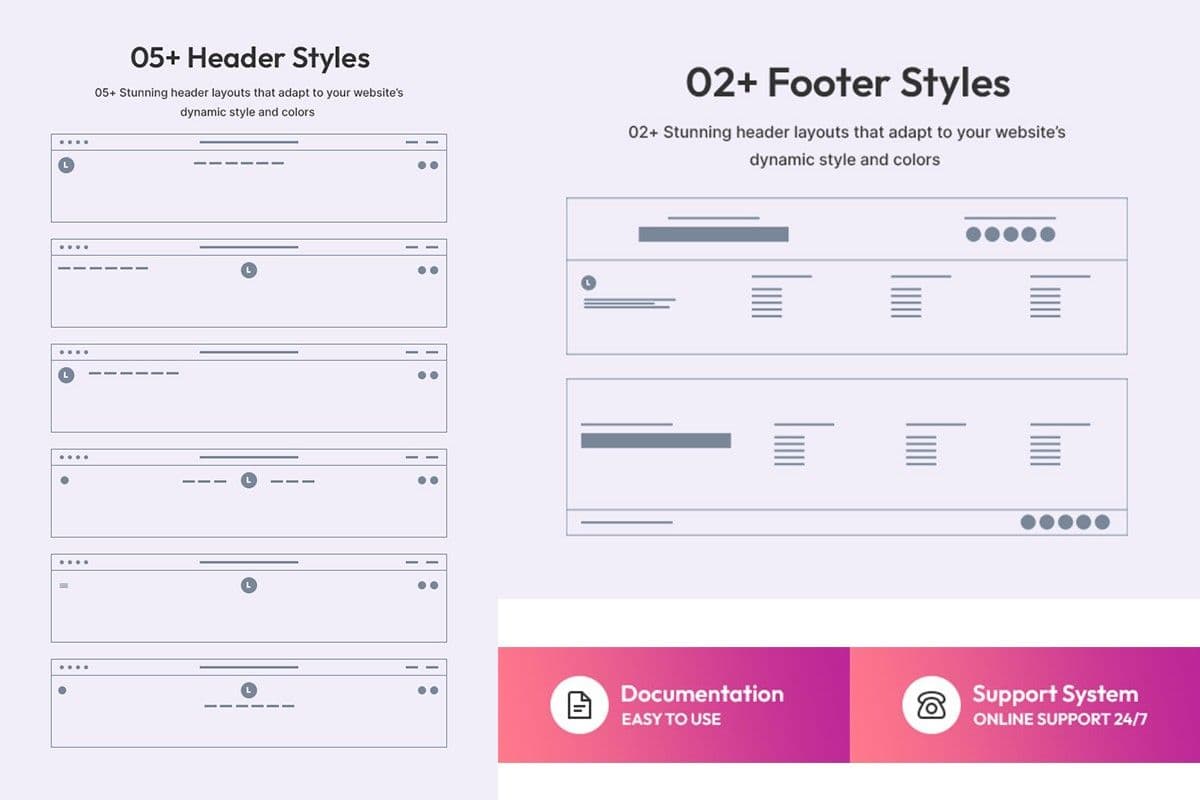
- 6+ header layouts
- 2+ footer layouts
- Megamenu
- Responsive mobile navigation
- AJAX product search
- Category navigation
- Product collection browsing
- Social media links
Marketing and Promotional Features
- Newsletter popup
- Promotional popup
- Countdown timer
- Sale notifications
- Cookie notice popup
- Lookbook sections
- Promotional product labels
- Product review presentation
- Visitor and product activity indicators
- Preloader
Visitor activity and sales notification elements should not be presented as independently verified live customer activity unless connected to reliable store data.
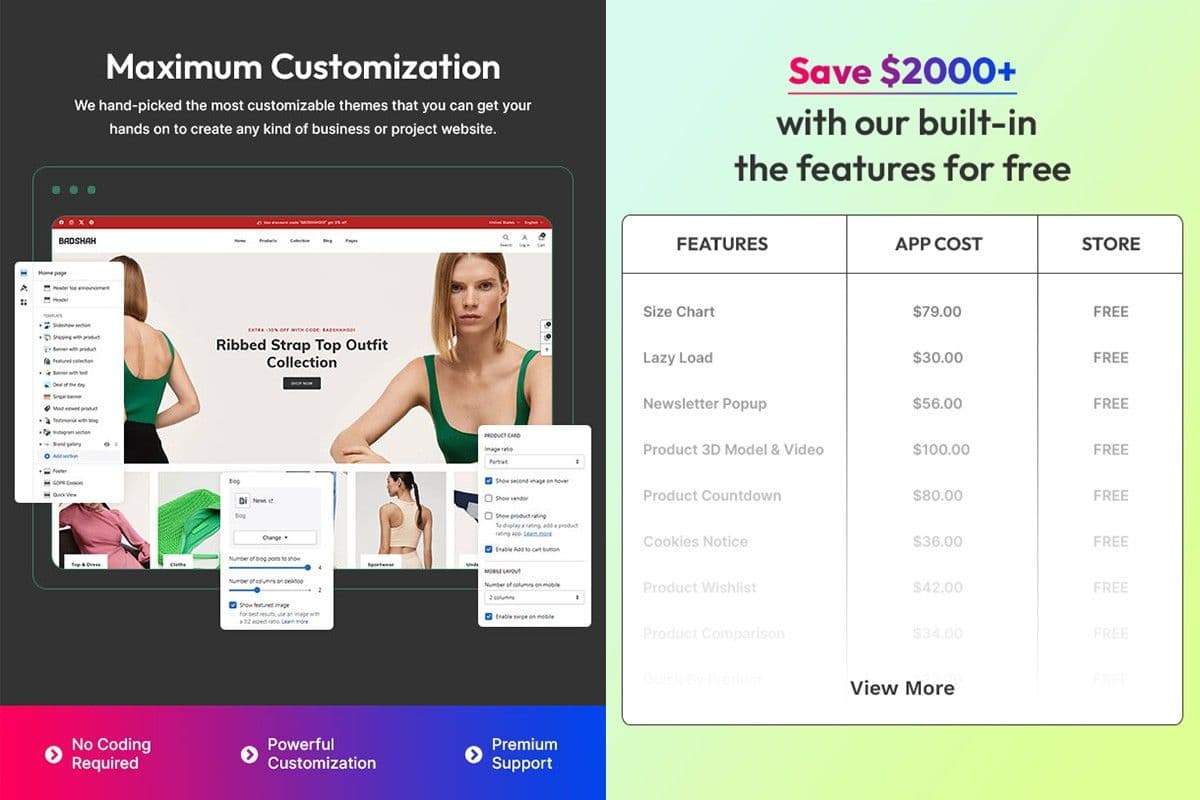
Theme Customization
- Shopify Online Store 2.0 compatibility
- Shopify native theme editor
- Advertised 1,200+ customization options
- Header customization
- Footer customization
- Layout adjustments
- Color customization
- Typography settings
- Product page presentation options
- Customizable promotional sections
- Responsive design
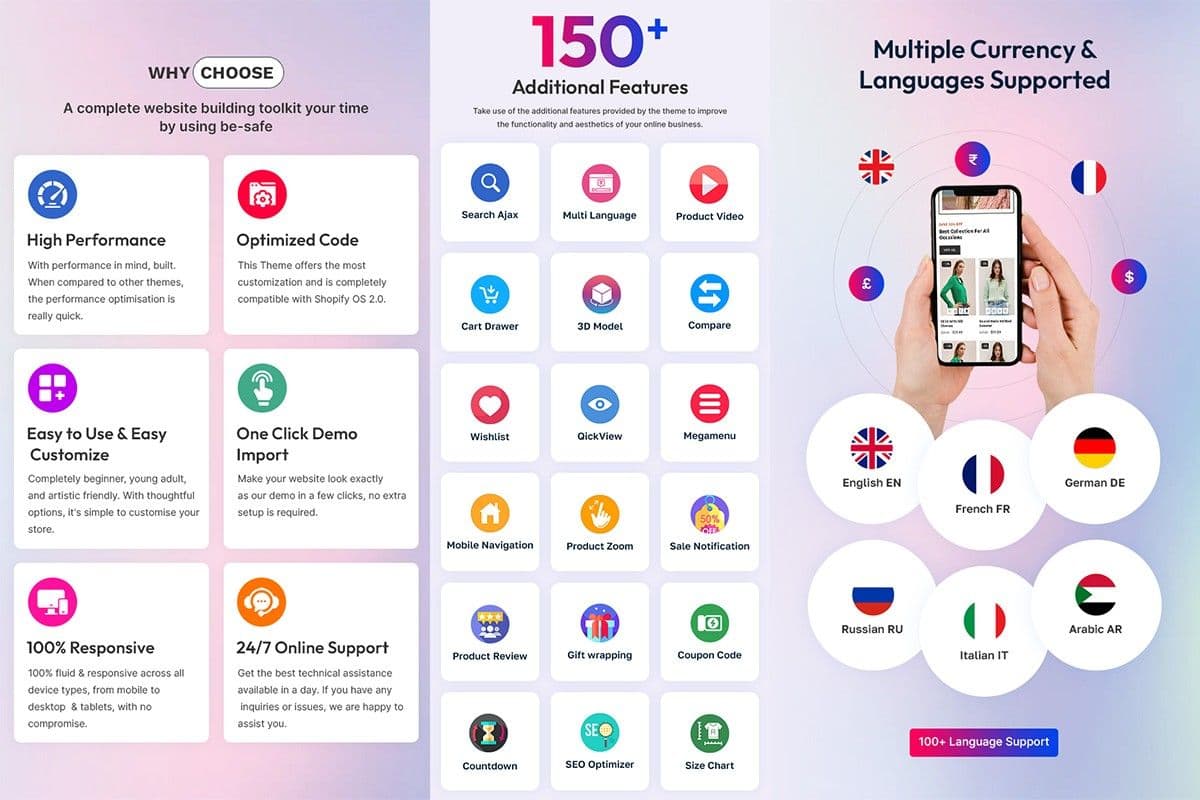
Multilingual Presentation
The source demonstrates language presentations for:
- English
- French
- German
- Spanish
- Russian
- Italian
- Arabic
Actual translation coverage, language switching, and market configuration depend on the theme's available translations and the Shopify store's language settings.
Main Pages Included
Homepage Layouts
- 50 demonstrated homepage designs
Store and Shopping Views
- Shop / Collection
- Product Detail
- Product Search
- Product Category / Collection
- Product Quick View
- Shopping Cart
- Shopify Checkout
- Customer Account
- Product Wishlist
- Product Comparison
Additional Storefront Components
- Header Layouts
- Footer Layouts
- Megamenu
- Mobile Navigation
- Newsletter Popup
- Lookbook
- Cart Drawer
- Promotional Sections
- Search Interface
Important: These are demonstrated storefront layouts, Shopify routes, or interface components. The available preview does not confirm that each appears as a separate downloadable page file. Shopify checkout and customer account functionality are provided through the Shopify platform.
How to Use Badshah
Step 1: Prepare Your Shopify Store
Create or access an existing Shopify store.
Sign in to Shopify Admin and check that you have permission to install and manage themes.
Review the basic store settings, including location, currency, and business information.
Result: Your Shopify store is ready for theme installation.
Step 2: Install the Badshah Theme
Download the installable Badshah theme package.
In Shopify Admin, open Online Store > Themes.
Use the theme upload option to add the installable Shopify theme ZIP file.
Preview the theme before publishing it.
Result: Badshah is available in your Shopify theme library.
Step 3: Select a Homepage Design
Review the available Badshah homepage demos.
Choose a layout that matches your business category, such as fashion, jewelry, beauty, home decor, electronics, or grocery.
Follow the supplied theme documentation to import or configure the selected demo where that workflow is available.
Result: Your store has a selected storefront design ready for customization.
Step 4: Customize Your Store Branding
Open the Shopify theme editor.
Configure the supported theme options, including:
- Store logo
- Brand colors
- Typography
- Header layout
- Footer layout
- Homepage sections
- Navigation
- Product presentation
- Promotional content
Result: Your storefront reflects your brand rather than the default demo appearance.
Step 5: Add Products and Collections
Use Shopify Admin to add products, descriptions, images, prices, and inventory information.
Organize your catalog into collections.
Configure product options and variants where required.
Add appropriate media for products that use image galleries, videos, or 3D presentation.
Result: Customers can browse your actual products through the Badshah storefront.
Step 6: Configure Product Discovery Features
Set up supported product browsing features, such as AJAX search, filters, quick view, color swatches, related products, and comparison tools.
Configure optional shopping features based on the controls available in the installed theme.
Result: Your store provides product discovery tools relevant to your catalog.
Step 7: Configure Cart and Promotional Features
Review the cart drawer, sticky add-to-cart controls, coupon presentation, countdowns, newsletters, and promotional popups.
Use accurate promotional information and confirm that activity indicators do not misrepresent customer behavior.
Result: Customer shopping and promotional interfaces are configured for your business.
Step 8: Configure Shopify Commerce Settings
Set up the required Shopify payment methods, shipping rates, taxes, checkout settings, and customer account options.
Configure supported languages and markets if the business serves multiple regions.
Result: The store has the Shopify commerce settings required for customer transactions.
Step 9: Review the Website Before Launch
Test the homepage, collection pages, product pages, product variants, search, navigation, cart, and checkout.
Check desktop and mobile layouts.
Confirm that product images, prices, shipping details, policies, and customer information are accurate.
Review storefront loading behavior and basic SEO settings.
For additional guidance, see WebbyTemplate's eCommerce template optimization guide.
Result: Your Badshah Shopify storefront is ready to publish after completing the necessary tests.
Tags:
Template Features:
Shopify Theme
Shopify Online Store 2.0
50 Homepage Demos
Multipurpose Store Design
Responsive Layout