MCP Servers & Connectors Templates, Themes & Starter Kits
MCP servers expose approved capabilities from external systems to compatible AI applications using the Model Context Protocol. The official MCP documentation defines MCP as an open standard for connecting AI applications with external systems, including data sources, tools, and workflows.
Best Downloads
Discover the most in-demand top-downloaded items trusted by top businesses.
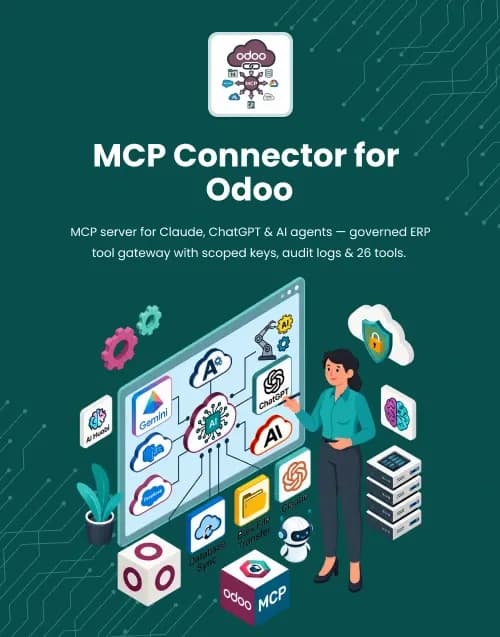

by WebbyCrown Solutions
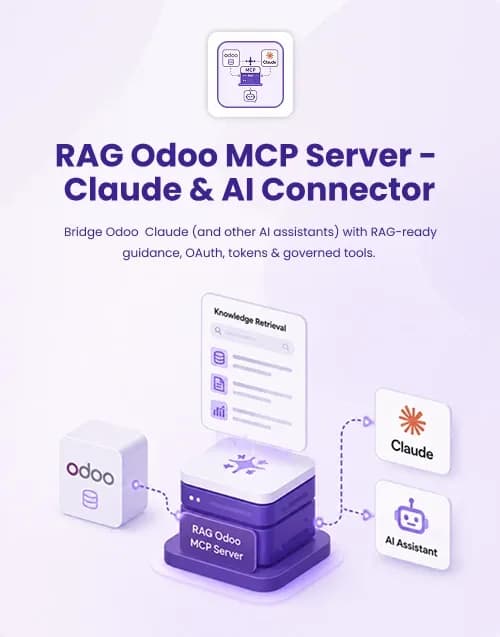
by WebbyCrown Solutions
Newly Added
Discover the most in-demand top-downloaded items trusted by top businesses.
Top Rated
Skyrocket your creativity with our Top rated collection of supreme.
What Are MCP Servers & Connectors?
The Model Context Protocol standardizes how AI applications can connect with external capabilities.
The current MCP architecture distinguishes hosts, clients, and servers. Servers can expose capabilities that AI applications can discover and use.
Official MCP developer documentation describes three major server capability types: resources, tools, and prompts.
What You Can Find in MCP Servers & Connectors
- Database MCP servers
- CRM MCP connectors
- ERP MCP connectors
- Commerce MCP servers
- File-system MCP servers
- Search MCP connectors
- Project-management connectors
- Developer-tool MCP servers
- Analytics MCP connectors
- Custom business-system MCP servers
Who Should Use MCP Servers & Connectors?
- AI developers
- Agent developers
- Enterprise engineering teams
- SaaS companies
- ERP developers
- CRM teams
- Automation specialists
- Platform integrators
- Technical agencies
How to Choose the Right MCP Server or Connector
Start with the system being exposed.
Identify whether the server provides read-only data, executable tools, prompts, or a combination.
MCP tools can allow models to invoke external actions such as API calls, computations, or database queries. The current MCP specification describes tools as model-controlled capabilities exposed by servers.
That makes permissions extremely important.
Do not give a connector broader permissions than the AI application needs. A server that only needs product information should not automatically receive administrative order-management capabilities.
Check authentication and authorization carefully.
Also review the currently supported MCP protocol version because the standard continues to evolve. The official MCP project released a new specification on July 28, 2026, including substantial protocol changes.
Verify:
- Supported client environments
- Tools exposed
- Resource access
- Authentication
- Authorization
- Read versus write scope
- Transport/deployment
- Logging
- Error handling
- API limits
Credentials should never be embedded insecurely in distributed source files.
Review tool schemas carefully. Clear tool descriptions and structured parameters help clients understand how the connector should be used.
If the MCP server can create, update, delete, send, purchase, or modify business data, consider human-approval and confirmation boundaries.
Test the server with realistic inputs and failure cases.
Finally, review protocol compatibility, SDK requirements, external-system versions, hosting, environment configuration, documentation, licensing, update history, and seller support.
Popular Use Cases for MCP Servers & Connectors
- Connecting AI assistants to ERP data
- Querying business databases
- Connecting agents to CRM systems
- Exposing commerce tools
- Giving coding assistants access to developer tools
- Connecting AI to company files
- Building internal AI assistants
MCP Server Quality Notes
- Verify current MCP compatibility.
- Review every exposed tool.
- Apply least-privilege access.
- Separate read and write capabilities.
- Secure credentials.
- Review authorization.
- Check production deployment.
- Test destructive actions carefully.
- Verify documentation.
- Check updates and support.
Related Category Ideas
- AI & Automation
- AI Agent Starter Kits
- AI Workflow Templates
- RAG & AI Chatbot Starter Kits
- AI Plugins & Integrations
Frequently Asked Questions
What is MCP?
What is an MCP server?
What can MCP servers expose?
Are MCP connectors the same as APIs?
Can MCP servers modify business data?
Are MCP tools automatically safe?
Does every AI application support MCP?
Does MCP require hosting?
Can agencies build client AI integrations with MCP products?
What should I verify before purchasing?
Subscribe Now for Insider Access
Our newsletter is more than just updates it's your pass to the latest news, special promotions, and curated content designed to keep you ahead.