On this page
How to Create Product Mockups with AI

WebbyCrown Solutions-
August 6, 2026-5 min read
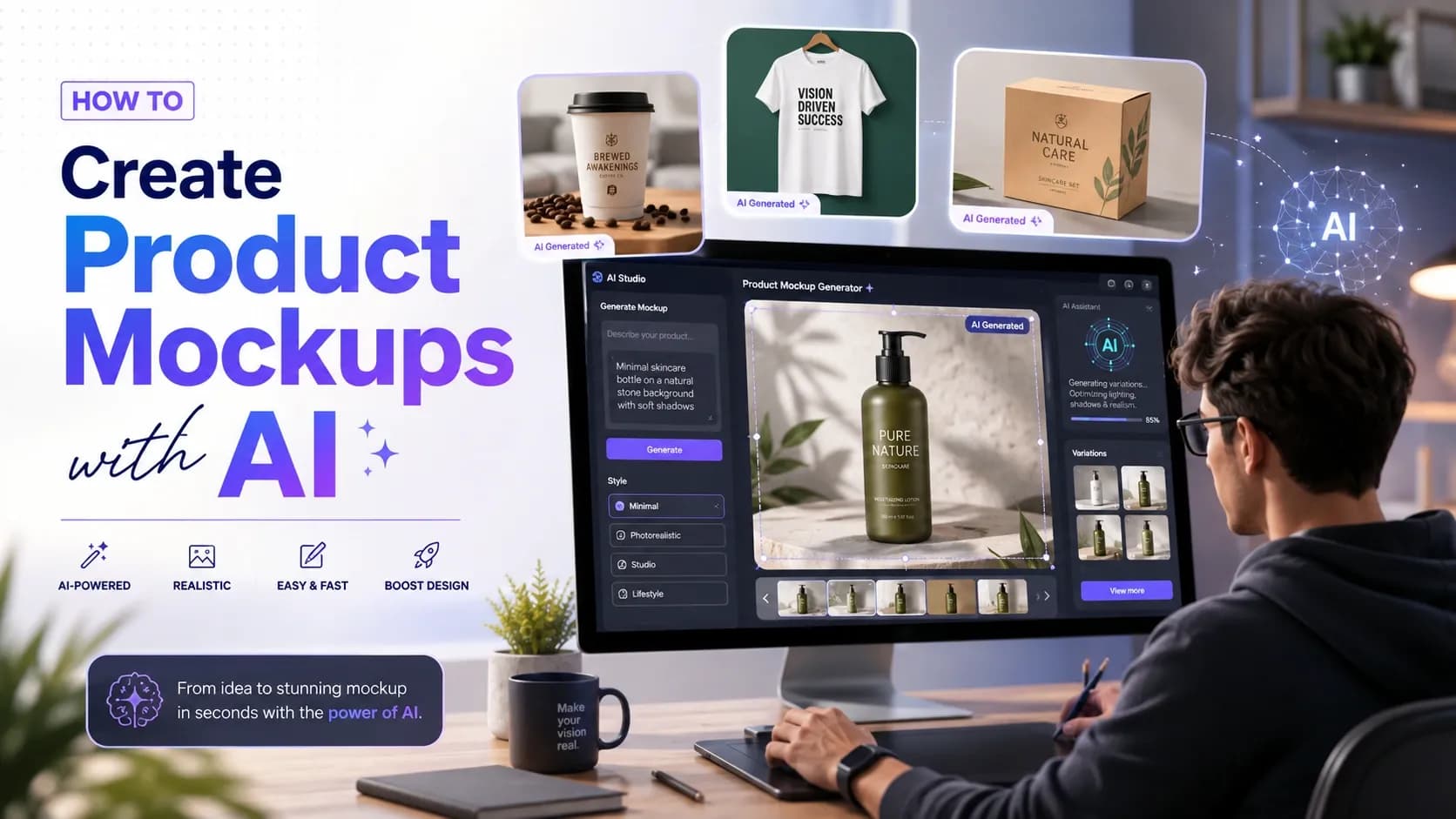
Creating product mockups no longer requires lengthy photoshoots, expensive designers, professional photographers, or months of editing.
AI has transformed the process, making it easy to visualize your product in different scenes, backgrounds, and styles within minutes. Many AI tools can also keep your product's shape, colors, and branding consistent across every mockup, eliminating the need to regenerate or reupload your product image for each new design.
Below, we've shared a few tips you need to consider for creating high quality AI product mockups, followed by a selection of tools that can help you generate professional, brand-consistent visuals with ease.
Tips for Creating Product Mockups with AI
Creating product mockups with AI involves 3 main steps: choosing a tool that fits your product type, feeding it a clean reference image or a detailed prompt, and refining the final output, its lighting, background scenes, proportions, and overall branding look.
There are also several tips you need to keep in mind along your product mockup creation journey.
Photorealism/Speed
Check whether the tool you choose focuses more on fast delivery of the mockup or prioritizes hyper-realistic lighting and shadows.
Editing capabilities
Make sure the platform lets you make adjustments in color, text, or background directly, without having to regenerate the whole mockup.
Composition control and consistency
Choose a tool that lets you maintain your product's shape, angle, and position while only changing the background or scene.
Integration with your existing tools
See whether you can integrate the AI tool with other tools you or your team uses.
And if you haven’t chosen your AI product mockup generator yet, let’s review some of the most popular options.
Top 3 AI Tools for Product Mockups
| Tool | Core Approach | Product Consistency | Starting Pricing | Free Plan |
|---|---|---|---|---|
| Krea.ai | Text-to-image and real-time generation with live prompt editing | LoRA fine-tuning trained on your actual product | $9/month | ✓ |
| Flair AI | Drag-and-drop scene builder around your product | Reusable saved scene templates | $10/month | ✓ |
| Adobe Firefly | AI Assistant that automatically selects the right creative tool | Custom AI model training | Individual: $9.99/month Business: $19.99/month per license | ✓ |
1. Krea.ai
Krea.ai is an AI creative suite that helps creators generate images and videos from text prompts.
Krea.ai for product mockups
Krea.ai combines fast text to image and real-time generation with powerful editing tools, making it easy to place products into different scenes or backgrounds without recreating them from scratch. With the real-time editing dashboard, you can also edit your prompt and see the changes happening right away. Its LoRA fine-tuning feature lets you train the model on your actual product, helping maintain consistent shape, colors, and branding across every mockup. The platform also includes upscaling up to 22K for print and advertising quality visuals.
This makes Krea.ai a strong choice for e-commerce teams that need scalable and brand-consistent product mockups.
Pricing
Krea.ai offers a starting free plan with 100 daily units, while its paid plans include more features and credits, starting at $9/ month.
Best for
Product designers, marketing and ad specialists, e-commerce brands.
2. Flair AI
Flair AI is an AI product photo generator and editing tool.
Flair AI for product mockups
Flair AI is a drag-and-drop tool built for product photoshoots. You place your product into a digital scene with props and backgrounds, then let the AI generate a photorealistic result around it. You can also save a scene as a reusable template, keeping your catalog consistent. It also includes on-model photography for apparel and jewelry, and upscaling for final output quality.
Pricing
Flair AI has a free plan with limited image generation and custom model numbers, while features add up with the paid plans, starting at $10/ month.
Best for
E-commerce brands, fashion and apparel brands, marketing and ad agencies.
3. Adobe Firefly
Adobe Firefly is a generative AI tool for creating images, videos, audio materials, and other design assets using multiple models, like Adobe, Google, OpenAI, and more.
Whether you are creating product mockups, social media campaign assets or anything else, Adobe’s Firefly AI Assistant can automatically pick the right tool for tasks, with no need to switch between apps.
Adobe Firefly for product mockups
Adobe Firefly can be used to generate product mockups by describing a scene and letting it create the background or setting around your product. Then, by using its editing tools, you can also remove or add objects, extend the background, and adjust lighting, all without needing a separate design program.
You can also train it on your own product images so it stays visually consistent every time you generate a new scene.
Pricing
Adobe Firefly offers separate pricing plans for individual creators, students and teachers and businesses. For the first two groups, the pricing starts at $9.99/ month, while for businesses, it starts at $19.99/ month per license.
Best for
Content creators, design teams, art directors, and marketers.
Conclusion
While many AI product mockup tools share similar capabilities, each has its own strengths, making the right choice dependent on your branding goals, product type, and creative workflow.
Finding the best fit may take some experimentation, so don't hesitate to test different platforms, explore their features, and see which one produces results that align with your brand identity.