On this page
AI Website Builder vs Website Template: When Is a Paid Template Worth It?

WebbyCrown Solutions-
October 9, 2026-12 min read
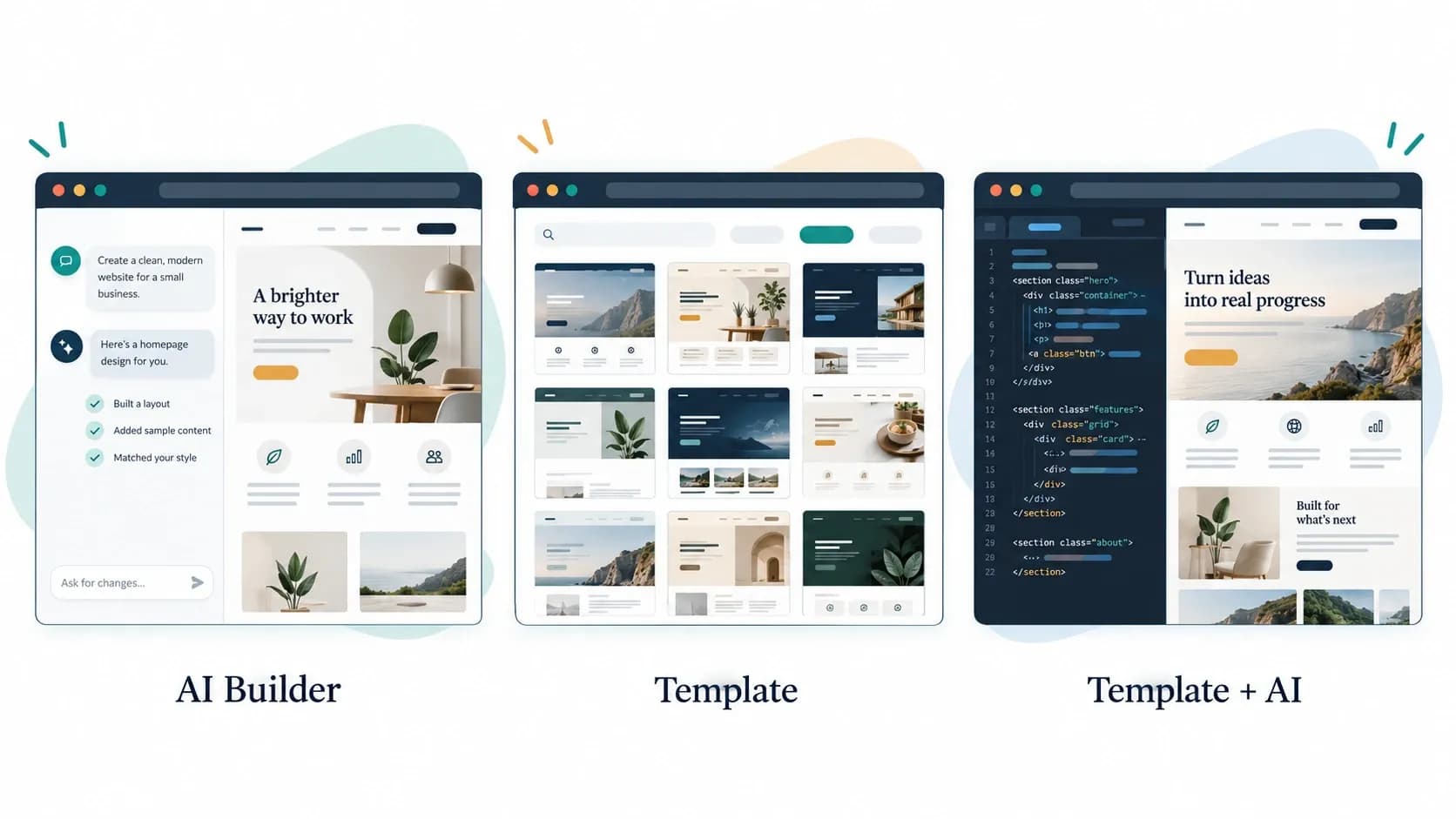
A paid website template is worth considering when its verified layouts, components, documentation, and editing workflow reduce the work your project still needs. An AI website builder may be a better starting point when its platform already supports your requirements and you want help creating an initial design.
You can also combine the two: start with a suitable template and use AI to customize it.
The useful comparison is the work required to reach a functioning, maintainable website. A convincing preview does not tell you whether enquiries reach your inbox, staff can update content, or you can move the site later.
This guide compares those decisions through three project scenarios and a worksheet you can use before purchasing.
Research note: Platform examples were checked against official documentation on October 9, 2026. The scenarios are planning examples, not measured build-time, cost, or performance tests. WebbyTemplate sells templates; a paid template is not necessary for every project.
Understand What You Are Comparing
An AI website builder and a website template are not always competing products. AI describes part of the creation process; a template describes a starting design or implementation.
For example, Shopify’s AI Store Builder generates store designs from a business description. AI generation and a theme-based storefront can exist in the same workflow. Free design generation should not be confused with a complete cost estimate for operating the store.
Before comparing options, identify what each one actually provides.
| Starting point | What you begin with | What to establish before committing |
|---|---|---|
| Hosted AI website builder | A generated site within a provider’s platform | Editing tools, business features, publishing plan, export options, and recurring charges |
| Downloadable coded template | Frontend files or a framework project | Required software, backend connections, hosting, and maintenance responsibilities |
| Platform theme or template | A design made for a particular CMS or builder | Platform compatibility, required apps, editing limitations, and subscriptions |
| Template customized with AI | An existing design or codebase plus AI-assisted changes | Whether the tool supports that format and whether someone can review the changes |
A Figma design file is another type of deliverable. It provides an editable design, not automatically a working website.
If you have not chosen a format, start with the guide to choosing a website template for your business.
When Is a Paid Template Worth Buying?
A paid template has a stronger case when it solves specific, expensive-to-recreate parts of your project.
Its page structure fits your actual content
Look beyond the homepage. Check the pages your visitors will use: service details, project examples, product information, article pages, and contact flows.
A template with suitable inner pages may reduce layout work. A large package filled with pages you will delete may offer little practical advantage.
Try placing your longest heading, a real product description, and an unusually shaped image into the demo or trial where possible. A design that fits placeholder content may require substantial changes for yours.
Its editing workflow fits the person maintaining the site
Someone must eventually change a price, add a case study, or replace a team member.
A coded template can be appropriate when a developer owns those changes. A platform theme may suit a team that needs to edit through a content dashboard.
Documentation and support can add value, but confirm their scope. Installation guidance does not necessarily include custom development, content entry, or ongoing site maintenance.
Its included functionality matches the product description
Separate visible interfaces from connected services.
For example, WebbyTemplate’s Design Studio HTML template lists 21 HTML pages and explicitly excludes a CMS and dynamic backend. Its contact and newsletter interfaces need connections to an appropriate service.
That distinction helps a buyer budget correctly. It is a deliverables example, not a quality benchmark or proof that the template will outperform an AI-generated alternative.
The useful work saved outweighs the remaining work
The purchase makes sense when the package meaningfully reduces work you would otherwise need to do.
It makes less sense when you must rebuild the navigation, replace most layouts, change the technical stack, and add the content-management system your team needs.
Judge the fit before judging the discount.
When an AI Website Builder May Be Enough
An AI builder is a reasonable option when the platform supports your essential tasks and its editing environment suits your team.
Consider it when:
- You need to explore several initial design directions.
- Your site has straightforward content and a manageable page structure.
- The platform provides the forms, publishing tools, or commerce features you require.
- You are comfortable with its hosting and subscription model.
- You can review the generated content and test the finished site.
A paid template is not automatically an upgrade. If the generated design already supports your content and workflows, purchasing another starting point may add unnecessary work.
The important test is what happens after generation. Can you change the navigation, create an additional page, fix a mobile layout, and update information without disrupting the rest of the site?
Use a real task to evaluate the editor instead of judging only the first generated screen.
Compare the Work After the First Draft
| Decision | AI builder: what to check | Paid template: what to check |
|---|---|---|
| Content updates | Which changes can your team make through the editor? | Are changes made in code, a CMS, or a platform editor? |
| Forms and enquiries | Where do submissions go, and which plan or integration is required? | Is submission processing included or only the interface? |
| Blog publishing | Are articles, authors, categories, and editorial permissions supported? | Are blog pages connected to a CMS or supplied as static layouts? |
| Ecommerce | Which catalog, checkout, payment, and order features are available? | Is it an installable commerce theme or only a storefront frontend? |
| Design changes | Can the editor produce your required layouts consistently? | How much of the supplied structure will you retain? |
| Portability | What can you export, and what stops working after export? | Which platform, runtime, plugins, or external services remain necessary? |
| Maintenance | What does the provider manage, and what remains your responsibility? | Who updates dependencies, integrations, and customized files? |
Neither column guarantees a better result. The better starting point is the one whose remaining work your team can realistically complete.
Check Portability Before You Commit
Owning your content, downloading frontend files, and moving a working website are different capabilities.
For its standard website service, Wix explains that sites depend on Wix hosting and services. Connecting a domain purchased elsewhere does not make the site independently hostable.
Webflow’s code-export documentation describes a different arrangement: eligible paid Workspace plans support frontend export, but the export does not include a complete working CMS or ecommerce system. Form processing and site search also require attention outside the hosted platform.
These examples show why “supports export” is not a complete migration plan. The limitation comes from the specific platform and workflow, not simply from whether AI was used.
For any shortlisted option, ask:
1. Can I access the files or project I need?
2. Can I export my content and business data?
3. Which features depend on the original provider?
4. What must be rebuilt or reconnected after moving?
5. Can another developer maintain the result?
A downloadable template also needs this review. Its code may depend on a framework, external API, commercial plugin, or hosting capability.
Compare Total Cost, Not Just the Purchase Price
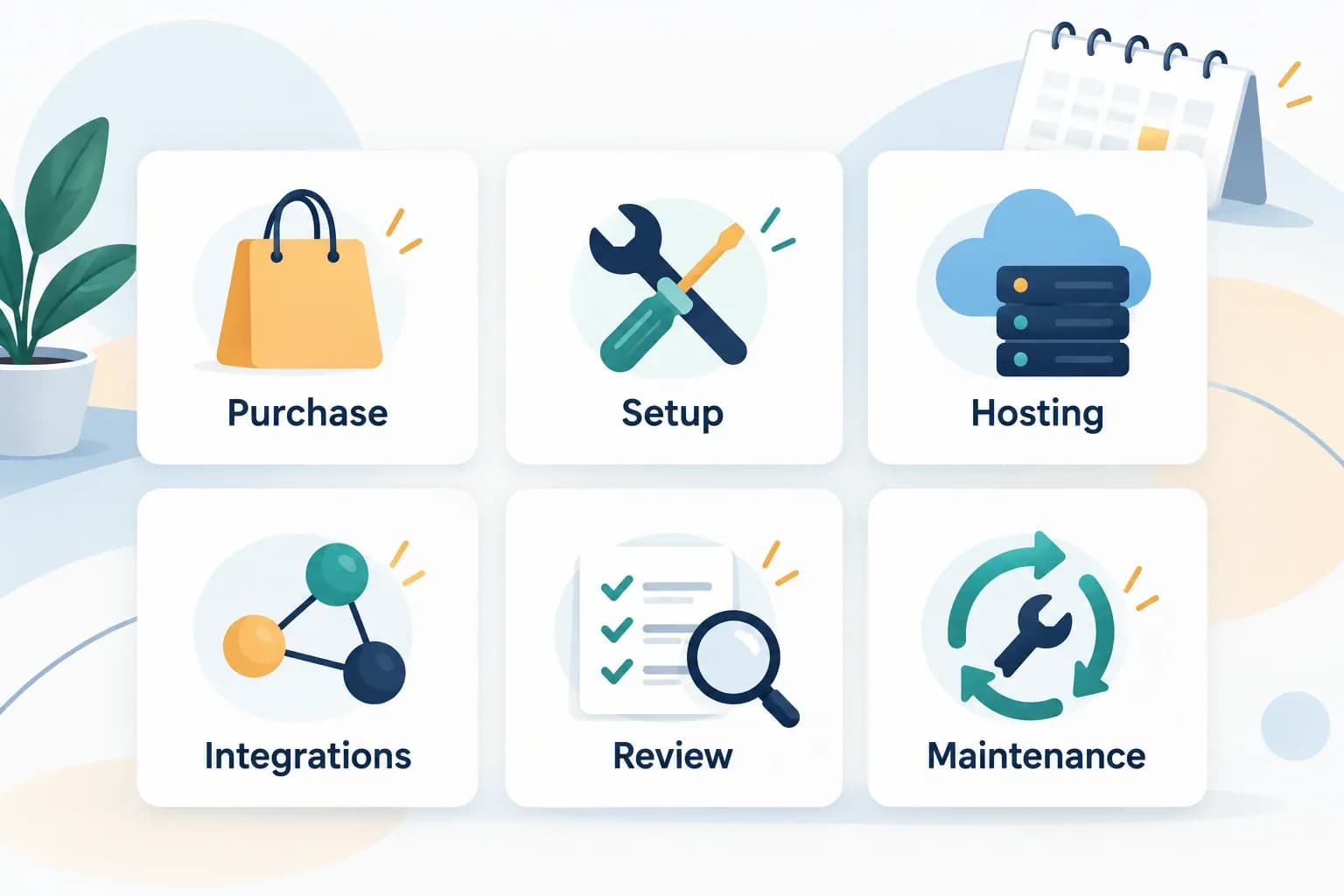
Compare the same requirements and time period, including work outside the initial purchase.
Use the same planning period for every option—for example, the first 12 months.
Include:
| Cost category | Items to investigate |
|---|---|
| Starting product | Template license, theme purchase, or builder plan |
| Publishing | Domain, hosting, required plan upgrades |
| Creation and customization | Content preparation, design changes, development, AI usage charges |
| Business functionality | Forms, email delivery, booking, CMS, commerce, external services |
| Quality review | Mobile checks, accessibility, performance, functional testing |
| Ongoing operation | Renewals, maintenance, backups, support, future editing |
| Exit requirements | Data export, migration work, rebuilding platform-dependent features |
Avoid counting a bundled expense twice. Also check whether a displayed price is introductory, recurring, or tied to annual billing.
For a DIY project, separate cash expenses from your own time. For an agency project, ask for implementation and maintenance scope alongside the template or platform cost.
A useful planning calculation is:
First-year cost = upfront purchases + setup work + recurring charges + planned maintenance.
Keep uncertain work visible rather than treating it as free. No option should receive a cost advantage simply because an integration has not yet been scoped.
Three Project Scenarios
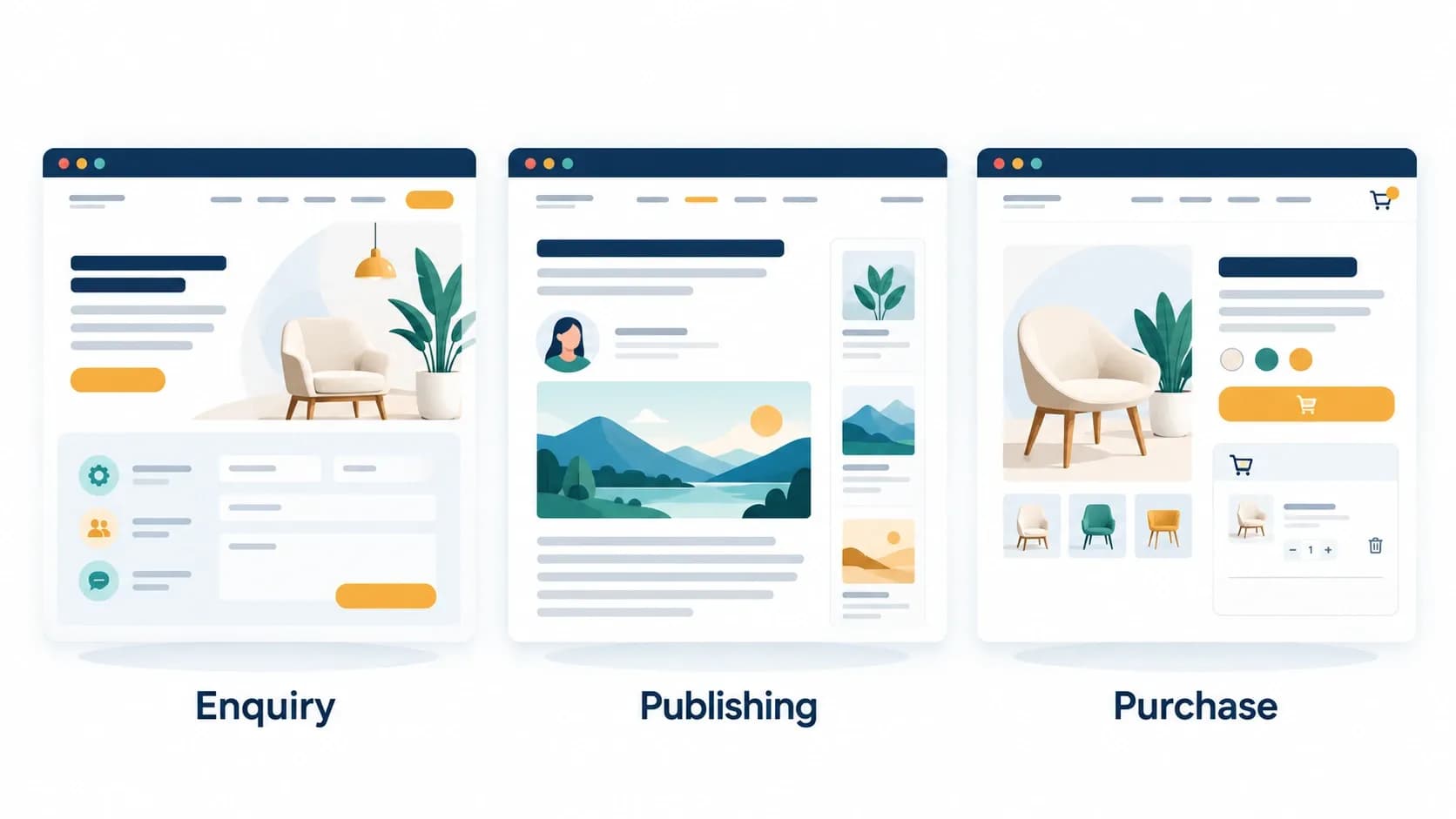
Evaluate the visitor’s required task as well as the starting design
The following scenarios illustrate how requirements can change the decision. They are not claims about typical prices or completion times.
Scenario 1: A Small Service Business Website
Need: Service pages, business details, a few project examples, and an enquiry form. A nontechnical owner will update the site.
An AI builder may fit if its editor is comfortable for the owner and its form workflow meets the business’s needs.
A paid platform template may be worth buying if its page structure is a substantially better match and needs fewer layout changes.
A static HTML template may still work, but assign responsibility for editing and enquiry handling before purchase.
Deciding task: Ask the future editor to change a service description and confirm receipt of a test enquiry. If the workflow is impractical, the attractive starting design does not resolve that problem.
Scenario 2: A Content-Heavy Business Blog
Need: Frequent articles, author information, categories, and a repeatable publishing process.
Start by selecting the publishing system. Then evaluate an AI-generated design or compatible theme within that system.
A paid theme can be useful when its article, archive, navigation, and editorial layouts fit your publishing needs. Buying a frontend package with attractive blog screens does not establish that an editorial workflow is included.
Deciding task: Create a sample article, assign its author and category, preview it on mobile, and have the intended editor update it.
Scenario 3: An Online Store
Need: Product variants, stock information, payments, shipping configuration, order handling, and customer communications.
An AI-generated storefront may provide an appropriate initial design within a commerce platform. A paid theme may be worthwhile if it offers specific merchandising layouts or supported features you need.
Buying an HTML ecommerce template is a different decision. Storefront pages still need a functioning commerce system unless the product explicitly includes one.
Deciding task: Follow a test purchase through variant selection, checkout, confirmation, and order administration. Evaluate the complete workflow rather than the product-page appearance alone.
Use the Included / Needs Work / Owner Worksheet
Before purchasing, copy this worksheet and complete one version for each shortlisted option.
Record a product document, trial observation, or seller answer in the evidence column. Mark unverified items as unknown.
| Requirement | Included? What is the evidence? | Work still needed | Responsible person |
|---|---|---|---|
| Required pages and layouts | Record exact pages and supported content | Missing layouts or content changes | Designer or developer |
| Routine content editing | Identify the actual editing interface | CMS setup, permissions, or training | Site owner or editor |
| Enquiries or bookings | Confirm processing and destination | Service connection and testing | Developer or operations owner |
| Commerce, if required | Confirm checkout and order capabilities | Payment, shipping, and catalog setup | Store operator and developer |
| Hosting and domain | Identify what the selected plan includes | Deployment and domain configuration | Hosting or site administrator |
| Accessibility and mobile use | Record checks actually performed | Corrections and retesting | Designer, developer, or reviewer |
| Updates and backups | Identify provider and seller responsibilities | Maintenance schedule and recovery process | Named maintainer |
| Migration and handoff | Record available exports and access | Documentation or replacement services | Developer and account owner |
If a must-have requirement remains unknown, clarify it before paying. If neither option satisfies it, change the shortlist rather than choosing the better-looking preview.
Can You Use AI to Customize a Paid Template?
Yes, where the tool supports the template’s format and the license permits your intended use.
For a coded template, confirm whether the AI tool can work with its files, repository, framework, and dependencies. A tool that generates a new project does not necessarily support importing every existing template.
For a platform theme, use editing features compatible with that platform. A Figma file, HTML package, and hosted-builder template are not interchangeable inputs.
Make changes in manageable steps:
1. Preserve a working copy or version-controlled starting point.
2. Confirm the project runs before modifying it.
3. Change content and branding first.
4. Review each change before adding another.
5. Test affected pages and business actions.
This approach can combine a predefined foundation with AI-assisted editing. It does not remove the need to understand the project or review generated changes.
Neither Route Automatically Delivers Better SEO or Accessibility
Do not choose solely because a seller labels a product “SEO-friendly” or a builder generates metadata.
Google’s SEO Starter Guide emphasizes accessible, understandable content, descriptive titles, useful links, and other fundamentals. Check that your chosen workflow lets you maintain those essentials.
Likewise, assess keyboard navigation, form labels, headings, text alternatives, and readable layouts. W3C’s Easy Checks provides an initial review method, while making clear that these checks do not establish complete accessibility conformance.
For template-specific review areas, use the website template accessibility checklist.
Test the finished site with your actual content and integrations. A template demo or generated preview is not a measurement of your deployed website.
Make the Purchase Decision
Choose an AI builder when its platform meets your needs and its editor makes ongoing work manageable.
Choose a paid template when its verified deliverables solve enough of your project to justify the purchase and adaptation work.
Combine a template with AI when you want an existing foundation, the tools support it, and someone can review the implementation.
Before committing, identify three things: the essential visitor action, the person who will maintain the site, and the work remaining after the first draft. Those answers make the value of a paid template much easier to judge.
FAQs
Q1.
Are website templates still worth buying when AI can generate websites?
Q2.
Is an AI website builder cheaper than a paid template?
Q3.
Can I upload any paid template into an AI website builder?
Q4.
Does a paid template include hosting and a domain?
Q5.
Can I move an AI-built website to another host?
Q6.