On this page
How to Find Similar Images: 5 Methods That Actually Work

WebbyCrown Solutions-
May 14, 2026- 13 min read
Quick Answer
To find similar images, upload or paste a reference image into a visual search tool — most commonly Google Images, Pinterest Lens, Bing Visual Search, or Same.Energy — which uses AI to return pictures that match in style, composition, color, or subject. The right tool depends on the goal: Pinterest Lens excels at aesthetic and design matches, Google Images is strongest for general use and shopping, Bing Visual Search is best for products, and Same.Energy is purpose-built for finding pictures that share a visual feel rather than the same subject.
In Short
- "Similar images" means visually similar — same style, color, mood, or subject — not the same image.
- Pinterest Lens is the strongest tool for design, fashion, and aesthetic searches.
- Google Images is the best general-purpose option and excels at shopping and broad coverage.
- Bing Visual Search is strongest for finding product variants and retail listings.
- Same.Energy specializes in matching the mood or aesthetic of an image rather than its subject.
- Cropping to the subject dramatically improves accuracy for similarity search.
- Combining tools is the standard professional workflow — no single engine indexes everything.
What Does "Find Similar Images" Mean?
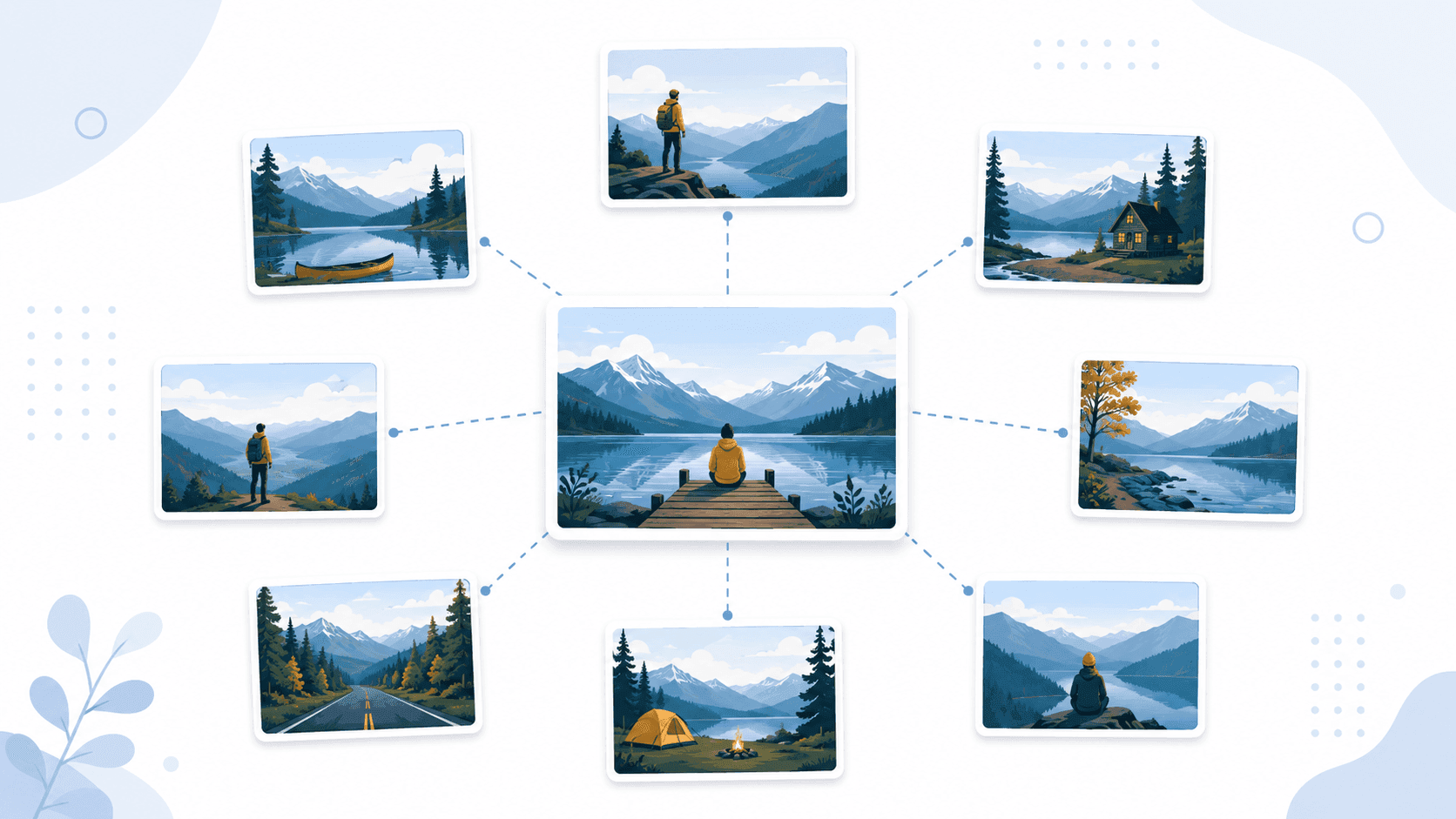
Finding similar images means using a reference picture to discover other pictures that resemble it — in style, composition, color, subject, or overall aesthetic — without those pictures being the same image. Where reverse image search asks "where else does this exact picture appear?", similarity search asks a different question: "what other pictures look like this one?"
The technology works by converting the reference image into a mathematical fingerprint — an embedding — and finding other images in the index whose fingerprints sit close to it in mathematical space. The closer the fingerprints, the more visually similar the images. Images can be similar in different ways: same color palette, same composition, same subject, same artistic style, or any combination. he full technical explanation is in how image search works.
Similarity search is one of three branches of image search, alongside reverse image search (finding where a known image appears) and visual search (identifying objects inside an image). The full overview is in the pillar guide on image search techniques.
The Best Tools for Finding Similar Images
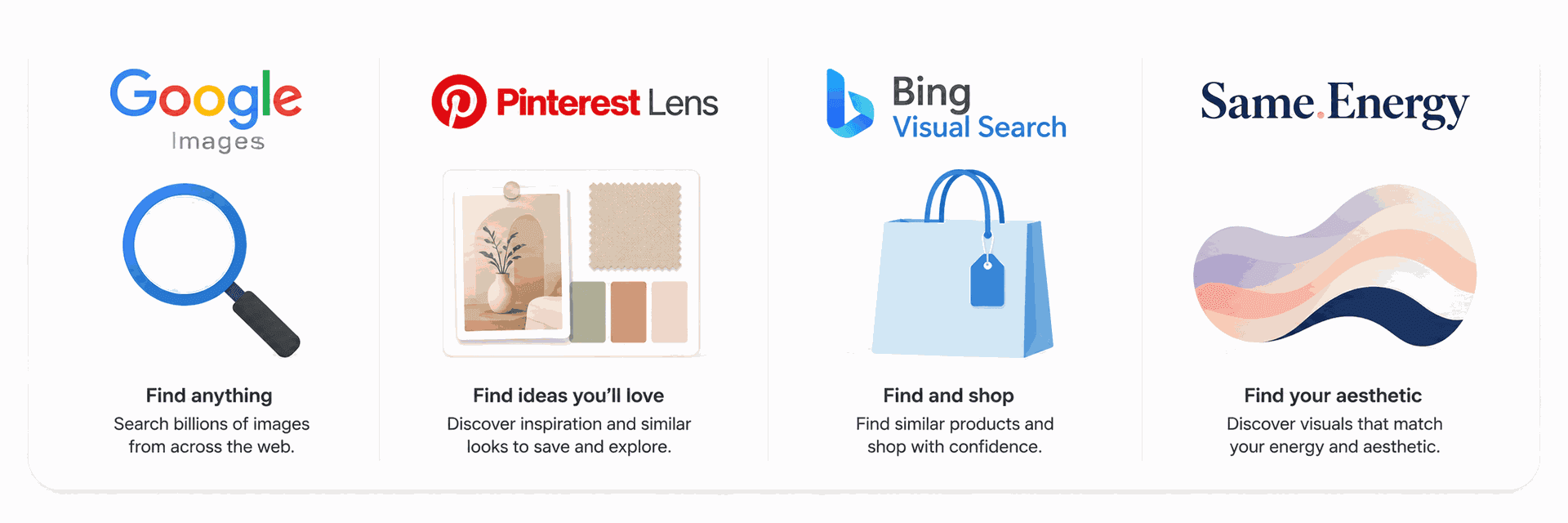
Four tools dominate similar-image search, each best suited to a different goal.
| Tool | Best For | Strength | Limitation |
|---|---|---|---|
| Google Images | General use, shopping, broad coverage | Largest index, strong similarity matching | Mixes exact and similar results, requiring manual filtering |
| Pinterest Lens | Design, fashion, aesthetic matches, moodboards | Curated visual content, strong style matching | Limited to Pinterest’s index |
| Bing Visual Search | Products, shopping, retail variants | Strong retailer integration | Smaller image index compared to Google |
| Same.Energy | Mood, aesthetic, artistic style | Purpose-built for vibe and artistic similarity matching | Smaller index with no shopping integration |
For most general searches, Google Images is the strongest starting point. For design and aesthetic work, Pinterest Lens almost always outperforms general engines. For shopping product variants, Bing Visual Search frequently surfaces retailer listings Google misses. For pure aesthetic matching — finding images that share a feel — Same.Energy is the specialist choice.
How to Find Similar Images on Google
Google Images is the most widely used similar-image search engine and the best general starting point.
Method 1: Upload an image file (desktop)
Visit images.google.com
Click the camera icon in the search bar
Select "Upload a file" and choose the reference image
On the results page, scroll to the "Visual matches" section — these are the visually similar images
To filter further, use the tools row to filter by size, color, or type (photo, clip art, line drawing)
Method 2: From a Google Images search result
Search for any image topic at images.google.com (for example, "minimalist living room")
Click on an image whose style you want to match
In the side panel, click "Find image source" or scroll to "Visually similar images"
Google returns a feed of pictures that share visual features with the selected image
Method 3: Drag-and-drop (Chrome, Edge, Firefox)
Open images.google.com in a browser
Drag any image directly from a webpage or folder into the search bar
Scroll to "Visual matches" on the results page
Filtering for true similarity
Google's results page mixes exact and similar matches. To focus on genuinely similar images, scroll past the "Exact matches" or "Pages with matching images" section and review the "Visually similar" results. The further down the similarity feed, the more loosely related the images become.
According to Google's official Search documentation, the visually similar feature uses computer vision to detect shared visual features including color, shape, texture, and recognized objects — which is why two photos with completely different subjects but the same color palette can appear in each other's similar-image results.
How to Find Similar Images on Pinterest
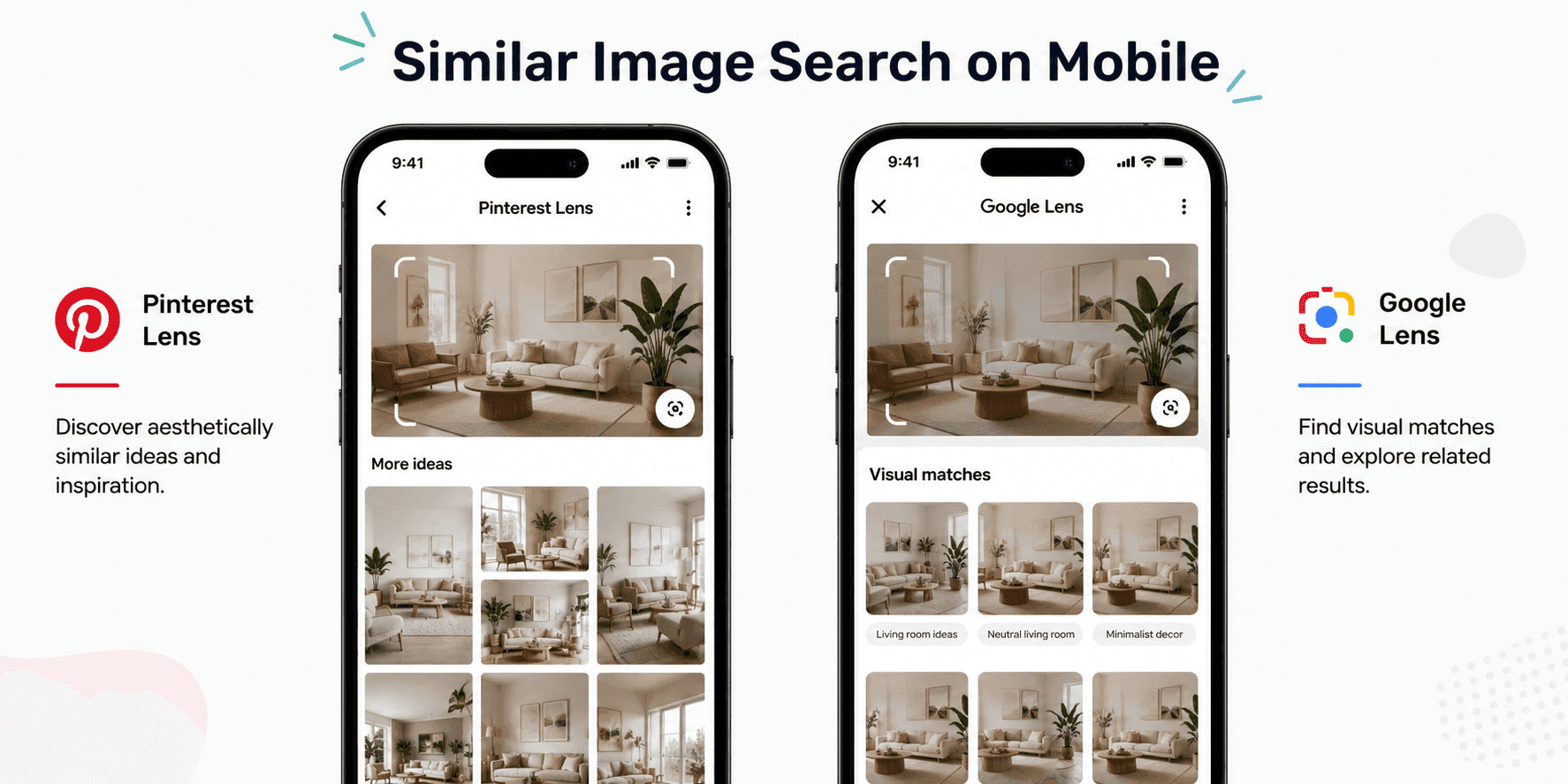
Pinterest Lens is widely considered the strongest tool for design, fashion, and aesthetic similarity search. Its index is purpose-built for visual content, which gives it an edge that general engines cannot match for these categories.
Method 1: Pinterest Lens on mobile
Open the Pinterest app
Tap the camera icon in the search bar
Either take a new photo or upload one from the device's photo library
Pinterest returns a feed of visually similar Pins, ranked by aesthetic match
Use the section selector at the top of the results (sometimes labeled "Decor," "Style," "Art") to filter by category
Method 2: From any Pin on Pinterest
Open any Pin on Pinterest (web or app)
On the Pin's page, scroll to the "More like this" section
Pinterest displays a feed of Pins that share visual features with the selected one
Method 3: Pinterest visual search on desktop
Visit any Pin on pinterest.com
Hover over the Pin — a small visual-search icon appears in the corner
Click the icon, then drag to select a specific element of the image (a chair, a color block, an outfit detail)
Pinterest returns Pins similar to just that element
Why Pinterest Lens beats general engines for design
Pinterest's index is heavily weighted toward design, fashion, home decor, food photography, art, and other visually driven categories. Its users actively curate content into themed boards, which gives Pinterest's similarity model far richer training signal for aesthetic matching than a general web index can provide. According to Pinterest's official engineering blog, the company has invested significantly in visual search models specifically tuned for these categories.
How to Find Similar Images on Bing
Bing Visual Search is the strongest tool for finding product variants and retail listings.
Method 1: Bing Visual Search website
Visit bing.com/visualsearch
Click the camera icon in the search bar
Upload an image, paste a URL, or drag-and-drop the file
On the results page, scroll to "Similar images" or "Related products"
For product searches, the "Related products" section links directly to retailers
Method 2: Right-click in Microsoft Edge
In Edge, right-click any image on a webpage
Select "Visual search"
The results panel opens with similar images and product matches
Why Bing is strongest for products
Bing Visual Search is integrated with the Bing Shopping graph, which is why product matches surface prominently in similarity results. For fashion, home goods, and physical products generally, Bing frequently returns retailer listings — including from smaller and international stores — that Google misses. According to Microsoft's official Bing documentation, visual search results are ranked using a combination of similarity scoring and shopping signal data.
How to Use Same.Energy for Aesthetic Matches
Same.Energy is a specialized visual search engine purpose-built for finding images that share an aesthetic, mood, or artistic style, rather than the same subject. It is the niche tool of choice for designers and visual researchers when the goal is to match the feel of an image rather than its content.
Step-by-step
Visit same.energy in a browser
Either upload a reference image or click on any image displayed on the homepage feed
The site returns a continuous scroll of aesthetically similar images
Click any result to anchor the search on that image and continue refining
What makes Same.Energy different
Unlike Google or Pinterest, Same.Energy is not optimized to find the same subject. A photograph of a person in a misty forest may return paintings, abstract images, or completely different scenes that share the same emotional and visual quality. This is useful for moodboarding, art direction, and creative research where the goal is finding inspiration rather than a specific object.
Limitations. Same.Energy's index is significantly smaller than Google's or Pinterest's, and it has no shopping integration. It is a specialist tool, not a general-purpose engine.
How to Find Similar Images on Mobile
Mobile similar-image search works across both Android and iPhone, though the strongest tools differ between platforms.
On Android
Google Lens — open Google Photos or the Google app, tap the Lens icon, and select a reference image. Scroll to the "Visual matches" section on the results page for similar images.
Pinterest Lens — open the Pinterest app and tap the camera icon in the search bar.
Mobile browser — visit images.google.com, bing.com/visualsearch, or same.energy and upload an image. The desktop flow works fully on mobile browsers.
On iPhone
Google Lens via the Google app — open the Google app, tap the Lens icon, and select a reference image from the photo library.
Pinterest Lens — open the Pinterest app and tap the camera icon. Pinterest Lens is identical between iOS and Android.
Apple Visual Look Up — useful for identifying objects in photos but not designed for finding similar images. For similar-image search on iPhone, the Google or Pinterest apps are the right tool.
Mobile browser — images.google.com, bing.com/visualsearch, and same.energy all work on iOS Safari.
Choosing the Right Tool for Your Goal
The right tool depends on the underlying goal of the search.
Designing a moodboard or pitching a creative direction. Pinterest Lens is the strongest choice. Its index, the curation behavior of its users, and the visual-search model's tuning all favor aesthetic and design matching.
Finding product variants. Bing Visual Search and Google Images. Both link directly to retailers. Bing tends to surface more retailer-specific listings; Google has the broader index.
Researching a visual style or artistic movement. Same.Energy is the specialist tool here. For broader research, combining Same.Energy with Pinterest Lens and Google Images provides the most complete coverage.
Shopping for clothing or fashion. Pinterest Lens for inspiration and styling references; Bing Visual Search or Google Lens for retail matches; Google Images for general coverage.
Finding stock photo alternatives. Google Images supports filtering by usage rights, which is the standard way to find similar images that can be legally used. After running the similar-image search, use the "Tools" → "Usage rights" filter.
Decorating or interior design research. Pinterest Lens excels here because of the strong home-decor focus of its index.
Replacing a specific image (broken link, lost original). Google Images with the size and color filters applied is the strongest option.
Pro Tips for Better Similar-Image Results
The following techniques significantly improve the quality of similar-image searches and are all free.
Crop to the subject before searching. When an image contains multiple elements, the engine has to guess which one defines "similarity." A photograph of a chair in a styled room may return similar rooms, similar chairs, or similar color schemes, depending on what the engine prioritizes. Cropping to just the chair gives chair-similarity results; cropping to a color block gives color-similarity results.
Search the same image in two or three tools. Each tool's index and model produce different results. Running the same reference through Google Images and Pinterest Lens, for example, typically returns two genuinely different sets of useful matches.
Use Pinterest's element-selection feature. Inside any Pin, the small visual-search icon lets you drag to select a specific area of the image — only that area is used for the similarity search. This is one of the highest-leverage features in similar-image search.
Apply filters after the initial search. Google Images, Bing, and Pinterest all support filtering by color, size, or category after a similarity search. Narrowing by dominant color in particular often dramatically improves results for aesthetic searches.
Refine iteratively. Most similar-image tools let you click into any result and re-search from there. After a few iterations, the feed gradually converges on exactly the style or mood being sought. This iterative refinement is the standard professional workflow.
Combine a reference image with a text query. Google Lens supports adding a text query to a visual search — photographing a coffee table and adding the word "marble" returns marble coffee tables specifically. This hybrid approach is significantly underused.
For aesthetic matching, start with Same.Energy. Same.Energy's results are weighted toward mood and style rather than subject, which makes it the right starting point for any creative research where the goal is finding pictures with a particular feel.
Common Use Cases
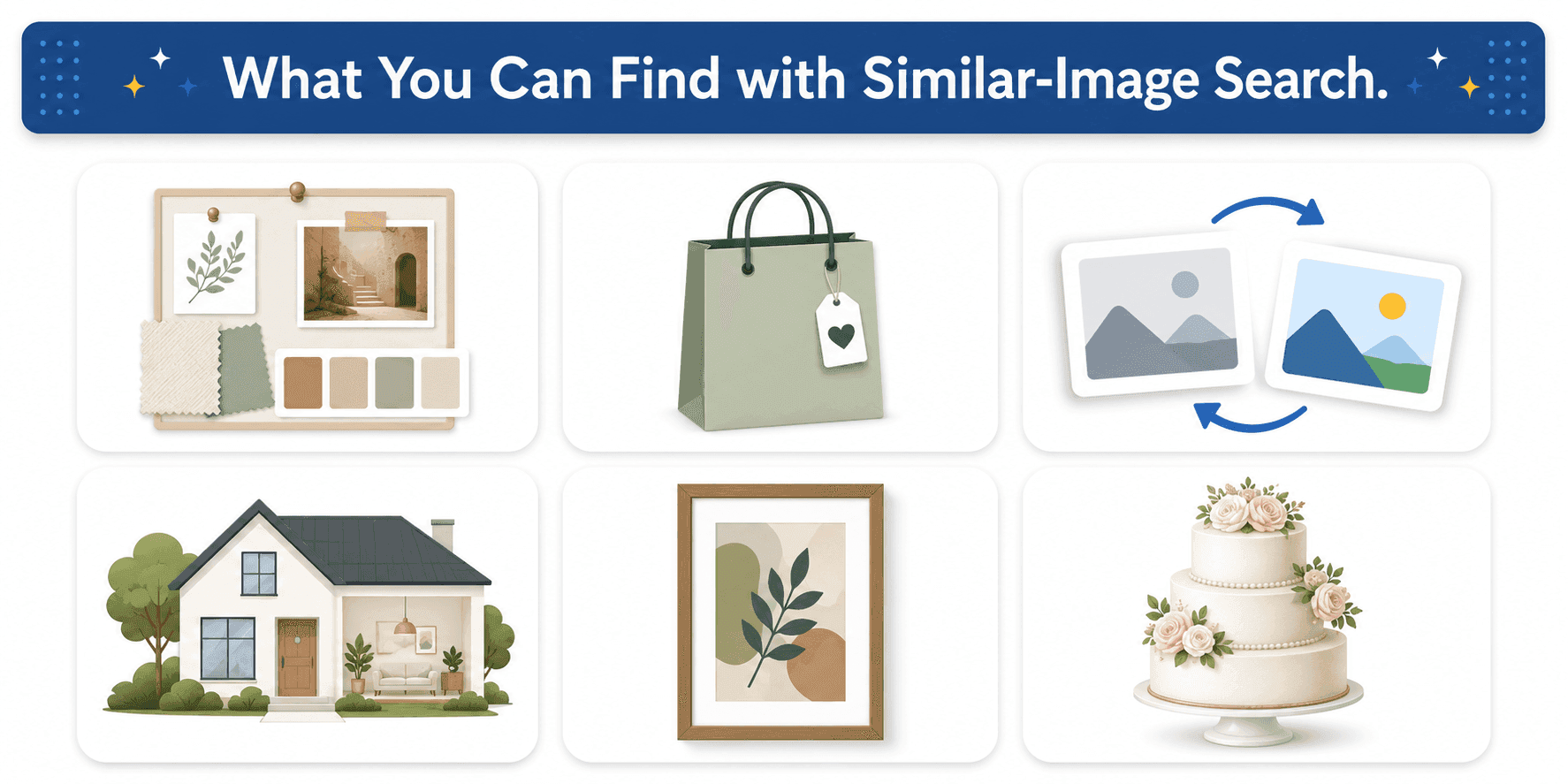
Similar-image search has practical applications across creative, commercial, and research workflows.
Building a moodboard. Designers, photographers, and creative directors use similar-image search — most commonly Pinterest Lens — to collect visually consistent references for a project. For broader creative workflows, see how modern digital tools are redefining visual expression.
Shopping for visual matches. Finding alternative listings of a product seen elsewhere, finding lower-priced versions of a designer item, or finding products that match an existing piece (a chair that goes with a table, a top that matches pants). For product-specific visual lookup, see how to image search an object.
Replacing stock images. Finding alternatives to a current image that are similar in style but freely licensed. Google Images' usage rights filter is the standard tool.
Interior design research. Finding rooms decorated in a similar style to a reference photo. Pinterest Lens is the dominant tool here.
Art research and inspiration. Discovering artists, styles, or movements similar to a reference work. Same.Energy and Google Images both contribute here.
Recipe and food photography. Finding alternate presentations of a dish, or matching the visual style of a food photography reference.
Wedding and event planning. Finding decor, fashion, and stylistic references for events. Pinterest Lens dominates this category.
Real estate. Finding properties with similar visual characteristics to a reference listing.
Why Similar-Image Search Sometimes Fails
Even modern similarity search returns unhelpful results for predictable reasons.
Ambiguous subject in the reference image. When the reference contains many competing elements, the engine may match on the wrong one. Cropping resolves this in most cases.
Generic or featureless reference. An image with few distinctive visual features (a plain white background, a generic stock photo) produces an embedding that matches too many things to be useful. Choosing a more distinctive reference fixes this.
Wrong tool for the goal. Asking Google for an aesthetic match, or asking Pinterest for a product variant from an obscure retailer, will under-perform. The Choosing the Right Tool section above maps tools to goals.
Index gaps. Some categories are under-represented in some indexes. Pinterest is weak on technical or industrial imagery; Same.Energy is weak on recent commercial photography; Google can be weak on niche design categories that Pinterest dominates.
Heavily edited or AI-generated references. Strong edits, filters, or AI-generated reference images push the embedding away from the natural-photo distribution that engines are trained on, weakening similarity matching.
Trying to find an exact match instead of a similar one. Similar-image search is not designed for finding the same image. For that, use reverse image search — covered in reverse image search techniques.
FAQs
Q1.
What is the best tool to find similar images?
The best tool depends on the goal. For general use and shopping, Google Images is the strongest starting point. For design, fashion, and aesthetic matches, Pinterest Lens outperforms general engines because of its purpose-built index. For product variants and retail matches, Bing Visual Search is best. For pure mood and aesthetic matching, Same.Energy is the specialist tool. Most professional workflows combine two or three of these.
Q2.
How do I find similar images on Google?
Q3.
Is Pinterest Lens better than Google for similar images?
Q4.
Can I find similar images on my phone?
Q5.
What is Same.Energy?
Q6.
How is similar-image search different from reverse image search?
Q7.
Can I find similar products to a photo I took?
Q8.
How can I find royalty-free or copyright-free similar images?
Q9.
Why are my similar-image search results not similar enough?
No headings found in this content.