On this page
AR and 3D Tools for eCommerce: Benefits, Limitations, and Implementation

WebbyCrown Solutions-
November 7, 2026-7 min read
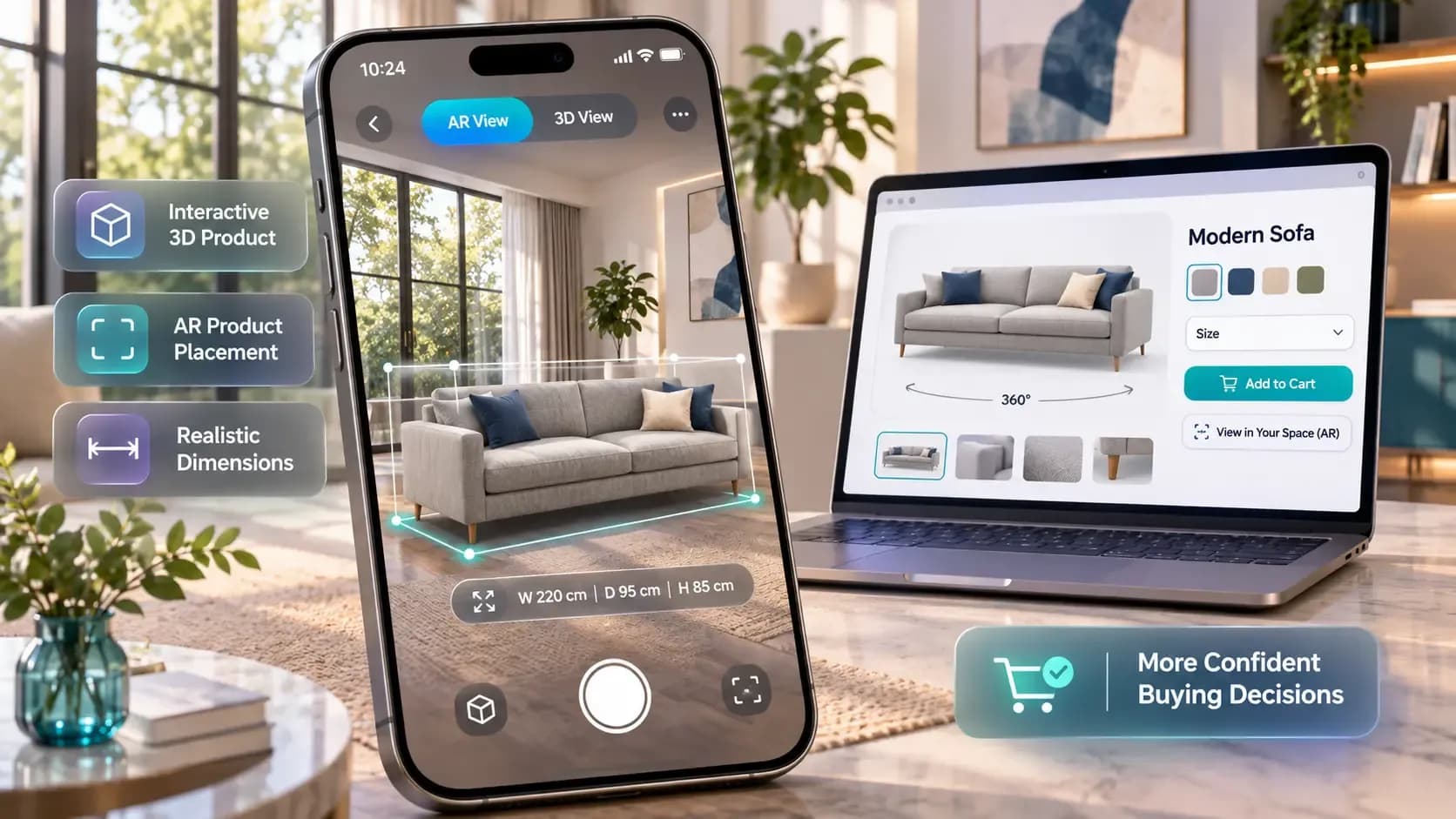
Online shopping has one stubborn problem that better photos never fully solved: people can’t hold the product. They can’t walk around a sofa, check whether a lamp is too tall for the shelf, or see how a bike frame looks next to their hallway door. So they hesitate, they abandon carts, or they buy and send it back. AR (augmented reality) and interactive 3D are the closest thing ecommerce has found to letting shoppers “touch” a product before paying.
The good news is that this is no longer a toy reserved for IKEA-sized budgets. Platforms like Vizbl.com let stores show products in 3D and true-to-life AR on their website, in-store, or through QR codes, and the AR opens from the product page, with no app to install. Below is a practical look at what these tools are, what the evidence says about their effect on sales, where they work best, and where they can backfire.
What “AR and 3D tools” actually means
The term covers a few different things, and it helps to separate them:
Interactive 3D viewer. The product sits on the page as a 3D model the shopper can rotate and zoom. No camera needed.
AR “view in your space.” The shopper taps a button, the phone camera opens, and the product appears in their room at real scale.
Virtual try-on. AR applied to the body or face: glasses, shoes, makeup, clothing.
3D configurators. The model changes live as the buyer picks color, material, or modules.
For WooCommerce stores, basic product options and full visual configurators serve different purposes. Understanding the difference between WooCommerce product add-ons and configurators helps businesses choose the right customization approach.
These are related but not identical. 3D visualization means presenting the product as a three-dimensional object that can be turned, zoomed, and explored from every side, while AR takes that same model and places it into the real world through the camera.
Why they help sell: the numbers worth knowing
Hard numbers are scarce, and most come from the companies selling the technology. Amazon said in 2023 that product listings with its View in Your Room feature turned on sold 9% more on average; that is Amazon's own data on its own listings.
Academic research is also starting to look at why AR may influence buying:
A 2023 study in the Journal of the Academy of Marketing Science, which tested food products, found that AR makes it easier for consumers to mentally simulate eating a pictured food, which in turn increased their desire and likelihood to buy it.
Where AR pays off the most
AR is most valuable when the main question in the buyer’s head is “Will it fit, and will it look right here?” That points to a few categories:
Furniture and home decor. Size, proportions, and how a piece sits next to other items. Customers rarely buy one item in isolation; they furnish a room.
Large or expensive items. Appliances, bikes, consoles, fitness equipment. The higher the price and the shipping cost, the more a wrong purchase hurts both sides.
Eyewear, footwear, beauty. Virtual try-on reduces the “how does it look on me” uncertainty.
Configurable products. If a sofa comes in 12 fabrics and 4 layouts, a live 3D configurator shows combinations no photoshoot could cover.
Products where fit depends on fabric drape or body shape are harder, which brings us to the limitations.
The honest limitations
Accuracy matters more than wow factor. A 2025 conference paper from Erasmus University Rotterdam (EMAC) reports that AR can reduce product returns when it accurately shows a product's size, while inaccurate sizing inflates consumer expectations and leads to mixed outcomes.
Heavy models hurt the page. 3D files can be data-heavy, and Google's Scene Viewer recommends models of 10 MB or less, so optimize them.
A lightweight storefront matters just as much as the AR experience. Following the principles behind high-speed, SEO-friendly eCommerce templates can help keep product pages responsive, although 3D assets still require their own optimization.
Quality of the 3D model is the whole game. A cheap, cartoonish model undermines trust instead of building it. The model should look like the real product down to texture and color.
How to add 3D and AR to your store
The technical side is simpler than most store owners expect, because phones already ship with built-in AR viewers.
1. Let a platform handle the file formats. USDZ is Apple’s format for AR Quick Look on iOS, while GLB is the open standard used on Android and across the web. A store needs both, but you don't have to sort this out yourself: platforms like Vizbl convert models between the two formats for you. Most ARCore-supported Android phones running Android 7.0 or later can open Scene Viewer, which can be launched straight from the browser.
2. Check what your platform already supports. On Shopify, for example, you can upload GLB models and the platform generates USDZ versions automatically. WordPress and WooCommerce support extensions for different store features. When evaluating eCommerce plugins for WordPress, check whether a dedicated AR solution supports your store's theme, product pages, and technical setup. Dedicated AR platforms may also offer embeds.
3. Get the 3D models. You have three options: hire a 3D artist, use a scanning or AI generation tool, or work with a platform that produces models for you. With Vizbl, for instance, stores without 3D files can send product photos and dimensions, and the team builds the models. Whichever route you take, insist on exact dimensions. As the research above shows, scale accuracy is what makes AR reduce returns rather than cause them.
4. Start with your best candidates. Don’t model the whole catalog on day one. Pick products that are high-value, frequently returned, or frequently asked about (“What are the exact dimensions?” in support chats is a strong signal).
5. Make the button obvious. A small grey “View in AR” link under the gallery gets ignored. Place it near the main product image, and on desktop show a QR code so visitors can jump to their phone.
6. Use the models beyond the product page. Once 3D models exist, they may also be reused for marketing visuals, depending on the quality of the model.
The AR button should be part of a clear eCommerce product page layout that helps shoppers explore product details without distracting them from the main buying action.
How to measure whether it’s working
Don’t rely on industry averages; measure your own store. Useful metrics include:
AR/3D engagement rate: share of product page visitors who open the viewer.
Conversion rate of engaged vs. non-engaged visitors on the same products.
Return rate for AR-assisted orders vs. standard orders, especially returns with reasons like “smaller/bigger than expected” or “looked different.”
Time on page and support questions about size or appearance.
Ideally, run a simple A/B test on a group of products for a few weeks before rolling 3D out across the catalog.
The bottom line
AR and 3D tools are designed to remove the guesswork that makes people hesitate or return products. Independent evidence on conversions and returns is still limited, and results depend heavily on execution. Accurate dimensions, realistic models, fast loading, and a visible button matter far more than flashy effects. Start with the products where “will it fit?” is the biggest question, measure the results honestly, and expand from there.