On this page
WooCommerce Product Add Ons Plugin: Best Options for Custom Product Fields

WebbyCrown Solutions-
June 6, 2026- 10 min read
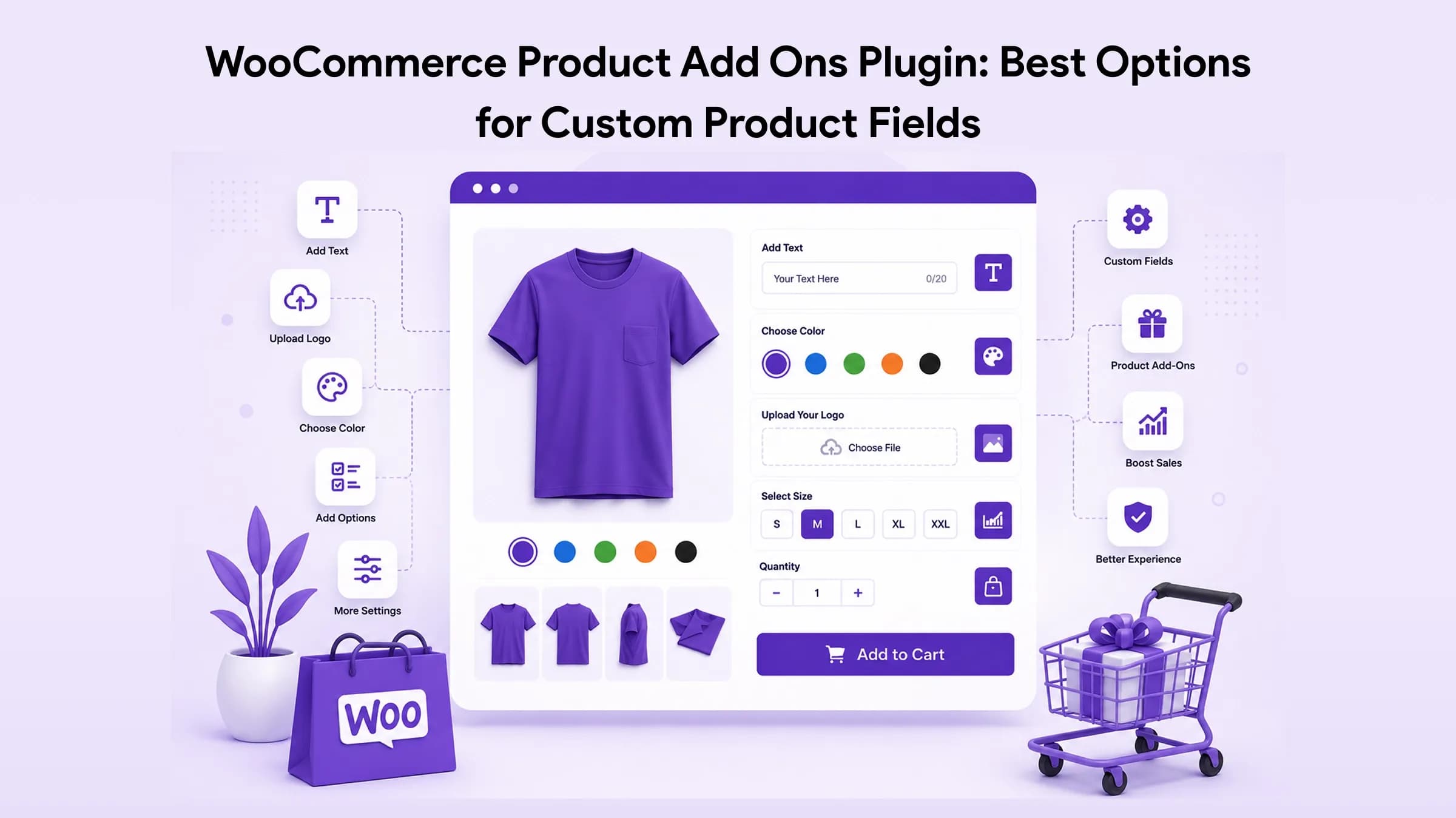
Quick Answer: The best WooCommerce product add ons plugin depends on what your store sells. For simple paid or free options, the official WooCommerce Product Add-Ons extension is the safest pick. For conditional logic, file uploads, dynamic pricing, swatches, or full product configurators, stronger options include Advanced Product Fields, Acowebs Product Addons, ThemeHigh Extra Product Options, PPOM, Barn2 Product Options, YITH Product Add-Ons, and Product Add-Ons Ultimate.
Key Takeaways
- Match the plugin to your product type and order workflow, not to the longest feature list.
- File upload, conditional logic, dynamic pricing, and saved order data are the features that separate basic plugins from operational ones.
- Lightweight add-ons suit simple stores; personalized products need logic plus clear cart and order visibility.
- Test every field across product page, cart, checkout, order email, and admin order screen before launch.
- Products needing live preview or step-by-step building are better served by a configurator than a basic add-ons plugin.
Introduction
A WooCommerce product add ons plugin lets store owners attach extra options to product pages: text fields, checkboxes, dropdowns, file uploads, date pickers, gift wrapping, engraving text, measurements, custom pricing, and personalization requests.
This matters because WooCommerce variations only handle fixed, SKU-level choices like size and color. The moment a customer needs to enter information or pick optional extras, variations become unmanageable. Add-ons fill that gap.
This guide compares the leading plugins, shows which one fits each store type, and gives you a selection framework so you don't pick a plugin just because it lists fifty field types.
What Is a WooCommerce Product Add Ons Plugin?
A WooCommerce product add ons plugin is a WordPress plugin that adds extra input fields or selectable options to product pages. Those options can be free or paid, and the customer's input can flow through to the cart, checkout, order details, and admin order screen.
Common add-on fields include:
- Text input for engraving or name personalization
- Dropdowns for packaging or service options
- Checkboxes for gift wrap or accessories
- File upload for artwork or print files
- Date picker for booking or delivery dates
- Swatches or image buttons for visual choices
- Conditional fields that appear only after a specific selection
The official WooCommerce Product Add-Ons extension covers most of these with radio buttons, checkboxes, dropdowns, text inputs, uploads, customer-defined prices, quantities, headings, and date pickers.
Why Add-Ons Beat Endless Variations
A store selling personalized mugs might need a name field, font choice, color, gift box, and an artwork upload. Built as variations, that's hundreds of combinations to maintain. As add-ons, the customer configures it once on the product page.
It also collects customization details before checkout instead of through manual follow-up emails, which speeds up fulfillment and cuts support load.
Best WooCommerce Product Add Ons Plugins Compared
| Plugin | Best For | Key Features |
|---|---|---|
| WooCommerce Product Add-Ons | Simple official add-ons | Text, checkboxes, dropdowns, radio, file upload, date picker |
| Advanced Product Fields | Flexible custom fields | Extra fields, price changes, cart/checkout/order display |
| Acowebs Product Addons | Conditional options | Conditional logic, custom fields, upload field (premium) |
| ThemeHigh Extra Product Options | Field variety | Many field types, validation, display rules, pricing (premium) |
| PPOM | Personalized products | Text, select, radio, checkbox, date, file uploads |
| Barn2 Product Options | Advanced options | Flexible pricing, conditional logic, uploads, configurator-style setup |
| YITH Product Add-Ons | Visual options | Images, swatches, uploads, dependency rules |
| Product Add-Ons Ultimate | Complex pricing | Advanced fields, conditional logic, calculated pricing |
1. WooCommerce Product Add-Ons
The official extension. Stable, simple, and tied to the WooCommerce ecosystem. Supports multiple choice, checkboxes, short and long text, file upload, customer-defined price, quantity, headings, and date pickers, applied globally or per product.
Best for: stores wanting an official, no-surprises extension.
Avoid if: you need show/hide rules, formula pricing, or multi-step logic.
2. Advanced Product Fields for WooCommerce
A flexible option with a free starting point. Customer-submitted data shows on cart and checkout and saves to the backend order, and the plugin can raise the final price based on selected values.
Best for: growing stores needing custom fields, pricing changes, and order-data visibility.
Avoid if: you need a visual product builder or live preview.
3. Acowebs Product Addons for WooCommerce
Built around conditional logic, so fields appear or hide based on earlier selections, keeping busy product pages clean. The plugin's WordPress.org listing names conditional logic, pricing options, upload field, image selector, and color group as premium features.
Best for: personalized, print, food-ordering, and booking-style products.
Avoid if: you only need a single checkbox or text field.
4. ThemeHigh Extra Product Options
Adds custom fields with validation, mandatory fields, display rules, and multiple conditions per its WordPress.org listing. The premium version brings more field types and price fields.
Best for: stores needing several field types plus display rules.
Avoid if: you need a full visual configurator.
5. PPOM (Personalized Product Option Manager)
Focused on personalization and detailed pre-checkout input. Supports text, select, radio, checkbox, date, and file upload, with configurable file types and size limits on uploads.
Best for: personalized gifts, print-on-demand, and made-to-order products.
Avoid if: you want the lightest possible setup.
6. Barn2 WooCommerce Product Options
A premium plugin for advanced control. Barn2 documents flat fees, percentage changes, character-based pricing, file-upload pricing, and custom price formulas, plus conditional display and upload fields.
Best for: stores needing premium pricing control and scalable configuration.
Avoid if: you need a free plugin only.
7. YITH WooCommerce Product Add-Ons & Extra Options
Strong on visuals: text, selects, radio, checkboxes, images, date pickers, uploads, and color swatches, with dependency rules (for example, showing an upload field only when a customization box is ticked).
Best for: visual products, gifts, and optional personalization.
Avoid if: you want a minimal-config setup.
8. WooCommerce Product Add-Ons Ultimate
By Plugin Republic, built for advanced add-ons, conditional logic, and flexible pricing where price must change with selections.
Best for: complex builders, made-to-order items, and calculated pricing.
Avoid if: you only need text fields or gift wrap.
How to Choose the Right Plugin
Run this checklist before deciding:
1. Field types — does it support exactly what you need (text, dropdown, upload, date, swatches)?
2. Pricing control — fixed fees, percentage, quantity-based, or formula pricing?
3. Conditional logic — can fields show or hide based on prior choices?
4. Cart/checkout display — are add-ons clearly visible before payment?
5. Admin order data — are inputs saved inside the WooCommerce order?
6. Email visibility — do add-on details appear in order emails?
7. Mobile usability — are fields easy to tap and complete?
8. Compatibility — works with your theme, page builder, gateway, and translation plugin?
9. Performance — does the product page stay fast?
10. Support and updates — actively maintained with clear docs?
The decisive test: place a real test order. If the data is clear on the product page but missing in the order admin, the plugin isn't reliable for operations.
Product Add-Ons vs Variations
Use variations when the option changes the product's identity or SKU. Use add-ons when the customer adds information or optional extras.
| Use Case | Better Choice | Example |
|---|---|---|
| T-shirt size | Variation | Small, Medium, Large |
| Custom name print | Add-on | Text field |
| Shoe color | Variation | Black, Brown, White |
| Gift wrapping | Add-on | Checkbox |
| Ring metal type | Variation or configurator | Gold, Silver, Platinum |
| Upload artwork | Add-on | File upload |
| Pizza toppings | Add-on | Checkboxes |
| Bundle builder | Advanced add-on or configurator | Choose accessories |
Practical Examples
Personalized gift store. A custom-mug shop needs name, message, font, gift box, and delivery note. The plugin must show these on the product page, adjust price when gift packaging is chosen, surface the message in cart and checkout, and save everything to the order. Advanced Product Fields, PPOM, YITH, ThemeHigh, or Product Add-Ons Ultimate handle this better than a basic plugin.
Jewelry or ring builder. A store letting customers pick metal, stone shape, ring size, engraving, and preview the result needs more than fields. Engraving and size work as add-ons, but a full build flow needs a dedicated configurator. For this, WooCommerce ring builder plugin is purpose-built with configuration, live pricing, supplier integration, 360° preview, and a mobile-first experience.
Original Insight: The Product-Page to Order-Admin Framework
Most plugin reviews stop at the product page. Judge the plugin instead by the full path your customer's data travels. A reliable setup passes all five steps:
1. Input — the customer can easily select or enter the add-on.
2. Price — any extra cost calculates and shows clearly.
3. Review — the choice appears in cart and checkout.
4. Storage — the data saves inside the WooCommerce order.
5. Fulfillment — the production team understands the customization without re-asking the customer.
This matters because the expensive failures show up after checkout: missing uploads, unclear engraving text, hidden add-on prices, and orders the fulfillment team can't read. A long field list means nothing if data breaks at step four or five.
Common Mistakes
1. Choosing by field count. A long field list is useless if options don't appear in cart, emails, or admin orders. Fix: test the full order flow first.
2. Skipping conditional logic. Showing every field at once confuses customers and raises abandonment. Fix: hide fields until they're relevant.
3. Ignoring mobile. Uploads, dropdowns, and swatches that work on desktop often frustrate on phones. Fix: test the product page on mobile.
4. Forgetting the admin workflow. Add-ons aren't only a frontend feature. Fix: check order details, emails, and packing slips your team relies on.
5. Using add-ons when you need a configurator. Rings, furniture, and complex bundles need visual, step-based building. Fix: use a dedicated configurator.
Best Practices
- Keep the first view simple. Show only essential fields above the add-to-cart button.
- Use conditional logic on complex products so customers see only relevant fields.
- Make price changes obvious before checkout so the cart total never surprises anyone.
- Confirm add-on data in cart and checkout to cut wrong orders and support tickets.
- Use human labels like "Engraving Text" or "Upload Your Design," never "Custom Field 1."
- Test with real products, not demos, against your actual theme, gateway, and translation setup.
Not Building on WordPress?
If your project isn't on WordPress, WebbyCrown also offers ecommerce backends for other stacks: WebbyCommerce for Strapi for headless, API-first stores (Next.js, React, Vue, Nuxt), and WebbyCommerce for Statamic for Laravel and content-led projects. Both are outside the scope of this WooCommerce comparison — see our dedicated ecommerce-plugins-by-technology guide for the full breakdown.
Conclusion
The best WooCommerce product add ons plugin isn't the one with the most features. It's the one that fits your product type, keeps buying clear, prices correctly, and saves customer input properly inside orders.
Simple stores can rely on the official extension. Personalized products need conditional logic, file uploads, dynamic pricing, and strong cart-to-order visibility. Start by listing the exact fields your product needs, then test your chosen plugin from product page through to the admin order screen before launch.
Building ecommerce outside WooCommerce? Explore WebbyCommerce for Strapi and Statamic.
FAQs
Q1.
What is the best WooCommerce product add ons plugin?
It depends on your needs. For simple official add-ons, WooCommerce Product Add-Ons. For conditional logic, dynamic pricing, uploads, and advanced personalization, consider Advanced Product Fields, Product Add-Ons Ultimate, YITH, Barn2, ThemeHigh, Acowebs, or PPOM.
Q2.
Can I add custom fields to WooCommerce product pages?
Q3.
What's the difference between variations and product add-ons?
Q4.
Do product add-ons increase the price?
Q5.
Can customers upload files?
Q6.
Do I need conditional logic?
Q7.
Is WebbyCommerce a WooCommerce add-ons plugin?
Cart (0)
Your shopping cart is empty
Looks like you have not added anything to your cart. Go ahead & explore top categories.
Continue ShoppingSubtotal:
$0.00