On this page
Tips for Scaling Employee Training Across Multiple Office Locations

WebbyCrown Solutions-
August 14, 2026-4 min read
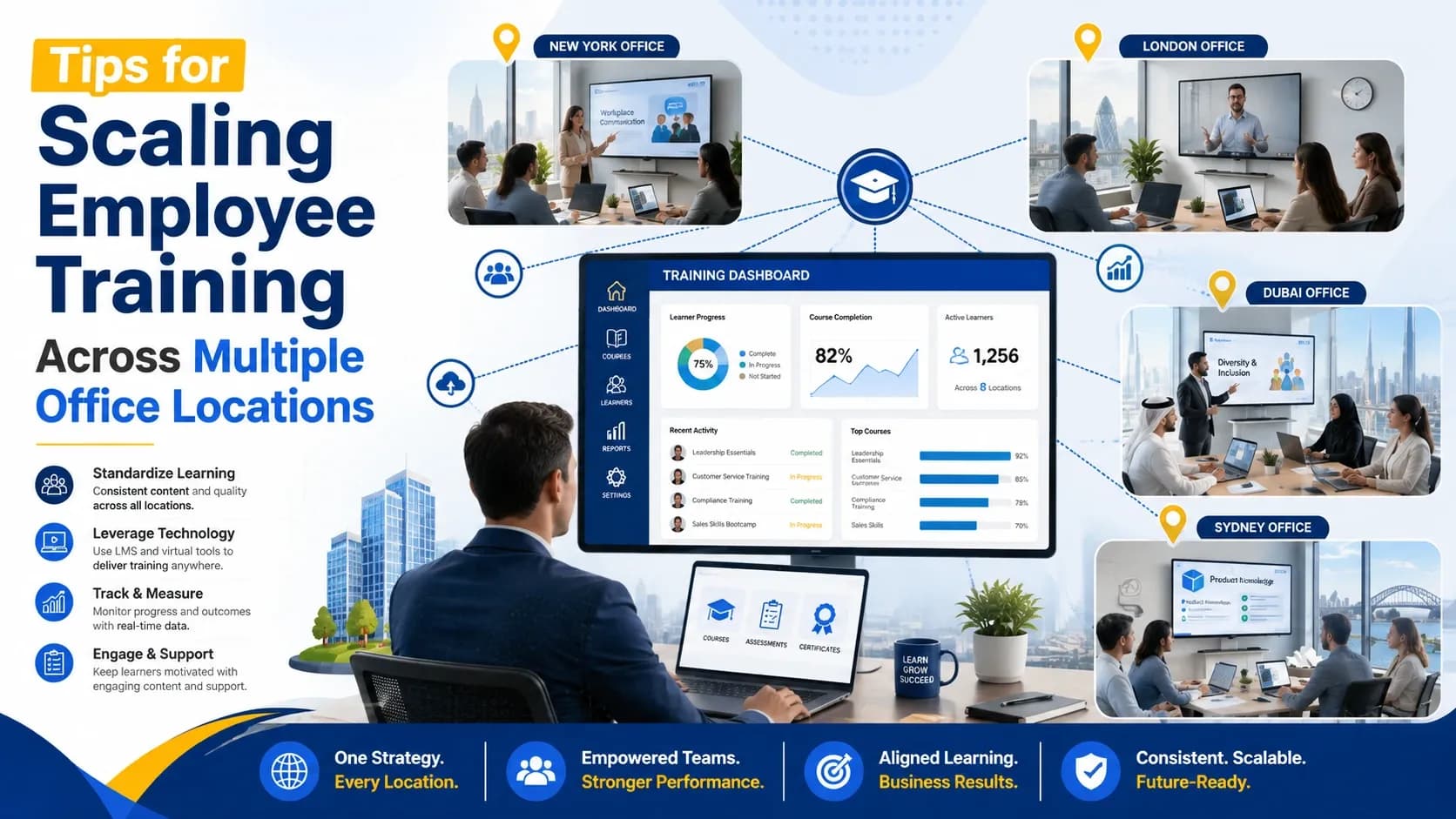
Scaling employee training across several offices takes more than shared course access. Each site has its own pace, staffing pattern, regulatory exposure, and manager habits. Without firm standards, quality drifts quietly. A strong program gives every employee the same foundation, then leaves space for regional duties, customer needs, and our daily operating realities.
Start With One Training Map
A single training map keeps growth controlled. It should show required skills, role pathways, policy lessons, renewal dates, and completion evidence. Teams evaluating enterprise LMS software often need central course governance, location-based reporting, user permissions, and group assignment tools. Those controls help leaders spot gaps before inconsistent practice becomes normal.
Define Core Standards
Every office needs the same minimum training standard. Leaders should agree on required lessons, deadlines, pass marks, and acceptable proof. That agreement prevents mixed instructions from spreading through teams. Regional material can come afterward, especially where laws, equipment, or customer expectations differ. The baseline remains steady.
Build Local Ownership
Central teams can set policy, but local managers make training stick. Each office should appoint a training owner who checks progress, answers access questions, and flags practical barriers. This role shortens response time. It also gives program leaders accurate feedback from people closest to the work.
Segment Learners Clearly
Learner groups should reflect job duties, office location, department, and exposure level. Clear segmentation reduces unnecessary assignments and keeps attention on relevant tasks. It also supports faster onboarding, promotion moves, and policy updates. Clean group data makes reports easier to trust, especially during audits.
Keep Content Modular
Short, focused lessons are easier to maintain across many offices. A policy update should not require rebuilding an entire course. Modular content lets teams adjust one lesson, then apply it across several paths. Employees also absorb more when material matches the task, fits the shift, and avoids overload.
Use Data Weekly
Training reports deserve regular review, not occasional attention. Program owners should check completion rates, overdue lessons, assessment results, and office trends each week. Weak scores may point to unclear material or poor timing. Repeated delays may show staffing pressure, manager confusion, or access problems.
Standardize Onboarding
New hires should start with the same foundation, regardless of location. Onboarding can cover company values, security rules, essential tools, role basics, and manager check-ins. Local content can follow after that base is complete. This order reduces uneven starts and helps employees feel prepared sooner.
Support Multiple Formats
Training should match how people work. Desk-based employees may use full lessons on a computer. Mobile staff may need short modules, job aids, or supervisor-led practice. Some topics require video, discussion, or hands-on checks. Format choices should improve access while preserving the same standard.
Train Managers First
Managers set the tone for participation. They need early access to goals, deadlines, dashboards, and talking points. Clear guidance helps them explain why training matters to performance, safety, and service quality. When supervisors connect lessons to daily work, employees take the program more seriously.
Create Feedback Loops
Each office needs a simple path for reporting unclear content, missing topics, or technical trouble. Surveys, manager notes, and support tickets can all help. Feedback should be reviewed on a fixed schedule. Visible changes build trust and keep the program grounded in actual work.
Measure Business Impact
Completion is useful, but it is not the final measure. Training should connect with outcomes such as fewer errors, shorter ramp time, safer behavior, or better customer results. Each course needs a clear business purpose. That link helps leaders revise, expand, or retire content with confidence.
Scale In Phases
A phased rollout reduces hidden risk. Early locations can test content, permissions, reports, reminders, and support steps before wider release. Their experience exposes problems while they are still manageable. Later offices benefit from cleaner instructions, stronger data, and fewer launch surprises.
Conclusion
Scaling training across multiple offices works best when structure and local judgment support each other. A shared framework protects quality, while site ownership keeps learning practical. Strong programs use precise groups, focused content, weekly data, and prepared managers. With steady review and phased growth, organizations can train employees across locations without losing accountability, consistency, or the human context behind our work.