
On this page
E-commerce HTML5 CSS3 Website Templates — Responsive & SEO-Ready

WebbyCrown
November 29, 2025 • 6 min read
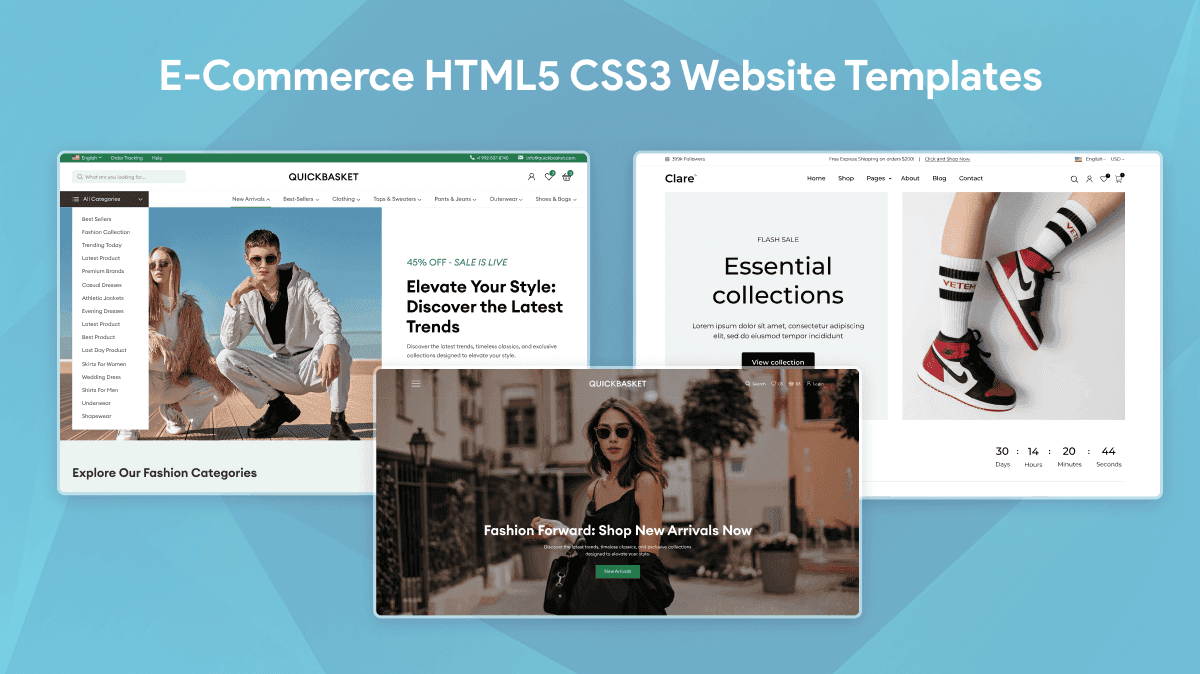
Finding the right fast template can make or break an online store. In this post we’ll go through the best practices for choosing e-commerce HTML5 CSS3 website templates, including those for digital products and digital businesses, what features matter for conversions and how to test and speed optimise any template before you launch. Whether you’re looking for new designs, evaluating options or ready to download and deploy, this article will give you the actionable tips to build a high performance online store for different types of online stores.
What are HTML5 CSS3 e-commerce templates?
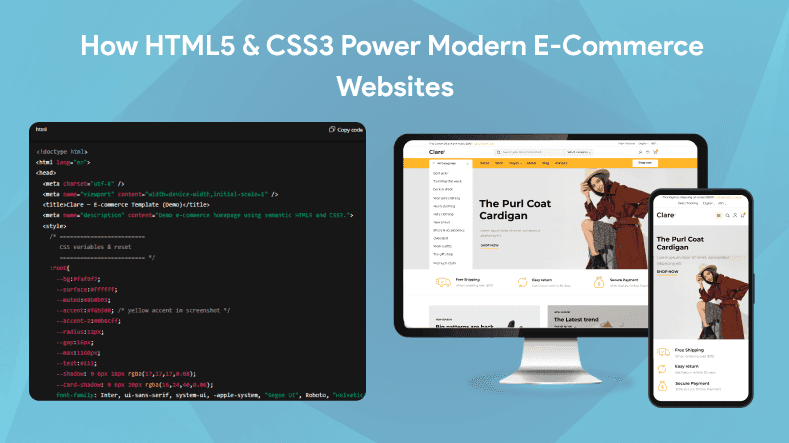
HTML5 CSS3 ecommerce templates are pre-designed website layouts specifically built to meet the needs of online stores, using the latest web standards—HTML5 for semantic structure and CSS3 for modern styling and responsive design. These ecommerce templates are the foundation of online stores, clean and lightweight code for mobile devices and fast loading times.
Key benefits:
- Semantic HTML5 for better SEO and accessibility
- Modern CSS3 for animations, flexible grids and responsive design
- Responsive design for all screen sizes from desktop to mobile
- Clean and modular code for easy customisation and maintenance
Sometimes called HTML5 CSS3 ecommerce templates or responsive HTML5 templates these are the base for building fast and user friendly online stores. Typically an ecommerce template package will include multiple pre-designed HTML pages for different parts of an online store, product listings, shopping carts and checkout so you can launch a full website quickly.
Why choose HTML5/CSS3 templates for your online store
Choosing lightweight HTML5 CSS3 website templates for your e-commerce site delivers multiple advantages:
- Speed: Faster Time To First Byte (TTFB) and reduced load times improve user experience and SEO rankings.
- SEO-friendly: Semantic markup and clean code help search engines better index your pages.
- Accessibility: Built-in support for screen readers and keyboard navigation improves usability for all visitors.
- Cross-browser compatibility: Works consistently across modern browsers and devices.
- Customizability: Easy to modify layouts and styles, especially with templates built using Bootstrap, which allows for flexible and responsive design without bloated frameworks or dependencies.
For example, a mobile-first HTML5 template can load essential content quickly on smartphones, keeping visitors engaged and reducing bounce rates. The best templates are designed with the customer’s needs and user experience in mind, ensuring your e-commerce site is both attractive and effective.
E commerce website template download HTML CSS
Top features to look for in an e-commerce HTML template
When choosing a template, go for those with lots of features and customization options and those that impact user experience and conversions:
Product grid & quick view
- Responsive product grids show multiple items on all devices.
- Quick view lets customers see details without leaving the page.
Lazy-loading & image optimization
- Lazy loading offloads offscreen images for faster page load.
- WebP image support reduces file size without losing quality.
SEO markup & schema
- Microdata and schema helps search engines understand and rich result eligibility.
- Proper headings and meta tags for better discoverability.
Responsive navigation
- Mobile friendly menus and sticky navigation bars for small screens.
Product filters & sorting
- Let customers find products by category, price or attributes to increase conversions.
Modular CSS
- Clean modular stylesheets for easy customization and less code.
Checkout patterns
- Streamlined checkout flows to reduce cart abandonment.
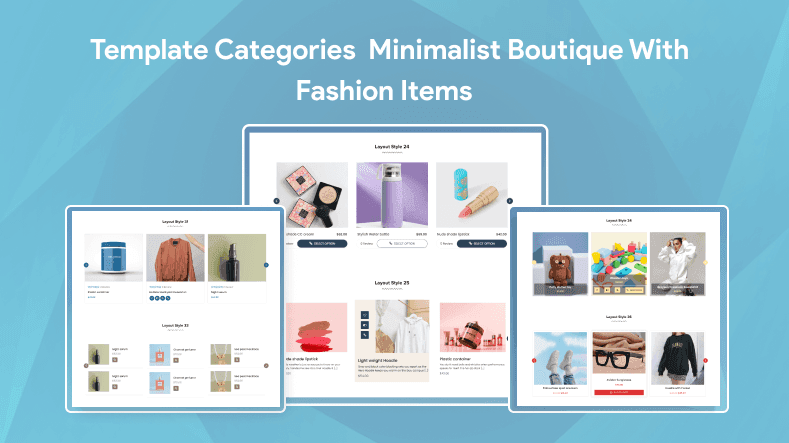
Different e-commerce businesses benefit from different template styles:
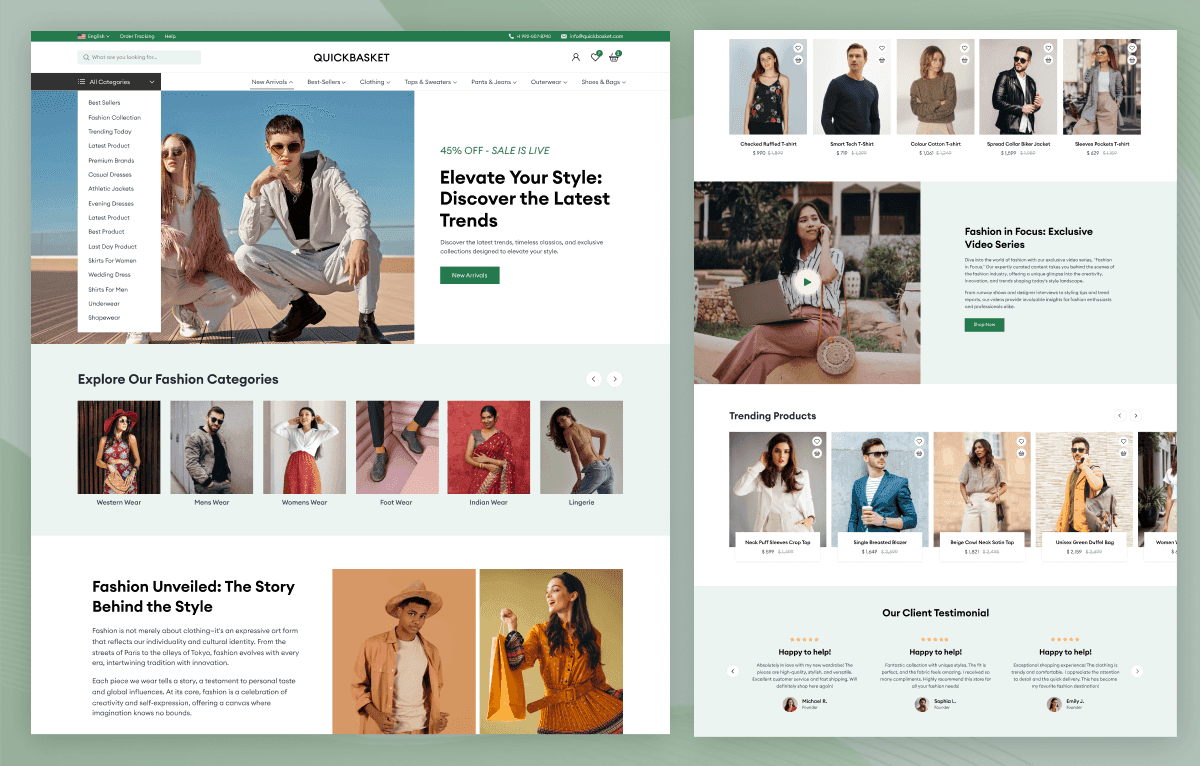
- Minimalist / Boutique (Fashion)
- Clean design focusing on product imagery
- Elegant typography and whitespace
- Ideal for fashion, accessories, luxury goods, furniture, and home decor
- Catalog (Electronics)
- Detailed product listings with specs and comparisons
- Advanced filtering and sorting options
- Suited for electronics, gadgets, and appliances
- Multi-vendor / Marketplace Starter
- Supports multiple sellers and product types
- Vendor dashboards and commission management
- Perfect for marketplace platforms and aggregators
- Admin Dashboard
- Specialized templates for admin interfaces
- Feature-rich dashboards with interface elements and theme options
- Compatible with frameworks like Next.js, Vue, Laravel, and React
- Landing Page + Cart (Single Product)
- Focused on one product with persuasive copy and CTAs
- Simple checkout integration
- Great for launches, crowdfunding, or niche products
- One Page
- Streamlined, single-page templates
- Ideal for portfolios or data analytics platforms
- Emphasizes simplicity and easy navigation
How to evaluate & test a template before you buy
Before committing, assess templates with this practical checklist:
- Demo performance: Run Lighthouse or WebPageTest to check speed and accessibility scores.
- Mobile preview: Test responsiveness on various devices and screen sizes.
- Accessibility: Verify keyboard navigation and screen reader support.
- SEO markup: Inspect structured data and meta tags.
- Ease of customization: Review code clarity and documentation quality.
- Support: Check availability of customer support or community forums.
Tools like Google Lighthouse and WebPageTest provide detailed, actionable insights to guide your decision.
Speed optimization checklist for HTML templates
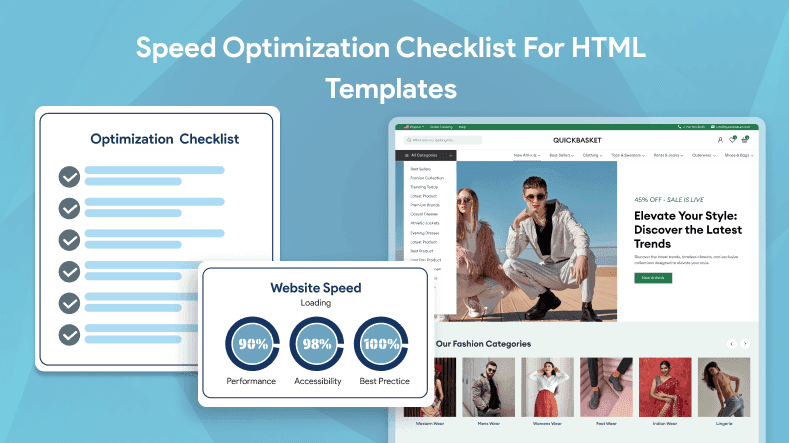
To maximize template performance, apply these practical tips:
- Minify CSS and JavaScript files to reduce payload size.
- Inline critical CSS for faster first paint.
- Defer non-critical scripts to avoid render-blocking.
- Use optimized image formats like WebP and implement lazy loading.
- Combine icons into sprites to reduce HTTP requests.
- Serve assets via a Content Delivery Network (CDN).
- Implement effective caching policies.
Example: Lazy loading images with native HTML attribute
html
<img src="product.jpg" loading="lazy" alt="Product image">This simple snippet defers image loading until it’s near the viewport, improving initial page speed.
Common pitfalls to avoid
Avoid these frequent issues when choosing or customizing templates:
- Overly complex templates that slow down your site
- Vendor lock-in restricting customization or portability
- Missing accessibility features limiting audience reach
- Poor mobile user experience causing visitor drop-off
Conclusion
E-commerce HTML5 CSS3 website templates offer a powerful, efficient foundation for building responsive, SEO-friendly online stores. By focusing on speed, usability, and essential features, you can create a seamless shopping experience that delights customers and drives sales. Explore demos, compare templates, and download the perfect design to start building your online store today.
FAQs
Q1.
Are HTML5 CSS3 templates SEO friendly?
Q2.
Can I convert a PSD to an HTML template?
Q3.
Do these templates work on mobile devices?
Q4.
Is it difficult to customize these templates?
Q5.
Are there free e-commerce HTML5 CSS3 templates available?

WebbyCrown's Insight
No headings found in this content.