On this page
One Page Portfolio Templates for Freelancers

WebbyCrown
April 8, 2026 • 5 min read
In today’s competitive digital world, freelancers and creative professionals need a strong online presence to attract potential clients. A one page portfolio is one of the most effective ways to showcase your best work, highlight services, and build a personal brand.
A well-designed portfolio template helps you create a professional website that presents your projects, bio, and contact information in a simple and clean layout. Instead of navigating through multiple pages, visitors can easily browse everything on a single one page design.
In this article, we will explore the benefits of one page portfolio templates and introduce four templates that are perfect for freelancers, designers, and other creatives.
Why Choose a One Page Portfolio?
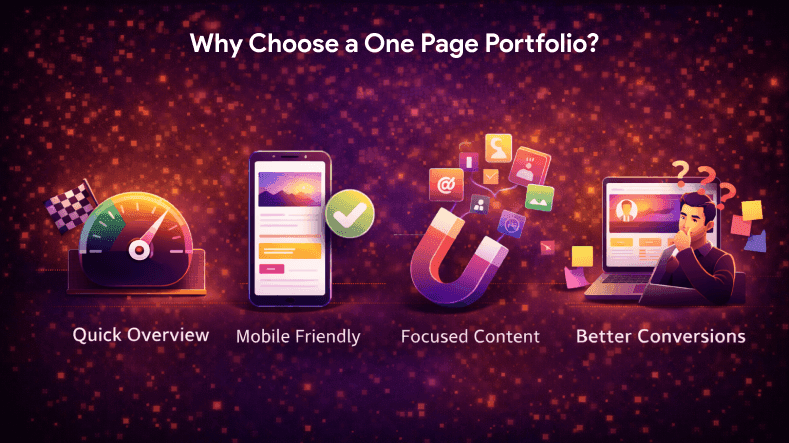
A one page portfolio is designed to keep all your important content in one place. This makes it easier for visitors to quickly review your work and decide whether to contact you.
Here are some advantages of using a one page portfolio:
- Easy navigation for visitors
- Better website's performance
- Quick access to projects and case studies
- Perfect for creative professionals
- Helps freelancers attract potential clients
With everything displayed in a single page portfolio, users don’t need to switch between multiple pages, which improves engagement.
Key Sections of a One Page Portfolio
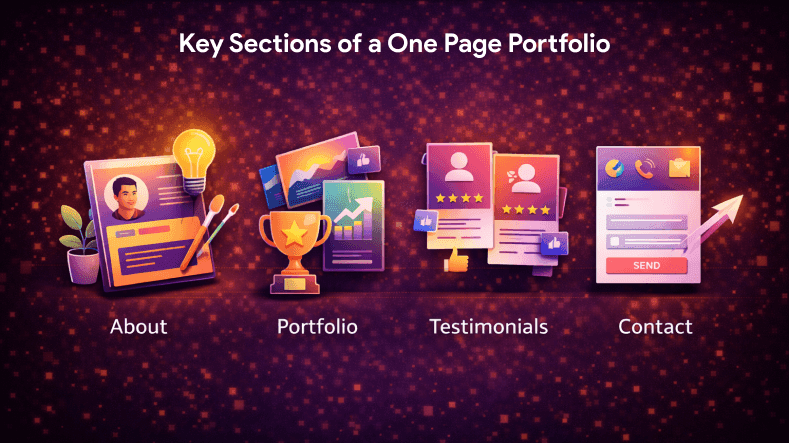
A strong portfolio template should include essential sections that help you display your best work and build trust.
1. Hero Section
The hero section creates the first attention. It usually includes your name, brand, tagline, and a short bio.
This section helps visitors quickly understand your services and expertise.
2. About Section
The about section allows freelancers to share their story, experience, and background. This helps build credibility with potential clients.
You can also include:
- Skills
- Industries you work with
- Years of experience
3. Projects and Case Studies
The projects section is the most important part of any one page portfolio. Here you display your best work using images, details, and case studies.
This section helps visitors review your capabilities and evaluate your expertise.
4. Services Section
Highlight your services clearly so potential clients know what you offer.
Examples:
- Web design
- Writing
- Photography
- Digital marketing
Clear service sections help freelancers convert visitors into clients.
5. Contact Section
A simple contact form makes it easy for visitors to reach you. Add:
- Email address
- Social media links
- Call-to-action button
This helps clients follow up and connect quickly.
Best One Page Portfolio Templates for Freelancers
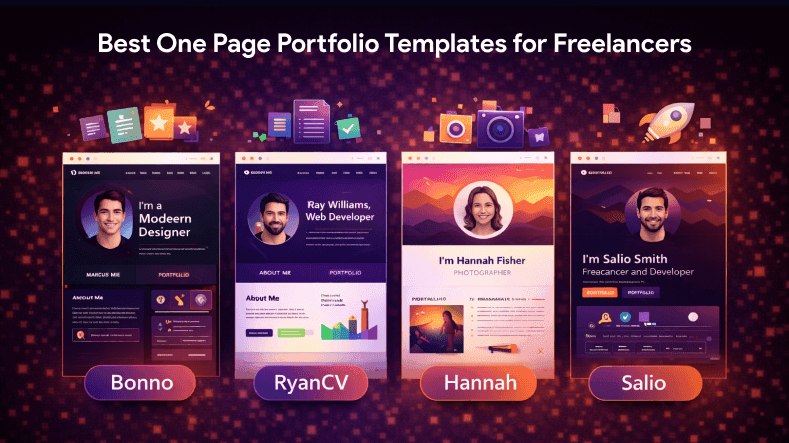
Below are four excellent one page portfolio templates that help freelancers create professional websites.
1. Product Slider
Product Slider is a modern portfolio template designed for creative professionals who want to showcase projects visually.
Key Features
- Smooth slider for images
- Simple and clean layout
- Responsive design
- Easy navigation
This template is perfect for designers, photography experts, and creatives who want to display their best work.
2. Rehan Asaya
Rehan Asaya is a minimal one page template designed for freelancers.
Features
- Modern design
- Sections for bio and services
- Portfolio gallery
- Contact form
This template helps freelancers create a strong personal brand and attract potential clients.
3. Bigmentor
Bigmentor is a professional page portfolio template suitable for consultants and coaches.
Highlights
- Clean content structure
- Sections for case studies
- Professional design
- Easy customization
This template is ideal for creative professionals who want to elevate their portfolio and present detailed projects.
4. VizShoot
VizShoot is a visually appealing one page portfolio template designed for photographers and designers.
Key Features
- Image-focused layout
- Smooth scrolling
- Responsive website structure
- Minimal design
This template is perfect for creatives who want to display images and visual projects.
Tips to Create an Effective One Page Portfolio

1. Keep Design Simple
A simple and clean design helps visitors focus on your work.
2. Highlight Best Work
Only display your best work instead of adding too many projects.
3. Use Strong Branding
Your brand identity should remain consistent across the site.
4. Add Clear Contact Information
Make sure potential clients can easily contact you.
5. Optimize Performance
Fast loading improves website's performance and user experience.
Benefits of One Page Portfolio Templates
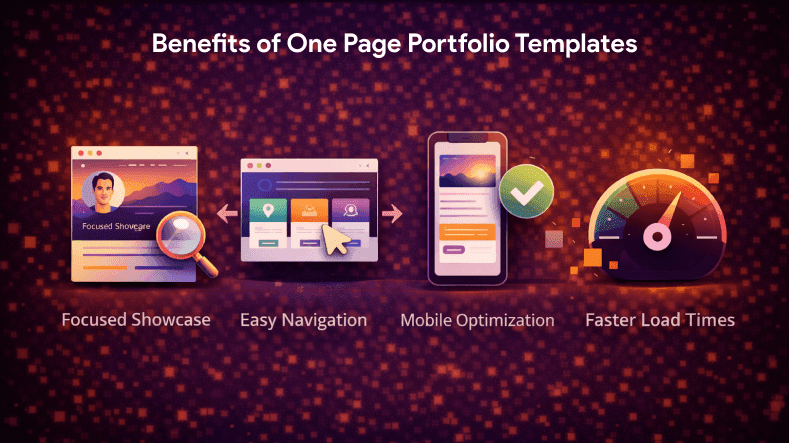
Using one page portfolio templates offers many advantages:
- Saves hours of design work
- Easy to create and manage
- Helps freelancers attract visitors
- Improves marketing efforts
- Provides professional inspiration
These templates also allow you to save time and focus on building your projects.
Conclusion
A one page portfolio is a powerful tool for freelancers and creative professionals. It allows you to showcase your projects, highlight services, and build your personal brand in a simple and clean layout.
Templates like Product Slider, Rehan Asaya, Bigmentor, and VizShoot help you create a professional website quickly and attract potential clients.
By focusing on design, content, and user experience, you can elevate your portfolio and grow your freelance business.
FAQs
Q1.
What is a one page portfolio?
Q2.
Why should freelancers use one page portfolio templates?
Q3.
What should be included in a portfolio template?
Q4.
Are one page portfolios good for designers?
Q5.
How do portfolio templates help freelancers?

WebbyCrown's Insight
No headings found in this content.