On this page
Best Website Templates for Vibe Coding: A Builder's Guide (2026)

WebbyCrown Solutions-
April 29, 2026-11 min read
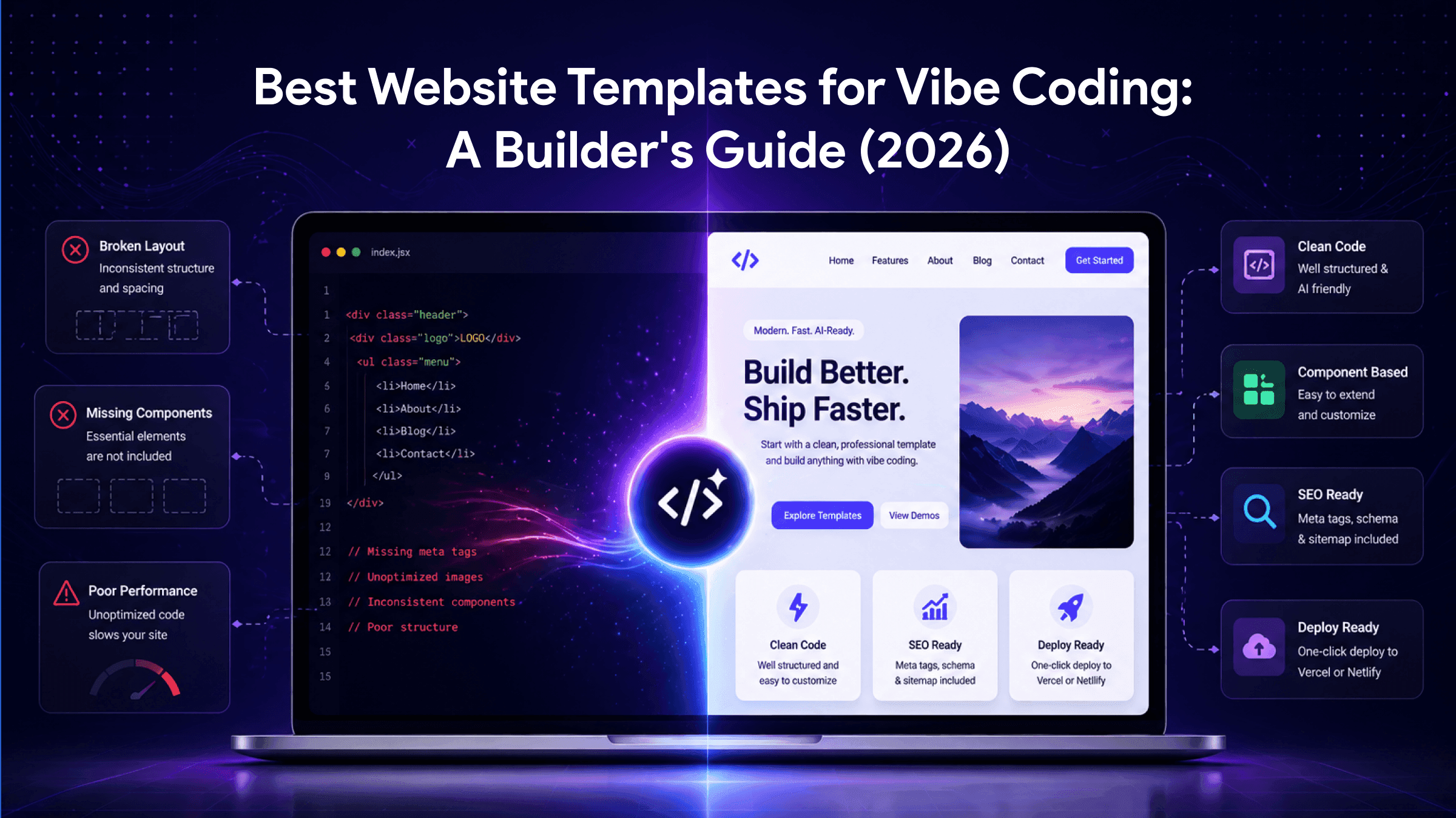
⚡ Quick Answer — Best Website Templates for Vibe Coding
The best website templates for vibe coding are clean, component-based, modern-stack templates — usually built with Next.js and Tailwind CSS — that AI tools like Cursor and Lovable can read, modify, and extend reliably. The cleaner the starting code, the better the AI output.
In short: starting your vibe coding session from a well-structured template, instead of a blank canvas, often cuts your build time in half. The AI spends its energy on customisation rather than reconstructing the basics.
Vibe coding works best when you do not start from zero. Most beginners learn this the hard way — they open Cursor or Lovable, type a prompt like 'build me a blog,' and spend the next four hours fixing broken layouts, missing meta tags, and inconsistent styling. The AI is doing its best, but it is solving structural problems that have been solved a thousand times already.
Starting from a properly built website template eliminates that wasted effort. The header structure, the responsive grid, the form validation, the SEO scaffolding — all of it is already in place. Your AI prompts now focus on customisation, branding, and feature additions rather than reconstructing fundamentals.
This guide is for founders, indie hackers, freelancers, and marketers who already know what vibe coding is and are now choosing where to start. We will explain why templates accelerate vibe coding, what to look for in a vibe-coding-ready template, and recommend specific starting points across the most common project types.
Why Use a Template With Vibe Coding?
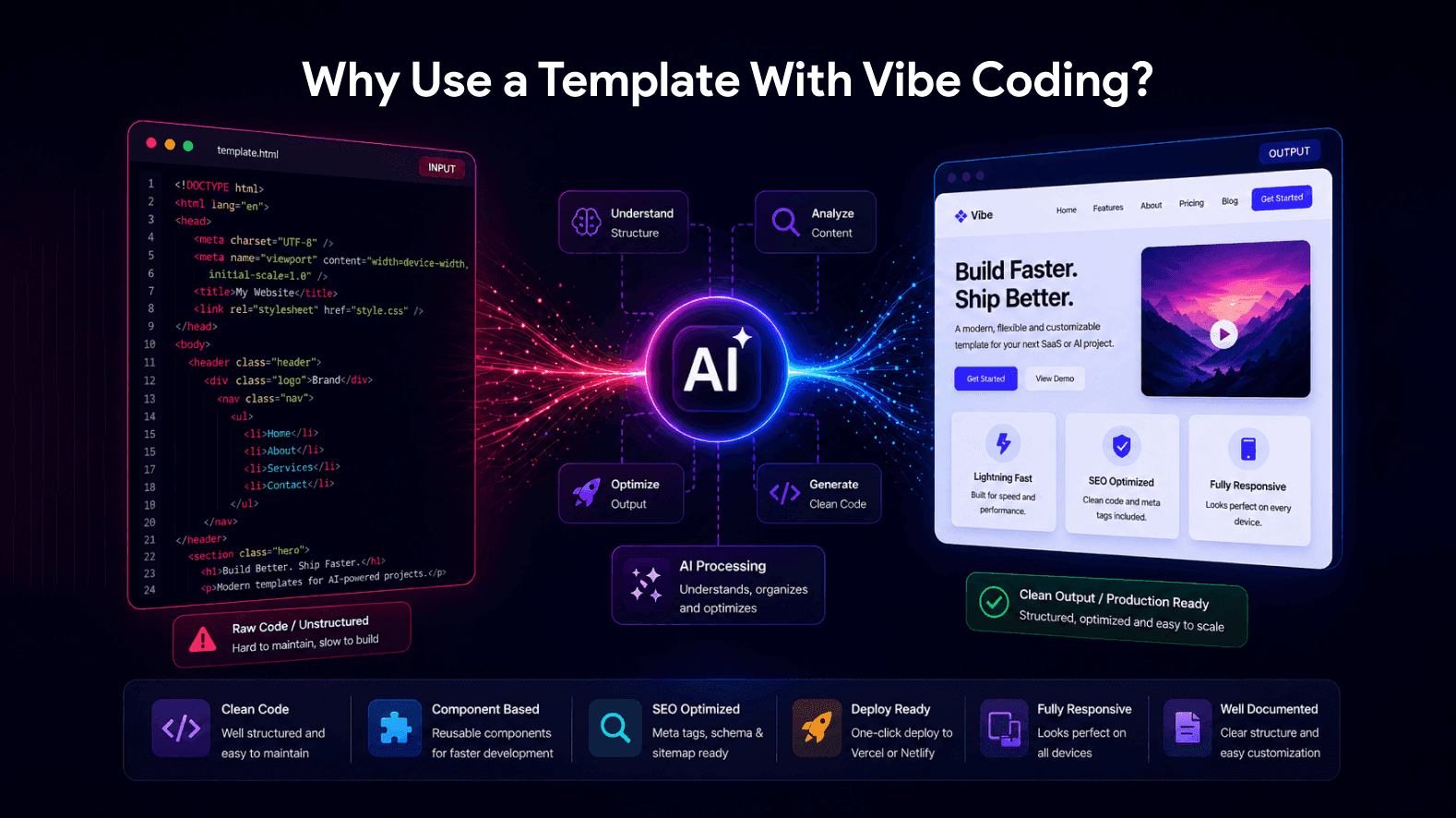
AI coding tools are powerful, but they have limits. Understanding those limits is the easiest way to understand why a good template multiplies what vibe coding can do for you.
AI tools work better with clean code
Cursor, Lovable, Replit, and Windsurf are all trained extensively on clean, well-structured code repositories. When you give them a foundation built that way to begin with, their suggestions match the existing patterns and the output stays consistent. When you ask them to build from a blank canvas, they have to invent the patterns themselves — and the patterns drift the longer the session runs.
Templates handle the tedious parts
Responsive layouts, mobile navigation, accessible forms, performance-optimised images, semantic HTML — these are solved problems that take an AI tool many prompts to recreate from scratch. A template solves them on day one. You spend your AI budget on what makes your project unique.
SEO infrastructure comes pre-built
This is the single biggest hidden weakness of pure vibe coding. AI tools rarely add proper meta tags, structured data, canonical URLs, sitemap configurations, or semantic heading hierarchies unless you specifically prompt for each one. Templates worth using include these as standard, which means your vibe-coded site can actually rank in search engines.
You ship faster — measurably faster
In practical terms, the difference between vibe coding from scratch and vibe coding from a template is roughly the difference between a full day's work and a two-hour customisation session. For freelancers billing client work, indie hackers shipping MVPs on weekends, and founders testing investor demos, that gap matters.
What Makes a Template Good for Vibe Coding?
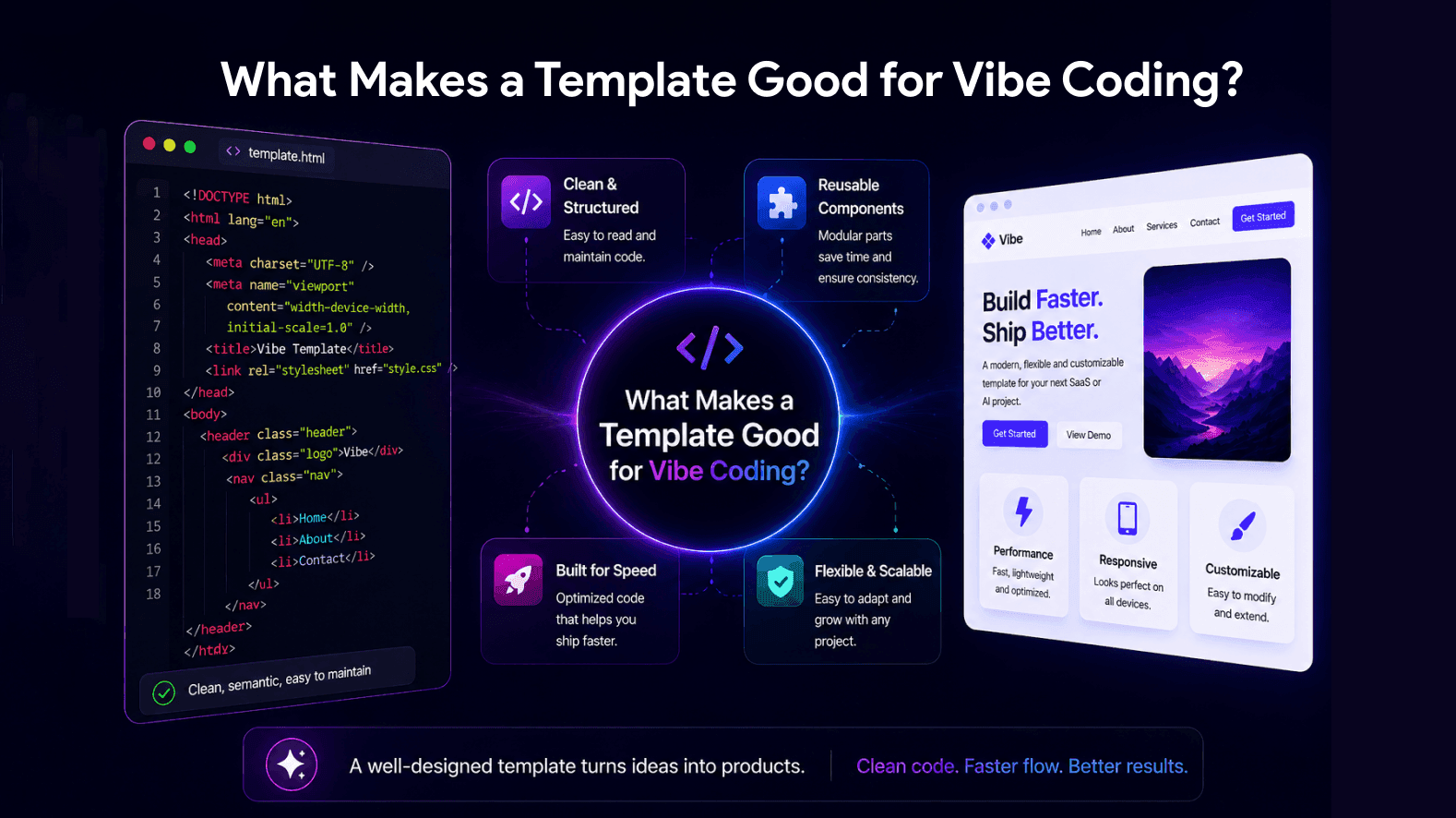
Not every template works equally well as a vibe coding starting point. The criteria below separate templates that AI tools edit cleanly from templates that fight the AI at every prompt.
| Criterion | Why It Matters for Vibe Coding |
|---|---|
| Clean semantic HTML | AI tools edit clean code more reliably than minified or framework-locked output. |
| Modern stack (Next.js, Tailwind) | Tools like Cursor and Lovable understand these frameworks deeply, so prompts generate more accurate and usable code. |
| Component-based structure | Makes it easy to swap, modify, or extend individual sections without affecting the whole site. |
| SEO infrastructure built-in | Includes essentials like meta tags, schema markup, and sitemaps that AI tools often overlook. |
| Deploy-ready (Vercel, Netlify) | Lets you go from AI-assisted edits to a live website in under an hour without extra DevOps setup. |
| Documentation included | Clear docs help define precise prompts, which leads to better AI-generated results. |
In practice, this means modern Next.js and Tailwind-based templates outperform older WordPress themes or jQuery-based HTML templates when used as a vibe coding base. The AI has been trained on far more Next.js code than on legacy frameworks, so its suggestions are sharper and more accurate. Browse our Next.js templates collection to see what this looks like in production-ready form.
What Are the Best Website Templates for Vibe Coding?
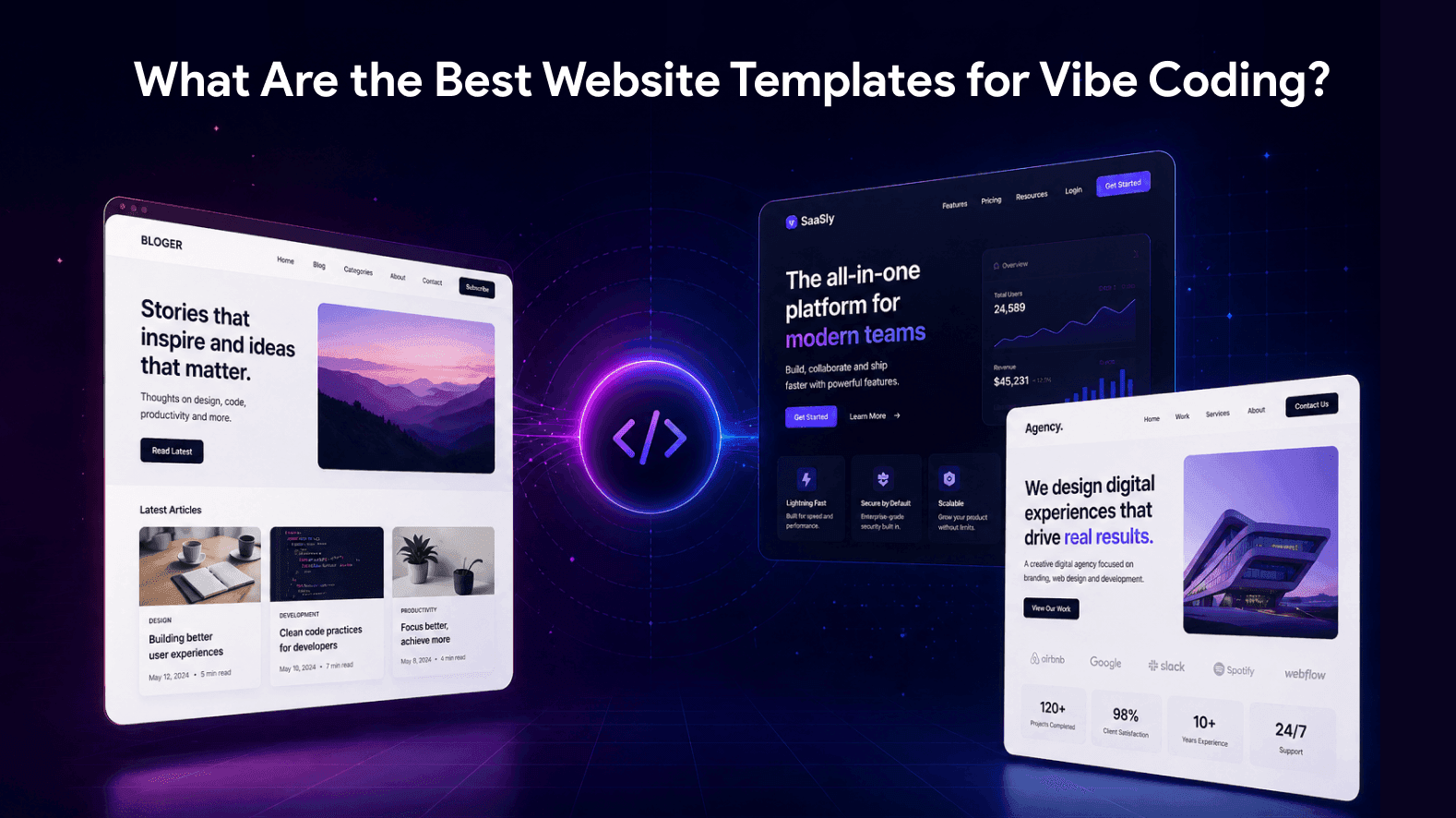
The right starting point depends on what you are building. Below is a project-type matchup with specific template recommendations from our library, each chosen because its underlying code structure is clean enough for AI tools to extend reliably.
| Project Type | Recommended Starting Point | Why It Works |
|---|---|---|
| Editorial / Blog MVP | Next.js Blog Template (Glowist) | Includes author pages, MDX support, and RSS-ready features with a clean structure for AI customization. |
| Restaurant / Booking Site | Next.js Restaurant Template (Yummy) | Comes with menu, booking, and checkout UI that AI can easily adapt for different cuisines. |
| Bakery / Café Shop | Next.js Bakery Template (BakeNest) | Offers recipe blog layouts and cart-ready UI, making it ideal for food-based MVPs. |
| IT / Agency Portfolio | Next.js Agency Template (Studio Unit) | Features case studies, services, and blog pages with Tailwind styling that works well with AI prompts. |
| Travel / Tour Booking | Next.js Travel Template (Journeya) | Provides destination pages, booking forms, and SSR support for easy AI-powered feature expansion. |
| Static HTML Page or Microsite | HTML & CSS Templates | Provides the cleanest possible code base for AI tools to read, understand, and modify. |
| Headless / API-Driven Build | Next.js Headless Templates | Decoupled architecture allows AI tools to rapidly build and customize the front-end. |
The pattern is consistent across all these recommendations: Next.js plus Tailwind plus clean component architecture is the format AI tools handle most reliably. Older stacks can work, but they require more iteration to get good results.
How Do You Combine a Template With Vibe Coding?
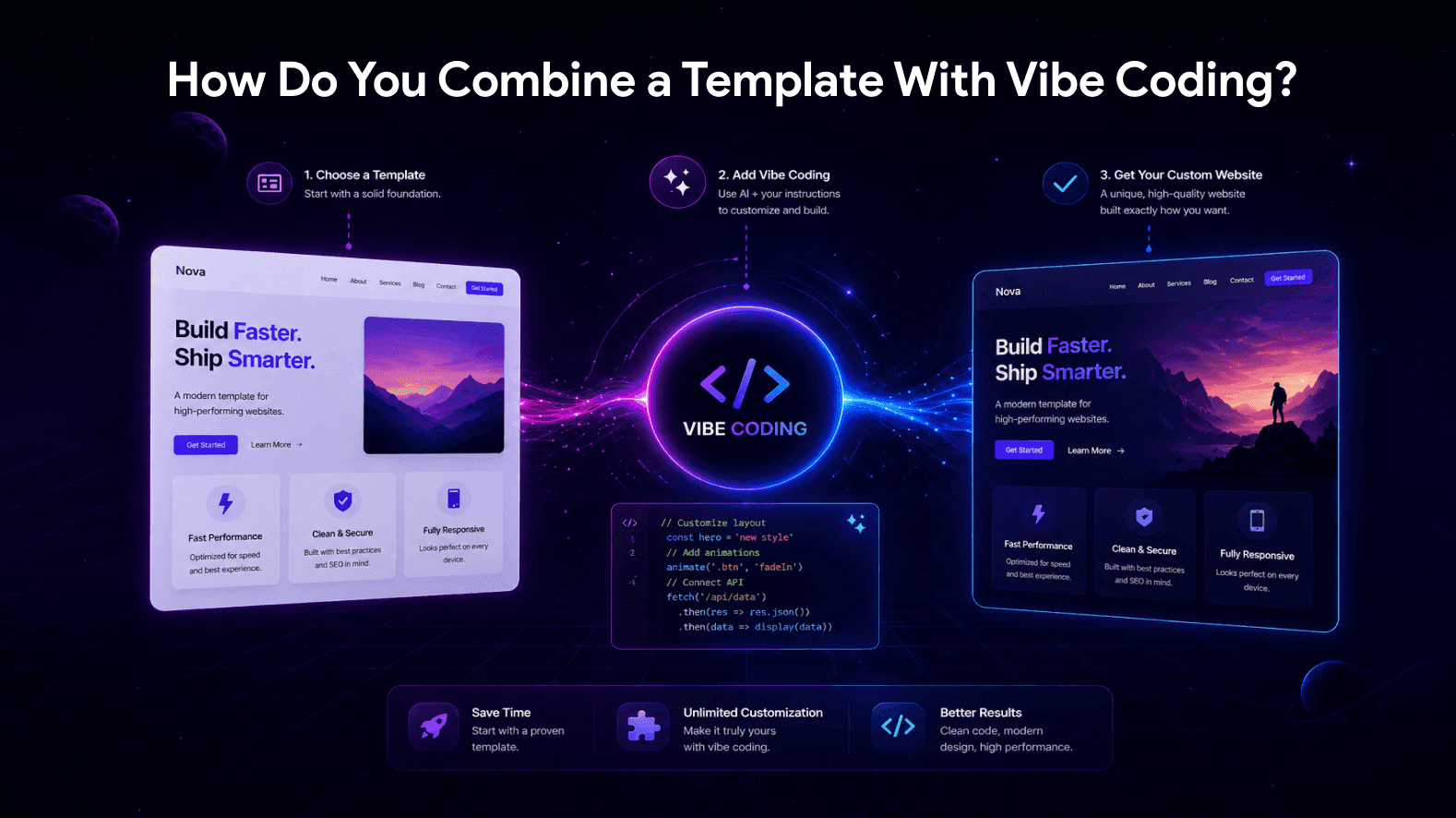
The workflow is straightforward once you have the right template selected. Here is the approach that produces the best results in the shortest time.
Step 1: Download and explore the template locally
Open the template in a code editor (VS Code is the most universal choice). Spend 15 minutes browsing the file structure so you understand which components exist and where they live. This time is not wasted — it makes every subsequent AI prompt more accurate because you can reference specific files.
Step 2: Open the template inside your AI tool
If you use Cursor, open the template folder directly. Cursor will index every file and use that index to inform its suggestions. If you use Lovable or Replit, import the codebase. The AI now has context for what already exists, which prevents it from rebuilding things from scratch.
Step 3: Start with branding and content prompts first
Begin with prompts that change visible content rather than structural code: 'Replace the hero headline with X, change the brand colour from blue to green, swap the placeholder logo for the file in /assets/logo.svg.' These are low-risk changes that let you validate the AI is reading your codebase correctly before you ask it for harder things.
Step 4: Add features incrementally
Once the template feels like your project, layer in custom features one at a time: a new section, a custom form, an integration with a third-party service. Each prompt should change one thing. This is the discipline that separates a usable result from a session that ends in a broken codebase.
Step 5: Test and deploy
Run the project locally, click every link, submit every form, check on a real mobile device. Then deploy to Vercel or Netlify — both platforms accept Next.js projects from a Git repository in under five minutes. From AI customisation to live URL, the entire flow takes most builders between two and four hours.
Ready to Pick a Template?
Browse our full collection of Next.js, Tailwind, and HTML templates — every one is built with the clean code structure that AI tools edit reliably.
→ Browse Next.js TemplatesWhat Mistakes Should You Avoid?
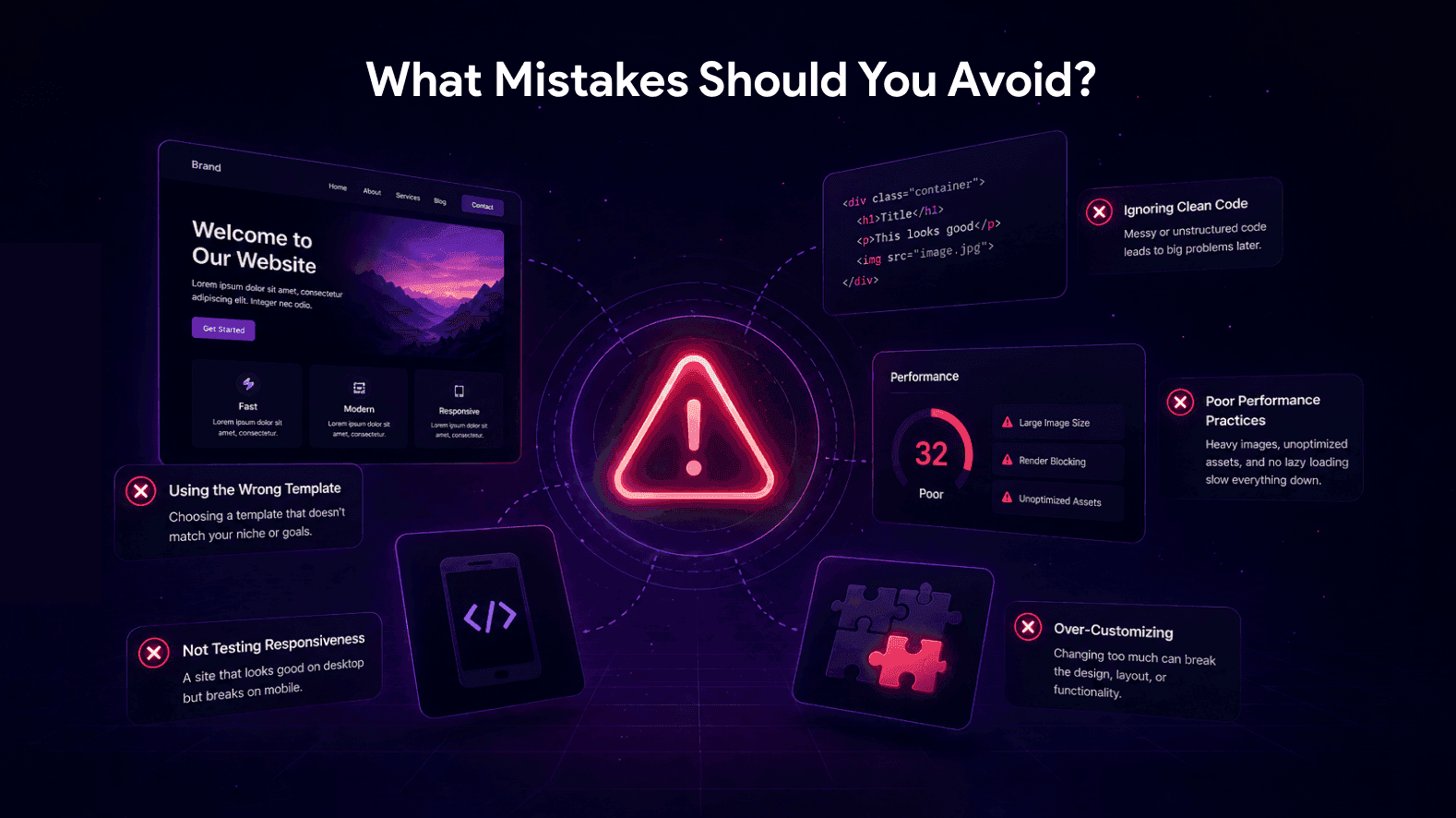
There are five mistakes that consistently slow down or break vibe coding sessions. Each is preventable once you know to watch for it.
- Choosing a template that is too far from your final goal. Vibe coding can customise extensively, but it cannot turn an eCommerce template into a SaaS dashboard without significant effort. Pick a template that matches your project type closely from the start.
- Asking the AI to change too many things in a single prompt. 'Restructure the header, change the colour scheme, add a new pricing section, update the footer, and integrate Stripe' is a recipe for inconsistent output. Break large changes into separate prompts.
- Ignoring the existing folder structure. AI tools work best when they follow the patterns the template established. Telling the AI to 'put everything in one file' to make it simpler usually creates problems later when you want to extend the codebase.
- Skipping the SEO check. Even with a well-built template, you still need to update meta titles, descriptions, canonical URLs, and Open Graph tags for your specific site. The template provides the structure; you provide the content.
- Not testing on real devices. Browser emulators look fine. Real phones expose layout problems that emulators miss — particularly with custom AI-generated CSS. Test on at least one iOS device and one Android device before going live.
Who Should Use This Approach?
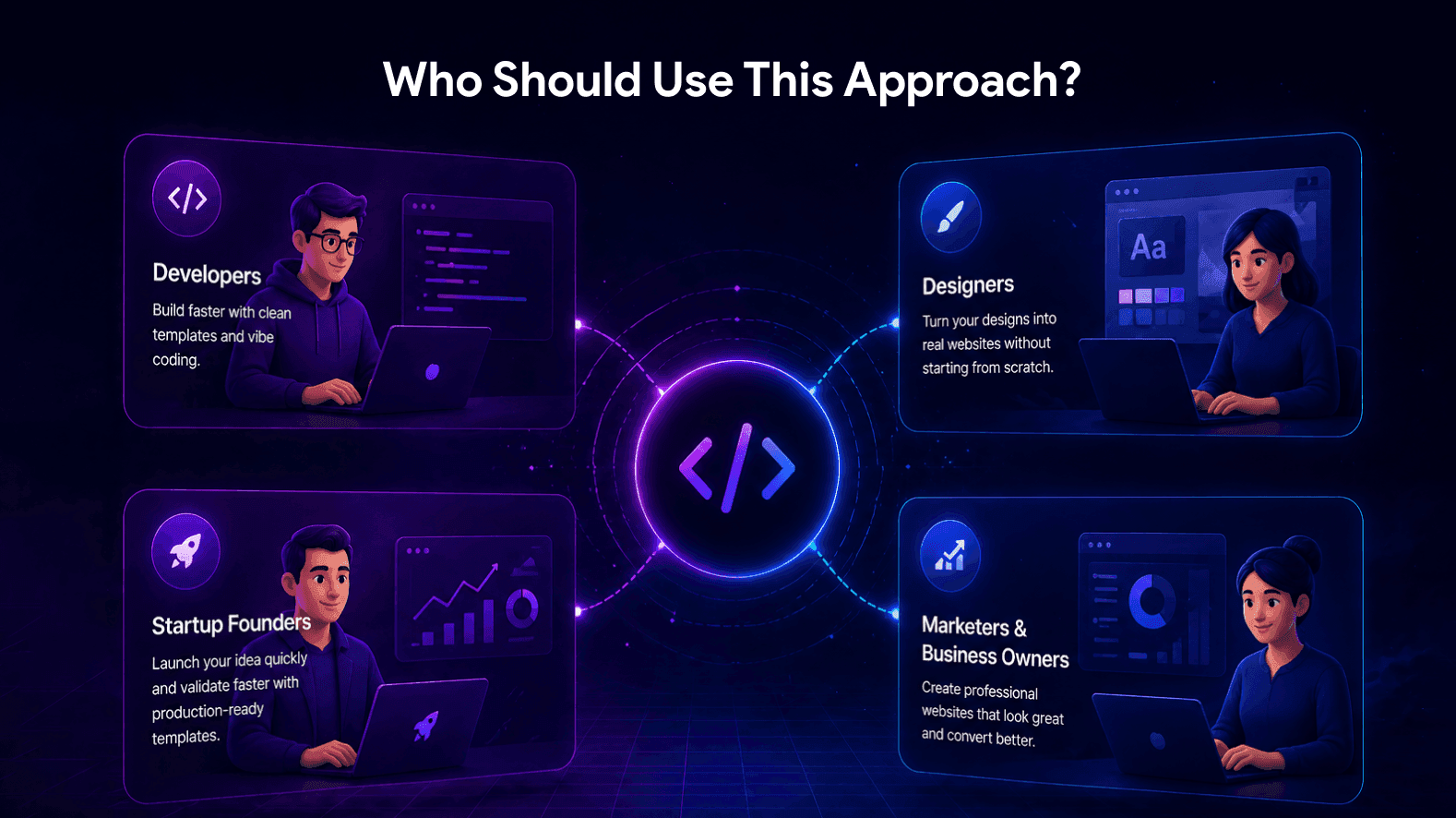
The template-plus-vibe-coding combination delivers the most value for specific audiences.
- Indie hackers and solo founders shipping MVPs on tight timelines, where speed of iteration matters more than custom architecture.
- Freelancers offering web design or development services, who can deliver polished projects in a fraction of the traditional timeline.
- Marketing teams building campaign sites, landing pages, or product launches without waiting for developer availability.
- Bootstrap startups building investor-ready demos and prototypes that need to feel professional but cannot justify a full development budget.
- Bloggers, content creators, and editorial teams launching publications who want full design control without manual coding.
If you fall into any of these categories, the right next step is to pick a template that matches your project. Our complete blog template collection is a strong starting point for editorial and content-driven projects, while the Next.js templates category covers SaaS, agency, and modern-stack builds.
Sources & Further Reading
The information in this guide draws on the following sources and our own production experience building templates used by AI-assisted developers.
- Andrej Karpathy's original post introducing vibe coding (February 2025) — primary source for the concept of AI-assisted development.
- Collins Dictionary Word of the Year 2025 — formal definition of vibe coding.
- Cursor and Lovable official documentation on integrating with existing codebases.
- Vercel and Netlify deployment guides for Next.js projects.
- WebbyTemplate's own production data: build-time comparisons across template-based vs blank-canvas vibe coding sessions, observed across our customer base in 2025–2026.
Last reviewed: April 2026. We update this guide on a 90-day cycle as the template library and AI tool ecosystem evolve.
Final Thoughts
Vibe coding is genuinely powerful, but it works best when paired with the right starting point. A clean, modern, well-structured template removes the friction that slows AI sessions down, and lets you spend your time on the parts of the project that actually matter — branding, content, and the specific features that make your project unique.
The recommendation, simply put, is to stop vibe coding from a blank canvas. Start from a template that is close to your final goal, open it in your AI tool, and use the AI for what it does best: rapid customisation on top of a solid foundation. The combined workflow is consistently faster than either approach used alone.
If you are ready to start, explore our Next.js template collection or browse all blog templates. Pick the one that matches your project, open it in Cursor or Lovable, and you will be surprised how much you can ship in a single afternoon.
FAQs
Q1.
Why use a website template instead of vibe coding from scratch?
Q2.
Which template framework works best with AI coding tools?
Q3.
Can I use a template with Cursor or Lovable directly?
Q4.
Do I need coding knowledge to combine a template with vibe coding?
Q5.
How long does it take to launch a website using this approach?
Q6.
Are these templates suitable for production use?
Q7.
What is the difference between vibe coding and using a template directly?
Q8.